A beautiful photograph can disappear in a busy feed. That does not mean the photograph failed. It may mean you put it in front of the wrong audience, gave people no reason to stop, or expected a social account to do the job of a real portfolio.
The best social media platforms for photographers are the ones that help you reach a specific goal without swallowing the time you need to make photographs. Start with one main channel, keep your own website as the home for your work, and measure something more useful than applause. A thoughtful inquiry, a useful conversation or a visit to a complete photo series can matter more than a pile of likes.
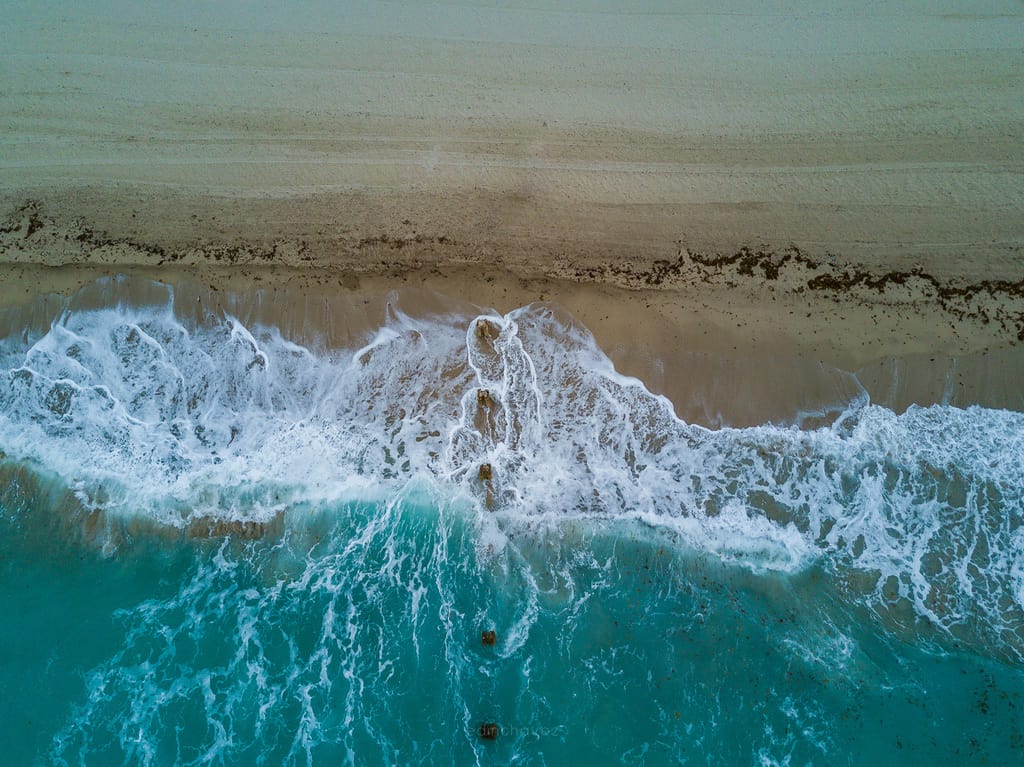
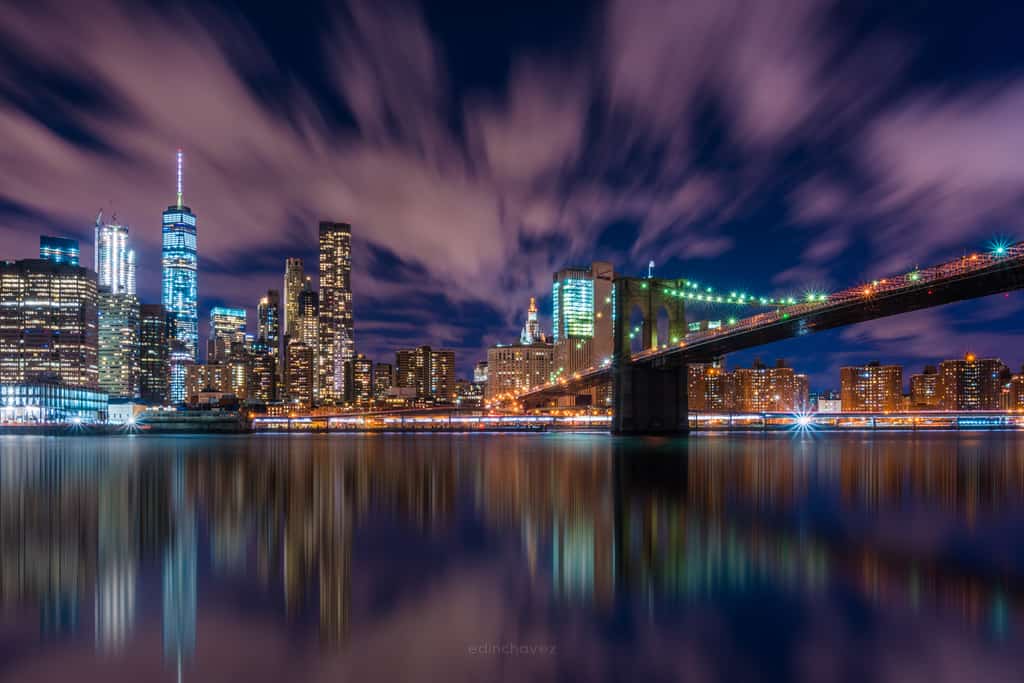
Updated October 2026. Platform features and account options change. This guide focuses on a practical way to choose and use them, rather than promises about algorithms, follower counts or guaranteed bookings. The photographs are visual examples, not evidence of social-media performance.
Choose a goal before you choose a platform
There is no single best channel for every photographer. A wedding photographer looking for local couples has a different job from a landscape photographer sharing a fine-art series. A commercial photographer needs a client to see a complete assignment. A hobbyist may want useful feedback without turning every evening into a marketing shift.
Write one sentence that describes the next result you want. For example: help local portrait clients understand my style; get readers to a landscape photography guide; show art directors a finished food project; or meet photographers who give specific critiques. Keep that sentence beside your publishing plan. If a post does not help it, you do not need to make the post.
Then ask where those people already look for that kind of work. Talk to actual clients and peers. Look at the accounts and communities they use, not just the channels other photographers complain about. A large platform is not automatically a good fit, and a smaller community is not automatically irrelevant.
Five platforms worth considering
Instagram: useful for a visual introduction, ongoing updates and conversation around your work. Facebook: worth considering when your audience already uses local or interest-based communities. Behance: a good format for presenting complete creative projects. Pinterest: useful for visual discovery connected to a relevant page on your site. Flickr: suited to photo sharing and interest-based groups. These are starting points, not a ranking of guaranteed results.
You do not have to run all five. Choose one place to publish consistently and one place to present your finished work. Those roles can overlap, but treating them separately stops you from confusing a stream of updates with a portfolio.
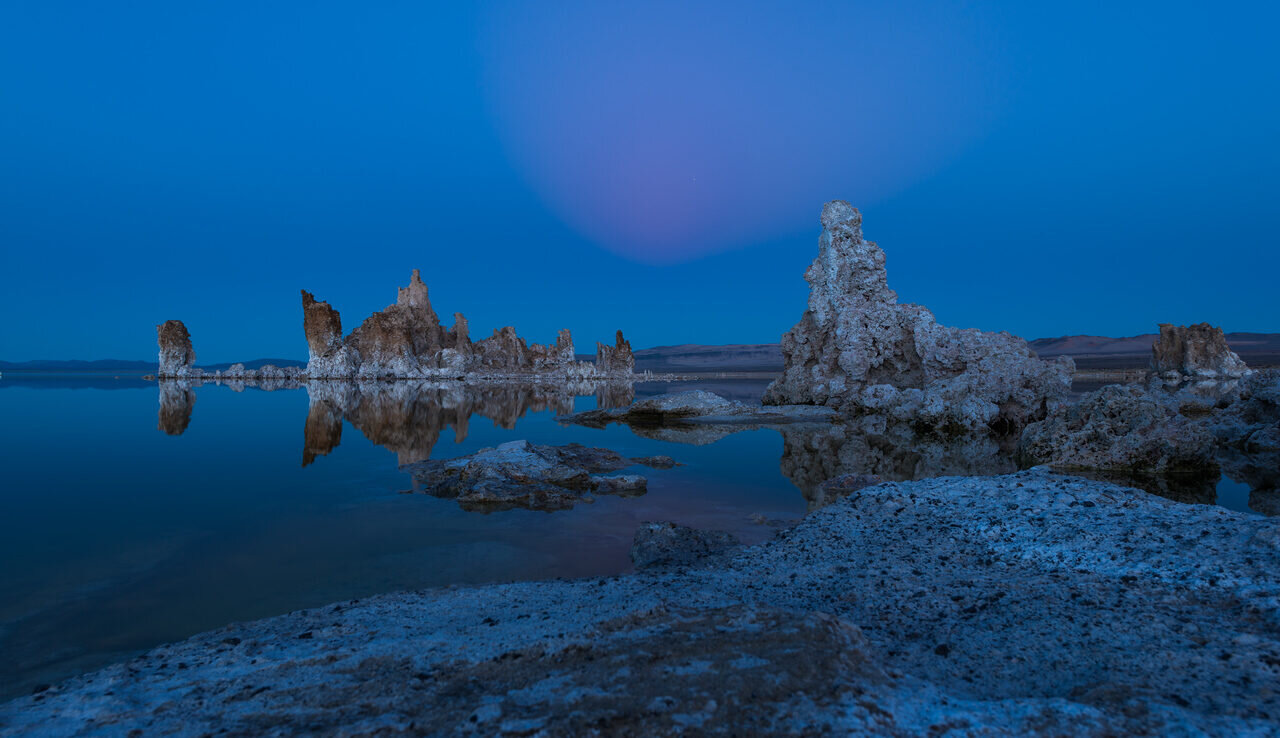
Instagram: make the photograph easy to understand
Instagram can be a place to introduce your style through photographs and related stories. Build a profile that tells a visitor what you photograph, where you work if location matters, and where to see more. A clever biography that hides all of that makes the next step harder.
Choose a strong opening image. If you share a series, give it a reason to exist: an overview followed by details, a progression through changing light, or a small group with a consistent idea. Do not add weak frames just because you have room. Each image should earn its place.
Write a caption that adds context rather than repeating the obvious. Explain the decision behind the composition, the question the project explores, or what a client can expect from the session. Do not invent camera settings or dress up an ordinary shoot with a story that never happened. Plain, accurate language builds a better relationship than borrowed hype.
Instagram’s current insights guidance describes measures including views, accounts reached and interactions such as saves and shares. Availability can vary. Read the definitions inside your account before comparing numbers: repeated views are not the same thing as unique people, and interaction is not the same thing as a booking.
Check whether the content leads to the result you chose. If a post gets attention but nobody understands what you offer, improve the profile and the next step before posting more. There is no reliable promise that regular posting alone will make every follower see your work.
Facebook: be useful where your audience gathers
Facebook may fit a photographer whose audience already uses it to find services, follow businesses or discuss shared interests. That is a fit question, not a reason to declare it the best platform for every local business.
Keep your business information clear and consistent with your website. Explain your services, show a focused sample and make the contact path easy to find. A person should not need to dig through years of unrelated updates to learn whether you photograph the kind of session they need.
In groups, read the rules before contributing. Some communities welcome recommendations but limit self-promotion. Answer the question people actually asked. Helpful participation is different from dropping the same sales link into every conversation. Do not copy private group discussions into your marketing material.
Use the current Page insights guidance and the tools available to your account to review performance. Treat paid promotion as a separate experiment with a clear budget, audience and result. Buying reach does not fix a confusing offer, a poor landing page or a portfolio that does not match the service.
Behance: present a project, not a camera roll
Behance’s project format is helpful when a single image cannot explain your work. A finished architectural assignment, a portrait series or a carefully edited landscape project needs sequence and context. Give the viewer a clear beginning, enough variety to understand the idea and a clean finish.
Use a cover image that represents the project honestly. Follow it with a short introduction and an edited sequence. Explain your role when a team was involved. Do not imply you handled styling, retouching, art direction or production if someone else did that work.
The official project guide describes adding images, text and other media, then choosing a cover, title and creative field. Use those tools to make the project readable. A wall of near-duplicates tells the viewer you have not made the final edit.
For client work, check the contract and publication permission before sharing. A portfolio platform is still publication. A project can look finished and still contain confidential material, unapproved product details or portraits that should not be public.
Pinterest: connect the image to a useful destination
Pinterest is worth testing when your work connects to things people are researching visually: an interior style, a location guide, a print collection or a practical photography article. Think about the question someone is trying to answer, not simply the photograph you want to show.
Pinterest’s own guidance explains that Pins can link to your site and be discovered through feeds, search and related Pins. Give each Pin a relevant destination. If the image promises a location guide, link to that guide rather than a generic homepage that makes the visitor start searching again.
Create a crop that keeps the subject clear, and use readable text only when it helps communicate the idea. Check the current publishing requirements before exporting instead of relying on an old list of dimensions. Describe the content accurately and avoid stuffing unrelated search terms into the title or description.
Do not treat a Pin as a magic search-ranking shortcut. Measure whether people reach the intended page and find it useful. Keep the page current, fast enough to use and readable on a phone. A good image cannot repair a broken link.
Flickr: find a community that looks closely
Flickr can suit photographers who want to share images and take part in communities organized around subjects or techniques. Choose groups whose work and conversation you actually enjoy. A group with thoughtful feedback may be more useful than one that collects thousands of quick reactions.
Read the group’s rules before adding photographs. Ask for specific feedback when critique is welcome: does the bright foreground distract from the subject, does the sequence hold together, or does the color treatment feel consistent? A clear question makes it easier for someone to give a useful answer.
Privacy deserves a separate check. Flickr’s group guidance says adding a non-public photograph to a group makes it visible to group members. Do not assume an image remains restricted to the original audience after you add it to a shared pool. Review the privacy settings before sharing sensitive work.
Keep a website at the center
A social profile is useful, but it should not be the only place a client can understand your work. Keep a website with a focused portfolio, a clear description of your services and a way to contact you. For print sales, make the available work and purchase path clear without claiming every social image is for sale.
Link to the page that matches the conversation. A portrait inquiry belongs on a portrait page; a reader looking for technique belongs on a useful guide. Match the page’s photographs and language to the promise that brought the visitor there.
Keep the files that matter under your control. Save original images, finished exports, project text and permission records outside social accounts. A platform upload is not a replacement for a tested backup system, and an account problem should not erase your portfolio.
Build a repeatable publishing workflow
Start with one strong finished project. Select a small group of images, write down the main idea and decide what you want a viewer to do next. From that material, prepare a portfolio presentation, a short social introduction and a useful detail or behind-the-scenes explanation if you have accurate material to support it.
Make the crop separately for each destination. A wide landscape may lose its subject in a narrow preview. Check the actual upload on a phone, not just the export in your editing program. Watch for cut-off heads, small type, crushed shadows and sharpening that looks harsh after compression.
Keep a simple content list with the image, destination link, publication permission and planned channel. This prevents repeated last-minute searches through folders and makes it easier to spot a link that no longer matches the post.
Choose a schedule you can maintain while still shooting and editing. A manageable weekly rhythm is better than a burst that burns you out. Set aside a separate window for answering real questions so the publishing work does not turn into checking notifications all day.
Measure the result, not your mood
Write down the time you spend producing content and the useful actions it creates. Depending on your goal, that could mean qualified inquiries, visits to a complete project, newsletter sign-ups with proper consent or substantive feedback from peers.
Compare similar periods and similar content. A single successful post is not enough to declare a platform the winner. Note whether an outside event, a paid boost or a collaboration changed the audience. Otherwise you may copy the wrong part of the experiment.
Track inquiries through to their outcome when you can do so appropriately. An inquiry that is outside your service area or budget is different from a good-fit booking. Ask new clients how they found you, but allow for imperfect recall and multiple touchpoints.
If a channel is taking time without helping your goal, simplify it or pause it. You are allowed to be a photographer without being a full-time content machine. Put the recovered time into better photographs, a stronger portfolio or a direct relationship that matters.
Protect the people and work you publish
Get the permission needed for the intended use, especially with clients, children and sensitive situations. Being able to photograph someone is not the same as having permission to use the image in business promotion. Check contracts, releases and local requirements rather than guessing.
Remove location details when they could expose a private home, a vulnerable person or a sensitive wildlife site. Review visible addresses, badges, screens and documents in the frame. Ask collaborators before tagging them in a context they may not want public.
Secure accounts with strong unique passwords and the available multi-factor protections. Review connected apps and who can publish on behalf of the business. Keep commercial communication clear and disclose paid relationships where required. Trust is part of the work, not a detail to fix after a post spreads.
Frequently asked questions
What is the best social media platform for photographers?
There is no universal winner. Choose the channel your intended audience uses and match it to a clear goal, such as client inquiries, portfolio presentation, website visits or thoughtful feedback.
Do photographers need to be on every platform?
No. Start with one main channel and a strong website or portfolio destination. Add another only when it has a clear job and you can maintain it without hurting your photography work.
Will posting every day guarantee more clients?
No. A schedule can help you stay organized, but bookings also depend on audience fit, work quality, offer, location, pricing and the contact experience. Posting frequency alone guarantees none of those.
Is Pinterest a replacement for a photography website?
No. Pins can link to useful pages, but your website should explain the work, services or products behind the image. Send visitors to a page that matches what the Pin promises.
Can I use social media as my only photo backup?
No. Keep original files and tested backups outside social platforms. Uploaded images and account access are not a dependable replacement for your own archive.
Are private Flickr photographs still private in groups?
Not necessarily. Flickr says a non-public image added to a group is visible to that group’s members. Review the sharing and privacy rules before adding restricted photographs.
Useful gear for preparing and sharing photographs
Affiliate disclosure: This article contains affiliate links. If you buy through them, we may earn a commission at no extra cost to you. As an Amazon Associate, we earn from qualifying purchases.
For practical photography tips that strengthen the work behind your profile, visit the Shut Your Aperture Academy. Better photographs and a clear destination give your publishing plan something worth sharing.
Keep the workflow simple. You do not need a new camera to improve a confusing profile. Buy only what fixes a real problem in editing, storage or making the photographs you want to share.
External storage: keep an additional copy of projects and exports as part of a broader backup plan. Browse external SSDs on Amazon or B&H.
A monitor suited to photo editing: consider size, color needs and your workspace before choosing. Browse photo monitors on Amazon or B&H.
A stable tripod: useful when your next project calls for deliberate framing or long exposures. Browse tripods on Amazon or B&H.