
A camera you leave at home cannot help you make a photograph. A phone you carry everywhere can. But convenience is not the whole story. When you need a particular lens, predictable control over motion or room to work on a difficult file, a dedicated camera can be the better tool.
The useful question is not whether an iPhone has beaten every DSLR. It is which tool fits the photograph you want to make, the conditions you will face and the way you will use the result. Compare your actual phone with an actual camera and lens. Those details matter more than the names of the two categories.
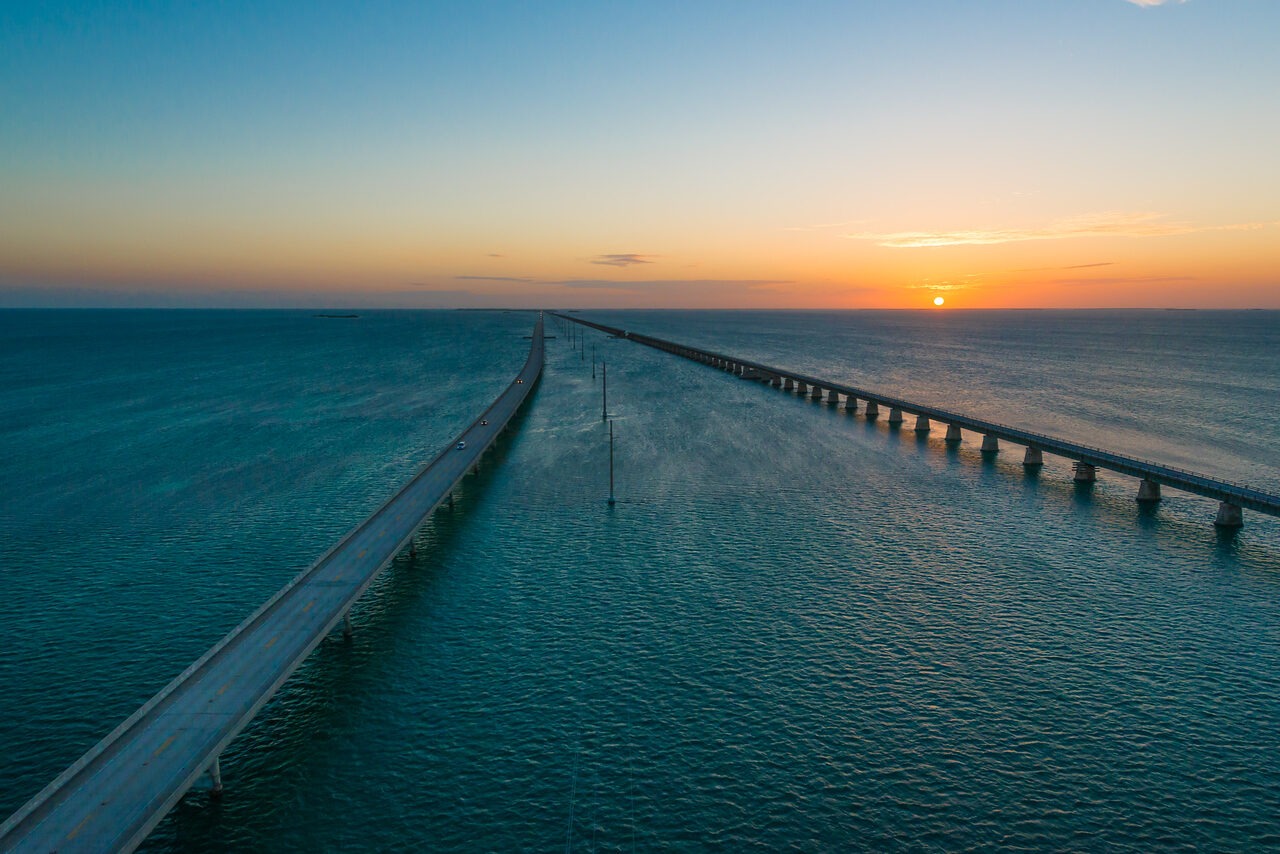
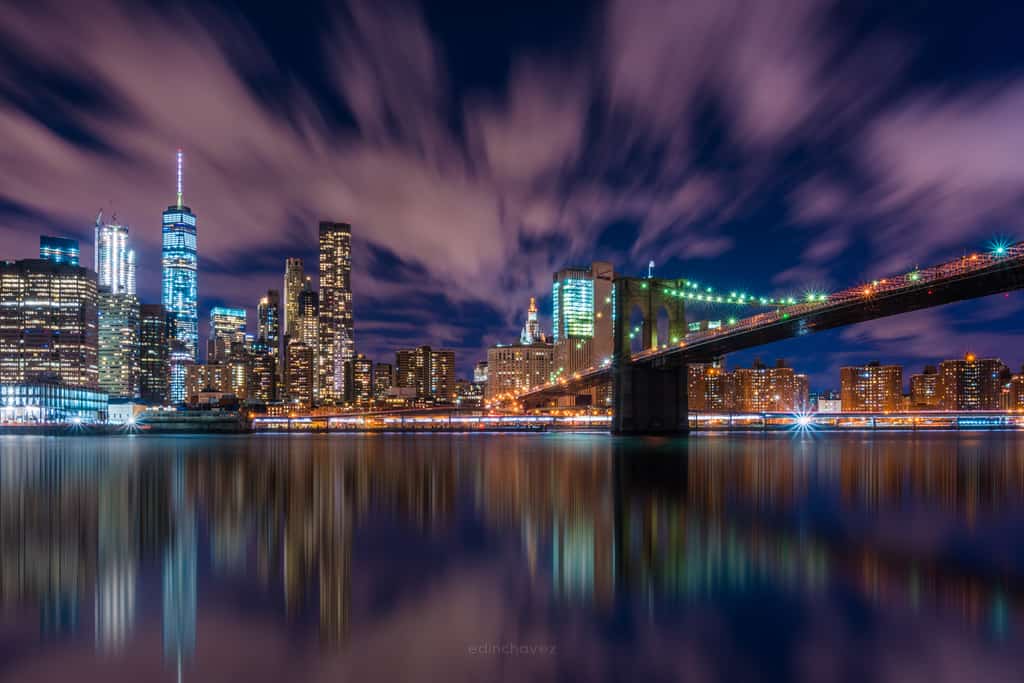
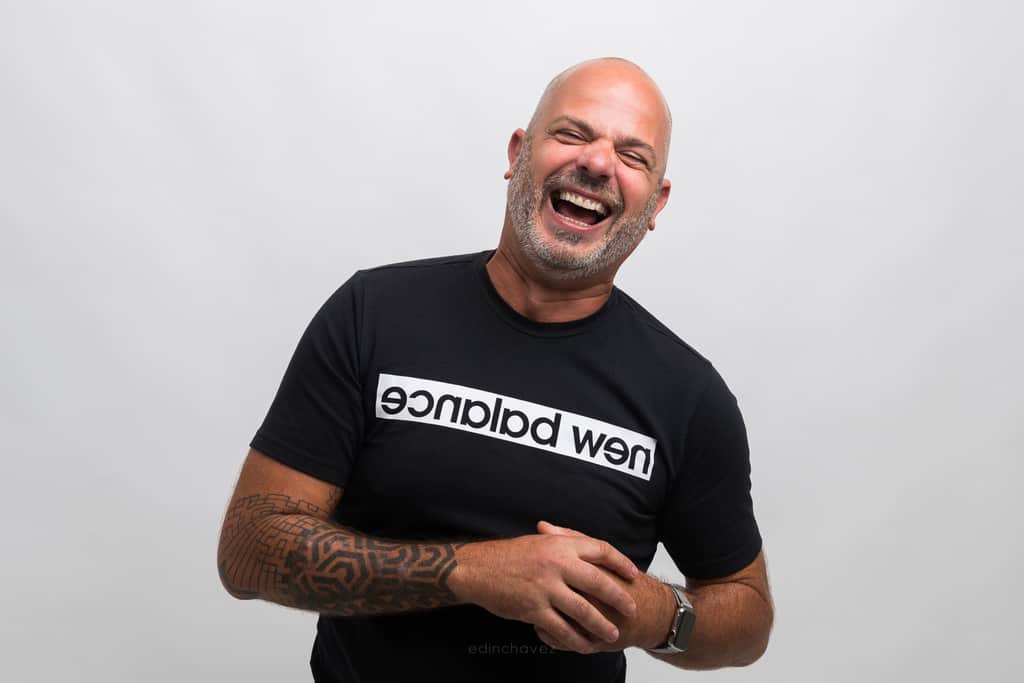
Updated October 2026. This is a practical decision guide, not a laboratory test or a claim that the illustrated photographs were shot on an iPhone. The images show composition, light and subject choices. Features vary by phone model, camera, lens, app and software version.
The short answer: choose the system, not the label
An iPhone is a compact camera system that also gives you editing, storage and sharing in the same device. A DSLR is a dedicated camera system with interchangeable lenses and controls designed around photography. Mirrorless cameras are another dedicated-camera option, so a buying decision does not have to be phone versus DSLR alone.
For everyday pictures, travel notes and quick sharing, the phone may fit your needs with far less baggage. For subjects that need a specific lens, external lighting or deliberate exposure control, a dedicated camera may make the work easier. Neither choice removes the need to notice light, compose carefully and understand the subject.
Do not buy a DSLR merely to feel more serious. Identify a limitation first. If your images are weak because you shoot from an uninteresting viewpoint or ignore the background, a new body will not fix that. If you need reach that your phone cannot provide cleanly, that is a more concrete reason to consider another system.
Portability: the phone’s practical advantage
A phone fits into daily life with little planning. You can stop, frame and make a picture without carrying a separate bag. That makes it useful for ordinary moments, scouting and times when photography is only one part of the day.
A DSLR kit adds a body, lens, battery and often a strap or bag. A larger kit can change how you move and how willing you are to take the camera out. Be honest about that cost. A technically capable setup is not useful if you avoid carrying it.
There are also times when a camera bag is entirely reasonable. A planned portrait shoot or a morning devoted to photography is different from a quick errand. Decide around the day you actually expect to have. Do not assume a phone bypasses a venue’s photography rules; check restrictions regardless of the device.
Controls: what you can change and how easily
A DSLR generally gives you direct access to aperture, shutter speed and ISO, with the available aperture range determined by the lens. The grip, dials and buttons can help you make changes while following a subject. How easy that feels still depends on the particular body and your familiarity with it.
An iPhone’s built-in Camera app handles much of the exposure process and offers controls appropriate to its modes. Additional apps may expose other controls, but software cannot turn a fixed physical lens into an interchangeable one. Check what your model and app actually allow instead of assuming that all phones are fully automatic or fully manual.
Automation is not failure. It can help you catch a moment quickly. Deliberate control matters when you need to repeat a result or decide what motion looks like. Learn when the camera is making a choice for you and when you need a different mode or tool.
Lenses and reach: compare real options
A DSLR accepts compatible lenses, giving you choices for wide scenes, distant subjects, close details and other specific needs. Lens compatibility is not just the brand name. Mount, autofocus support, sensor coverage and accessories need checking against the exact body.
iPhones have different camera combinations depending on the model. Do not rely on an old claim that every iPhone has one focal length or no telephoto option. Also distinguish a physical camera change from a crop or other processing at an intermediate zoom setting. A label on the screen does not tell the entire story of the final file.
For a distant bird or athlete, ask how large the subject will be in the actual image. For a tight room, ask whether your framing is wide enough without making the edges awkward. For close details, check focus distance and the camera used in that mode. These are practical questions you can test before buying anything.
Image quality is more than a megapixel number
Resolution matters when you need detail, cropping room or a particular output size. It is not a complete measure of a photograph. Focus, motion, lens performance, light, noise and processing affect the usable result. Compare finished files at the size you intend to show them.
Phone processing can combine information and adjust the appearance of a scene before you open an editor. A DSLR JPEG is processed too, according to its settings. Comparing two default JPEGs therefore compares two capture-and-processing choices, not a pure contest between sensors.
Look beyond the first impression. Check fine textures, bright edges, skin, foliage and shadow detail. Does the file still look natural at the output size? Can you make the crop you need? Are sharpening or noise reduction hiding useful detail? Those questions are more informative than declaring one entire category sharper.
Low light: stability and subject movement come first
Apple’s current guidance says Night mode can activate in low light on supported iPhones and may take several seconds to complete a capture. It recommends holding the phone steady or using a secure support. That is useful for a still scene, but it does not guarantee that a moving subject will stay sharp.
A dedicated camera also needs an exposure strategy. A tripod can reduce camera movement, but it does not stop a person walking through the frame. Decide whether movement should be frozen, blurred or avoided. Then choose settings and support that match that intention.
A larger camera system may offer a lens and controls better suited to the task, but the result still depends on the particular equipment and conditions. Do not turn low light into a blanket promise that a DSLR always wins. Test the real subject, watch motion and protect important highlights.
Background blur: optical choices versus a depth effect
Depth of field describes the range that appears acceptably sharp. It depends on framing, focus distance, aperture and the viewing conditions, among other factors. Background appearance also depends on how far the background is from the subject and what is in it. A larger sensor is not a magic blur switch.
A DSLR and a suitable lens let you shape optical blur through capture choices. Move carefully, set the aperture intentionally and leave enough depth of field for the important parts of the subject. Very shallow focus can look attractive while leaving an eye or a product detail unsharp.
Apple describes Portrait mode as creating a depth-of-field effect. Supported editing features can let you change the amount of background blur and, on supported combinations, the focus point. Inspect hair, glasses, fingers, leaves and gaps between objects. A strong-looking thumbnail can hide imperfect separation.
Start with the physical scene on either device. Move the subject away from a busy background, choose cleaner light and simplify the frame. Do not ask software blur to rescue every distracting object. The background should support the picture, not announce the processing.
RAW: iPhones are not excluded
The old claim that phones cannot shoot RAW is not a useful buying rule. Apple documents ProRAW on supported Pro models. It combines RAW-format information with iPhone processing to give more flexibility when editing exposure, color and white balance. Compatibility depends on the phone and software.
Apple also lists limits: ProRAW is not available with Live Photos, in Portrait mode or when shooting video. File size and supported resolution depend on the configuration. Check the current documentation for your phone rather than copying a generic megapixel figure from an old comparison.
A DSLR’s RAW files can give you more room for deliberate editing than a finished JPEG, but they still cannot repair everything. Missed focus, severe motion and clipped information remain problems. RAW is a workflow choice, not a guarantee of a better photograph. Use it when you have a reason and the storage and editing process to handle it.
Action, timing and repeated shots
For a moving subject, evaluate how the device focuses, how quickly you can frame and whether the sequence contains the moment you wanted. Specifications can guide the search, but practice with the actual camera matters. A complicated focus setup you do not understand can be less useful than a simpler one you can operate confidently.
Use a repeatable, safe practice subject before a real event. Try someone walking across an open area with their permission, or an ordinary moving object away from traffic. Check the subject’s sharpness and the timing, not just the number of files captured.
Do not infer sports performance from a sunset picture. Still landscapes, portraits and fast action place different demands on equipment. Choose the tool around the job you most often need it to do, not the most dramatic photograph in an advertisement.
Editing, storage and sharing
A phone keeps capture and quick sharing close together. That can be useful when the final destination is a message or a small screen. Be careful about sending a compressed copy when someone needs the original file. Know which export or sharing route preserves the information they need.
A dedicated camera adds an import step and a separate storage process. That can feel slower, but it can also support a deliberate editing workflow. Keep originals, organize files and back up before clearing a memory card. The camera is only the beginning of the system.
Large files create obligations on either device. Check storage space before a trip and make a backup plan. Do not choose RAW simply because it sounds professional if you will never process or protect the files. Choose a format and workflow that fit the real use.
A fair way to compare the gear you already own
Pick a few ordinary scenes that represent your needs: a bright still scene, a portrait with permission, a low-light still scene and a safe moving subject. Use similar framing where possible and record which camera, lens, mode and processing you used. Different framing can hide or exaggerate differences.
Compare the final pictures at your intended output size before looking at enlarged details. Then inspect the originals for focus, movement, noise and editing room. Note how long each setup took and whether carrying it was practical. A comparison should include the work needed to get the picture, not just the file.
Do not present this as a scientific test unless you control the conditions and understand the limits. It is a personal decision exercise. The point is to find the specific situations where one tool helps you, not to prove that every phone or every DSLR behaves the same way.
When each choice makes sense
Keep using your iPhone when convenience, quick sharing and everyday subjects are the main needs and the files already satisfy you. Improve your composition, light and handling before spending. Clean the lens, hold the device steadily and avoid unnecessary cropping.
Consider a dedicated camera when you can name a repeatable limitation: a lens you need, a lighting workflow, a capture control or an output requirement your phone cannot meet reliably. Compare compatible lenses and the full kit, not only the body. A used DSLR and a mirrorless option may both deserve consideration, depending on your needs.
Use both when they serve different purposes. A phone can document and scout while a camera handles planned work. That is not indecision. It is choosing a tool for the photograph in front of you. The better purchase is the one that solves a real problem without adding a new pile of gear you will not carry.
DSLR versus iPhone FAQ
Is a DSLR always better than an iPhone?
No. Compare the actual camera and lens with the actual phone for your subjects and output. Convenience, control and file quality matter in different ways.
Can an iPhone shoot RAW?
Supported Pro models can shoot Apple ProRAW. Availability and mode restrictions depend on the device and software, so check Apple’s current guidance.
Does Portrait mode create the same blur as a camera lens?
Portrait mode creates a depth-of-field effect. Optical blur comes from capture choices. Inspect the result rather than assuming they behave identically.
Will Night mode freeze a moving subject?
Not necessarily. A steady phone helps reduce camera movement, but subject movement can still affect a capture that takes time.
Do more megapixels guarantee a better photograph?
No. Resolution is one factor. Light, focus, motion, lens performance, processing and the final output size also matter.
Should I buy a DSLR to become a better photographer?
Buy only when it solves a specific limitation. You can improve light, framing and timing with the equipment you already own.
Gear that supports either workflow
Start with the camera or phone you own. For still scenes, compare a stable tripod and a compatible phone mount. For a dedicated camera, check the exact lens mount, support load and battery or storage requirements. Accessories should solve a problem, not decide the comparison for you.
Compare on Amazon | Compare on B&H
These are comparison searches, not tested product reviews or promises of price, availability or compatibility. Improve your camera skills with practical tips at the Shut Your Aperture Academy.
Affiliate disclosure: As an Amazon Associate I earn from qualifying purchases. Purchases through Amazon and B&H links may earn a commission at no extra cost to you.
Feature references: Apple’s ProRAW guidance, Night mode tips and Portrait mode guidance, plus Cambridge in Colour’s depth-of-field explanation. Check your specific model before relying on a feature.


