Free photography resources are useful when they solve a real problem. They are less useful when they become a folder full of presets you never open, software you never learn or stock photographs whose license you never checked. Start with the task: edit a raw file, practice posing, study night photography or find an image you are allowed to use.
The ten resources below cover those different jobs. Some are open-source applications, some are image collections and some are promotional downloads. That distinction matters. A host can label a product free while still requiring a checkout, an account or acceptance of specific terms. Check the current host page and the individual asset before downloading or using anything for a client.
Choose the kind of resource you actually need
If you cannot open and develop your raw files, start with a raw processor. If your portraits feel awkward, a posing guide and a practice session may help more than a color preset. If you need a background illustration for a presentation, start with an image collection and its rights information. These are different problems. A download bundle is not a solution to all of them.
Presets and actions can speed up repeatable decisions, but they do not replace exposure, lighting or selection. Templates can save layout time while introducing font and image-license questions. Stock gives you someone else’s photograph for an allowed use; it does not give you a photograph to claim as your own work. Keep the purpose clear before you click.
1. PhotoWhoa photo overlays: a compositing exercise
The PhotoWhoa overlay page hosts a Galaxy Fire overlay pack labeled free at the time of this review. It is a creative effects resource, not a documentary-photography shortcut. Check the current offer, file format, software needs and license on the host before obtaining it.
Use an overlay to learn layers, blending and restraint. Start on a copy of a photograph and compare the result at full size. Does the added light come from a plausible direction? Does its color fit the scene? Is the effect stronger than the subject? A dramatic preview is not a reason to apply the same treatment to every image.
For documentary, news or other work with rules about image integrity, follow the relevant standards instead of adding invented elements. An overlay creates a composite. Be honest about that where the context requires it. A free effect can be a useful learning tool without becoming part of your client workflow.
2. PhotoWhoa Lightroom presets: a starting point, not a look guarantee
The PhotoWhoa preset-bundle page is another host-labeled free offer. Confirm the supported software and current download requirements. “Lightroom” is not enough compatibility information on its own; the exact application and preset format matter.
Test a preset on several photographs made in different light. Compare skin, bright fabric, shadows and color saturation. Then adjust exposure and white balance for the individual file. A preset cannot know whether your original capture was warm, underexposed or made beneath mixed lighting.
Keep a neutral edit beside the preset version. If you cannot explain what the preset improved, you may be responding to novelty rather than quality. Save a small group that works with your photographs instead of installing every pack you find. A disciplined set is easier to use than hundreds of mysterious names.
 Save
Save3. PhotoWhoa Photoshop actions: learn the steps behind the button
The PhotoWhoa Photoshop actions page offers a portrait-oriented action resource. Read the software compatibility, installation instructions and terms on the current page. An action is an automated sequence in the relevant application, not a standalone editing program.
Run unfamiliar actions on a duplicate or a test file. Inspect the layers and compare the before and after at a realistic viewing size. If the action produces an extreme result, look for adjustable settings rather than flattening the file and hoping it prints well. Preserve the original and an editable version until you are happy with the result.
Actions are most useful when they automate something you already understand. Learn what is changing and where the process can fail. If a tool damages skin texture or pushes color into an unnatural range, the speed is not a benefit. A client receives the final photograph, not the number of seconds you saved.
4. PhotoWhoa card templates: check the whole design
The PhotoWhoa card-template page hosts a free-labeled seasonal design resource. Check its current format and license before planning client products around it. A layered template can contain elements with different requirements, including fonts and placed imagery.
Replace sample content, inspect text at final size and check the intended print dimensions. Ask the print provider for its requirements rather than assuming a template is ready for every lab. Bleed, safe margins, color and export format can change the result.
Do not confuse permission to create a finished card with permission to redistribute the original template. Those are different uses. Keep the template’s terms with your project notes, and verify any font or other element that was not supplied with clear permission. The fact that a design opens on your computer does not settle its licensing.
5. PhotoWhoa hand-posing guide: practice, do not memorize
The PhotoWhoa hand-posing guide is a host-labeled free instructional resource. Check the current access terms and format. Treat it as a set of possibilities to try, not a rule that every person must reproduce.
Hands can look awkward when the subject has no task or too much tension. Give a simple action, watch how the fingers settle and adjust from the camera’s viewpoint. Small changes in angle can matter more than a complicated pose. Ask whether the direction feels comfortable.
Practice with someone who knows you are learning. Photograph variations and compare them rather than issuing a long sequence of commands during an important paid session. Respect mobility, comfort and personal preference. Good direction serves the person in front of you, not the page in a guide.
6. PhotoWhoa night-photography tutorial: turn reading into a plan
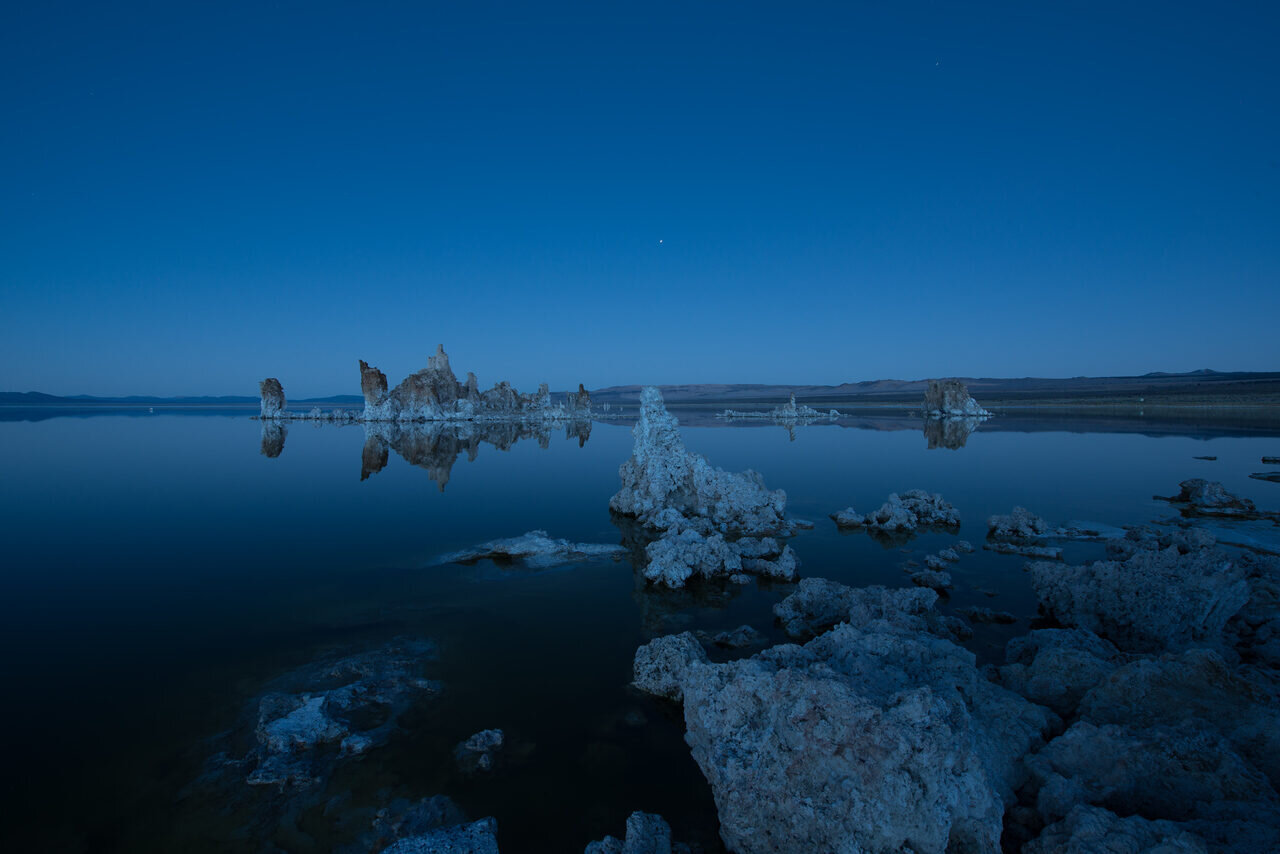
The PhotoWhoa night-photography page describes an introductory ebook by Grant Collier. It is labeled as a free offer on the current host page, not a promise of permanent access or a substitute for a safe field plan.
Choose one exercise after reading rather than trying every technique in a single night. Decide on a location, a subject and a way to assess the result. Check access, weather, footing and the route back. An unfamiliar place does not become safe because the light is interesting.
Start with a repeatable scene so you can compare focus, exposure and camera stability. Review at full size when possible. Keep notes on what worked and what needs another attempt. Buying an accessory before identifying the problem is often less useful than making a careful test with the equipment you have.
 Save
Save7. Library of Congress Free to Use and Reuse: learn from the archive
The Library of Congress Free to Use and Reuse collections organize historical images and other material into themed sets. This is a strong starting point for visual research, historical projects and design references. Read the individual item’s rights information and context for your proposed use.
Use the archive to study composition and visual storytelling. Look at how a photographer organized people, buildings or a crowded street. Separate the photograph’s visual choices from the assumptions of its era. Historical captions and classifications can contain language or viewpoints you should not repeat without context.
Keep the item record and source information with the downloaded file. The full archive is larger than the curated free-to-use sets, so do not generalize one set’s status to everything on the site. If you use a historical image in a publication, accurate attribution and context are useful even when a particular use does not require a credit.
8. Pexels: stock imagery with specific restrictions
The Pexels license page says its photos and videos may be downloaded and used for free, that attribution is not required and that modification is allowed. It also lists restrictions. Read those before using a recognizable person, brand or image in a project.
Pexels prohibits uses including implying endorsement, selling unaltered copies and redistributing imagery through other stock or wallpaper platforms. Its page also restricts trademark-related use and certain harmful depictions of identifiable people. A broad free-use headline does not erase those limits.
Choose stock for the role it will play. A photograph of a photographer can illustrate a general workflow; it should not be presented as proof that you photographed the depicted assignment. Save the source page and credit information. Honest captions protect both the subject and your reader from an invented story.
 Save
Save9. darktable: an open-source raw workflow
darktable describes itself as an open-source photography workflow application and raw developer. It combines a virtual lighttable with editing tools and a database for your images. Its homepage describes a non-destructive process in which the original image is not modified.
Check current installation requirements and support for your camera before committing a library to it. Open a small set of representative raw files first. Test a bright scene, an indoor image and something with difficult color. Learn import, editing, export and file location before trying to process a large client delivery.
Non-destructive editing is not a backup strategy. The original files, editing information and exported photographs still need a deliberate storage plan. Learn where each is kept. The fact that the application does not overwrite a raw file does not protect that file from disk failure or accidental deletion.
10. RawTherapee: a second free raw-processing route
RawTherapee describes itself as a free, cross-platform raw-processing program, available for Linux, macOS and Windows. Its site identifies it as free software under GPLv3. Read the current downloads and documentation for your system rather than using a third-party installer.
As with any raw processor, camera support and workflow fit need a practical test. Work on copies of a small set, learn the export controls and compare the result at the size you intend to deliver. A long feature list is less useful than knowing how to obtain a consistent file from your own camera.
You do not have to choose a permanent winner immediately. Try the same few photographs in the programs you are considering and note which decisions are clear to you. Allow time to learn. An unfamiliar interface can make a capable application feel frustrating before you understand its approach.
Build a resource folder you can actually use
For each download, keep the resource name, source URL, acquisition date, license or terms and installation notes. Store the original package separately from your working project. If you later need to prove where an asset came from, “I found it in Downloads” is not enough.
Use a test project before a paid deadline. Check that files open, fonts are available, exports are correct and the result is suitable for the client. Do not discover software incompatibility or licensing uncertainty after promising delivery. Free tools can be part of professional work, but they need the same care as paid ones.
Remove resources that do not fit your work. Your goal is better photographs and a more dependable process, not the largest collection of freebies. One tool you understand beats a dozen you only downloaded.
Learn faster with a plan. The ShutYourAperture Academy has 22 photography courses, from the fundamentals of aperture, shutter and ISO to genre courses like landscape, portrait and street.
Free photography resources Q&A
Does free mean no account or checkout?
No. A promotional resource may have access steps even when the displayed price is zero. Check the current host terms and final checkout state. Do not enter payment details without understanding what you are agreeing to.
Can I use every free image commercially?
No. Read the individual license and consider the depicted people, brands and intended use. Copyright permission and other rights are separate questions. When the terms are unclear, get clarification before using the asset for a client.
Do I always need to credit the photographer?
It depends on the license. Some hosts do not require attribution; other files do. The Wikimedia Commons reuse guide explains why individual-file licenses matter. Do not use a single credit rule for every source.
Will a preset make my photographs match the preview?
Not reliably. Your original light, exposure and color differ from the sample. Treat a preset as a starting point and evaluate the actual photograph, especially skin and important highlights.
Are free raw processors suitable for client work?
They can be when their file support, tools and workflow meet your needs. Test your camera files, exports and backup process first. Price does not replace a practical compatibility check.
Can I share a downloaded pack with friends?
Only if its terms allow that. Permission to use a resource is not necessarily permission to redistribute it. Share the host’s resource page instead when you are unsure.
What should I try first?
Pick the resource tied to your current problem and complete one small exercise. Develop a raw file, practice a pose or make a permitted design. Finish something before downloading the next bundle.
Disclosure: The resource links above go to resource hosts and documentation. The optional gear links below are affiliate links. Host offers, access requirements and terms can change. This guide does not claim that every pack has been personally installed or that every asset is cleared for every use.
Keep resource downloads separate from working files
A black Samsung T7 Shield portable SSD, 1TB model MU-PE1T0S/AM, is one storage option for resource downloads and working files. Check capacity and your computer connection before buying. Keep source and license notes with each download, open the copied files and maintain another checked copy separately. Buying a drive does not settle licensing or replace a complete backup plan. Compare the current retailer specifications; no hands-on test, price or stock promise is being made here.
Compare Samsung T7 Shield Portable SSD Black 1TB MU-PE1T0S/AM on Amazon | Check Samsung T7 Shield Portable SSD Black 1TB MU-PE1T0S/AM at B&H
Affiliate disclosure: We may earn a commission from qualifying purchases through these gear links at no extra cost to you. As an Amazon Associate, Shut Your Aperture earns from qualifying purchases.