Buyers scroll past listings with flat photos. A 360 virtual tour lets them stand inside the property and look around from their phone, and for agents that means longer listing views, fewer wasted showings, and a service they will pay a premium for. This guide covers the gear, the software, and the shooting workflow for real estate virtual tours, plus how to package it as a service.
What a 360 virtual tour actually is
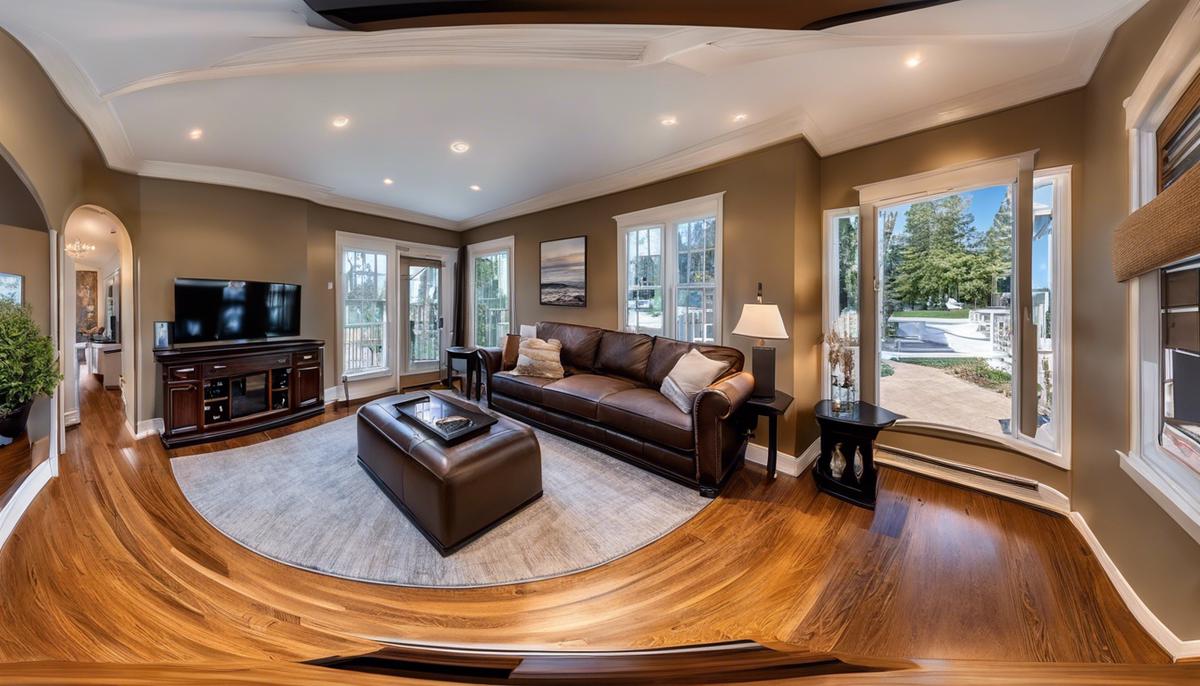
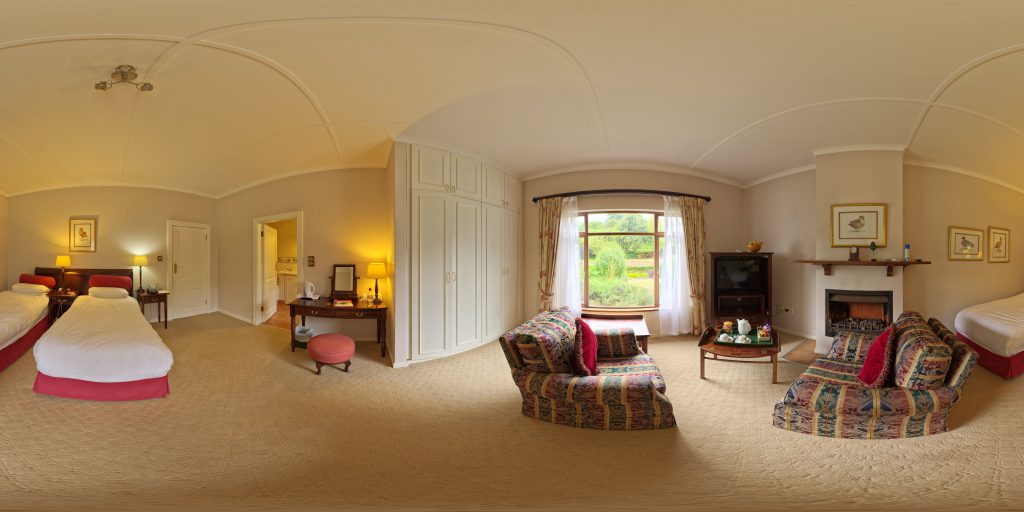
A 360 camera captures the entire sphere around it in one shot. Software stitches that capture into an interactive panorama, and a tour platform links the panoramas together so a viewer can move room to room. The viewer drags to look around; you control where the camera points next. It is not video and it is not VR: it runs in any browser or phone, which is exactly why agents can send it to every buyer on their list.
 Save
SaveWhy agents pay for it
A tour answers the questions photos cannot: how rooms connect, how big the space feels, where the light comes from. Out-of-town buyers can walk the property without flying in, and local buyers arrive at showings already half sold. For a photographer, tours are a high-margin add-on because one shoot produces both the stills and the tour.
Gear
The core tool is a dedicated 360 camera. Established options include the Ricoh Theta line (the Z1, with its 1-inch sensors, is the quality benchmark for interiors), the Insta360 ONE X2, and the GoPro MAX. All of them shoot a full sphere in one exposure and handle the stitching in their own apps. Beyond the camera you need a light, sturdy tripod or monopod with a small footprint so it is easy to clone out, and that is genuinely it. No lenses, no lights for most interiors: the camera sees everything, including you, so plan to be out of the room or hidden behind a wall when you trigger it.
Software and hosting
The camera apps handle basic stitching on their own. For manual control, PTGui is the long-standing pro stitcher. Note that Kolor Autopano, which older tutorials recommend, was discontinued in 2018 and is no longer sold.
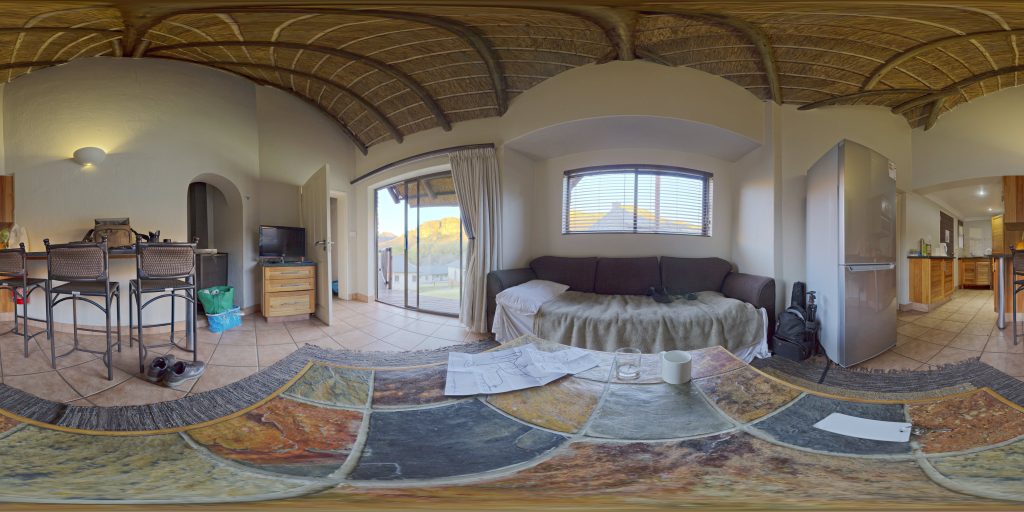
Stitched panoramas become a tour on a hosting platform. Matterport is the name agents know and ask for by brand; Kuula and 3DVista are popular alternatives that let you build and host tours with your own branding. Compare their per-tour or subscription pricing against what your market will pay before you commit, since the platform fee is your main recurring cost.
 Save
SaveShooting the property
Walk the home first and plan one camera position per room, plus the entry, the kitchen island, and any feature like a view or a staircase. The rule of thumb: place the camera where a person would naturally stand, at eye level, in the middle of the space rather than against a wall.
At each position, level the tripod, check that every light in the room matches (mixed bulb temperatures read badly in 360), open the blinds, and hide. Trigger the camera from its app, wait for the exposure sequence, then move to the next spot. A full house takes 30 to 60 minutes once you have a rhythm.
Want to go further? The ShutYourAperture Academy’s Architectural & Interior Photography (8 modules, 32+ lessons) is built to help you compose with steel, glass and light the way architects do.
Building and delivering the tour
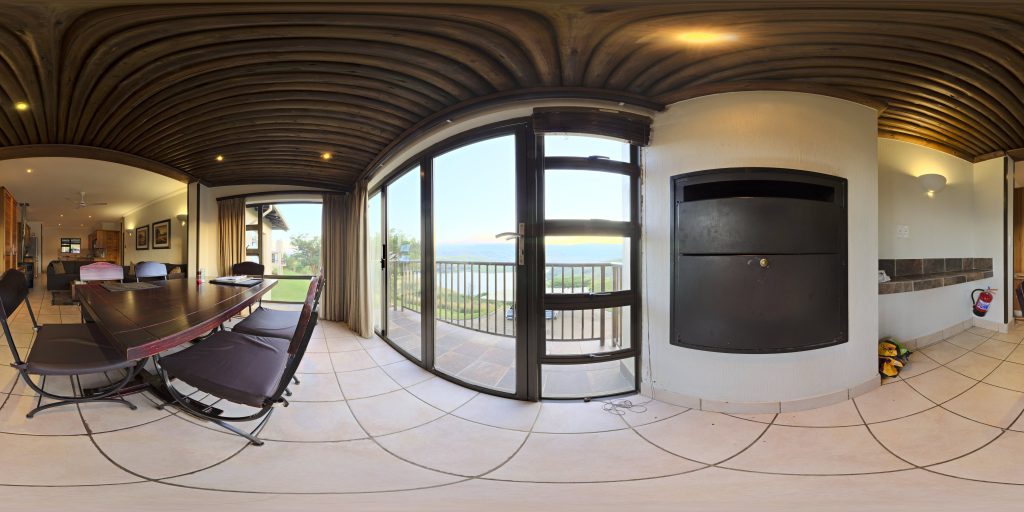
Upload the panoramas to your tour platform, connect the rooms with hotspots, and label each room clearly. Deliver the agent a share link they can drop into the MLS and their own site. Keep your file naming consistent (address-room-number) so updates are painless when the agent asks for a reshoot of one room.
 Save
SaveThe tour covers the immersive side of the listing, but the still photos still have to be perfect, and that is where your editing speed matters. Our Real Estate Lightroom Presets are built for exactly this job: clean, MLS-ready edits in one click so the whole package goes out the same day.
Check support against the tour setup
A Peak Design Aluminum Travel Tripod is one support option to compare for a camera-based tour setup. Check the camera weight, mounting thread, plate fit and working height before buying. A panoramic head or other adapter may be needed; this is not a promise of compatibility with every 360 camera or scanner. Check whether the support appears in the bottom of the stitched view. Level the setup on stable ground and keep room paths clear. Compare the current retailer specifications; no hands-on test, price or stock promise is being made here.
Compare Peak Design Aluminum Travel Tripod on Amazon | Check Peak Design Aluminum Travel Tripod at B&H
Affiliate disclosure: We may earn a commission from qualifying purchases through these gear links at no extra cost to you. As an Amazon Associate, Shut Your Aperture earns from qualifying purchases.