Updated October 2026
A Miami event photographer has to do more than make a room look busy. The job is to bring back the people, the important moments, the atmosphere, and the details that explain why the event mattered. A conference needs a different coverage plan from a gala, and a brand activation needs a different set of photographs from an awards ceremony.
I want the brief to be clear before the first guest arrives. Who needs to be photographed? What happens only once? Where will the photographs be used? When does the first selection need to arrive? Those answers are more useful than asking for lots of great pictures and hoping the photographer guesses what the marketing team means.
This guide is for planners hiring coverage and photographers preparing to shoot it. It covers the decisions that reduce surprises: the schedule, access, lighting, shot list, equipment, editing, and delivery. For the current service portfolio and an event-specific inquiry, visit Edin Studios’ Miami event photography page. Confirm the actual scope and terms in writing rather than treating a general guide as a quote.
Start with the purpose of the photographs
A press release may need a clean image of the speaker with recognizable branding. An internal recap may need people participating and talking to one another. A sponsor may need evidence that its activation was visible and attended. An executive team may need a small, accurate selection quickly rather than hundreds of loosely organized frames.
Tell the photographer how the images will be used. Website banners, social posts, presentation slides, print materials, and press distribution can need different crops and file sizes. If both vertical and horizontal photographs matter, put that in the brief. A tightly framed horizontal image may not survive a vertical crop without losing the subject.
Define success as a coverage plan, not only a photo count. A hundred repetitive networking frames do not replace the missing award presentation. Agree on priorities and distinguish required moments from optional atmosphere. That gives the photographer a way to make sensible choices when two things happen at the same time.
 Save
SaveReview a complete event gallery before hiring
Look beyond a photographer’s strongest hero image. Ask to see coverage resembling your event: a dark ballroom, a stage with bright screens, an exhibition floor, or an outdoor reception. Check whether the gallery includes people, room context, small details, and moments between the formal parts of the schedule.
Look for consistent skin tones and useful expressions. A set that changes wildly from warm to green to blue may create work for your design team. Check group portraits too: eyes open, faces visible, and a clean enough background. Strong event photography stays reliable when the light and subject change.
Use the portfolio to discuss fit rather than to invent credentials. The Edin Studios site provides current service information and examples. This article does not promise a particular booking date, rate, staffing level, or delivery time. Ask for the terms that apply to your own event.
Build a brief the photographer can actually use
Include date, venue, room names, coverage hours, guest count, schedule, event contact, and access instructions. Add the names and photographs of essential people if appropriate. A photographer cannot reliably identify a newly appointed executive from a job title alone. Keep private contact information in the working brief, not a public page.
Mark speeches, awards, ribbon cuttings, group photographs, and sponsor commitments. Say which are mandatory and who will help gather people. If the schedule includes concurrent sessions, identify which room has priority or arrange enough coverage for both. One photographer cannot be in two rooms at once.
Agree on the communication route during the event. A single producer or coordinator who can clarify changes is more useful than six people giving competing instructions. Decide who can authorize extra hours or a change in scope. Keep those decisions explicit so a late-running program does not become a surprise bill.
Miami logistics are part of the coverage
Allow time for arrival, parking, loading, security, and finding the correct room. A hotel address is not the same as a loading entrance or registration desk. Send the actual access route and contact details. If credentials must be collected elsewhere, build that into the arrival plan rather than discovering it at the door.
Miami, Miami Beach, and other municipalities do not share one universal permission process. The Miami Beach Film and Print office provides information for filming and photography on city locations. Do not assume permission for an indoor private event also covers a separate commercial shoot on a beach, street, or park.
Ask the venue and organizer about equipment, flash, access, insurance documentation, and restricted areas. Rules can be event-specific. The James L. Knight Center FAQ, for example, restricts professional cameras unless an exception applies. That is a reason to arrange credentials, not a rule to copy onto every Miami venue.
Make the shot list broad enough to tell the story
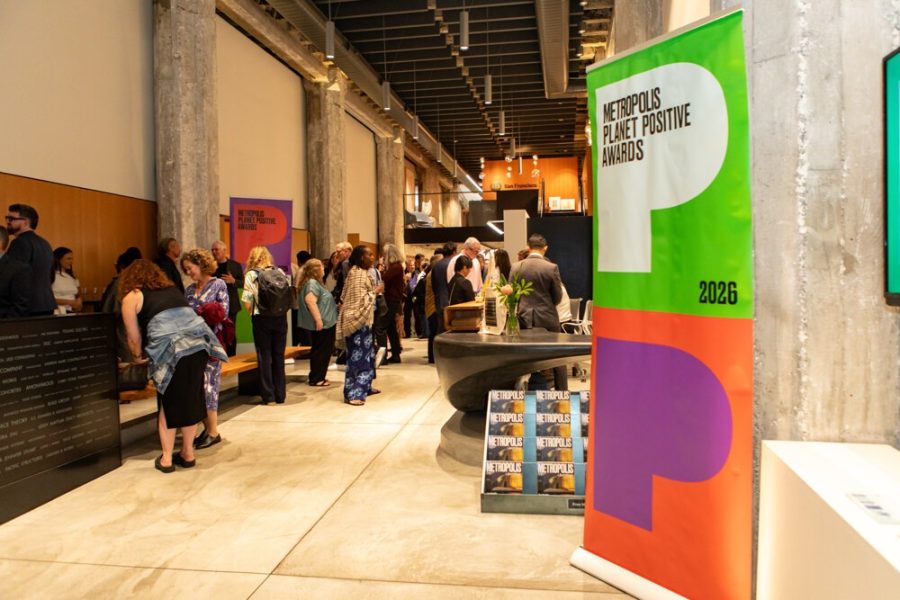
Start with the room and event identity: exterior or entrance when useful, registration, signage, stage, sponsor displays, and important details. Then move to people: arrivals, greetings, conversations, speakers, audience reactions, awards, and groups. Finish with the moments that show participation rather than only attendance.
For speakers, make more than one angle when access allows. A clean expression, visible hands, and readable branding can be more useful than a frame dominated by a microphone or screen. Watch the background and avoid awkward text behind the person. The photograph should explain the event without making the speaker look careless.
For networking, look for genuine interaction and clear faces. Avoid interrupting every conversation to pose people. A few arranged groups can be useful, but a gallery made only of people looking into the camera loses the feeling of the event. Balance candid activity with the formal photographs the organizer needs.
 Save
SaveCheck the light before the important moment
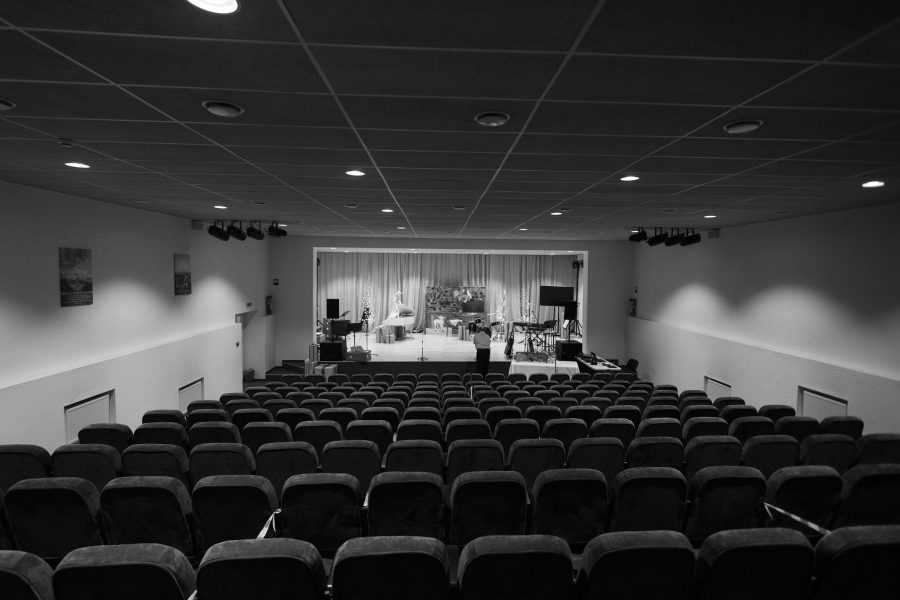
Visit the room or arrive early enough to test the actual setup. A ballroom with work lights on can look very different once the stage lighting starts. Photograph a person in the speaker position and check the file, not just the room with your eyes. Screens, spotlights, and decorative lighting can pull exposure in different directions.
Choose shutter speed around subject movement, then balance aperture and ISO for the light available. There is no universal event setting that works everywhere. A moving speaker, still group, and dim reception need different choices. Check faces for sharpness and highlights for clipping before the moment becomes unrepeatable.
Do not assume silent electronic shutter is always the cleanest option under LED lighting. Banding and distortion depend on the camera and light source. Test the actual shutter mode and any anti-flicker controls your camera provides. Community reports about concert lighting and banding illustrate the problem, not a guaranteed setting for your room.
Use flash only when it fits the event
Ask before using flash during presentations, performances, or sensitive moments. Permission to photograph is not automatically permission to fire a light repeatedly. If flash is restricted, plan lenses and exposure for available light. Do not make the audience pay for your photograph with a distracting experience.
When bounce flash is allowed, check the surface. A low neutral ceiling or nearby neutral wall can create a larger apparent light source. A colored ceiling can cast unwanted color, and a very high or black ceiling may give little useful return. Profoto’s bounce guidance makes that distinction clearly.
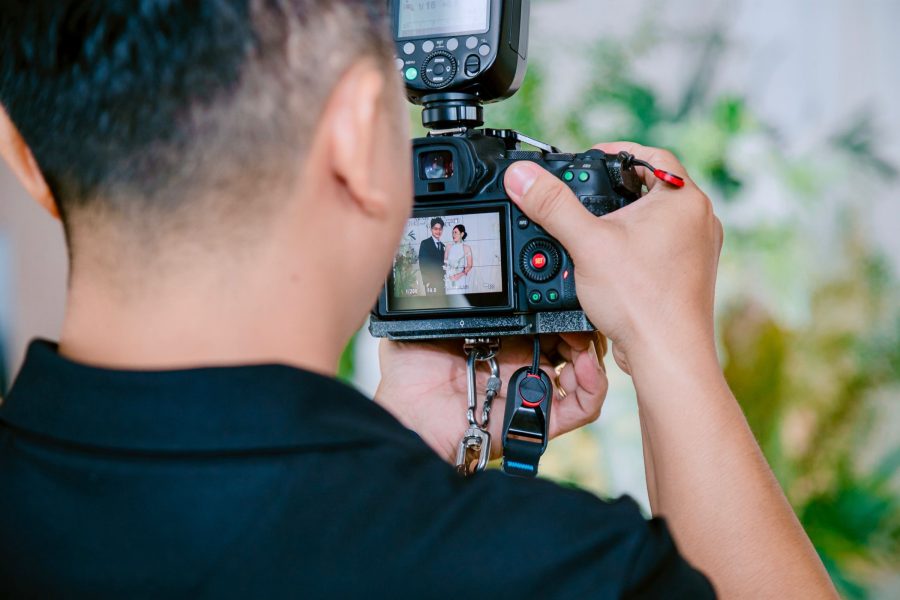
Test flash exposure and recycle behavior before asking a group to hold a pose. Check glare on glasses and bright hotspots on faces. Keep ambient light visible when it helps explain the room. The goal is a clean photograph that still belongs to the event, not a subject floating in a black background.
Cover the stage without losing the room
Keep sightlines and audience experience in mind. Work from permitted positions and avoid standing in front of guests for an entire speech. A longer lens can help from farther away, but it does not grant access to a restricted aisle. Coordinate movement with the production team when the program has tight cues.
Watch expressions and gestures rather than holding the shutter through every sentence. A person speaking often has awkward transitional expressions. Capture a useful moment, then review enough to confirm focus and exposure. Preserve the speaker’s dignity while documenting the actual event.
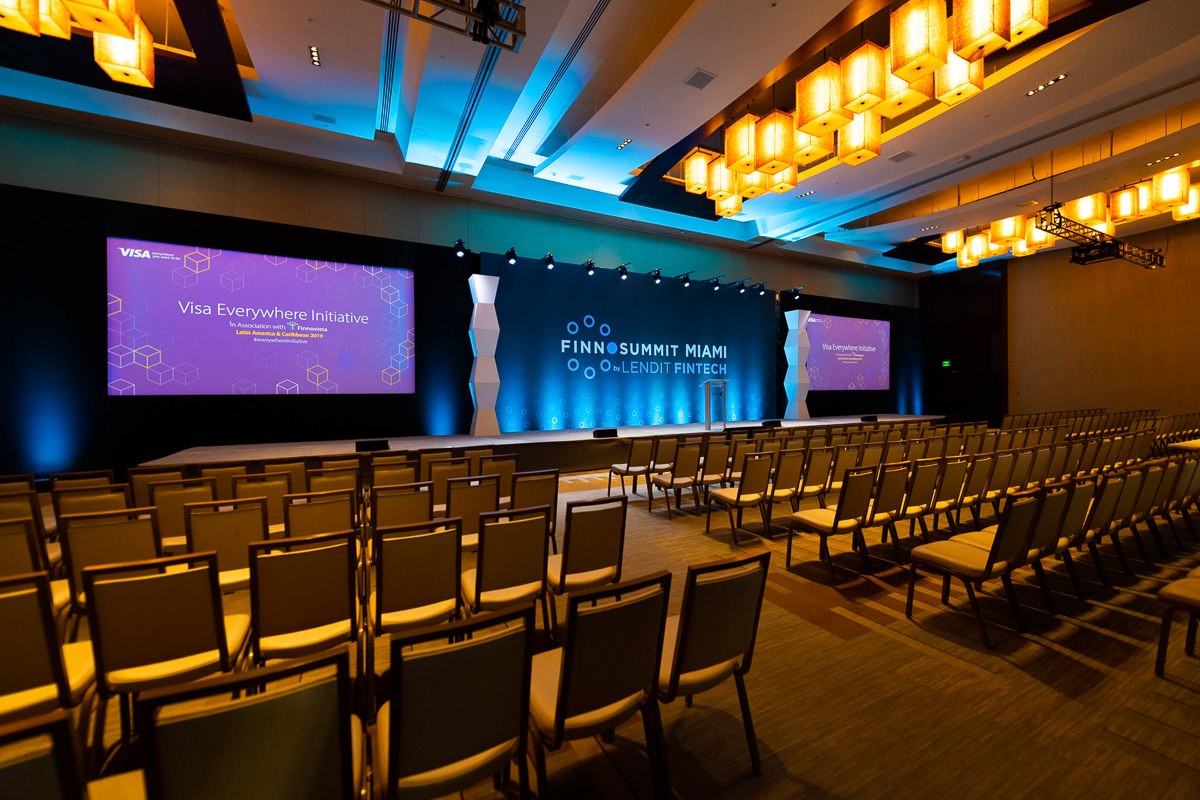
Include a wide frame showing the panel or stage arrangement when useful, then tighter frames of individuals and interactions. If screens are central to the story, check whether their content is public or confidential before publishing it. A screen visible from a camera position is not automatically approved for external marketing.
 Save
SavePlan group photographs before everyone scatters
Choose a location, timing, and person responsible for assembling the group. Look for enough room, a clean background, and light that keeps faces readable. If the group includes important guests with a short window, schedule it instead of expecting the photographer to collect them spontaneously at the end.
Arrange rows so faces are visible, and check the edges for awkward crops or distractions. Give clear, brief direction. Take enough frames to reduce blink problems, then inspect them before releasing the group when possible. A technically sharp photograph still fails if a key person is hidden behind someone else.
For step-and-repeat portraits, test where people should stand and where the camera should be. Keep branding legible without letting it dominate every face. A marked position and consistent light make the process smoother. Protect access paths so the portrait station does not block registration or emergency routes.
Build equipment redundancy around the job
Carry charged batteries, reliable cards, and a plan for equipment failure. The specific kit depends on the event, but the principle is simple: one failed item should not erase the whole assignment. Test the backup camera or flash before packing it. Untested backup equipment is only luggage.
If the camera supports recording to two cards, understand the mode you selected and check that it behaves as expected. Two slots alone do not prove two copies exist. Protect cards after the shoot and verify file copies before formatting. A fast delivery deadline is not a reason to skip basic file safety.
Pack what you can operate quickly. Changing equipment every few minutes can cost the moment you were hired to capture. Match lenses to the room and access, and keep your bag out of walkways. A reliable small setup can be better than a large collection that slows you down or creates hazards.
 Save
SaveAgree on editing, delivery, and usage in writing
Specify the delivery deadline, selection process, file sizes, and where the gallery will be accessed. If a press team needs a first selection during the event, say how many images, who approves them, and how they will arrive. A rush selection and a complete edited gallery are different deliverables.
Discuss usage rights, privacy, embargoes, and restricted guests or materials. Identify what may be published and by whom. Consent and permission requirements can depend on the event and intended use, so resolve them with the organizer and appropriate adviser rather than relying on a generic photography article as legal advice.
Editing should make the set consistent without changing the event into something else. Review names, captions, and any visible sensitive information before distribution. Keep the photographer’s source files and delivery records organized according to the agreed retention terms. Do not assume a gallery link will remain available forever.
Make a clear inquiry and improve the craft
Send the date, venue, coverage hours, approximate attendance, schedule, and delivery priorities when requesting a quote through Edin Studios. That is enough to start a useful conversation without pretending a public page confirms availability. Ask for the final scope, cost, and terms for your event.
For photographers building their skills, the Shut Your Aperture Academy offers guided photography learning to improve exposure, composition, and editing decisions. Check the current catalog for what fits your goals. Practice under changing light and learn to read a schedule before taking responsibility for moments that cannot be repeated.
Frequently asked questions
What should I send a Miami event photographer for a quote?
Send the date, venue, coverage hours, guest count, schedule, required moments, and delivery priorities. Confirm price, scope, and usage terms in writing.
Can one photographer cover simultaneous sessions?
Not fully at the same time. Set priorities or arrange enough coverage for the rooms and moments that must be documented.
Is flash allowed at every Miami event?
No. Venue and event rules vary. Confirm permission and prepare an available-light workflow if flash is restricted.
How quickly will my event photographs arrive?
Delivery depends on the agreed service. Confirm the deadline, rush selection, full gallery, and approval process for your event rather than assuming a general promise.
Do I need permission for photography at a venue?
Confirm access, credentials, equipment rules, and intended image use with the organizer and venue. Separate public-location shoots may have their own requirements.
References: current Edin Studios service portfolio, official Miami Beach and venue information, Profoto lighting guidance, and B&H flash specifications. Event photographs from the studio portfolio; no equipment, client, or location attribution inferred from their appearance.
A bounce-flash option for compatible Nikon cameras
The Nikon SB-700 supports Nikon i-TTL and manual exposure, with a tilting and swiveling head for bounce work. It uses four AA batteries. Verify your exact camera compatibility, venue permission, and needed accessories. This is not a universal flash for every camera brand, and no claim is made that it created the photographs here.
Affiliate links may earn a commission. Check current price, compatibility, included parts, and return terms.