
A better photograph often starts before you touch a setting. You notice the light, move a little, wait for the right moment and suddenly the frame has a reason to exist. A new camera cannot do that part for you. The good news is that you can practice it with the camera or phone already in your hand.
These photography tips for beginners are built around five experiments: learn your controls, change one thing, clean up the background, understand exposure and review with a purpose. Each experiment gives you something concrete to try and something specific to look for afterward. Forget collecting a hundred rules. Make a few photographs, understand why they changed and go back for a better version.
Start with a subject, not a shopping list
Choose something you can photograph more than once: a mug near a window, a tree outside, a consenting friend or a street corner you can visit safely. A repeatable subject takes some pressure off. You are not trying to master a camera while chasing an unrepeatable moment. You have room to make a mistake and correct it.
Before shooting, say what matters in the frame. Is it the shape of the tree, an expression, the color of the sky or the movement of people? That answer helps you decide where to stand and what needs to stay sharp. Without it, you can spend a whole afternoon making technically acceptable photographs that do not say much.
Give yourself a manageable session rather than an enormous assignment. Work on one question, then stop and inspect the result. A phone can teach you timing, light and composition even if it does not offer a mechanical aperture control. A dedicated camera adds other controls, but the habit of looking carefully is the same.
Experiment one: learn the controls you actually have
Open the manual for your specific camera or the help page for your phone’s camera app. Find how to choose a focus area, change brightness, review an image and switch shooting modes. Menu names differ. A tutorial for a different model can leave you hunting for a button that does not exist.
Start in an automatic mode if that helps you concentrate on the picture. Automatic exposure is not cheating. It makes some decisions for you, which means you still need to notice when its decisions do not match your intention. A bright window behind a person, for example, can leave their face darker than you wanted. Learn the exposure compensation or brightness control your device provides.
On a camera, understand the difference between the viewfinder showing where you are aiming and the focus system deciding what becomes sharp. On a phone, tapping a subject often influences focus or exposure, but exactly what happens depends on the app. Confirm it by taking and enlarging a photograph rather than assuming a box on the screen guarantees a sharp result.
Make a simple control checklist: battery ready, usable storage, lens clean, chosen shooting mode, focus area and brightness adjustment. Check it before each practice session. This prevents a forgotten setting from the last outing from becoming today’s mystery. You do not need to memorize every menu. You need to find the controls that affect the photograph in front of you.
Experiment two: change one thing and compare
Choose a stationary object and make a first photograph. Then change only your position: closer, farther away or a little to one side. Keep the subject and lighting as consistent as possible. Review the images together. Notice how the background changes, how much of the subject fills the frame and whether the viewpoint makes its shape easier to understand.
Next, try a light experiment. Photograph the same object close to a window, then farther into the room. Turn it slightly so the light arrives from another direction. Look at the shadow edge and the separation between the object and its background. You are learning to see light, not proving that one position is always best.
When your camera allows it, compare two shutter durations with a moving subject in a safe setting. One can hold movement more sharply; another can show it as blur. Keep track of what the camera changed automatically, too. If an automatic mode also changed ISO or aperture, your comparison contains more than one variable. That is still useful, but it is not a controlled demonstration of shutter speed alone.
Write one plain sentence after the exercise: moving left removed the bright sign, side light showed more texture, or a longer shutter blurred the hand. This is more valuable than a folder full of images with no explanation. Repeat the experiment until you can predict the general change before you press the shutter.
Experiment three: make the background earn its place
Your subject does not live alone in the frame. A bright patch, a tilted pole or a stranger halfway cut off at the edge can pull attention away from it. Before shooting, look behind the subject and then inspect all four edges. This small habit improves photographs without costing a dollar.
Move before you buy anything. A step sideways can put a face against a plain wall instead of a busy doorway. Lowering the camera can separate a tree from a cluttered hillside. Getting closer can remove an empty foreground. Each move changes the relationship between the subject and everything around it.
Try three versions: a wider frame that explains the surroundings, a closer frame that emphasizes the subject and a detail that shows something smaller. Do not crop tightly out of habit. The surroundings may be the interesting part. Your job is to decide which version tells the story, not automatically strip every photograph down to one object.
A grid can help you check a horizon or organize a frame, but it is a guide rather than a grading system. Place the subject near an intersection, then try the center. Compare the balance and the space around it. A strong centered photograph is better than an awkward one that follows a rule. Pay attention to where the subject faces or moves so the frame does not feel accidentally cramped.
Experiment four: understand exposure without a magic chart
Exposure is a balancing act, not a recipe that works everywhere. Aperture and shutter duration control how much light reaches the sensor. ISO changes how the camera handles and renders the captured signal; raising it does not create more light in the scene. These controls interact, and an automatic mode may adjust one when you change another.
Aperture is the lens opening, described by an f-number. A smaller f-number represents a wider opening. Aperture also affects depth of field, but distance, focal length and the way you view the finished image matter, too. A wide aperture can help separate a subject, yet it can leave part of that subject out of focus. Decide what needs to be sharp before choosing it.
Shutter duration controls how long the exposure lasts. A shorter duration can help hold movement sharp. A longer one can show motion or admit more light, but camera movement can also blur the image. There is no single safe shutter speed for every person, lens or subject. Review the actual photograph at a useful size.
ISO is one part of getting the brightness you need with the other settings you have chosen. Higher ISO can come with more visible noise and reduced flexibility in demanding edits. But a darker, badly blurred photograph is not automatically better because it used a lower number. Make the choice that protects the moment and the important detail.
For an exercise, photograph a still subject in stable light using an automatic or semi-automatic mode. Adjust exposure compensation in modest steps if available. Compare the bright areas and shadows, not just the overall impression on a glowing screen. A white object should not always turn featureless; a dark object does not always need to become gray. Learn what the camera is trying to do and when to correct it.
Our aperture guide, shutter-speed guide and ISO guide take these controls further. Work through one at a time. Understanding the tradeoff is more useful than memorizing someone else’s settings.
Find better light before fighting bad light
Walk around your subject and watch where the light lands. Front light, side light and backlight create different shapes and moods. Look at the direction of shadows and whether bright areas have detail. A beautiful sky can still leave the person in front of it too dark for the photograph you intended.
Near a window, move a person or object until the face or shape looks clear. Outdoors, compare open shade with direct sunlight when it is safe and practical. Shade can provide a more manageable starting point, while direct light can create strong graphic shadows. Neither is a universal winner. What matters is whether the light supports the photograph.
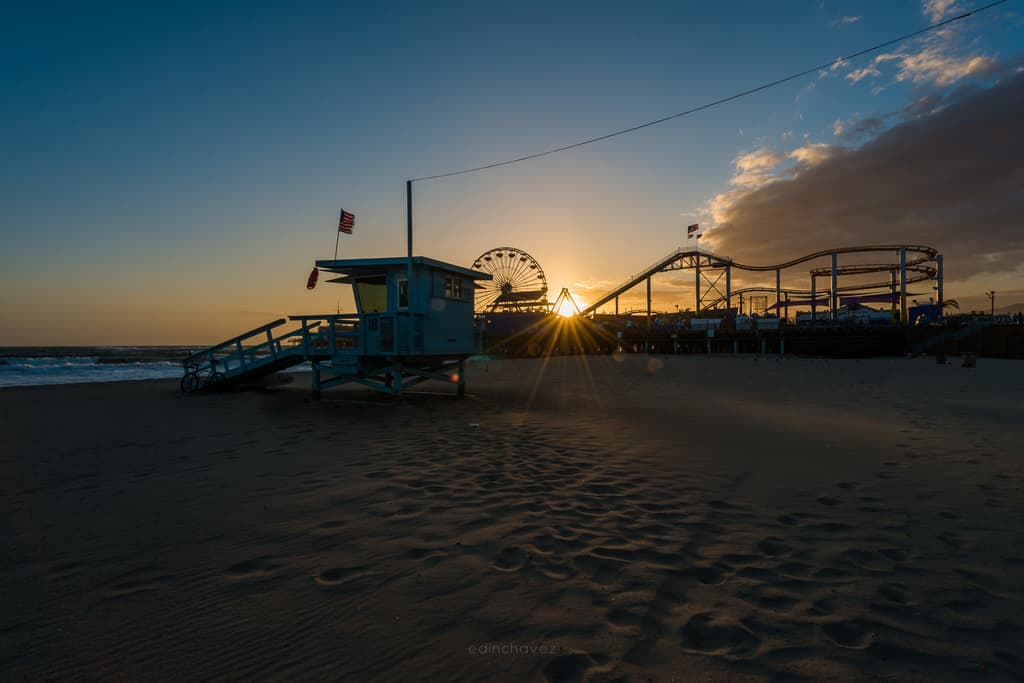
At sunrise or sunset, the scene can change quickly. Make your composition first, then watch the light develop. Do not stare into the sun through an optical viewfinder or point equipment at it carelessly. Stay aware of water, traffic and unstable ground. A dramatic sky is not worth putting yourself or someone else in danger.
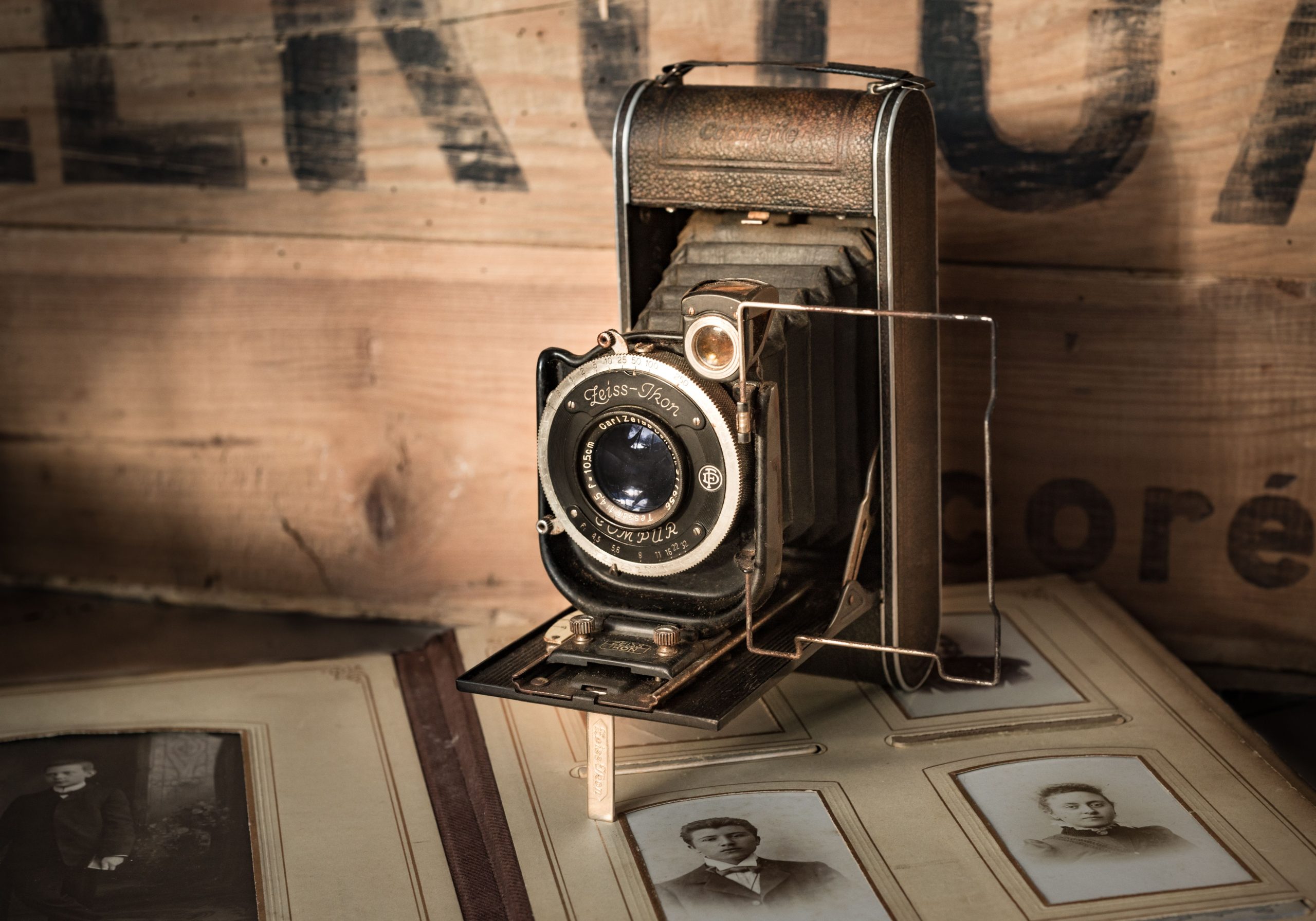
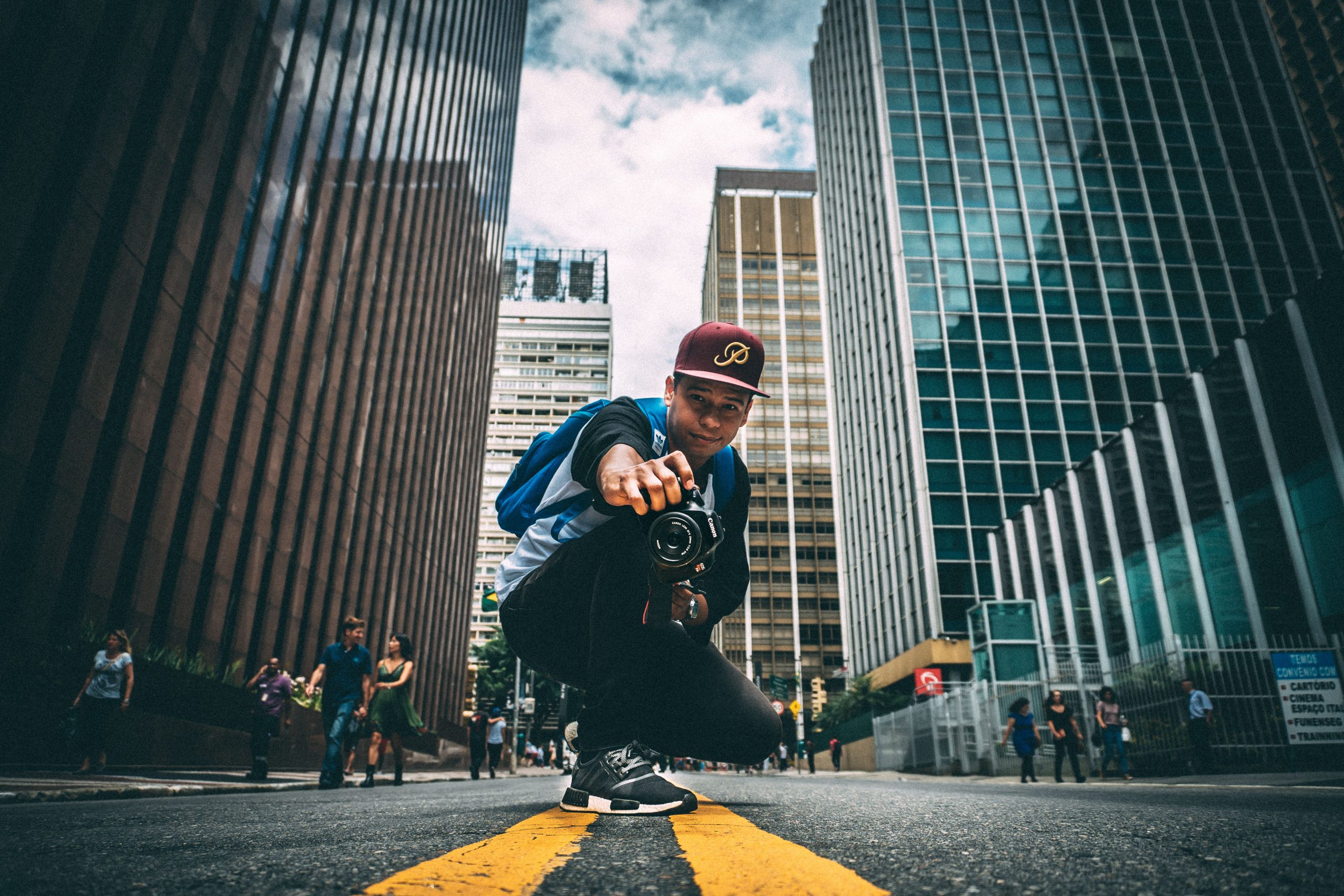
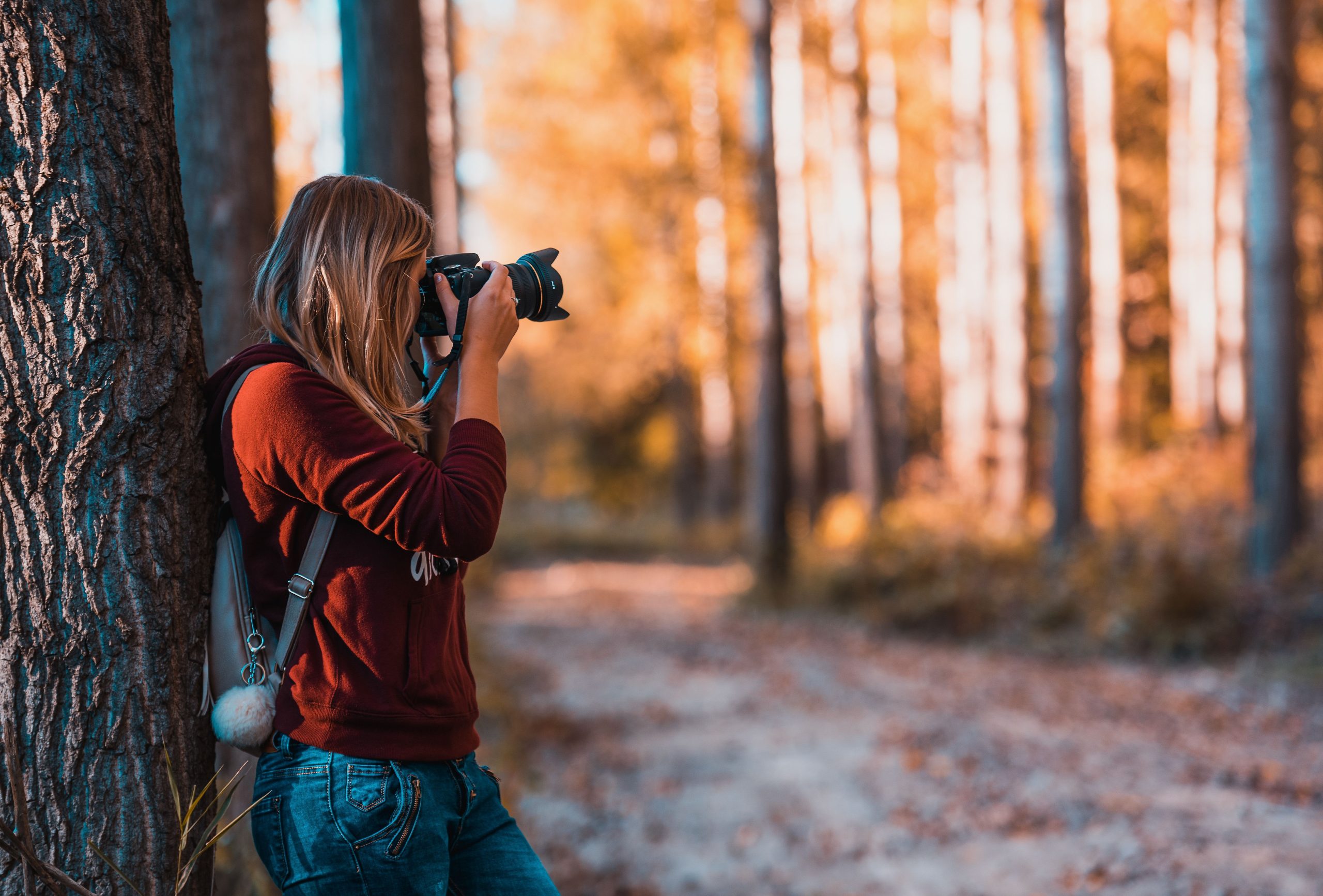
The photographs here illustrate subjects, viewpoints and light. They are not matched settings tests, evidence that a particular recipe produced the scene or a promise that a beginner will get the same result. Use them as a reason to look more closely, then test decisions with your own subject.
Sharpness starts with a decision
Decide which part of the photograph needs attention. For a portrait, that is often the nearer eye. For a landscape, you may care about several distances. Choose a focus area that supports that decision rather than letting the camera repeatedly select the most convenient object.
Learn how your device handles a still subject versus one that moves. Cameras may offer single and continuous autofocus modes with different names. Subject detection can help, but it can also choose the wrong person or lose a subject behind an obstacle. Watch the focus area and confirm the important detail in the finished photograph.
If a frame looks soft, separate the possible causes. Was focus on the background? Did the subject move during the exposure? Did your hands move the camera? Was only a narrow slice sharp because depth of field was limited? Each problem calls for a different fix. Turning up every setting at once hides the lesson.
Experiment five: review, explain and repeat
After shooting, choose one photograph that works and one that almost works. Compare them at the same viewing size. Ask what changed in the light, framing, background, focus or timing. Avoid judging everything by how bright the camera screen looked outdoors.
Make a short note about the improvement you want. Be specific: remove the bright corner, keep both eyes sharp, wait until the walker clears the doorway or reduce the empty foreground. Then repeat the photograph when possible. The repeat connects your observation to a decision, which is where progress happens.
Do not delete every imperfect frame immediately. Some are useful comparisons, and a small screen can hide an expression or detail worth keeping. Save your originals and make a verified backup of photographs that matter. A transfer message alone is not proof: open a few files from the copied location and confirm they are usable.
Edit to support the photograph
Start with a level horizon and a thoughtful crop. Then adjust brightness, contrast and color without losing the detail you care about. If a face suddenly looks unnatural or every shadow has turned gray, back off and compare with the original. A strong photograph does not need every adjustment pushed to the edge.
Editing can improve a file, but it cannot always recover missing highlight detail, correct missed focus or replace the moment you did not photograph. Keep capture decisions and editing decisions connected. If the same problem appears in every session, fix the way you shoot rather than building a complicated rescue routine.
Make an edited copy instead of overwriting your only original. Export for the place the photograph will be used and inspect that export. A file that looks good in the editor can look different after cropping, resizing or compression. Review the actual final image, not just the editing screen.
A practice plan you can actually finish
Use your next five sessions for the five experiments above. Keep the subject simple and the goal clear. One session can be all about finding your controls; another can be nothing but backgrounds. You do not need to turn every outing into a portfolio project.
At the end, select a small group of photographs that shows improvement. Explain one decision behind each. If you can name why a frame works and repeat the decision with a new subject, you have learned something useful. That is a stronger sign of progress than buying another accessory or collecting more presets.
Photography tips for beginners FAQ
Do I need an expensive camera to start?
No. A phone or camera you already own can teach light, composition, timing and review. Learn its limits before buying equipment for a specific need.
Should a beginner use manual mode?
Manual mode is useful when you want direct control, but it is not required for every photograph. Automatic and semi-automatic modes can help you practice looking while you learn the controls.
What camera settings should I use?
Choose settings for the actual light, movement and depth of field you need. There is no universal recipe. Make a test image, inspect it and adjust the control linked to the problem.
Why are my photographs blurry?
Possible causes include missed focus, subject movement, camera movement or limited depth of field. Inspect where the image is sharp and what moved before changing settings.
What should I practice first?
Start with a repeatable subject and one question: focus, light, background or timing. Change one thing, compare the results and repeat the exercise with a clear correction.
When should I buy more photography gear?
Buy when you can describe a useful photograph your current equipment cannot make. Check compatibility and the total setup rather than assuming a new camera will solve a looking or technique problem.
Gear that supports beginner practice
Start with the camera you have. When a specific need appears, compare a compatible spare battery, suitable memory cards, a cleaning kit or a stable tripod rated for your setup. Check camera mounts, card requirements, load limits and the complete cost before buying.
Compare on Amazon | Compare on B&H
These are comparison searches, not tested product reviews or promises of compatibility, price or availability. Build your understanding of light and composition with the Shut Your Aperture Academy.
Affiliate disclosure: As an Amazon Associate I earn from qualifying purchases. Purchases through Amazon and B&H links may earn a commission at no extra cost to you.

