Updated October 2026
Portrait photography is about the person in front of you. Get the light, focus, and background under control so you can give that person your attention. You do not need to begin with an expensive camera or a complicated lighting setup. You need a clear purpose, a comfortable subject, and a frame that makes sense.
The strongest starting point is simple: ask what the photograph is for, choose one useful place, and make a small set of deliberate pictures. A professional profile, a family portrait, and an environmental portrait do not ask for exactly the same thing. Decide what matters before treating every session as a search for a generic beautiful face.
These seven tips cover the choices that make the biggest difference. They also replace some overly rigid advice from the original article. Posed portraits are not automatically fake. Hard light is not automatically wrong. A wide lens is not automatically unusable. The question is whether your choices support the person, the purpose, and the photograph.
1. Start with a conversation and a clear purpose
Before setting up, ask how the picture will be used. Is it a headshot, a personal portrait, a website image, or a wider story about someone and their work? Ask whether there are specific framing needs or anything the person does not want shown. This is practical planning, not an invitation to make assumptions about their identity or comfort.
Explain the setup in ordinary language. Tell the person where you want them, what the light is doing, and what you will try first. A brief explanation helps someone who has never been photographed understand the job. It also gives them a chance to tell you if the position is uncomfortable.
Keep your attention on the person while you work. Do not bury your face in the camera after every frame without saying what is happening. Make a few photographs, check the result, and explain a small adjustment. A session feels more manageable when the subject knows why you are changing something.
Ask before touching a person, their clothing, or their hair. Better still, describe the change and let them make it themselves. Demonstrate a pose with your own body when possible. Permission for a portrait is not blanket permission for physical contact, wardrobe changes, or a different kind of photograph.
Clarify the intended use before sharing the finished work. If you want to publish a portrait beyond the agreed purpose, discuss it rather than treating participation as unlimited consent. For commercial use or a formal assignment, confirm the needed permissions and releases through the appropriate process.
 Save
Save2. Put focus where the portrait needs it
For a conventional face-forward portrait, begin with the eyes. Choose a focus point or eye-detection mode deliberately and check that the camera has found the part you want. A sharp shirt or nose does not solve a soft eye when the expression is the point of the photograph.
If the face is turned, the nearer eye is usually a useful priority. But the whole photograph still matters. If both eyes need to read clearly, choose an aperture and subject angle that provide enough depth of field. A very wide aperture is an option, not a requirement for a professional-looking portrait.
Use an autofocus mode that fits the movement. Single autofocus can suit a still subject. Continuous autofocus can help when someone is moving or changing position. Camera names and behavior vary, so confirm your model’s settings rather than copying a button sequence from another system.
Eye detection can save time, but inspect the result. Glasses, hair, a turned head, small faces in the frame, and difficult light can affect detection. If the camera is choosing the wrong target, switch to a more deliberate focus area rather than continuing to hope the next frame will be different.
Review at a useful magnification between short sets. Check the important eye, expression, and any motion blur. You do not need to interrupt every moment, but you do need to know the setup is working. Finding a focus problem after the person has left creates work you could have prevented.
Try it: Make a portrait at two apertures without changing the composition. Compare the eyes, the near and far sides of the face, and the background. Choose the depth of field that supports the picture.
3. Choose light by what it does to the face
Start with one clear light source. Window light or open shade can give you a manageable first setup. Look at the eyes, the shadow under the nose, and the shape of the cheeks. Move yourself or ask for a small turn of the face, then see whether the change helps.
Soft light can make transitions gentle, but it still has direction. A large window to the side can leave one side of the face darker. A shaded person facing a bright open area may have more readable eyes than someone facing a dark wall. Look at the actual result rather than assuming the word “shade” guarantees even light.
Hard light can be useful when you want defined shadows or a more graphic portrait. The old blanket rule to avoid it was too narrow. What matters is intention. Watch for distracting patches, unwanted squinting, and shadows that hide the expression. If the result does not support the portrait, change the angle or location.
A reflector can lift shadows, but it should not blind or distract the subject. A flash can add light, but a small diffuser does not automatically turn every flash into a large soft source. Test your equipment and look at the shadow edges. The apparent size and position of the light source relative to the subject affect the result.
If you use flash, check your camera’s flash-sync behavior and the equipment’s settings. Do not copy a fast shutter speed from a natural-light example and assume it works with every flash. Make a test before the person is waiting for a finished portrait.
Try it: Keep your subject in one comfortable spot near a window and photograph three small turns of the face. Compare the eyes and shadows, not just the brightness of the whole image.
 Save
Save4. Control distance, lens choice, and the background together
Choose your position before treating focal length as a magic portrait formula. Camera-to-subject distance affects the relative size of features in the photograph. Getting very close can make the nearest part of the face appear larger relative to the rest. That is often what people mean when they complain about a wide-lens close-up.
A standard or short-telephoto view can make it easier to frame a head-and-shoulders portrait from a comfortable distance. But there is no single focal length that every photographer must use. Sensor size, framing, room size, and the person’s surroundings all affect the practical choice.
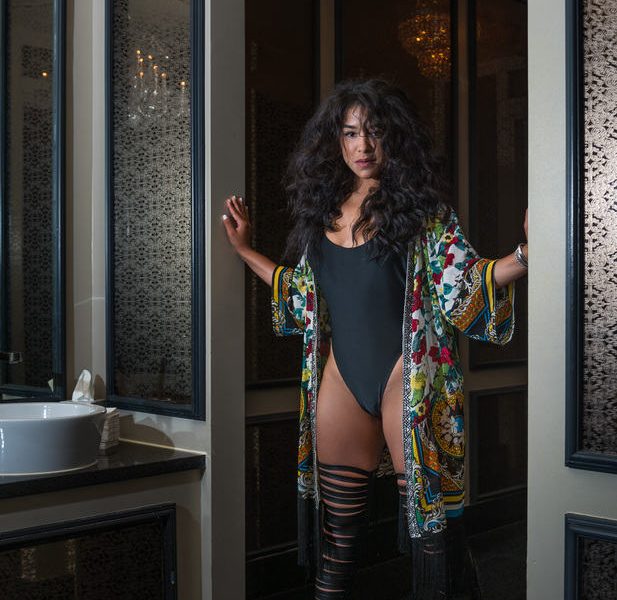
A wider lens can be useful for an environmental portrait when you want to include a workplace, home, or landscape. Keep an eye on distance and where the person sits within the frame. A close face near the edge can look different from a person placed farther away within a wider scene.
Look behind the person before opening the aperture. Move to avoid a pole appearing from the head, a bright patch beside the face, or a line that fights the composition. Background blur can reduce detail, but it does not remove every distracting shape or color.
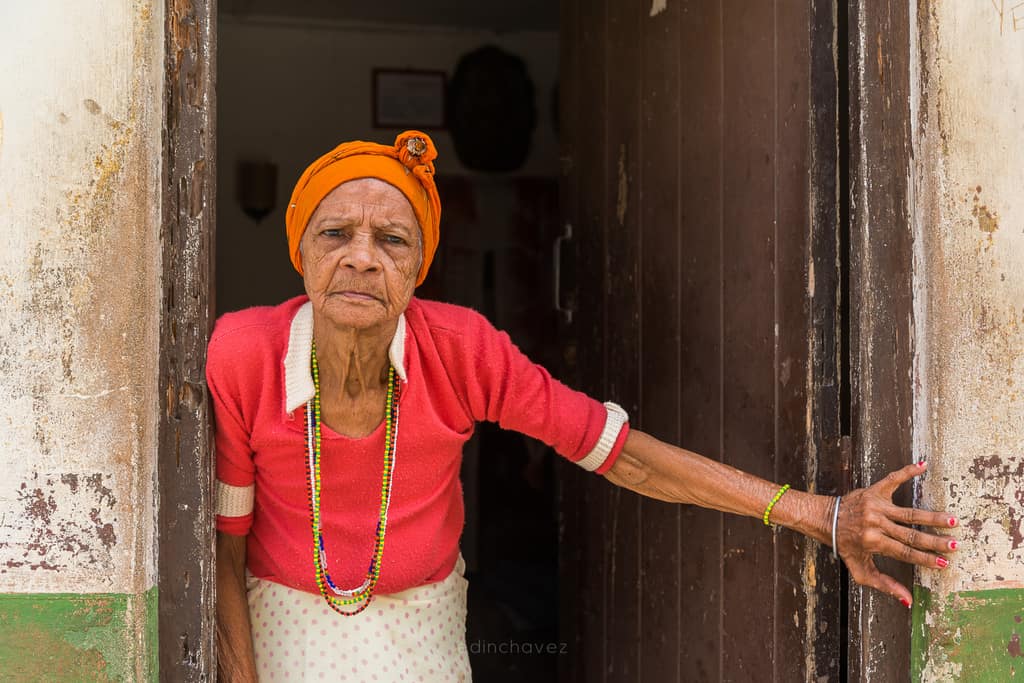
Include surroundings that add information. A tool, doorway, or room can help the portrait tell a story. Do not fill the frame with generic props simply because the background is plain. A clean headshot can be complete without any accessory at all.
Try it: Make one tight portrait and one environmental view. Change your distance thoughtfully and check how the face, background, and story change.
5. Direct small changes without forcing a performance
Give one clear direction at a time. Ask for a small turn of the shoulders, a shift of weight, or a change in where the person looks. Let them settle before adding another instruction. A long list of body adjustments can leave someone holding a pose rather than engaging with the session.
Start with a position the person can maintain comfortably. A chair or stool may help, but it is not automatically right for every body or every portrait. Ask whether the position feels okay and offer an alternative. Comfort is part of the photograph, not an obstacle you work around.
Hands often need a simple job. Resting them, placing them loosely together, or using a meaningful object can work. Avoid directing someone into a gesture that feels unlike them just because you have seen it in a posing chart. Check tension in fingers and shoulders between frames.
Posed and candid are not enemies. A carefully directed portrait can feel honest, and an unplanned frame can be awkward. The question is whether the expression and posture fit the person and the purpose. Do not dismiss a useful posed photograph because it was arranged.
Make room for moments between directions. Someone may relax after you lower the camera or finish a set. Stay attentive, but do not pretend you have stopped photographing if you are still making pictures. Trust matters more than collecting a supposedly unguarded expression.
 Save
Save6. Set exposure for sharpness and useful detail
Exposure is a balance of shutter speed, aperture, and ISO. Begin with what the photograph needs. If the person is moving, choose a shutter speed that controls that movement. If you need both eyes or several people sharp, choose enough depth of field. Then use available light and ISO to support those decisions.
For a fairly still portrait in available light, around 1/200 second can be a reasonable trial shutter speed. Check the result and go faster for movement, a longer lens, or circumstances that demand it. This is a starting point, not a universal minimum. Camera support, stabilization, and subject motion are different factors.
Do not insist on the lowest ISO when it leaves you with motion blur. Noise can often be managed; a missed expression with a blurred face is harder to recover. Likewise, do not choose the widest aperture automatically if it makes the important features too easy to lose from the focus plane.
Check skin highlights and bright clothing. Avoid exposing only for a dark background and losing important detail in the face. A histogram and highlight warning can help, but still look at the actual portrait. The brightest specular spot and the meaningful skin tone are not always the same thing.
For several people, arrange them with the focus plane in mind and inspect more than one face. A frame is not finished because the nearest person looks sharp. Use a suitable aperture, placement, and focus strategy for the group rather than carrying over a solo-portrait setting unchanged.
7. Edit and select for the person, not the preset
Choose expression, focus, and composition before applying a look. Do not assume the last photograph in the session is automatically the best. People may relax as the shoot continues, but the strongest frame can happen at any point. Review the whole set.
Remove near duplicates so the choices are meaningful. Compare small differences in the eyes, mouth, hands, and posture. One frame may have cleaner focus while another has a stronger expression. Make a deliberate choice rather than keeping every version because they are hard to separate.
Keep skin color believable. Mixed light can need local adjustments rather than one global change. Avoid heavy smoothing that removes the person’s texture or sharpening that makes every pore the main event. Retouch within the agreed purpose and do not change someone’s appearance without understanding what they want.
Finish at the size and crop needed for the destination. A headshot for a small profile image needs to read differently from a wide environmental portrait on a large page. Check the final crop and leave enough room for the use you discussed.
Keep practicing with one simple setup before adding more equipment. The Photography Academy can help you work through light, composition, and camera decisions. If budget is the concern, read our guide to growing as a photographer on a budget.
 Save
SavePortrait photography questions
Where should I focus in a portrait?
For a face-forward portrait, usually on the eyes. Prioritize the nearer eye when the head is angled, and choose enough depth of field for the features you want sharp.
Do portraits have to be candid to look natural?
No. A directed portrait can feel honest when the person is comfortable and the pose fits the purpose. Small clear directions and time to settle can help.
Can I use a wide-angle lens for portraits?
Yes, especially when the surroundings matter. Watch camera-to-subject distance and placement within the frame. Getting very close can exaggerate the relative size of nearby facial features.
Is soft light always better for portraits?
No. Soft light is a manageable starting point, while hard light can create a deliberate graphic effect. Choose the light that supports the face and expression, and avoid unwanted squinting or distracting shadows.
What should I check before delivering a portrait?
Check expression, eye focus, motion blur, skin color, retouching, crop, and the intended use. Review the full session rather than assuming the last frame is best.
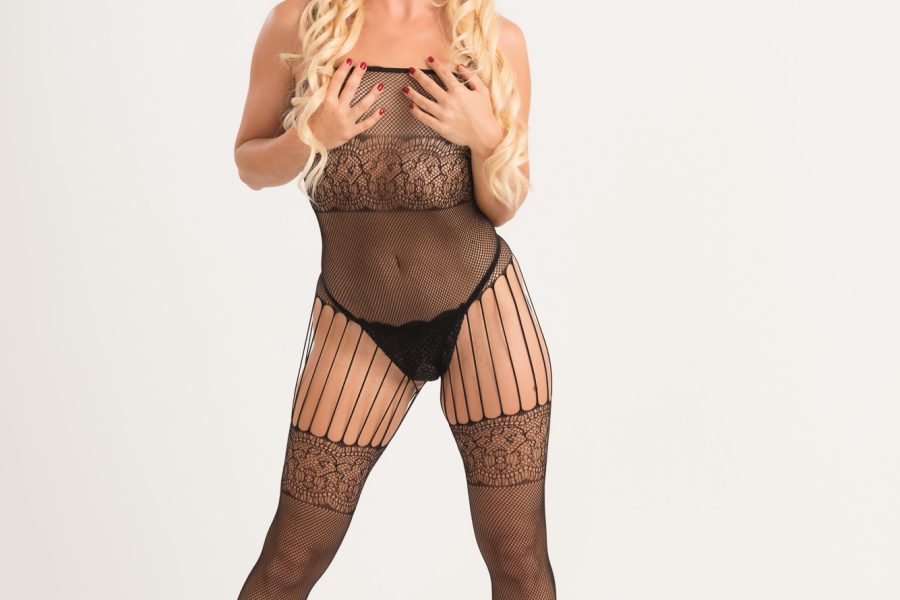
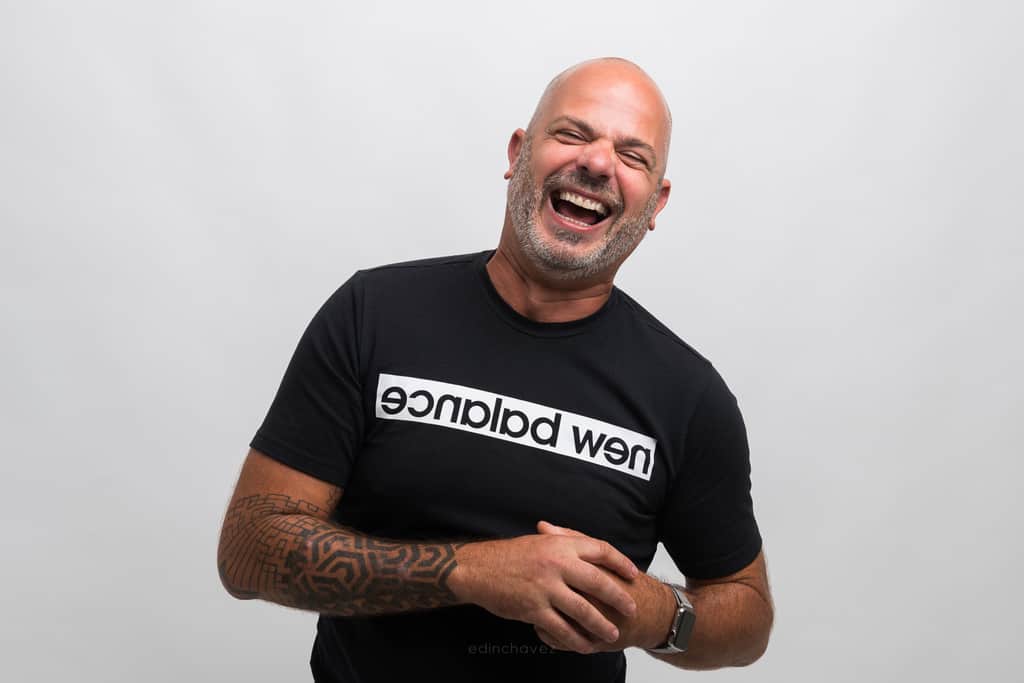
Further reading: Nikon’s portrait photography guide. The photographs here are Edin Chavez’s work, with original sets linked above.
Want to go further? The ShutYourAperture Academy’s The Portrait Masterclass (8 modules, 32+ lessons) is built to help you build portraits around faces, stories and human connection.
Recommended gear: a simple portrait kit
Start with your current camera, a useful window or open shade, and a comfortable subject. Research a lens only if your current equipment cannot give you the framing or aperture you need.
Canon RF 50mm f/1.8 STM: a prime-lens option to research if you already use a compatible Canon RF camera and need a wider maximum aperture. This is not an EF lens for Canon DSLRs. Check compatibility, current price and included accessories before ordering. Compare on B&H.
Compare current price, seller, warranty, included items, and camera compatibility before buying. A new lens is optional; better positioning, focus, and communication can improve a portrait without a purchase. Compare Canon RF 50mm f/1.8 STM on Amazon
Affiliate disclosure: We may earn a commission at no extra cost to you. As an Amazon Associate we earn from qualifying purchases.