Updated October 2026
A product photograph can look dramatic and still leave you with questions. What is the finish? How big is it? Can you read the label? Does the picture show the actual item, or a polished version that nobody will receive? Good product photography answers those questions before the lighting gets applause.
That does not mean every frame has to be plain. You can make a strong, expressive photograph and keep the product clear. The trick is knowing which image you are making: a straightforward listing, a detail, or an image built around mood. Start there, then work through light, angle, focus, color, and delivery. The camera is only one part of the setup.
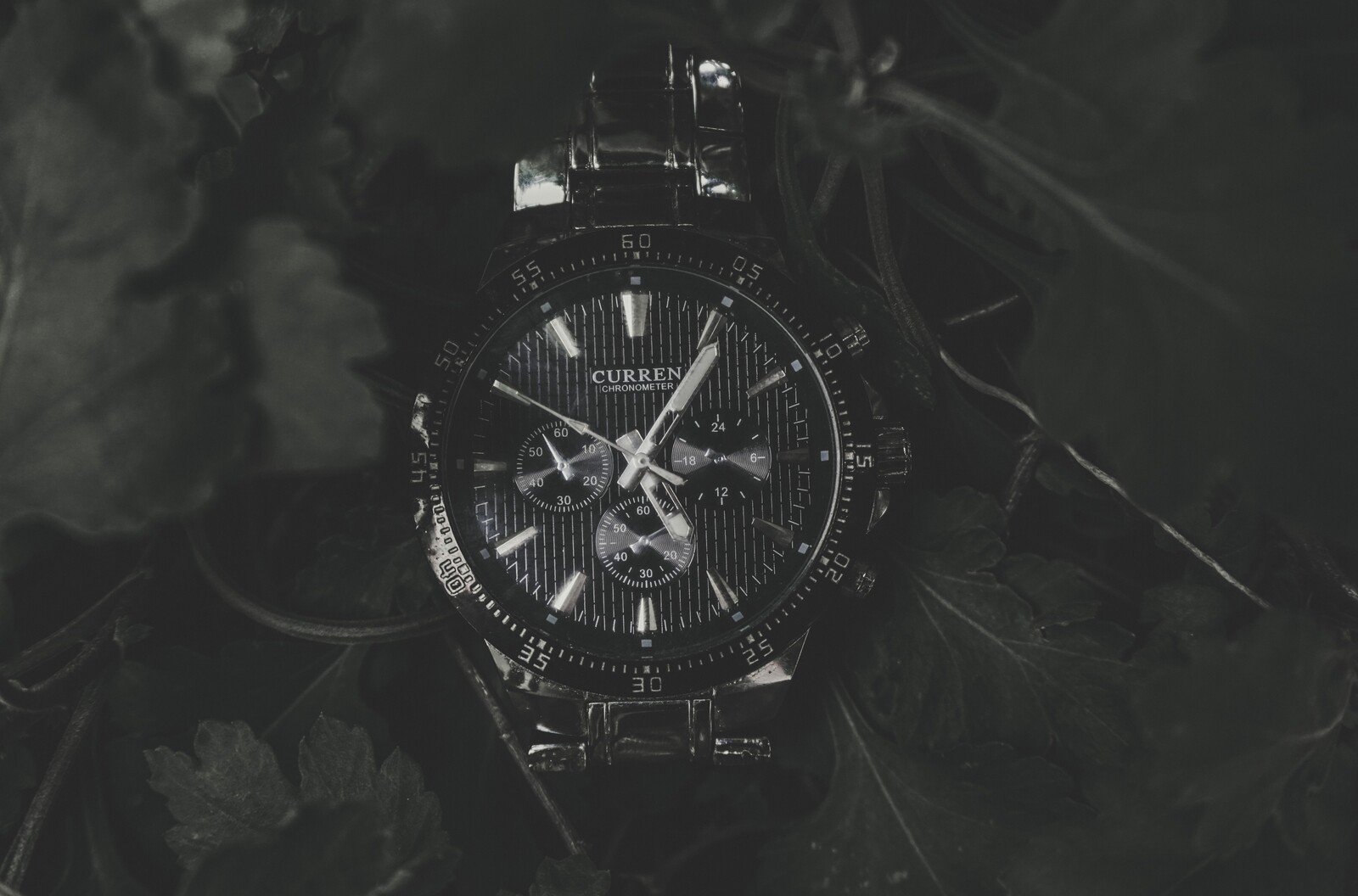
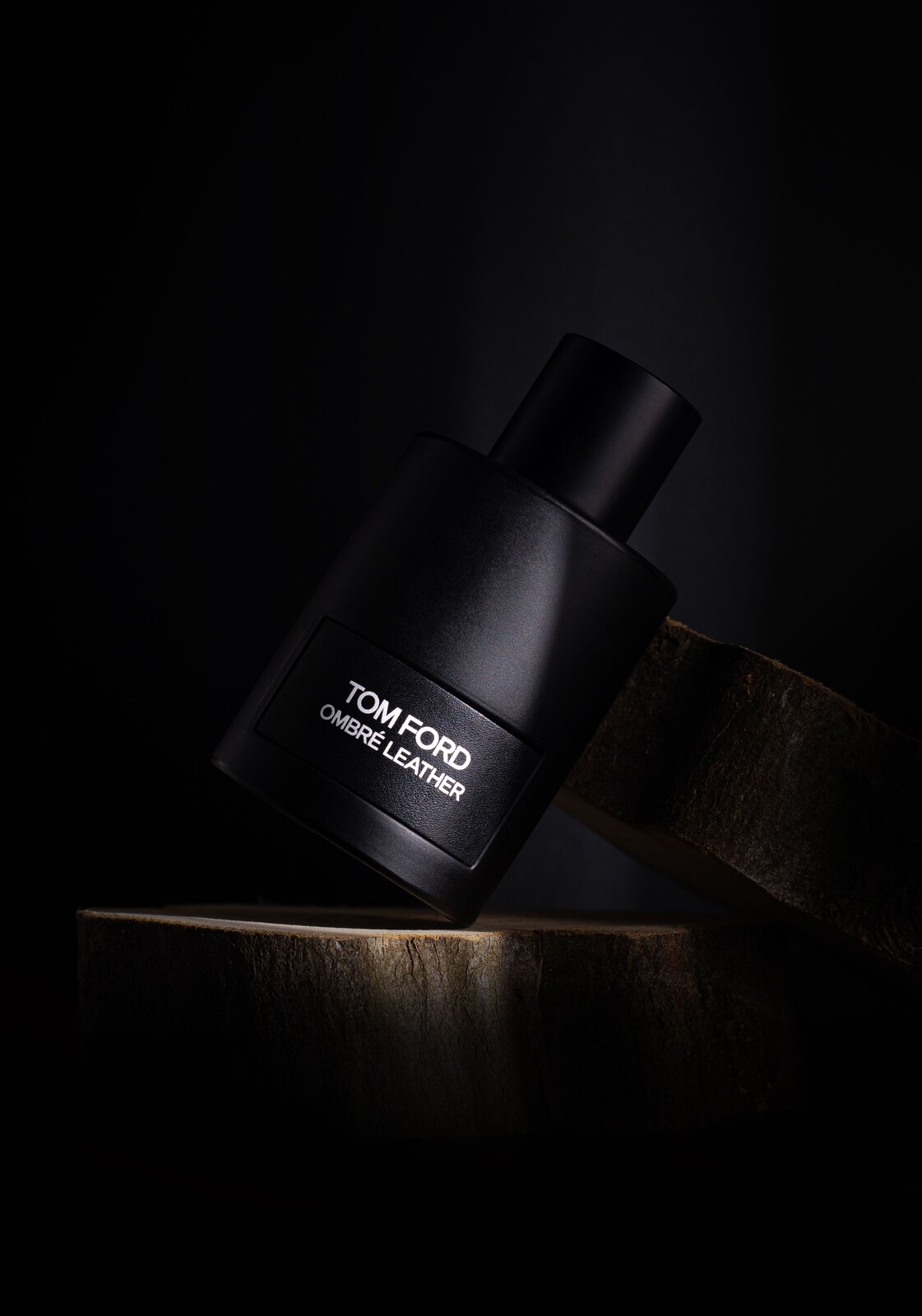
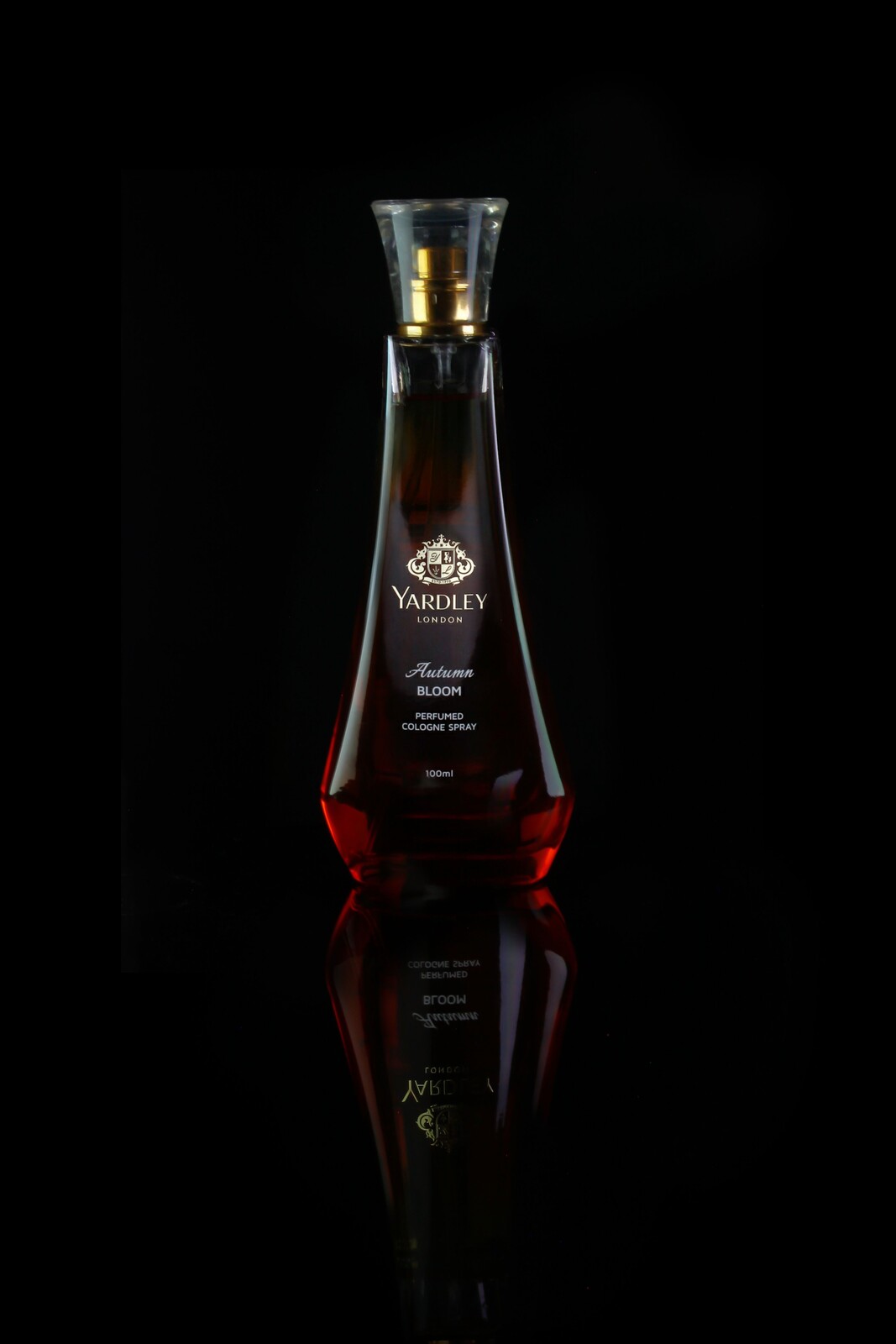
The real still lifes here illustrate shape, texture, and reflections. They are not controlled equipment tests, brand endorsements, or claims about particular camera settings. A dark promotional image also does not replace the clear views a buyer may need.
1. Begin with the job, not the background
Find out where the photographs will be used before you build the set. A marketplace listing, a catalog, a banner, and a social post may need different crops and different information. Ask for the actual requirements. Do not assume a white background, a square frame, or a particular pixel size is universal.
For a client, agree on the products, variants, image count, required angles, deadline, approval contact, and editing boundaries. Include the intended use and delivery format. A simple brief protects the photographs from becoming a pile of attractive files that cannot fit the page they were made for.
Pick the main purpose of each frame. A front view can identify the object. A side view can describe thickness. A close-up can show a material or control. An expressive photograph can give the product a setting. You do not have to force all of those jobs into one picture.
2. Make a shot list that answers real questions
Look at the item as if you had never held it. Which details would you want to see before buying? Write those down. Include the main shape, important controls, texture, connections, packaging when relevant, and anything that distinguishes one variant from another. Let the product guide the list.
Check whether scale needs explaining. A close view alone can make a small object seem much larger. Use an agreed, truthful way to show size, and keep written dimensions separate from visual guesswork. Do not add a reference object that suggests something is included when it is not.
If you are selling a used item, show meaningful wear or damage clearly. Cleaning dust from the surface is different from hiding a scratch a buyer will receive. Decide the difference before editing. Product photographs can be appealing without concealing the condition of the object.
3. Prepare the object and the surface
Inspect the product before it reaches the set. Fingerprints, dust, loose threads, and a crooked label can become obvious in a close photograph. Clean only in a way that is safe for the material. Do not spray liquid onto an electronic device or use a cleaning method you have not checked.
Put the item on a stable surface and leave room to move around it. Secure stands and manage cables so nobody catches a foot while looking through the camera. If the object needs a support, make sure it can carry the load without slipping or damaging the finish.
Prepare a test arrangement before a long session. Make one photograph and inspect it at a useful size. A surface that looks clean in the room may show dust or uneven texture under the chosen light. Fix the set now rather than planning to retouch every frame later.
4. Use one light relationship you can understand
A window can be a useful starting light source. Look at its direction, the size of the bright area relative to the product, and the shadows it creates. Move the item or camera and watch what changes. You will learn more from that visible relationship than from calling the setup professional.
Side light can show texture and shape. A more frontal direction may make some labels easier to read but can flatten others. Backlight can help describe a translucent object while leaving its front too dark. Choose the relationship that suits the material, then test the actual picture.
Canon’s product photography tips discusses simple window-light setups, reflected fill, and steady framing. Use that as a foundation, not as a settings recipe. Your object, light, and camera position are different from the examples.
5. Shape the shadows without losing the form
If one side is too dark to describe the object, try a white card opposite the light. Move it closer or farther away and compare the change. You do not need to remove every shadow. A little shadow can explain the curve of a bottle or the depth of a control.
A dark card can reduce reflected light when the scene has become too flat. This is a way to control the relationship, not an obligation to make everything moody. The finished image still needs enough information for its job. If the product disappears into the background, drama has gone too far.
Use diffusion when a reflection or shadow needs to be softer, and keep the material safely clear of hot equipment. Adding diffusion also changes how much light reaches the object. Recheck exposure after a change instead of assuming the previous settings still fit.
6. Treat reflections as part of the subject
Glossy products show the things around them. A window, a wall, your shirt, or a bright card can appear across the surface even when it is outside the frame. If the reflection hides a label or shape, changing exposure alone may darken the whole image without fixing the problem.
Move one part of the relationship at a time: the product, camera, or light. Watch where the reflection travels. You may need a broader soft reflection to describe a curve, or a different camera angle to keep glare away from a detail. Reflective objects reward small, deliberate adjustments.
Check the edges too. A black object against a black background can lose its outline. A pale object on a pale surface can do the same. Find enough separation to explain the shape without turning every edge into a harsh stripe. Look at the picture at the size where it will be used.
7. Choose a background that helps the item
A neutral background gives you fewer distractions to manage. It does not have to be white unless the brief requires white. Choose a surface and tone that make the product readable. Check whether the background competes with the material, label, or silhouette.
A lifestyle arrangement needs just as much discipline. Every prop should explain something about the intended scene or support the composition. Avoid objects that could mislead someone about included accessories or the size of the product. When in doubt, make a clean product view as well.
Watch the frame edges for cut-off supports, bright corners, or stray packaging. Those details are easy to miss while you concentrate on the object. Make a test photograph and scan the whole rectangle. Background cleanup is a capture decision before it becomes an editing problem.
8. Keep perspective believable
Your camera position affects how the product’s proportions look. Getting very close with a wide view can make the near part seem larger than the far part. That may be expressive, but it can also misdescribe the object. Move back when you need a more straightforward view and reframe appropriately.
Try a front view, a raised view, and a side view while keeping the product steady. Compare which angle explains its shape and which hides important details. Do not choose an angle just because it is common in advertisements. Use the one that serves this frame.
For a set, keep important camera relationships consistent. Record the camera height and product position so the next item does not look unrelated. A tripod can help with repeatable framing, but it is not a cure for an angle that fails to show what matters.
9. Put focus where the information is
Choose the critical detail before focusing. It might be a label, the front edge of a device, a dial, or the texture of a material. Focus somewhere on the product is not always enough, especially when you are close and depth of field is limited.
Review a saved file at a useful magnification. Check the intended detail, then the rest of the object. A sharp front corner does not help if the feature a customer needs to read is soft. Take time to make another frame while the setup is still available.
Use enough depth of field for the job rather than choosing the widest aperture by habit. If the object extends through the frame, you may need a different aperture, position, or focus approach. Test what your own setup can hold sharp. Do not assume one f-number describes every product.
10. Balance exposure for detail and stability
Start with the depth of field the photograph needs, then balance shutter speed and ISO with the available light. A still object and a secure camera support give you different choices from a handheld frame. The right settings depend on the actual conditions, not a universal product preset.
Inspect bright areas on glossy surfaces and pale labels. Keep the detail you need rather than letting a reflection erase it. Use the histogram or highlight warning as a check, then look at the image itself. A mostly dark composition can still contain an important clipped highlight.
A tripod can reduce camera movement, but the object and support need to stay still too. Touching the product, shifting a table, or using an unstable arm can change the frame. Check your support before adding equipment, and verify the saved photograph rather than trusting that the setup looks secure.
11. Build a sensible color workflow
Color matters when the photograph describes an item someone may buy. Begin with consistent light and avoid accidental mixtures that cast different colors across the object. A neutral reference can help you check white balance, but it does not make every part of the color workflow perfect by itself.
Raw capture gives you room to make careful adjustments. Compare the photograph with the product under appropriate viewing conditions, and keep edits restrained. A heavily saturated finish may look exciting while misrepresenting the material. The brief should tell you how close the color needs to be.
For color-critical work, use suitable targets and a managed editing and output workflow, and agree on the recipient’s requirements. Different screens and print processes can change the appearance. Do not promise exact color everywhere from a casual camera preview. Test the intended delivery instead.
12. Edit the photograph without changing the product
Begin with exposure, white balance, and overall contrast. Then address a specific distraction if it is within the agreed editing scope. Removing a background speck is different from changing a material, erasing meaningful damage, or inventing a feature. Keep that boundary clear.
Be careful with sharpening and texture. Aggressive settings can make a smooth finish look rough or create bright outlines around a label. Compare the edit with the original at full size and at delivery size. An adjustment that looks impressive zoomed in may look brittle in the final listing.
Do not use generated changes to add controls, accessories, ingredients, or details the item does not have. If an advertising composite is part of an approved project, keep its purpose separate from accurate product views. A creative picture should not quietly become false product information.
13. Make the whole set feel related
For several products, keep a reference frame for lighting, camera height, crop, and background. Compare new images with it as you work. A consistent set helps the viewer judge the items without wondering whether a change in brightness or scale means a change in the product.
Record the decisions that matter. If you move a light, note why. If a different material needs a different reflection, make the change deliberately and compare the result. Consistency does not mean forcing every object into identical light when that hides its shape.
Check the required crops while the products are still on set. A square listing and a wide banner may need different spacing. Capture the needed views rather than expecting every frame to survive every crop. Leave room when the brief asks for it, not for an unlimited list of imaginary uses.
14. Deliver files someone can actually use
Confirm dimensions, format, color requirements, and naming with the recipient. Export for that use, then open the finished files. Look for accidental crops, missing edits, unclear labels, and changes in color across the set. File existence is not the same as a finished delivery.
Keep the original captures and agreed backups. For a client, record the approved version and any revisions so a later request does not become a guessing game. Name products and variants clearly. A folder of random numbers makes the recipient do work you could have prevented.
For practice, choose one object and build a small set: a clean identifying view, a useful detail, and a more expressive frame. Change one decision at a time and compare the results. Learn what light, angle, and focus contribute before deciding that another camera will solve the photograph.
Product photography FAQ
Do I need a macro lens?
Not for every product. Check whether your current lens focuses close enough for the required frame. Buy closer-focusing equipment only when you can name the limitation.
Must every product have a white background?
No. Use the background the actual brief or marketplace requires. A neutral background is useful, but the requirements depend on the destination.
Can I hide scratches in a used-item listing?
Show meaningful wear and damage honestly. Removing dust is different from concealing a condition the buyer will receive.
Does a tripod guarantee a sharp result?
No. Focus, depth of field, support stability, exposure time, and object movement still matter. Inspect a saved image.
Are these photos controlled lighting comparisons?
No. They are verified real still lifes illustrating form, texture, and reflection, with no invented settings or product-performance claims.
Gear for a simple product photography setup
Start with your current camera, a stable surface, and a light source you understand. These are comparison searches, not equipment reviews or promises of price, stock, or compatibility.
For a tripod, reflector, diffuser, or close-focusing lens, check your camera mount, working distance, support load, and available space. Compare on Amazon | Compare on B&H
Keep building your eye for light and composition with the Shut Your Aperture Academy.
Affiliate disclosure: As an Amazon Associate I earn from qualifying purchases. Purchases through Amazon and B&H links may earn a commission at no extra cost to you.