
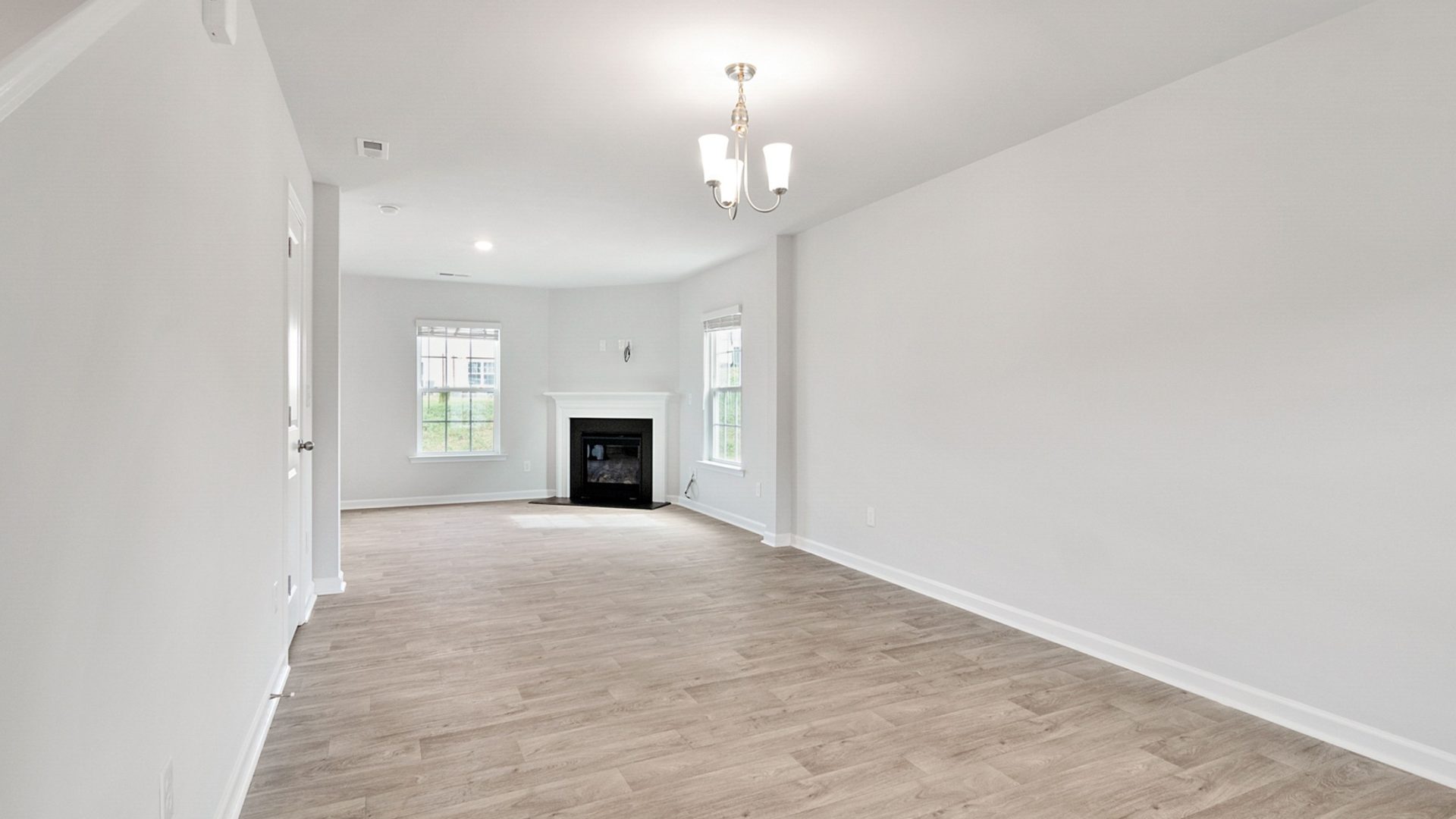
Featured image: Empty white room with a fireplace and broad windows. Photo by Curtis Adams / Pexels. Pexels License. (Stock photo, illustrative.)
Virtual staging should explain a room, not rewrite it
Virtual staging adds digital furniture and decor to a photograph so a viewer can imagine how a room might be used. Its useful purpose is explanation: a seating group can clarify an open living area, or a bed can help someone understand a bedroom layout. The photograph still represents a real property. A convincing rendering is not a reason to change the room’s dimensions, conceal damage, replace a view, or imply that furnishings are included in the sale.
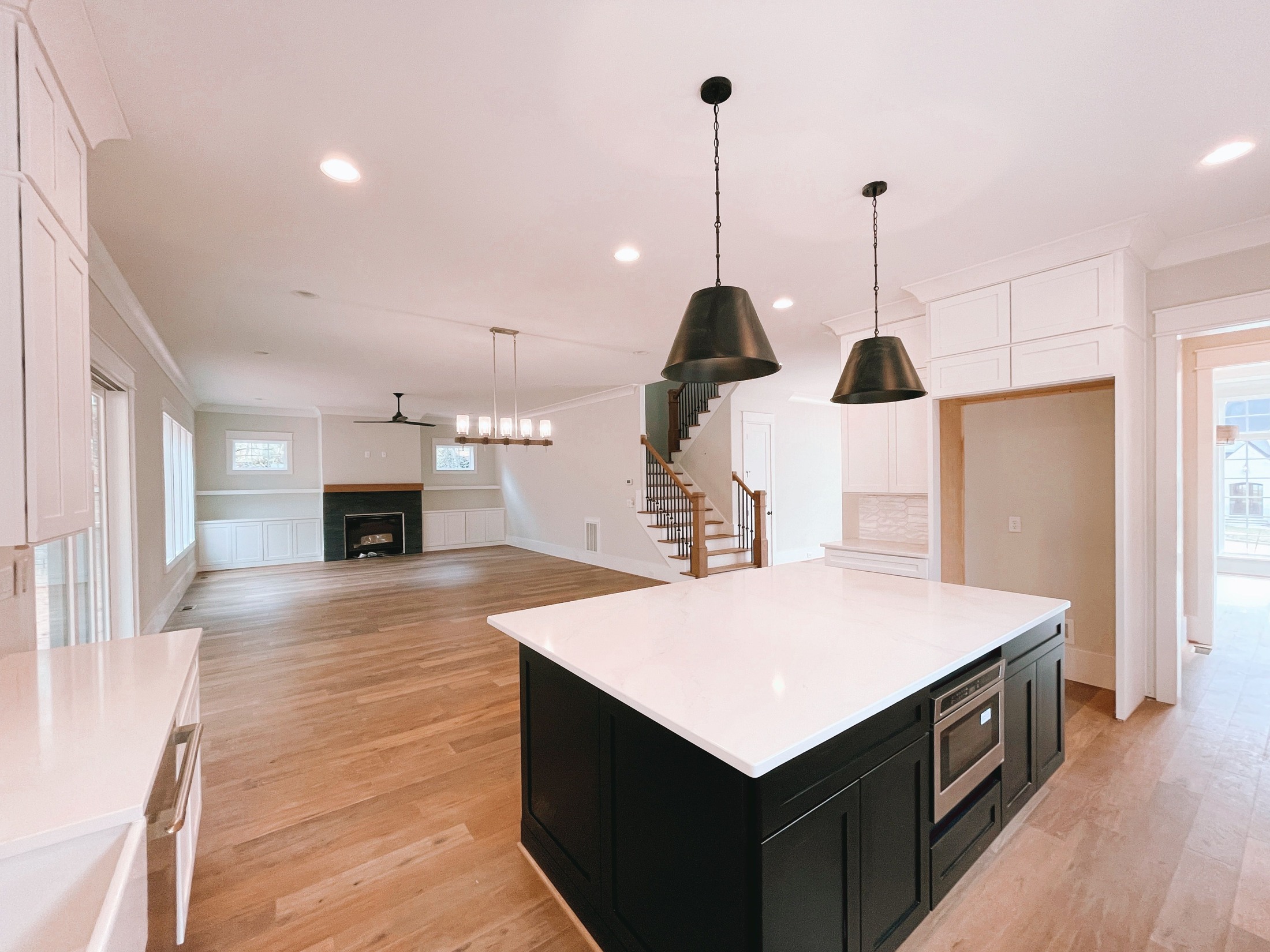
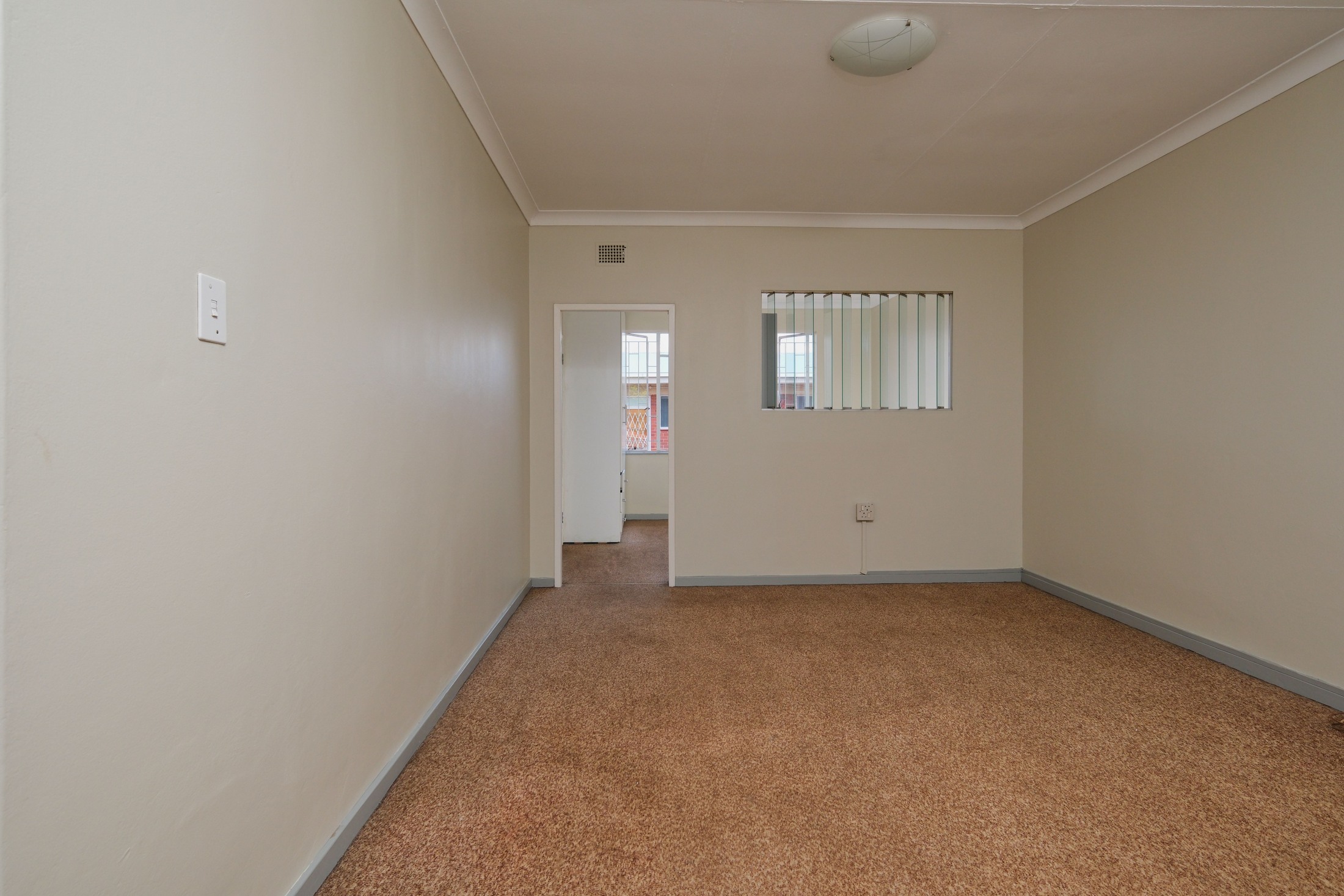
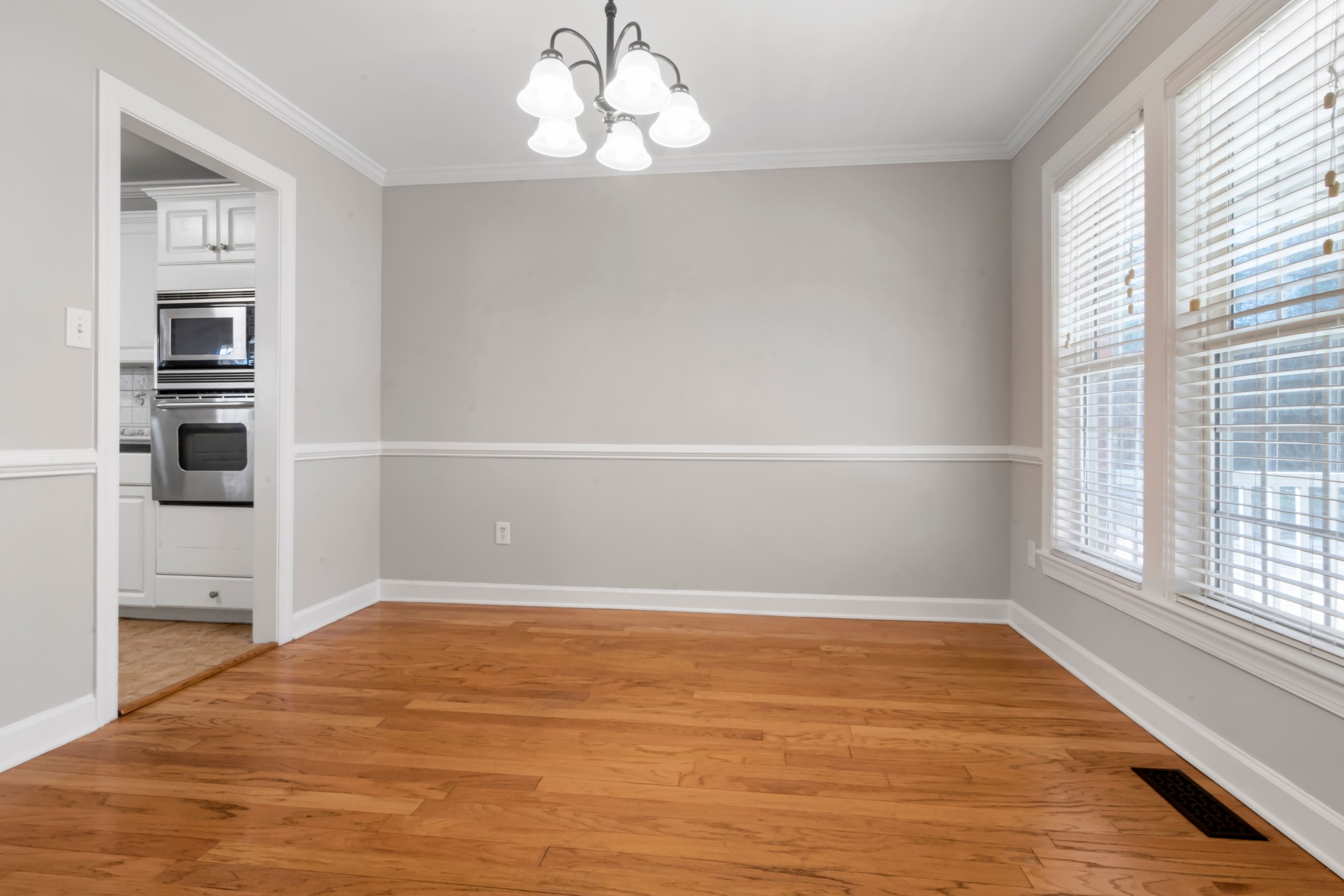
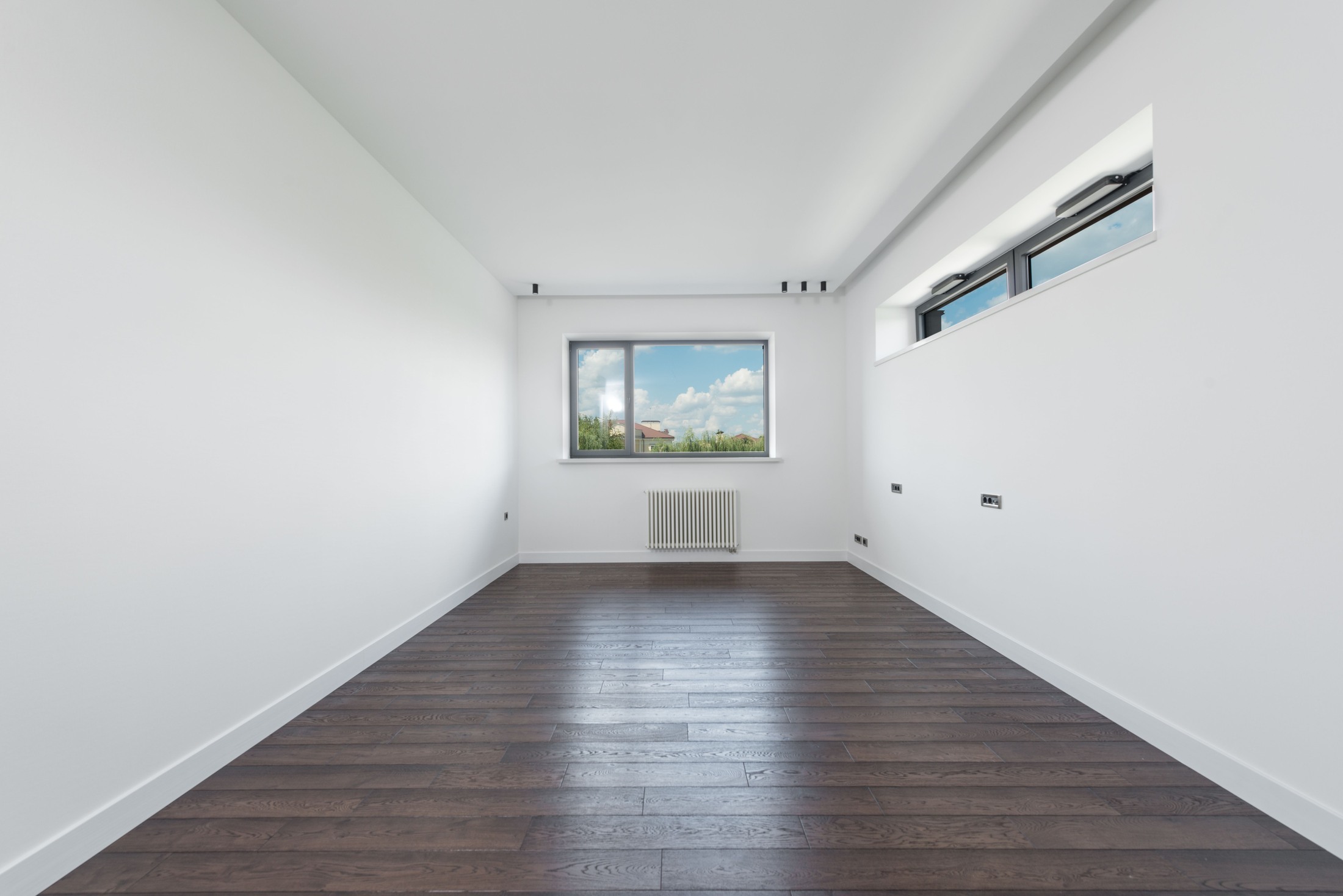
Treat staging as a separate, disclosed visualization rather than an invisible improvement to the listing. Keep an unstaged photograph available and make the distinction easy to understand at a glance. A buyer should not have to discover the difference during a showing. The photographs in this article are real, illustrative stock interiors, not our client properties, virtually staged results, or controlled before-and-after examples. They illustrate photographic decisions without claiming that any particular furniture arrangement fits a measured property.
The strongest workflow begins before anyone adds a sofa. Agree on the purpose of each image, record what may and may not change, photograph the room accurately, and define who will approve the result. This makes staging a manageable part of a property-media service rather than a promise that software will fix weak photography. It also separates the photographer’s work from the broker’s responsibility to confirm the listing’s current rules and advertising obligations.
Choose rooms where a layout needs explanation
Start with a specific question the photograph leaves unanswered. An empty open-plan room may need help showing where dining ends and seating begins. A small spare room may need one clear use rather than several competing possibilities. Photograph the actual space first, then decide whether a staged version adds information. A room already full of suitable furniture may benefit more from careful physical preparation and better framing than from another digital treatment.
Do not stage every image merely because a package allows it. Too many variations can confuse the property’s identity and make the gallery harder to follow. Choose a small, coherent set of important views and keep the remaining photographs useful as honest context. A staged living room should still connect visually with the actual adjoining kitchen, doorway, and window view. If a viewer cannot reconcile the images with one another, the presentation needs another review before delivery.
 Save
Prepare the real room before reaching for software
Ask the agent or owner to arrange practical preparation before the shoot. Remove movable clutter physically when appropriate, obtain permission before handling belongings, and keep personal documents out of frame. Do not assume that a digital cleanup is equivalent to an accurate source photograph. A damaged wall, permanent fixture, or blocked route may be material information, not an editing inconvenience. Record unresolved issues for the client rather than silently erasing them from the picture.
Make a short photographic brief that names the room, intended use, main viewpoint, and any features that must remain visible. Include known furniture dimensions or a measured sketch when proportion matters. Clarify whether the job is furnishing a vacant room or illustrating a hypothetical renovation. Those are different deliverables and may be subject to different restrictions. A renovation concept should never be allowed to drift into a listing gallery as if it showed the property’s present condition.
Capture a source photograph that preserves the space
Choose a camera position that explains the room without exaggerating it. An extremely wide view from a corner can stretch objects near the edges and make scale harder to judge. Keep important vertical lines controlled and compare the photograph with the room in front of you. The goal is a readable account of the layout, not the maximum possible floor area in one frame. Move safely and make a second view when one position cannot explain the space clearly.
Use a stable camera position and check detail in the important bright and dark areas. Window light, interior lights, and reflective surfaces can make exposure and color difficult. Use aperture and depth-of-field fundamentals to plan which details need to remain clear. Make a test image, inspect it, and choose a capture method that preserves a believable relationship between the interior and the view. Do not paste a more attractive exterior behind the glass simply because it makes the room easier to market. A difficult window is a photographic problem, not permission to invent a location.
Keep the original capture and a clearly identified photographic edit before creating any staged version. Correcting exposure or white balance does not automatically justify changes to the substance of the property. Read the destination’s current distinction between ordinary adjustments and digital alterations. CRMLS guidance, for example, distinguishes common photographic adjustments from adding, removing, or changing elements, and sets specific requirements for altered listing images. Its rules are not a universal substitute for the rules elsewhere.
 Save
Set a written boundary around the digital work
Give the editor an explicit keep-unchanged brief. Identify walls, windows, doors, flooring, cabinetry, built-in storage, fixtures, exterior views, and visible condition as reference points. Ask for an explanation if the requested layout appears to require changing them. Do not accept a prettier output as proof that the brief was followed. A staging system can produce plausible details that were never present in the source, especially around reflective surfaces, openings, and partially hidden objects.
Choose furniture by measured fit rather than by how spacious the preview looks. Compare a bed, sofa, or table against the available floor area and the clearance around doors and routes through the room. Do not shrink a sofa or narrow a bed simply to make the room seem larger. If dimensions are not available, treat the layout as provisional and ask for them. An attractive image cannot establish that a specific arrangement is practical, accessible, or physically possible.
Keep design choices restrained and consistent across related views. The same room should not acquire a different floor, a moving window, or a conflicting furniture arrangement in the next photograph. A small amount of furniture can explain a use without hiding the very features a buyer needs to inspect. Avoid decorative objects that obscure outlets, damage, vents, or important built-ins. The room is the subject of the listing; the digital furniture is only an aid to understanding it.
Review the staged image against the original
Open the source and staged output side by side at matching framing. Check every wall junction, window edge, door opening, floor transition, and permanent fixture. Look closely at mirrors and glass, where an added object may be missing from the reflection or an existing feature may have changed. Inspect shadows, contact with the floor, and furniture edges as well. These checks improve credibility, but they do not replace the more important check that the property’s real features remain unchanged.
Review the full image at normal viewing size, then inspect difficult areas more closely. A result that looks good as a thumbnail can contain distorted chair legs, repeated textures, floating objects, or an impossible overlap around a doorway. Correct those problems before asking the agent to approve the gallery. Do not rely only on a software completion message or a vendor’s claim of accuracy. The delivered image is what a buyer sees, so the actual exported file needs its own review.
Ask the person who knows the property to confirm the representation before publication. The photographer may not know whether a feature is temporary, excluded from the sale, or different from the room’s current condition. Keep the approval attached to the specific version, not merely to a general design style. If a revision changes the visible property or furniture layout materially, send that revision through review again. Approval of an earlier draft is not approval of every later export.
 Save
Treat disclosure as part of the image delivery
Read the current rules of the actual MLS, brokerage, advertising channel, and jurisdiction before publishing. Requirements differ, and the fact that a tool provides a label does not establish compliance. Some destinations require an original image next to the altered version, some use a particular watermark, and some require access to originals through a disclosure link. A generic statement buried in the property description may not be enough. Resolve the destination requirements before building the final delivery set.
The differences are practical. CRMLS instructs users to place the original immediately before or after an altered image and label the altered image in its description. ARMLS describes a required digitally altered disclosure on the image and a paired original. MetroList describes conspicuous disclosure on or adjacent to the image and access to originals. These are examples of why one platform’s process should not be copied blindly to another.
Use plain words that identify the change, such as furniture digitally added, when that accurately describes the work and satisfies the destination’s rules. Do not label an original stock interior as a staged result, or call a renovation concept a photograph of the current property. NAR’s discussion of altered listing photos stresses clear, specific disclosure and retained originals. Check that the label remains visible on mobile and survives the actual publishing and syndication process.
 Save
Package originals, revisions, and approved exports clearly
Use filenames and folders that make mix-ups difficult. Keep original captures, photographic edits, staged drafts, and approved listing exports separate. The Lightroom editing course covers a broader photographic editing workflow; staging and disclosure need their own checks. Give paired originals and staged images a shared room identifier so the client can match them without guesswork. Include a delivery note explaining what changed and which files are approved for which destination. Do not leave the client to infer the final version from a folder full of similarly named images with different furniture arrangements.
Keep a second checked copy separate from the working drive. Open representative files from the backup rather than assuming a completed copy operation proves they are readable. Preserve the source photograph, relevant brief, disclosure text, and final approved version together for later questions. Storage is part of a reliable delivery process, but a particular drive does not establish image accuracy or legal compliance. The practical goal is to be able to recover what was shown and explain which version it came from.
Price the scope rather than promising a sales result
Compare quotes using the same deliverables: number of rooms and views, source-photo requirements, design choices, revision rounds, output dimensions, commercial-use terms, and turnaround expectations. Ask what counts as a revision and what happens when a result changes a structural feature. A low per-image headline can be a poor comparison when review, corrections, or usable-resolution files are extra. Confirm the current quote directly instead of treating an old published price as a standing offer.
Do not promise a faster sale, a higher price, or a particular return from staging alone. Marketing outcomes depend on the property, asking price, market, presentation, and many other decisions. A useful evaluation asks whether the images explain the room honestly and whether viewers understand what is real. Track revision time, client questions, and any confusion at showings. Those observations are more useful for improving the service than repeating unsupported claims about guaranteed buyer interest.
Check the published gallery, not only the delivery folder
After the client uploads the approved files, inspect the actual listing on a desktop screen and a phone. Confirm that each altered image has the intended disclosure and is paired with the correct original where the rules require it. Check image order, cropping, and whether labels have become too small to read. A correct delivery folder does not prove that an automated upload or a later gallery rearrangement preserved the disclosure. Report any mismatch before using the listing as a portfolio example.
Keep the distinction between an editorial illustration, a design concept, and a property listing clear wherever the image travels. A social-media crop can remove a label that was visible in the full photograph, while a portal may omit a caption. Build the review around the actual destination rather than assuming every version inherits the same context. If the intended disclosure cannot be preserved, stop that use until the responsible agent has a compliant publishing method.
Know when not to stage
Stop when the proposed image depends on hiding a defect, inventing a view, changing a permanent feature, or suggesting a layout that cannot be checked. Choose an accurate unstaged photograph instead. Physical preparation, a different camera position, or a clear floor plan may answer the buyer’s question better. Virtual staging is optional; truthful representation is not. When a rule or a proposed edit is unclear, ask the responsible broker or the relevant compliance team before publication rather than guessing from a tool’s marketing page.
Practice the workflow on photographs you have permission to use, with a measured room and a clear comparison to the original. Review the result as both a photographer and a viewer trying to understand the property. For more work on photographing interiors, explore Architectural & Interior Photography at Shut Your Aperture Academy. Better source photography, disciplined review, and understandable disclosure make a stronger foundation than treating digital furniture as a substitute for accurate visual information.
Virtual staging questions
What is virtual staging?
Virtual staging adds digital furniture or decor to a photograph to illustrate a possible use of a room. The result should be disclosed and distinguished from the property’s actual condition.
Can virtual staging change walls, windows, or flooring?
Do not treat staging as permission to change permanent features or hide defects. Check the actual destination rules, and keep any permitted renovation concept clearly separate from photographs of the current property.
Do virtually staged listing images need disclosure?
Check the current MLS, brokerage, advertising-channel, and local requirements. Disclosure methods differ and can include a specific watermark, an image description, and access to the original photograph.
Should I keep the unstaged photograph?
Yes. Retain the original and deliver a clearly matched pair when required. Several MLS policies require an original next to the altered image, but the exact publishing process depends on the destination.
How do I check whether furniture fits?
Use actual room and furniture dimensions and check doorways and walking routes. Do not make furniture smaller to create an impression of extra space. Ask for measurements when scale cannot be confirmed.
Does virtual staging guarantee a faster sale?
No. It can help explain a room, but no image treatment guarantees a sale, a higher price, or a particular marketing result.
Are the photographs in this guide staged examples?
No. They are real illustrative stock photographs of interiors, not our client properties, generated room designs, or controlled before-and-after comparisons.
Keep originals and staged exports separately
A black Samsung T7 Shield portable SSD, 1TB model MU-PE1T0S/AM, is one storage option for original property photographs and staged exports. Check the computer connection and capacity before buying. Open the copied files and maintain another checked copy separately. A drive does not stage a room, establish image accuracy or produce a marketing result. Compare the current retailer specifications; no hands-on test, price or stock promise is being made here.
Compare Samsung T7 Shield Portable SSD Black 1TB MU-PE1T0S/AM on Amazon | Check Samsung T7 Shield Portable SSD Black 1TB MU-PE1T0S/AM at B&H
Affiliate disclosure: We may earn a commission from qualifying purchases through these gear links at no extra cost to you. As an Amazon Associate, Shut Your Aperture earns from qualifying purchases.