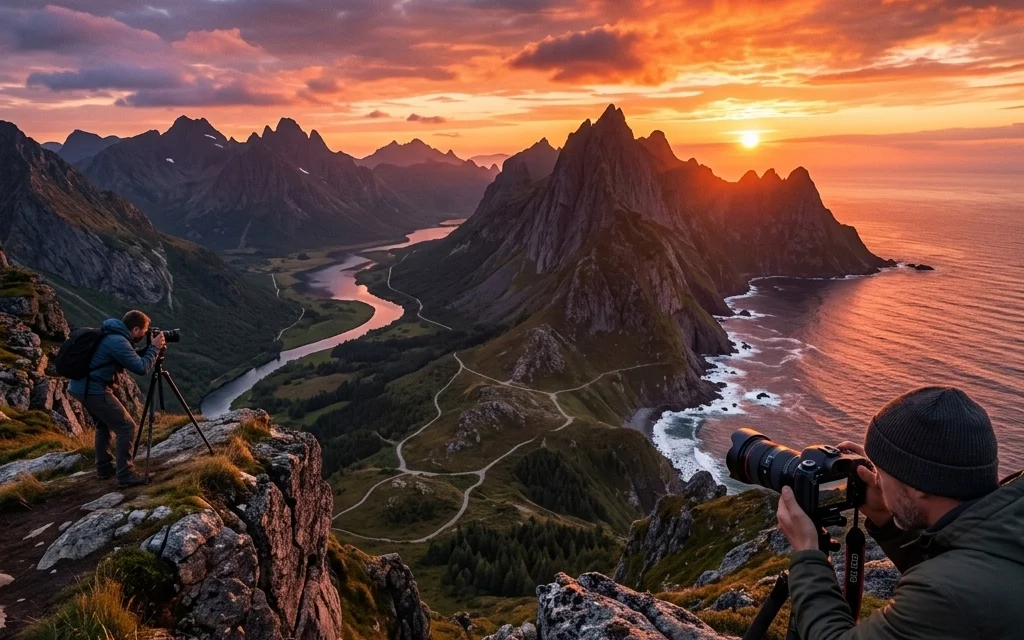
Landscape photography looks easy until you try it. The scene is epic, your eyes are impressed, and then your photo comes back… fine. Not bad. Just not that.
Most “meh” landscapes come from a handful of repeat mistakes, composition slip-ups, exposure choices, and heavy-handed editing. Let’s fix the big seven (with simple, repeatable habits you can use on your next hike, road trip, or sunrise mission).
Before you share this on socials: Sonny (our Social Media Manager) is planning a “Fix Your Landscapes” carousel this month, so if you’re building behind-the-scenes clips or before/after edits, send them his way so he can link back to this post.
Mistake #1: Your horizon is crooked (and you don’t notice until it’s posted)
A slightly tilted horizon is one of those things viewers can’t “unsee.” Even non-photographers feel it. And if you rely on fixing it later, you’ll often crop off important edges, especially with wide-angle landscapes.
Quick fixes (in the field)
- Turn on your grid overlay (rule of thirds grid) and line up the horizon with it.
- Use your camera’s electronic level if it has one.
- Slow down for 2 seconds before clicking: scan left-to-right and ask, “Is the horizon level?”
Quick fixes (in editing)
- Straighten first, then crop.
- Zoom out while straightening. Zoomed-in straightening makes you “level” to the wrong reference.
Long-tail keyword tip: “how to fix crooked horizon in landscape photos” is a common search. Put this on your mental checklist every shoot.
Mistake #2: You’re shooting the whole scene… but nothing is the subject
The fastest way to make a landscape feel like a snapshot: no clear main subject. If everything is “the subject,” nothing is.
What a subject can be in landscape photography
- A lone tree, peak, lighthouse, cabin, rock formation
- A bright patch of light
- A leading line (river, road, fence) that points somewhere
- A person for scale (tiny human = instant drama)
The “one sentence” test
Before you shoot, finish this sentence:
“This photo is about the _______.”
If you can’t fill that in, you’re probably collecting scenery, not composing a photo.
Composition fixes that work almost everywhere
- Foreground–midground–background: give the viewer depth.
- Move your feet: if the foreground is messy, take three steps left or right.
- Use negative space: a clean sky or open water can make your subject pop.
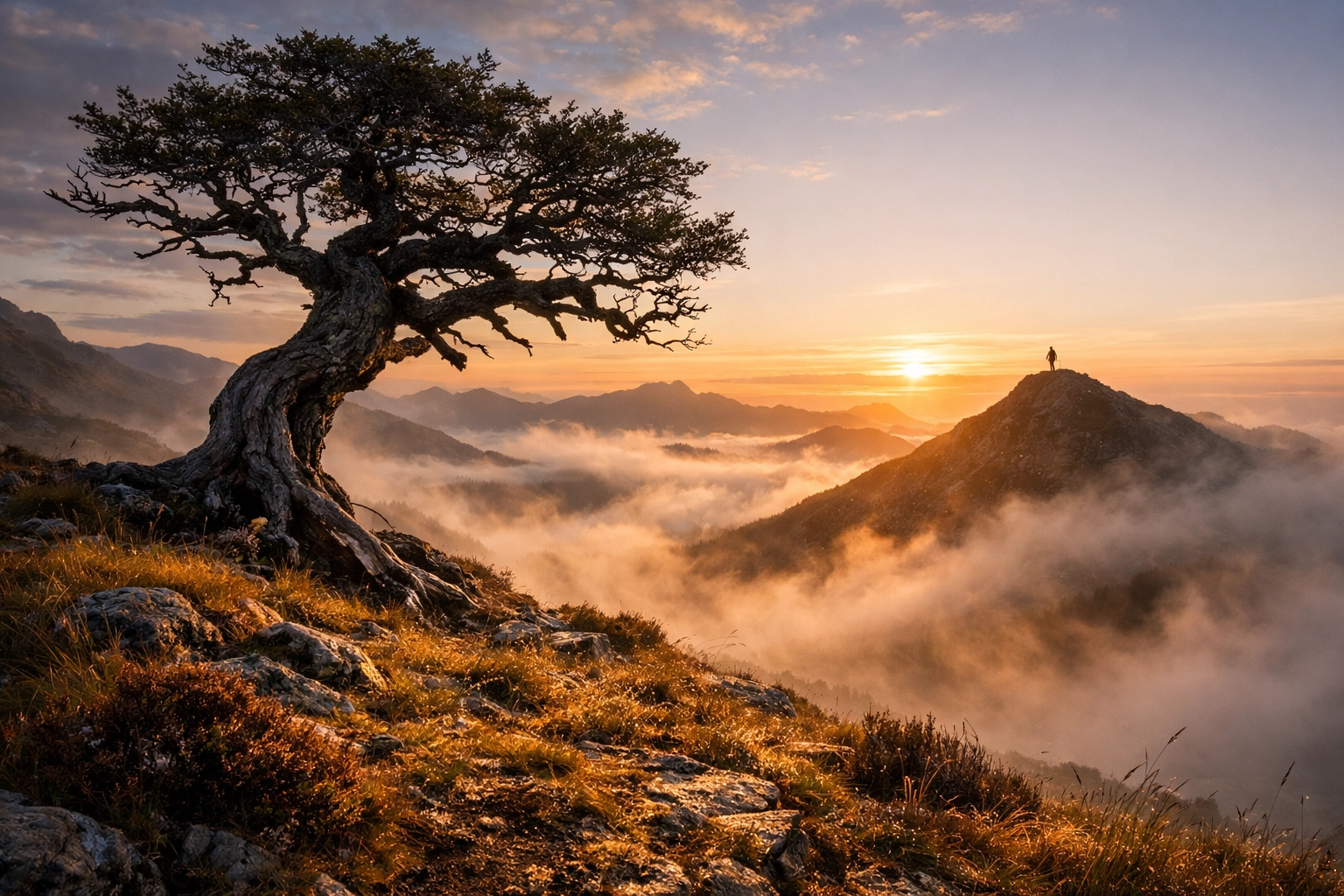
Mistake #3: Bad light timing (aka shooting at noon and hoping it feels like golden hour)
Harsh overhead light is the silent killer of landscapes. It flattens the scene, nukes color, and makes shadows look like they were cut out with scissors. Can you shoot at noon? Sure. Is it harder to make it feel special? Definitely.
Fix it by planning around light (simple version)
- Golden hour: warm, directional, easier shadows, nicer colors.
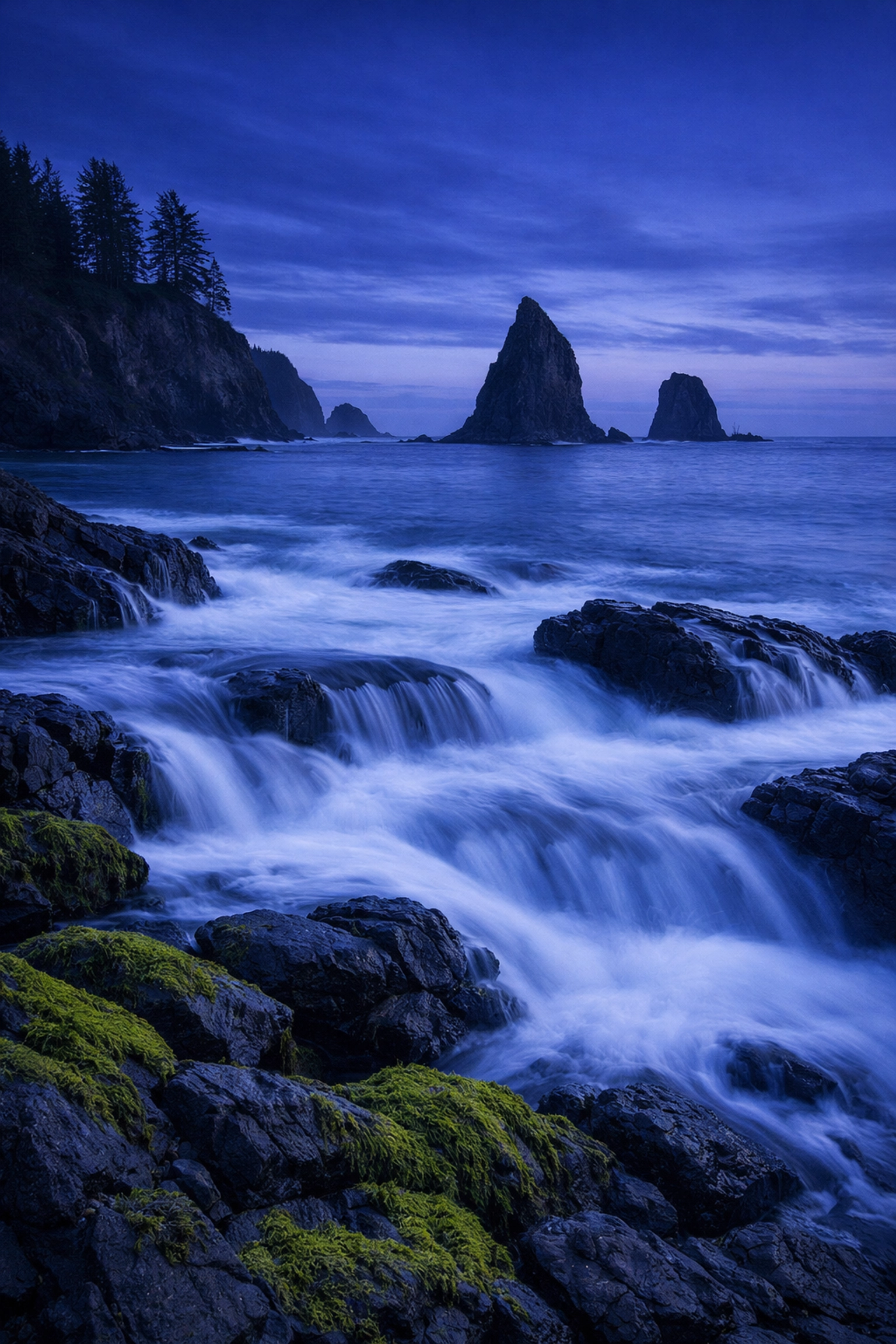
- Blue hour: soft contrast, moody skies, great for cityscapes and coastlines.
- Overcast: perfect for waterfalls, forests, and details (soft light = fewer blown highlights).
- Storm edges: the most dramatic light often happens right before or right after weather hits.
Use tools that don’t overcomplicate it
- Check sunrise/sunset times in a weather app.
- Watch cloud cover and wind (windy day = chaos for long exposures).
- If you want to get nerdy (in a good way), PhotoGuides.org has solid location and planning info: https://www.photoguides.org
Quick win: shoot the same scene twice
If you’re at a spot midday, use it as a scout. Find compositions. Then come back at golden hour with a plan.
Mistake #4: You’re handholding when you should be on a tripod (or your tripod is… questionable)
A tripod isn’t “only for pros.” It’s for:
- sharpness
- slower shutter speeds (water, clouds, low light)
- consistent framing for bracketing/panoramas
- not cranking ISO into crunchy territory
And yes, cheap tripods can sabotage you with micro-shake, sagging heads, and “why is my horizon drifting?” energy.
When a tripod actually matters (most common scenarios)
- Sunrise/sunset (low light)
- Blue hour/night (obvious)
- Long exposure water (silky rivers, ocean blur)
- Focus stacking (foreground-to-infinity sharpness)
- Bracketing for HDR (clean highlights + shadows)
Field tips that make your tripod sharper
- Keep the center column down whenever possible.
- Hang a small weight (bag) if it’s windy.
- Use a 2-second timer or remote shutter.
- Stabilize the legs on rocks/sand instead of trusting them on slick surfaces.
Mistake #5: You’re stuck in “wide-angle only” mode
Wide lenses are great for landscapes… until they’re not. Beginners often go ultra-wide, then wonder why the mountains look tiny and the photo feels empty. That’s the wide-angle tradeoff: it expands space and shrinks distant subjects.
Fix: match focal length to the story
- Ultra-wide (10–20mm / 14–24mm): strong foreground, leading lines, dramatic skies
- Standard (24–70mm): balanced scenes, less distortion, easier compositions
- Telephoto (70–200mm and beyond): compress layers, isolate peaks, simplify clutter
A simple exercise that upgrades your eye fast
At your next location:
- Shoot the scene wide.
- Shoot the same scene at ~35–50mm.
- Shoot tight at 100–200mm, focusing on one detail (ridge line, waterfall, light patch).
You’ll start seeing “photographs” instead of “views.”
If you want a deeper breakdown of how focal length changes perception, you can also find photography workflow notes and gear talk over on https://blog.edinchavez.com (good rabbit hole, fair warning).
Mistake #6: You don’t check the edges (so you bring home distractions)
You nailed the sunset, the subject, the exposure… and there’s a bright rock in the bottom corner screaming for attention. Edge distractions are sneaky because your brain focuses on the center while you shoot.
The 5-second edge scan (do this every time)
Before you press the shutter:
- Check all four corners
- Scan frame edges for branches, trash cans, signposts, blown highlights, footprints
- Look for merging lines (tree growing out of a mountain peak)
Fix it without “fixing it in Photoshop”
- Reframe slightly (tiny shifts matter)
- Change your height (crouch, step up on a rock)
- Use a longer focal length to crop in-camera
- Wait for the wind to move that one annoying branch
Yes, you can clone things out later. But clean capture saves time and looks more natural.
Mistake #7: Your editing is overcooked (crunchy skies, halos, and fake drama)
Landscape editing is where good photos go to die: usually from good intentions. The classic problems:
- “crunchy” sky texture from slammed highlights/clarity
- halos around mountains or trees from heavy local adjustments
- neon greens and over-saturated blues
- muddy shadows from lifting everything too far
Fix #1: Stop nuking the Highlights slider
Dragging highlights to -100 can destroy sky gradation and create weird texture. Instead:
- Pull highlights down moderately
- Use a graduated mask on the sky
- Adjust Whites carefully (don’t flatten the whole image)
Pro check: zoom to 100% while editing skies. Crunch shows up there first: especially if you plan to print.
Fix #2: Avoid “halo mountain”
If you brush exposure or clarity around a ridge line, you can create a bright outline that screams “edited.” To avoid it:
- Feather your mask generously
- Lower flow/opacity
- Use “range masking” (if your editor has it) to target highlights or color
- Toggle the mask overlay and check edges carefully
Fix #3: Kill chromatic aberration (the purple/green edge glow)
If you see purple or green fringing on branches against the sky:
- Turn on Remove Chromatic Aberration in your lens corrections panel
- If needed, use manual defringe sliders lightly
Fix #4: Use a cleaner editing workflow (simple steps)
A solid landscape edit usually goes:
- Lens corrections + straightening
- Basic exposure (global)
- Contrast (gentle)
- Color balance (don’t go neon)
- Local adjustments (subtle)
- Sharpening (light, and mask it)
- Final check at 100% + export
Where software fits in (without making it complicated)
If you want fast, natural-looking landscape edits without spending your entire night pushing sliders, tools like Luminar can speed up masking and sky adjustments: just keep the “AI drama” dialed down. The goal is still: believable light, clean color, and depth.
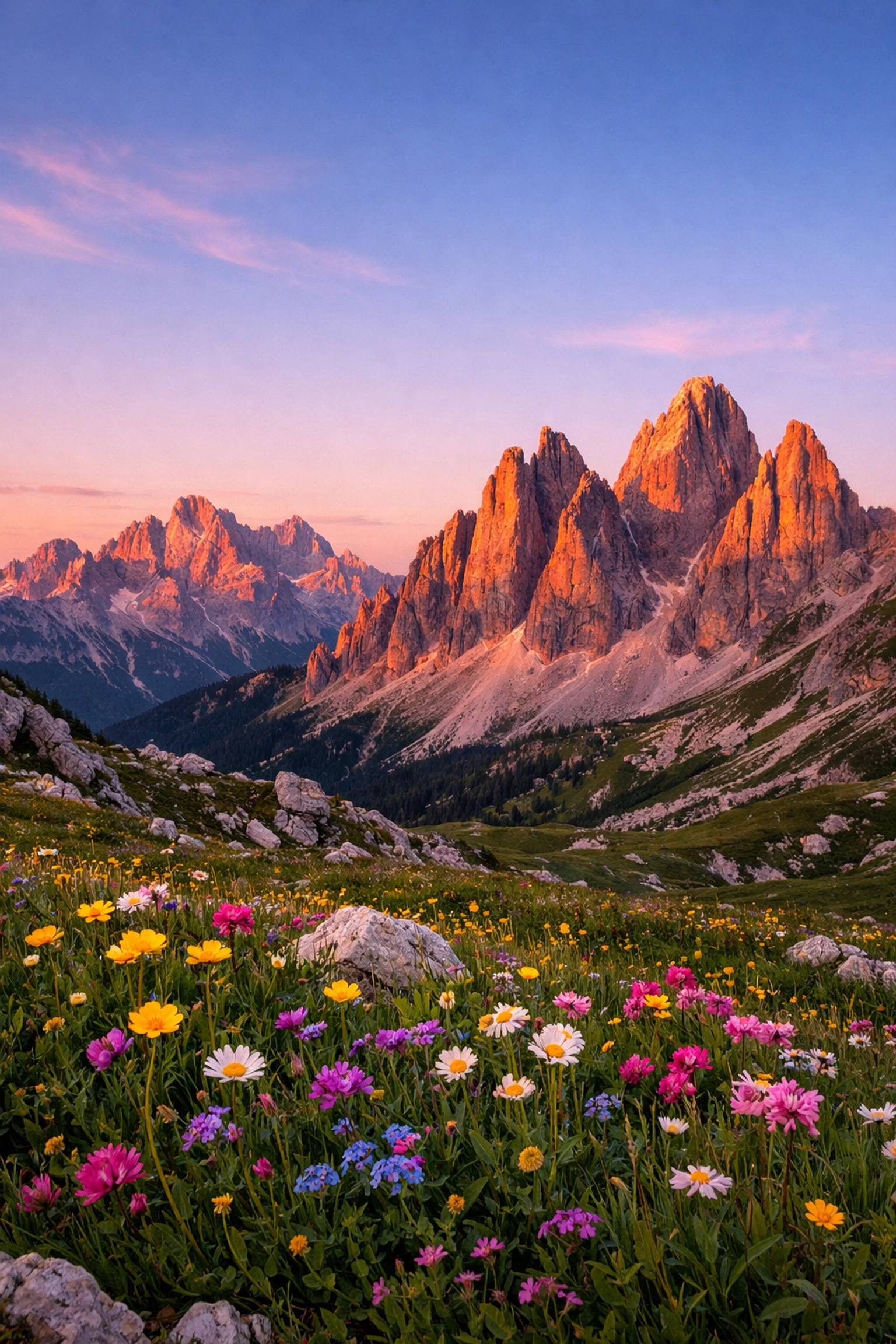
A simple pre-shot checklist (save this to your phone)
Use this when you arrive at a scene:
- Horizon level?
- Main subject identified?
- Edges clean?
- Foreground added (or intentionally excluded)?
- Best focal length for the story (wide vs tight)?
- Tripod needed (low light / long exposure / bracketing)?
- Exposure checked with histogram (not just the LCD)?
If you do only these seven things consistently, your landscapes will improve fast: without buying a new camera.
Bonus: exposure mistake you’re probably making: trusting the LCD too much
Your camera screen lies. Not maliciously, but it’s affected by brightness settings and ambient light. A photo that looks “perfect” on the LCD can be underexposed at home (or clipped in the highlights).
Fix it the reliable way
- Use the histogram to check exposure
- Watch for highlight clipping (especially in clouds)
- If your camera has it, enable highlight warnings (“blinkies”)
- Consider bracketing in tricky light (especially sunrise/sunset)
If you want to keep your workflow tight for deliverables (especially if you shoot both landscapes and client work), tools like https://www.proshoot.io can help organize shoots and keep your process consistent.
Related reading (internal + useful)
If you like the “7 mistakes” format, we’ve got another one on the site: different genre, same idea: practical fixes that actually work.