Let’s be honest: taking a great portrait is hard. You can have the most expensive camera in the world and a model who looks like they stepped off a runway, but if your technique is off, the photo will fall flat. We’ve all been there: you get home, load the SD card, and realize your subject’s nose is in focus but their eyes are a blurry mess. Or worse, they look like they have a tree growing out of their head because you didn't check the background.
Portrait photography is a dance between technical skill and human connection. At Shut Your Aperture, we believe anyone can take a killer portrait if they stop making these common unforced errors. Whether you’re shooting with a pro-level DSLR or looking for the best smartphone cameras reviewed to up your Instagram game, these tips apply across the board.
Here are the 7 most common mistakes you’re making with your portrait photography techniques and exactly how to fix them.
1. The "Dead Eye" Syndrome: Missing the Focus
The eyes are the window to the soul, right? In portraiture, they are also the most important part of the image. If the eyes aren't sharp, the photo is usually a throwaway.
A common mistake is letting the camera decide where to focus. Cameras are smart, but they often gravitate toward the closest object: which is usually the tip of the nose or the eyebrows. When you shoot at a wide aperture (like f/1.8), that tiny distance between the nose and the eyes is the difference between a masterpiece and a mistake.
How to Fix It:
Switch your camera to Single Point AF or, even better, use Eye-AF if your camera has it. This feature uses AI to track the subject's eye in real-time, ensuring it stays tack-sharp even if they move slightly. If you’re struggling with focus in low light, consider using a tool like Luminar in post-production to help recover some of that lost detail and enhance the iris for that extra "pop."
Also, always check your focus by zooming in on your LCD screen immediately after the shot. Don’t wait until you get home to realize you missed the mark.
2. The Fish-Eye Face: Using the Wrong Focal Length
We love wide-angle lenses for landscapes, but they are generally a nightmare for portraits. If you try to take a tight headshot with a 24mm or 35mm lens, you’re going to deal with "barrel distortion." This makes the center of the image: usually the subject's nose: look much larger than it actually is, while the ears seem to disappear into the distance.
Unless you’re going for a specific "caricature" look, wide lenses are not your friend for close-ups.
How to Fix It:
Stick to the "Golden Range" of portraiture: 70mm to 105mm. An 85mm prime lens is widely considered the king of portrait lenses because it offers a flattering compression of facial features. It makes the face look more natural and helps separate the subject from the background.
If you are shooting environmental portraits (where you want to show the location), a 35mm or 50mm is fine, but keep your subject toward the center of the frame and don't get too close to their face. For more on choosing the right gear, check out our top photography tips.
3. The "Where’s Waldo?" Background: Too Much Depth of Field
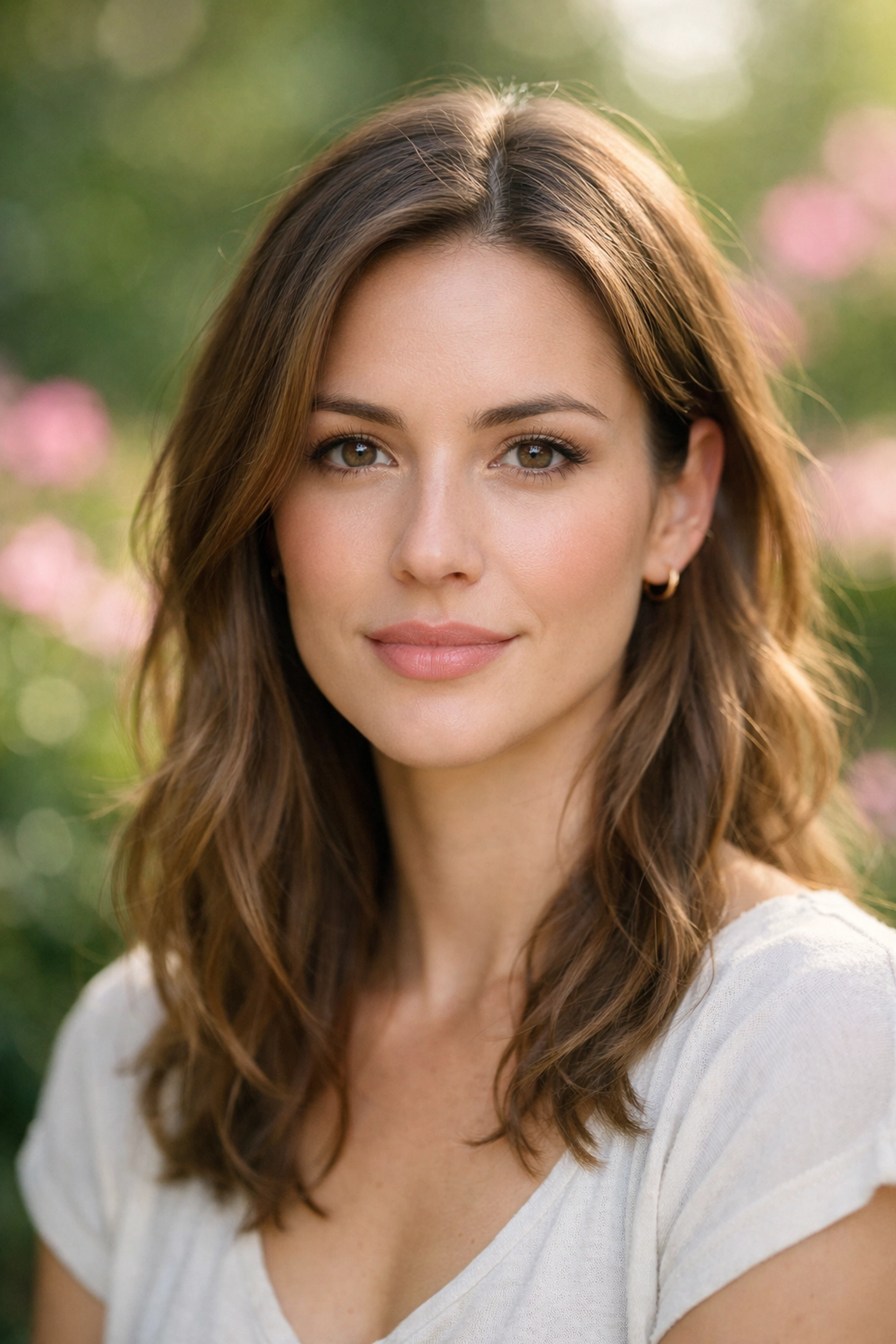
One of the biggest mistakes beginners make is shooting everything at f/8 or f/11. When your depth of field is too deep, the background becomes just as sharp as your subject. If you’re shooting in a busy park or a cluttered studio, your subject will blend right into the chaos.
A portrait should be about the person. Anything that distracts from them is a problem.
How to Fix It:
Open up that aperture. If you have a lens that goes down to f/1.8 or f/2.8, use it. This creates that creamy "bokeh" background that everyone loves. It physically separates your subject from the background, making them pop off the screen.
If you can’t get a wide aperture (maybe you’re using a kit lens), move your subject further away from the background. The more distance there is between the subject and the wall/trees/cars behind them, the more blur you’ll get. You can also visit PhotoGuides.org for more technical breakdowns on how aperture affects your visual storytelling.
4. Lighting Nightmares: Harsh Shadows and Raccoon Eyes
Shooting at high noon is the fastest way to ruin a portrait. Direct sunlight creates harsh, dark shadows under the eyes, nose, and chin. These are often called "raccoon eyes," and they are never flattering. Similarly, using a direct on-camera flash can make your subject look flat and washed out, like a deer in headlights.
How to Fix It:
Seek out "open shade." This is an area where there is plenty of light, but no direct sun hitting the subject: like under a porch or the shadow of a large building. The light is soft, even, and flattering.
If you have to shoot in the sun, use a reflector to bounce light back into those dark shadows. Even a white piece of foam board can work in a pinch. If you're looking for more advanced lighting setups, you might find inspiration at blog.edinchavez.com. And remember, if the light is truly terrible, you can often save the mood in post-processing using Luminar to balance the exposure and soften those transitions.
5. The Telephone Pole Head: Distracting Backgrounds
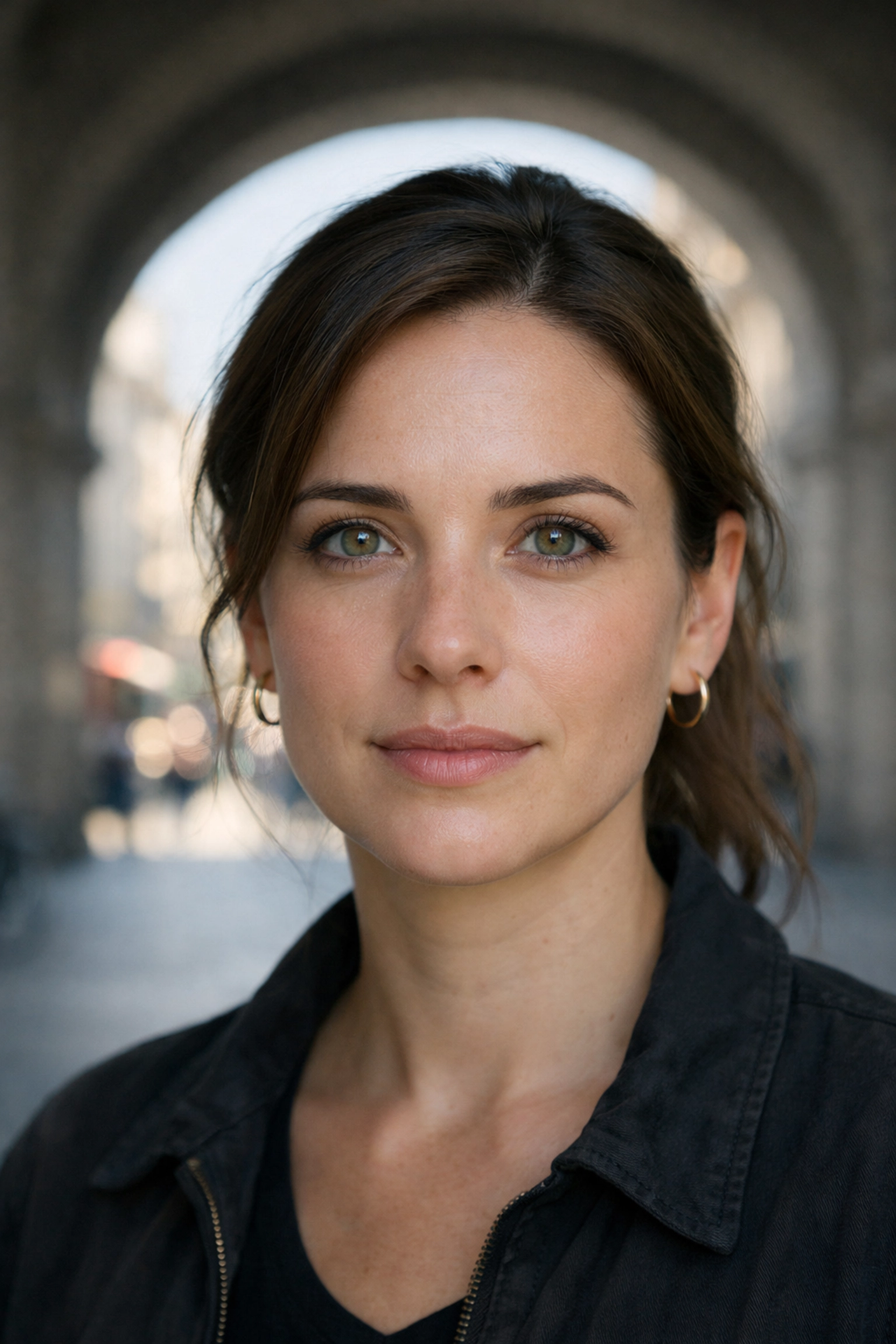
You’re so focused on the person's expression that you don't notice the tree branch that looks like it’s growing out of their ear. Or the bright red fire hydrant in the corner of the frame that draws the eye away from the subject.
A "busy" background is the silent killer of great portraits. Even if the background is blurry, a bright spot or a weird shape can still ruin the composition.
How to Fix It:
Before you click the shutter, do a quick "scan" of the edges of your frame. Look for any distracting elements. Sometimes all you need to do is move your feet six inches to the left to hide a distraction behind your subject.
Simplify. A plain wall, a simple hedge, or a clean sky often make for the best backgrounds. If you want to master the art of choosing the right location, our guide on mastering canyon and gorge travel photography has some great tips on scouting locations that apply to portraits too.
6. The Mannequin Pose: Stiff and Unnatural Subjects
Most people are not professional models. When you put a camera in front of them, they freeze up. They stand square to the camera, shoulders level, with a forced "cheese" smile. This results in photos that look like a corporate ID badge or a mugshot.
Static poses are boring. They lack energy and often make the subject look wider than they are.
How to Fix It:
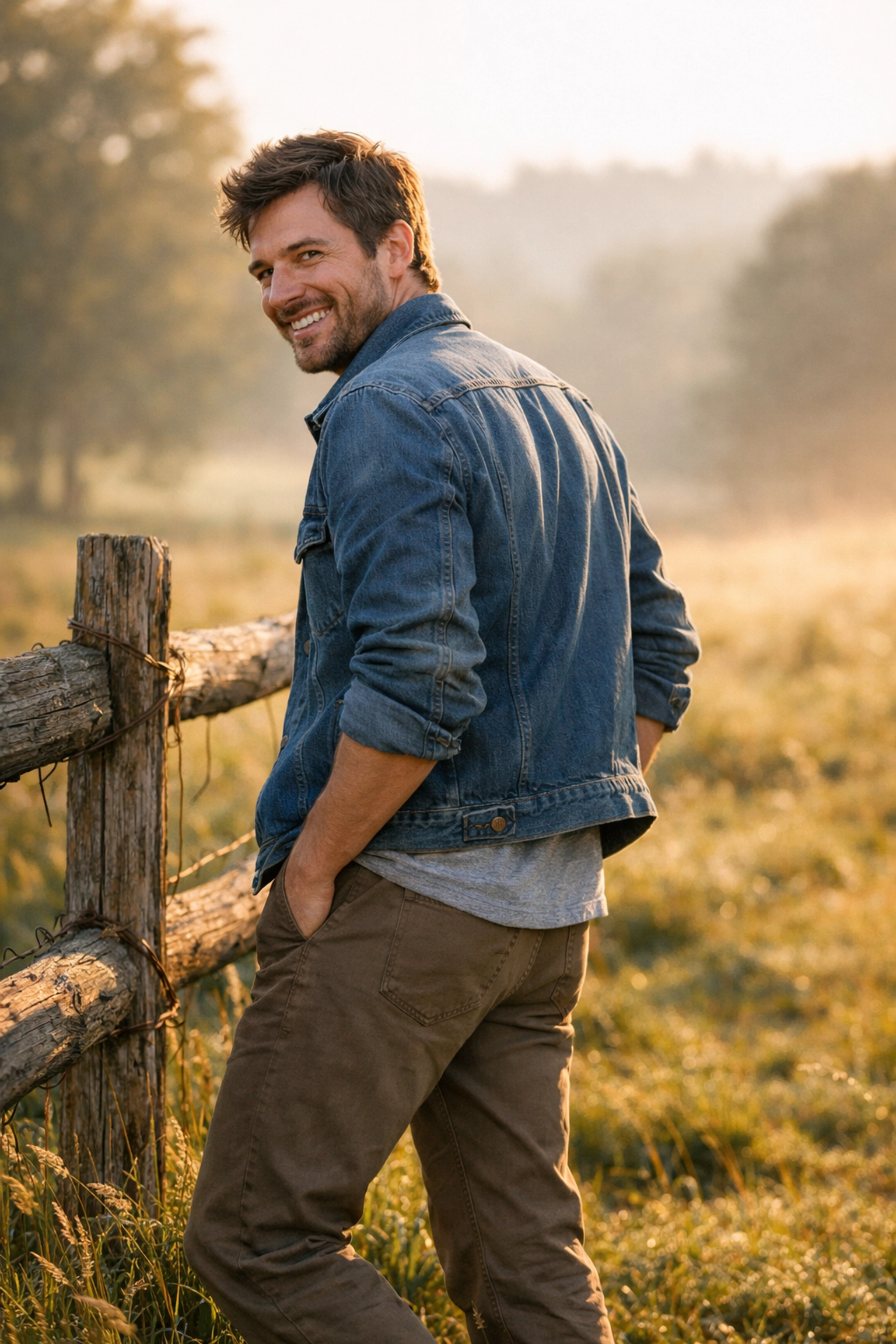
Give your subject something to do. Ask them to shift their weight to one foot, or have them walk toward you. A great rule of thumb is "if it bends, bend it." Ask them to tilt their head slightly, lean against a wall, or put a hand in a pocket.
Avoid having them stand square to the lens. Have them turn their body about 45 degrees away from you and then look back at the camera. This creates a more dynamic, slimming silhouette. Connection is key: talk to them, tell a joke, and capture the moments between the poses. For more professional tips on directing subjects, check out proshoot.io.
7. Exposure Blunders: Trusting the Auto Meter Too Much
Your camera’s light meter is trying to make the whole world 18% gray. If your subject is wearing a white shirt against a light background, the camera will try to "darken" the scene, leaving your subject's face looking underexposed and muddy. Conversely, if they are in dark clothes against a dark background, the camera will overcompensate and blow out the highlights on their skin.
How to Fix It:
Learn to use Exposure Compensation (+/-). If the scene is very bright, you might need to go +1 or +2 to keep the skin tones looking healthy. If you're shooting in a dark alley, you might need to go -1.
Better yet, use Spot Metering. This tells the camera to only care about the light hitting one specific spot: usually your subject's face. This ensures the skin is perfectly exposed regardless of what’s happening in the background. Don't forget that keeping your gear clean is vital for accurate metering; check our camera maintenance guide to keep your sensors and lenses in top shape.
The Secret Ingredient: Post-Processing
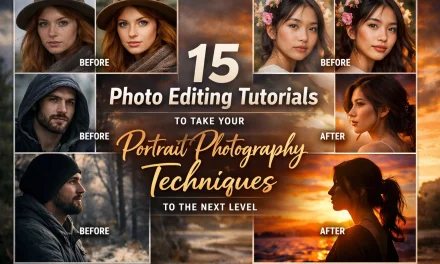
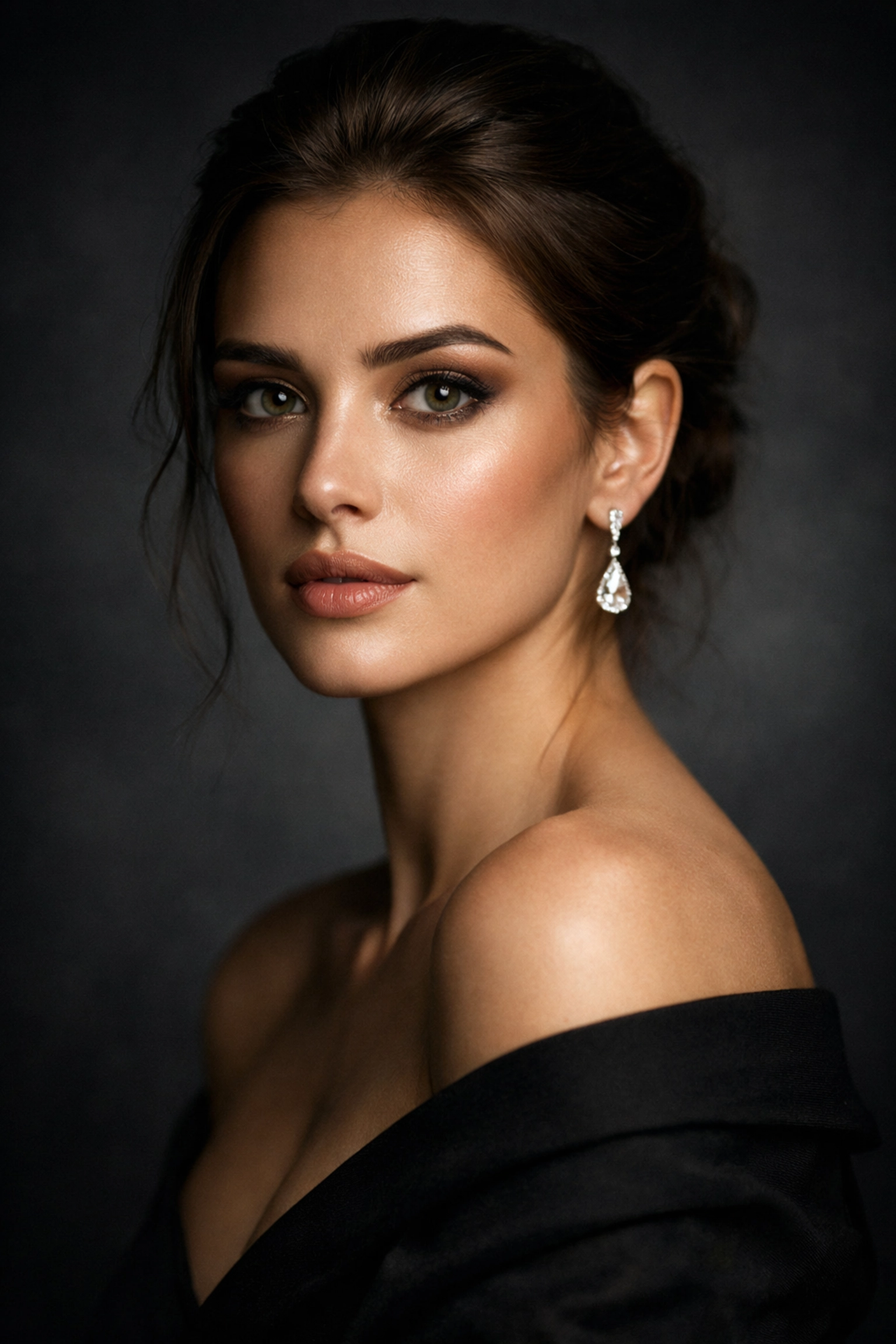
Even if you nail all of the above, every professional portrait needs a little bit of "polish." This isn't about making people look fake; it’s about enhancing the mood you captured.
Modern tools have made this incredibly easy. Using Luminar, you can use AI-driven tools to enhance skin texture, brighten eyes, and add a subtle glow without spending hours in a complex editor. It’s about taking a 9/10 photo and making it a 10/10.
Practice Makes… Better
No one becomes a master portrait photographer overnight. It takes a lot of bad photos to get to the good ones. The key is to be intentional. Next time you’re out shooting, pick one of these mistakes to focus on. Maybe today is the day you master Eye-AF. Maybe tomorrow you’ll focus entirely on finding the perfect "open shade."
If you’re looking to compare different camera systems to see which one handles these techniques best, our camera comparison insights can help you find the right tool for the job.
Remember, photography should be fun. Don't get so bogged down in the rules that you forget to connect with the person on the other side of the lens. Stop making these mistakes, start experimenting, and you’ll see your portrait game transform in no time.
Happy shooting!