Let’s be real for a second. We all love the feeling of pressing the shutter, catching that perfect beam of light, and seeing the back of the camera glow with a "wow" shot. But then comes the aftermath. You get home, plug in your card, and realize you have 1,400 photos to sort through. Suddenly, photography feels less like an art and more like a data entry job.
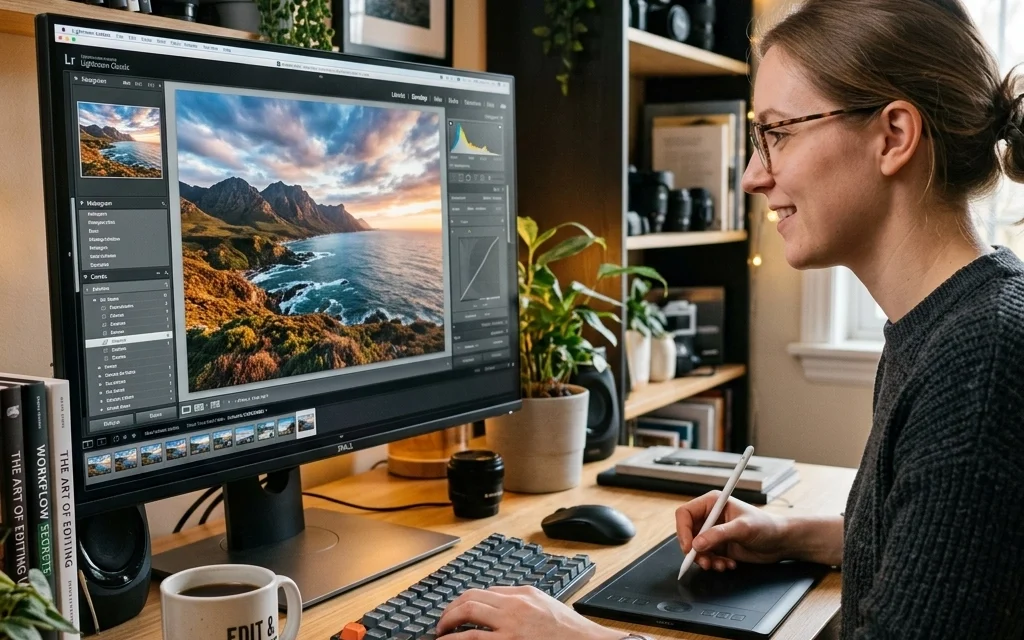
If you find yourself spending more time staring at a progress bar than actually shooting, your workflow needs a tune-up. Editing shouldn't feel like a tax audit. It should be the final polish on your masterpiece. Whether you are using Lightroom, Photoshop, or Luminar, these five simple tricks will help you claw back your weekends and keep your creative juices flowing.
1. The Pre-Edit: Get it Right in the Field
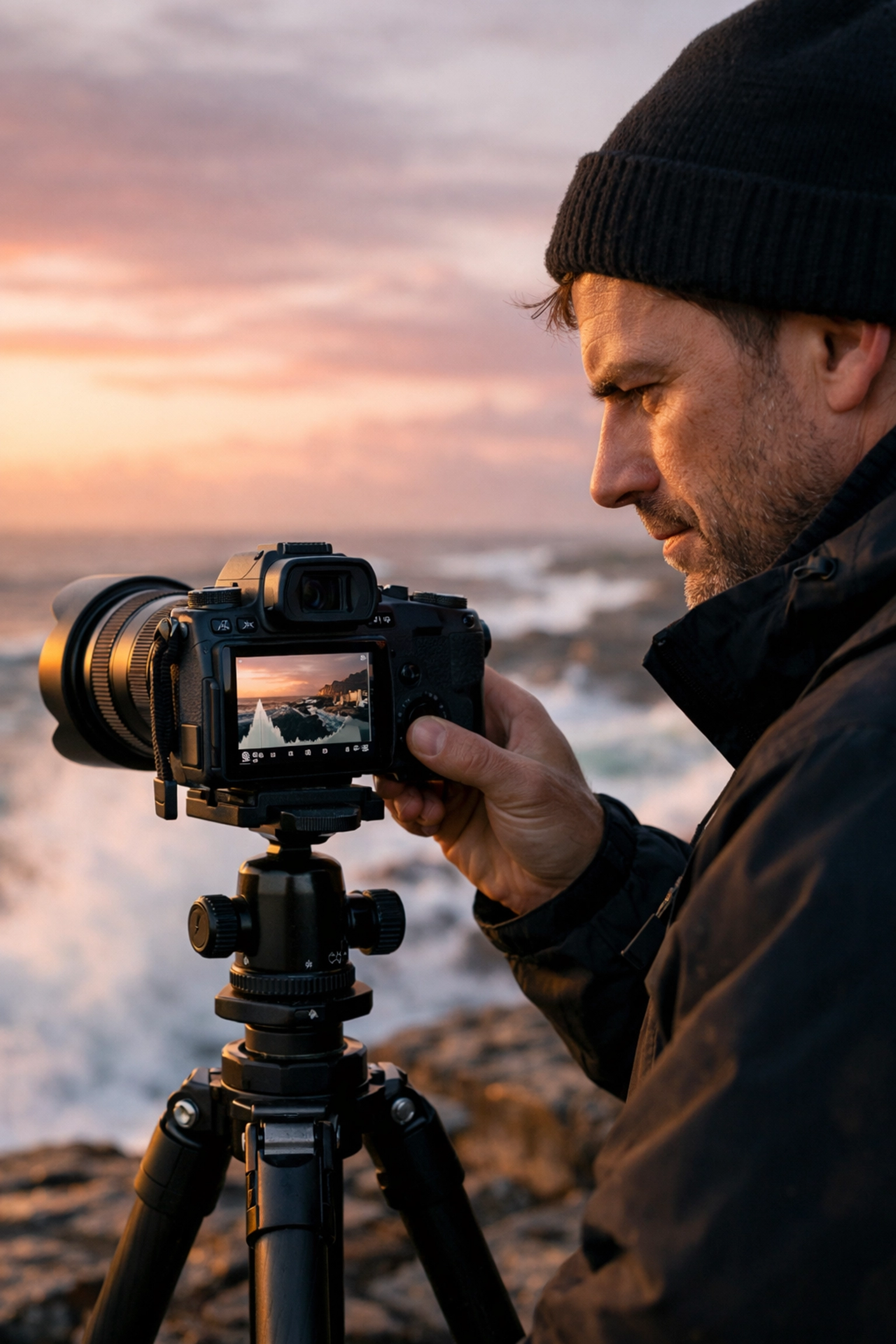
It sounds counterintuitive to talk about editing by talking about the shoot, but the best way to speed up your workflow is to give yourself less work to do. Every mistake you make in the field: a crooked horizon, a distracting trash can in the corner, a blown-out highlight: adds minutes to your post-processing. Multiply that by 100 photos, and you’ve just lost two hours of your life to the "Clone Stamp" tool.
Professional photographers like those featured on PhotoGuides.org always emphasize that the "Fix it in post" mentality is a trap. If you take an extra ten seconds to move a piece of trash or adjust your exposure, you save yourself ten minutes of pixel-pushing later.
Focusing on the technicals: specifically exposure and white balance: is huge. If your exposure is consistent across a series of shots, you can apply one fix to all of them. If you’re shooting real estate, understanding the role of luminosity can save you from trying to "rescue" shadows that simply don't have the data. Get it right in the camera, and the editing becomes a joy, not a chore.
2. Master the Secret Language of Keyboard Shortcuts
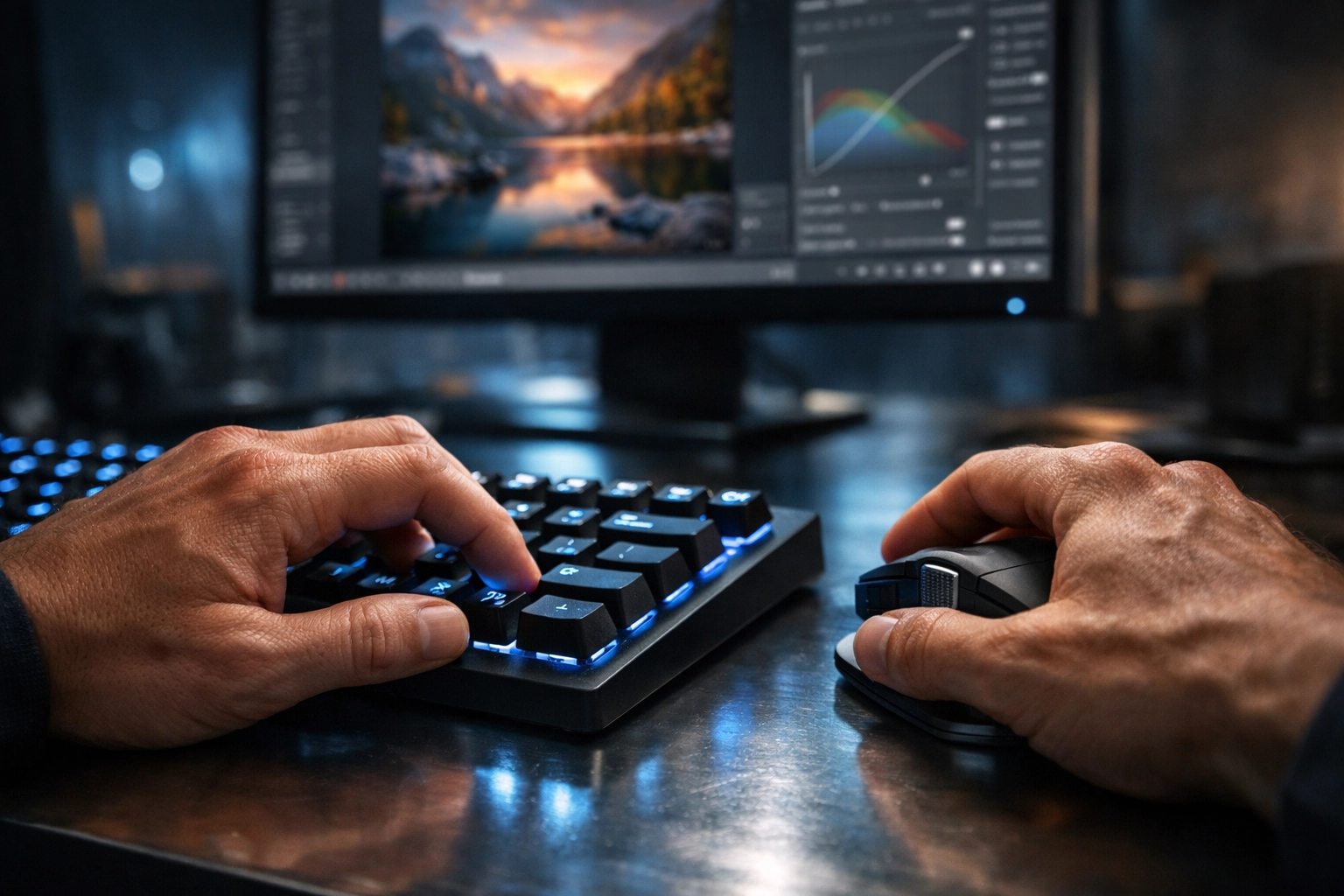
If you are still clicking through menus to find the "Crop" tool or to "Undo" a mistake, you are moving in slow motion. Keyboard shortcuts are the single fastest way to supercharge your efficiency. It might feel clunky for the first day, but once your fingers learn the dance, you’ll never go back.
In most major editing software, the shortcuts are fairly standardized. Pressing 'B' might bring up your brush, 'V' your selection tool, and 'Command+Z' (or Ctrl+Z) is your best friend when things go sideways. If you are diving into Luminar, take five minutes to look at their shortcut map. You’ll find that switching between the "Essentials" and "Creative" tabs with a single key press changes the whole vibe of your session.
Think of it like playing an instrument. You don't want to look at the piano keys every time you play a note. You want to focus on the music. In this case, the music is your visual story. By staying on the keyboard, you keep your eyes on the image, allowing you to see the changes in real-time without the distraction of a cursor hunting for a tiny icon. For more technical breakdowns on software specifics, check out the resources at www.edinstudios.com.
3. Presets: The "Starting Line," Not the Finish
There is a weird stigma around presets, as if using one means you aren't a "real" photographer. Let’s kill that myth right now. Even the greats, like those inspired by Peter Lik’s landscape techniques, have a "look." Presets are simply a way to get to your "look" faster.
The trick is to view a preset as a starting line. You apply it to get the base colors and contrast where you want them, and then you do the heavy lifting of localized adjustments. Tools like Luminar have revolutionized this with AI-assisted templates that analyze your photo and suggest the best starting point. It’s like having a digital assistant who does the first 70% of the work for you.
When you find an edit you love, save it as your own preset. If you’ve spent twenty minutes perfecting the way the sunset looks over a skyline, don’t do it again from scratch for the next ten photos. Save it. Rename it. Use it. This consistency is what builds a brand. If you look at the portfolios on www.edinfineart.com, you’ll see a cohesive aesthetic that likely started with a refined personal workflow.
4. The Power of Batch Processing
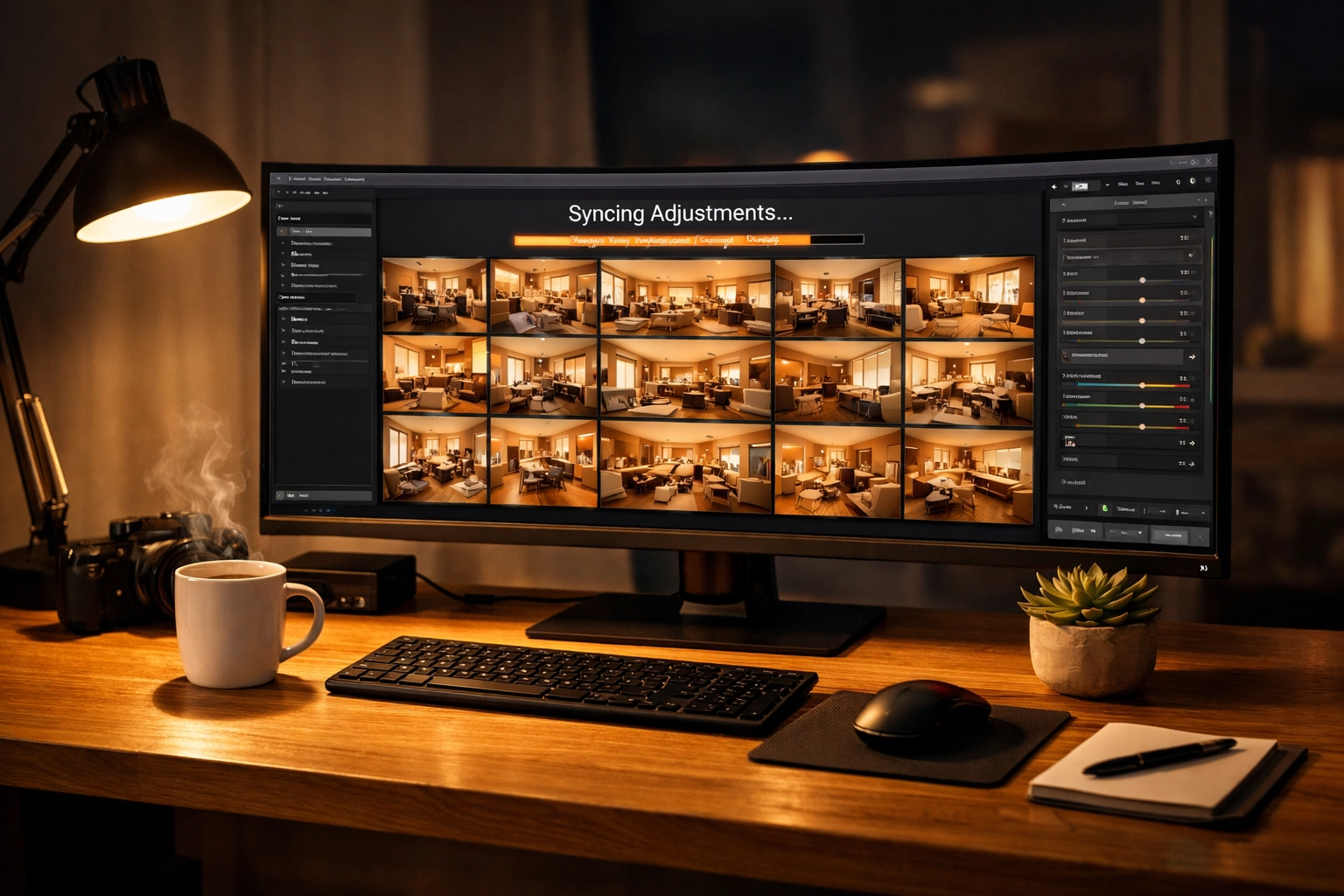
If you are editing one photo at a time from start to finish, you are doing it the hard way. Batch processing is the holy grail of workflow. Most modern software allows you to "Sync" or "Copy/Paste" settings from one image to a hundred others.
Imagine you just shot a series of property showcases. The lighting in the living room is the same in every shot. Instead of adjusting the highlights, shadows, and saturation on every single frame, edit the best one, select the rest, and hit "Sync." In an instant, 90% of your work is done.
This is especially helpful when trying to create cinematic techniques for property showcases. You want the entire gallery to feel like it belongs to the same story. Batching ensures that the color grade remains consistent throughout the entire set. Once the batch is applied, you just do a quick "sanity check" on each photo to make sure the crop is right and move on.
5. Build a Standardized "End-to-End" Workflow
Chaos is the enemy of speed. If your photos are scattered across your desktop, a random "New Folder 2," and an old thumb drive, you're losing time just looking for your files. A standardized workflow means you do the same steps, in the same order, every single time.
Here is a simple blueprint you can steal:
- Import & Cull: Get them off the card and into your software. Be ruthless. If a shot is blurry or a duplicate, delete it. Don’t edit "maybe" shots.
- Global Adjustments: Use your presets or batch settings to get the exposure and color in the ballpark.
- Local Adjustments: This is where the magic happens. Use masks and brushes to draw the eye to the subject.
- AI Cleanup: Use the AI tools in Luminar to remove sensor spots or distracting power lines.
- Export & Archive: Export in the format you need (web vs. print) and move the raw files to a dedicated hard drive.
By following a repeatable system, your brain goes on autopilot for the boring stuff, leaving you with more energy for the creative stuff. For those looking to take their professional game to the next level, www.proshoot.io offers deep dives into how pros manage high-volume shoots without losing their minds.
Why Efficiency Matters More Than You Think
You might think, "What’s the big deal if I spend an extra hour on a photo?" The big deal is that time is a non-renewable resource. Every hour you spend fighting your software is an hour you aren't out shooting, networking, or, you know, sleeping.
Efficiency also helps prevent "editor's fatigue." We’ve all been there: after three hours of looking at the same blue sky, you start making weird color choices because your eyes are tired. By speeding up the process, you stay fresh, and your edits stay "clean." Whether you're trying to capture ethereal imagery for real estate or the grit of a street scene, a fast workflow keeps your vision sharp.
The Tools of the Trade
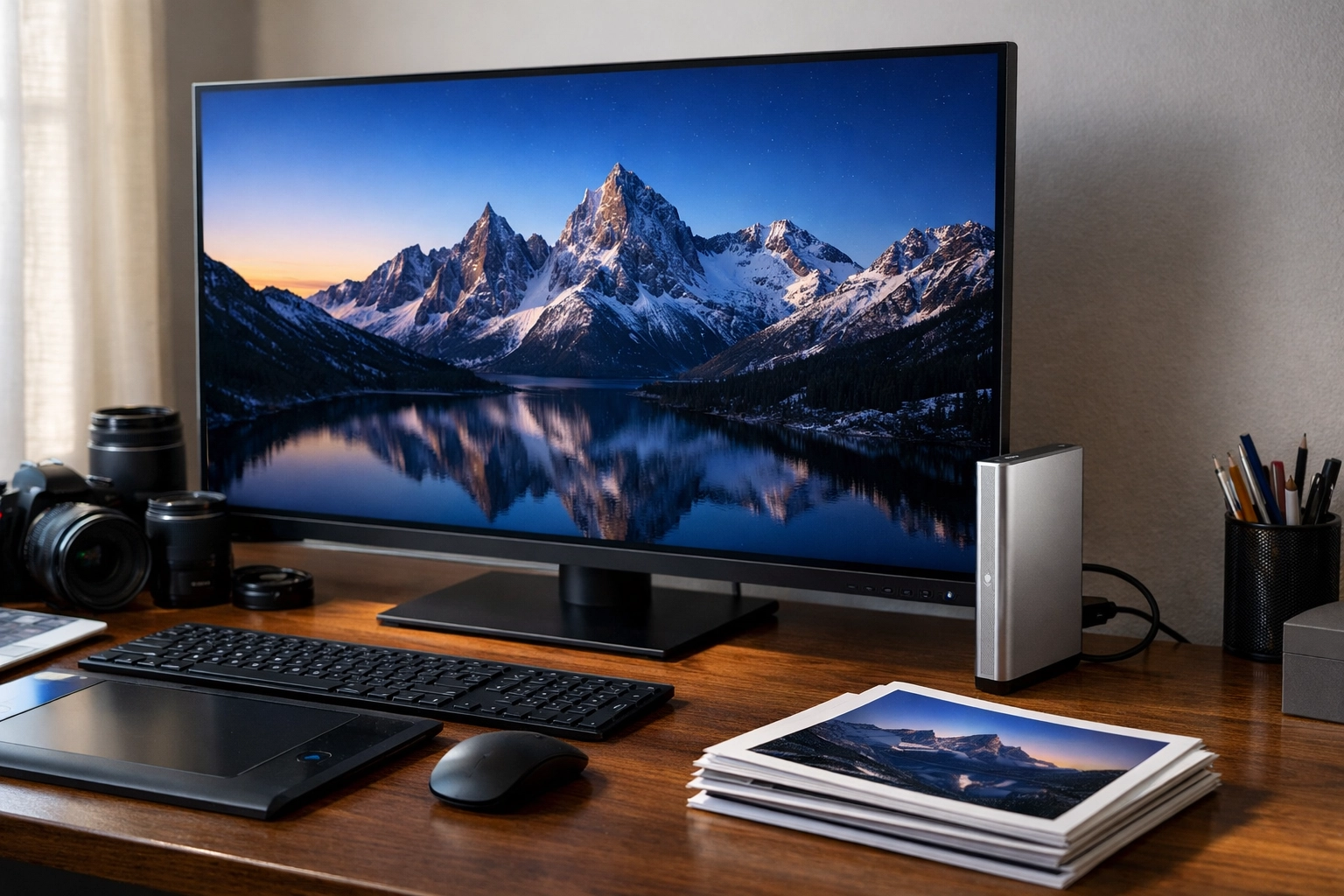
While your brain is the most important tool, the gear matters too. If your computer is chugging every time you move a slider, it’s time to look at your hardware. Using an SSD (Solid State Drive) instead of an old-school spinning hard drive can make your software feel five years younger.
Also, consider your input device. Some people swear by editing tablets like Wacom, while others love specialized consoles with knobs and dials. Anything that gets you away from "click-drag-click-drag" is a win. Check out blog.edinchavez.com for gear reviews and more tips on the lifestyle side of being a photographer.
Final Thoughts on Workflow
Photography is supposed to be fun. It’s easy to forget that when you're buried under a mountain of RAW files. By getting it right in the camera, mastering your shortcuts, leveraging the power of Luminar, batching your edits, and sticking to a system, you transform the experience.
You’ll find that you actually start looking forward to the editing process because you’re no longer fighting the tools: you’re using them. You'll spend less time on the boring stuff and more time creating images that actually say something.
So, next time you sit down at your desk, don't just dive in headfirst. Take a breath, remember your shortcuts, and see how much faster you can cross the finish line. Your eyes (and your social life) will thank you. For more insights on manipulating the viewer's perception through clever editing and composition, take a look at our guide on vistas and perspectives.
Happy shooting, and even happier editing. Keep it simple, keep it fast, and keep your aperture shut when you're not using it!