Let’s be honest: learning photography used to be a massive headache. You’d buy a shiny new camera, look at the manual (which was basically written in ancient hieroglyphics), and then realize you had to master the "exposure triangle." Aperture, shutter speed, ISO, it felt more like a math test than a creative hobby.
But it’s 2026, and things have changed. If you’ve spent any time on YouTube or Instagram lately, you’ve probably seen the buzz. Everyone is talking about AI. Not the "robots-taking-over-the-world" kind of AI, but the kind that acts like a genius mentor sitting right on your shoulder.
Photography for beginners has entered a new era. AI tutorials are blowing up because they’ve finally removed the gatekeepers. You don't need a $10,000 rig or a degree in digital imaging to take a photo that looks like it belongs in a gallery.
At Shut Your Aperture, we’ve always been about making photography accessible. Whether you’re trying to avoid common landscape photography mistakes or just trying to take better photos of your dog, AI is the shortcut you’ve been waiting for.
Why the Sudden AI Obsession?
For decades, the "pro" look was a result of two things: expensive gear and thousands of hours in a darkroom (or later, Photoshop). For a beginner, that mountain felt impossible to climb.
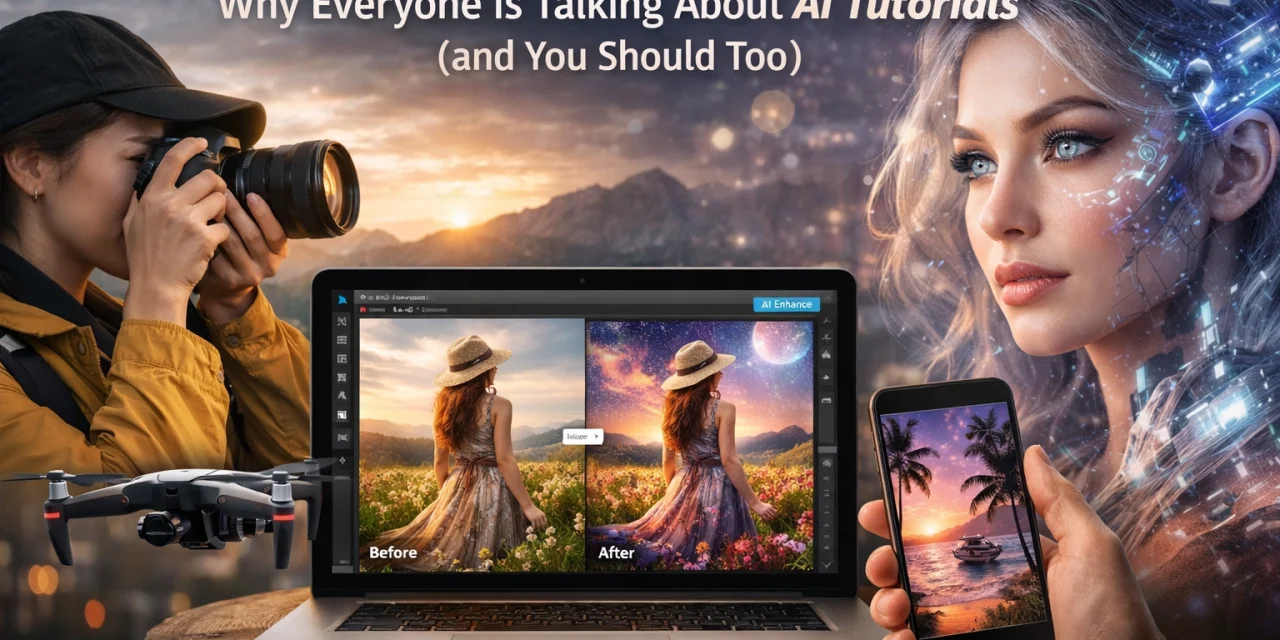
AI tutorials change the conversation. Instead of spending three hours learning how to mask a sky manually, a tutorial shows you how to do it in three clicks using Luminar.
The democratization of photography is here. AI tools are making advanced techniques accessible to everyone. We’re seeing a shift where the "how-to" isn't about the technical struggle anymore, it’s about the creative vision.
1. It’s Like Having an Autopilot for Your Creative Brain
Imagine you’re out shooting a sunset. In the old days, you’d have to worry about dynamic range, graduated neutral density filters, and bracketed exposures. For a beginner, that’s a lot to juggle while the light is fading.
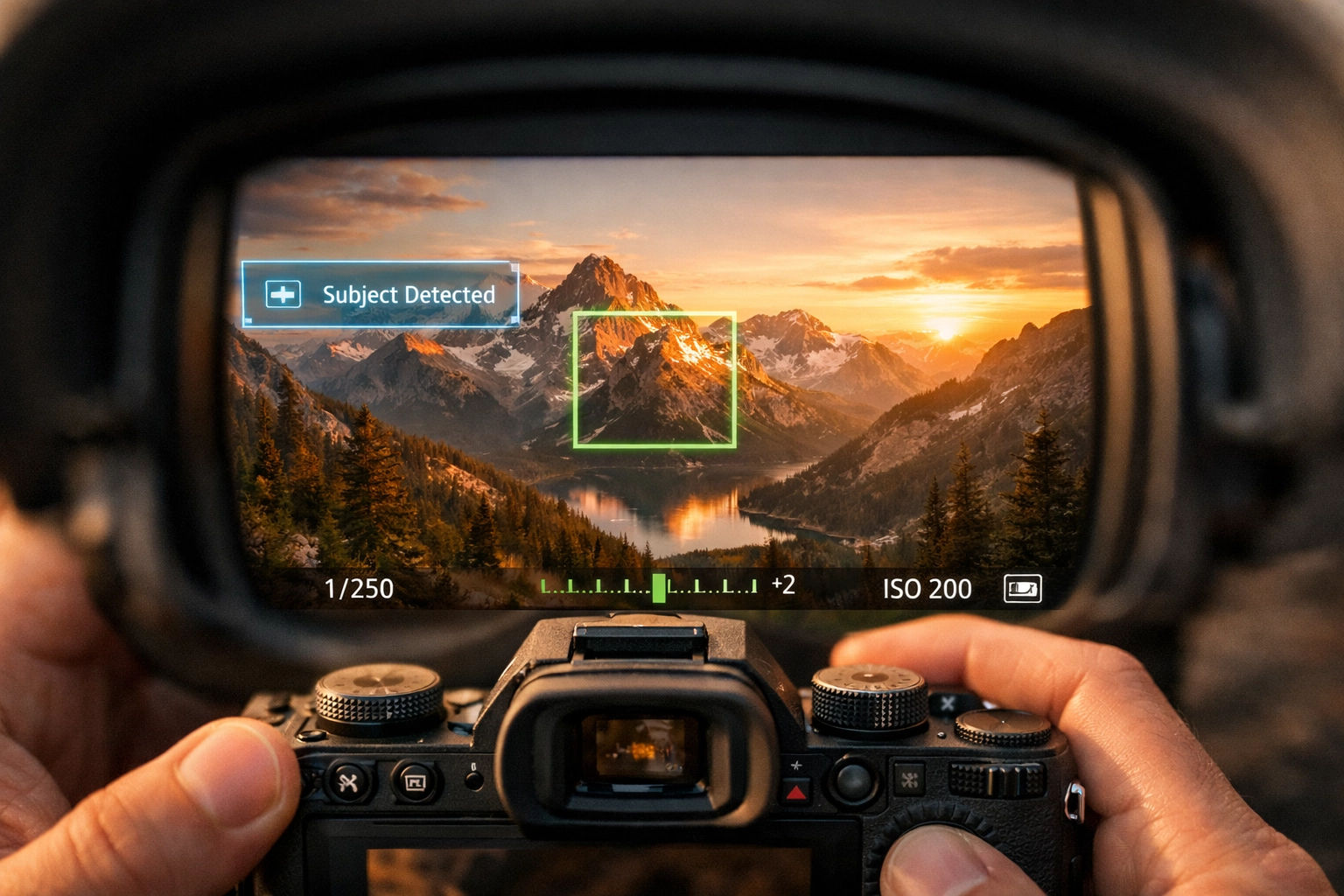
Modern AI features like scene recognition handle the heavy lifting. Your camera (or even your phone) knows it’s looking at a sunset and optimizes the settings instantly. AI tutorials focus on teaching you why the AI chose those settings so you can learn the fundamentals without the frustration of ruined shots.
Tools like Luminar have pioneered this "autopilot" feel in post-processing. Their AI-driven sliders can enhance a sky or perfect a portrait’s lighting without you having to touch a single complex brush tool. It’s why beginners are flocking to these tutorials, they provide immediate gratification while building a foundation of knowledge.
2. Speeding Up the Boring Stuff
Let’s face it: nobody gets into photography because they love "noise reduction" or "lens profile corrections." We get into it to capture moments.
AI handles the repetitive, soul-crushing tasks. In the past, if you took 500 photos at a wedding or a family event, you’d spend your entire weekend editing. Now, AI-powered software can cull your photos (picking the best ones where people aren't blinking) and apply consistent edits across the board in seconds.
By following AI tutorials, beginners learn how to build a workflow that actually leaves time for shooting. If you want to see how pro-level efficiency looks, check out some of the techniques at proshoot.io.
3. The Professional Look Without the Professional Price Tag
One of the biggest hurdles for beginners is gear envy. You see a shot by someone like Peter Lik and think, "I could never do that without a medium format camera."
While high-end gear still has its place, AI software is closing the gap. AI upscaling can take a photo from an entry-level sensor and make it crisp enough for a large print. AI "bokeh" can mimic the look of an expensive f/1.2 lens on a basic kit lens.
AI tutorials teach you how to use these digital "cheats" to get professional results on a budget. You can learn more about how iconic works are structured and then use AI to help replicate those moods in our guide on Peter Lik’s iconic works.
4. Solving the "What Now?" Problem
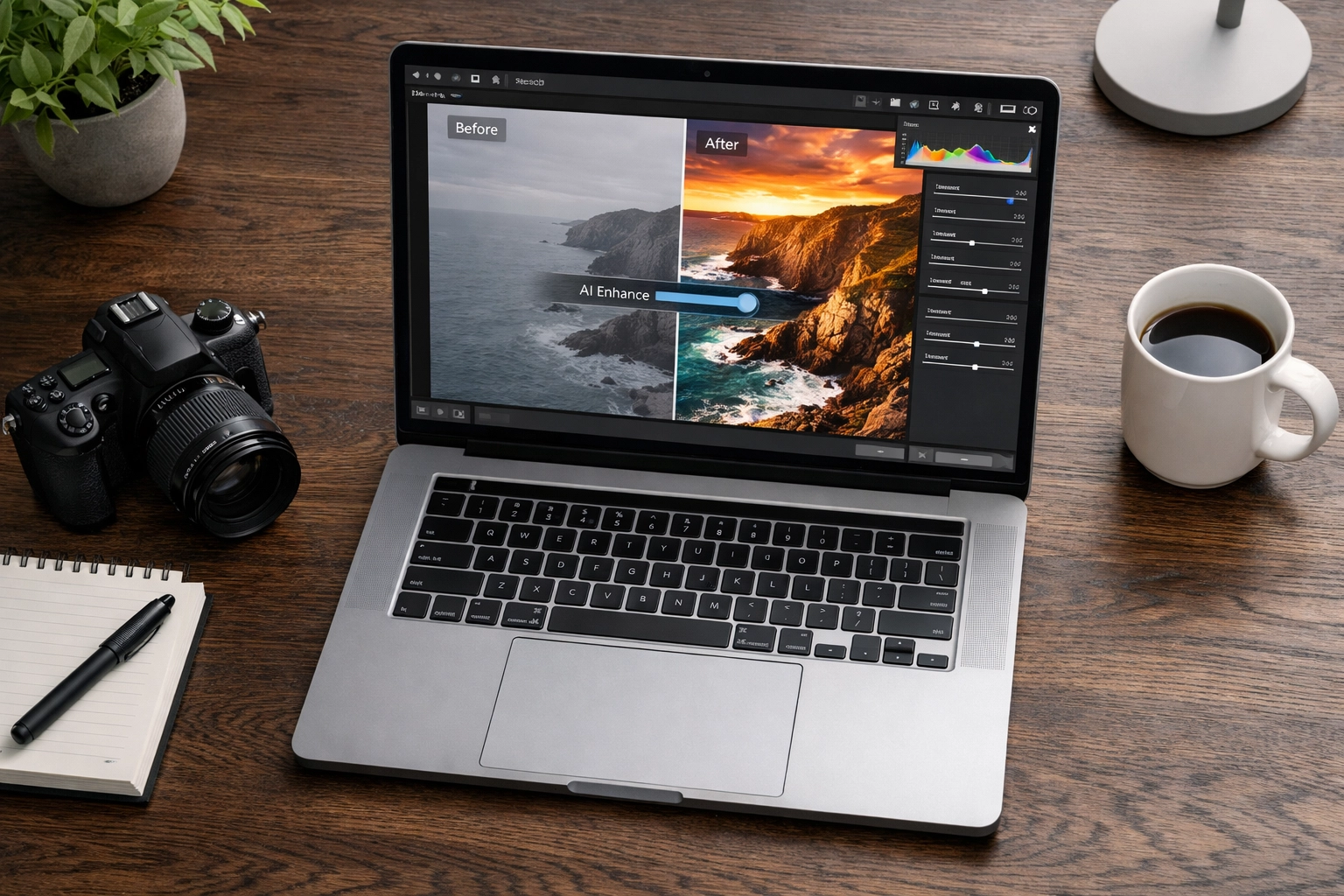
The most common issue beginners face isn't taking the photo, it’s what to do with it once it's on the computer. You open a raw file, it looks flat and grey, and you feel discouraged.
AI tutorials focus on "generative" and "adaptive" editing. Instead of just "adjusting contrast," tutorials now show you how to use AI to:
- Remove distractions: Click a button to wipe out that power line or the tourist in the background.
- Re-light the scene: Change the direction of light after the photo was taken.
- Generative Fill: If you missed a bit of the frame on the left, AI can "fill in" the grass or the sky realistically.
These aren't just tricks; they are the new standard. If you aren't learning these, you're working ten times harder for a result that isn't as good. To see how these techniques are transforming specific niches, take a look at how cinematic techniques are changing property showcases.
AI and the "Real Estate" of Photography
It’s not just hobbyists. The commercial world is leaning hard into AI. Real estate photography is a prime example. Beginners in the real estate niche are using AI to perform "virtual staging" or to fix lighting in dark rooms where they didn't have enough flashes.
Understanding the role of luminosity in real estate is still important, but AI makes achieving that perfect balance much easier for someone just starting out. Tutorials that blend traditional techniques with AI shortcuts are becoming the most valuable resources for new photographers looking to make money.
Is AI "Cheating"? (Spoiler: No)
Every time a new technology hits photography, people cry foul. When autofocus came out, people said it was cheating. When digital replaced film, they said it wasn't "real" photography.
AI is just another tool in the bag. It doesn't choose the composition. It doesn't decide when to press the shutter. It doesn't feel the emotion of the moment. It just helps you translate what you saw with your eyes into a digital format.
If you're worried about losing your "soul" to an algorithm, remember that the most famous photographers in history were often masters of "manipulation" in the darkroom. For more on the philosophy of the craft, check out PhotoGuides.org.
Where to Start with AI Tutorials
If you’re a beginner ready to dive in, don't just download every piece of software you see. Start with the heavy hitters that have the best educational support.
- Luminar: This is the gold standard for AI-first editing. Its interface is designed for humans, not engineers. You can find their latest tools here.
- Adobe Photoshop/Lightroom: They’ve integrated "Firefly" (their AI engine), which allows for incredible generative edits.
- Topaz Labs: Specifically for sharpening and noise reduction. It can literally "save" a blurry photo you thought was a goner.
Once you have the tools, look for tutorials that focus on "AI-Assisted Workflow." You want to learn how to use the AI to enhance your vision, not replace it. Check out Edin Chavez's blog for insights into how professional photographers are integrating these modern tools into high-end work.
Integrating AI into Your Niche
Whether you want to capture the ethereal imagery of high-end listings or you're more interested in landscape photography lessons, AI has a place.
For beginners, the best way to use AI is to fix the technical errors that used to be fatal. Did you miss the focus slightly? AI can fix it. Is there too much grain because you shot at a high ISO? AI can clean it. This "safety net" allows you to be braver with your shooting. You stop worrying about "getting it perfect" in the camera and start focusing on the art.

The Future: AI Tutorials in 2026 and Beyond
As we move through 2026, we’re seeing AI that can actually teach you as you go. Imagine a tutorial that looks at your specific photo and says, "Hey, your composition is a bit heavy on the right, try cropping here," or "The colors are a bit muddy; let's try a split-tone look."
This interactive learning is the future of photography for beginners. It’s no longer about watching a 20-minute video and trying to remember it all. It’s about a real-time feedback loop.
If you’re serious about getting better, you need to stay on top of these trends. The impact of these tools is already being felt across the industry, from aerial photography to luxury dining photography.
Final Thoughts for the New Photographer
The world doesn't need more people who know how to calculate focal length in their heads. The world needs more people with a unique perspective and the tools to share it.
AI tutorials aren't a "get out of work free" card. They are an invitation to skip the boring stuff and get straight to the magic. So, if you’ve been sitting on the fence, worried that photography is too hard to learn, let this be your sign.
Pick up a camera. Download some AI-powered software. Watch a few tutorials. And most importantly, go out and shoot.
For more tips on how to level up your game, don't miss our guide on 10 essential tips for mastering photography. Whether you use AI or a 50-year-old film camera, the goal is the same: shut your aperture and capture something beautiful.
If you're looking for fine art inspiration to see what's possible with a professional eye, head over to edinfineart.com or see the production side at edinstudios.com. The tools have changed, but the beauty of a well-captured moment remains the same.