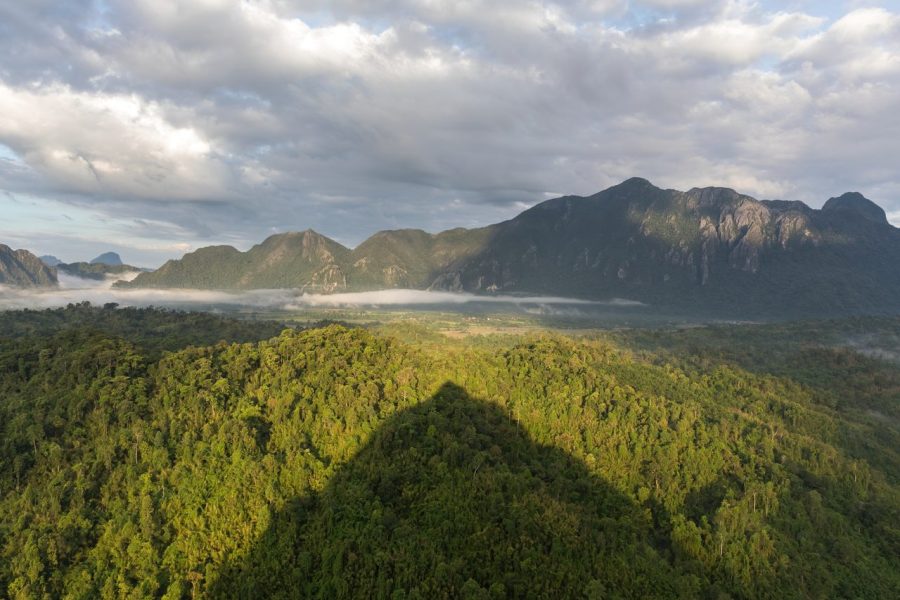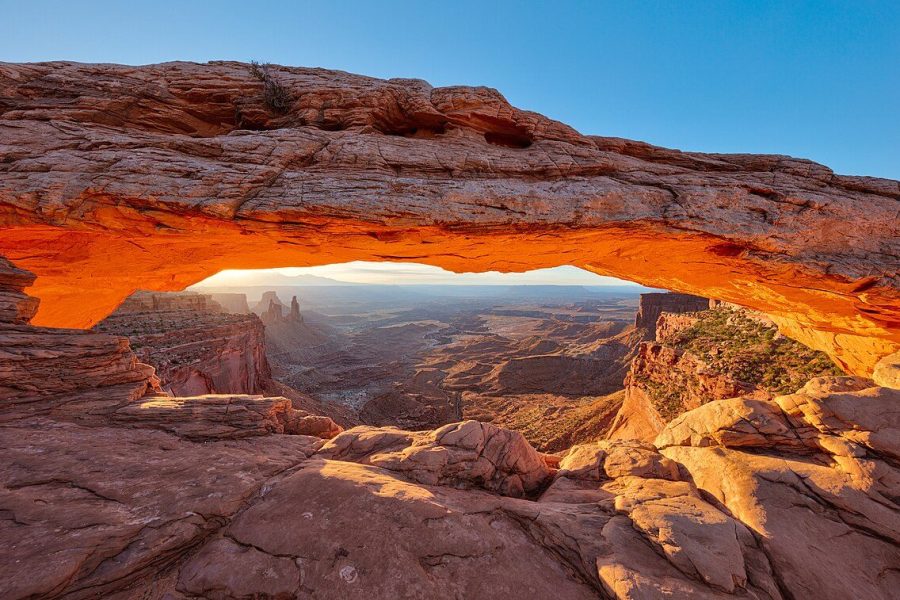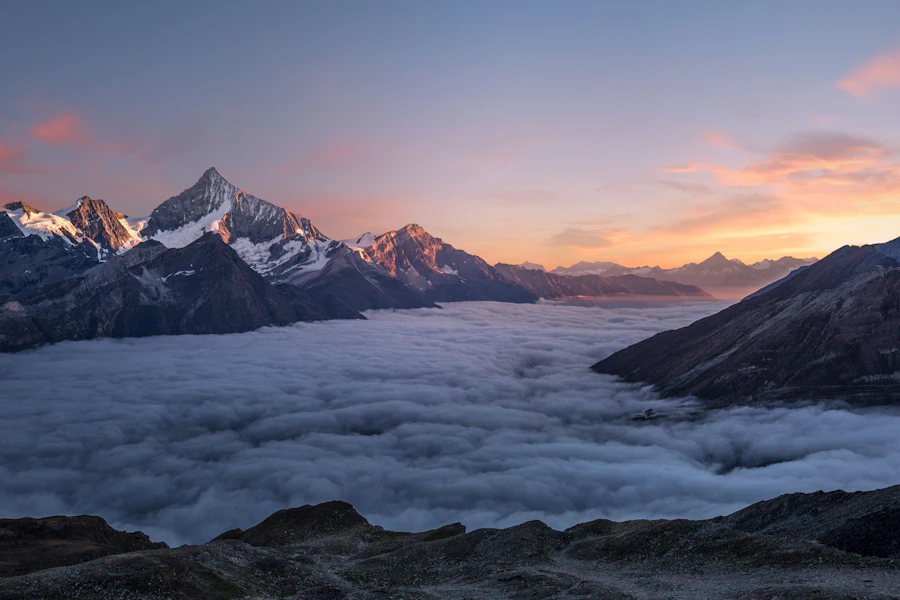
The Sony A7 IV delivers 33 megapixels on a back-illuminated full-frame sensor with 15 stops of claimed dynamic range — enough latitude to pull extreme shadow detail from a foreground and reign in a bright sky in a single frame. Knowing how to configure the camera correctly determines whether you use that potential or waste it. Here are the exact settings for landscape work.
Base Exposure Settings for Landscapes
Aperture: f/8 to f/11 for Maximum Sharpness
Every lens has a sweet spot. On full-frame lenses, that sweet spot lands between f/8 and f/11. Below f/8, you are dealing with residual aberrations and diffraction has not yet become a significant factor. Above f/11, diffraction begins to soften the image — by f/16, the softening is visible at 100% even on a sharp prime. For landscape photography, f/8 is the starting point: maximum sharpness across the frame, depth of field sufficient to render foreground rocks and distant mountains in the same plane of focus.
 Save
SaveUse f/11 when your foreground subject is very close — within 50–80 cm of the front element — and you cannot use focus stacking. At f/11 on a 24mm lens, the depth of field at 1 meter extends from roughly 0.6 meters to infinity.
ISO: Always 100
The Sony A7 IV’s base ISO is 100. Landscape photography on a tripod has exactly one reason to raise ISO: insufficient light combined with an exposure time already at the movement threshold (long grass blurring, waves smearing). In nearly every situation, keep ISO at 100. The A7 IV’s base-ISO files have exceptional shadow recovery — you can pull 4–5 stops of shadow detail from a properly exposed RAW file without visible noise.
If you are shooting the blue hour or night sky and need to go above ISO 100, use ISO 800 as a secondary base — the Sony’s sensor architecture has an additional read-noise cliff around ISO 640–800, meaning noise performance jumps rather than degrades slightly at that point.
Shutter Speed: Whatever the Light Demands
Landscape photography is mostly tripod work. Shutter speed becomes a creative choice rather than a technical constraint. Common landscape exposures:
- Silky water / moving clouds: 1–30 seconds with an ND filter
- Frozen water texture: 1/500s–1/1000s
- Standard landscape: 1/60s–1/4s depending on light
- Star photography: 15–25 seconds at f/2.8, ISO 3200 (see our night photography settings guide)
Shutter Release: 2-Second Timer or Cable Release
Camera shake from pressing the shutter button is the silent killer of otherwise sharp landscape images. Even on a sturdy tripod, the physical impact of your finger on the shutter button transmits vibration through the body. Two solutions:
2-second self-timer: Set in the Drive Mode menu. You press the button, the camera waits 2 seconds for vibrations to settle, then fires. This is the minimum viable solution — it costs nothing and you already have it.
Cable release (Sony RMT-P1BT or Bluetooth): The Sony A7 IV supports Bluetooth remote control via the Imaging Edge app and physical cable release via the multi-terminal port. A cable release or wireless trigger eliminates the physical contact entirely. For exposures longer than 30 seconds (bulb mode), a cable release with a locking mechanism is required.
Focus Strategy: Hyperfocal Distance and Stacking
Manual Focus at the Hyperfocal Distance
The hyperfocal distance is the closest focus distance at which objects at infinity still appear acceptably sharp. Focusing at the hyperfocal distance gives you maximum depth of field for a given aperture and focal length.
For a 24mm lens at f/8 on a full-frame sensor, the hyperfocal distance is approximately 3.1 meters. Everything from 1.55 meters (half the hyperfocal distance) to infinity will be within acceptable depth of field. Use the PhotoPills app or the depth of field calculator to find the hyperfocal distance for your specific lens and aperture combination before every shoot.
To set manual focus precisely on the A7 IV: switch to MF, use Focus Magnifier (assign it to a custom button) to zoom into a distant element, and adjust the focus ring until it is sharp at maximum magnification.
Focus Stacking for Near-Far Compositions
When your foreground element is within 1 meter and you need tack-sharp infinity simultaneously, no single aperture can achieve that depth of field without diffraction softening the image. Focus stacking is the solution.
Process: Take 2–5 frames focused at different distances — foreground rock, midground, background mountains — keeping every other variable (exposure, aperture, focal length) identical. Merge in Lightroom (Photo → Photo Merge → HDR/Focus Stacked) or in Photoshop (Edit → Auto-Align Layers, then Edit → Auto-Blend Layers → Stack Images → Seamless Tones). The result is a composite with front-to-back sharpness at f/8, with none of the diffraction softening of f/16.
Turning Off IBIS on a Tripod
This is one of the most commonly missed settings in Sony A7 IV landscape photography. The A7 IV’s IBIS (In-Body Image Stabilization) is designed to counteract hand-held camera movement by physically shifting the sensor. On a tripod, the sensor shift system has nothing to correct — but it keeps looking for movement and may introduce micro-blur as it hunts.
Disable IBIS when on a tripod: Menu → Camera 1 → SteadyShot → Off. Re-enable it when you go handheld. Some photographers assign this to a custom button for fast switching between modes.
File Format: Compressed vs Uncompressed RAW
The A7 IV offers RAW in three formats: Compressed, Losslessly Compressed, and Uncompressed. For landscape work where shadow recovery and extreme tonal range are critical:
- Losslessly Compressed RAW: Best balance. Full bit depth, no image quality loss from compression, reasonable file sizes (~35 MB per frame). Use this as your default.
- Uncompressed RAW: Largest files (~80 MB), no compression artifacts. Only necessary if you are doing extreme highlight/shadow recovery or large-format printing.
- Compressed RAW: Smaller files, but lossy compression can introduce banding in smooth gradients (sky tones). Avoid for landscapes.
Long Exposure Mode Configuration
For exposures beyond 30 seconds, the A7 IV’s BULB mode is required. Access it by rotating past 30″ in Manual mode or selecting BULB directly from the shutter speed dial. With a locking cable release, you can hold the shutter open for minutes.
Enable Long Exposure NR (Noise Reduction) for exposures over 1 second: Menu → Camera 1 → Long Expo NR → On. This takes a dark frame (same duration as your exposure, with the shutter closed) and subtracts hot pixels from your image. The tradeoff: your effective shooting rate halves, since each image requires a dark frame of equal length. For shorter burst sequences, disable it and handle hot pixels in post.
Metering and Histogram
Set metering to Multi (evaluative) for general landscape work. The A7 IV’s Multi metering analyses the scene intelligently and avoids blowing highlights in most natural light situations. Switch to Spot metering when you need to expose precisely for a single element (sunball, foreground texture).
More importantly, enable the histogram display in your EVF and LCD. The A7 IV shows a real-time RGB histogram in the viewfinder — the single most useful tool for exposure in landscape photography. Expose to the right: push your histogram as far right as you can without clipping highlights (blinking highlights warning, or histogram touching the right wall). This maximises the signal-to-noise ratio in your RAW data and gives you the cleanest shadow recovery in post.
Memory Recall Setup
The A7 IV has Memory recall positions (MR on the mode dial, plus 1–3 in-camera saves). Configure them for landscape scenarios:
| Memory Slot | Scenario | Key Settings |
|---|---|---|
| MR 1 | Tripod landscape | Manual, f/8, ISO 100, 2s timer, IBIS off, Lossless RAW |
| MR 2 | Long exposure (ND filter) | Manual, f/11, ISO 100, Bulb mode, LEN on |
| MR 3 | Handheld blue hour | Aperture Priority, f/4, Auto ISO max 3200, IBIS on |
Full Landscape Settings Checklist
- Aperture: f/8 (standard), f/11 (very close foreground)
- ISO: 100 base; 800 for night/blue hour
- Drive: 2-second self-timer or cable release
- Focus: Manual at hyperfocal distance; stack for near-far compositions
- IBIS: Off on tripod, on for handheld
- RAW: Losslessly Compressed
- Long Exposure NR: On for exposures over 1 second
- Metering: Multi; expose to the right using histogram
For lens selection for landscape work, see our guide to best wide angle lenses for landscape photography. For the complete long exposure workflow including ND filter selection, visit our long exposure photography tutorial.
Luminar Neo’s Sky AI, atmosphere AI and SuperSharp are designed for landscape work — replace flat skies, add depth, and recover detail in seconds. Tagged as affiliate per FTC.
Frequently Asked Questions
Should I turn off IBIS on the Sony A7 IV when using a tripod?
Yes. IBIS can introduce micro-blur on a stable tripod because it keeps looking for movement that is not there. Turn it off via Menu → Camera 1 → SteadyShot → Off.
What RAW format should I use on the Sony A7 IV for landscapes?
Losslessly Compressed RAW. It preserves full bit depth with no quality loss at around 35 MB per file. Avoid Compressed RAW — it can introduce banding in smooth sky gradients.
What is the hyperfocal distance on a 24mm lens at f/8?
On full-frame with a 24mm lens at f/8, the hyperfocal distance is approximately 3.1 meters. Everything from 1.55 meters to infinity falls within acceptable depth of field.
How do I shoot focus stacks with the Sony A7 IV?
Shoot 2–5 frames at different focus distances with identical aperture, exposure, and focal length. Merge in Lightroom via Photo Merge → Focus Stacked, or in Photoshop using Auto-Align Layers then Auto-Blend Layers → Stack Images.
What is the best ISO for landscape photography on the Sony A7 IV?
ISO 100 for all tripod work. For blue hour or night shooting, ISO 800 is a useful secondary baseline — the A7 IV’s sensor architecture gives a read-noise advantage at this value.