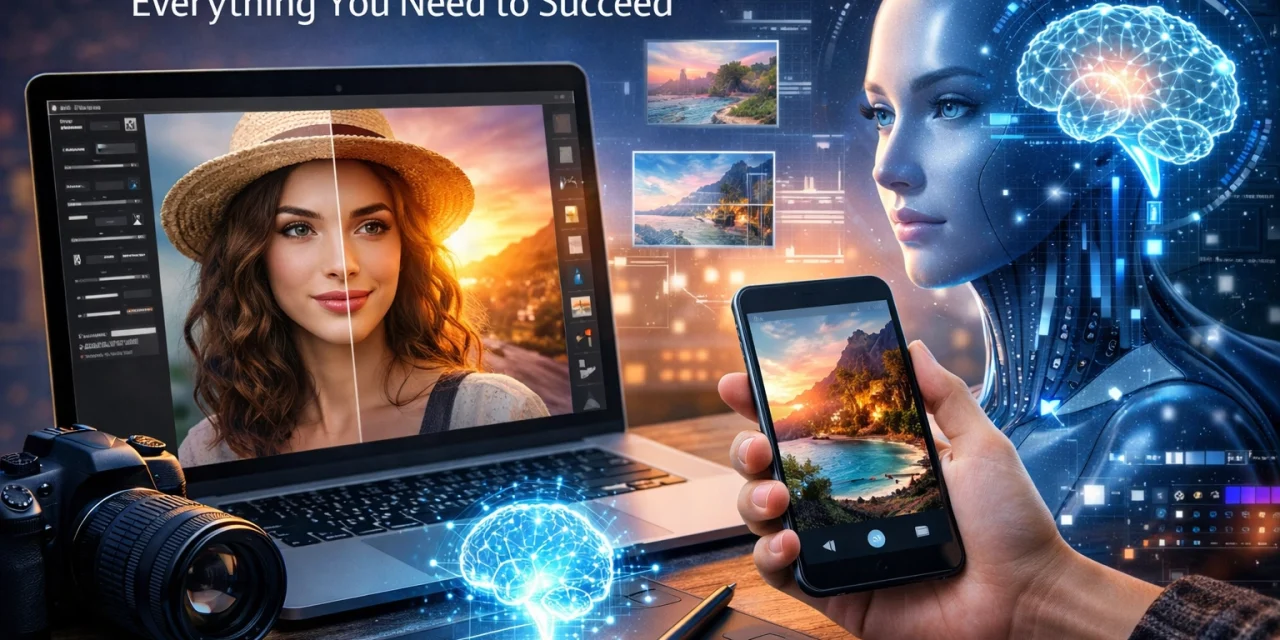
Let’s be honest for a second: the word "AI" used to feel like a dirty word in the photography community. A few years ago, if you mentioned using artificial intelligence to edit your shots, purists would look at you like you were trying to pass off a microwave dinner as a five-course gourmet meal. But things have changed. It is 2026, and if you aren’t using AI photo editing to some degree, you’re essentially trying to win a Formula 1 race on a bicycle.
AI isn't here to replace your creativity or your "eye." It’s here to do the boring stuff: the tedious, soul-sucking tasks that keep you hunched over your computer for eight hours after a shoot. We’re talking about culling thousands of images, masking individual strands of hair, and cleaning up sensor dust.
This guide is going to walk you through everything you need to know about AI photo editing. Whether you are a total newbie just learning how to use a manual mode camera or a seasoned pro looking to reclaim your weekends, this is for you.
What Exactly is AI Photo Editing?
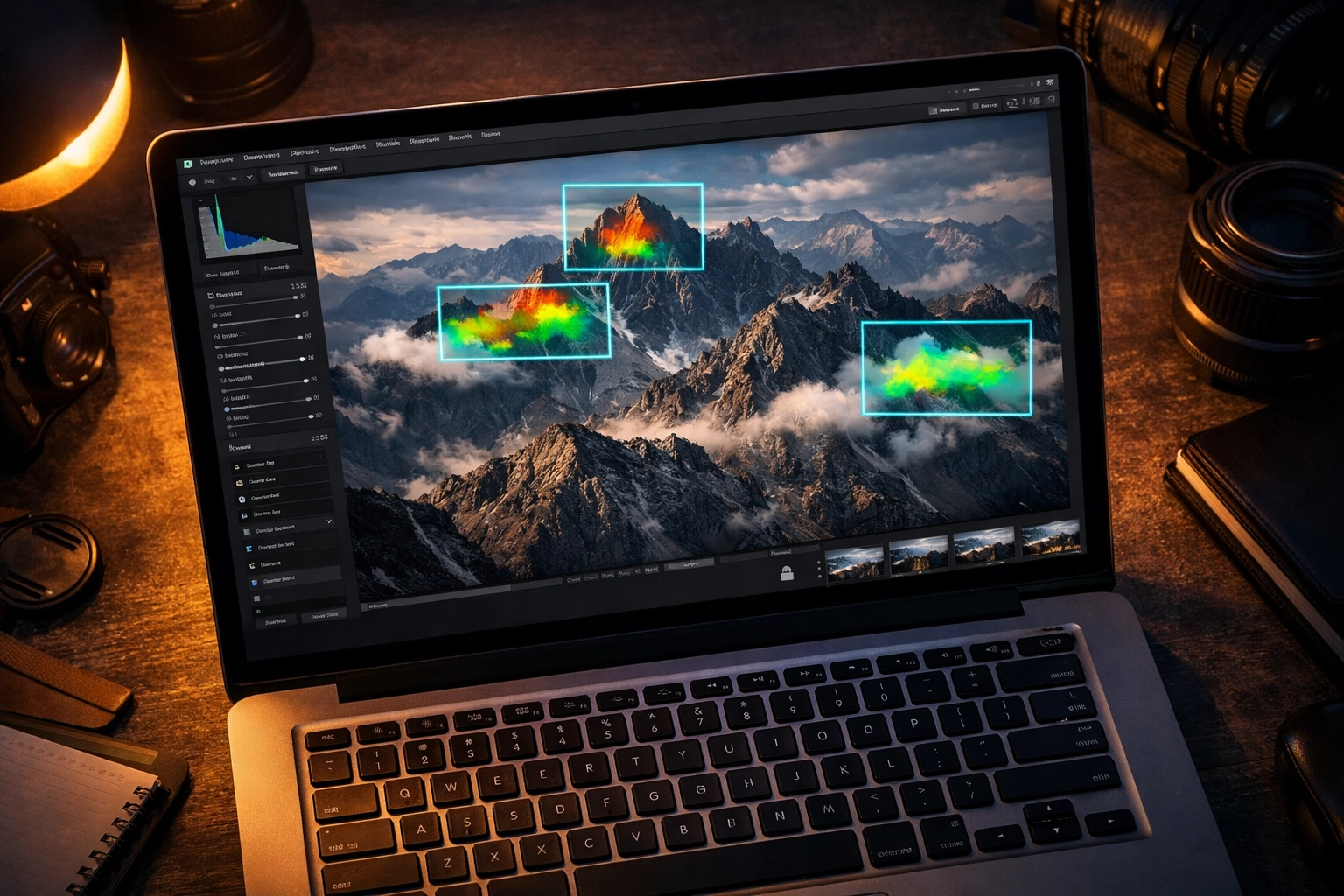
At its core, AI photo editing uses machine learning algorithms to analyze the data in your images. Instead of just pushing pixels around based on a simple slider, the software "understands" what it’s looking at. It knows the difference between a human face, a mountain range, and a stray trash can in the background of your street photo.
When you use a tool like Luminar, the software has been trained on millions of professional images. It looks at your underexposed sunset and thinks, "I know what a perfect sunset looks like," and helps you get there in one click. It’s about pattern recognition and intelligent automation.
Why You Should Embrace the Robots
If you’re still on the fence, think about efficiency. The biggest bottleneck in a photography business isn't the shooting; it's the post-processing. By integrating AI into your workflow, you can reduce your editing time by up to 90%.
For wedding photographers who come home with 4,000 frames, AI tools can cull those down to the keepers in minutes. For portrait photographers, AI can handle high-end skin retouching that used to take an hour per photo in just a few seconds. This allows you to focus on the high-level creative decisions: the stuff that actually makes you an artist. If you want to see how the industry is shifting, keep an eye on our photography news updates to see how software is evolving alongside new hardware.
Essential AI Features Every Photographer Needs
To succeed in the modern landscape, you need to understand the tools at your disposal. AI photo editing isn't just one "enhance" button; it’s a suite of specialized capabilities.
1. Generative Fill and Object Removal
This is the "magic" stuff. Using tools like Adobe Photoshop’s Generative Fill, you can select an object: a photobomber, a telephone wire, or a distracting sign: and tell the AI to remove it. The software doesn't just smudge the area; it generates new pixels that match the lighting, texture, and perspective of the surrounding scene. You can even use it to add elements. Want to turn a boring park bench into a vintage velvet sofa? Just type it in.
2. Intelligent Masking
Gone are the days of spending twenty minutes with the pen tool trying to mask out a model's hair. Modern AI can identify subjects, skies, backgrounds, and even specific features like teeth or eyes automatically. In Luminar, you can select "Sky" and it will perfectly mask around every leaf on a tree so you can drop in a dramatic sunset without any "halos" or weird edges.
3. AI Denoising and Sharpening
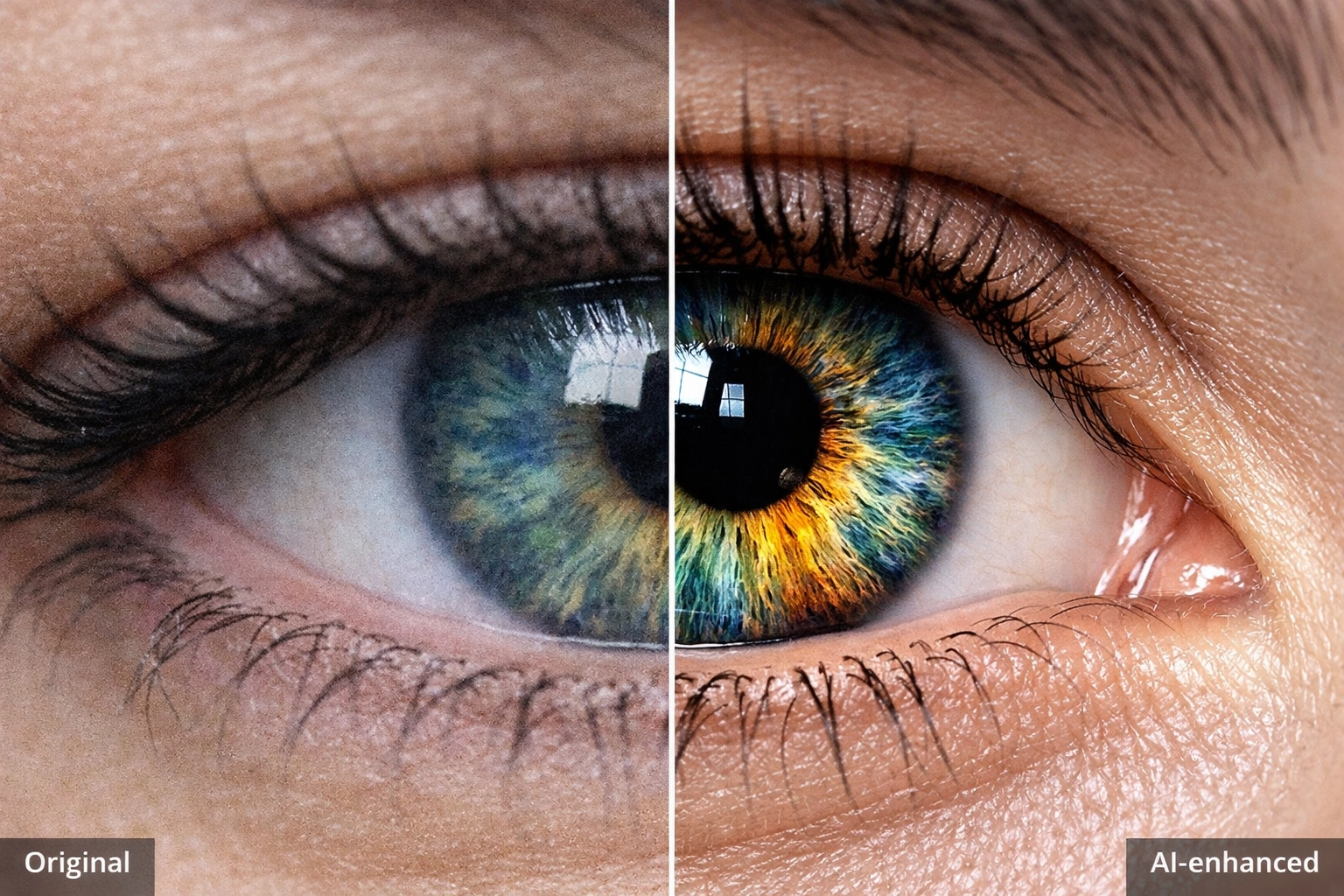
Low light used to be the enemy. If you pushed your ISO too high, your photo looked like a bowl of digital oatmeal. AI denoising tools (like those found in Topaz Labs or Adobe Lightroom) can distinguish between actual image detail and digital noise. They strip away the grain while keeping the sharpness. This is a game-changer for documentary photographers who often work in less-than-ideal lighting.
4. Upscaling and Resolution Enhancement
Ever had a client want a massive print of a photo you took on an old 12-megapixel camera? AI upscaling can increase the resolution of an image by 200%, 400%, or more, using "interpolation" to fill in the missing details. It makes the image look like it was shot on a much higher-resolution sensor.
Top AI Photo Editing Software in 2026
The market is crowded, but a few names consistently rise to the top. Here is what we recommend checking out:
Adobe Photoshop & Lightroom
The industry standards. Adobe has integrated "Firefly" (their AI engine) directly into their apps. Features like "Lens Blur" (which uses AI to create realistic bokeh) and "Generative Expand" make Adobe a powerhouse for both subtle edits and wild transformations.
Luminar Neo
If you want results fast, Luminar is arguably the most user-friendly AI editor on the market. It’s designed specifically for photographers who want to spend more time shooting and less time masking. Their "Structure AI" and "Relight AI" features are incredibly intuitive.
Topaz Photo AI
Topaz is the king of "repair." If you have a slightly blurry photo or a very noisy one, Topaz Photo AI is usually the first tool photographers reach for. It’s less about creative filters and more about technical perfection.
ImagenAI
For the pros who need to maintain a consistent style across thousands of images, ImagenAI is a lifesaver. It "learns" your editing style by analyzing your past work and applies those specific adjustments to your new sets. It’s like having a digital clone of yourself doing your editing.
Building an AI-Powered Workflow
So, how do you actually use this stuff without making your photos look "fake"? The key is a hybrid approach.
- The Cull: Use an AI tool like Aftershoot to filter out the blinks, blurs, and duplicates.
- The Base Edit: Apply your basic exposure and color corrections. Tools like Luminar can help balance the light across the frame instantly.
- The Polish: Use AI masking to brighten the subject's eyes or soften skin textures. If you're doing portraits, check out our ultimate guide to portrait techniques to see where these edits fit into the bigger picture.
- The Final Touch: Use manual sliders to add your personal creative flair. This is where you ensure the photo still feels like your work.
If you’re looking for more gear to help with your workflow, you might want to see how to choose the best mirrorless camera to ensure you're getting the best RAW files possible before you even start editing.
The Ethics: Is it Still "Photography"?
This is the big debate. When the AI generates a whole new sky or adds mountains that weren't there, is it still a photograph?
At Shut Your Aperture, we believe photography is about the final vision. However, transparency is key. If you are doing documentary or journalism work, AI should only be used for technical cleanup (noise, sharpening, color). If you are doing commercial or fine art work, the sky is the limit.
For more inspiration on how to push boundaries without losing the "soul" of the craft, check out some creative street photography ideas. Street photography is one area where the "truth" of the image matters most, and seeing how AI fits into that niche is fascinating.
AI and Your Social Media Strategy
I was chatting with Sonny, our Social Media Manager, about this last week. AI isn't just for the final print; it's a huge tool for social media. When you're posting to Instagram or TikTok, you need your images to pop immediately. AI-driven color grading can give your feed a cohesive look that stops the scroll.
We’ve found that sharing "Before and After" shots of AI edits performs incredibly well. People love to see the "magic" behind the curtain. If you’re working on a series, linking back to your blog posts about your process is a great way to build authority. You can find more tips on this in our photography tutorials guide.
Where to Learn More
If you are feeling overwhelmed, don't worry. The learning curve for AI tools is actually much shallower than traditional Photoshop. Most of these tools are designed to be "plug and play."
For deep dives into specific techniques, I highly recommend checking out PhotoGuides.org. They have some excellent breakdowns on the technical side of digital imaging. If you're looking to rent gear to test out high-res sensors for your AI upscaling experiments, head over to proshoot.io.
And of course, for a more personal look at how professional photographers are integrating these tools into their fine art, you can always browse blog.edinchavez.com or see the final results at edinfineart.com.
Final Thoughts: The Future is Here
AI photo editing is no longer a futuristic concept: it is the present. It’s a tool, just like the darkroom chemicals of the past or the digital sensors of the early 2000s. The goal is always the same: to create a compelling image that moves the viewer.
By mastering tools like Luminar and the Adobe suite, you aren't cheating; you're evolving. You're making sure that you spend less time staring at a loading bar and more time behind the lens, which is where the real magic happens.
So, go ahead: download a trial, play with some generative fill, and see what happens. You might just find that the "robot" is the best assistant you've ever had. Stay tuned to our tech category for more updates on how these tools are changing the game.