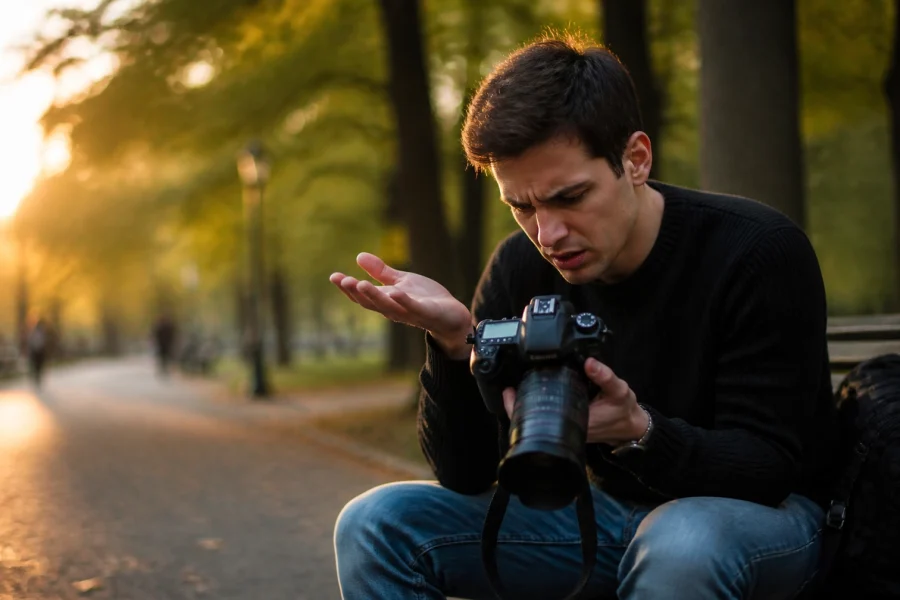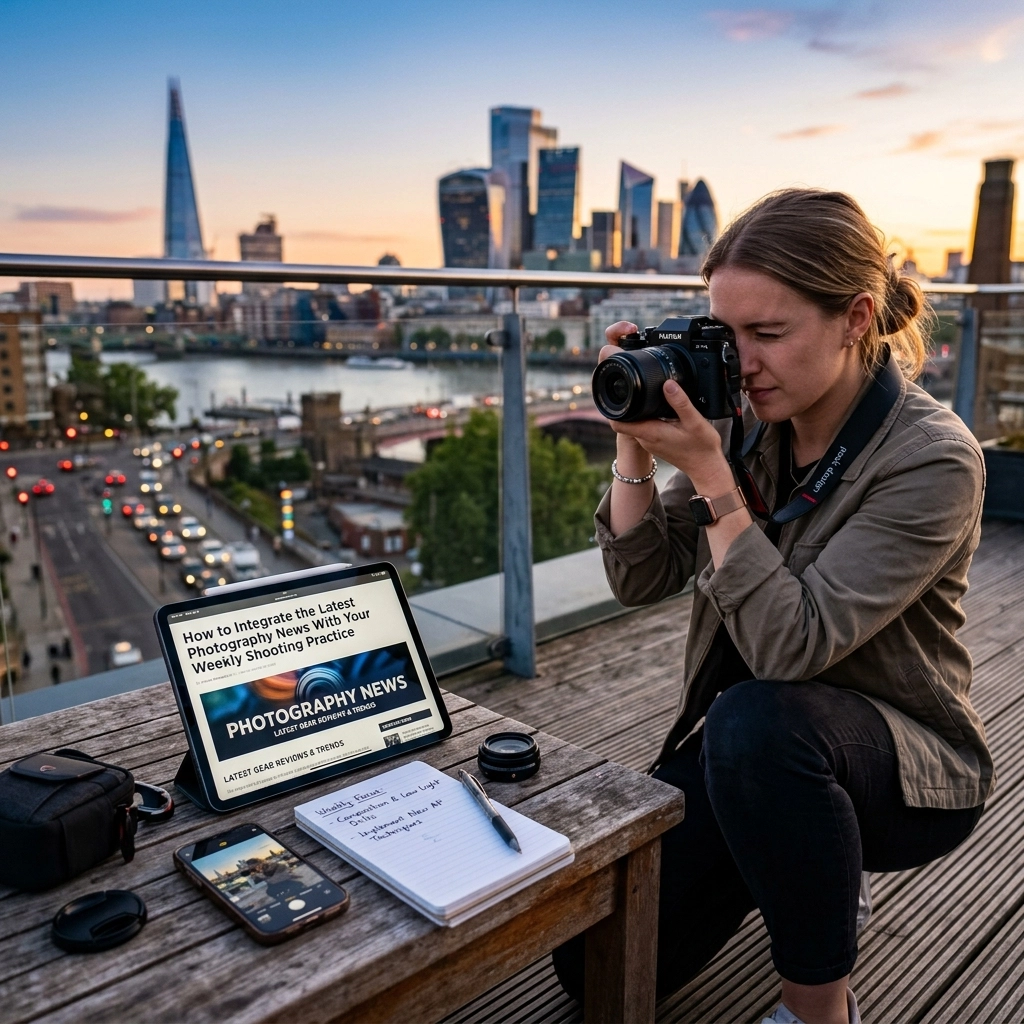
Most photographers spend more time scrolling through gear rumors and industry news than they do actually holding their cameras. We’ve all been there: refreshing the feed at 11 PM to see if the latest firmware update for a camera we don't even own has been leaked yet. It’s called "Gear Acquisition Syndrome" (GAS) or simply information overload. But what if you could take that digital noise and turn it into a concrete reason to get out and shoot?
The gap between consuming content and creating art is where most hobbies go to die. If you want to actually get better at this craft, you need to bridge that gap. You need to take the headlines about AI-powered autofocus, high-ISO performance, or new landscape techniques and bake them directly into your weekly shooting routine.
At Shut Your Aperture, we believe in keeping things simple. You don’t need the newest $6,000 body to take better photos, but you can use the news about that body to inspire a specific challenge for yourself this weekend. Let's look at how to stop being a passive consumer and start being an active creator.
The Information-Action Gap: Why News Often Holds You Back
We live in a golden age of information. Every day, there are dozens of articles about the "best" settings, the "latest" tech, and "revolutionary" ways to edit your photos. But here is the hard truth: most of that information is useless unless it is applied immediately.
If you read about the latest AI photography news and then just keep scrolling, you haven't learned anything. You've just entertained yourself. To truly grow, you have to turn that "news" into a "prompt."
The goal is to move away from passive consumption. When you see a headline, your first thought shouldn't be "I wish I had that gear," but rather, "How can I mimic that effect with what I have right now?" This mindset shift is the secret to staying inspired year-round. If you're just starting out, check out our Photography 101 guide to get your fundamentals solid before you start layering on complex news-based drills.
Step 1: Curate a Lean News Diet
Before you can integrate news into your practice, you have to stop drowning in it. If you follow 50 different photography blogs and 200 YouTubers, you’ll never have time to shoot. You need to pick 2 or 3 high-quality sources and ignore the rest.
I recommend breaking your sources down into three categories:
- Gear & Tech: Use sites like DPReview or PetaPixel to stay informed on what’s coming. But don't just look at the specs; look at the purpose of the gear. Is the new lens a 85mm f/1.2? That tells you portraiture is trending.
- Technique & Education: Check out PhotoGuides.org for practical, hands-on advice that translates news into skills.
- Inspiration & Culture: Look at what the big names are doing. If everyone is talking about a specific style of street photography, that’s your cue to try it.
Once you’ve curated your list, check them once a week: maybe on a Monday morning: and pick one story that catches your eye. That story will be the foundation of your weekly shooting practice.
Step 2: Turn Gear Announcements into Creative Constraints
This is my favorite way to handle gear news. When a manufacturer announces a lens or a camera feature that you can't afford (or don't want to buy), don't get jealous. Get creative.
The Mimicry Challenge
Let’s say the news is all about a brand new 600mm super-telephoto lens designed for bird photography. Most people would think, "I can't do that; I only have a 24-70mm."
Wrong.
Instead, use that news as a prompt to practice "Long Lens Aesthetics." Take your longest lens, go to a park, and focus on isolating small subjects. Figure out how to compress your background. If you’re struggling with the technical side, jump over to learn.shutyouraperture.com to brush up on how focal lengths actually change your image composition.
The Low-Light Challenge
If you see news about a new camera that can shoot at ISO 102,400 with zero noise, don't feel bad about your older sensor. Use it as a reason to master "Noise Management." Go out at night and purposely shoot at your camera's limit. Learn how to expose to the right (ETTR) to minimize grain, and then see how well you can clean it up in post-processing. It's about mastering the manual mode you already have.
Step 3: Software News and the "Editing Drill"
Photography news isn't just about hardware. Software updates are arguably more frequent and more impactful for the average shooter. Every time Adobe or Skylum drops a new feature, you have a perfect excuse to revisit your old RAW files.
If you read that Luminar has released a new AI-powered sky replacement or generative erase tool, don't just say "cool" and move on. Go back through your archives and find 10 photos you "failed" at: maybe the sky was blown out or there was an annoying tourist in the frame.
Spend your weekly practice hour mastering that one new tool. This keeps your editing skills sharp and ensures you're not making common AI photo editing mistakes. The goal here is to understand the why behind the tool, not just the how.
Step 4: Industry Trends as Story Prompts
Sometimes the news is more about the "vibe" of the industry. Maybe there’s a massive trend toward "Authentic Film Looks" or a surge in "Environmental Portraiture."
When you see these trends popping up in your feed, use them as a thematic guide. For example, if "Corporate Headshots" are in the news because of a new LinkedIn feature, take that as a sign to practice your lighting. You can find some great tips on professional headshots right here on our blog.
The idea is to take the "trending" topic and apply it to your local environment. If the world is talking about sustainable travel, go out and document "Sustainable Life" in your own neighborhood. This prevents the "I have nothing to shoot" syndrome that kills many photographers' momentum.
The 5-Step Weekly Workflow
To make this sustainable, you need a system. You can’t just hope for inspiration to strike. You have to build a factory for it. Here is the workflow I suggest:
1. The Monday Scan (15 Minutes)
Scan your 2-3 chosen news sites. Don't read the deep-dive reviews yet. Just look at the headlines. Find the one that makes you slightly curious or even slightly annoyed.
2. The Creative Brief (5 Minutes)
Write down a one-sentence goal for your week.
Example: "Since everyone is talking about the new Sony wide-angle, I'm going to shoot my entire weekend using only my widest lens at its widest aperture."
If you're stuck, look at our guide on how to choose the best mirrorless cameras to see what tech is actually moving the needle.
3. The Shooting Session (1-2 Hours)
This is where the rubber meets the road. Go out with your specific goal in mind. If your goal was "Landscape Minimalism" because you read a feature on a minimalist photographer, don't get distracted by a cool bird or a street scene. Stick to the brief. If you need a refresher on the basics, our landscape photography guide is a great place to start.
4. The Post-Processing Lab (1 Hour)
Take those shots and bring them into your editor. If the news was about a new Luminar update, use it. If the news was about a specific "vintage" look, try to recreate it manually using curves and color grading.
5. Review and Reflect (10 Minutes)
Did the news-inspired constraint help? Did you learn something about your gear that you didn't know? Write down one thing you’ll do differently next week. This reflection is what turns a "hobby" into "mastery."
Practical Examples: Turning Headlines Into Photos
Let’s look at some real-world scenarios to see how this works in practice.
Scenario A: "New Nikon Z9 Firmware Adds Pre-Capture"
The News: Nikon updated their flagship to record images before you even press the shutter.
Your Practice: You probably don't have a Z9. But the news is about "Timing." Spend your week practicing "The Decisive Moment." Go to a local skate park or a busy street corner and try to capture the exact peak of an action without using burst mode. Focus on your reaction time.
Scenario B: "The Rise of AI-Generated Imagery in Stock Photo Sites"
The News: AI is taking over generic stock photography.
Your Practice: This news highlights that "Human Emotion" is more valuable than ever. Spend your week shooting portraits using natural light. Focus on capturing a genuine expression that an AI couldn't easily replicate.
Scenario C: "New Ultra-Lightweight Travel Tripod Released"
The News: Everyone is talking about how easy it is to carry gear now.
Your Practice: This is about "Portability and Perspective." Go on a long hike with the absolute minimum gear: maybe just one body and one prime lens. See how your composition changes when you aren't weighed down by a giant bag. Or, if you're struggling with getting sharp shots on your current setup, check out blog.edinchavez.com for some wisdom on gear and travel.
Avoid the "News Junkie" Pitfalls
While news can be a great spark, it can also be a fire that burns up your time. Here are a few things to avoid:
- Buying instead of Doing: If your reaction to every news story is to check your bank account, you're doing it wrong. Challenge yourself to wait at least 30 days before buying any new gear mentioned in the news. In that 30 days, try to mimic the gear's function with what you already have.
- Arguing in Comments: Spending three hours arguing about brand loyalty on a forum is three hours you could have spent shooting. The "best" camera is the one you know how to use. Period. If you're struggling with your current camera, read our guide on 7 mistakes you're making with manual mode and fix them today.
- Complexity Overload: Don't try to integrate five different news stories at once. Pick one. If you try to practice "AI editing" and "Long-lens wildlife" and "Street photography ethics" all in one weekend, you'll end up frustrated.
Why This Method Actually Works
The reason this "News-to-Practice" pipeline works is because it provides external structure. Left to our own devices, we tend to shoot the same things, in the same way, forever. We go to the same park, use the same f/8 aperture, and edit with the same preset.
By letting the photography industry "assign" you a topic each week, you are forced out of your comfort zone. You might end up shooting macro one week, sports the next, and architecture the week after. Even if you never want to be a professional architectural photographer, the skills you learn while practicing that "prompt" will bleed into your other work. You'll start to see lines, light, and color in new ways.
If you’re looking for more inspiration or want to see what high-end results look like, take a look at edinfineart.com. Seeing finished, professional work can often be the final nudge you need to get out the door.
Taking it a Step Further: The "News Journal"
If you really want to level up, keep a small notebook or a digital file of your "News Prompts." Over the course of a year, you’ll have a record of 52 different challenges you tackled.
Each entry should look like this:
- Date: May 16, 2026
- The News: Luminar adds "Generative Expand" feature.
- The Challenge: Shoot 5 tight portraits, then try to "expand" the environment in post to create a cinematic look.
- Result: Learned that I need to leave more "empty" space around my subjects if I want AI to help me later.
This turns your photography into a science experiment where you are both the scientist and the subject. It’s the fastest way to master your mirrorless camera in 2026.
Final Thoughts: The Shutter is What Matters
At the end of the day, all the news in the world won't make you a better photographer if you don't press the shutter button. The industry is designed to keep you clicking on links and adding things to your cart. But you are a creator, not just a consumer.
Use the news as a tool, not a crutch. Let the headlines spark your curiosity, but let your eyes and your hands do the work. Whether it’s a new AI-powered mirrorless tech or a simple software update, every piece of news is a potential lesson.
So, what did you read today? And more importantly, what are you going to shoot because of it?
Stop scrolling. Grab your camera. Shut your aperture. Let's see what you can create. For more in-depth training, don't forget to visit learn.shutyouraperture.com and join our community of photographers who are doing the work every single week.