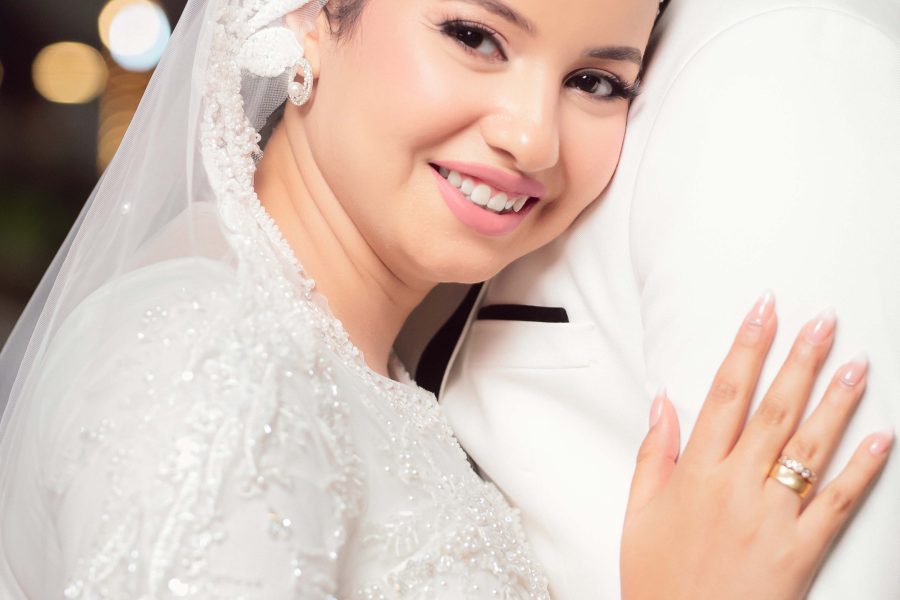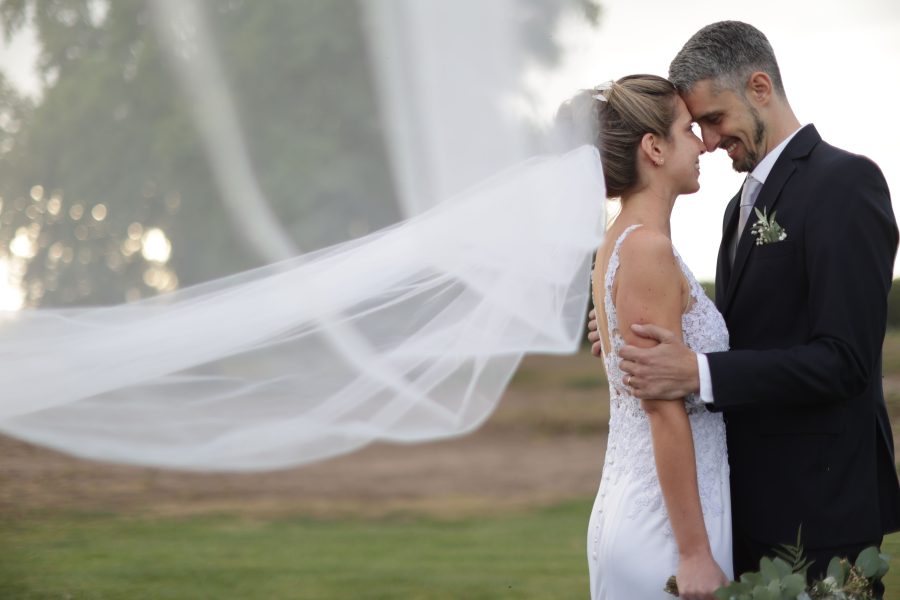
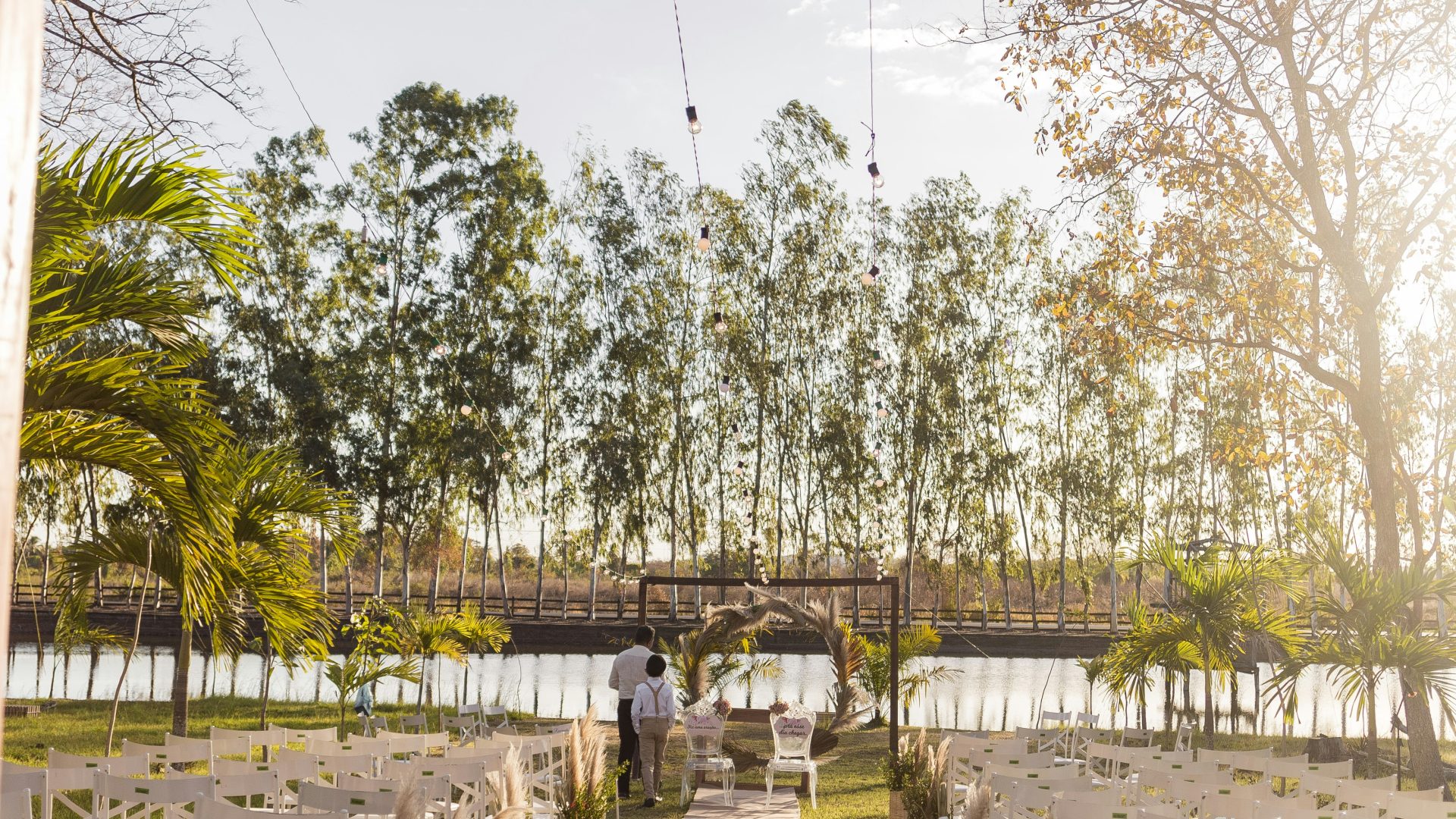
An outdoor wedding aisle with white chairs, flowers and two distant rear-facing figures in sunlight. Photograph by Junior REIS. Source: Unsplash. Free to use under the Unsplash License. Uncropped original; illustrative wedding settings, not an X100VI camera sample or a settings test.
The Fujifilm X100VI can add a close, documentary view to a wedding gallery, but its settings cannot remove its physical limits. The lens is a fixed 23mm f/2, giving a field of view similar to 35mm on full frame. The camera has one memory-card slot. Plan around both facts before deciding which moments it should cover.
This guide treats the X100VI as a complementary camera or a guest’s camera, not a recommendation to cover a paid wedding with one body and one card. The photographs illustrate wedding settings and light; they are not X100VI sample images or evidence of a tested autofocus success rate. The starting values below are rehearsal suggestions rather than universal presets.
Give the fixed lens a specific job
A 35mm-equivalent view works well when the surroundings matter: an aisle before guests arrive, conversation around a table, a couple walking through a room, or a wider view of a reception. Build the picture around that relationship between people and place. Walk to a useful position before the event starts, rather than expecting to zoom when the moment arrives.
The same view becomes restrictive when the ceremony rules keep you at the back. A small face inside a wide composition is not transformed into a detailed close portrait by changing a menu. Digital cropping can tighten the framing, but it cannot recover detail that was never recorded. Agree on access with the venue and the lead photographer, and do not cross an aisle or interrupt vows to compensate for inadequate reach.
For paid coverage, keep the main camera system and an independent backup ready for the moments that must be delivered. Assign the X100VI a modest task that does not compete with that responsibility. Tobiah Tayo’s wedding-photographer review makes the same distinction: he describes the camera as an addition to his working bodies, not his only wedding camera. That is useful context, not a promise that every photographer will find the same handling or focus performance.
Build a simple exposure baseline before the day
Start with a rehearsal in light similar to the venue. For a person walking at an ordinary pace, compare frames around 1/250 second with faster choices such as 1/500 second. For animated dancing or quick gestures, try a faster shutter again. Inspect hands, eyes and clothing at a useful magnification. Choose the slowest speed that gives the motion treatment you want, with room for changes in pace.
For available-light candids, manual exposure with Auto ISO can be a practical starting arrangement: choose your shutter speed and aperture deliberately, then watch the ISO and the resulting exposure as the light changes. It is a workflow to learn before the assignment, not a substitute for reading the meter. If you hit the ISO ceiling, the image can be too dark even though the camera is still willing to release the shutter.
Aperture priority with Auto ISO is another option for slower scenes, but understand its minimum-shutter setting. Fujifilm states that the camera may choose a speed below that minimum if the picture would remain underexposed at the selected maximum ISO. A nominal 1/250-second minimum is therefore not an absolute motion-blur barrier. Watch the actual shutter speed, especially when moving from daylight into a dim ceremony space.
Keep the screen display useful rather than crowded. Show the exposure information you need to catch a changed dial, a low battery or a slowing shutter. The manufacturer’s quick-start guide explains how to customize the EVF/LCD display and Q Menu. Practice finding those controls without taking your attention away from the people in front of you. A setup you can explain but cannot operate quickly is not ready for a wedding.
 Save
Match aperture to the shape of the scene
The f/2 maximum aperture is useful when light is scarce or you want to separate a nearby subject from the background. It is not automatically the best choice for every photograph. If two people occupy different distances from the camera, or a table arrangement extends toward you, compare a smaller aperture and check whether the important elements remain sharp together.
For a posed group, begin with enough depth of field for the arrangement, then refine it after inspecting a test. A setting around f/4 or f/5.6 is a comparison point, not a guarantee for every group size or distance. Put people into a manageable plane rather than relying on an extreme aperture to rescue a deep, untidy arrangement. Check the nearest and farthest faces when you have permission to make that photograph.
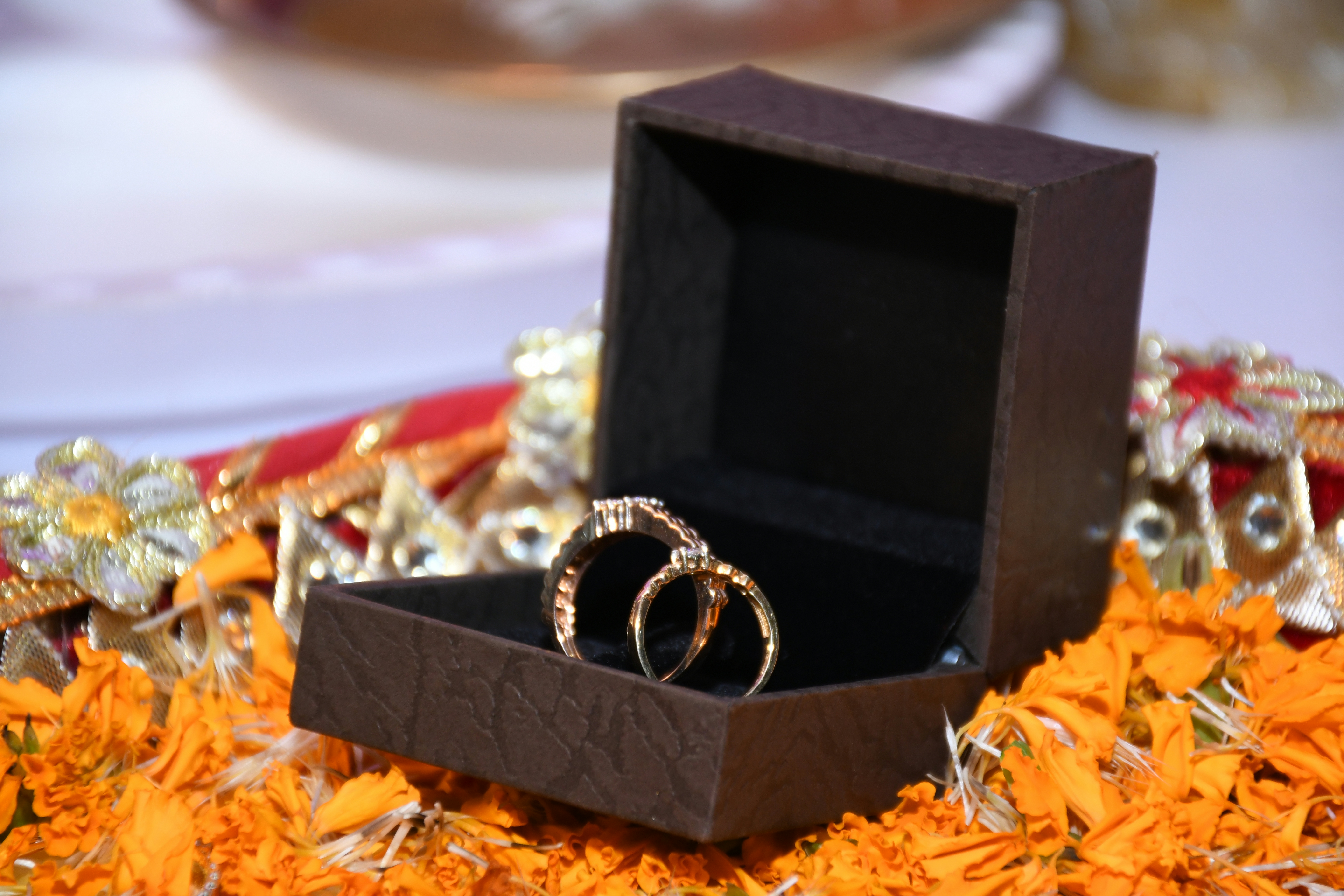
For a ring box, place card or plate, decide which surface needs to be sharp before choosing the focus point. Very close framing can make small distance differences important even with a relatively wide lens. If the decoration competes with the subject, change your angle or simplify the background. Do not mistake a blurred foreground ornament for a focusing failure if you deliberately focused farther back.
Use the ND filter without forgetting it indoors
The X100VI’s built-in neutral-density filter reduces exposure by four stops. That makes it useful when bright daylight would otherwise force an unwanted aperture or shutter choice. Fujifilm also notes that the mechanical shutter’s upper limit depends on aperture: it varies from 1/2000 second at f/2 to 1/4000 second at f/4.5. Do not read the headline maximum as identical behavior at every aperture.
When the sunlit ceremony space is overexposed at the settings you want, consider the ND filter and check a new frame. Watch the dress, pale flowers and reflective tableware, not only the overall brightness of the preview. A bright window can make an interior scene especially difficult. Decide whether to expose for the people, add permitted light or change the composition rather than hoping all contrast will disappear later.
Make the ND state part of your doorway check. A filter that helped outside becomes a four-stop light penalty in a dark room. Before the next scene, confirm shutter speed, aperture, ISO, focus mode and ND together. This short transition habit is more useful than an elaborate collection of presets that leaves one important physical control in the wrong position.
 Save
Choose a person before trusting face and eye detection
Use AF-C when the subject’s distance is changing, then rehearse how you acquire and keep the intended person. For people, the relevant menu is FACE/EYE DETECTION SETTING. The separate SUBJECT DETECTION SETTING covers non-human subjects such as animals and vehicles. Fujifilm documents that enabling one detection system turns the other off. Check the actual setting instead of assuming a general subject-detection label means human eyes.
With several faces in the frame, watch which face receives the focus indication. A camera cannot know which guest matters to your story. If it repeatedly chooses someone in the foreground, use a more deliberate point or zone and re-acquire your intended person. A smaller active area can help you communicate your intent, but it also asks you to keep that area where it belongs.
Eye detection has limits. Fujifilm says that an obscured eye may lead the camera to focus on a face instead. A veil, turned head, low contrast or a person crossing the frame can therefore change what the display shows. Do not wait until the kiss or the entrance to discover how your chosen setup behaves. Practice with someone approaching, turning away and passing behind an obstruction before relying on it.
The AF-C custom settings offer presets and a custom option. Start with the general-purpose preset and change one behavior only when your rehearsal exposes a problem. Higher tracking sensitivity makes the camera wait longer before changing to a different subject after something obstructs the current one. That may help with a brief crossing guest, but it can also delay an intentional change of subject. It is not a universal higher-is-better control.
Separate focus confirmation from a sharp delivered frame
Review a short sequence rather than judging autofocus from a single green indication. Look for a sharp intended face, acceptable motion and enough depth of field at the same time. A sharp background with a soft person suggests a different problem from a correctly focused person whose moving hands are blurred. Change the relevant control, not several unrelated settings at once.
Fujifilm’s RELEASE/FOCUS PRIORITY options also deserve a rehearsal. Release priority allows the shutter to fire even when focus has not been achieved. Focus priority gives focus precedence within the camera’s documented behavior, but it is not a delivery guarantee; the manual also notes a qualification when AF+MF is enabled. Check your combination and test it, rather than assuming that selecting a reassuring menu name makes every frame sharp.
Keep bursts short enough that you can follow the scene and review the result when appropriate. The point is to capture a useful expression or gesture, not to build a large sequence while the camera is following the wrong person. If the X100VI is your supplementary body, do not let troubleshooting it draw attention away from the primary coverage that the couple is depending on.
Test the shutter under the actual room lights
The mechanical leaf shutter is a sensible rehearsal starting point for moving wedding subjects. Electronic shutter can reduce shutter sound, but Fujifilm warns about distortion with moving subjects and banding or fog under fluorescent or other flickering illumination. A fast indicated exposure does not mean the whole frame is captured in one instant. Test both the subject movement and the lights before choosing the quieter option.
At a reception, photograph a plain area and a person under the installed lights, then examine the files for stripes or uneven brightness. Test again when the lighting changes for dancing. The manual provides flicker reduction options for mechanical-shutter use and a fine shutter-speed adjustment option in S and M for LED-related flicker. These are tools to evaluate in the room, not promises that every fixture or dimmer combination can be corrected.
Electronic shutter also disables flash on this camera. If flash is allowed and part of your plan, confirm the mechanical-shutter setup and test the actual flash, trigger and power level together. Do not infer complete flash compatibility from the phrase leaf shutter. Check exposure across the frame and allow time for recycling. A successful single test frame is not proof that a rapid sequence will remain equally lit.
 Save
Let stabilization help the camera, not freeze the guests
In-body stabilization helps reduce the effect of camera movement. It does not stop a person turning their head, a hand lifting a glass or a couple moving across the floor. Treat the manufacturer’s stabilization rating as a standardized specification, not permission to use a very slow shutter for every scene. Set the motion requirement first, then use stabilization as support for your own handholding.
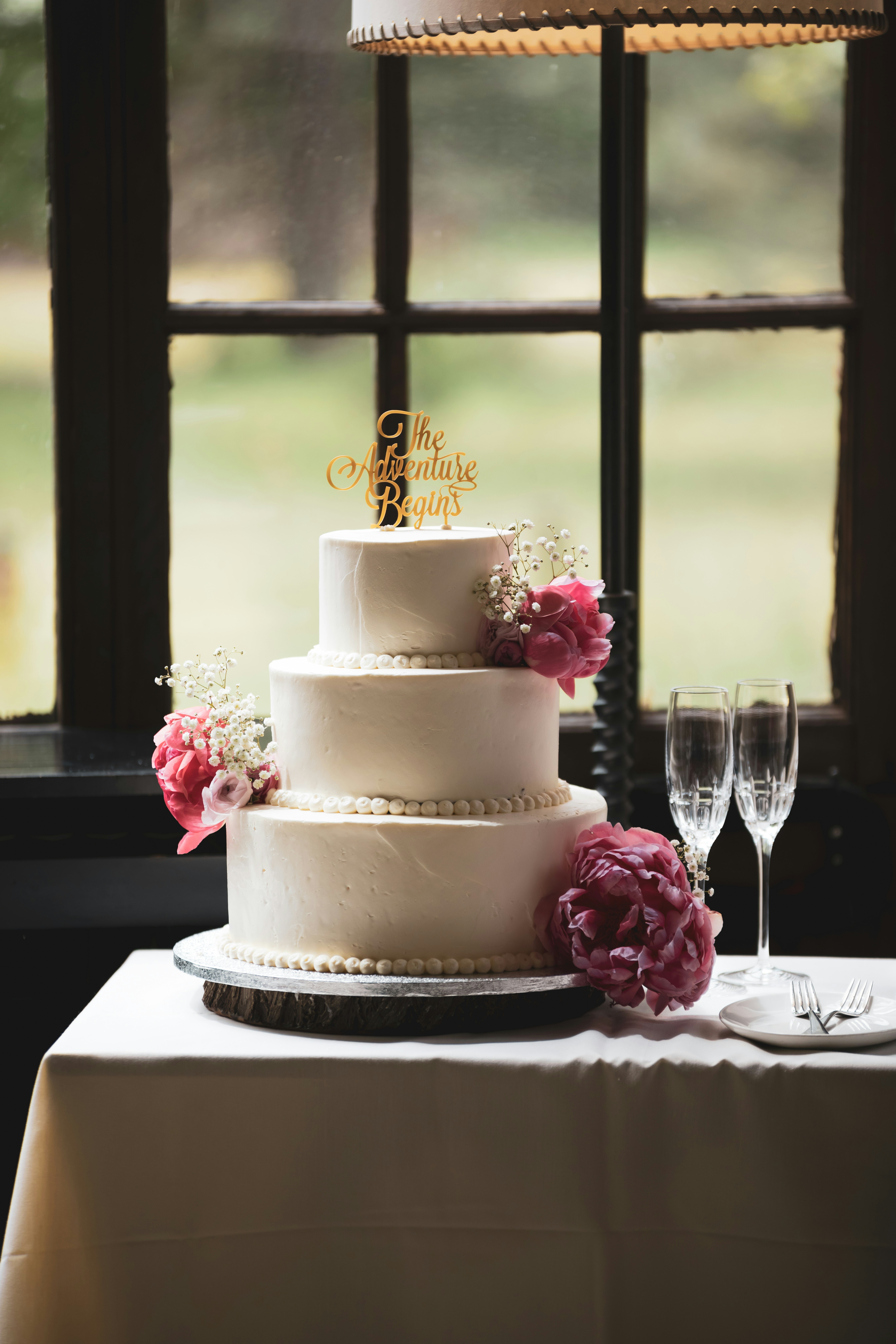
For an unoccupied room or a still arrangement, slower shutter speeds may be useful if your technique and support allow them. Make a test, magnify the important detail and compare another exposure. A cake beside a window presents different demands from a moving guest in the same room. Keeping those two tasks separate prevents a successful static photograph from creating false confidence about motion.
Choose an IS mode you have practiced with and know how to check it. Fujifilm provides Continuous, Shooting Only and Off options for stills. Do not change stabilization, shutter mode and autofocus together in the middle of a critical event unless you understand why. A small, familiar setup is easier to diagnose when the conditions change.
Use color settings to support a consistent gallery
Pick a film simulation and white-balance approach during preparation, then assess actual skin tones and white fabric under the venue light. A dramatic JPEG look that suits a bright outdoor scene may make a candlelit room harder to match. If you want an immediate JPEG look while retaining editing flexibility, test a RAW-plus-JPEG workflow in your software before the wedding and confirm that the files open correctly.
Keep experiments separate from the essential photographs. When you change a simulation or white balance for a creative frame, return to your baseline intentionally. If the X100VI complements another camera, compare both cameras on the same scene during rehearsal. Build a realistic editing approach rather than expecting two different cameras to produce identical color simply because their settings have similar names.
Do not present a film recipe as a cure for poor light or a missed expression. Move to better light when the situation permits, avoid casting a distracting shadow across the subject and watch the background. Composition and timing remain the work. The settings should make that work easier to repeat, not become a distraction from it.
 Save
Make the single-card limit part of the coverage plan
The X100VI has one SD-card slot with UHS-I support. It cannot record a simultaneous in-camera copy to a second card. Recording RAW and JPEG to the same card does not protect against losing that card or a failure that makes both files inaccessible. Neither a second file format nor a card with more space creates an independent backup.
Before the event, use a card you have tested with this camera and your reader. Check available space with the file format you actually intend to use. After a short test sequence, read the files on a separate device and confirm that they are intact. Keep spare cards organized, but do not treat carrying a spare as proof that photographs already taken exist in two places.
When coverage allows, copy files to separate storage and verify the copies before erasing or reusing a card. Keep the original media safe during that process. Wireless sharing can be useful, but an occasional phone transfer is not equivalent to confirmed complete backup of the assignment. Decide who is handling the copies, which files are included and how completion is checked.
Charge the battery, carry tested replacements and keep them where you can reach them without emptying a bag during the ceremony. Check the camera clock against the main bodies so the gallery can be ordered sensibly later. Review the strap and attachment points before wearing the camera. Finish with a short walk-through of the actual shooting controls and the independent backup system, then leave the menus alone long enough to watch the wedding.
Want to go further? The ShutYourAperture Academy’s The Wedding Day (7 modules, 28+ lessons) is built to help you capture love, story and chaos in a single day.
Further reading: Fujifilm’s X100VI specifications, AF/MF guide and Save Data Setting guide; our shutter-speed tips and portrait guide.
Carry gear for candid wedding frames
A Peak Design Slide Lite strap in black, model SLL-BK-3, is one carry option when the X100VI is your candid wedding camera. Check the anchor fit and attachment points, follow the installation instructions and inspect the connections. Adjust the length before the event so the camera can reach your eye without swinging into guests. A strap does not change the fixed lens or single card slot and cannot replace the second-camera plan above. Compare the current retailer specifications; no hands-on test, price or stock promise is being made here.
Compare Peak Design Slide Lite Black SLL-BK-3 on Amazon | Check Peak Design Slide Lite Black SLL-BK-3 at B&H
Affiliate disclosure: We may earn a commission from qualifying purchases through these gear links at no extra cost to you. As an Amazon Associate, Shut Your Aperture earns from qualifying purchases.
References and further reading
Fujifilm: shooting settings, shutter restrictions and ND filter. Fujifilm: sensitivity and Auto ISO minimum-shutter qualification. Fujifilm: X100VI quick-start guide. Tobiah Tayo for FedWed: wedding-photographer use case. Photography Blog: X100VI review. The camera-specific Fujifilm manual governs the instructions. Independent reviews provide handling context, not universal performance guarantees. Starting settings in this guide are suggestions to rehearse, not measured results.
What is a useful starting setup for Fujifilm X100VI wedding photography?
Give the fixed 23mm f/2 lens a specific job, such as wider candid context. Rehearse AF-C and face/eye detection for moving people, choose a shutter speed for the movement and check actual exposure. Around 1/250 second is a comparison point for ordinary walking, not a universal guarantee.
Can the X100VI replace a complete wedding camera system?
This guide does not recommend it as the sole camera for paid wedding coverage. Its fixed lens limits framing from restricted positions, and its single card slot cannot make a simultaneous in-camera backup to another card. Keep a suitable main system and an independent backup ready for essential moments.
Does the Auto ISO minimum shutter speed prevent all slower exposures?
No. Fujifilm states that the camera may select shutter speeds slower than the chosen minimum if the picture would still be underexposed at the maximum ISO. Watch the actual shutter speed when entering a darker space. For direct control of motion rendering, rehearse manual exposure with a chosen shutter speed.
Should I use Subject Detection Setting for the couple?
For human faces and eyes, use FACE/EYE DETECTION SETTING. The separate SUBJECT DETECTION SETTING covers non-human categories such as animals and vehicles. Fujifilm says enabling one turns the other off. With several people visible, confirm that the intended person has the active focus indication.
Is electronic shutter always the best choice for a quiet ceremony?
No. Fujifilm warns about moving-subject distortion and banding or fog under flickering illumination. Flash is unavailable with electronic shutter. Test the actual room lights and movement, compare the mechanical leaf shutter and respect the venue rules before choosing the quieter option.
Does stabilization let me use a slow shutter for dancing?
Stabilization helps with camera movement, not subject movement. A slow shutter can still blur a guest or dancer even if the camera is held steadily. Choose shutter speed for the action first, then inspect test frames. A successful still-life photograph is not proof that the same speed will freeze people.
Were the wedding photographs in this guide taken with an X100VI?
No. They are credited stock photographs illustrating wedding settings, details and light. They are not X100VI sample images, autofocus tests or evidence that the suggested settings produced those photographs.
Affiliate disclosure: We may earn a commission from qualifying purchases through these gear links at no extra cost to you. As an Amazon Associate, Shut Your Aperture earns from qualifying purchases.