Original date May 4, 2026. Updated October 2026.
For the underlying mechanics behind every choice below, our aperture photography guide is the fastest way to get fluent.
Look, I get it. The word “computational” sounds like something your IT guy yells about when the Wi-Fi goes down. It is clinical, it is techy, and for a long time, purists looked at it as “cheating.” But here we are in late 2026, and if you have not embraced computational photography yet, you are basically trying to win a Formula 1 race on a horse.
The reality is that the gap between “taking a picture” and “making an image” has never been smaller, and it is all thanks to the silicon chips living inside our gear. Whether you are shooting with the latest smartphone or a high-end mirrorless beast, your camera is doing more math in a millisecond than you did in four years of high school.
So, why is everyone obsessed with it? And more importantly, why should you care? Let’s dive into the digital guts of modern imaging and see how it is changing the game for all of us.
What Exactly Is Computational Photography?
Every photo starts the same way: the lens gathers light and the sensor records it. Computational photography adds a second step, where software takes part in shaping the image during capture itself.
Computational photography is what happens when software steps in to tell physics to sit down and shut up.
Instead of just recording a single frame of light, a computational camera captures a massive amount of data, often multiple frames at different exposures or focal points, and uses an onboard processor to stitch, blend, and enhance them into a single, clean shot. It is the difference between a painter sitting in front of a canvas and a digital artist using a thousand layers to build a final piece.
The practical result is that your camera quietly helps with the stuff that used to ruin frames. Blown highlights in a backlit scene, noise in a dark restaurant, a subject that moved a split second before the shutter fired. The processor looks at the burst and picks the sharpest slices.
The Smartphone Revolution: The Tail Wagging the Dog
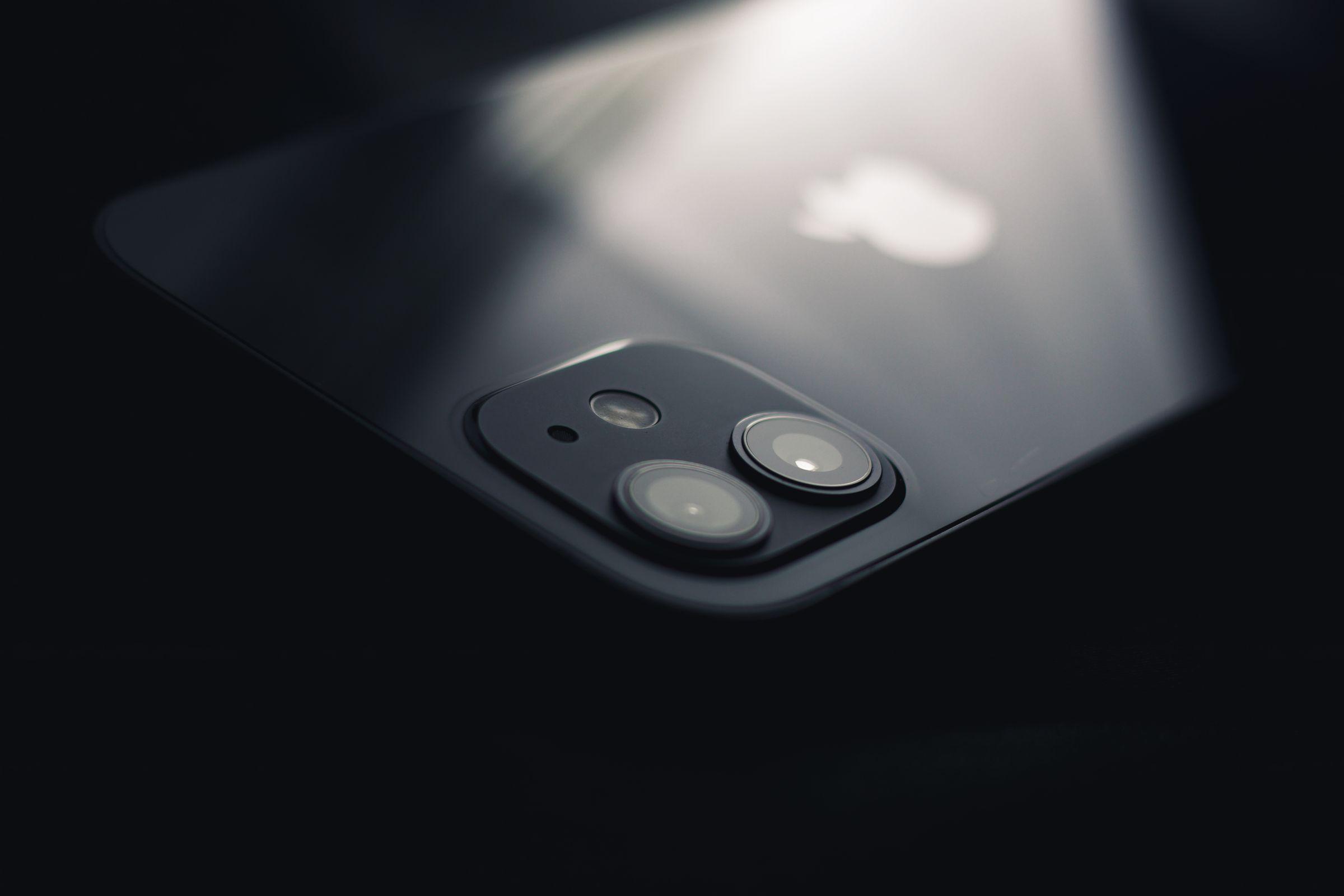
We have to give credit where it is due. The reason we are even having this conversation is because of the tiny cameras in our pockets. Because smartphones have tiny sensors and even tinier lenses, they hit a “physics wall” very early on. To compete with DSLRs, engineers at Apple, Google, and Samsung had to get creative.
 Save
SaveThey invented things like Night Sight and Smart HDR. Google’s HDR+, for example, aligns and merges a burst of frames to cut noise and widen dynamic range, and the bracketing and capture timing depend on the device and mode. Google’s own documentation separates its buffered HDR+, which keeps frames from before you press the shutter, from Night Sight, which starts capturing after you press.
A big part of this tech is that the phone processes its output automatically, handling color grading and dynamic range management before you ever open an editor. If you are just starting out and feeling overwhelmed by the tech, the basics in our Photography 101 guide still apply, even when the software is doing the chores. Aperture, shutter speed, and ISO did not disappear; the phone just makes the decisions for you unless you tell it otherwise.
 Save
SaveWhy Pro Cameras Finally Joined the Party
For a while, “real” photographers turned up their noses at this. We wanted our big sensors and our manual controls. But eventually, the manufacturers realized that if a phone could do it, a pro camera could do it better.
Today, we see Sony, Canon, and Nikon integrating deep-learning AI into their bodies. Nikon’s own Z 9 manual lists birds and airplanes among its autofocus subject-detection options, and Sony’s a1 II carries a dedicated AI processing unit for subject recognition. We are seeing pixel-shift modes that nudge the sensor between frames to build files with more detail than a single frame can hold.
Take the Nikon Zf’s pixel-shift mode: it records a series of frames that software then merges into one high-resolution file, and Nikon’s own guide says it needs a fixed camera and a static subject, because movement or changing brightness can spoil the merge. If you are using it for work, dialing in the right subject-detection and noise-reduction settings can make the difference between a flat image and one that pops off the screen.
The industry has moved from “how many megapixels do you have?” to “how smart is your processor?” And honestly? It is about time.
 Save
SaveThe Magic of AI-Powered Post-Processing
Computational photography does not end when you hear the click of the shutter. In 2026, many editing tools build AI into the post-processing itself.
We used to spend hours in Photoshop trying to mask out a sky or remove a stray power line. Now, tools like Luminar allow you to replace an entire sky, enhance skin texture, or relight a portrait with a single slider. This is not just about saving time; it is about expanding what is possible.
If you have ever shot a landscape and felt like the raw file looked “muddy,” the cause could be the sensor’s dynamic-range limits, but exposure, light, and editing all play a part. AI tools can now rebuild those areas with generative models, which invent plausible detail rather than recover what the sensor recorded. However, it is a double-edged sword. Push the sliders too far and your photos start to look like a plastic CGI movie. The goal is to enhance reality, not erase it.
A quick sanity check: zoom to 100 percent and look at the transitions. Hair against a replaced sky, the edge of a building against a relit background, the shadow side of a face after AI skin work. If the edges look painted, back the slider off until they look photographic again.
Creative Freedom vs. “The Uncanny Valley”
Here is where the debate gets spicy. If the camera is doing the HDR, the focusing, and the color grading, are you still the photographer?
I argue that computational photography actually gives you more creative freedom. Think about it. When you spend less time worrying about whether your focus hit the eye or if your highlights are blown out, you can put more attention on the thing that actually matters: composition and emotion.
You can try creative street photography ideas that would have been impossible before because you could not get the exposure right in a split second. You can shoot in lighting conditions that would have sent a film photographer home crying.
The danger, of course, is the “Uncanny Valley.” We have all seen those smartphone portraits where the background blur (bokeh) looks fake around the edges of the hair. That is the “computational” part failing. As the tech improves, those glitches are disappearing, but as a pro, you still need to know when to override the machine. This is why mastering manual mode is still essential. You need to know what the camera should be doing so you can tell if it is messing up.
 Save
SaveWhy You Should Care Right Now
If you are a hobbyist, a pro, or even someone just taking photos of their kids, computational photography is your best friend for three main reasons:
- Low Light is No Longer an Enemy: Modern noise reduction algorithms have made high-ISO files far more usable. This opens up a whole new world of indoor and nighttime shooting.
- Accessibility: You do not need a $10,000 kit to get professional results. A mid-range mirrorless camera with AI-assisted features can produce stunning work.
- Speed: For working pros, speed is everything. On portrait and headshot sessions, reliable eye-tracking can shorten the shoot and leave more time for the details clients actually notice, though it can still miss, so check your focus as you go.
Photographers are split on this. Some love the tech; some hate it. But the hyper-clear, perfectly exposed images that computational tech provides keep pulling the attention. If you want to stay relevant in the 2026 landscape, you have to lean in.
Is This Still “Photography”?
The “is it art?” debate has been around since the first person developed a piece of film. People said digital was not photography. People said Photoshop was not photography. Now they say AI is not photography.
At its core, photography is about capturing a moment. Whether that moment is captured by a silver halide crystal or a series of algorithms does not change the intent of the person behind the lens. In fact, AI-powered mirrorless tech is simply another tool in our bag, like a flash or a tripod.
We are even seeing this impact niche fields. In landscape photography, some cameras now offer simulated long-exposure features, such as OM System’s Live ND, which composites multiple frames to imitate a longer exposure. The maker’s manual notes that unlike a physical ND filter it does not reduce the light reaching the sensor, so very bright subjects can still overexpose. Does it let you travel lighter? It can.
 Save
SaveLooking Toward the Future (2027 and Beyond)
We are already seeing hints of where this is going.
If the last few years are any guide, the future arrives faster than we expect.
The smart move is to learn the language now. Understand what your camera is doing when it stacks a night shot or tracks an eye, because the photographers who can direct the machine will always outproduce the ones who just let it run.
How to Get Started Without Losing Your Soul
If you are feeling a bit overwhelmed, do not worry. You do not need to be a computer scientist to benefit from this. Here is a quick roadmap to embracing the computational age:
- Update Your Firmware: Manufacturers release firmware updates that can improve autofocus and processing. Check your manufacturer’s current instructions and your model’s compatibility before updating.
- Experiment with AI Editing: Download a trial of an AI editor and see what relight and structure tools can do for your older, flatter photos.
- Trust the AF: Stop manually moving your focus point for every shot. Try the Subject Tracking modes on your camera. You will be surprised at how often it is smarter than you.
- Learn the “Why”: If you want to truly master these tools, you need a solid foundation. Visit learn.shutyouraperture.com to dive into our tutorials that bridge the gap between old-school technique and new-school tech.
Gear for a Computational Workflow
You can explore everything in this guide with the camera you already own. If you are building an editing setup to match, two modest additions can help. A pen tablet gives you pressure-sensitive control for masking and brush work, and a hardware calibrator sets your monitor to a known standard so your edits start from a consistent baseline.
Some links below are affiliate links. If you buy through them, it supports the site at no extra cost to you. These are product references, not claims of hands-on testing.
Final Thoughts
Computational photography is not a trend; it is the new baseline. It is the reason your memories look more vibrant, your professional work looks more polished, and your gear feels more capable.
The “magic” is not in the chip, though: it is in how you use it. Use the tech to remove the barriers between your vision and the final image. Do not let the camera make the creative choices for you; let it provide the data you need to make better choices yourself.
The conversation about AI and computation is only going to get louder. You can either be the person complaining about “the good old days” or the person using the most powerful tools ever invented to create the best work of your life. I know which one I would rather be.
If you want to see what these techniques look like in practice, browse my latest galleries at edinfineart.com. Ready to go deeper? The full course library at Shut Your Aperture Academy walks you through the fundamentals that make the tech work for you.
Now, get out there, stop worrying about the math, and start shooting. The machines have your back.
What is computational photography in simple terms?
It is photography where software takes part in making the image, not just the lens and sensor. The camera captures multiple frames or extra data, then a processor blends them into one image that can hold more dynamic range, less noise, or sharper detail than a single exposure might.
Do I need an expensive camera to use computational photography?
No. Most smartphones already do it when you use night or HDR modes. Many mid-range mirrorless cameras add their own computational features, such as subject-tracking autofocus or, on some models, pixel-shift capture, so you can benefit at almost any budget.
Does computational photography make my photos fake?
Not by itself. Blending frames for less noise or wider dynamic range is an extension of techniques photographers have used for decades, like bracketing and darkroom dodging. Misrepresentation is about deception, not one tool: generative additions, deceptive composites, removing key elements, or staging presented as documentary can all mislead, and context, disclosure, and publication standards decide where the line sits.
Should I still learn manual mode if the camera does everything?
Yes. Knowing what aperture, shutter speed, and ISO should be doing lets you spot when the camera guesses wrong and override it. Computational features are assistants, not substitutes for understanding exposure.
Is AI photo editing the same thing as computational photography?
They are cousins. Computational photography usually happens in-camera at capture time, while AI editing happens afterward on your computer. Both use similar math, and both work best when you keep the final image believable.
What is the easiest way to try computational techniques today?
Start with your phone: shoot a night mode photo and compare it to a regular shot of the same scene. Then check your camera manufacturer’s current firmware instructions and try subject-tracking autofocus for a week. Compare the results for yourself.