
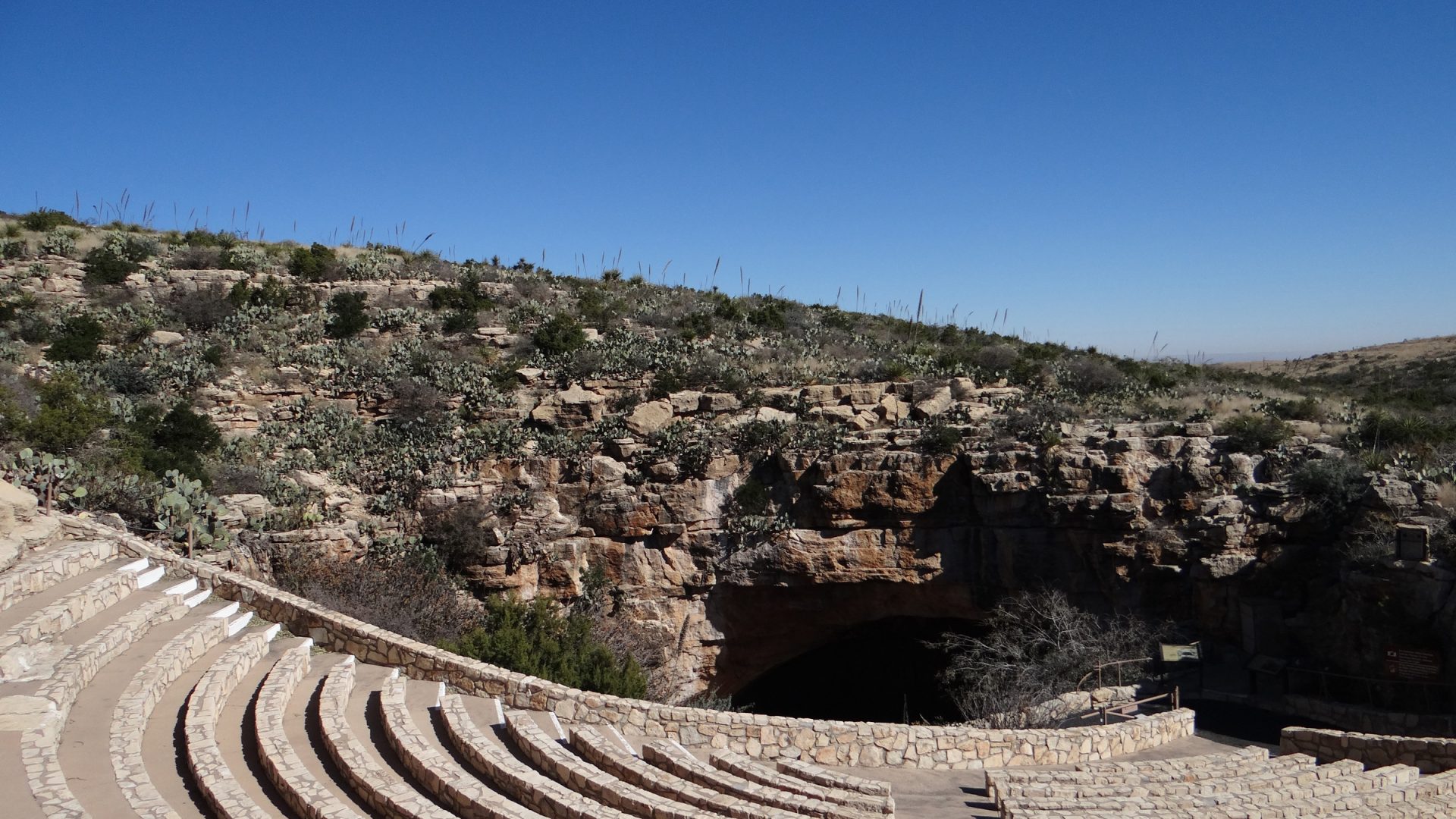
Featured image: past view, illustrative. The empty amphitheater and Natural Entrance provide surface context, not current seating arrangements or permission to photograph bat flight. Photo: U.S. Geological Survey. Source · Public Domain. Resized; no generative edits added here.
Carlsbad Caverns Entrance photography starts with two very different kinds of light: the bright surface around the Natural Entrance and the dim, installed lighting inside Carlsbad Cavern. The opening asks you to decide how much darkness to keep. The Big Room asks you to work with the light already on the formations, while keeping the camera steady without setting up a tripod.
This guide covers the Natural Entrance and Big Room as a camera visit, not a tour of every cave in the park. Plan around current National Park Service access rules first. Ordinary visitors should expect handheld photography in the cavern. Bat flight is a separate, camera-free experience, not a telephoto opportunity to add at the end of the day.
Know the camera rules before packing
The park’s visitor guidance permits cameras and courteous flash photography inside the cavern, but says tripods, bipods, and monopods are not permitted. The 2026 superintendent’s compendium also includes selfie sticks and provides exceptions only through specific authorization, such as a special use permit, research permit, or waiver. Do not assume that owning a small tabletop tripod or arriving early makes it acceptable.
Build a normal visit around a camera you can hold comfortably. A phone or a camera with a moderately wide lens can work with the illuminated subjects along the trail. Extra support gear is not a solution if using it blocks the path or puts equipment against a formation. Keep the camera, bag, and your feet within the designated visitor space.
For staged work, special equipment, after-hours access, or a shoot that might require a permit, ask the park directly through its permits page. An ordinary timed-entry reservation is not permission for an exclusive session. This guide does not promise a waiver, reserved seating, or access before public opening.
Plan entry separately from the photographs
Carlsbad Cavern uses timed entry. The first-time visitor information separates the reservation for an entry time from the entrance ticket handled at the visitor center. Arrange your reservation through the official process before traveling, then check the current entrance-fee and pass requirements. Do not treat a selected arrival time as a completed entrance transaction.
Check current operating hours and alerts and conditions again before departure. Visitor-center closing, the last permitted cavern entry, the last time to begin hiking out, and the last elevator out are different deadlines. A long photo pause does not extend any of them. Ask staff which exit arrangements apply to your visit instead of calculating backward from the building’s closing time.
The entrance road leaves US 62/180 at White’s City and continues to the visitor center, according to the park’s directions. Use those directions for the cavern approach. A mailing address is not necessarily the visitor-center destination, and a closure on another park road does not tell you whether the cavern approach is open. Read the particular alert rather than interpreting a park-wide search snippet.
Reserve enough attention for check-in and the required safety orientation before thinking about camera settings. Have essential visit details available offline. The park says there is no cell signal in the cavern; airplane mode can also stop a phone wasting battery looking for service. Keep enough power for your visit rather than relying on underground connectivity.
Choose the route for your walking ability
The NPS cavern description gives the Natural Entrance Trail as approximately 1.25 miles, with about 750 feet of elevation change. It is extremely steep, not an accessible route, and is not recommended for visitors with heart or respiratory conditions. A camera bag makes no part of that descent easier. Keep it light and choose the route for your ability, not because a photograph makes the switchbacks look simple.
The Big Room Trail is a separate walk of approximately 1.25 miles and is relatively flat, with a shorter option available. Do not confuse that distance with the Natural Entrance descent. Combining both involves more walking than either route alone. The park’s estimated walking times are a planning baseline, not a photography allowance or a guarantee for a particular visitor.
Elevator access provides another way into the cavern, but it does not make every part of the Big Room accessible. The park’s accessibility guidance describes designated wheelchair portions, uneven or slippery surfaces, and areas limited by grades and narrow passages. Get the current accessible-route map and ask staff about the elevator and your equipment needs. Do not substitute a general description of a flat trail for an individual access assessment.
Wear closed-toe shoes with reliable traction and bring a light layer. NPS describes the cavern as about 56 F year-round, with wet areas from natural drips. Stop walking before lifting the camera to your eye. Look at the trail again before moving, particularly after a period spent studying a bright screen in the dim cave.
Photograph the Natural Entrance as a contrast problem
 Save
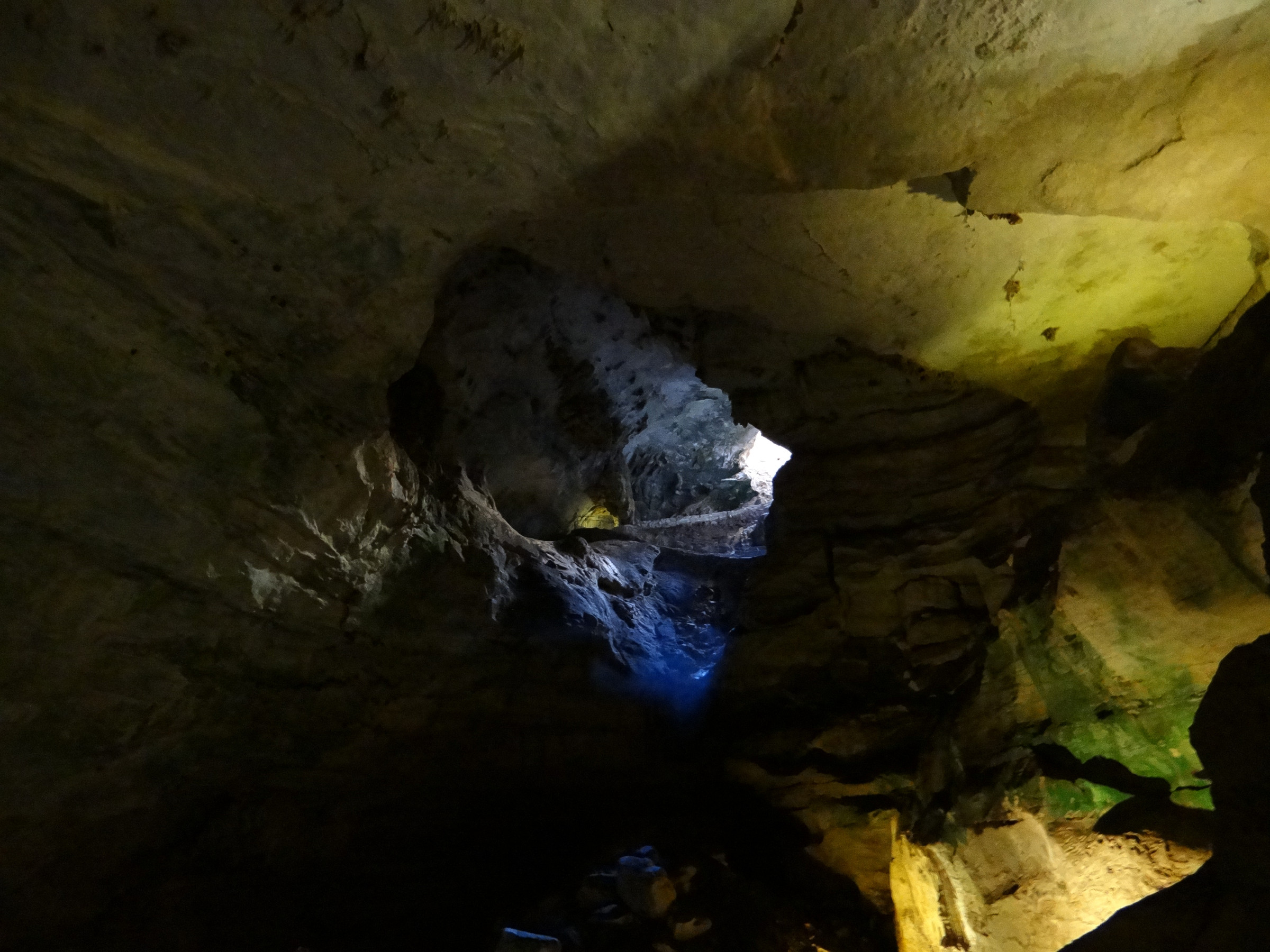
SaveThe entrance is a transition from daylight into darkness. A photograph can communicate that transition without showing detail in every shadow. Decide whether the subject is the shape of the opening, the surrounding rock, or the way the paved route curves toward the dark interior. Trying to make all three equally bright can flatten the scene.
Begin with a simple frame from a permitted position. Let the edge of the opening form a clear shape and keep any visible trail from being cut awkwardly at the edge. Use a slightly wider view if it helps describe the relationship between the opening and the surface, then make a tighter version if the wider frame contains too much unrelated foreground.
Watch the brightest rock and sky on the histogram or highlight warning. If those areas are losing detail, reduce exposure and check again. A dark opening is not automatically a failed photograph. Lifting the shadows heavily later can expose noise without revealing useful information, so leave some darkness where it supports the subject.
The contrast changes as you move along the permitted route. Reset your exposure rather than carrying a daylight setting deep into the cave. Never walk backward while looking through the viewfinder to make the entrance fit, and do not stop on a narrow bend if people need to pass. If a safe frame is not available at that moment, keep moving.
Build a handheld exposure inside the cavern
 Save
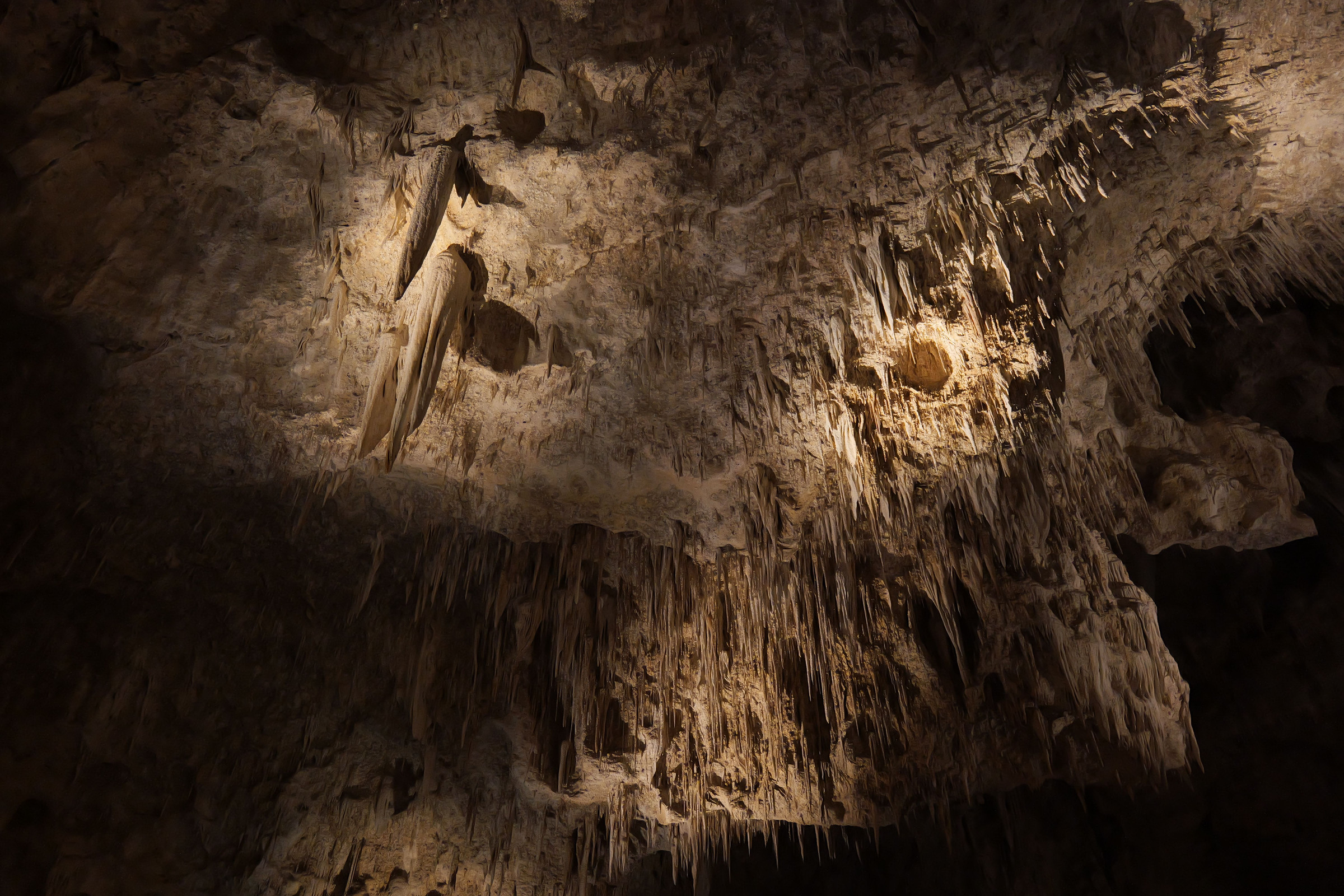
SaveInside, the installed cave lighting is the starting point. This is not a scene lit by daylight throughout the Big Room, and it is not a normal tripod landscape session. Look for a formation already separated from its background by the existing light. A clear subject in an illuminated area is usually a better handheld choice than trying to recover an entirely dark chamber.
For a camera with manual controls, a moderately wide aperture and a higher ISO are reasonable starting choices, not universal settings. Set a shutter speed you can hold sharply with that lens and camera. Check an actual frame at enlarged view, then adjust. Stabilization, focal length, hand movement, and the brightness of the subject all affect what works.
If a test frame is blurred, first decide whether the shutter speed is too slow or focus missed. Raising ISO may produce a noisier but usable file when a slower shutter would produce a blurred one. Do not insist on a small aperture purely because this is a landscape. More depth of field is of little use if camera movement softens the whole photograph.
When several formations overlap at different distances, choose which layer must be sharp. A wider aperture may simplify the image around one subject; a smaller aperture may require an ISO increase to preserve your handheld shutter speed. Neither choice replaces checking the result. The goal is a deliberate tradeoff, not an exposure recipe copied from another photographer’s equipment.
Hold the camera with both hands, keep your elbows comfortable, and pause briefly for the exposure without blocking traffic. A short sequence can give you several frames to compare, but it does not guarantee a sharp result. Avoid repeated bursts that disturb other visitors. Do not brace the camera on rock, a formation, or any off-trail surface.
Use a phone without turning every frame into night mode
A phone can do well when you point it toward a subject already lit by the cave fixtures. Start with its normal camera mode and inspect the result. Tap the important formation to focus and set exposure, then lower brightness if the highlights are becoming featureless. Keep the lens clean before entering rather than trying to polish it while balancing other gear on the trail.
Night mode may help some handheld scenes, but a long capture needs stillness. If you cannot hold the phone steadily or allow others to pass, choose a shorter capture or a brighter subject. Do not rest the phone on a formation to make a multi-second exposure possible. The camera’s countdown is not a reason to occupy a narrow passage.
Use the main camera before relying on heavy digital zoom in dim conditions. A tighter crop from a good original may be more useful than an enlarged preview that hides noise and motion blur. Review a few representative frames, then put the screen down and look at the cavern. Constantly checking every image can make it harder to watch your footing.
Compose the Big Room in layers
 Save
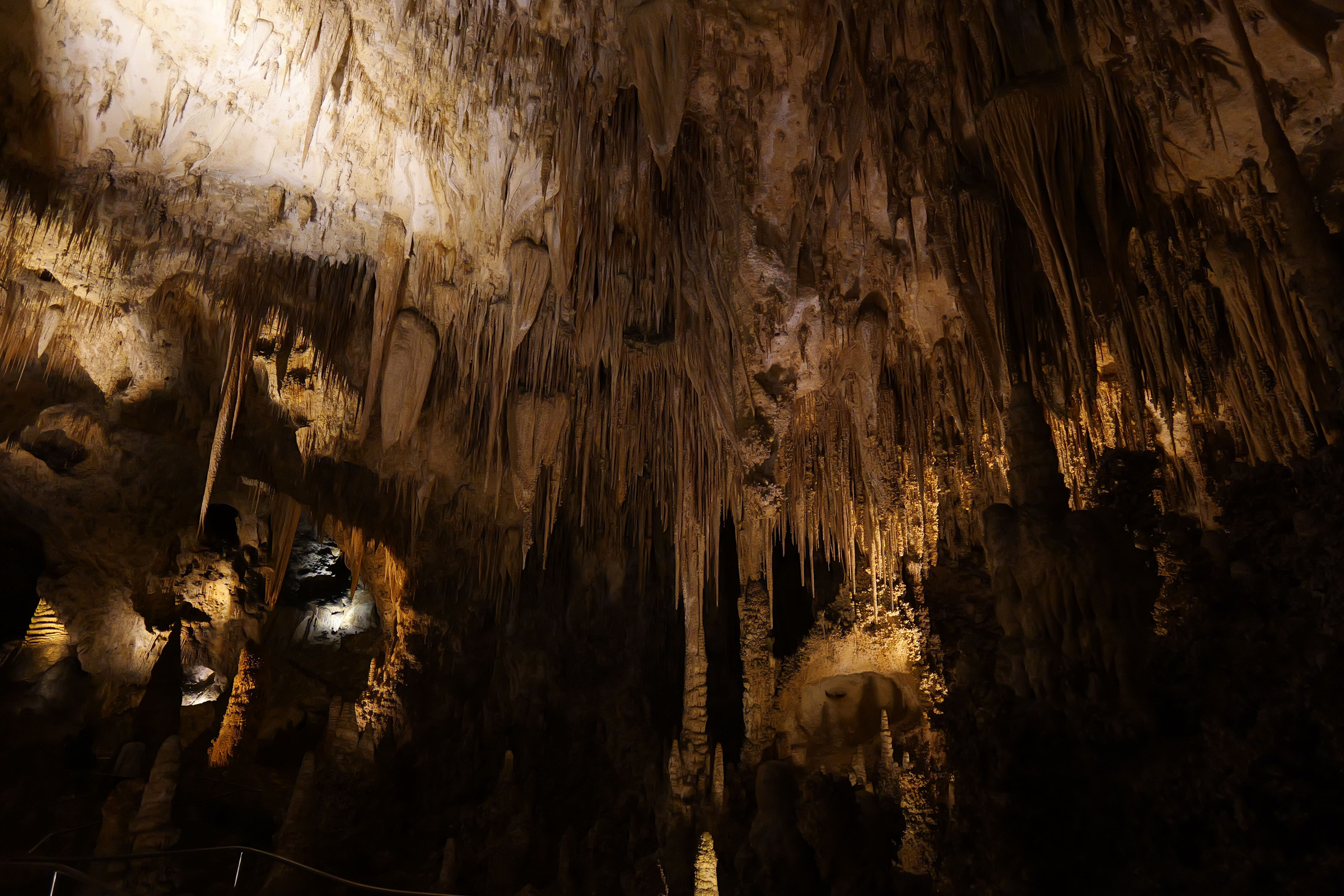
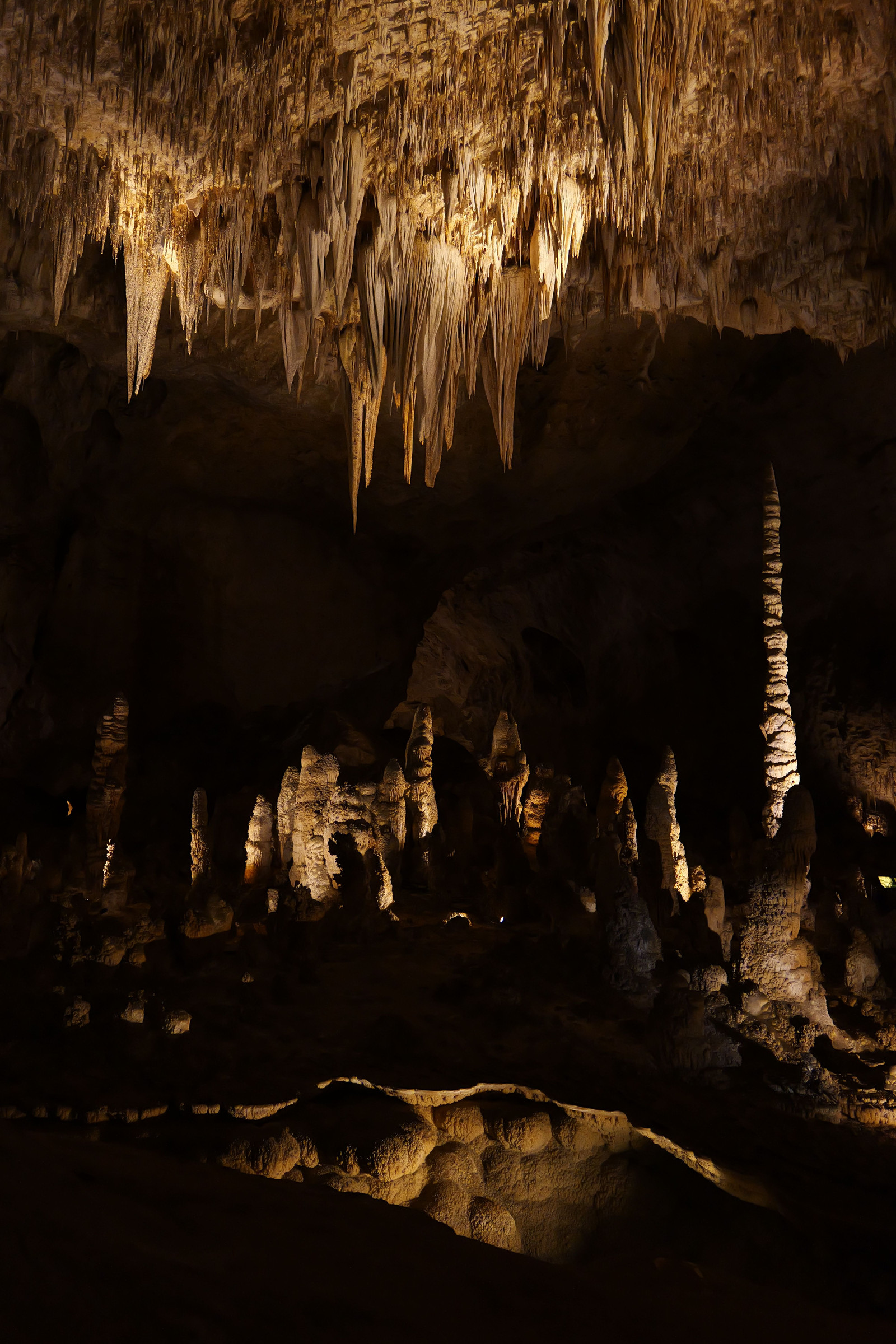
SaveA broad chamber can become a confusing collection of bright points. Start with one visual anchor: a strongly lit formation, a repeated group of vertical shapes, or the boundary between a bright foreground and a darker background. Move your framing within the permitted trail position until those shapes separate cleanly.
Wide views describe space, but they need an edge check. Bright fragments at the corners can pull attention away from the main subject. A slight turn or a more selective crop can remove a distracting light patch without changing where you stand. Do not step over a barrier to simplify a background.
For a detail, use light and texture rather than assuming every formation needs an individual name. Look at the difference between a smooth surface and a cluster of smaller shapes. Include enough surrounding darkness to show the contour. Do not call a stock photograph a named feature unless its source establishes that identification.
A vertical frame can suit a tall formation; a horizontal frame may describe the relationship between several layers. Make the choice because of the subject, not because the camera was already in that orientation. Neither framing needs a person placed off trail for scale. Keep visitors’ space and privacy in mind when choosing your angle.
Keep color and lighting believable
 Save
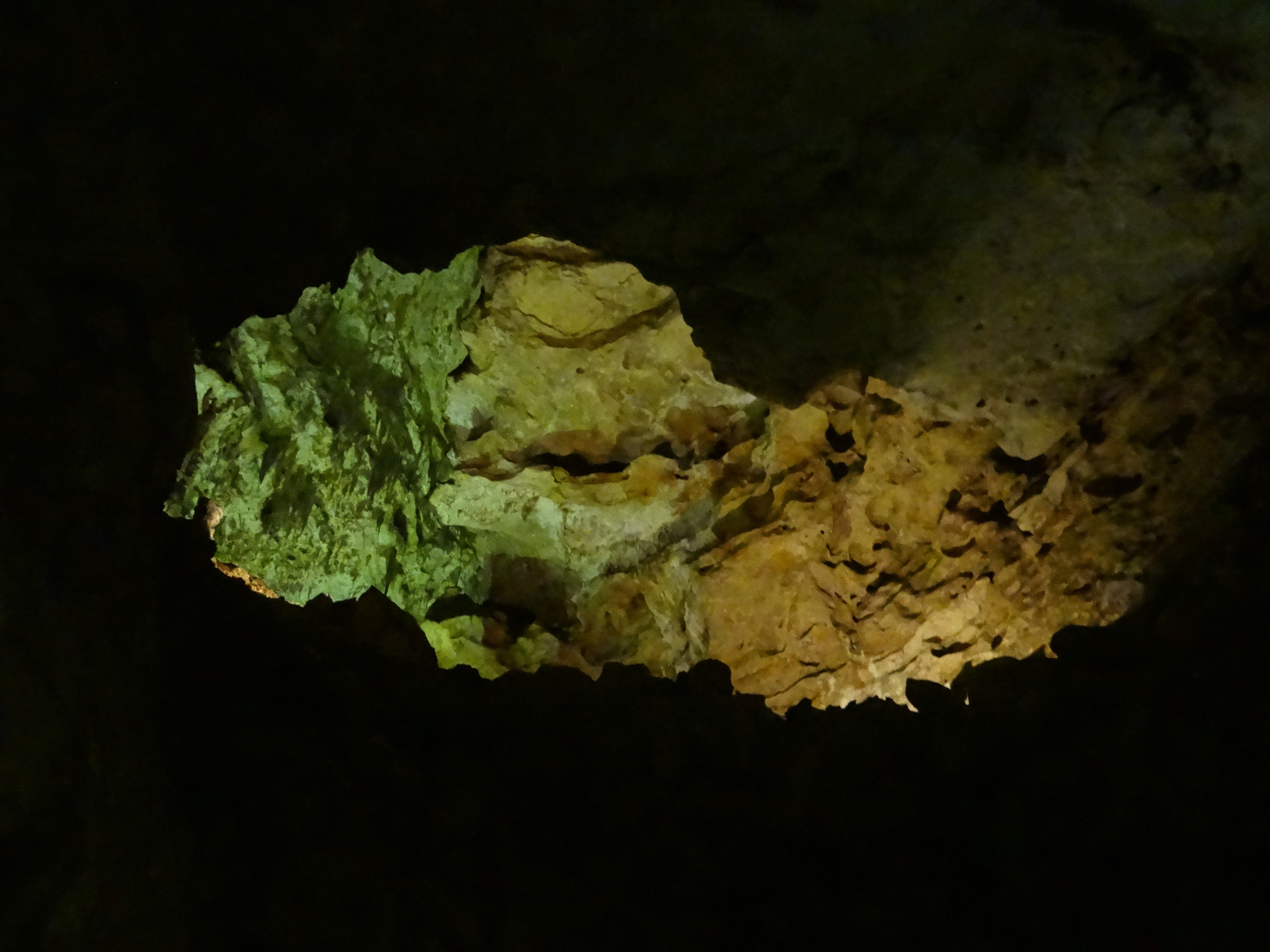
SaveThe cave’s installed lights can create different colors across one frame. Auto white balance is a useful starting point, and a RAW file gives you more flexibility later if your camera supports it. There is no single tungsten setting that must suit every photograph. Judge the important formation and avoid forcing the whole scene into one exaggerated orange or blue cast.
Flash is permitted for ordinary cave photography under the park’s visitor guidance, but courtesy still matters. Avoid firing toward other people’s eyes. A small direct flash may brighten the nearest rock while doing little for a broad chamber, so compare the existing-light result before deciding that flash improves it. This is not advice to install lights or stage a shoot.
During editing, protect bright textures first and lift dark areas cautiously. Apply noise reduction at the intended display size, then check that small edges and surface detail have not turned into smooth patches. A restrained edit can preserve the sense of a dim cavern without pretending the scene was evenly illuminated.
Keep the record honest. A stock image can illustrate composition or the appearance of a chamber, but it cannot prove that its capture method, lighting setup, or access is available to today’s visitor. An attractive long exposure elsewhere is not permission to use prohibited support gear here.
Bat flight is a camera-free visit
The NPS Bat Flight Program page says electronic devices, including cameras and phones, are not allowed at the program and surrounding area. The compendium requires them to be completely powered off and put away during the covered bat-flight or bat-watch activity, apart from stated authorized or medical exceptions. Turning off flash or using silent shutter does not make routine photography acceptable.
Do not plan a workaround from another edge of the amphitheater or treat the early-morning return as an unrestricted alternative. Follow the closure boundary and staff directions. If bat-flight photography is a specific project, discuss authorization with the park in advance; this guide offers no approval or assurance that permission will be issued.
For a normal visit, put the camera away and watch. NPS describes seating as first come, first served, not reserved through a photography tour. Check the current program schedule and weather guidance rather than relying on a fixed sunset interval. Bat behavior and program timing are not a repeatable camera appointment.
Protect the cave while making photographs
 Save
SaveStay on designated trails, do not touch formations, and leave natural objects where they are. The park’s Leave No Trace guidance makes these protections explicit. Keep your bag close enough that it cannot swing into a formation as you turn. There is no acceptable photograph that requires moving rock, crossing a barrier, or reaching beyond the trail.
Follow staff screening and cleaning instructions for white-nose syndrome protection. Tell staff if footwear, clothing, or equipment has been in another cave or mine; do not assume a quick wipe meets the park’s requirements. Visitors must use the exit bio-cleaning mats. The park’s disease-prevention guidance explains why equipment history and cleaning matter.
Keep voices low and let people pass. Pack only what you can manage without spreading gear along the trail. For a successful camera visit, the strongest result may be a small set: an entrance frame that preserves the darkness, a chamber composition with clear layers, and a close study of light on a formation. More equipment and more stops do not automatically make better photographs.
Carlsbad Caverns photography FAQ
Can you use a tripod inside Carlsbad Cavern?
Not on an ordinary visit. NPS prohibits tripods, bipods, monopods, and selfie sticks in the caves unless specifically authorized through a permit or waiver. Plan to photograph handheld and ask the park directly about any exception before bringing support gear.
Can you photograph the bat flight?
Not as routine visitor photography. Cameras and other electronic devices must be powered off and put away during the covered bat-flight or bat-watch activity and within its closure area. Flash-off or silent-shutter settings do not remove that restriction.
Do you need a reservation to enter the cavern?
Plan for timed entry through the official reservation process. NPS distinguishes the reservation for an entry time from the entrance ticket handled at the visitor center. Check current fees, pass rules, hours, and conditions before traveling.
Is the Natural Entrance an easy walk?
No. NPS describes the approximately 1.25-mile Natural Entrance Trail as extremely steep, with about 750 feet of elevation change. It is not an accessible route and is not recommended for visitors with heart or respiratory conditions.
Can a phone take pictures in the Big Room?
Yes. Start with illuminated subjects, hold the phone steadily, and check focus and bright highlights. Normal mode may work better than a long night-mode capture when you cannot remain still without blocking the trail. Do not place equipment on formations.
Is flash photography allowed inside the cavern?
NPS permits courteous flash photography inside the cavern for ordinary visits. Avoid flashing other visitors and compare the result with existing-light photography. This permission does not apply to the camera-free bat-flight activity.
Optional gear for a handheld cave visit
Keep the camera securely carried while walking, then stop in a permitted place before making a photograph. A black Peak Design Slide Lite camera strap, model SLL-BK-3, is one optional carry accessory, not a requirement for Carlsbad Caverns photography. Check your camera attachment points and full camera-and-lens weight, follow the attachment instructions, and inspect the anchors. A strap does not make support gear permissible or remove the need to keep equipment away from formations and leave the trail clear.
Compare the Slide Lite SLL-BK-3 on Amazon | Check the Slide Lite SLL-BK-3 at B&H
Affiliate disclosure: We may earn a commission from qualifying purchases through these links at no extra cost to you. As an Amazon Associate, Shut Your Aperture earns from qualifying purchases. Check current retailer specifications before buying; no hands-on test, price or availability promise is made here.