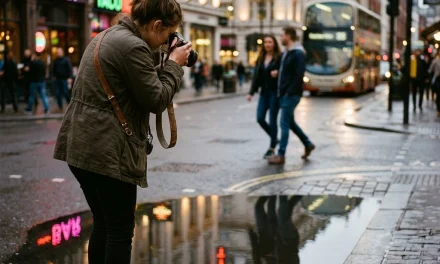
Let’s be honest: taking a photo of a person should be easy, right? You point the camera, you tell them to smile, and you click the button. But then you get home, load the files onto your computer, and realize that your subject looks like they’re standing in a police lineup, or worse, their nose is sharp but their eyes are a blurry mess.
Portrait photography is one of those things that is simple to learn but takes a lifetime to master. At Shut Your Aperture, we see it all the time. People buy the flashiest gear from our gear category, but their photos still feel… off.
If your portraits aren't popping the way you want them to, don't panic. You’re probably just making a few common mistakes that are easily fixed. Here are the seven biggest blunders I see photographers making and exactly how to turn them around.
1. The "Floating Head" and Awkward Cropping
One of the most immediate signs of an amateur portrait is weird cropping. We’ve all seen it: a photo where the person’s feet are cut off at the ankles, or their hands are sliced off at the wrists. It creates a visual tension that makes the viewer feel like something is missing.
The Mistake: Cropping at the joints. When you cut someone off at the knees, elbows, or ankles, it looks like an amputation. Another common issue is leaving way too much "dead air" or empty space above the subject's head, making them look small and insignificant in the frame.
The Fix: Always crop mid-limb, never at the joint. If you’re doing a tight shot, crop at the mid-thigh or the waist. If you’re doing a headshot, make sure the top of the frame isn't miles away from their hair. Use the rule of thirds to place their eyes in a position that feels natural.
If you want to see how the pros frame their shots, check out some of our featured artists in the Photographer of the Week section. You’ll notice they rarely leave accidental space; every inch of the frame is intentional.
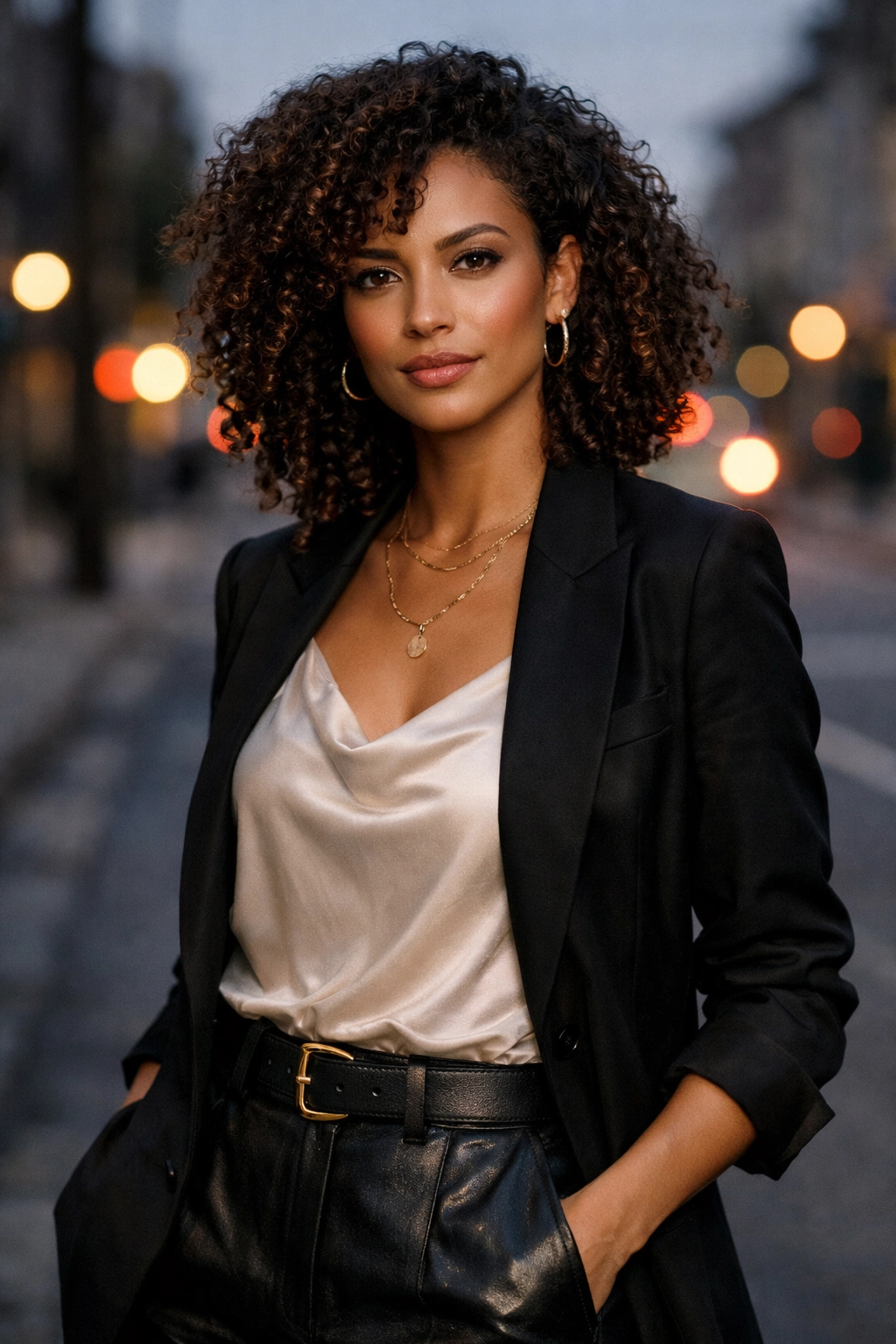
2. Missing the "Windows to the Soul" (Out-of-Focus Eyes)
You can have the most beautiful lighting and the most stunning background in the world, but if the subject’s eyes aren't sharp, the photo is a dud. The eyes are where we connect with a human being. If they are blurry, the connection is broken.
The Mistake: Relying on basic autofocus that locks onto the nose or the eyebrows instead of the iris. This often happens when you're shooting with a very wide aperture (like f/1.4 or f/1.8), where the depth of field is so thin that even a slight lean forward by the subject throws the focus off.
The Fix: Most modern cameras now have "Eye AF" (Eye Autofocus). If yours has it, turn it on and never turn it off. If you’re shooting manually or with older gear, use a single focus point and aim it directly at the eye closest to the camera.
If you do miss the focus slightly, you can sometimes save the shot in post-processing using AI-powered sharpening tools in Luminar. It’s a lifesaver for those "almost perfect" shots. For more tech tips on camera settings, head over to our tech section.
3. The "Wall Hugger" Syndrome
This is probably the #1 mistake I see in beginner portraits. You find a cool brick wall or a nice garden, and you tell your subject to stand right against it.
The Mistake: Placing the subject too close to the background. When your subject is touching the wall, you lose all sense of depth. The background becomes a flat, distracting element that competes with the person for attention. It also prevents you from getting that buttery, blurred-out background (bokeh) we all love.
The Fix: Move your subject away from the background. Even three to five feet can make a massive difference, but ten feet is even better. This creates physical separation, allowing the lens to blur the background and make your subject literally "pop" off the screen.
Think of your portrait in three layers: the foreground, the subject, and the background. If you need inspiration on how to handle backgrounds in tricky environments, browse through our photo series to see how different distances affect the final look.
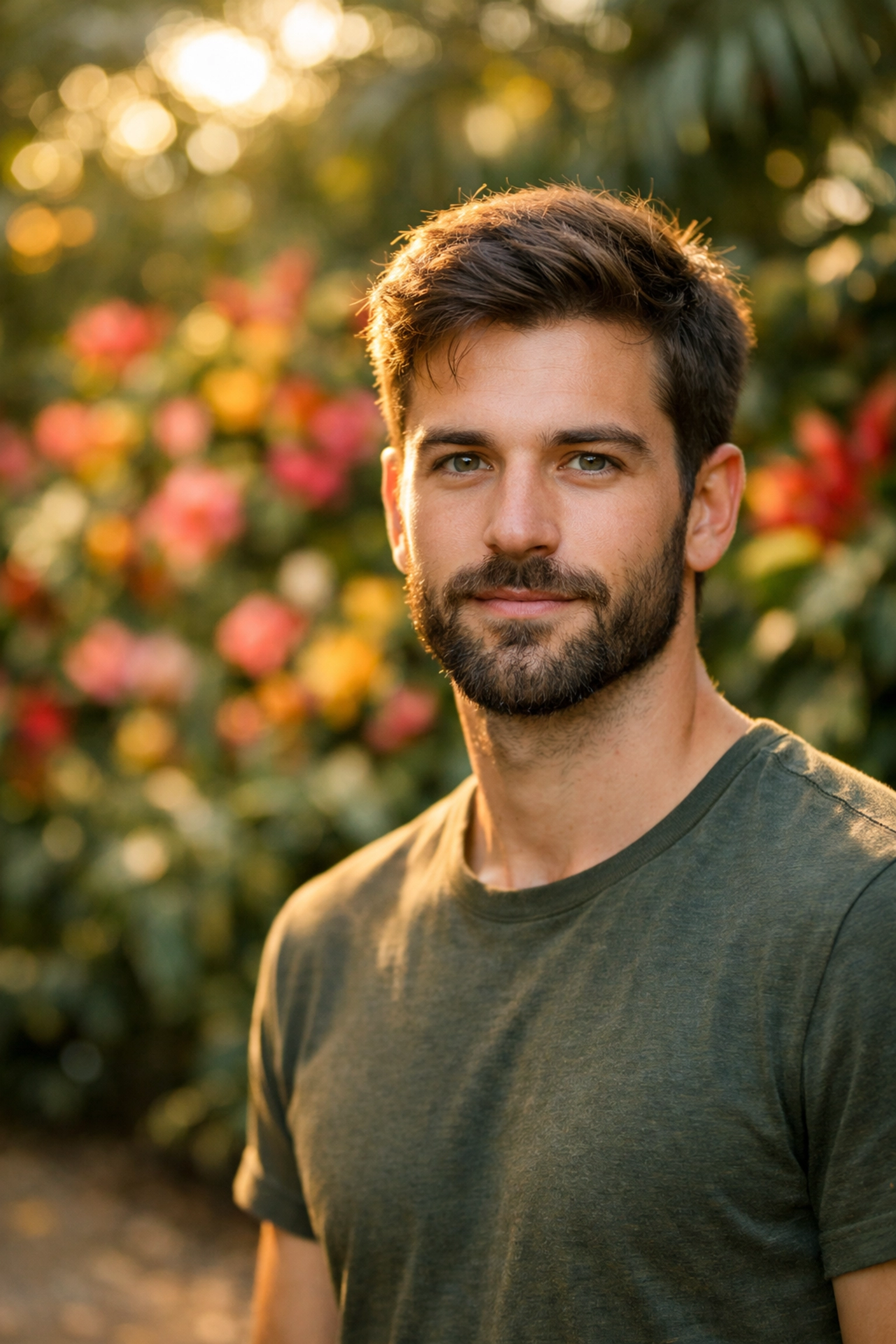
4. The "Wide Open" Obsession
We get it, you paid a lot of money for that f/1.2 or f/1.8 lens, and you want to use it. But just because your lens can shoot that wide doesn't mean it should for every single portrait.
The Mistake: Shooting every portrait at the widest possible aperture. While a blurry background is great, at f/1.2, your subject's eyelashes might be in focus while their pupils are already starting to blur. It also makes the image softer overall, as most lenses aren't at their sharpest when wide open.
The Fix: Stop down a little. Try shooting at f/2.8 or f/4. You’ll still get a nice background blur, but you’ll have a much higher "hit rate" of sharp photos, and the facial features will have more definition.
If you’re interested in learning more about lens optics and which glass is best for your style, check out the PhotoGuides.org website for some deep dives into lens physics. Knowing your gear is half the battle.
5. Ignoring the Light for the Location
I’ve seen photographers spend twenty minutes finding the "perfect" spot, only to realize the light there is absolutely terrible.
The Mistake: Prioritizing the background over the light. You might find a beautiful bridge, but if it’s high noon and the sun is creating deep, dark "raccoon shadows" under your subject's eyes, the photo is going to look bad no matter how cool the bridge is.
The Fix: Find the light first, then find the background. Look for "open shade", areas where the subject is out of direct sunlight but still has plenty of ambient light hitting their face. If you’re stuck in harsh sun, use a reflector or a diffuser to soften the light.
Bad lighting is the fastest way to ruin a professional vibe. For more advanced lighting setups, you should definitely look at the tutorials over at ProShoot.io. They break down professional studio and outdoor lighting in a way that’s actually easy to understand.
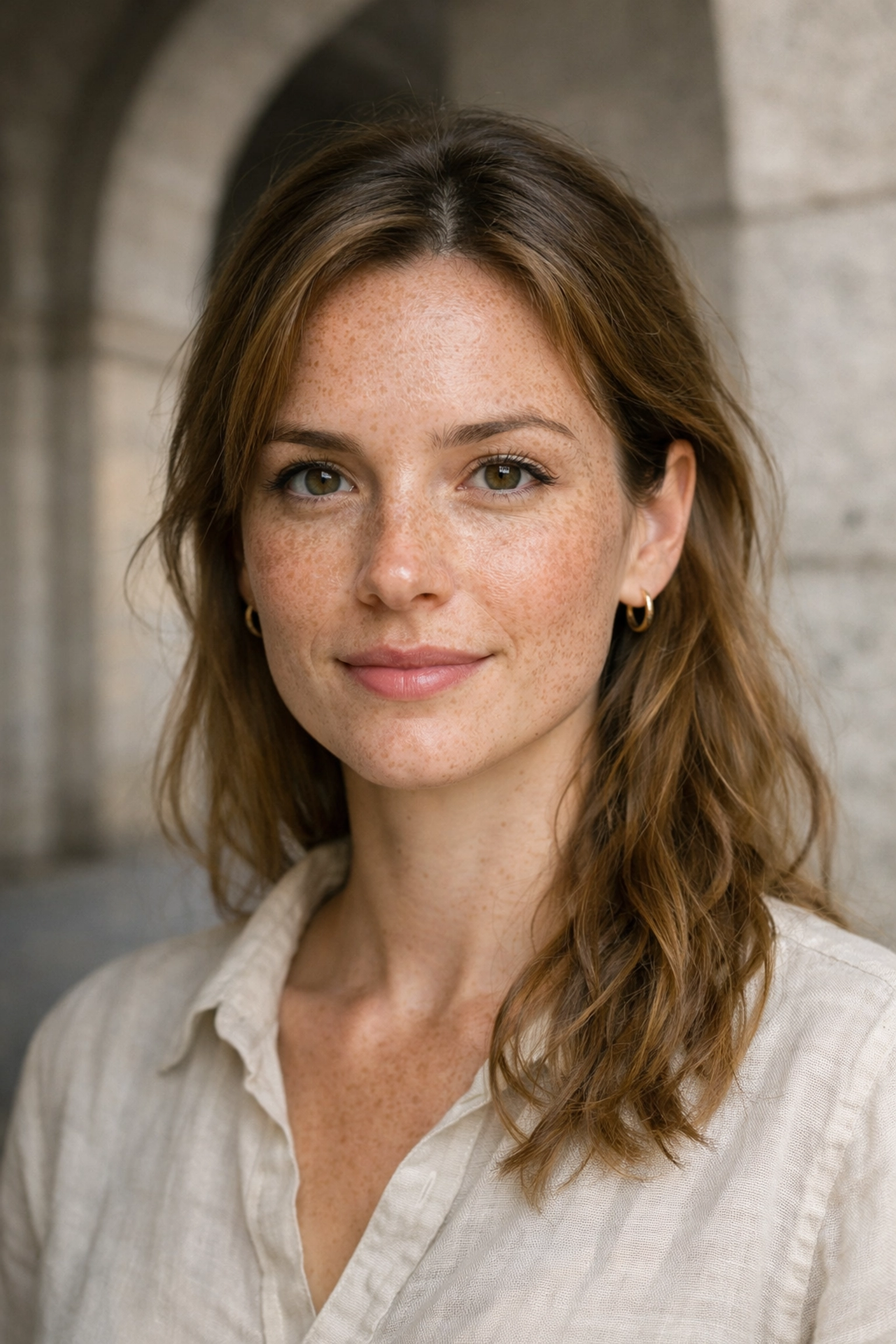
6. Shutter Speed Sabotage
You’re looking at your photos on the tiny camera screen and they look okay, but when you get them on a 27-inch monitor, they look slightly "soft." It’s not a focus issue; it’s motion blur.
The Mistake: Using a shutter speed that is too slow. Many photographers follow the "reciprocal rule" (e.g., if you're using a 50mm lens, use a 1/50th shutter speed), but that doesn't account for the fact that humans move. People blink, they sway, and they breathe.
The Fix: For portraits, I rarely drop below 1/250th of a second if I’m shooting handheld. This ensures that even if the subject makes a slight movement or my hands shake a tiny bit, the image remains tack-sharp. If you’re shooting kids or pets (the ultimate "moving targets"), you might even want to go up to 1/500th.
If you’re struggling with blurry shots, it might be time to brush up on your basics in our how-to section.
7. Being a "Silent" Photographer
The most important piece of equipment in portrait photography isn't your camera, it's your mouth.
The Mistake: Not giving enough direction. Most people feel incredibly awkward in front of a camera. If you just stand there silently clicking away, their discomfort will grow, and it will show in their face. "Dead eyes" and forced smiles are the result of a photographer who isn't communicating.
The Fix: Talk to your subject. Constantly. Tell them they’re doing a great job, give them specific instructions ("tilt your chin down an inch," "shift your weight to your back leg"), and crack a joke to get a real laugh. Your job is to be a director as much as a photographer.
You want to capture the person’s essence, not just their face. For inspiration on how to capture personality and storytelling, I highly recommend checking out Edin Fine Art or reading through some of the personal stories on Edin’s blog. Seeing how a pro interacts with their environment and subjects can change your whole perspective.

Bonus Tip: Don't Forget the Edit
Once you've fixed these seven mistakes, you’re going to have some incredible raw files. But the job isn't done until you've polished them. Professional portraiture almost always requires some level of color correction and retouching.
Don't overdo it, you don't want your subject to look like a plastic mannequin. Use tools like Luminar to subtly enhance the eyes, soften skin textures, and make the colors pop. If you want to see some "behind the scenes" action of how these edits come together, our behind the scenes and video categories are packed with workflow ideas.
Final Thoughts
Portrait photography is a journey. You’re going to make mistakes, heck, I still make them sometimes. The key is to recognize why a photo isn't working and know how to adjust on the fly.
Stop hugging the walls, watch your shutter speed, and for the love of all things holy, make sure those eyes are sharp!
If you're looking for more inspiration or want to see some world-class photography, take a look at Edin Studios to see the level of work that's possible when you nail these fundamentals.
Now, grab your camera, find a friend, and go practice. The world needs more great portraits, and you’re the one to take them. For more tips and the latest in the photography world, keep an eye on our trending section.