
Stock photography starts with a question that has nothing to do with your camera: what can someone use this picture for? A beautiful frame can still be difficult to license. A simple frame with a clear subject, clean space and the right permissions can solve a real design problem. That is the difference between making pictures and building a useful stock portfolio.
Do not treat stock as a shortcut to easy money. You are building a small licensing business. Shooting, editing, releases, keywording and tracking results all take time, and an accepted photograph does not guarantee a sale. Start with a manageable test, keep your costs low and let actual results guide the next shoot.
Updated October 2026. The photographs here illustrate composition and subject choices. Their appearance in this guide does not mean they are available through a stock agency or cleared for every commercial use.
What stock photography actually sells
Stock photography licenses an existing photograph for uses covered by an agreement. The buyer gets specified usage rights, not an automatic transfer of your copyright. The exact license matters: allowed uses, audience limits, restrictions and whether additional permissions are needed can vary by agency and product.
Royalty-free does not mean free, unrestricted or copyright-free. It describes a licensing arrangement, not permission to do anything with a picture. A buyer still needs to follow the applicable terms. Read both the contributor agreement and the customer licensing information before deciding where your work belongs.
Stock also does not replace every commissioned shoot. A business that needs its actual team, product or location may still need a photographer. Stock works when an existing image fits the message. Your job is to make useful images that buyers can find and license through the right channel.
Think like the person choosing the picture
A designer may need room for a headline. A website editor may need a horizontal crop that works on a phone. A presentation may need a simple visual for a broad idea rather than a complicated scene. Ask what the photograph communicates immediately and whether that message survives a smaller crop.
Make the subject clear before adding effects. Watch the edges, remove distracting objects when you can do so honestly, and look for clean areas that can hold text. Leave options without making the image empty. A strong subject with useful surrounding space gives a buyer more flexibility than a tight frame with every corner busy.
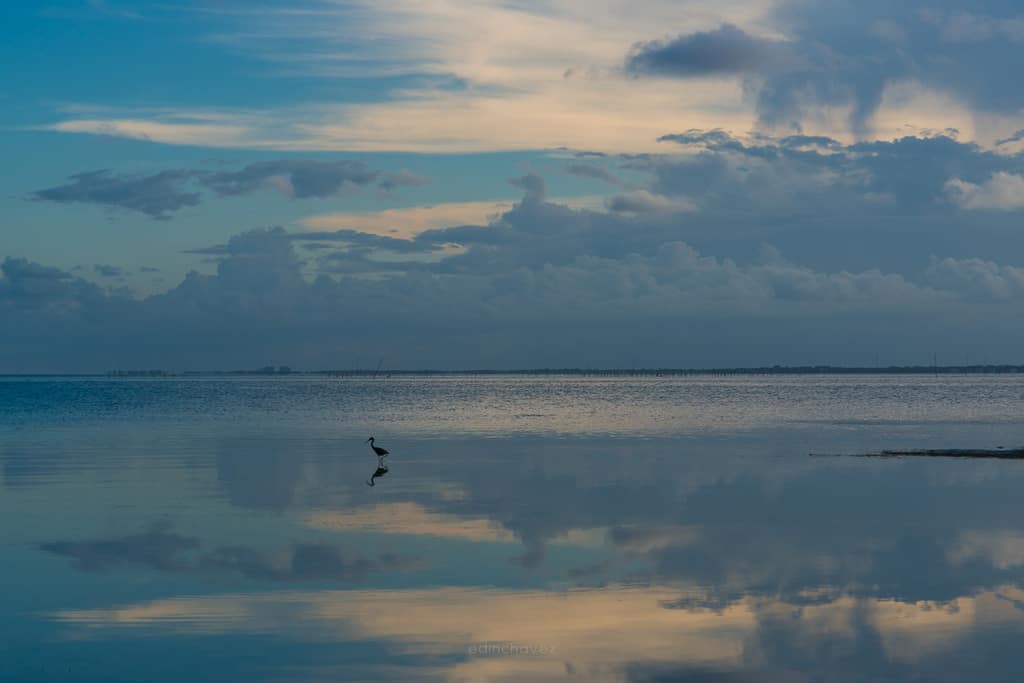
Useful does not have to mean dull. Light, color and timing still matter. But dramatic processing is not a substitute for readable content. An ocean texture, a calm reflection or a simple work surface can communicate clearly without needing a paragraph of explanation.

Choose a subject you can shoot well and clear properly
Start with subjects you can access without an expensive trip or a complicated production. Make a list of objects, environments and activities you understand. Then remove anything you cannot photograph safely, legally or with the permissions required by the agency you plan to use.
Everyday subjects can produce useful work when the details are deliberate. A clean tabletop, a texture, a seasonal landscape or a practical activity may offer several distinct compositions. Avoid building a portfolio around copies of the most obvious search results. Study what exists to understand the market, then look for a specific gap you can actually fill.
People can add meaning, but they also add responsibility. Discuss the intended use before a shoot and use the receiving agency’s release requirements. Do not photograph strangers and assume you can solve consent later. Do not use children as convenient stock subjects without the required guardian permission and a careful review of the situation.
Commercial and editorial are different routes
Commercial content may be used in advertising and other promotional contexts, subject to its license. Recognizable people, property, artwork, logos and distinctive designs can create permission or intellectual-property issues. Editorial content has different permitted uses and submission rules. It is not a universal escape hatch for a photograph that lacks releases.
Check whether the agency accepts the editorial material you want to submit. Adobe’s contributor guidance says it does not currently accept general Editorial Use Only content from individual contributors, apart from its limited Illustrative Editorial route. Other agencies have their own categories, requirements and restrictions. Do not label a file editorial and assume that makes it eligible.
Separate your commercial candidates from files that need another review. A photograph can be suitable for your own article yet unsuitable for a stock agency’s commercial collection. Publishing rights, location access and stock licensing permissions are related questions, but they are not the same question.
Releases: check the whole frame, not only the face
Adobe’s model-release guidance explains that someone may be recognizable through characteristics such as tattoos, clothing or context, even when a face is not clearly visible. Review the full image. A turned head or a small person in the background does not automatically remove the issue.
Property can be equally complicated. Distinctive architecture, artwork, private interiors and certain products or locations may need permission or may be restricted. Adobe’s property guidance distinguishes broad cityscapes from a building singled out as the main subject. That does not create a blanket rule for every city photograph.
Use the agency’s current release form and checklist. Keep signed records organized with the relevant shoot and files. A verbal agreement or permission to enter a venue is not automatically the release required for stock licensing. When the situation is unclear, pause the submission and seek agency guidance or qualified legal advice. This guide is a workflow, not legal advice.
Pick one agency for your first test
Do not open five accounts and scatter the same unfinished files everywhere. Start by comparing a short list of agencies against your actual content. Read what they accept, their technical requirements, royalty rules, payout conditions and contributor agreement. Confirm eligibility before investing hours in uploads.
Adobe Stock and Shutterstock are examples of places with public contributor guidance, not a promise that either is best for you. The right fit depends on your subjects, rights, workflow and the terms you are willing to accept. An agency’s large audience does not tell you how your particular images will perform.
Record any exclusivity obligations before submitting the same file elsewhere. Also check how deletion, account closure, customer licenses and payment requests work. Do not assume withdrawing a photograph cancels rights already licensed. Read the actual agreement and keep a dated copy of the terms you relied on.
Build a small shoot brief before taking pictures
Write one sentence describing the purpose of the shoot. For example, you might want a group of clean coastal textures with room for text. Then list the distinct frames you need: wide scene, close detail, vertical composition and a version with clear space on the opposite side.
Plan genuine differences rather than a pile of nearly identical files. Change the viewpoint, relationship between subjects or useful crop. A burst of twenty frames with tiny shifts is not twenty strong ideas. Adobe’s submission guidance warns against repetitive content; a tighter selection also makes your editing and metadata work more focused.
Include a rights check in the brief. Note location rules, people who may appear, recognizable property and any release documents needed. If you are using a drone, check applicable flight rules and site restrictions separately. Having a camera capable of the shot is not permission to make it.
Edit for clarity, then inspect at full size
Choose the strongest frame before spending time on fine edits. Check focus, motion, exposure, distracting edges and whether the image communicates the intended subject. Look at the file at normal viewing size and at full size. A thumbnail can hide noise, halos, dust and missed focus.
Keep color believable and avoid aggressive sharpening. Watch smooth skies, fine branches, reflective surfaces and high-contrast edges. If a file needs heavy repair just to look acceptable, another frame may be the better submission. A smaller, clean portfolio is more useful than a larger one full of problems.
Follow the current export requirements for the receiving agency rather than copying an old checklist from a blog. File type, color space, dimensions and size limits can change. Keep the original and an editable master, then make a submission export that meets the requirements. Do not upscale a weak file simply to reach a minimum.
Write accurate titles and keywords
A buyer cannot license a photograph they cannot find. Give each file a concise title that describes what is actually visible. Start with the subject and important activity or setting. Do not turn the title into a sales pitch or stuff it with unrelated search terms.
For keywords, work outward from the visible facts: main subject, action, setting, color, composition and a small number of supported concepts. A reflection might support calm or symmetry when the frame actually communicates those ideas. It does not automatically support healthcare, finance or business success because those terms are popular.
Adobe says keyword order matters and the first ten have the most weight. Review suggested keywords before submitting and put the important, accurate terms first. Do not guess a species, location, ethnicity, diagnosis or relationship. If you cannot verify a detail, describe the image more generally.
Metadata is not permission to misrepresent a scene. Do not claim an image is candid, a real workplace or a particular person’s experience unless that is accurate and appropriate. The best keywords make a truthful photograph easier to find.
What royalties tell you, and what they do not
A royalty percentage is only one part of the earnings picture. It does not tell you the price basis, license volume, discounts, special agreements, taxes or how often a particular image will sell. Compare the full royalty and payout rules, not just the largest number on a landing page.
As checked for this October 2026 update, Adobe lists a 33% royalty for photos under its standard-plan table, applied to the net price per licensed content. Its page also explains different calculations for custom and nonstandard agreements. Treat that as one agency’s current policy, not a forecast of your income or a rate that applies everywhere.
Budget for uncertainty. Count editing, keywording and administration as working time. Track travel, props, equipment and other costs that exist because of the stock shoot. A payment notification can feel exciting while the project still loses money. Start small enough that a slow result does not push you into spending more to rescue it.
Use a simple portfolio log
Keep a spreadsheet with the file identifier, shoot date, subject, release status, agency, submission date and review result. Add the reason for a rejection and the royalties actually received. Keep private release documents separate and secure, with a reference that connects them to the correct files.
Review patterns rather than reacting to every individual result. Repeated technical rejections suggest a capture or editing problem. Repeated rights issues suggest your pre-shoot checklist needs work. Downloads concentrated in one useful subject may justify another careful shoot, but they do not guarantee the next batch will perform the same way.
Do not keep uploading the same rejected file without understanding the reason. Fix what can be fixed honestly, confirm whether resubmission is allowed and stop when the problem is fundamental. Rejection is information, not an instruction to invent a release or disguise the subject.
A practical first-month test
Choose one subject area, one agency and a small number of distinct files. Verify the submission rules, finish the rights check and make clean exports. Write accurate metadata for each picture. Submit only the files you would be comfortable explaining to a reviewer.
Then give the test time to produce information. Review acceptance and workflow first, not just income. Did you understand the forms? Could you find the original files? Were your titles useful? Was the time spent reasonable? Those answers matter before you scale production.
Stock photography rewards useful thinking more than frantic uploading. Build photographs with a clear purpose, keep the permissions and records straight, and make your next decision from real results. You do not need a warehouse of new gear to begin. You need a repeatable way to make, check and describe strong images.
Stock photography FAQ
Do I lose copyright when I submit stock photos?
Submission usually involves licensing rights under a contributor agreement rather than selling your copyright outright. Read the specific agreement before relying on that distinction.
Does royalty-free mean anyone can use the photo for free?
No. Royalty-free does not mean free or unrestricted. A buyer must follow the applicable license terms.
Can I upload photographs of strangers for commercial stock?
Do not assume so. Recognizable people generally need the releases required by the agency, and recognition can come from context or distinctive features as well as faces.
Can I submit rejected commercial photos as editorial?
Not automatically. Editorial acceptance and permitted uses depend on the agency. Check its rules before choosing that route.
How much money will my stock photos make?
There is no guaranteed amount. Results depend on demand, licensing terms, useful content and many other factors. Track actual income against costs and working time.
Do I need a new camera to start?
Start with the gear you own if it can produce clean files that meet the agency’s current requirements. Buy equipment only when a specific limitation justifies it.
Gear for a careful stock workflow
Use your existing camera first. A stable tripod, a simple reflector and a reliable backup drive may solve specific workflow problems, but none guarantees acceptance or income. Check camera compatibility, support load limits and storage needs before buying.
Compare on Amazon | Compare on B&H
These are comparison searches, not tested product reviews or promises of price, stock or compatibility. Build stronger capture and editing skills with the Shut Your Aperture Academy.
Affiliate disclosure: As an Amazon Associate I earn from qualifying purchases. Purchases through Amazon and B&H links may earn a commission at no extra cost to you.
Check the current Adobe photo submission guidance, model-release guidance, property-release guidance, metadata tips, royalty rules and Shutterstock legal documentation standards before submitting.