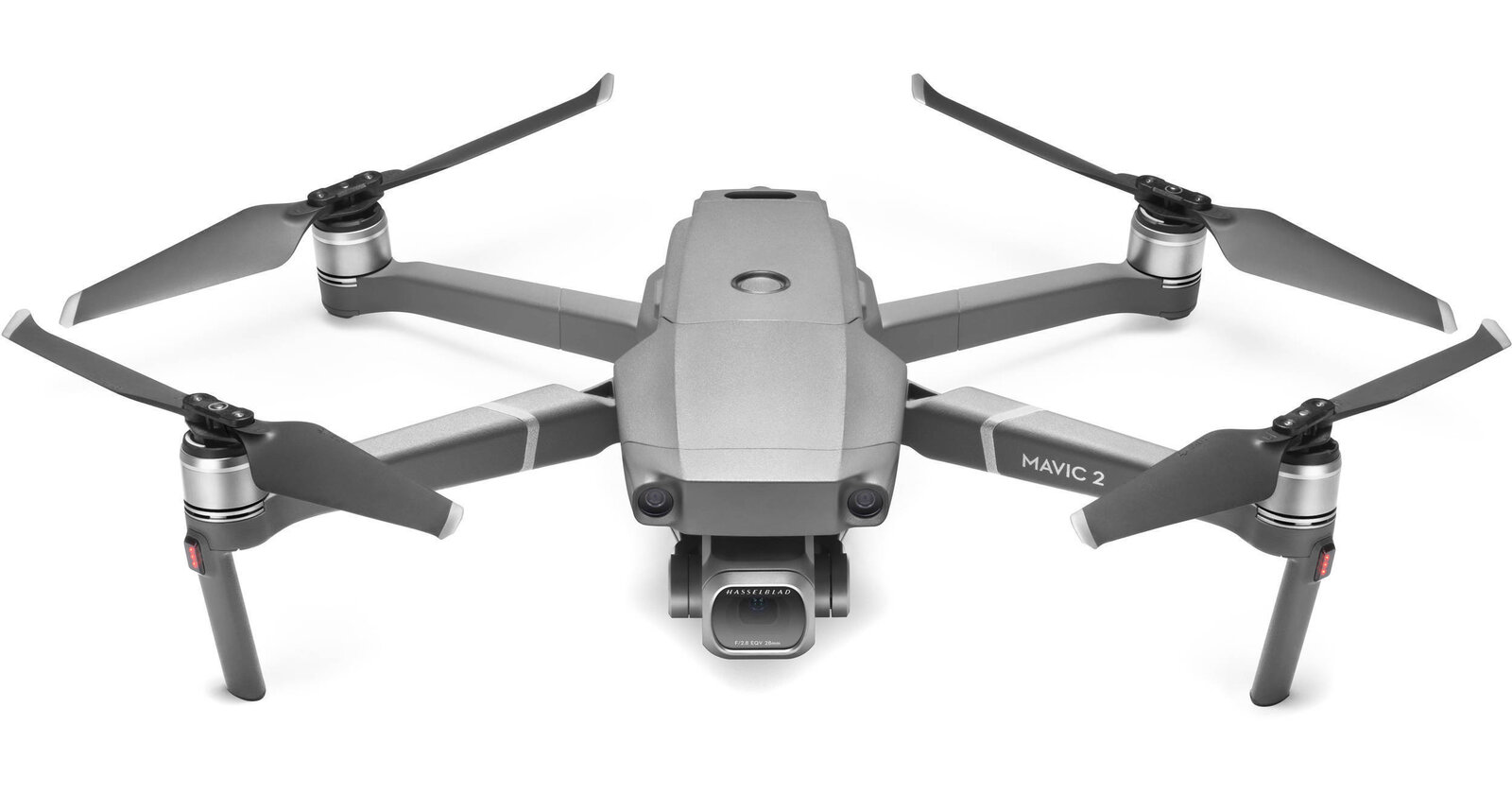
The DJI Mavic 2 Pro belongs to an important chapter in folding camera drones: the moment a portable aircraft carried a 20-megapixel, 1-inch-type camera with an adjustable aperture. DJI introduced it in August 2018 alongside the Mavic 2 Zoom. The two names are easy to blur together. The cameras are not the same.
This is a Mavic 2 Pro product archive and a practical guide to evaluating an older example. It is not a current sale notice, a claim that a particular used aircraft is airworthy or a firsthand flight test. The original specifications explain what the design offered. They do not tell you the condition of a battery today, the availability of repairs or whether your proposed flight is legal.
Why the Mavic 2 Pro mattered in 2018
The appeal was straightforward: a larger camera sensor inside a folding aircraft that could fit into a travel kit. DJI’s launch announcement presented the Pro and Zoom as two camera choices in the Mavic 2 family. The Pro emphasized its Hasselblad-branded L1D-20c camera; the Zoom emphasized a different lens and sensor combination.
Contemporary reporting helps put that decision in context. DPReview’s 2018 introduction discussed the larger sensor and zoom lens as separate responses to what aerial photographers wanted. Read that as historical context, not a ranking of the drones available now.
There is a useful lesson in the split. “Pro” is a product name, not an explanation of what your photographs need. A camera with a particular focal length, sensor and recording format solves particular problems. Start with those details instead of assuming the more expensive launch model was better for every job.
 Save
SaveMavic 2 Pro camera specifications, without the model mix-up
DJI’s Mavic 2 product information lists the Pro with a 1-inch-type CMOS sensor and 20 million effective pixels. Its lens has a 28mm-equivalent focal length, an approximately 77-degree field of view and an adjustable f/2.8-f/11 aperture. Still files are listed as JPEG or DNG raw, with a maximum image size of 5472 by 3648 pixels.
The 1-inch-type designation is the conventional sensor-class name. It should not be read as a promise that the sensor measures one inch across. More importantly, a sensor specification alone cannot settle image quality. Exposure, light, focus, motion, lens behavior and processing still affect the photograph.
The Pro’s lens is not the Mavic 2 Zoom’s optical zoom lens. DJI lists the Zoom separately with a 12-megapixel, 1/2.3-inch-type sensor and a 24-48mm-equivalent optical range. If a used listing combines the Pro’s 20 megapixels with the Zoom’s optical range, ask the seller to identify the actual aircraft and camera. Do not buy from a merged spec sheet.
What the adjustable aperture changes
An adjustable aperture gives you another exposure control. In a bright scene, stopping down can reduce the amount of light reaching the sensor. That can help you work toward a chosen shutter speed for video, though it does not eliminate the need to consider neutral-density filters in suitable conditions.
For still photography, choose the aperture as part of the image-making decision rather than automatically selecting the smallest opening. Stopping down indefinitely is not a universal sharpness strategy. Test a stationary scene, examine the files and see what setting gives the result you want before committing an important assignment to an unfamiliar camera.
The practical point is control. A shutter speed that works for a landscape photograph may look different in a moving video shot. Exposure settings are connected to the intended result. The aircraft does not decide that result for you, and an old specification sheet cannot provide a single best setting for every flight.
 Save
SaveRaw still photographs and the editing workflow
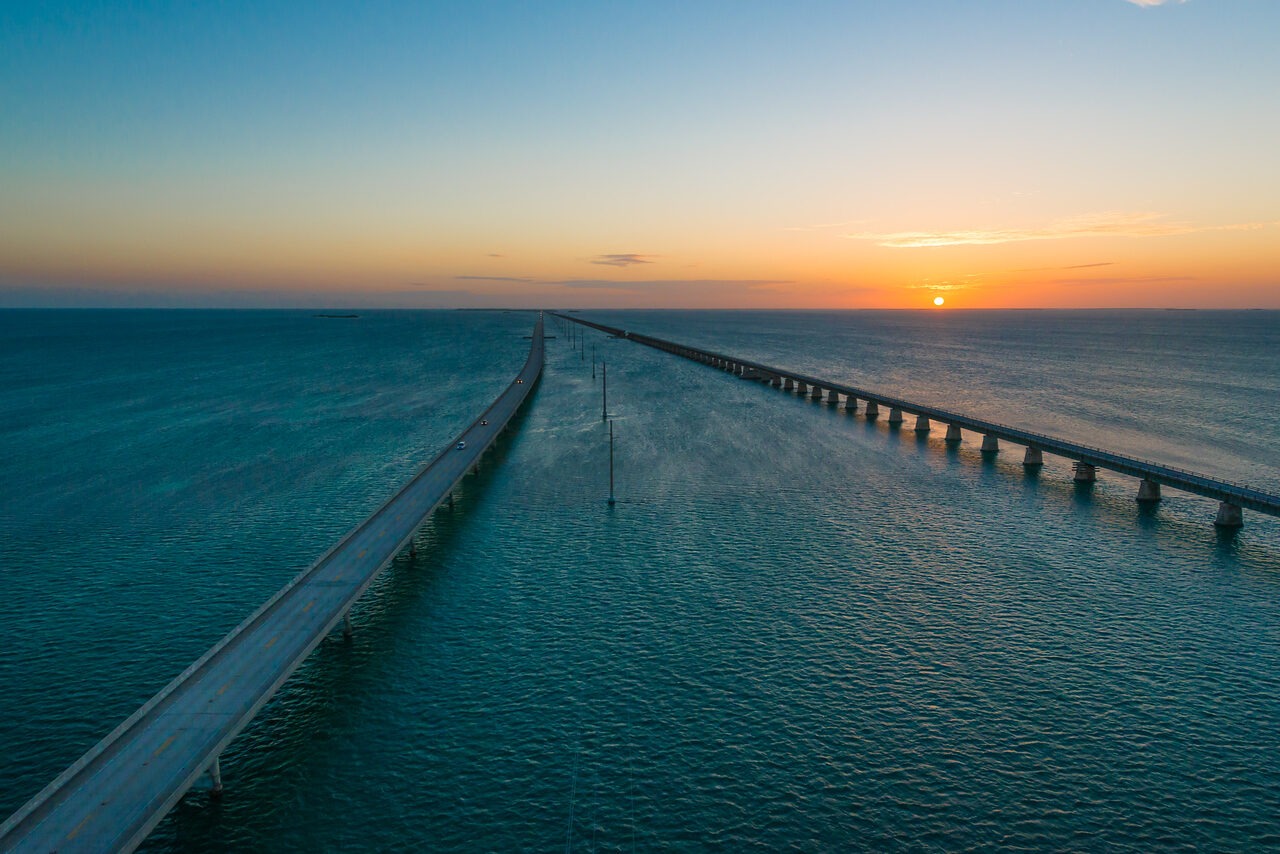
DNG capture gives you a raw-file workflow for exposure and color decisions. It is not permission to ignore exposure at capture. Protect important highlights, check the scene and review a test file when practical. Bright water, pale roofs and a sky can put very different demands on the same photograph.
DJI lists auto-exposure bracketing among the Pro’s still modes. Bracketing can provide several exposures for a high-contrast scene, but it does not guarantee a clean merge. Wind, moving subjects and aircraft movement can change alignment. Treat it as an option to evaluate, not a one-button cure for every sunset.
Before a used purchase, ask for original files from the actual camera. An edited social image hides much of what you want to check. Inspect detail across the frame, unusual softness, obvious artifacts and consistency between captures. A sample file does not certify the airframe, but it can reveal a camera issue that a photograph of the drone cannot.
Video formats and the 4K limit
DJI lists UHD 4K at 3840 by 2160 pixels with 24, 25 or 30 frames per second. The Pro is not a 4K/60p camera. Its listed lower-resolution options include 2.7K up to 60p and Full HD up to 120p. Decide whether those recording options fit your delivery before comparing a bargain price with a newer aircraft.
The Pro’s listed maximum video bitrate is 100Mbps, and DJI lists H.264 and H.265 recording formats. Dlog-M and HLG are listed as 10-bit options for the Pro. Those names describe recording and color workflows, not automatically finished images.
Log footage requires a deliberate conversion and grading process to reach the intended display appearance. HLG brings its own display and delivery considerations. If you only need straightforward clips, complexity is not inherently a benefit. Check that your editing software, computer and client workflow can handle the files you intend to record.
Ask for an original video sample and play it in your actual editing system. Check motion, gimbal behavior, image stability and color changes. Do not assume an online video proves how the exact used camera performs. It may have been edited, stabilized or recorded by a different aircraft.
 Save
SaveFlight time and range are not a mission plan
DJI lists a maximum flight time of 31 minutes under specified test conditions: no wind and a consistent speed of 25 kph. It separately lists maximum hovering time as 29 minutes in no wind. Those are manufacturer figures, not a promise that an aging battery will safely support a 31-minute assignment.
Wind, temperature, maneuvering, battery condition and the need to return and land all matter. Plan a reserve and follow the manual’s operating guidance. Never treat the maximum number as the time you should wait before coming home. A battery percentage is one part of the situation, not a replacement for looking at the flight conditions.
Transmission range is also not permission to fly beyond your legal operating limits. A radio specification describes a technical capability under conditions; it does not establish visual-line-of-sight compliance, airspace authorization or a safe return route. Marketing distances belong in the archive. Your operation belongs in a current flight plan.
Obstacle sensing is assistance, not a guarantee
The Mavic 2 documentation describes vision and infrared sensing systems. Their presence should not become an assumption that the aircraft can see every wire, branch, reflective surface or poorly lit obstacle. Read the operating modes and limitations in the manual before relying on a feature.
An automatic movement or tracking feature still needs an operator who understands the surroundings. Check the route, people, airspace, light and available clearance. Do not choose a risky shot because a promotional video makes it look easy. A successful demonstration elsewhere is not evidence that the same movement is safe in your location.
With a used unit, verify that the relevant sensors and warnings behave as the documentation says they should. Error messages need a diagnosis, not a reassuring seller explanation. A calibration message is not something to dismiss simply because the aircraft once flew for somebody else.
Inspect a used Mavic 2 Pro as an aircraft and a camera
Start with identity. Confirm the exact model, serial information and included controller. Ask about crash history, repairs, water exposure and the reason for sale. Check the body, arms, hinges, motors, propellers and gimbal for damage or unusual movement. Cosmetic cleanliness cannot prove mechanical condition.
Ask to see a normal startup and the connection with the included controller and intended mobile device. Confirm the app, operating-system compatibility and required firmware information through DJI’s current support sources. An old review showing a phone connected in 2018 does not settle compatibility with your phone now.
Review camera stills and video, gimbal movement and error status. Where lawful and safe, a qualified demonstration can provide more information than a powered-on tabletop view. Do not conduct a first test over people, water or a location where an uncertain aircraft creates a bigger problem.
Make the accessory list explicit. Count batteries, chargers, cables and propellers; identify their condition and compatibility. A generic “Fly More” description may not tell you what remains in the box years later. If an essential item is missing, verify that you can obtain the correct replacement before treating the bundle as good value.
Batteries, repairs and total ownership cost
Battery age and storage history are central to evaluating an older drone. Ask about use and inspect for swelling or damage. Follow DJI’s battery safety guidance and do not charge or fly a battery that is unsafe. A high charge percentage on screen is not proof of a healthy pack.
Check current parts, repair and battery support directly with DJI or a qualified service provider. A download page remaining online does not mean every replacement part is available. Nor does a seller’s statement that “it still works” tell you what happens after the next fault.
Compare the total cost of a workable setup: aircraft, dependable batteries, controller, necessary accessories, possible service and any compliance equipment your operation requires. There is no verified current price or inventory claim in this guide. A cheap airframe can become an expensive way to avoid buying a complete, supported system.
Current US rules belong in the decision
At DJI’s listed 907-gram takeoff weight, the Mavic 2 Pro is above the FAA’s under-250-gram recreational registration exception. Read the FAA registration guidance for your operation type. Do not assume the seller’s registration transfers to you or that recreational registration covers a business operation.
The FAA Remote ID page explains the requirements and permitted compliance approaches. Check the exact aircraft and any module against the relevant current documentation. This archive does not certify that a stock Mavic 2 Pro meets Standard Remote ID requirements or that any advertised add-on is accepted.
For business-purpose flights, review the FAA commercial-operator pathway. Registration, pilot qualification, Remote ID and airspace permission are separate questions. Passing one check does not answer all the others. Local site restrictions and permission to take off or land also need attention.
Outside the United States, use the relevant aviation authority and current local rules. An old international product specification is not a legal category certificate. Decide whether you can operate the aircraft where you actually intend to photograph before buying it for a trip.
Who should consider keeping one?
An owner with a healthy, understood and compliant aircraft may have a different decision from a first-time buyer. If your existing files meet your needs, investigate support and safe operation rather than replacing equipment simply because a new model exists. If your workflow requires a recording mode the Pro lacks, software cannot create that capture capability after the fact.
A used buyer should give more weight to condition, support and total cost than to the launch-era prestige of the Hasselblad name. A first-time pilot should also consider whether learning on an older system adds avoidable troubleshooting. This guide does not make a blanket recommendation to buy or discard the model.
Put the photograph first. Write down the still resolution, video format, operating environment and travel requirements you need. Then check whether this exact example meets them safely and legally. That is a much stronger decision than “it used to be a flagship.”
Learn faster with a plan. The ShutYourAperture Academy has 22 photography courses, from the fundamentals of aperture, shutter and ISO to genre courses like landscape, portrait and street.
DJI Mavic 2 Pro Q&A
Does the Mavic 2 Pro have optical zoom?
No. Its listed lens is 28mm equivalent. The separate Mavic 2 Zoom has the 24-48mm-equivalent optical zoom lens. Do not combine their camera specifications when comparing a listing.
Can it record 4K at 60 frames per second?
DJI lists UHD 4K up to 30p for the Pro. Higher frame rates are listed at lower resolutions. If 4K/60p is a requirement, this model’s specification does not meet it.
Is the 31-minute flight time realistic for every battery?
No. It is a maximum manufacturer figure under stated test conditions. Actual planning must account for condition, weather, movement and a safe return reserve. It is not a guaranteed usable flight duration.
Is an old Mavic 2 Pro automatically Remote ID compliant?
Do not assume that. Check the exact aircraft, firmware and any compliance equipment against DJI and FAA sources. The legal operating approach must be resolved before flying.
Are current batteries and repairs guaranteed?
No availability guarantee is made here. Check current support and parts for the exact aircraft with the relevant provider. Original product pages and seller photos do not prove replacement stock.
What should I ask a used seller for?
Exact model and accessories, repair and crash history, battery condition, error status, original photo and video files and a safe demonstration where appropriate. Evaluate the whole system, not only the camera’s megapixel count.
Is this a current review or buying recommendation?
No. It is a source-based archive with practical checks for owners and used buyers. It contains no claimed personal flight test, current stock claim or verified current offer.
Sources: DJI’s August 2018 launch release, DJI product specifications, DJI manuals and downloads, the linked DPReview launch coverage and FAA guidance. Manufacturer maximums are labeled as such.
Disclosure: This is historical product information and general evaluation guidance, not flight authorization or an inspection of a particular aircraft. Images are launch-era product art. This version contains no affiliate purchase links or current-price claims.