Featured photograph: Photo by Roy Serafin / Pexels / Pexels License. (Stock photo, illustrative.)
Updated November 2026. From the Shut Your Aperture archive (2014): film credits and invitations in the original caption refer to that period, not current offers. Vimeo identifies the film and creator, but a page response does not confirm playback for every viewer.
Lake of Dreams
View Lake of Dreams on Vimeo, credited to roy two thousand. The filmmaker’s original notes describe a film and music piece built around Burning Man 2013 footage.
The historical credits name additional footage by August Winkelman and Connor McNeill, production by Roy Two Thousand and Crystal Dawn Davis, and drums and percussion by Anthony Mogli Maureal. The old email-list and free-download invitations are omitted because their present status is unknown.
A film made from different kinds of time
A landscape film can feel fast without cutting quickly, and it can feel quiet while almost everything in the frame is moving. The difference often comes from relationships: a cloud crossing a fixed ridge, a small movement against a large empty space, or a musical phrase that changes how long a view seems to last. Those relationships are useful to study without pretending that one technique explains an entire finished film. Start by asking where your attention goes, then ask which choices might be helping it get there.
Lake of Dreams is preserved here as a historical film-and-music feature, not as a current event announcement. Contemporary coverage identifies Roy Two Thousand's piece with Burning Man 2013 and describes a combination of time-lapse, slow motion and wide views. That description is a source-grounded account, not a claim that we have examined the original camera files or reconstructed the edit. The original credits remain important because the film is a collaboration. A compact web caption should not erase the people who contributed footage, production or percussion.
You can use the idea of mixed tempos for a private editing exercise with recordings you own. Choose one subject that changes gradually and another with a brief, readable action. Make a short sequence in which each has a clear purpose. The goal is not to imitate another filmmaker's signature or copy a recognizable shot. It is to discover whether changing the experience of time helps a viewer understand what you noticed. A simple piece with deliberate choices is a better teacher than a crowded collection of effects.
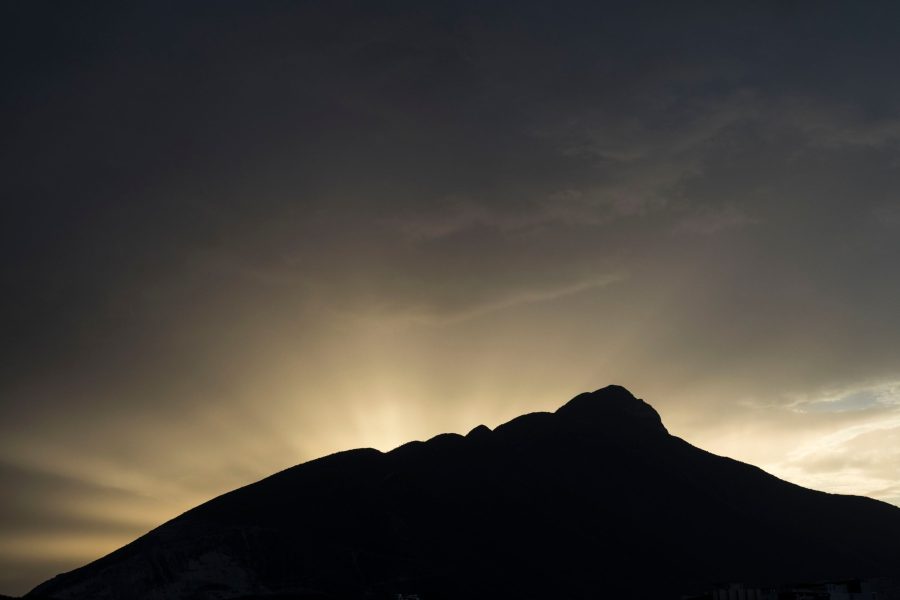
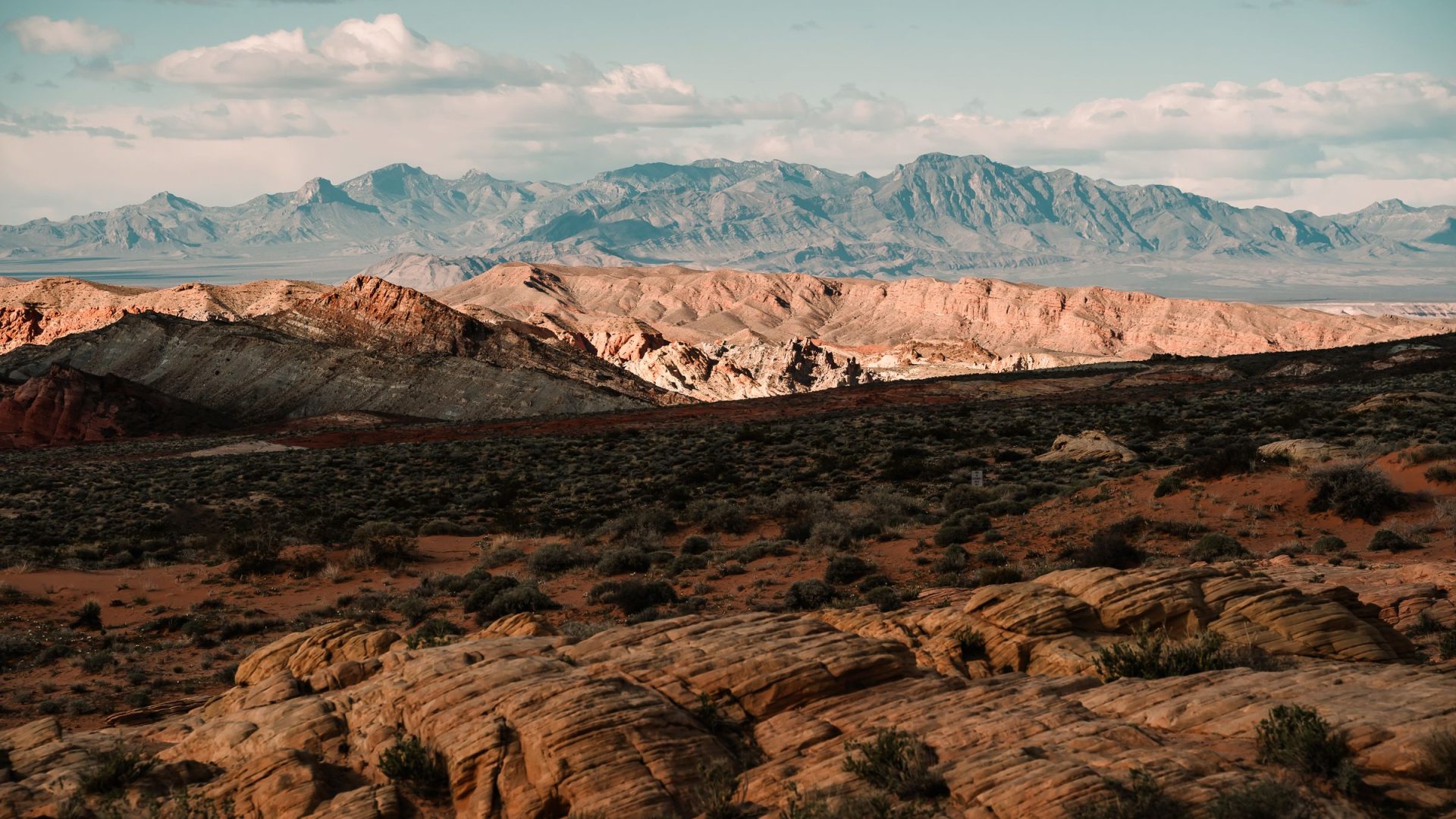
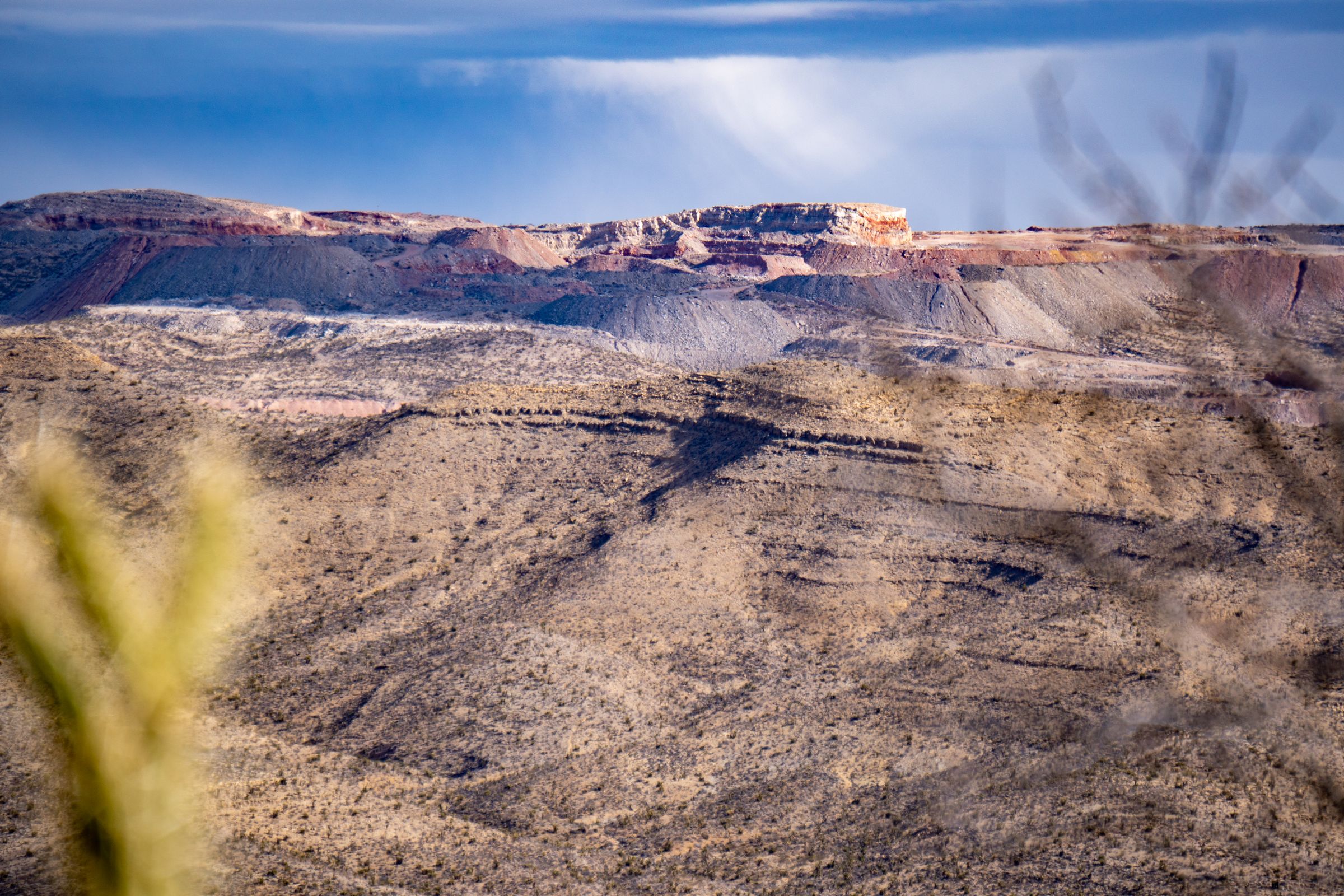
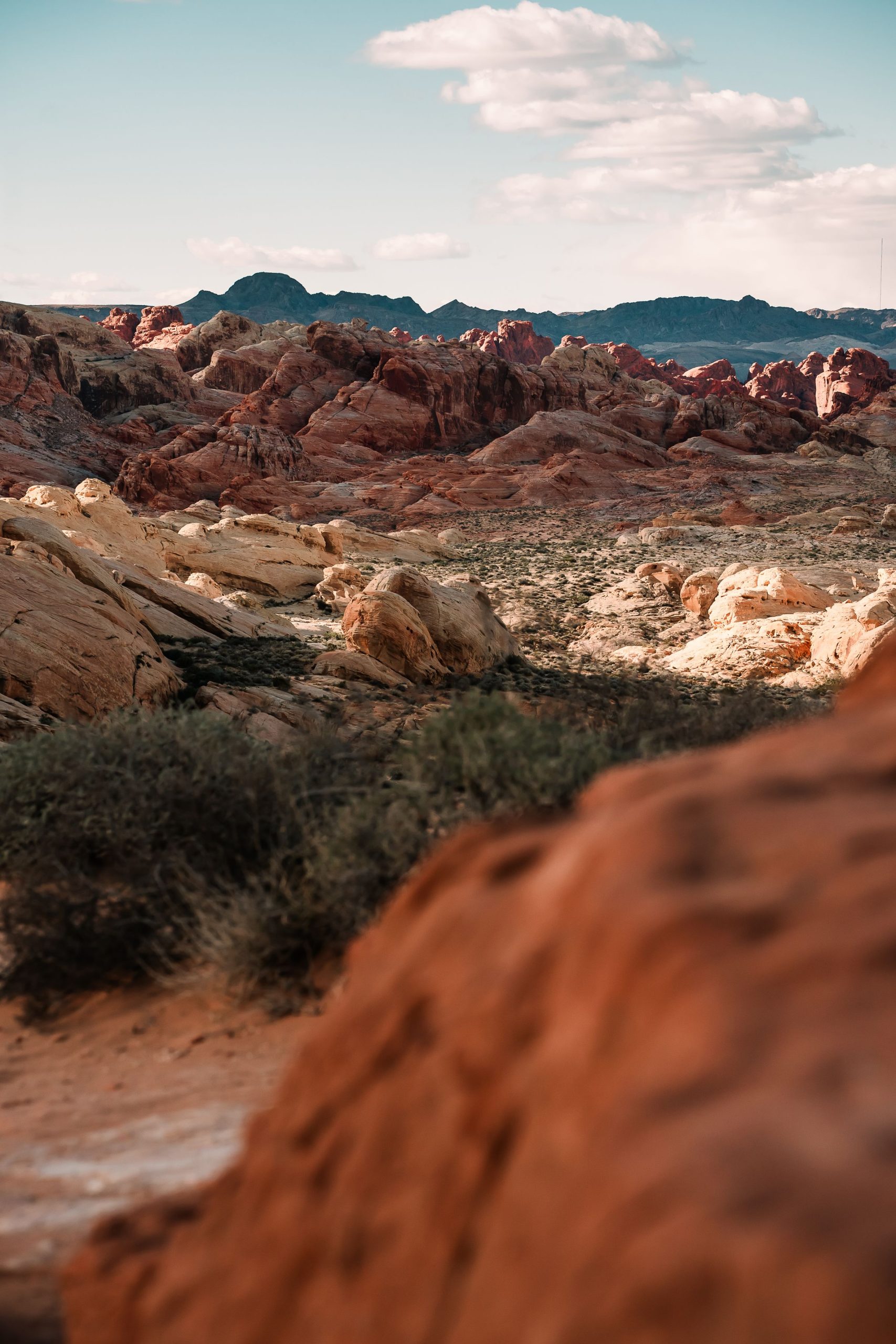
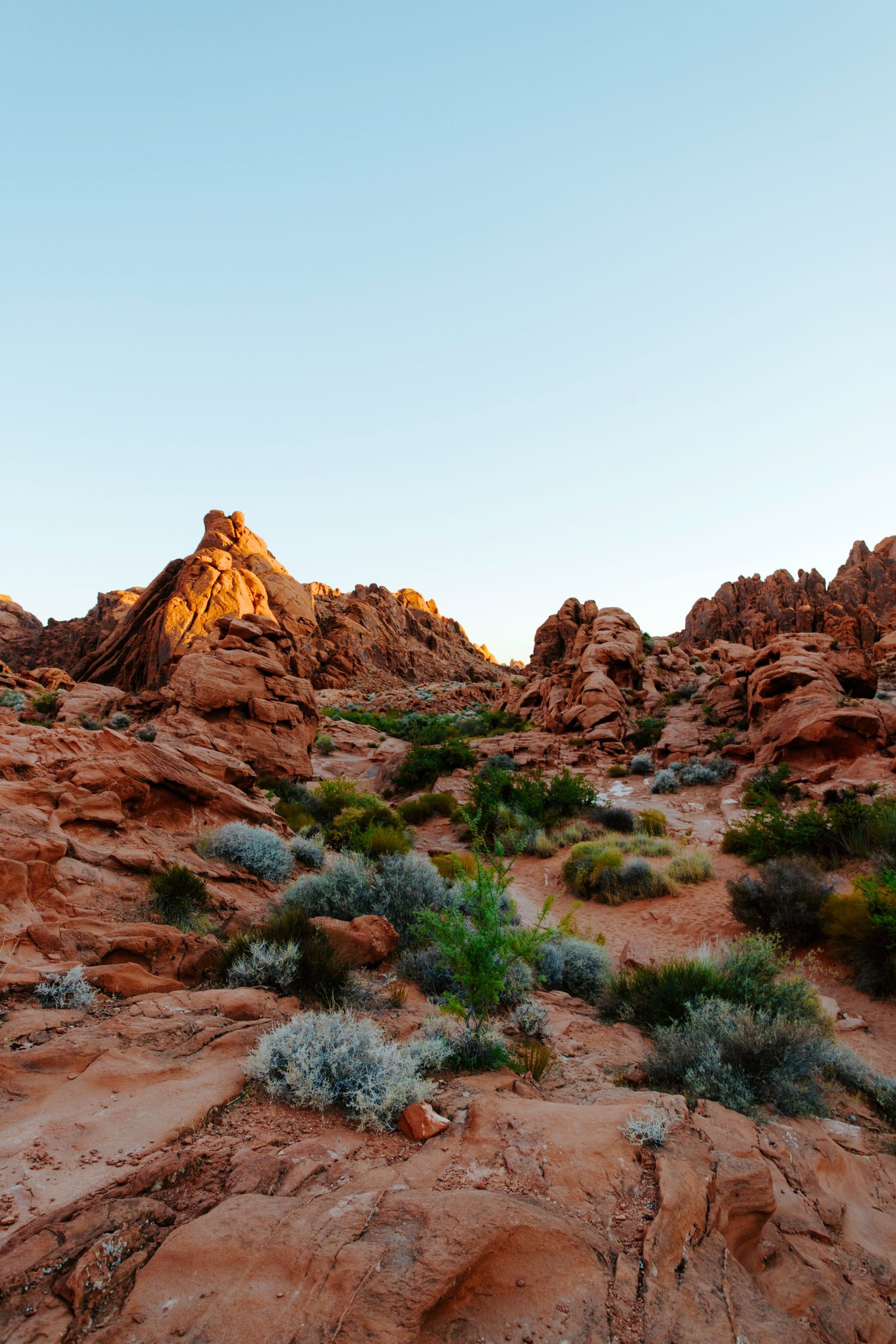
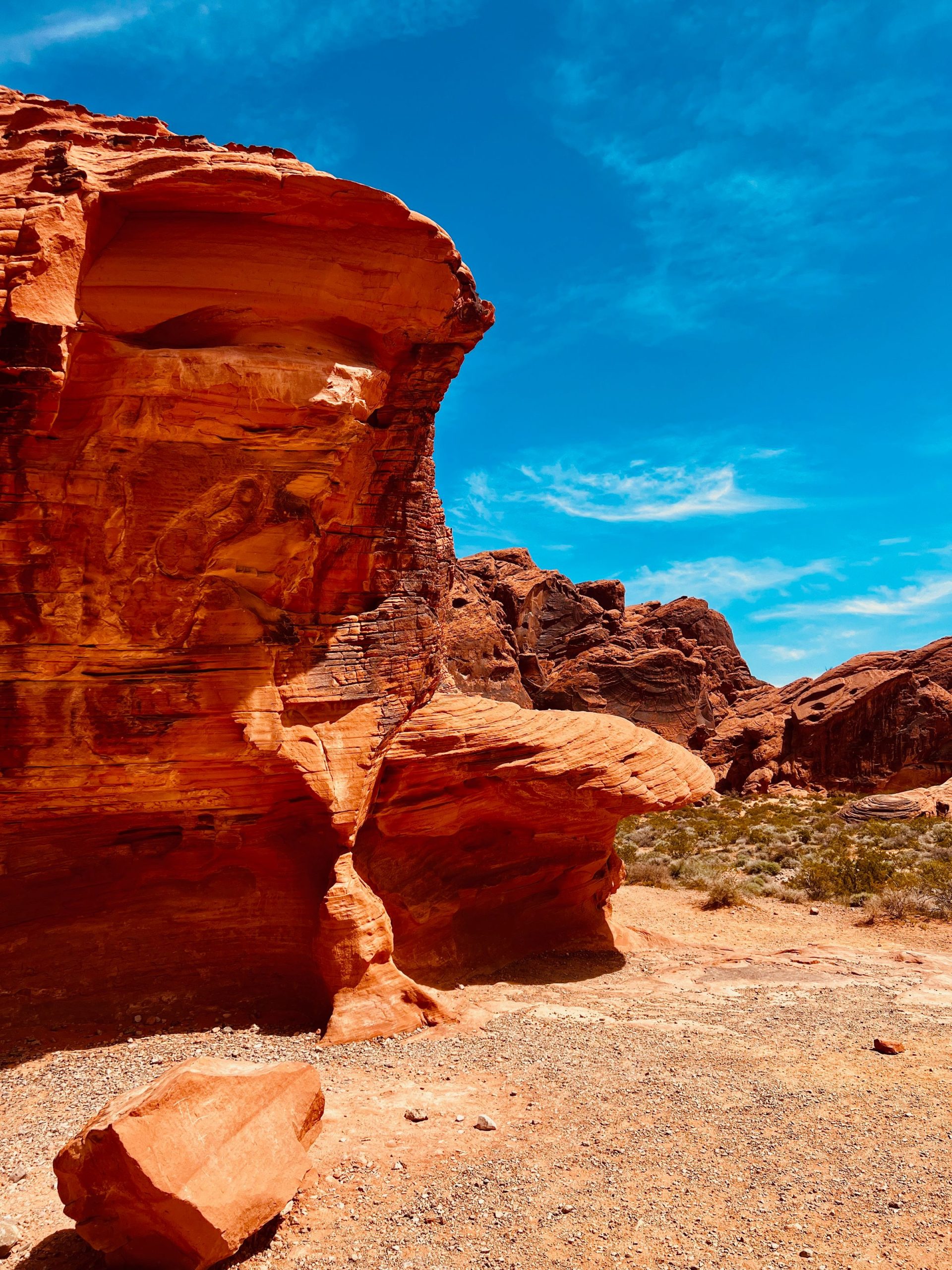
The five credited stock photographs are separate Nevada desert landscapes, including Moapa Valley and Clark County settings identified by their provider pages. They do not show Black Rock City, the Black Rock playa, the event, or scenes from Lake of Dreams. They are not film frames or photographs by Edin Chavez. Their purpose is to illustrate ideas about space, light and visual rhythm without republishing event imagery. Their different places, seasons and viewpoints should not be read as a route, a chronology or a record of the filmmakers' production.
Find a visual sentence before a soundtrack
Begin with a sentence that contains an action rather than a mood alone. Shadows cross a ridge gives you something to look for; beautiful desert does not yet tell you what the viewer should follow. Make a wide recording that establishes the arrangement of shapes. Then make a closer view that shows a detail connected to that action. If the two views have no relationship beyond being attractive, try another pairing. A sequence needs a reason for one image to follow the next, even when it has no spoken narrative.
Before adding music, arrange a few clips and watch them silently. Notice when your attention changes on its own. Perhaps a small movement finishes before the shot ends, or a view becomes interesting only after you have had time to explore the edges. Trim one version tightly and leave another with a little more breathing room. Compare the two without assuming shorter is automatically better. Your first useful decision may be to hold a view longer so the viewer can discover the movement instead of being told immediately where to look.
Choose an opening that gives the eye a stable reference. A strong ridge, a clear horizon or a simple contrast between near and far can help establish the visual space. A close detail can also open a film, but then consider how the next view will explain it. If you begin with a confusing arrangement, the viewer may spend the following shots solving a spatial puzzle you never intended. Clarity does not require revealing everything. It requires giving each cut enough information to feel purposeful rather than accidental.
 Save
Give each speed a job
Use ordinary-speed footage as your reference for the subject's actual pace. A cloud, a person and a windblown plant do not move on the same clock. Recording them normally can show which movement already reads clearly and which might benefit from compression or expansion. Do not change speed simply because an editing control makes it possible. First describe the problem: the change takes too long to notice, or the action finishes before the viewer can understand its shape. Then test whether a different tempo solves that problem.
For time-lapse, choose a composition that can remain legible while the movement accumulates. A fixed skyline or distant ridge gives the changing elements something to move against. Make a short test before spending a long time on the recording. Look for shifts in framing, distracting foreground movement and brightness changes that overpower the intended subject. If several things compete, remove one from the composition. A clear relationship between a still shape and a moving one can communicate more than a frame filled with unrelated motion.
For slow motion, choose an action with a beginning, a change and a finish. Watch whether the slowed version reveals something worth the extra screen time. An action can become vague when stretched too far, especially if there is no stable visual reference. Keep an ordinary-speed version for comparison. Your preferred edit may use only a brief slow portion rather than slowing the entire clip. Judge the transition by the action and the surrounding shots, not by how impressive the speed-control interface looks.
Different capture modes and editing methods are not interchangeable. A time-lapse assembled from still images, a built-in automatic recording mode and ordinary video accelerated in an editor can produce different files and different practical limits. Identify what you actually recorded before changing it. Likewise, slowing a clip does not guarantee that every newly displayed moment contains a separately captured image. Read the documentation for your editor's available processing choices and inspect a test export rather than promising smoothness from a percentage alone.
Let the frame stay readable
Composition has to work over time, not only as a paused image. Check the frame edges during the whole clip. A branch that enters late, an abrupt tilt or a bright shape near a corner can change the balance after the opening second. Watch once while following the main subject, then again while looking at the background. If your eyes keep leaving the intended action, try a tighter selection or a different recording. Do not assume that a strong first frame guarantees a strong shot.
Keep camera movement separate from subject movement when testing a new idea. A locked view lets you see what the subject contributes. A deliberate moving view introduces another variable: how the camera reveals and hides space. Both can work, but comparing them from unrelated positions makes it hard to learn why one feels clearer. Try a small, safe movement with a definite stopping point, then compare it with a stationary version. If the movement adds no information, the simpler view may deserve the place in the edit.
 Save
Build rhythm from phrases, not only beats
Listen to the whole piece of music before treating its waveform as a cutting grid. Mark changes you can hear: a new instrument, a pause, a repeated phrase or a shift in energy. Then compare those changes with the important moments in your pictures. An action arriving at a musical change can be more useful than replacing the entire shot on every beat. This is a practice suggestion, not a universal rule. The test is whether the relationship makes the sequence easier to follow or merely more predictable.
Make two short versions from the same clips. In one, place cuts at regular musical intervals. In the other, let the action decide some of the cuts while keeping the larger musical phrases in mind. Watch both after a break. Does the regular version become monotonous? Does the freer version lose its shape? The answer may differ across the sequence. You can use repetition to establish an expectation and then change it when the subject gives you a good reason, rather than treating every moment as a chance to surprise.
Do not make every shot carry the same amount of visual activity. A quiet view can create room around a more complicated one. A closer image can follow a wide one without needing a dramatic transition. Think about what the viewer must understand at each cut: a new place, a new scale, a new action or a change in light. If all of those change together, allow enough time to settle. An edit can feel rushed even when its shots are individually long if every cut demands too much reorientation.
Keep the soundtrack separate from proof about the location. Music can suggest a mood that was not literally present during recording. That can be an honest creative choice when the piece is presented as an impression, but it should not be confused with documentary evidence of what people heard or felt. Use recordings and music you have permission to include. A public link to someone else's finished film does not make its score a resource for your own edit or give you permission to extract its sounds.
 Save
Make changes of light feel intentional
A shift from a bright view to a dark one can be expressive, but it can also feel like an unexplained mistake. Look at the relative brightness of neighboring clips before reaching for a transition effect. Try changing their order or choosing a different in-point. If you adjust color or exposure, compare against the unedited recording and preserve the original. Do not promise to restore every bright area or uncover every dark detail. The useful correction is the one that supports the subject without making the sequence less believable.
Watch a draft at a comfortable, consistent screen brightness. Do not keep changing your display to rescue each shot while evaluating the edit. Look for an important shape disappearing at a cut, or a sudden color change that attracts attention for no apparent reason. Then watch the sequence at its intended viewing size. A subtle movement visible on a large monitor may be nearly unreadable on a phone. You may need a clearer view or a simpler cut rather than a stronger color treatment.
When reviewing a night or dusk sequence, separate the subject's movement from unwanted camera movement. A distant light can give you a useful reference. Does it stay in the intended position, or does the whole frame wobble while the subject moves independently? Make notes about the actual defect you see. A general complaint that the footage is rough gives you little direction. A specific note that the horizon shifts during the final second points toward a trim, another take or a different place in the sequence.
Keep a record of your choices
Name the working versions in a way that tells you what changed. A label such as longer opening or action-led cuts is more useful than a row of files all called final. Keep a short note about the question each version tested. If you later prefer an older cut, you will know which decision you are returning to instead of rebuilding it from memory. A review log also helps separate a genuine improvement from the temporary excitement of seeing a new effect for the first time.
Ask a viewer one narrow question rather than asking whether the whole film is good. You might ask where their attention wandered, whether they understood the change of place, or which ending felt complete. Let them watch without explaining every intention in advance. Their response is evidence about that viewing, not a command you must obey. Compare it with your own purpose, make one considered change and watch again. Endless unrelated revisions can make a short piece less clear even when each suggestion sounds reasonable alone.
 Save
Leave space for the ending
An ending should feel chosen rather than caused by running out of clips. Try returning to a simple shape introduced earlier, or hold a view after its main movement has finished. Compare that with an ending during an unresolved action. Either can be intentional, but they leave different expectations. Do not use a long fade solely because you have not decided where the sequence should stop. Make the decision in the pictures first, then test whether the transition and sound help the viewer arrive there.
Keep the final review small enough to finish. Write down the few changes that would materially improve clarity, make those changes and export again. Resist adding a new effect at the last moment unless it solves an identified problem. A completed short study gives you something concrete to learn from on the next outing. A constantly expanding project can hide the fact that you have not yet made a clear opening, a readable change and a deliberate finish. Those simple decisions deserve as much care as the most dramatic altered-speed shot.
Finish without overstating what you made
Watch the exported file from start to finish, including the first and last seconds. Check that the intended clips, sound and credits are present, that no temporary material remains and that the ending is not cut off. An export completing successfully does not prove the result matches your timeline. Open the file in the way your audience is likely to watch it. If something is wrong, correct the working edit and check a fresh export rather than assuming the problem belongs only to the player.
Describe the finished exercise truthfully. A collection of desert impressions is not necessarily a continuous journey, and a mixed-speed sequence is not a real-time record of an event. Credit collaborators and keep the permissions associated with each outside asset. For an event with its own media rules, check the current official requirements before recording or publishing; another person's old film does not establish your permission. The lasting lesson is a method: choose a clear action, test the timing, listen carefully, and keep the claims no larger than the work you actually did.
Historical context and practical references
Cascade PBS’s contemporary response describes time-lapse, slow motion and wide views in Lake of Dreams. The August 2014 Wihel feature and a September 2014 community repost preserve the film’s credits. Their old event descriptions and download invitations are historical material, not current offers, access advice or permission to reuse the work.
Adobe’s speed and duration documentation explains playback changes and tools; its music-video tutorial discusses markers and editing to music. A community editing discussion offers suggestions about phrases and action, not a universal rule. The exercises above are editorial practice ideas, not a reconstruction of Roy Two Thousand’s original files or editing decisions.
Burning Man Project’s official media policy has specific requirements for recording and nonpersonal use. This page links to the credited film rather than reproducing event imagery, and it makes no event-permission claim. The stock landscapes are ordinary Nevada desert settings, not the playa, event scenes or film frames.
Continue photography practice through the Shut Your Aperture Academy.
Keep film sequences and exports organized
For your own private files, keep originals and finished exports together. A black Samsung T7 Shield portable SSD, 1TB model MU-PE1T0S/AM, is one storage option to compare. Check capacity and your computer connection before buying. Open the copied files and maintain another checked copy separately. A drive does not replace a complete backup plan. Compare the current retailer specifications; no hands-on test, price or stock promise is being made here.
Compare Samsung T7 Shield Portable SSD Black 1TB MU-PE1T0S/AM on Amazon | Check Samsung T7 Shield Portable SSD Black 1TB MU-PE1T0S/AM at B&H
Affiliate disclosure: We may earn a commission from qualifying purchases through these gear links at no extra cost to you. As an Amazon Associate, Shut Your Aperture earns from qualifying purchases.
Sources and further reading
- Cascade PBS: contemporary Lake of Dreams response
- Wihel: Lake of Dreams, August26 2014
- Integral Post-Metaphysical Spirituality: Lake of Dreams, September1 2014
- Adobe: Change clip speed and duration
- Adobe: Edit a music video
- r/VideoEditing: Editing to music, June9 2022
- Burning Man Project: Media rights and responsibilities
- Pexels License
Lake of Dreams and editing questions
Who made Lake of Dreams?
The historical film and music are credited to Roy Two Thousand. The original caption also credits additional footage, production and percussion collaborators.
Which event period does the feature describe?
The original film notes identify Burning Man 2013. The archive is not a current event announcement or travel guide.
Are these photographs from Burning Man or the film?
No. They are separately credited stock photographs of ordinary Nevada desert landscapes, not the Black Rock playa, event imagery, film frames or Edin Chavez photographs.
Why is there a direct video link rather than an embed?
The original creator destination is preserved as a link. This page does not reproduce event imagery or claim event-media permission, and playback is not guaranteed.
Must every cut land on a musical beat?
No. Compare the action and larger musical phrases. Use a cut when it helps the sequence, not only because a waveform suggests a regular interval.
Does changing playback speed create new captured detail?
Do not assume it does. Identify the original recording and your editor processing choices, then inspect the exported result.
Can I reuse the film or its soundtrack?
A public link does not grant a reuse license. Use material you have permission to include, and check current event-media rules for your own project.
Affiliate disclosure: Some links are affiliate links. If you buy through them, Shut Your Aperture may earn a commission at no extra cost to you. As an Amazon Associate, we earn from qualifying purchases. The five credited Pexels photographs are illustrative stock images, not the Black Rock playa, event imagery, film frames or Edin Chavez photographs.