Featured photograph: Photo by Stephen Leonardi / Pexels / Pexels License. (Stock photo, illustrative.)
From the Shut Your Aperture archive (2014): production notes refer to the original shoot. Vimeo identifies the film and creator, but a player-page response does not confirm playback for every viewer.
Angel City
View Angel City on Vimeo, credited there to Gavin Heffernan. The original caption describes filming Los Angeles at night from several vantage points over a September shoot, with the cityscapes of the film Heat as inspiration.
Those gear notes, shoot dates and music references are historical. The old social, licensing and stock-footage invitations are omitted because their current terms are unknown.
Watch the city as a set of rhythms
A night city film gives a photographer several different clocks to watch at once. Traffic moves through the street grid, lights change in windows, and the sky gradually loses or gains brightness. The buildings appear steady beside those changes, which makes them useful anchors for the eye. When watching Angel City, start with those relationships rather than trying to identify every location or work out a complete equipment list from the finished pictures.
On a first viewing, simply note where your attention goes. A bright road might lead you into a skyline, while a dark foreground might slow your reading of a scene. On another viewing, ask what changes when the edit moves to a different angle. This is a viewing exercise, not a claim to know the filmmaker's intention. Your notes should describe what you can see and how you respond, rather than inventing capture settings or production decisions.
It also helps to separate the identity of a place from the identity of a shot. A city can be recognisable even when the picture contains no famous sign or attraction. The arrangement of streets, the distance between buildings and the relationship between hills and towers can do much of that work. For your own practice, look for a clear visual relationship before looking for a landmark. An ordinary view with a purpose can contribute more than a famous view included only for recognition.
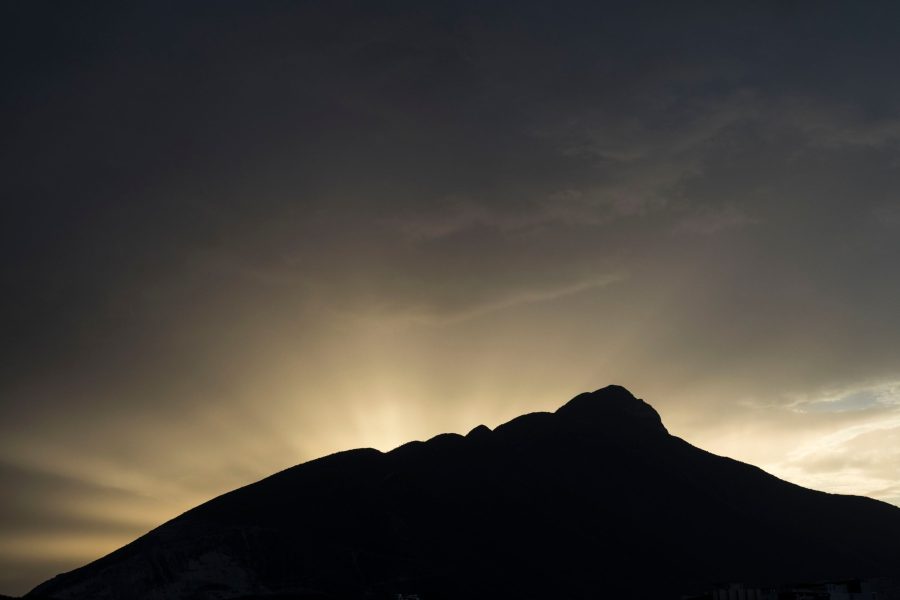
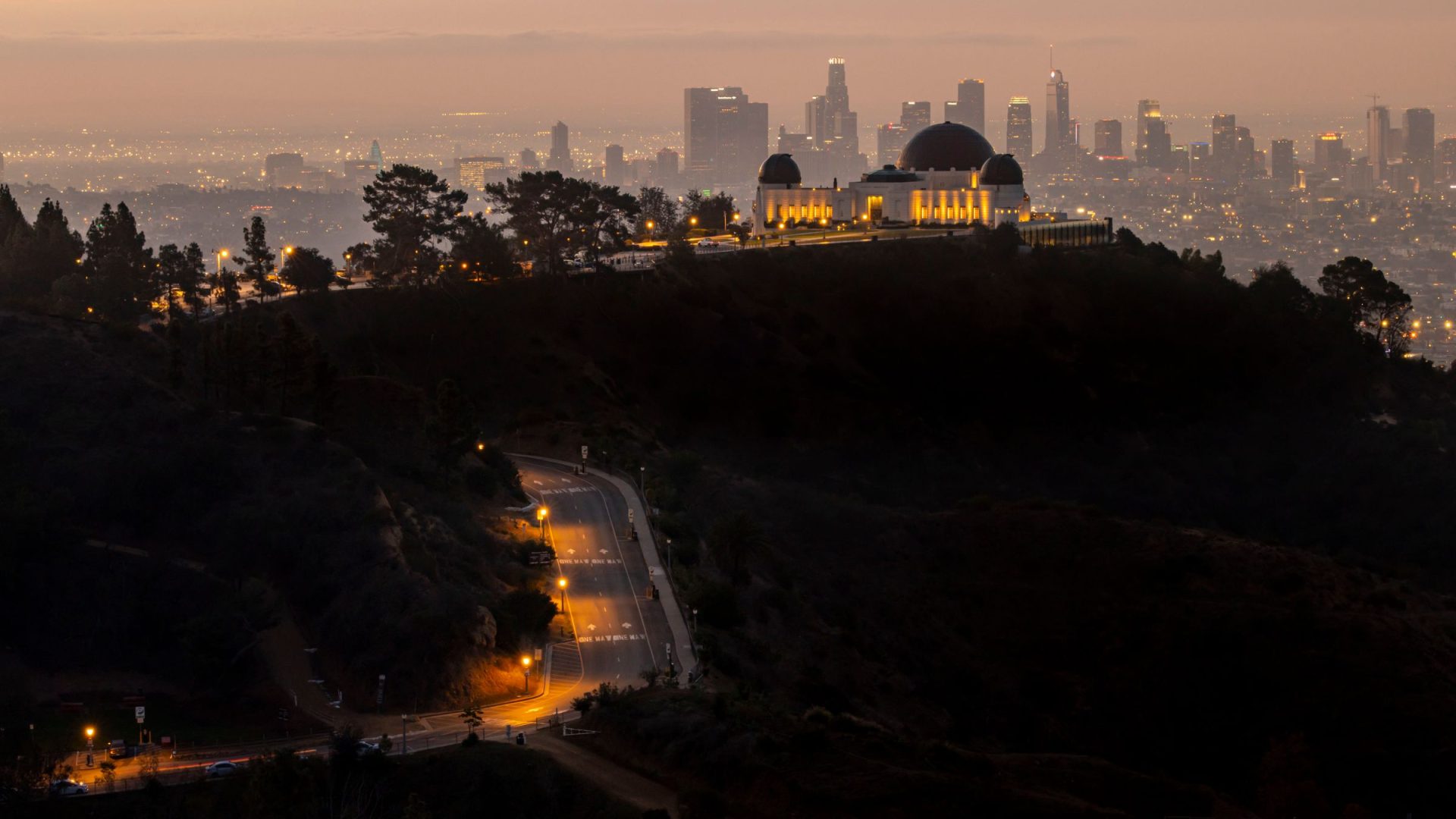
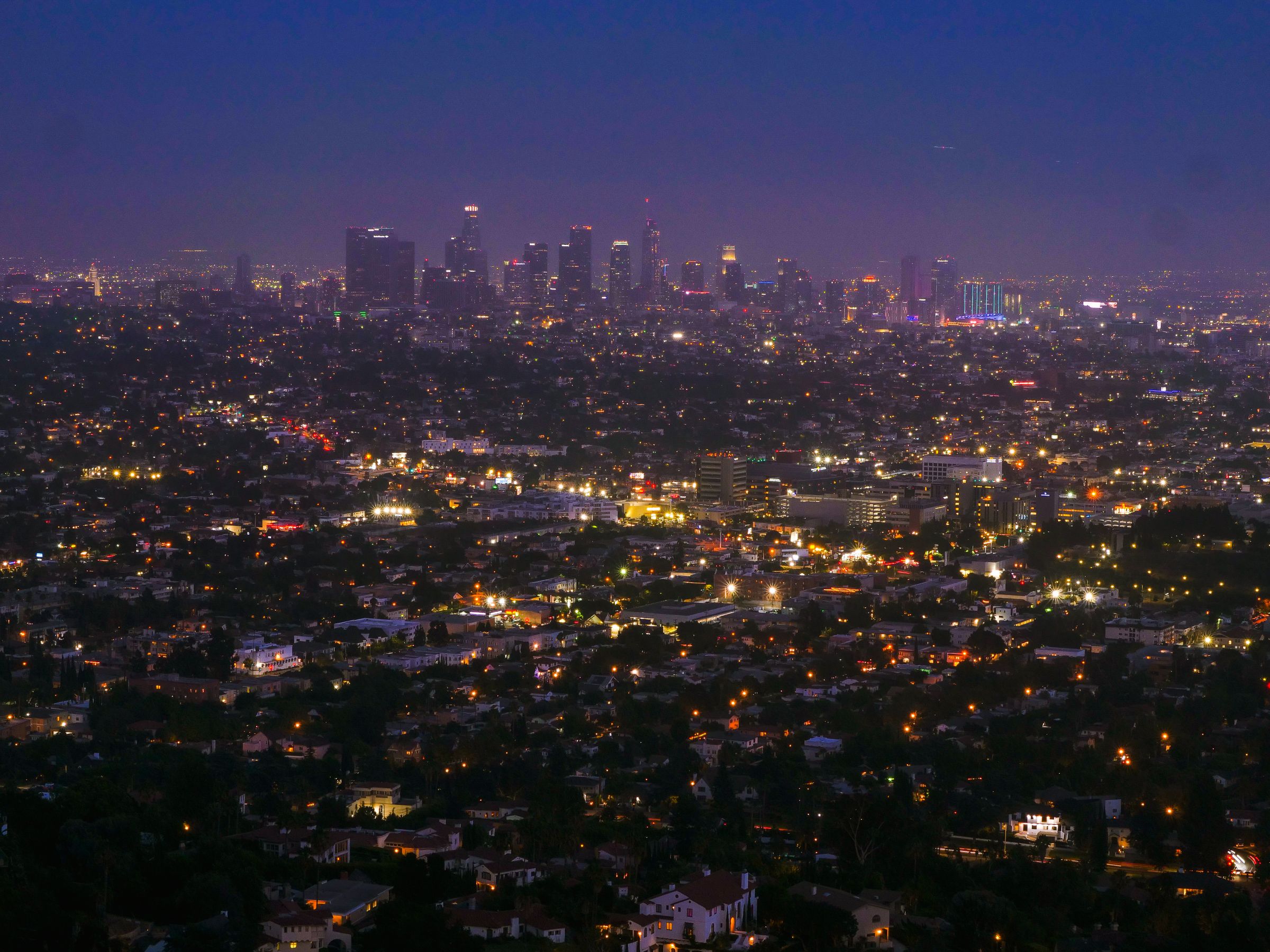
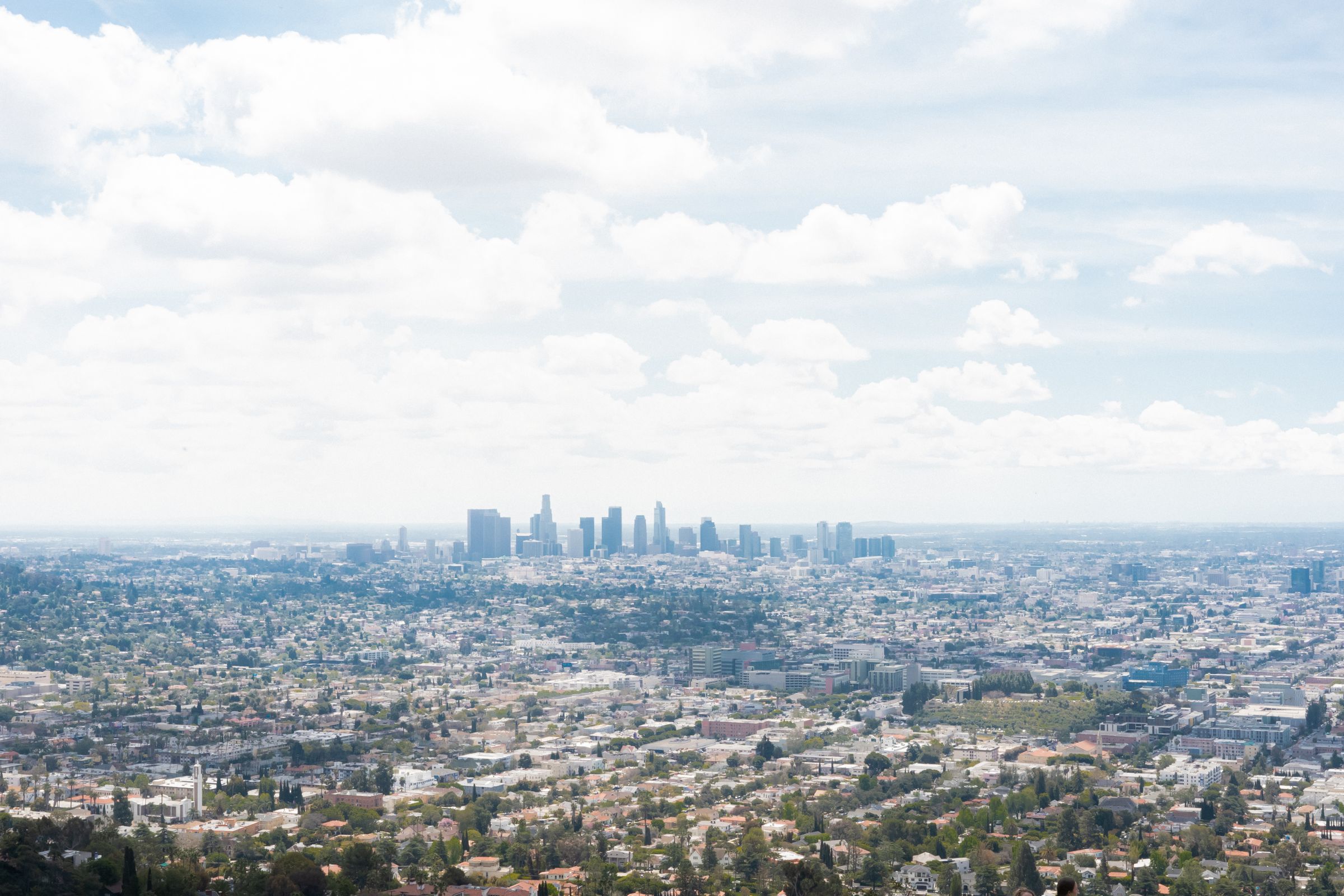
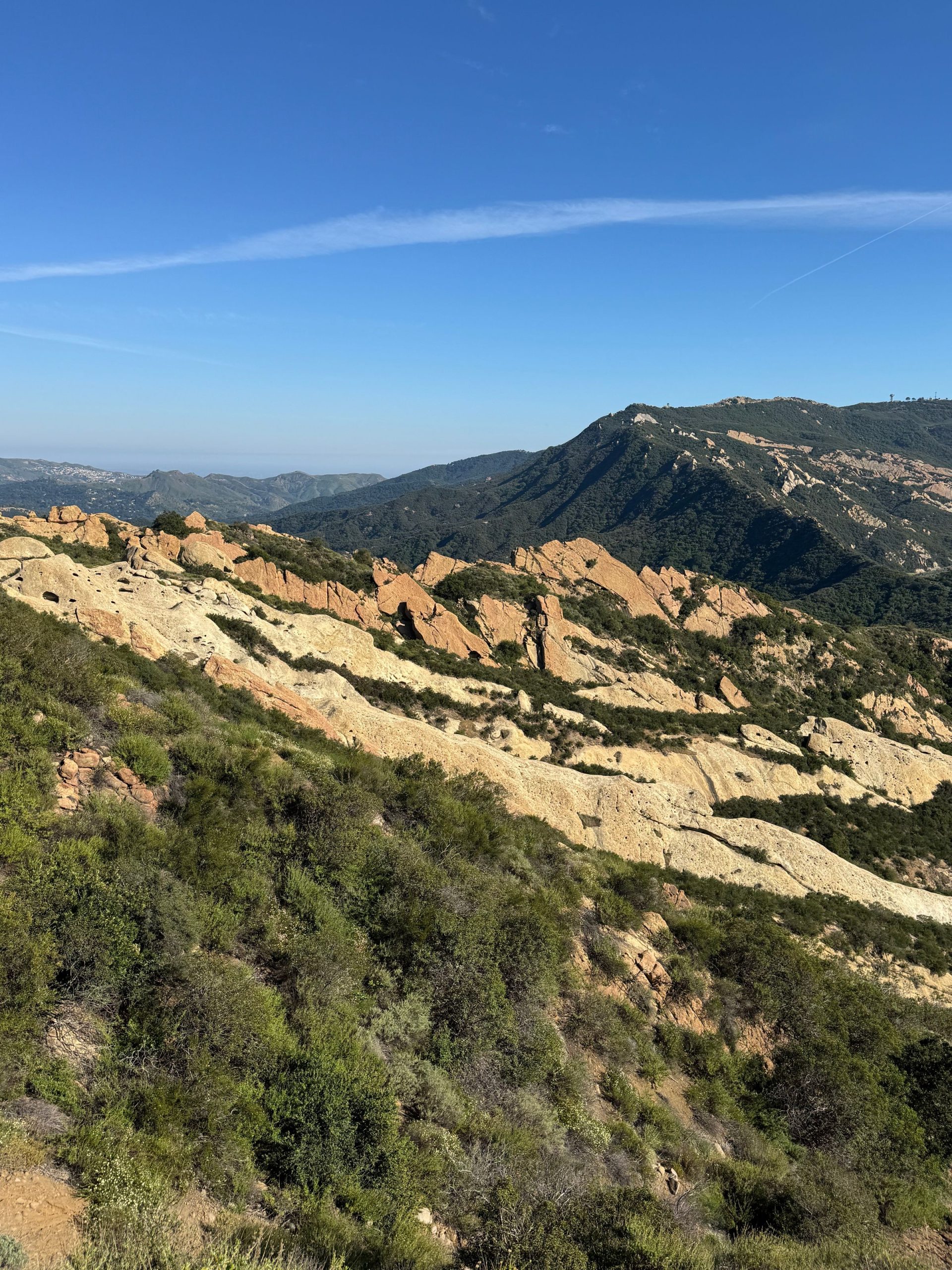
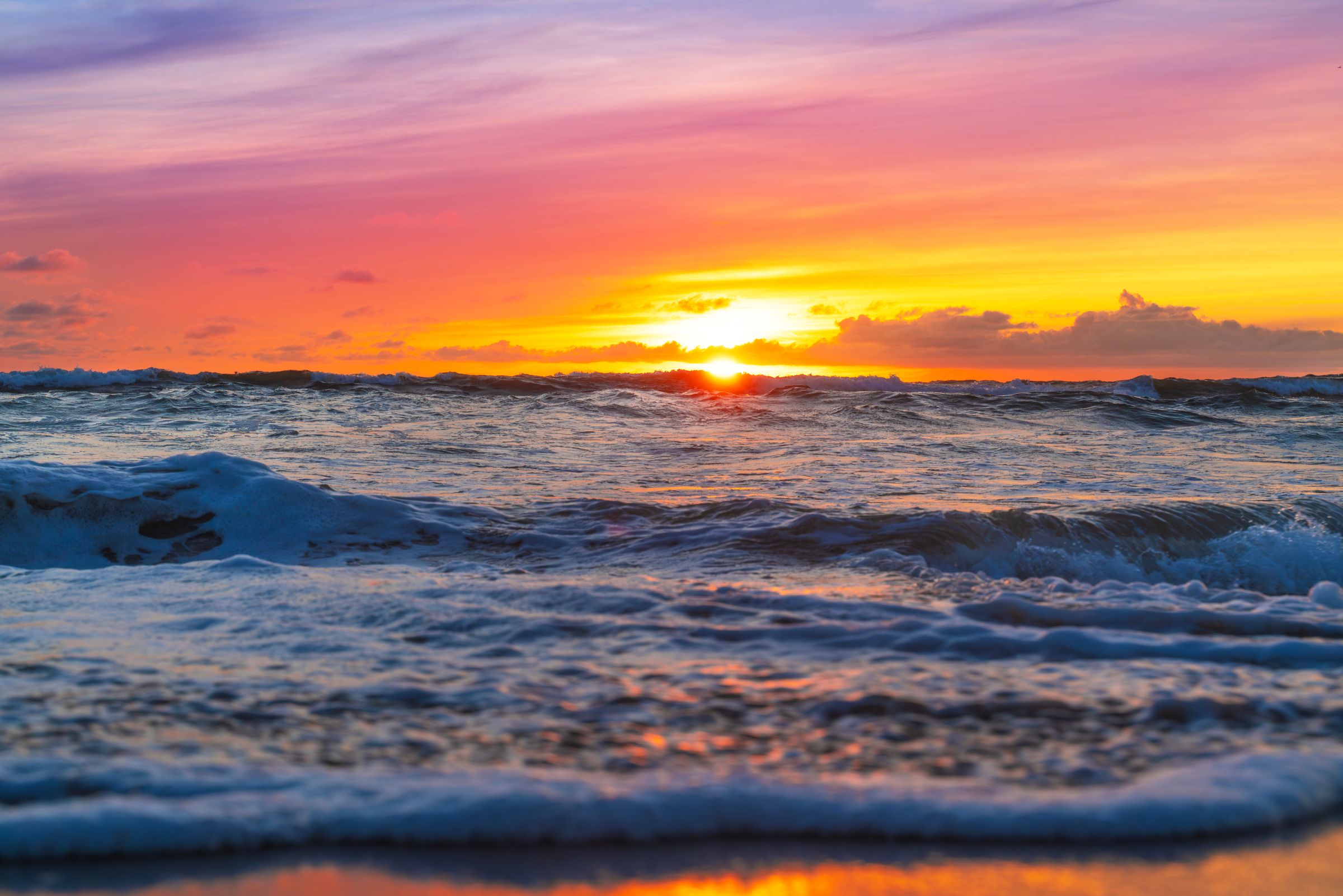
The five credited photographs on this page are illustrative stock photographs of Los Angeles. They are not frames from Angel City, examples of Gavin Heffernan's processing, or photographs made by Edin Chavez. Their capture dates and conditions differ from the film's historical production. Read them as separate pictures that support a discussion of city views, not as a reconstruction of one shoot or a continuous journey through the city.
Keep historical production notes in their own lane
The original feature belongs to a particular production and a particular moment. Its account of a September shoot, night vantage points and a cinematic influence can help explain the context in which the film appeared. It does not tell another photographer what they must rent or buy now. Nor does an old credit establish current permission to use footage, music or a location. Keep those questions separate from appreciation of the finished work.
When you read a production account, distinguish the creator's attributed statements from things you can verify yourself. A contemporary article can report what a filmmaker said about a camera or a shoot without becoming an independent test of the camera. A viewer can notice an apparent change in pace without knowing which interval or playback rate produced it. That distinction keeps an educational discussion useful without turning it into a set of unsupported technical claims.
A practical way to apply this is to maintain two columns in your notes. Put visible observations in one and questions for later research in the other. A line of traffic becoming a band of light belongs in the first. The precise exposure that made it belongs in the second unless you have the original record. Use the film to sharpen your questions, then test those questions with your own material instead of treating a finished image as a hidden settings chart.
 Save
Choose a viewpoint before choosing a long exposure
A city view begins with where you can safely and lawfully stand. For your own photography, check access, opening times and any tripod rules through the location's current official information before travelling. A picture made from a particular vantage point years ago is not evidence that the same position is open now. Avoid assuming that a bridge, roof, roadside or hillside is a permitted shooting area merely because it offers a useful angle.
Once you have a suitable position, study the edges of the frame. Bright lights near an edge can compete with the subject, while a foreground obstruction may become more noticeable after dark. Make a test picture and examine it before committing to a long sequence. The goal is to discover distracting details while a small adjustment is still easy, not after you have collected hundreds of frames that all need the same awkward crop.
A secure position matters more than an ambitious composition. Keep yourself and your equipment clear of traffic, paths and other people's access. Do not lean beyond barriers or enter restricted areas to imitate a film angle. If the view cannot be made safely from a permitted place, choose another view. A narrower project with a repeatable, responsible position gives you a better foundation for learning than an impressive but unsafe setup you cannot reasonably use again.
Separate motion blur from time compression
A still photograph can turn moving lights into trails, but a time-lapse adds another decision: how separate frames become a moving sequence. The look of an individual exposure and the pace of the finished clip are related, but they are not interchangeable. Before choosing numbers, decide what you want the viewer to notice. A clear flow of traffic, isolated movements and a slowly changing sky each pose different visual questions.
Make a short test rather than assuming one exposure will suit every scene. Look at whether bright lights retain the detail you want, whether moving elements appear as separate marks or continuous bands, and whether the darker parts remain useful to the composition. A setting that works for one street or one period of the evening may not suit another. Treat the result as information about that view, not as a universal night photography recipe.
When you assemble the test, inspect the motion as well as the individual frames. A sequence can contain attractive photographs and still feel restless or disconnected in playback. Ask whether the changes between frames support the intended movement. If you change capture choices, note what changed so the next comparison has meaning. Altering everything at once may produce a different result, but it tells you less about which decision actually helped.
 Save
Use the fixed parts of the picture as a check
The static elements in a city view give you something to compare across frames. Watch the outline of a building, the edge of a hill or a clear point of light when reviewing a test sequence. If those elements appear to jump or drift unexpectedly, investigate the cause before extending the shoot. Do not assume that motion in the finished clip always belongs to the subject or was introduced deliberately by the filmmaker.
A stable support and a considered way of triggering the camera can help you avoid disturbing a long exposure. Even so, inspect your own results rather than relying on the presence of a tripod as proof of stability. Wind, an unstable surface or contact with the setup can affect the picture. Take the time to review a test at a useful size, particularly when a long sequence would make a small recurring problem expensive to repair.
Focus deserves a similar check. Examine a relevant part of the scene instead of assuming that a distant skyline will automatically appear sharp. The important question is whether the details that carry your composition look right in the recorded picture. Avoid copying an infinity position or a focus instruction from an unrelated setup without testing it. Different cameras, lenses and subjects can require different decisions, and a finished web image cannot supply those decisions for you.
Notice brightness changes without diagnosing from a glance
Brightness changes in a city sequence can come from the scene itself as well as from capture or processing choices. A changing sign, passing headlights or different illumination on a building can alter the picture even when your settings stay fixed. If a test looks uneven, compare adjacent frames and ask which areas are changing. That is a better starting point than immediately applying a global correction to every frame.
Keep a record of the conditions and the choices you made. If you adjusted anything during the sequence, note when it happened. If a problem repeats, a simple record gives you something to investigate rather than a vague memory of the shoot. Do not treat an online discussion as a diagnosis of your files. It can suggest questions about exposure, colour or changing light, but you still need to examine the actual sequence.
A restrained review also helps you avoid flattening changes that belong to the subject. Not every variation is a fault to erase. Decide what continuity means for the piece you are making and what changes are part of its story. Where you do make corrections, compare the result in motion and at normal viewing size. A frame-by-frame adjustment that seems tidy in isolation can create a different distraction when the sequence plays.
 Save
Build an edit around relationships rather than a collection
An edit is an arrangement of views, not merely a container for everything you recorded. Before adding another clip, ask what it contributes. It might establish scale, change the direction of movement or give the viewer a quieter interval. If it repeats the same information without a purpose, try the sequence without it. This does not mean every film needs a strict formula. It means each addition should earn its place in the piece you are making.
Try grouping a small set of clips in more than one order. One version might connect similar shapes, another might contrast wide and closer views. Watch each version without stopping and record where the transitions feel clear or abrupt. Do not present an artistic arrangement as a continuous route unless it really is one. An audience can enjoy visual connections while still being told accurately what kind of sequence they are watching.
Music can strongly change your response, which makes it useful to review the images without it as well. Notice whether a transition still makes visual sense when the soundtrack is absent. If you later add music, make sure you have the rights required for your intended use. A soundtrack credit in a historical film is not a licence for your own upload, and a personal practice edit should not quietly become a public release with unverified audio rights.
Keep your review notes specific enough that another person could understand the problem without guessing. Instead of writing that a clip feels wrong, record where the distraction starts and which part of the frame draws attention. Ask a viewer what they notice before telling them what you hoped they would see. Their answer can reveal a difference between your intention and the result without turning their personal preference into a universal rule.
It can help to leave a little time between making an edit and reviewing it. Familiarity sometimes makes an unclear transition feel obvious because you remember the locations and the order of the shoot. A fresh viewing lets you check what the sequence actually communicates on its own. Save the earlier version so a later change can be compared rather than judged only against memory.
Organise the sequence before exporting it
Keep the images for a test sequence in a clearly named folder and preserve the originals separately from working exports. When an application imports still images as a sequence, file naming and ordering matter. Adobe's documentation explains the mechanics for After Effects, including interpreted playback rate. Consult the instructions for the application you actually use rather than assuming every import will recognise the same folder in the same way.
Preview the imported sequence before judging its timing or exporting a final version. Check that the expected frames are present and that the playback rate matches your intention. If something appears to be missing or out of order, investigate the source files and import settings before trying to hide the problem in the edit. A short preview is a simple way to catch a mechanical issue while it is still easy to isolate.
Name a small review export clearly enough that you can tell it apart from later versions. Watch it on the kind of screen you expect the audience to use, then compare it with your notes. The review should ask whether the intended movement, brightness relationships and pacing survive outside the editing application. Keep the working files until you have checked the exported result and have a separate copy of the material you would need to rebuild it.
 Save
Finish with a bounded exercise
For a useful practice session, choose one permitted viewpoint, make one short test and write down one question you want the result to answer. That question might concern motion, framing or the relationship between two clips. Keeping the exercise small makes the review more precise. You can return with a clear next step instead of feeling that the only way to improve is to travel farther, record longer or acquire another piece of equipment.
When reviewing Angel City again, bring those questions back to the film without pretending your exercise reproduces its production. The value is in learning to observe and make decisions, not in proving that you can reverse-engineer another person's work. Keep the filmmaker's credit intact, keep your illustrative material clearly separate, and distinguish historical notes from current facts. Those habits make a photography feature more useful to its readers and make your own work easier to discuss honestly.
Historical context and practical references
Boing Boing’s September 2014 report quotes Heffernan on a September 4-11 shoot and the inclusion of some earlier material. Adafruit’s contemporary excerpt preserves his equipment and moonlight notes. PictureCorrect’s coverage discusses the cityscapes of Heat as an influence. These are historical production accounts, not current access information, equipment tests or licensing invitations.
Khoi Vinh’s contemporary response is a personal reaction to the film and its score, not permission to reuse either. Adobe’s long-exposure guide explains stability and motion rendering; its still-image import documentation covers ordering and interpreted playback rate. Matthew Vandeputte’s workflow is a practitioner example sponsored by Adobe, not an independent comparison. A community cityscape discussion offers questions about uneven brightness, not a diagnosis of another person’s files. The exercises above are editorial practice suggestions, not a claim to have examined Heffernan’s original images or edit.
The stock photographs show separate Los Angeles-area settings in different light, including the Santa Monica Mountains and the Pacific shore. They do not claim these landscapes appear in Angel City or reproduce its route, chronology or settings.
Continue photography practice through the Shut Your Aperture Academy.
Keep city sequences and exports organized
For your own private files, keep originals and finished exports together. A black Samsung T7 Shield portable SSD, 1TB model MU-PE1T0S/AM, is one storage option to compare. Check capacity and your computer connection before buying. Open the copied files and maintain another checked copy separately. A drive does not replace a complete backup plan. Compare the current retailer specifications; no hands-on test, price or stock promise is being made here.
Compare Samsung T7 Shield Portable SSD Black 1TB MU-PE1T0S/AM on Amazon | Check Samsung T7 Shield Portable SSD Black 1TB MU-PE1T0S/AM at B&H
Affiliate disclosure: We may earn a commission from qualifying purchases through these gear links at no extra cost to you. As an Amazon Associate, Shut Your Aperture earns from qualifying purchases.
Sources and further reading
- Boing Boing: Angel City, September19 2014
- Adafruit: Los Angeles from multiple POVs, October6 2014
- PictureCorrect: Dawn to Dusk in the City of Angels, October17 2014
- Subtraction: Angel City, September24 2014
- Adobe: Preparing and importing still images
- Adobe: Long exposure photography tips
- Matthew Vandeputte: My Adobe workflow for timelapses, April20 2021
- r/photography: Cityscape exposure/flicker discussion, July5 2024
Angel City and city timelapse questions
Who made Angel City?
The historical film is credited to Gavin Heffernan. The illustrative photographs on this page have separate creator credits.
What inspired the historical film?
Contemporary accounts describe the cityscapes of Heat as an influence. That credit does not grant permission to reuse the film or its music.
Are these photographs frames from Angel City?
No. They are separately credited Pexels stock photographs of Los Angeles-area settings in different light. They are not film frames, Heffernan processing samples or photographs by Edin Chavez.
Does this page guarantee Vimeo playback?
No. The original Vimeo destination is preserved, but access and playback can vary by account, region and time.
Can one night exposure setting work everywhere?
Do not assume it will. Make a short test for the actual scene, inspect important lights and focus, and review the result in motion.
Why check an imported image sequence?
Confirm the expected frames, their order and interpreted playback rate before judging timing or exporting the edit.
Does an old location credit confirm access now?
No. Check current official access and tripod rules, and use only safe, permitted positions. A historical image does not establish present permission.
Affiliate disclosure: Some links are affiliate links. If you buy through them, Shut Your Aperture may earn a commission at no extra cost to you. As an Amazon Associate, we earn from qualifying purchases. The five credited Pexels photographs are illustrative stock images, not film frames or Edin Chavez photographs.