
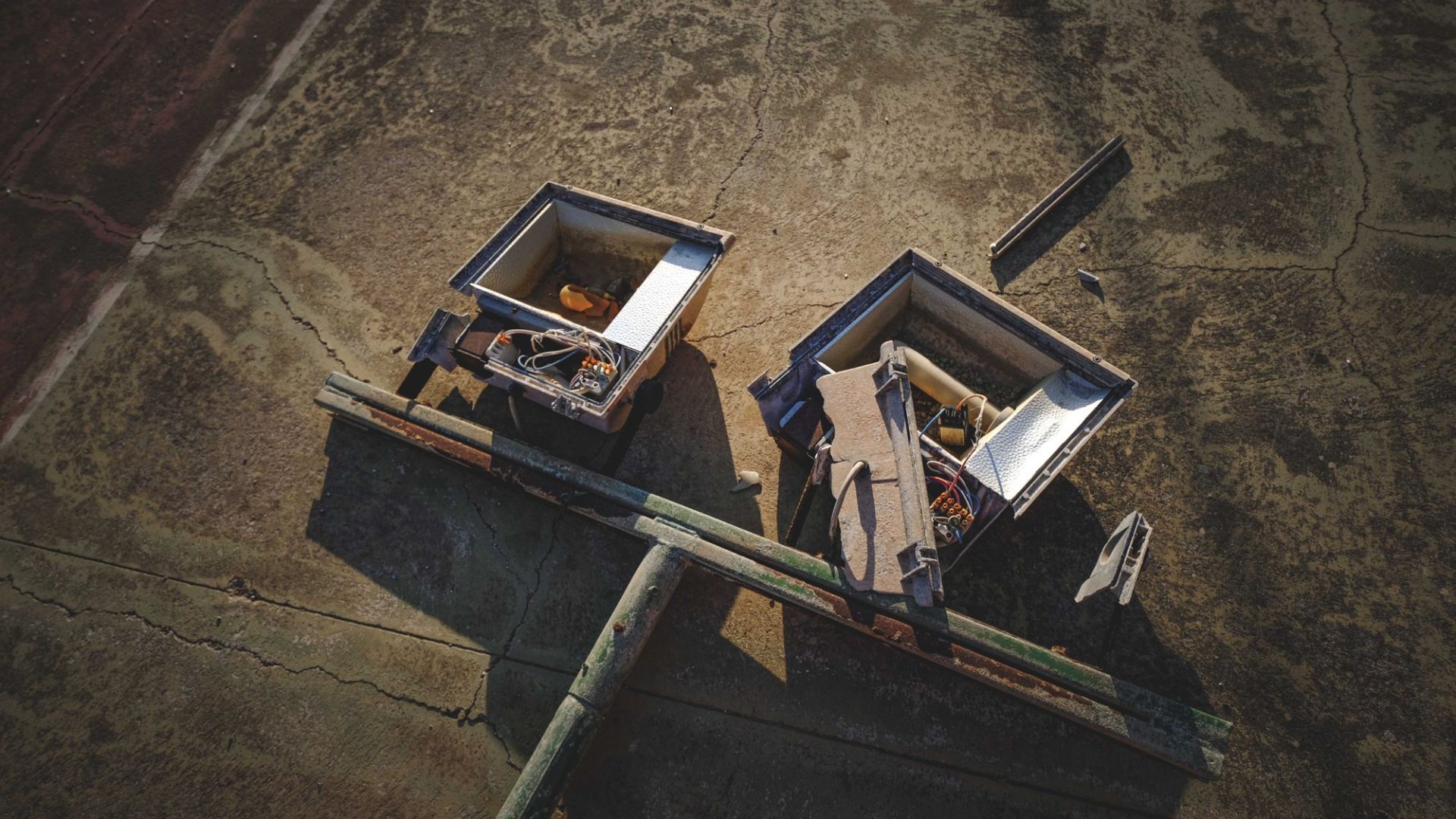
Updated November 2026. A historical film with new photography exercises and current U.S. recycling-source links. Featured illustration: photo by Francesco Ungaro via Pexels. It is not a frame from The Electronic Afterlife, a photograph by Alex Gorosh or documentation from Ghana.
The Electronic Afterlife is directed by Alex Gorosh and produced by Stephen Schneider. The original Vimeo film, published by Gizmogul, remains embedded below. Its old donation language is historical, not a verified current offer.
Historical production credits from the original page: Directed by Alex Gorosh; produced by Stephen Schneider; written by Alex Gorosh and Stephen Schneider. Original score: Vibe Mountain. Additional music: Gramatik. Audio mix: William McGuigan. Special thanks: Kwame Owusu, Isaac “Kochoko” Mensah, Ben Williams, Marisa Rico, Max Joseph, Kevin McElvaney and Pretty Lights Music.
Historical source description: “One man’s cross-Atlantic journey reveals the truth about electronics recycling.” The source also named gizmogul.com/DONATE and claimed that a portion of each transaction would benefit children in Agbogbloshie. Those promotional lines are retained here only as historical context. No present donation program, recipient, transaction benefit or charity promise has been verified; do not use that old address as current guidance.
A film about where familiar objects go
The Electronic Afterlife asks a question photographers can bring back to their own equipment shelves: what happens after a useful device leaves our hands? The original film is directed by Alex Gorosh and produced by Stephen Schneider, with both credited as writers. Its Vimeo page is published by Gizmogul. This page keeps the film as a historical work and uses it as a starting point for looking more carefully at objects, visual evidence and the stories attached to discarded technology.
A November 6, 2014 Laughing Squid report described Gorosh traveling to Ghana to investigate what happens to old electronics. That establishes the period of this discussion. It does not establish the present condition of a particular location, the route taken by your own camera or the current performance of any collection business. A short film can open a question without answering every version of it.
For a photography audience, the useful response has two parts. First, watch how an ordinary object becomes part of a larger story. Then examine your own choices: what you photograph, what you imply in a caption and how you pass on equipment you no longer use. Neither requires copying the filmmaker’s journey or approaching a hazardous workplace. A small, carefully described study at home can be more honest than an ambitious project built on assumptions.
Watch for the difference between evidence and implication
On a first viewing, follow the overall question rather than trying to collect impressive frames. On a second pass, take notes about the information each passage supplies. Does it identify a place, show an action, offer a statement or provide background? Keep those functions separate. A close view of a component may show its shape very clearly while telling you almost nothing about where it came from or what will happen to it next.
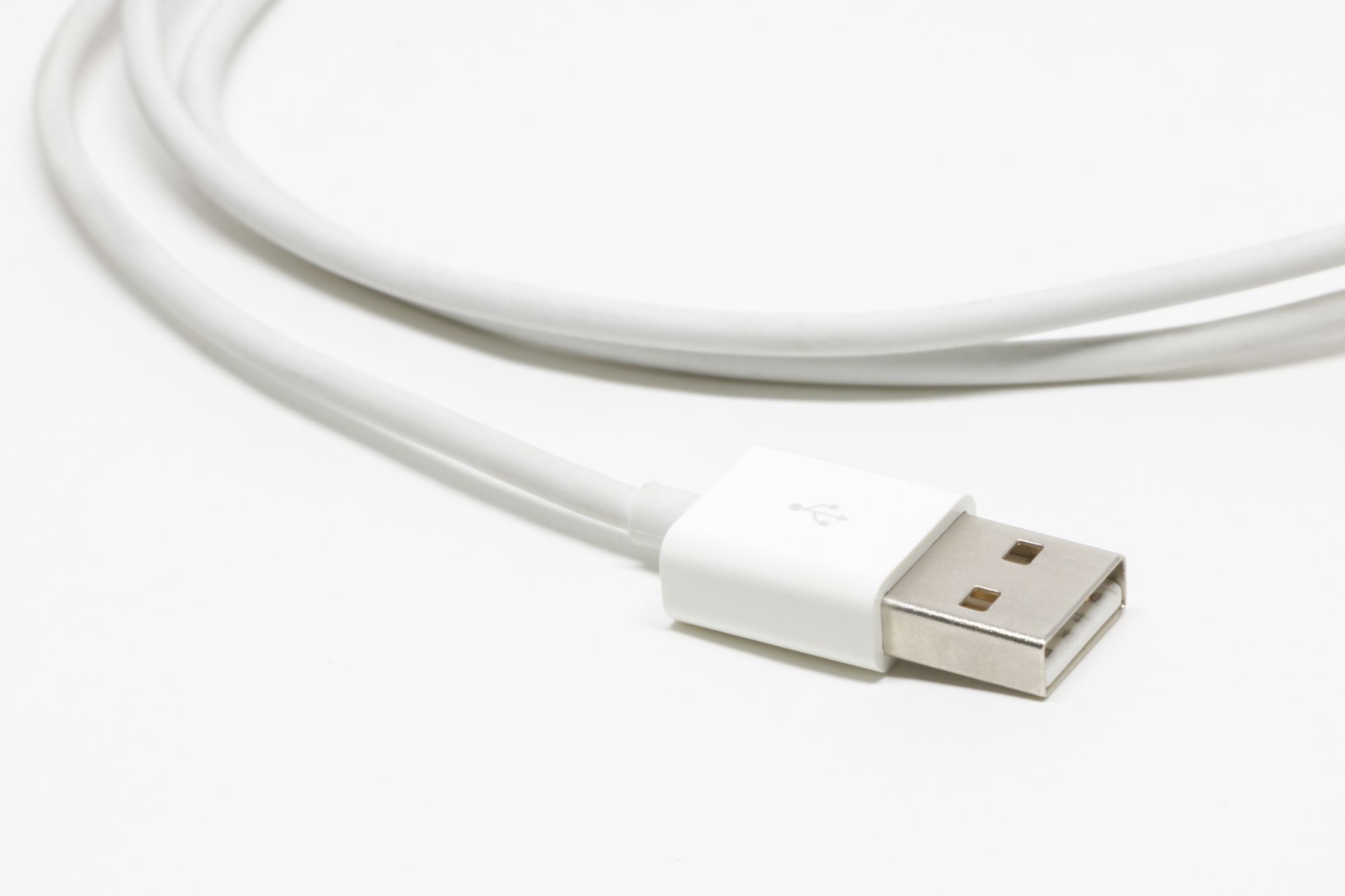
This distinction matters when you make your own photo essay. A photograph of a disconnected cable is evidence that a cable was in front of the camera. By itself, it is not proof of illegal dumping, a failed recycling system or a particular company’s conduct. Those conclusions need reporting beyond the frame. Write down what you know, how you know it and which questions remain open before a dramatic image pushes you toward a dramatic caption.
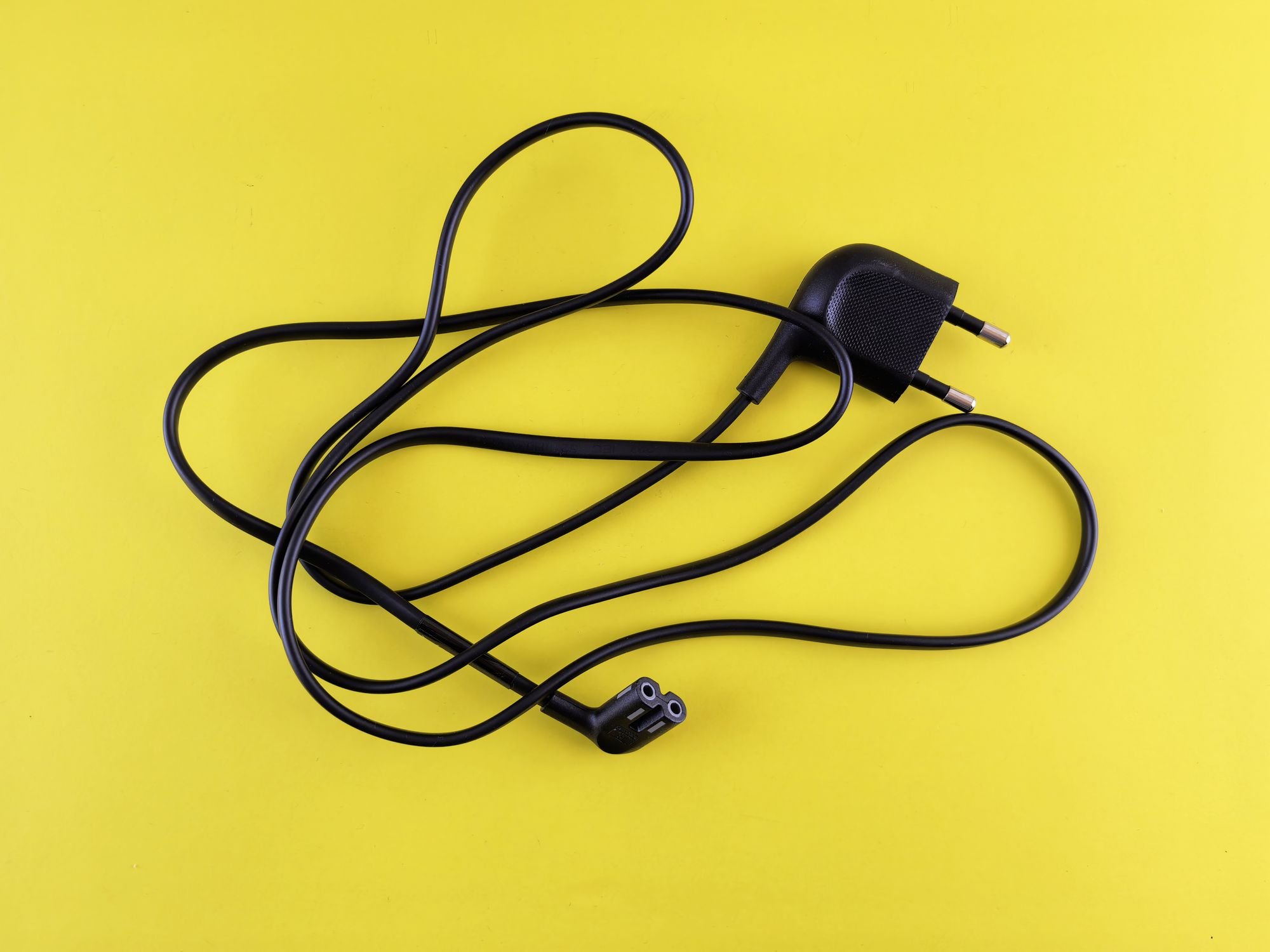
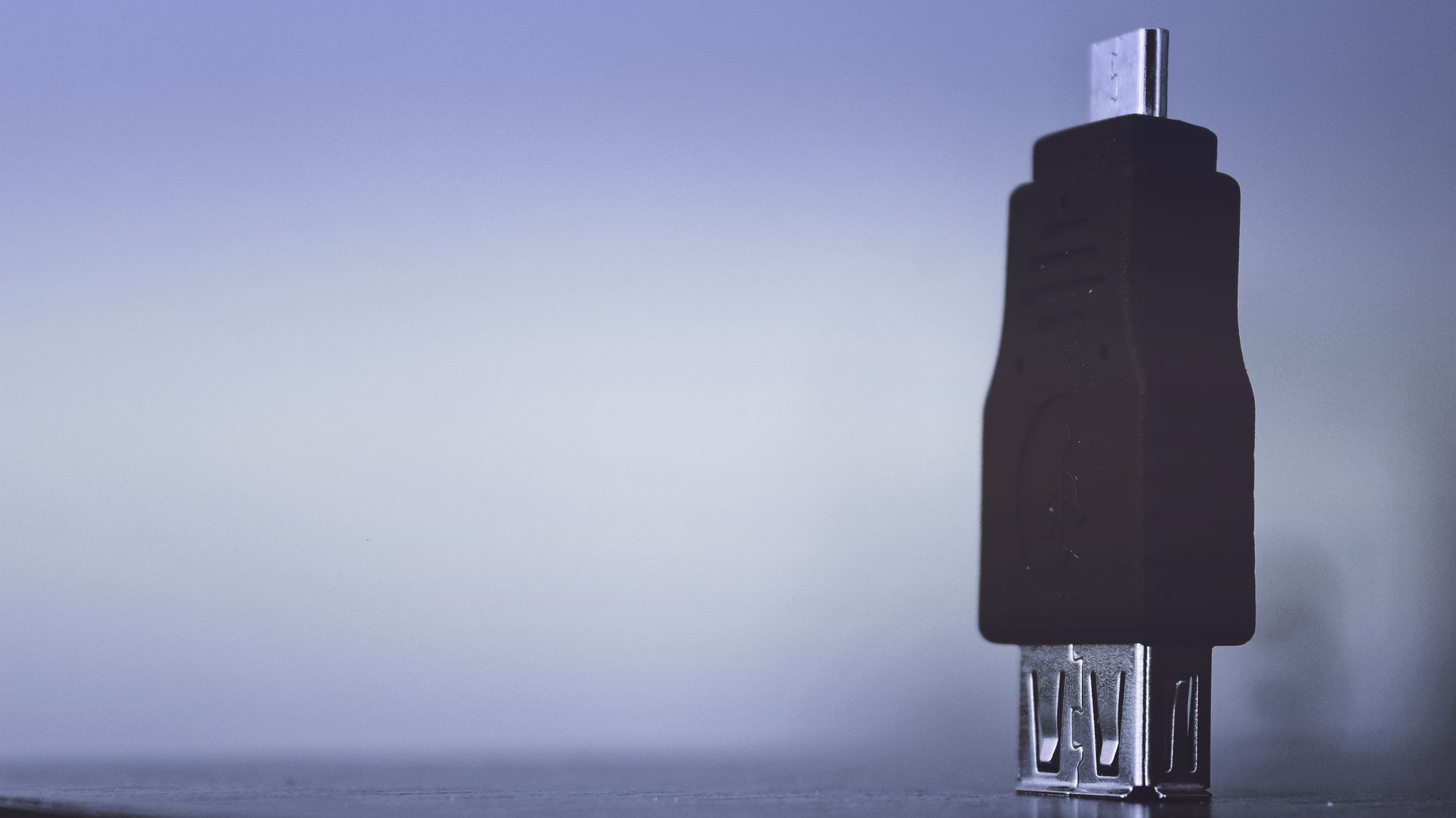
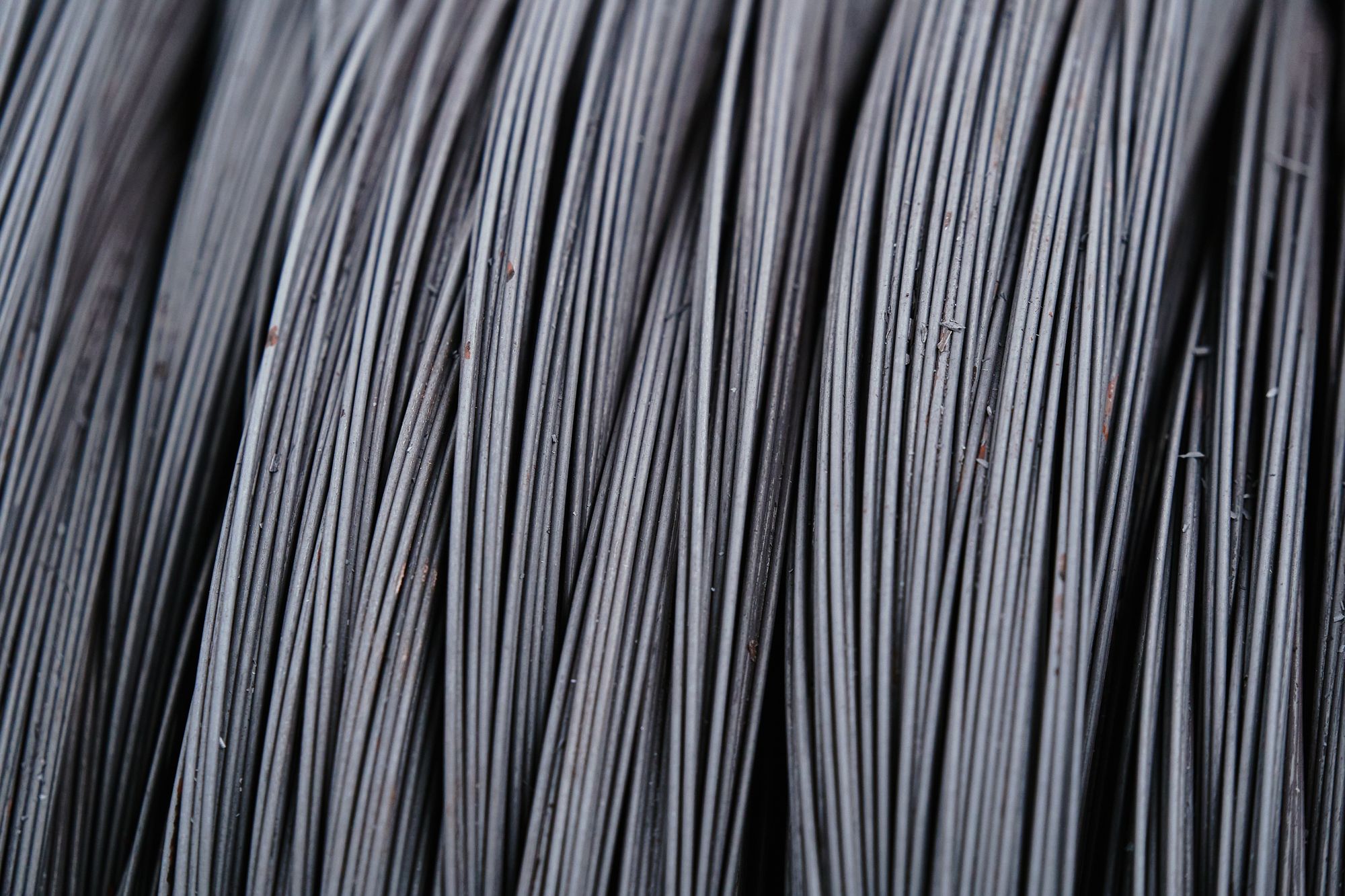
The added photographs here are illustrations by separately credited photographers. They are not frames from the documentary, pictures by Gorosh or evidence from the place discussed in the film. Some are simply studies of connectors and metal texture. Their purpose is to make the visual exercises concrete. Keeping that boundary visible is part of the lesson: attractive supporting photography must not quietly impersonate reporting.
 Save
Build an object story from something you already own
Choose a safe, intact object that is yours to photograph, such as an unplugged spare cable. Leave devices sealed and do not open batteries, power supplies or discarded equipment to find a more interesting subject. Avoid items with exposed sharp edges, unknown residue, leaking cells or heat damage. The exercise is about observation and description, not repair, electrical testing or extracting materials from waste.
Make a short written record before moving anything. Note the object’s known purpose, why it is no longer in regular use and what you actually know about its condition. If it has not been tested, say so. A connector that looks clean is not necessarily functional. A photograph can help describe an item for a donation or sale, but it does not replace a proper condition statement or the recipient’s acceptance requirements.
Plan a small sequence with different jobs for each picture. Start with a complete view that explains the object, move to a detail that reveals construction or wear, and finish with a wider view that gives scale. A repeated angle with a slightly different crop rarely adds much information. Ask what the next picture contributes before making it, then remove frames that only repeat the previous one.
Use background and light to make the object readable
A plain surface is a useful place to begin because it reduces competing information. Put a dark cable on a lighter background and a pale connector on a darker one, then compare the separation. Avoid making the background so bright that it becomes the main subject. Check the frame edges for unrelated packaging, personal information or a distracting fragment of another device before you settle the composition.
Try soft window light from the side and inspect how it describes the object. Move the object a little, rather than changing several things at once. A connector can look flat when the light comes straight from behind the camera and much clearer when a small shadow describes its edges. Keep electrical objects disconnected and away from water. There is no need to add dramatic wet surfaces or risky setups to make the picture interesting.
Reflective metal needs particular care. A bright patch can be the reflection of the window rather than the object’s actual color or finish. Change the camera angle and watch that patch move. If it hides an important contact or edge, adjust the relationship until the feature becomes visible. The aim of a condition photograph is not to erase every reflection; it is to avoid reflections that conceal relevant information.
 Save
Separate a descriptive photograph from an abstract study
A descriptive picture should help someone understand what they are looking at. Include the complete shape when that matters, leave enough space around the object and avoid a viewpoint that hides its connections. An abstract picture can instead concentrate on repeated lines, color or rhythm. Both can work in a sequence, but they should not be asked to do the same job. A beautiful texture is a weak substitute for a missing identifying view.
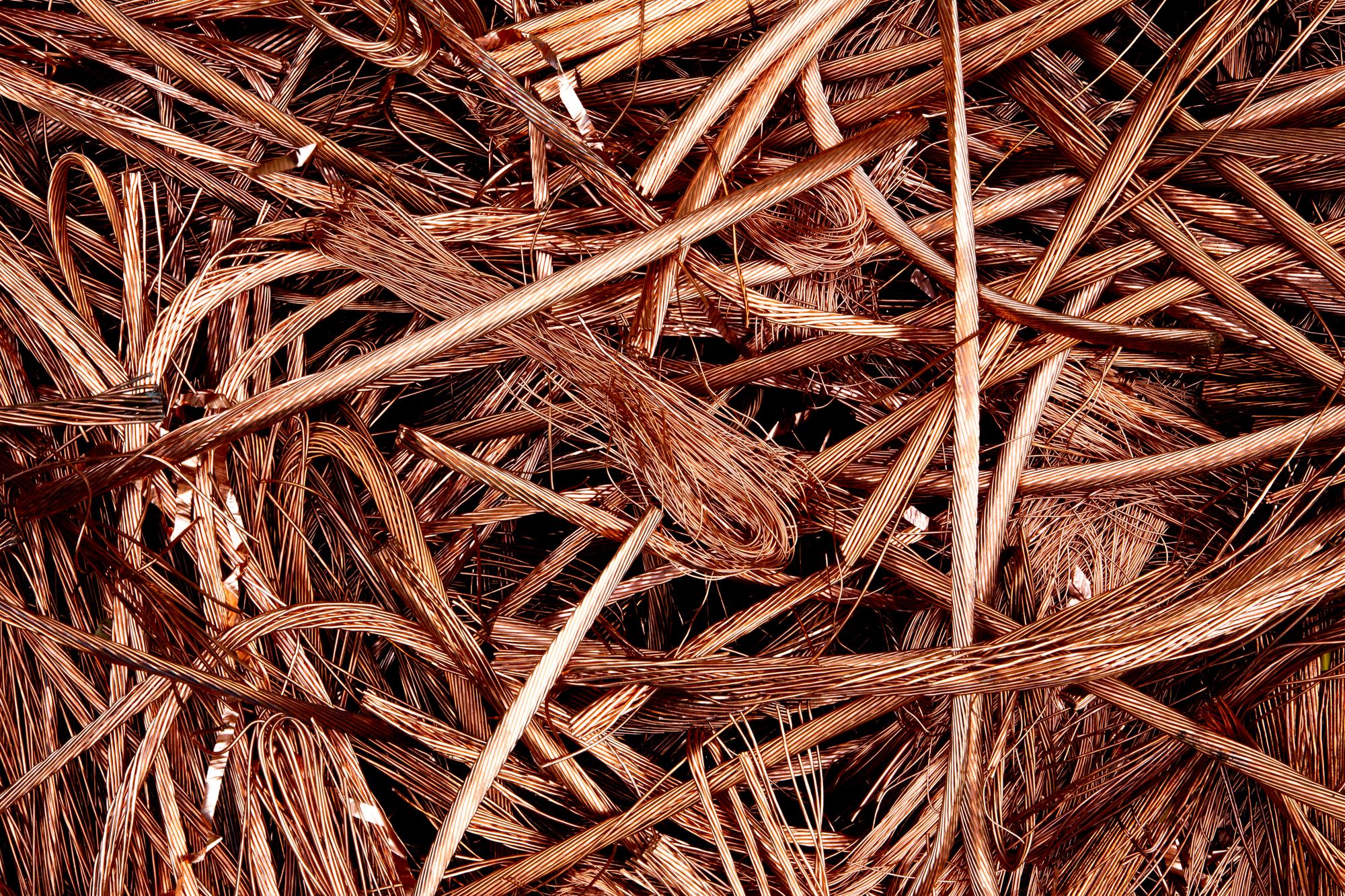
Use the wire illustrations as examples of this distinction. Repeated lines can fill a frame and create a strong pattern without revealing the material’s source, ownership or destination. Describe them at that level. Do not label a general metal study as recovered material from a specific recycling site unless its source establishes that claim. The more a picture invites a wider interpretation, the more carefully its caption needs to draw the boundary.
You can test the difference with one safe object and two photographs. Make the clearest possible full view first. Then make a tighter study in which a curve, shadow or repeated edge becomes the subject. Place the pictures side by side and ask whether a reader can still identify the object and understand which view is descriptive. If the abstract frame creates a false impression of scale, explain that in the caption.
 Save
Choose focus for the information you need
Before thinking about a special lens, inspect what your existing camera or phone can show. Move close only as far as it can focus reliably, then check the result at a useful viewing size. A sharp background behind a soft connector means focus landed in the wrong place. Tapping a phone screen or moving the focus point is only a starting action; inspect the actual picture to see whether it worked.
Depth of field becomes noticeable in small-object work. A foreground connector may be sharp while the cable behind it becomes soft. That can be useful if the connector is the point of the photograph, but less useful when you need to show an entire item’s condition. Try aligning the important parts more nearly in the same plane and make a comparison. Do not assume that the shallowest focus automatically produces the best photograph.
Keep a repeatable camera position while comparing light or backgrounds. Support the camera safely if a slower exposure makes handheld results unreliable, and use a timer when pressing the shutter moves the frame. Take a test, inspect the important detail and make one change at a time. This is a method for learning from differences, not a claim that one aperture or shutter speed suits every object and room.
Write captions that can survive a close reading
A useful caption identifies the visible subject and adds only information you can support. If you photographed your own spare cable on a table, that is enough to say. You do not need to invent a lifecycle story to make the image meaningful. Avoid calling something recycled just because it is no longer used. Collection, repair, reuse and material recycling describe different events, and a photograph of an object alone may establish none of them.
Keep names, dates and locations in your working notes so you can check them before publication. Separate what a source told you from what you personally observed. If a business explains its process, attribute that account rather than presenting it as an independent inspection. A responsible visual story can contain open questions. What weakens it is letting confident language fill the gaps where reporting should have been.
The same care applies to people. Permission to stand somewhere is not a reason to make every person there the subject of a public story. Do not seek out children or vulnerable workers for dramatic imagery, and do not enter processing areas without permission and appropriate arrangements. This page’s practice exercises deliberately use objects instead. The film remains a historical source to watch, not a set of access instructions for recreating its journey.
 Save
Connect the photography exercise to a responsible handoff
Photographers accumulate chargers, card readers, batteries and old computers alongside cameras. Before discarding an item, consider whether it can still serve its purpose or meet another owner’s needs. The EPA electronics donation and recycling page recommends considering hardware or software upgrades for a computer, deleting personal information and checking local collection options. A general suggestion is not a promise that a particular device is repairable or accepted by a nearby program.
Confirm the recipient’s current rules before taking equipment anywhere. Ask which devices it accepts, whether accessories are wanted, whether there are charges and how data-bearing devices are handled. A clear set of condition photographs can help that conversation, but never publish account screens, serial numbers tied to personal records or files visible on storage media. Follow the manufacturer’s instructions for preparing a device and verify your backups before any reset or data-removal step.
For U.S. recycling research, the EPA certified electronics recyclers page explains R2 and e-Stewards certification and links to further resources. Treat a certification as something to verify for the actual provider and service, not as a badge inferred from a generic recycling logo. Readers elsewhere should check their own local programs and rules rather than assuming the U.S. framework applies to them.
Keep batteries out of the photography experiment
Batteries need a separate decision from the look of a device. The EPA guidance on used lithium-ion batteries says that these batteries and devices containing them should not go in household garbage or municipal recycling bins. It also notes that some batteries are not user-removable. Do not pry open a sealed device to satisfy a general instruction about separating batteries. Follow product markings and the manufacturer’s directions.
If a battery or device is damaged, ask the manufacturer or appropriate local collection program for handling instructions. Do not charge it to make a photograph, arrange it among metal props or carry it into a public drop-off without checking the rules. Nothing in this article establishes that a particular item is safe. A clean photograph is not a condition test, and a visually interesting damaged object is not worth creating a hazard for a picture.
 Save
Edit the sequence without editing away the facts
Review the pictures as a set before polishing individual frames. Keep a complete identifying view, a useful detail and enough context to explain your choices. Adjust exposure and color so the object remains believable. Do not remove wear that a recipient would need to know about, and do not add dramatic smoke, dirt or damage to make an ordinary object look like evidence of a broader problem. If a picture is a staged illustration, say so.
Finish with a small record that another person can understand: photographs, an accurate condition note, the questions you could not answer and the handoff plan you have actually confirmed. That is a practical response to the question raised by The Electronic Afterlife. The film can start a conversation about where objects go; your own work becomes stronger when it ends with a specific, documented choice rather than a vague claim that everything has been dealt with.
Before exporting, compare the set on a second screen if one is available. A pale cable that separates clearly on your editing display may almost disappear on a bright phone. Look for clipped highlights, muddy shadows and crops that cut off the identifying feature. Make a smaller test export and read the captions at the size your audience will actually see. Keep the original files and notes together so a later revision does not separate a strong image from the facts that make it useful.
Optional small-object lighting accessory
For the tabletop exercises, the Impact 12-inch Silver/White Collapsible Circular Reflector Disc, R1612 is an optional fill-light tool. B&H listed it at $9.95 and In Stock when checked on November 8, 2026; price and availability can change. We have not used it. This is not a review or a claim that the documentary crew used it. Its white and silver surfaces offer different reflected-light effects; a plain white card is enough to begin the comparison. No purchase is needed, and it is not protective equipment or a tool for handling electronic waste.
Frequently asked questions
What is The Electronic Afterlife?
It is a historical short film directed by Alex Gorosh and produced by Stephen Schneider, with both credited as writers. The original Vimeo page is published by Gizmogul.
Is the original Vimeo film available?
The original Vimeo page and public embedded player were checked for this update. Playback availability can change.
Are the added photographs film frames?
No. They are separately credited object, cable and metal illustrations. They are not pictures by Alex Gorosh or evidence from the location discussed in the film.
Is the old Gizmogul donation offer current?
This page does not verify a current donation program or charity promise. Those lines belong to the historical source description and should not be treated as current instructions.
Can I put lithium-ion batteries in household recycling?
No. EPA says lithium-ion batteries and devices containing them should not go in household garbage or municipal recycling bins. Check the manufacturer and local collection program for the correct route.
Do I need the Impact reflector?
No. It is an optional small-object lighting accessory that we have not used. Start with existing light and a plain white card.
Can I reuse the documentary or its music?
A public player and production credits do not grant reuse rights. Obtain permission from the relevant rights holders before copying film frames, footage or music.