
ISO in photography: choose brightness without pretending it adds light
ISO in photography is easy to confuse with aperture and shutter speed. Opening the lens or leaving the shutter open longer records more light; raising a digital camera’s ISO does not make the sensor collect more photons. It changes the camera’s gain and processing, which can make a file look brighter while changing noise and highlight headroom. The exact behavior depends on the camera.Start with the light and motion you need
Choose shutter speed to freeze or show motion, then choose aperture for depth of field. If the exposure is still too dark and you cannot safely lengthen the shutter or open the lens, raise ISO. A noisy sharp photo of a fleeting moment may be more useful than a clean blurred one. Test your camera rather than assuming every sensor performs the same way at ISO 3200.What happens when ISO goes up?
The captured light does not increase. Depending on the camera, analog gain and digital processing can brighten the result, and the RAW file may respond differently at different settings. You may see more noise or lose highlight headroom. An underexposed low-ISO file brightened later can also be noisy, so “always keep ISO low” is not a complete rule.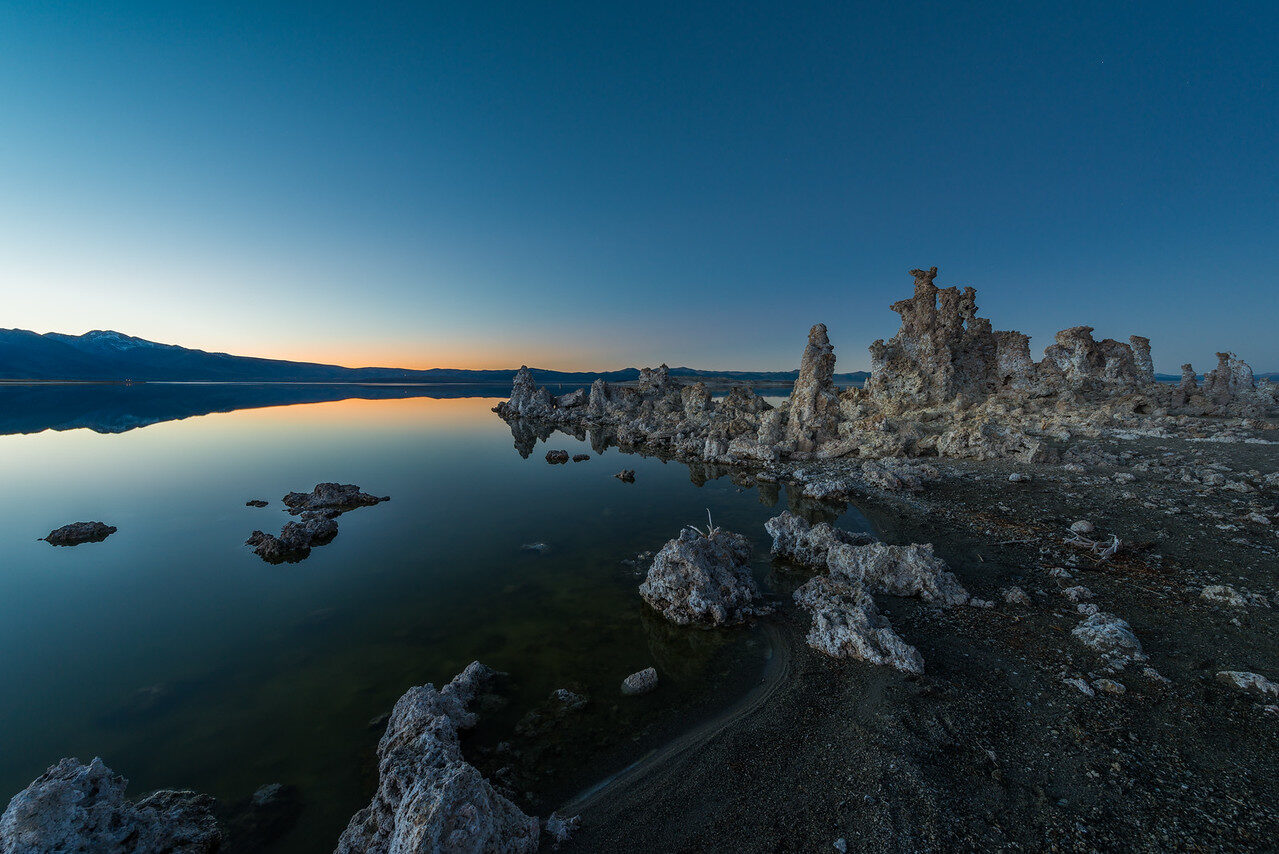 Save
SaveUse Auto ISO deliberately
Auto ISO can keep a chosen aperture and shutter combination usable as light changes. Check its maximum ISO and, where available, minimum shutter-speed setting. Review a few files from the real lighting conditions: are faces sharp, do highlights hold, and is the noise acceptable at the delivery size? For a tripod-supported still scene, a longer shutter and lower ISO may give you a cleaner result. Save
SaveWant to go further? The ShutYourAperture Academy’s Mastering ISO (6 modules, 24+ lessons) is built to help you go from clean to creative with sensitivity.
A quick two-scene test
Photograph a still object on a tripod, then a moving subject. Record each at two ISO settings while keeping the important shutter/aperture choices in mind. Compare exposure, noise and highlight detail in the actual files. The useful ISO is the one that gets the needed picture on your camera, not a universal magic number.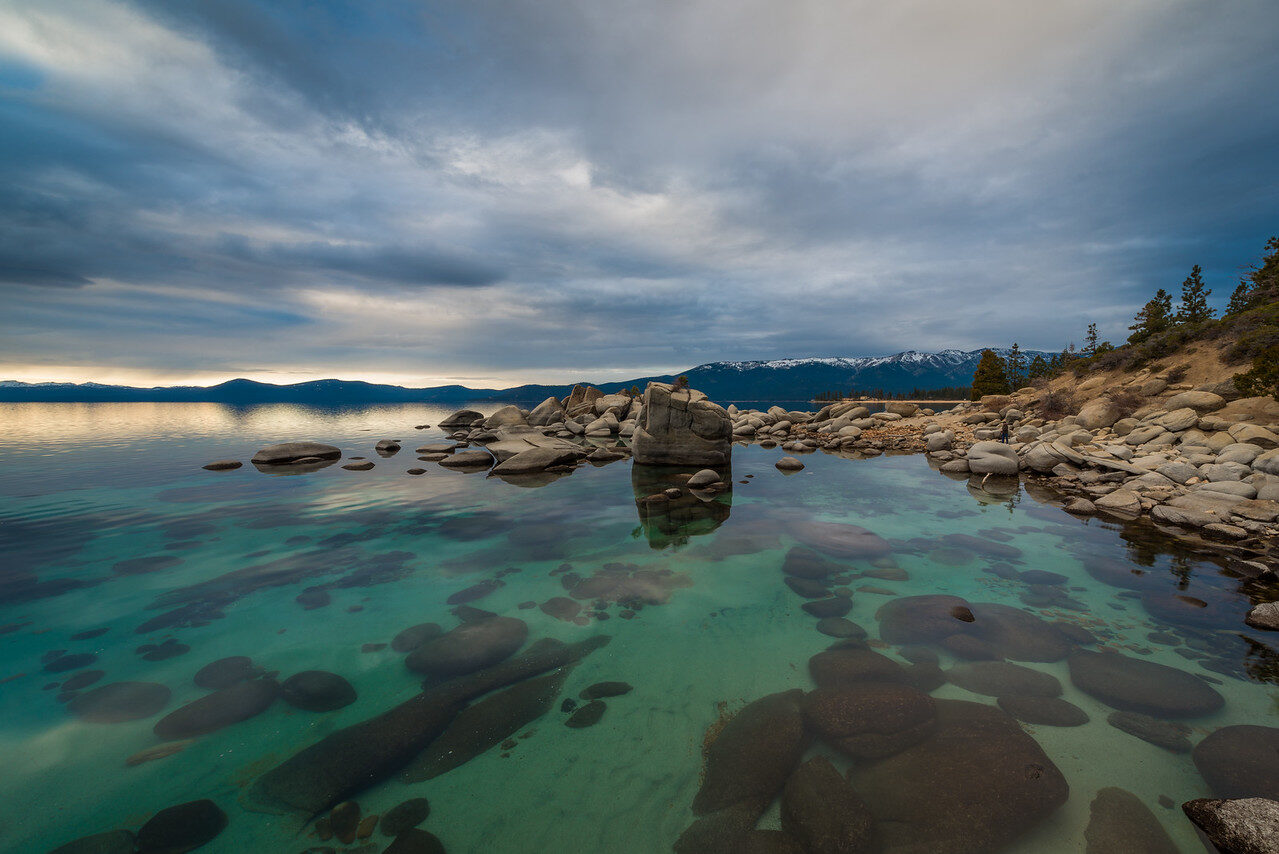 Save
SaveSupport for a stationary ISO exercise
A Peak Design Aluminum Travel Tripod is one support option for a stationary subject while you compare ISO settings. Check the full camera-and-lens weight, plate fit and working height before buying. Check the locks and keep paths clear. A tripod does not change sensor noise or freeze a moving subject. Compare the current retailer specifications; no hands-on test, price or stock promise is being made here.
Compare Peak Design Aluminum Travel Tripod on Amazon | Check Peak Design Aluminum Travel Tripod at B&H
Affiliate disclosure: We may earn a commission from qualifying purchases through these gear links at no extra cost to you. As an Amazon Associate, Shut Your Aperture earns from qualifying purchases.

