Featured photograph: Photo by PHILIPPE SERRAND / Pexels / Pexels License. (Stock photo, illustrative.)
From the Shut Your Aperture archive (2014): this is a historical space-film feature. Vimeo identifies the film and editor, but player-page access does not prove playback for every viewer. Measurements and scene identifications in the old caption have not been independently verified and are omitted.
Astronaut: A Journey to Space
View Astronaut – A journey to space on Vimeo, credited there to Guillaume Juin. The original caption said he assembled imagery filmed by crew members aboard the International Space Station between 2011 and 2014. It credited the Earth Science and Remote Sensing Unit at NASA Johnson Space Center for source footage, and listed post-production work such as color grading and flicker correction.
This is a film edited from orbital imagery, not a live view or a current description of the station’s dimensions or orbit.
Watch the edit as well as the view
Astronaut: A Journey to Space invites a useful change of attention. The scenery may draw you in first, but the sequence also gives you a reason to think about selection, pace and the relationship between individual photographs. For a photographer working on the ground, that is the accessible lesson. You do not need an orbital viewpoint to ask how one frame prepares a viewer for the next, or why a cut makes an otherwise familiar subject feel different.
Begin your viewing with a narrow question rather than a general judgement about whether the film looks impressive. You might watch for a change in brightness, the position of the horizon or the moment a sequence gives way to a different view. Keep a short note of what caught your attention. A specific observation gives you something to test in your own editing, while a broad reaction often leads only to looking for more spectacular source material.
Separate what you see from what you think it means. A bright point, a coloured band or an unfamiliar shape may suggest a possible explanation, but a dramatic appearance does not identify the object by itself. If the explanation matters to your caption, follow it to a reliable source record. If you cannot verify it, describe the visible feature without turning an impression into a fact. The distinction is especially important when a film makes distant details seem easy to interpret.
Keep the original account in its historical setting
A film assembled from earlier imagery is a record of an editing project, not a window onto conditions at this moment. Treat its dates and credits as part of its identity. Do not borrow a figure from an old caption and present it as a current measurement. You can appreciate the sequence without repeating every number that accompanied its original release. A short, careful description often does more for a reader than a long list of details with uncertain provenance.
Keep the image makers and the editor distinct in your notes. Capturing the source photographs and choosing how to present them are different contributions. A credit that names only the editor can leave a viewer with the wrong impression about who made the pictures. Equally, a source credit should not erase the work involved in assembling and finishing a film. Write down each contribution while the source is open, rather than trying to reconstruct the chain from a downloaded filename later.
This also helps when comparing versions of a sequence. A clip on another website may have a different crop, soundtrack, title or playback treatment from the version you first watched. Record which version you are discussing and link back to it. Do not assume that two pages using the same title contain an identical file. Your analysis becomes more useful when someone else can find the same material and understand which part of the presentation prompted your observation.
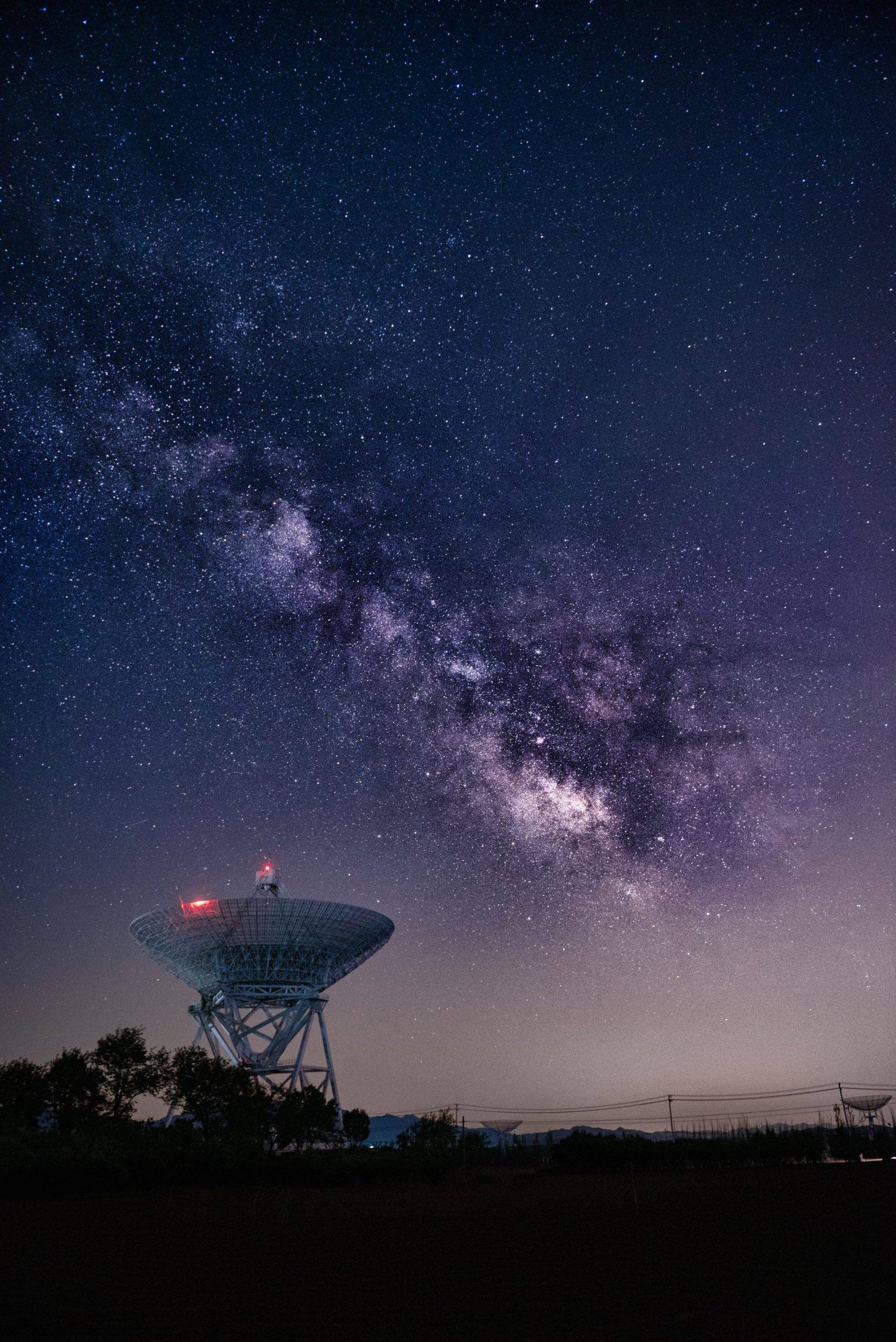
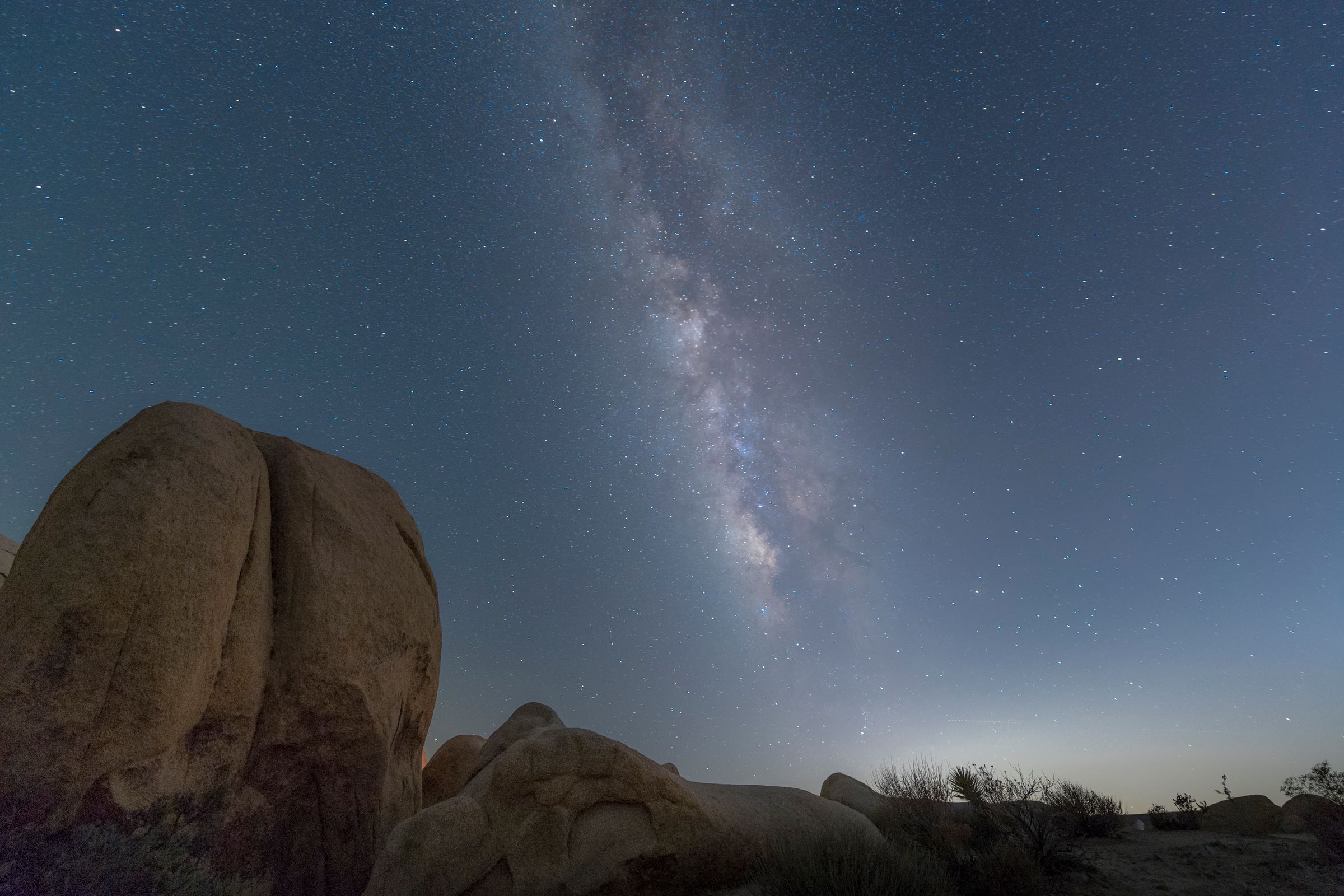
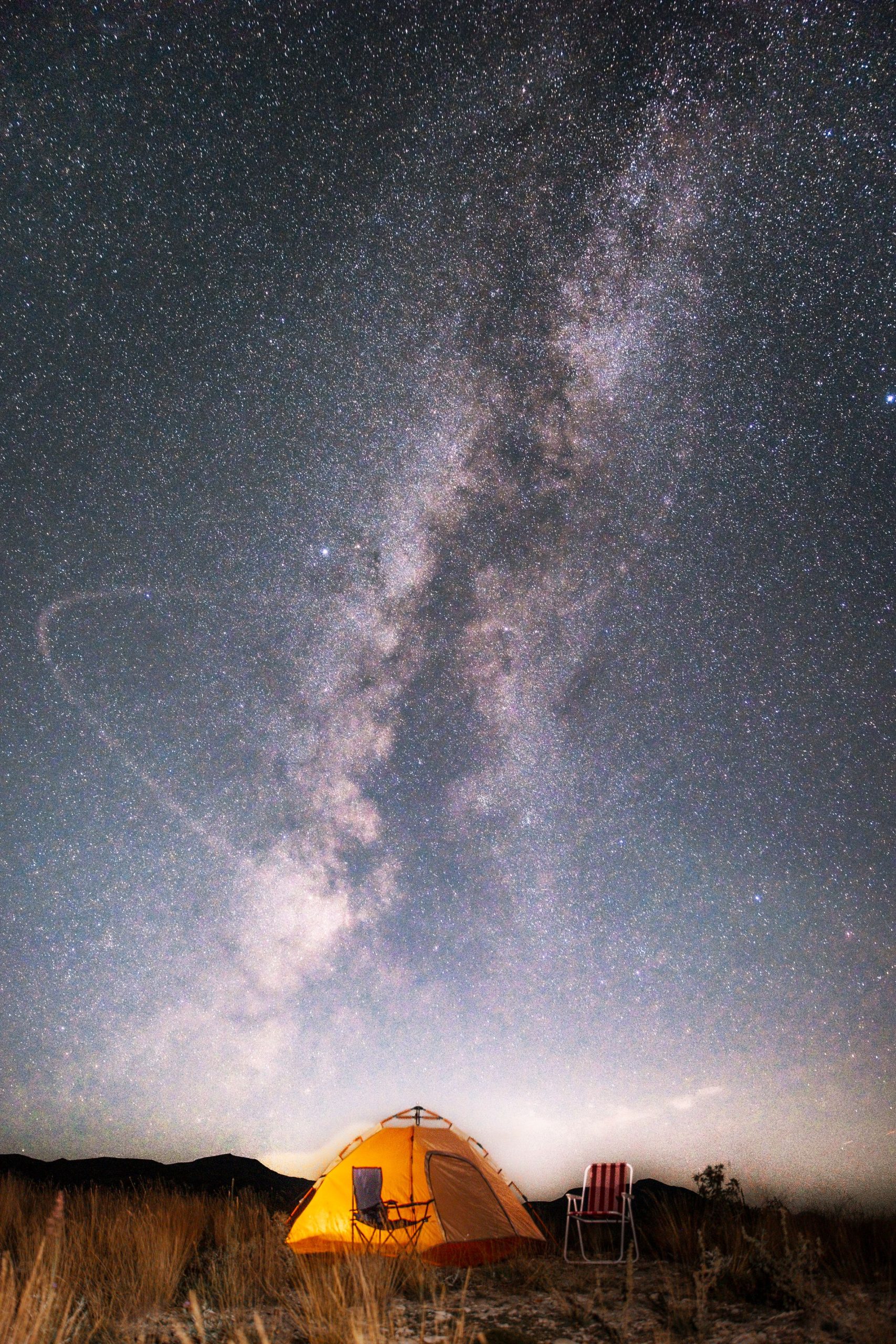
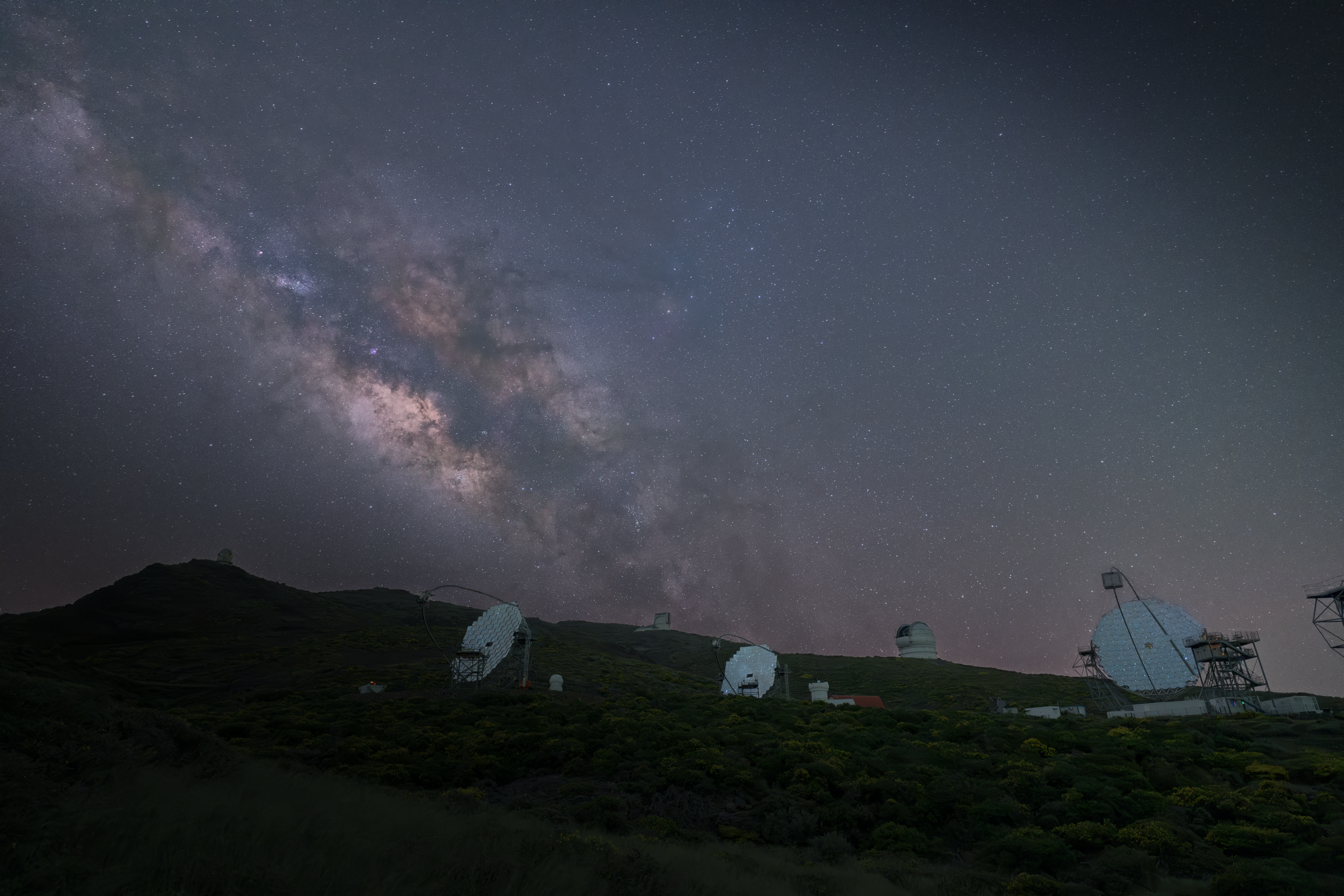
The five credited stock photographs here are ground-based night-sky illustrations. They are not orbital views, frames from the film, examples of its source files or photographs by Edin Chavez. They help illustrate framing and visual structure only. The historical film and the linked source records provide the separate context for the discussion of orbital image sequences.
 Save
Read movement through a sequence of still photographs
When working with a series of photographs, distinguish the order of the images from the speed at which they are shown. Both affect what the viewer experiences, but neither is a substitute for understanding the capture. A faster presentation can make a quiet change feel urgent. It does not mean that the original event happened at that apparent speed. Keep your description clear about the difference between a sequence's presentation and the passage of time it represents.
Make a rough assembly before deciding on a polished style. Put the photographs in the intended order, choose a provisional playback rate and watch for changes that interrupt the reading. You may discover that a short section explains the subject better than the full collection. You may also find a jump that comes from a missing image rather than a problem with your settings. Resolve basic order and continuity questions before spending time on detailed colour work.
Keep a note of meaningful departures from the source order. Repeating a passage, reversing a sequence or joining material from separate captures can be a legitimate expressive decision, but it changes what the result represents. A viewer should not have to infer those choices from an unexplained discontinuity. Decide whether you are making an expressive montage, an instructional example or a record that needs close chronological reading, then describe the treatment in terms appropriate to that purpose.
Use a stable reference within the frame
Look for an element that helps the viewer read movement: a horizon, a silhouette, a fixed foreground or a consistent boundary between bright and dark areas. That reference need not dominate the composition. Its value is that it makes the rest of the frame easier to understand. When choosing between two otherwise similar sequences, ask which one gives the viewer a clearer sense of where to look before the important change occurs.
A strong still composition does not always make the strongest sequence. The most interesting object may move toward an edge, become obscured or compete with a brighter area later in the capture. Review more than the opening frame before settling the crop. A slightly wider view may preserve a relationship that disappears in the tighter version. Judge the composition across the passage you plan to use, not from a single frame chosen because it looks good on its own.
Compare the sequence at the size people will actually see it. A detail that is clear on your editing display can become a tiny flicker on a phone. If understanding the sequence depends on that detail, consider a different selection or a simple explanation rather than assuming every viewer will enlarge the video. Keep titles and credits away from the area that carries the change. The frame needs enough room for the subject and for the information that makes it understandable.
 Save
Treat brightness changes as something to investigate
A sudden brightness change can come from the scene, the capture or the edit. Do not assume the same correction fits all three. First compare the surrounding source frames and look for a pattern. Does the entire image change, or only one region? Does the change repeat at a regular spacing, or appear once? Those observations can help you decide what to inspect next without pretending that the visible result alone proves the cause.
Keep the first correction simple enough to evaluate. Make one adjustment, compare the treated passage with the original and look for damage elsewhere in the frame. A correction that calms the background may weaken a small detail you wanted to preserve. The goal is not to remove every variation automatically. It is to make a deliberate choice about which variations distract from the subject and which belong to the event you are trying to show.
Avoid describing a finished sequence as untouched when you have made changes that affect its appearance or interpretation. You do not need to provide an exhaustive list of every routine editing step in a short caption, but the meaningful construction choices should not be hidden. Keep a fuller project note with the source files. That note can explain a crop, a reordered section or a substantial correction if someone later asks how the presentation relates to the original photographs.
Keep colour useful rather than competitive
Start with a restrained version of the sequence before pushing its colour. Watch how the brightest and darkest regions relate to each other, and whether a small adjustment makes the intended subject easier to follow. Strong colour can make a scene feel dramatic while also making transitions between passages more distracting. Compare the expressive version against the quieter one. Choose the treatment that supports the purpose of this film rather than the one that makes an isolated frame look most striking.
Do not use a colour choice as evidence of a physical explanation. The appearance of a light or a band in the sky depends partly on the recording and presentation, and an edit may alter it further. If your text identifies a phenomenon, ground that identification separately. An attractive palette can be part of your visual language without becoming a claim about what a person would have seen with the unaided eye or about the exact cause of a recorded feature.
Keep a repeatable path back to the ungraded assembly. Save the project in a way that makes the original sequence, the working version and the final export easy to distinguish. A clear naming convention matters more than a clever one. Include enough information to identify the source set and the version without relying on memory. When returning to the project later, you should be able to compare alternatives without guessing which file contains the decisions you meant to preserve.
 Save
Make cuts that give the viewer a reason to continue
Watch a rough edit without music and ask what each cut contributes. It might introduce a new scale, a change in direction or a useful contrast between dark and bright scenes. If two adjacent passages make the same point, try removing one. A shorter film can be more satisfying when its changes feel intentional. Keeping every usable photograph is not a requirement, and a large source collection does not oblige you to produce a long final sequence.
Pay attention to the relationship across the cut. A horizon that jumps sharply may be an intentional contrast, or it may feel like a mistake. A bright opening after a dark passage can refresh attention, but it can also overwhelm a detail the viewer has not finished reading. Compare more than one ordering. You are testing how the selection communicates, not searching for a single universal rule about what a film of this kind must look like.
Add sound only when the visual sequence has a clear shape of its own. Music can influence how urgent or calm the same images feel, which makes it useful to compare a silent version with the scored one. Keep the rights for sound separate from the rights for pictures. Permission to use an image source does not automatically cover a soundtrack attached to someone else's film. Preserve the source and permission notes for each part of your own production.
Keep source information with the working files
Create a small source record before collecting material for an edit. Include the original page, the image or sequence identifier, the credited maker or institution and the conditions that apply to your intended use. A folder of pictures without that record can become difficult to publish responsibly. Do not treat a familiar institutional name, a download button or a credit on another website as a substitute for checking the original source and the particular material you plan to use.
Be careful when relating a map to a photograph. A plotted route and the centre of a camera's view answer different questions, and an oblique view may show something away from the point directly below the camera. For an explanatory caption, use the source record for the image or sequence rather than naming a place because it seems to lie near the route. If the location is uncertain, preserve that uncertainty instead of making the description more precise than the evidence.
Keep time information with the same care. A filename, a date attached to a collection and the time of a particular exposure are not necessarily interchangeable. Preserve the source's stated time convention and record any conversion you make. If you are joining material from different sessions, keep those boundaries clear in the project notes. The purpose is not to burden every viewer with metadata, but to avoid losing the information that makes a later explanation possible.
 Save
Bring the exercise back to your own photography
Choose a modest ground-based sequence as a practice project: a changing patch of light, clouds crossing a fixed frame or a night scene you can observe safely from a permitted position. The aim is to test selection and continuity, not to imitate the scale of a space film. Work within access rules and ordinary safety limits. A simple subject that you can check carefully is a better learning exercise than an ambitious setup you cannot manage responsibly.
Decide in advance what you want the viewer to notice, then compare that intention with the finished assembly. Did the composition make the change clear? Did a cut help explain it, or merely make the film busier? Which adjustment improved the sequence, and which only made it look more processed? Write a short account of those decisions. The answer gives the next experiment a practical starting point without assuming that a different camera will solve every weakness.
Finish with a checked export and an honest caption. Watch the beginning, the important transitions and the ending on a second screen, then open a copied version to confirm that it plays as expected. Keep the editable project and source record separately from the delivery file. A finished sequence is easier to share with confidence when you can explain where its material came from, what you changed and what the viewer should not infer from its appearance.
Historical context and source notes
planet5D’s November 2014 coverage preserves an account of the editing and source imagery. The Guardian’s December 2014 report also identifies the film and its earlier crew photographs. A contemporary timelapse discussion records its circulation, but is not a technical source.
The Gateway’s automatically generated sequence page explains why capture intervals affect apparent speed and why an orbit track can differ from the centre of a photograph. Its frequently asked questions cover source records and conditions of use. Earth Illuminated is another dated example of crew photography presented as a sequence. These references do not establish the identity of every object in the featured film or grant permission to reuse its finished edit or soundtrack.
Continue practising image selection and presentation through the Shut Your Aperture Academy. The exercise above is an editing study, not a claim to have tested the film’s original production files.
Keep your own private files organized
For your own private files, keep originals and finished exports together. A black Samsung T7 Shield portable SSD, 1TB model MU-PE1T0S/AM, is one storage option to compare. Check capacity and your computer connection before buying. Open the copied files and maintain another checked copy separately. A drive does not replace a complete backup plan. Compare the current retailer specifications; no hands-on test, price or stock promise is being made here.
Compare Samsung T7 Shield Portable SSD Black 1TB MU-PE1T0S/AM on Amazon | Check Samsung T7 Shield Portable SSD Black 1TB MU-PE1T0S/AM at B&H
Affiliate disclosure: We may earn a commission from qualifying purchases through these gear links at no extra cost to you. As an Amazon Associate, Shut Your Aperture earns from qualifying purchases.
Sources and further reading
- planet5D: Out of This World Time Lapse, November 7, 2014
- The Guardian: Thousands of ISS Images, December 10, 2014
- Gateway to Astronaut Photography: Automatically Generated Videos
- Gateway to Astronaut Photography: Frequently Asked Questions
- Earth Illuminated, April 15, 2014
- r/timelapse: Astronaut discussion, November 8, 2014
Astronaut film questions
What is Astronaut: A Journey to Space?
It is the historical space-film edit credited to Guillaume Juin in the original Vimeo account and contemporary coverage.
Who made the original photographs?
The historical account credits crew members aboard the International Space Station and the Earth Science and Remote Sensing Unit at NASA Johnson Space Center. Keep those source credits separate from the film editor credit.
Are the photographs in this article from orbit?
No. The five credited Pexels photographs are ground-based night-sky illustrations, not orbital views, film frames or photographs by Edin Chavez.
Does a timelapse show movement at its original speed?
No. Its apparent speed depends on the spacing of the source photographs and the way they are presented. Do not infer a current orbital measurement from playback.
Can an orbit map identify everything visible in a frame?
No. A camera may look away from the point directly below the spacecraft, and source timing can have limitations. Use the relevant image or sequence record rather than guessing from a nearby route.
Can I reuse the finished film because some source imagery is accessible?
Access to source photographs does not establish rights to a finished edit or soundtrack. Check the original material, credits and conditions for the specific use you intend.
How can I practise the editing ideas without space imagery?
Use a modest sequence you made safely from a permitted ground-based position. Compare its order, crop, transitions and colour, and keep notes explaining any meaningful changes.
Affiliate disclosure: Some links are affiliate links. If you buy through them, Shut Your Aperture may earn a commission at no extra cost to you. As an Amazon Associate, we earn from qualifying purchases. The five credited Pexels photographs are ground-based illustrations, not orbital views, film frames or Edin Chavez photographs.