
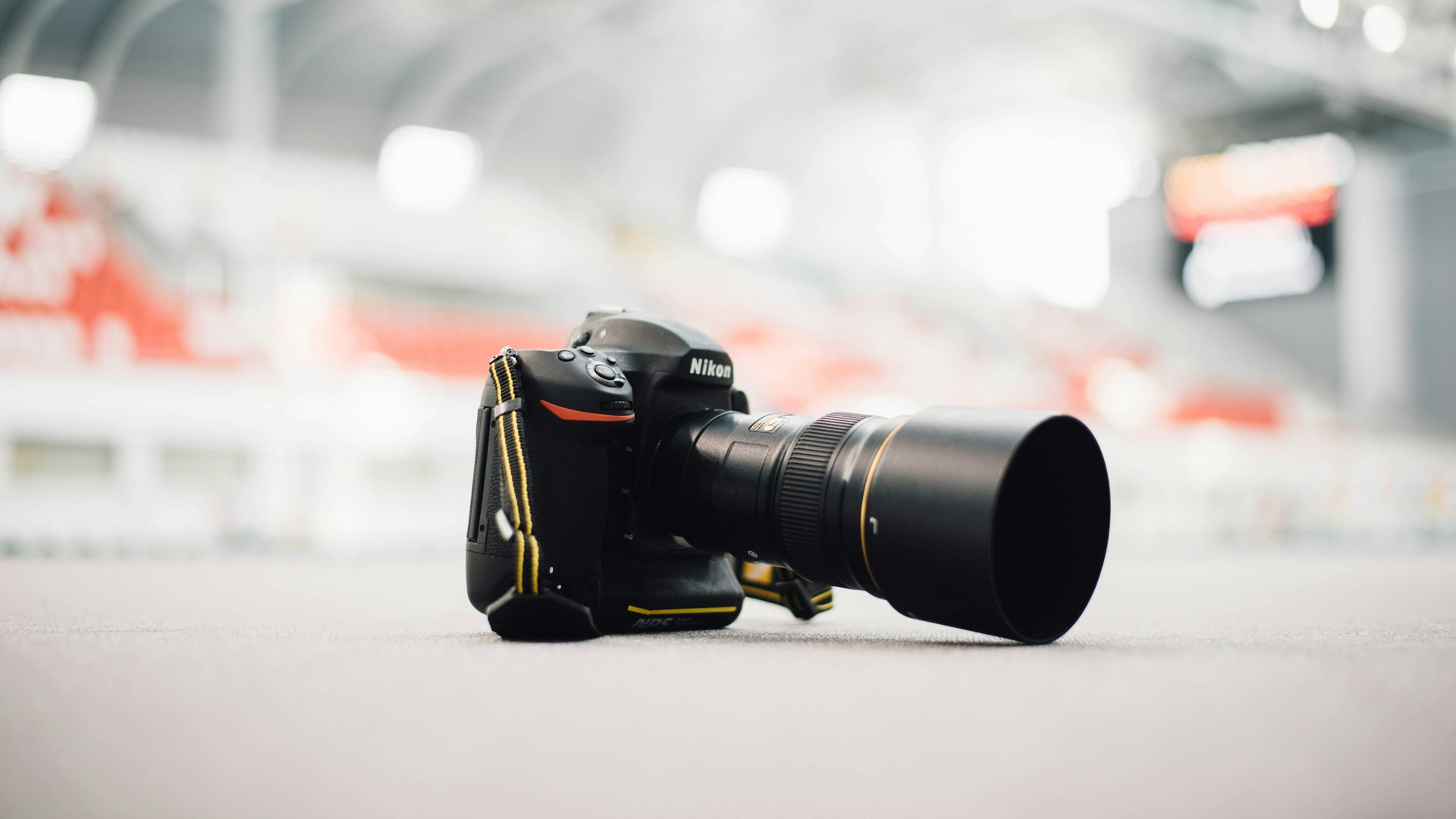
A soft photograph does not prove that a lens needs calibration. Camera movement, a moving subject, the wrong focus point and too little depth of field can all leave the part you care about out of focus. AF fine-tuning is for a narrower problem: a repeatable focus error that your camera’s adjustment system can actually correct.
Updated October 2026. This is a researched troubleshooting guide based on Nikon’s D850 and Z9 manuals, not a hands-on calibration test. The steps and menu names are model-specific. Use your exact camera manual before changing a saved value.
What lens calibration changes, and what it does not
Camera-menu AF fine-tuning changes where supported autofocus places the plane of focus. It does not make the optics sharper, repair a damaged lens, increase depth of field or freeze subject movement. A positive or negative adjustment is not a general sharpness setting to add to every lens.
Nikon’s D850 manual says AF tuning is not recommended in most situations and may interfere with normal focus. Its advice is to use the feature only as required. Start from that position. Leave a well-behaved camera and lens combination alone.
 Save
SaveDiagnose the blur before touching fine-tune
Make a controlled comparison instead of judging one missed portrait. Use a stationary, detailed subject, steady support and consistent light. Choose a focus distance that resembles how you normally use the lens. The D850 and Z9 manuals both warn that tuning at a short distance may be less effective at longer distances.
- Check movement first. If edges have a directional smear, test again with a faster shutter or better support. Review the shutter-speed lesson before treating motion blur as an AF error.
- Check the focus target. Make sure the chosen AF point is over the detail you want sharp, not a nearby high-contrast edge. Avoid a scene with competing near and far subjects for the first comparison.
- Check depth of field. One sharp eye and a soft nose can be normal at a wide aperture. Read the aperture lesson and make a second frame stopped down before blaming the lens.
- Look for repeatability. Make several frames using the same setup. A consistent sharp plane in front of or behind the intended target is a more useful lead than random misses that move around the frame.
- Compare focusing methods when your camera supports them. Follow the manual for viewfinder, live-view or manual-focus comparisons. Different methods may use different AF systems, so do not assume a saved correction applies to all of them.
Keep the original files and a short note of the lens, body, distance, aperture, focal length and focusing method. If you cannot reproduce a directional error, do not start adjusting values simply because a new lens looks less sharp than expected.
 Save
Save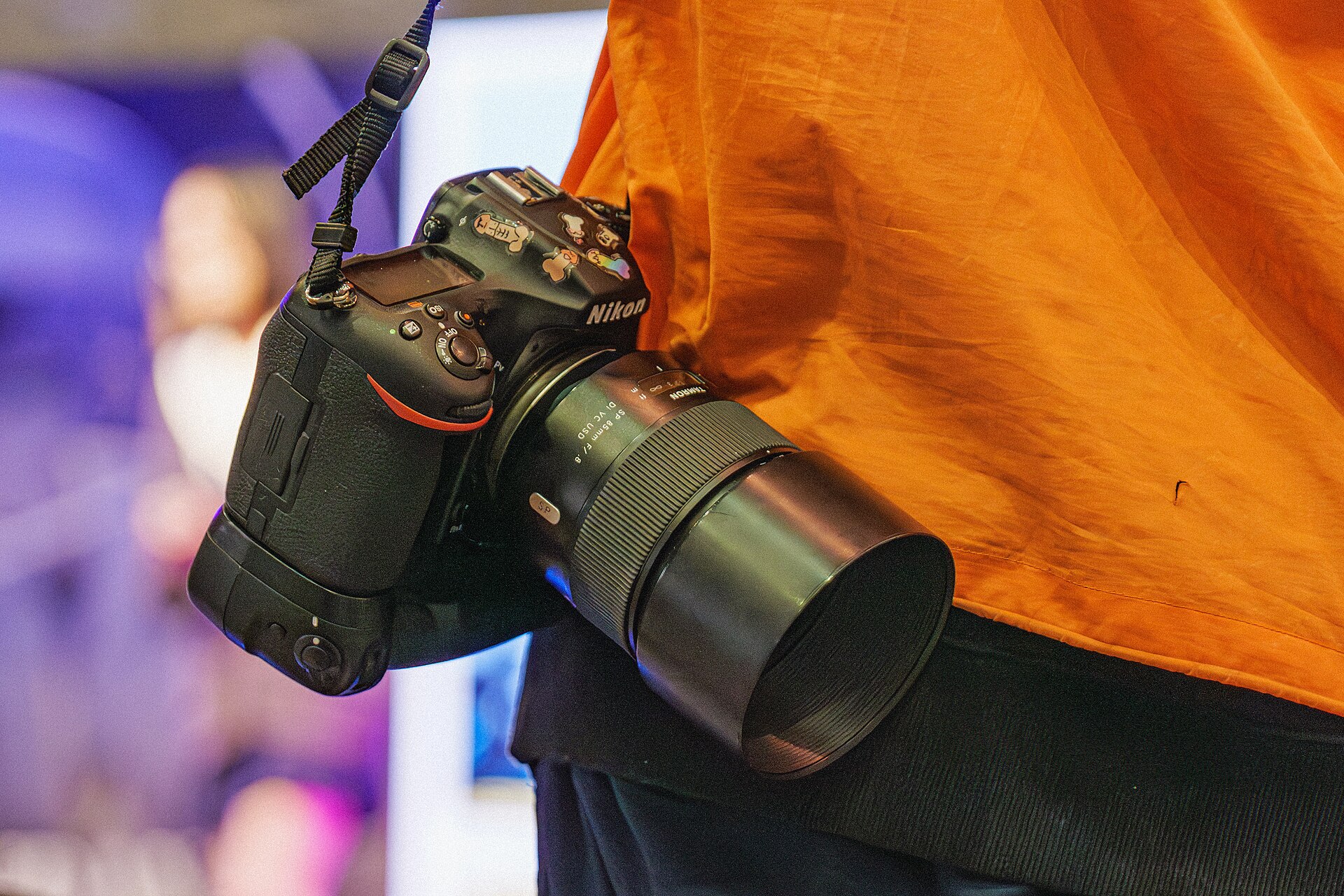 Save
SaveNikon D850: the DSLR example
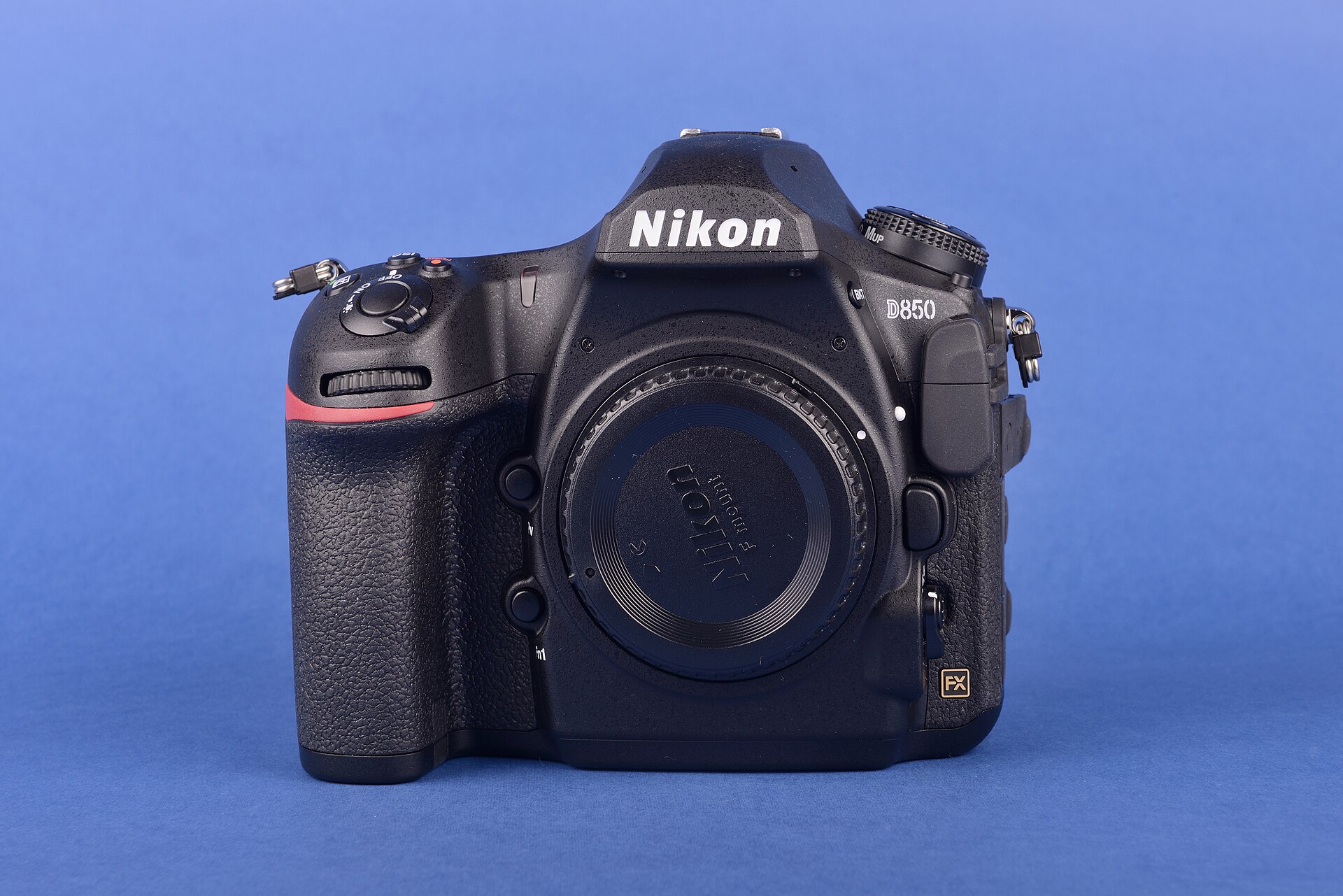
The D850 offers AF fine-tune for up to 20 lens types, with saved values from -20 to +20 for CPU lenses. Nikon says to test at a distance you commonly use. A teleconverter combination can have its own saved value. These are D850 rules, not a promise about every Nikon body.
The important distinction is that the D850’s adjustment is not applied during live-view photography, even though its automatic fine-tuning procedure starts in live view. The old blanket instruction to avoid live view during calibration is wrong for this camera. Follow the exact automatic procedure or the manual’s saved-value controls, rather than combining steps from different camera generations.
D850 automatic AF fine-tuning, in order
- Mount the camera on a tripod. Aim at a flat, high-contrast subject parallel to the camera’s focal plane. Nikon says the automatic process works best at maximum aperture and may not work in dark surroundings.
- Start photography live view with the live-view selector set for still photographs.
- Set AF-S and one of the manual’s supported live-view AF-area modes: wide, normal or pinpoint. Select the center focus point.
- Focus, then magnify the view to confirm the subject is sharp. Nikon permits manual focus adjustment at this step if needed.
- Hold the AF-mode and movie-record buttons together until the fine-tuning dialog appears, slightly over two seconds.
- Choose Yes to save the current lens’s value. Then turn AF fine-tune On in the setup menu.
- Check the result in the focusing method and shooting conditions where you saw the error. A successful save is not proof that the original problem is fixed.
Read the complete D850 AF fine-tune manual page alongside the camera. Record any previous saved value before changing it. The manual shows the current and previous values and explains how saved entries are managed.
Mirrorless is not one universal rule: Nikon Z9
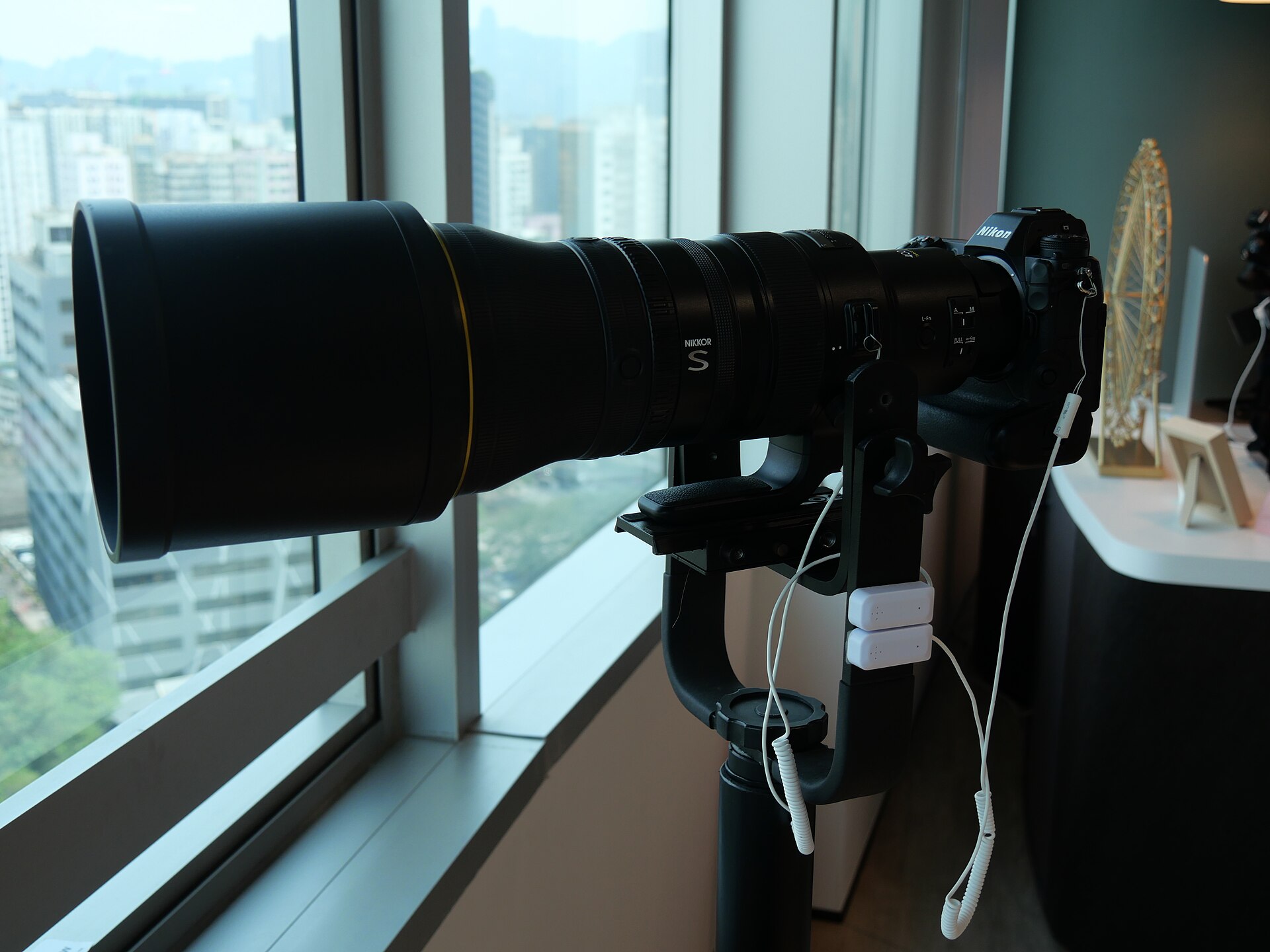
Do not turn DSLR fine-tuning advice into a routine requirement for every mirrorless camera. But the opposite claim, that mirrorless cameras never offer AF fine-tuning, is also wrong. Nikon’s Z9 manual has an AF fine-tuning options menu and says to use it only as required.
On the Z9, the menu can store values for up to 40 lens types. The manual describes -20 to +20 adjustments, multiple saved values for lenses of the same type and separate wide/tele settings when a zoom lens is attached. Z-mount and some F-mount lens serial numbers are entered automatically. Those details belong to the Z9 workflow; they are not interchangeable with the D850’s 20-type limit and one-value-per-type behavior.
If you own a Z9 and have a repeatable error, open Nikon’s Z9 AF fine-tuning instructions. If you own another mirrorless camera, find that model’s manual. A missing menu is not a reason to buy software that assumes the camera supports a correction it does not have.
 Save
SaveA test target helps only when the setup is right
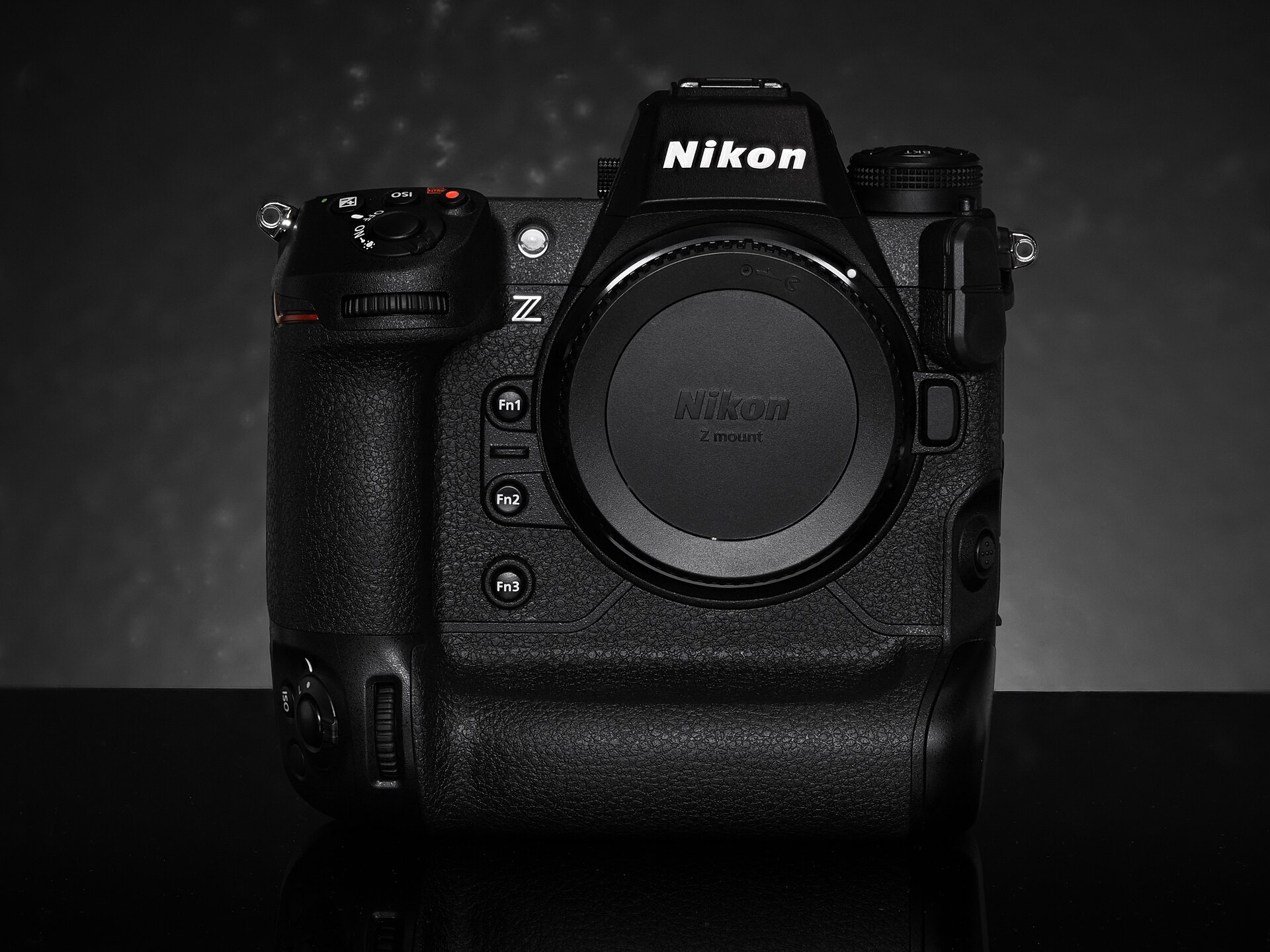
The target and the support matter more than a shopping list. Nikon’s D850 automatic procedure uses a flat, high-contrast subject aligned parallel to the focal plane. Keep the camera still and the light consistent. A slanted ruler is not a replacement for putting the AF point on a clear, intended target.
Older Nikon support instructions describe a flat target beside an angled ruler for specific older bodies, then explicitly send owners of newer cameras to their model manuals. That is why a generic tutorial should not prescribe one aperture, distance or target arrangement to every camera. Use the test method your camera’s documentation actually describes.
Commercial targets and software may help organize measurements, but they cannot remove the need for alignment, repeatability and camera compatibility. Do not treat a target brand as a requirement for sharp photographs. If a result changes whenever you move the target or change distance, investigate the setup before saving a large compensation value.
 Save
SaveCheck the result, and know when to stop
After an adjustment, repeat the controlled comparison, then make photographs at your normal working distance. Check the intended detail at full magnification. Keep the before and after files so the decision is based on actual differences, not on remembering which frame looked sharper.
If the correction makes normal focusing worse, return to the previous setting or turn fine-tuning off as your manual allows. If errors are inconsistent, one side of the image is unusually soft, the equipment has been dropped, or a large adjustment still does not produce a useful result, stop guessing and ask the camera or lens maker’s service team to diagnose it. Fine-tuning is not a repair for every kind of blur.
Want to go further? The ShutYourAperture Academy’s The Aperture Bible (7 modules, 28+ lessons) is built to help you control depth, bokeh and focus.
Lens calibration questions
Should I calibrate every lens when I buy it?
No. First check real photographs and controlled comparisons. Nikon’s D850 and Z9 documentation both say to use fine-tuning only as required. A new lens is not, by itself, evidence that a correction is needed.
Does the D850 correction change live-view autofocus?
No. Its manual says tuning is not applied during live-view photography. The automatic calibration procedure nevertheless starts in live view, so distinguish the measurement process from where the saved adjustment is applied.
Can a mirrorless camera have AF fine-tuning?
Yes, the Nikon Z9 is a documented example. That does not make tuning mandatory for mirrorless cameras or establish support on another model. Check the exact camera manual.
Will calibration fix a blurred moving subject?
Not if the cause is movement during the exposure. First test shutter speed, focus tracking and camera support. Calibration changes the focus offset on a supported system; it does not freeze movement.
Do I need paid calibration software?
Not to start diagnosing the problem or to use the D850’s documented automatic procedure. Learn the camera’s built-in options first. Verify exact body and lens support before paying for any accessory or software.
Sources and scope
- Nikon D850 manual: AF Fine-Tune.
- Nikon Professional Services: D850 Auto AF Fine-Tuning.
- Nikon Z9 manual: AF Fine-Tuning Options.
- Nikon support: How to use AF Fine-Tune, an older-body-specific procedure.
Manufacturer instructions were checked for this October 2026 update. No first-hand calibration measurements, lens scores or test photographs are claimed. This guide covers diagnosis and two documented Nikon examples, not every camera brand.
Photo credits: Nikon D850 and Z9 images via Wikimedia Commons: Wolfgang Moroder (CC BY-SA 3.0), TurnOnTheNight (CC BY-SA 4.0), Peachyeung316 (CC BY-SA 4.0), Henry Soderlund (CC BY 2.0).

