A landscape print should make somebody stop scrolling. A storefront should make the next step obvious. Those are two different jobs, and plenty of beautiful photography sites fail at the second one. SmugMug gives you galleries, print fulfillment and pricing controls, but it cannot choose your strongest frame or catch a muddy shadow in a test print. This is a practical setup guide for photographers who want a focused landscape portfolio and a print shop they can actually stand behind.
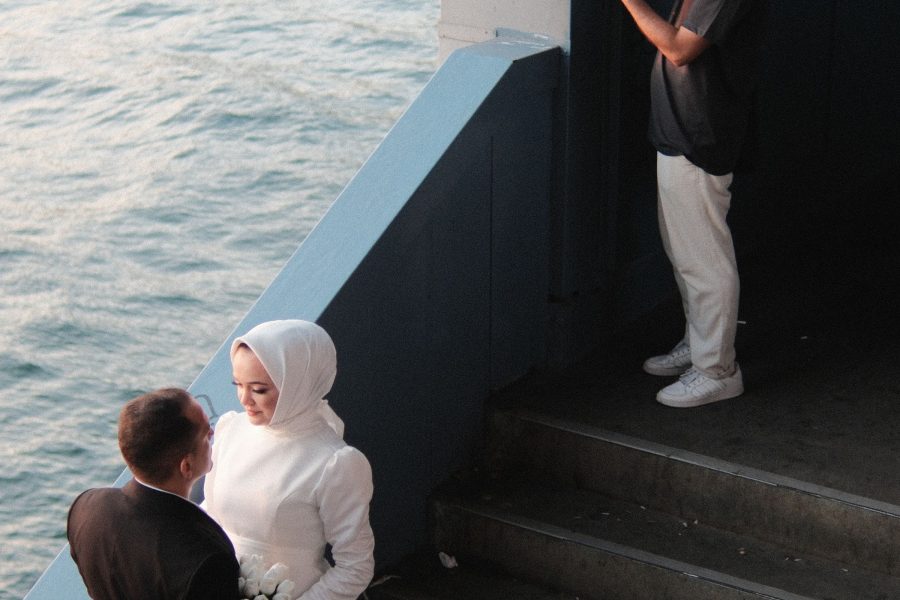
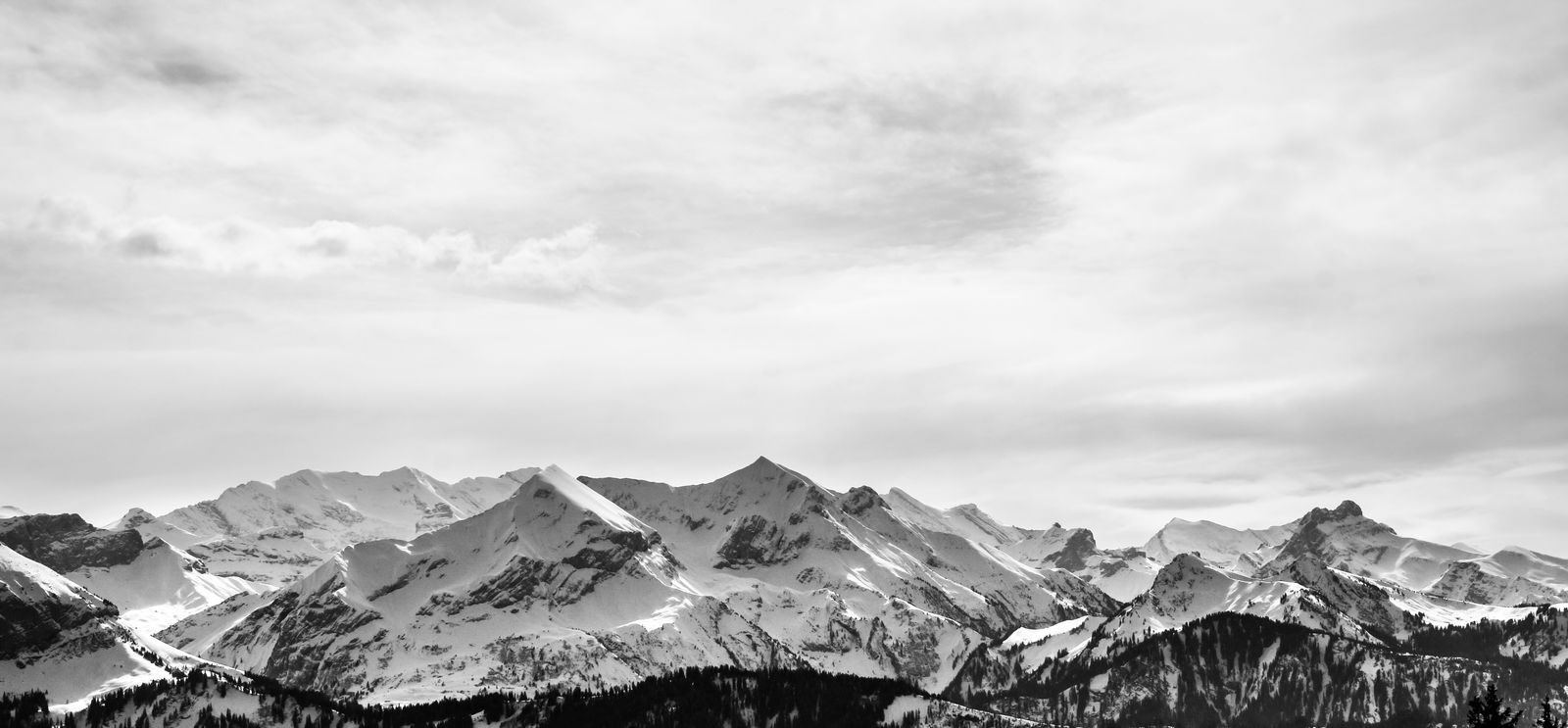
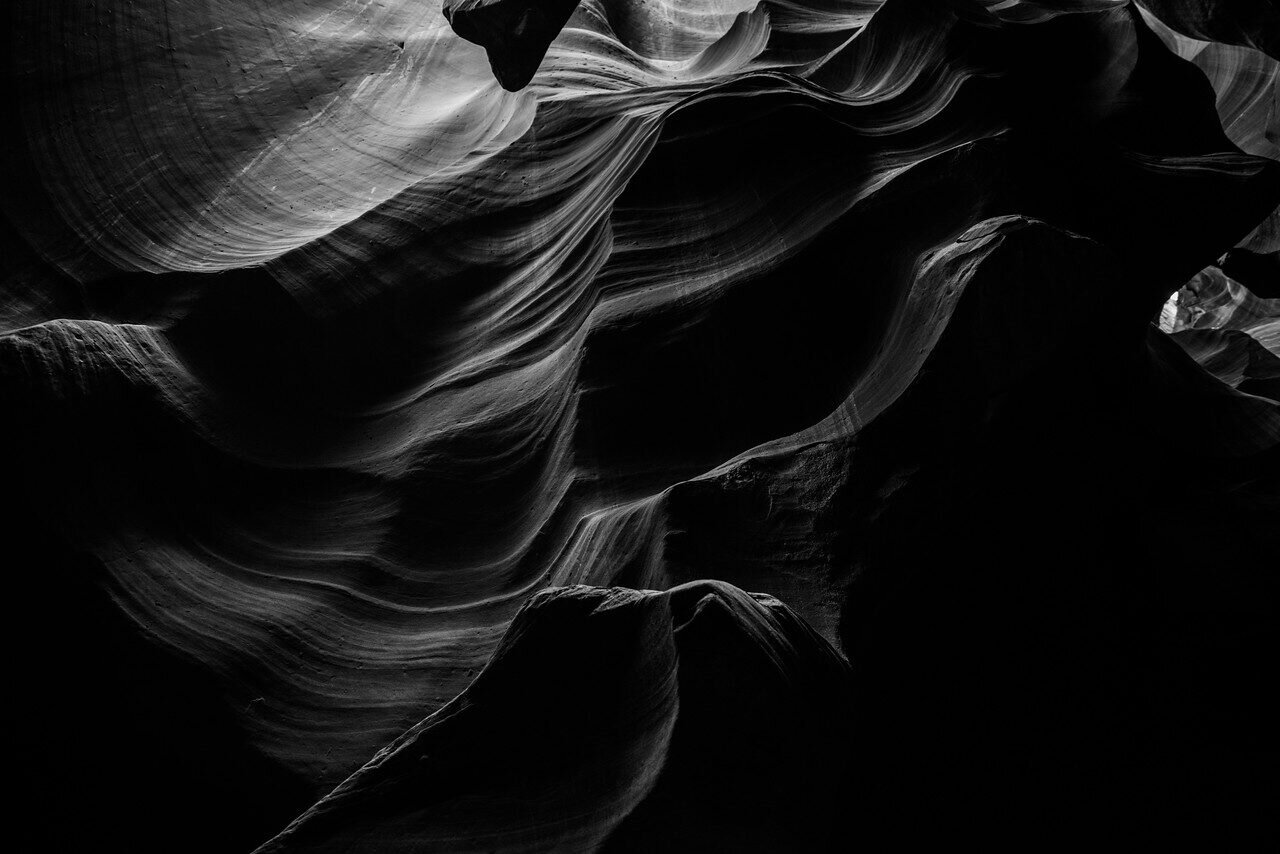
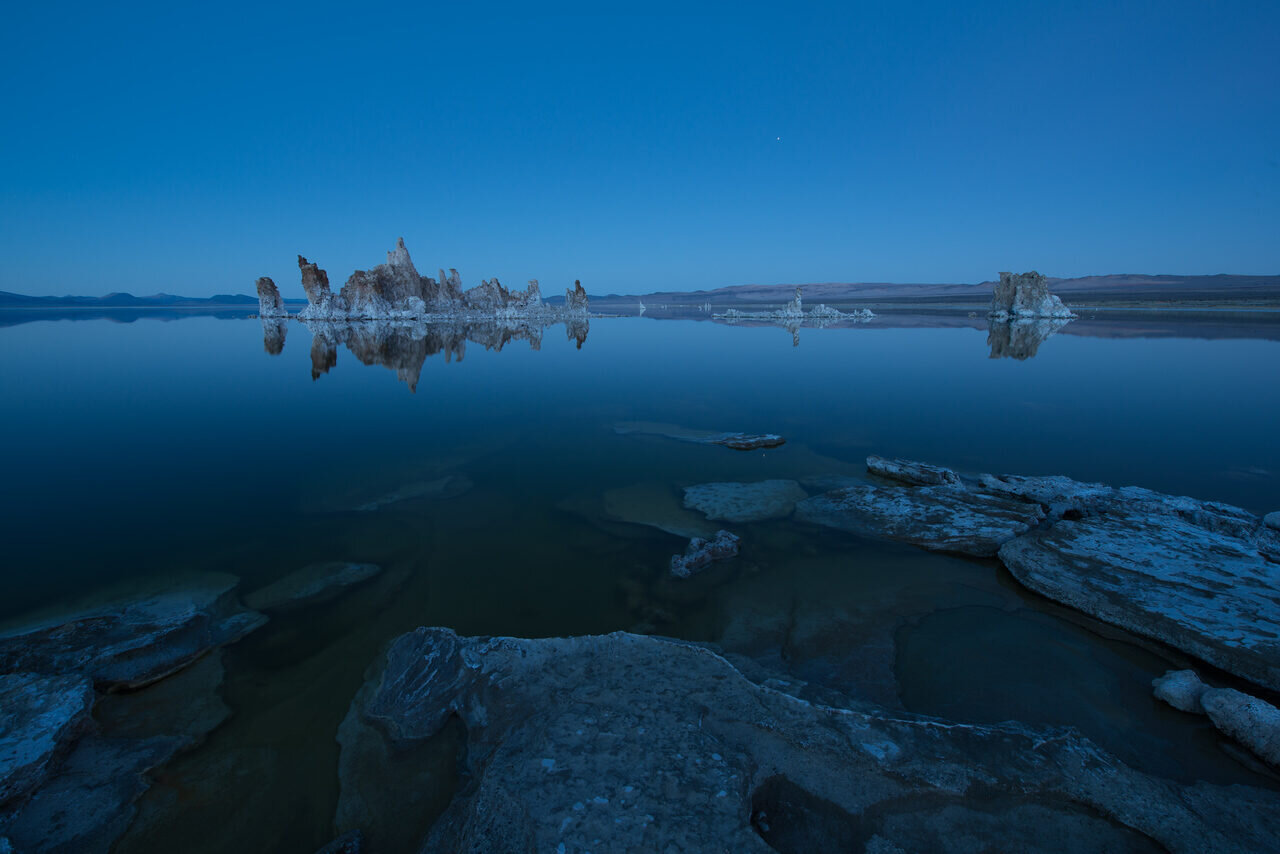
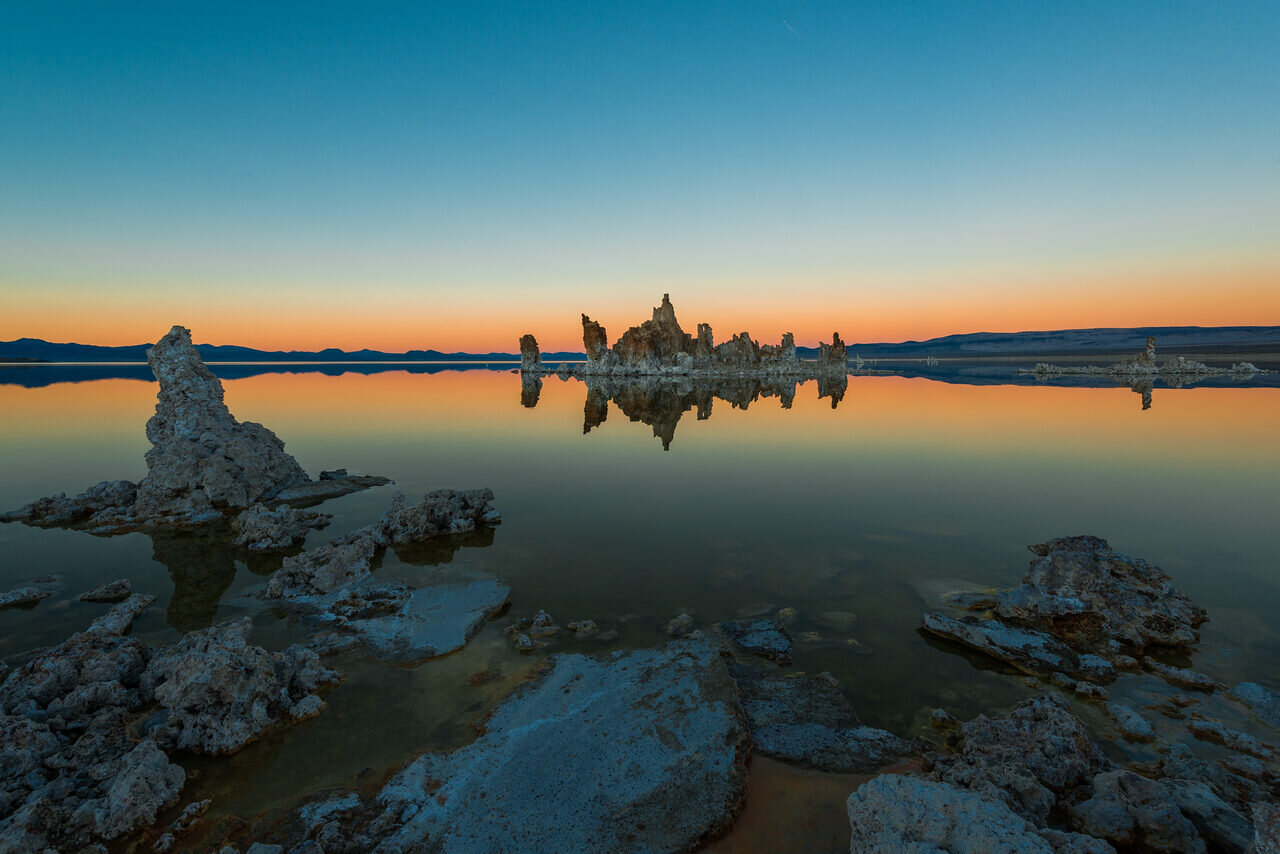
The photographs here show different landscape subjects and print challenges. They are not proof that these files were printed through SmugMug or that I photographed these scenes. Plan features below come from SmugMug’s current documentation; check your account and live plan comparison before committing to a sales workflow.
 Save
Start with the edit, not the template
Pull 25 candidates into one temporary collection. Then cut it in half. Look at the survivors as a sequence rather than at 100 percent zoom. Does the portfolio move between wide and intimate scenes, warm and cool light, quiet frames and graphic ones? If four images say exactly the same thing, keep the one with the clearest composition. A portfolio is a promise about what a buyer can expect from you; a hard edit makes that promise legible.
Build galleries around a visitor’s likely question, not merely around your storage drives. “Mountains,” “Coast” and “Desert” can work when each group has a point of view. A place name helps if a buyer is searching for that place. A folder called “2026 Final Selects 3” helps nobody. SmugMug supports folders within folders and galleries within those folders, so you can separate a public portfolio from a broader archive without dumping everything on one page. Its folder and gallery hierarchy guide even gives a landscape example grouped by mountains, oceans and deserts. Treat that as a model, not a required taxonomy.
Open your site on a phone before calling the edit finished. Can someone reach a strong photograph in two taps? Does a vertical image get a fair chance beside a wide hero? If a gallery takes too long to understand, remove images before adding navigation. Put the work you most want to sell first, not the newest upload. A search visitor who lands on an individual gallery should still know how to reach your best work and the print shop.
Design for a photograph and for a buyer
A portfolio page is not a contact sheet. Give each image enough space to breathe and use consistent gallery titles. When a series has several nearly identical exposures, choose the frame whose foreground, horizon and edge detail survive the small-screen view. The browser preview will never be the physical print; it is an invitation to inspect one.
For each selling image, write a plain title and a useful caption. “Mountain at dusk” is less helpful than a specific location when you know it and can verify it. Do not invent a location, a story about the shoot or an edition number to make the page feel premium. If the work is genuinely editioned, spell out the edition size and what counts as an edition. If it is an open edition, say so. A buyer should not have to infer scarcity from a limited-looking product menu.
Consider two routes: a public portfolio with tightly selected galleries, and a shop containing only files that pass print proofing. That distinction keeps an arresting screen image from accidentally becoming a product before you’ve examined the output. Label the shop clearly. On a test browser with no account login, find the photograph, choose a size and finish, and reach the cart. Write down every confusing step. Fix those steps before sharing the link.
Choose the plan from the selling controls you need
A gallery site and a print-selling site are not necessarily the same subscription. SmugMug’s current plan page lists print and digital-download sales under Portfolio, with Pro adding multiple custom pricelists, packages and other selling controls. Its pricelist help says Portfolio may hold multiple pricelists but only one can be active at a time across its print-enabled galleries; Pro can apply different active lists to galleries or even photos. Those are meaningful differences if you sell an inexpensive open-edition print alongside a separate premium collection.
Do not pick Pro simply because it sounds more professional. Sketch your catalog first. One lab, one consistent product range and one pricing structure may fit Portfolio. Different collections with different product lists or gallery-level pricing point toward Pro. If you do not plan to sell, compare the gallery and privacy features rather than paying for a commerce feature you’ll never use. Prices and entitlements change, so read the current plan terms rather than copying a number from an old article.
The actual test is whether the plan lets you offer your intended paper, size, shipping destination and buyer experience together. Make a small requirements sheet: print lab, allowed sizes, paper or wall-art type, customer geography, downloads, watermark, tax/shipping display and how you handle customer questions. Check each item in the live account. A feature headline is not proof that a particular product ships to a particular buyer.
Pick a lab before building the pricelist
SmugMug’s lab documentation names Bay Photo, Loxley, Fujifilm and WHCC as commerce-plan lab choices, subject to plan and location. It says a Portfolio site chooses one default lab for the whole site; Pro can specify a different lab for some galleries or images. The labs differ in catalog, price, correction, shipping and packaging. The right decision depends on the product you intend to sell, not a blanket claim that one lab is best.
This choice has a trap: SmugMug says the lab is fixed when you create a pricelist. To change labs for that list later, create a new pricelist. Before building out dozens of products, compare the sizes and finishes your best images need. A panoramic frame may need an unusual aspect ratio. A dark forest print may need a different paper decision than a high-key desert scene. Check whether the intended lab offers each combination. If it doesn’t, adjust the catalog or the lab rather than pretending that a crop will solve the issue.
Order a sample from the exact lab and product family you’re considering. Inspect it under ordinary daylight and under the kind of light in which a buyer might hang it. Look at shadow separation, saturation, smooth gradients, paper surface, borders, packaging and any corner damage. One sample does not guarantee every future order, but it gives you a real reference. If the sample fails, revisit the export and lab settings before putting the product on sale.
Prepare the file for paper, not just a phone screen
Keep a clean master file separate from the upload. Check the horizon, dust spots, chromatic fringes and halos where bright sky meets dark land. At 100 percent, examine sharpening on fine branches, water and rock texture. Then step back: many print problems are tonal rather than pixel-level. A print that looks dramatic on a backlit display can close up in the shadows or lose detail in a bright sky.
A calibrated display helps, but a physical proof still wins. SmugMug recommends sRGB for its print labs, while saying it preserves other embedded color profiles and advises testing if you use another space. Export the file in a format and profile the chosen lab accepts. Don’t strip the profile and assume every device will display the same colors. If your print uses a different crop from the full-frame photo, make a version for that ratio, inspect the important edges and upload it deliberately.
 Save
This aurora scene is a good reminder: luminous color and pale snow can both look convincing on a screen while printing differently. Ask whether the aurora retains separation, whether the snow has texture and whether the darkest hillside becomes a flat shape. Do not claim this specific image is an approved print proof; use it as a checklist for images with a similar tonal range.
Write down the exact approved export and product combination for each print. A simple sheet with image filename, crop ratio, lab, product, size, correction choice, proof date and notes will save you from guessing six months later. If you update the master edit, the old proof no longer validates the new version. Recheck the file you are actually selling.
Price the final product, not a hopeful margin
In SmugMug’s pricelist builder you choose a lab and currency, then products and either prices or profit settings. Its pricing guide explains an important difference: set a guaranteed profit and the customer’s price can shift as base costs change; set a displayed price and your profit can change when lab costs move. Neither choice gives you a permanent margin independent of the lab. Review the live account whenever you change products.
Make a modest first catalog. Offer the sizes that suit the photograph instead of every possible size. A small square crop of a carefully composed panoramic frame can break the picture. For each product, check the crop preview, paper or material, correction setting, buyer-facing price and shipment destination. Watch for add-ons such as framing that may have different markup rules. You can expand after the first proof and an honest guest checkout.
One easily missed point: the logged-in owner’s cart may show base prices rather than the custom prices buyers see. SmugMug explicitly tells sellers to log out and check the customer view. Use a private browser window, confirm the price on the gallery and in the cart, and test a few products. A screenshot of your seller dashboard is not proof of what a buyer sees.
Shipping and tax are part of the buying decision, even if they are not your markup. Go through checkout far enough to see the actual options for the intended country without placing an unnecessary order. If the total or delivery window surprises you, it will surprise a buyer. Avoid a blanket “ships worldwide” promise unless you’ve checked the relevant destination and products. Keep a short FAQ or product note that tells buyers who fulfills prints and where to direct an order problem.
Control downloads, previews and privacy deliberately
The public gallery should make the work visible without casually giving away the print master. SmugMug’s photo-protection guidance covers display-size limits, watermarks, download settings and shopping-cart controls. It also makes clear that right-click messaging is not foolproof. A watermark may deter casual reuse, but it does not make an image impossible to copy. Test your settings as a guest instead of assuming the owner view matches.
If you apply a watermark, make sure it does not compete with the image. SmugMug says watermarks do not appear on prints ordered through the platform, and originals are not watermarked, which is why display-size settings matter too. Check a dark and a light photograph. A mark that vanishes against snow or blocks the subject on a night photograph needs work. Then verify downloads are off if you are not granting them. Some gallery settings differ by plan and by when a gallery was created; the current guest view decides what is exposed.
Separate discovery from access control. SmugMug’s privacy documentation distinguishes Public, Unlisted and restricted access. Unlisted hides a gallery from ordinary navigation and site search, but anyone with its link can view it. That is not a secure client gallery by itself. Public is the obvious default for images you want found; use a password or other access controls for private work and test with an account that has never opened it. Do not put a private buyer proof beside public print inventory by accident.
Make the gallery findable without keyword stuffing
Give each collection a precise title that describes the work: “Coastal Landscape Prints” or a verified location and subject. Write a short introduction that tells a visitor what the photographs show and how the collection is organized. Use accurate image titles and captions where they add context. Do not create ten near-identical galleries with tiny wording changes in hopes that search engines will reward them. A visitor who arrives for a specific mountain should not land in an unrelated all-purpose catalog.
Link to the print shop from your main portfolio and from any relevant educational article, but make that link useful rather than interruptive. A landscape photography guide can help someone learn to make images; a print store helps someone collect one. Check that any internal link actually lands on the right live page before adding it. If you use SmugMug as a separate storefront, keep its branding and contact details consistent enough that a buyer recognizes the same photographer on both sites.
A small number of strong galleries gives you a better maintenance job. Each quarter, click through the public site on mobile, test shop links, remove weak images and recheck a product that changed at the lab. Search titles can help discovery, but only if the image, page and buying path deliver what the title promises.
Run a customer test before sending traffic
Use a clean private window. Start from a link someone might actually receive, not your account dashboard. Can you find the named photograph? Is the product menu clear? Does the chosen size crop its best part? Is a visible watermark confined to the preview? Does the cart show the intended price, shipping destination and product? Can you find contact information and learn what happens if a print arrives damaged? Note every point at which you need to remember what the owner already knows.
If the test fails, fix the one concrete failure and rerun the same path. Do not make the whole site public simply because one hidden gallery is hard to reach. Do not enable downloads to make a preview easier. A buyer should be able to choose without reading your mind, and you should be able to explain exactly what product they ordered.
 Save
This vertical scene illustrates the crop check. The pagoda and mountain both matter. A product aspect ratio that clips either element changes the photograph, even when the preview technically fits the product. Inspect every offered ratio, not just the default crop.
SmugMug landscape portfolio FAQ
Is SmugMug a portfolio or a print store?
It can be both, depending on your subscription and setup. A portfolio needs a tight edit and navigation. Print selling requires an eligible commerce plan, a configured pricelist, products, lab choices and a tested buyer path. Do not confuse an uploaded gallery with a ready storefront.
Do I need Portfolio or Pro to sell landscape prints?
SmugMug’s current documentation places print selling in Portfolio and Pro. Portfolio is a starting point for one active pricelist and a simpler catalog. Pro supports multiple active pricelists and more granular assignments. Check the current plan comparison against your actual product strategy; names and entitlements can change.
Can I use any lab with any plan?
No. Lab choices and fulfillment routes depend on the plan and region. SmugMug lists Bay Photo, Loxley, Fujifilm and WHCC for commerce plans with different options. Check the current lab guide and test the products you intend to offer. Changing a pricelist’s lab later requires a new pricelist.
Will a watermark protect my landscape photographs?
It can add visible attribution to previews, but it cannot guarantee protection from copying. Restrict display sizes and downloads where appropriate, check the guest view and use real access controls for private material. SmugMug’s protection guide explains which settings do what.
Why does the price in my own cart differ from my customer’s?
SmugMug says a logged-in owner may see the lab’s base price rather than custom customer pricing. Check the public gallery and cart while logged out. Do this after setting the pricelist and whenever you change products or prices.
Should I upload a full-resolution file for prints?
The print lab needs enough data for the chosen output, while a public preview need not expose the original. Follow the lab’s current file requirements, use an embedded color profile, inspect crops and order a physical proof. Then set display and download permissions separately. One upload decision does not replace those checks.
Is an unlisted gallery private?
No. According to SmugMug, anyone with an unlisted gallery’s link can view it. If the content needs access control, use a password or another restricted setting and verify it from a fresh visitor session. Unlisted is a discovery setting, not a confidentiality guarantee.
Final print-shop checklist
Choose the images, organize the galleries, verify your plan, choose the lab, make a small pricelist, proof the print and walk through a guest purchase. That order matters. The useful question is not whether SmugMug has enough switches; it is whether the photograph that reaches a buyer matches the one you meant to sell. Compare SmugMug’s live plans and use the linked help articles for the current controls. There is no verified SmugMug affiliate link in this article, and no discount is being promised.
Want to go further? The ShutYourAperture Academy’s Light. Land. Legacy. The Landscape Photography Course (10 modules, 40+ lessons) is built to help you master light, land and composition for landscapes that last.
Sources and affiliate disclosure
Feature and plan distinctions above are attributed to SmugMug’s linked plans, hierarchy, pricing, lab, color-space, protection and privacy documentation. Check your account’s current controls and order a physical proof before offering a product. SmugMug documentation links remain plain, non-affiliate references. The gear links below are affiliate links.
Gear box: keep a working copy of the landscape archive
Preparing a landscape gallery should not leave your only copy online. A Samsung T7 Shield 1TB portable SSD is one exact model to compare for a working copy. Check capacity, your computer’s ports and the included cable before buying. One portable drive is not a complete backup plan: keep originals and another verified copy separate, and test that the files open. This is a researched option, not a hands-on test or a speed, price or stock promise.
Compare Samsung T7 Shield 1TB listings on Amazon | Check the Samsung T7 Shield 1TB at B&H
Affiliate disclosure: We may earn a commission from qualifying purchases through these gear links at no extra cost to you. As an Amazon Associate, Shut Your Aperture earns from qualifying purchases.