Updated October 2026
The Canon EOS R6 Mark II is one of the best-value wildlife bodies Canon makes. It has a 24.2-megapixel full-frame sensor, a very fast electronic shutter, and an autofocus system that finds birds, dogs, cats and horses on its own. The files are modest in size, which keeps cropping honest and your card and computer happy.
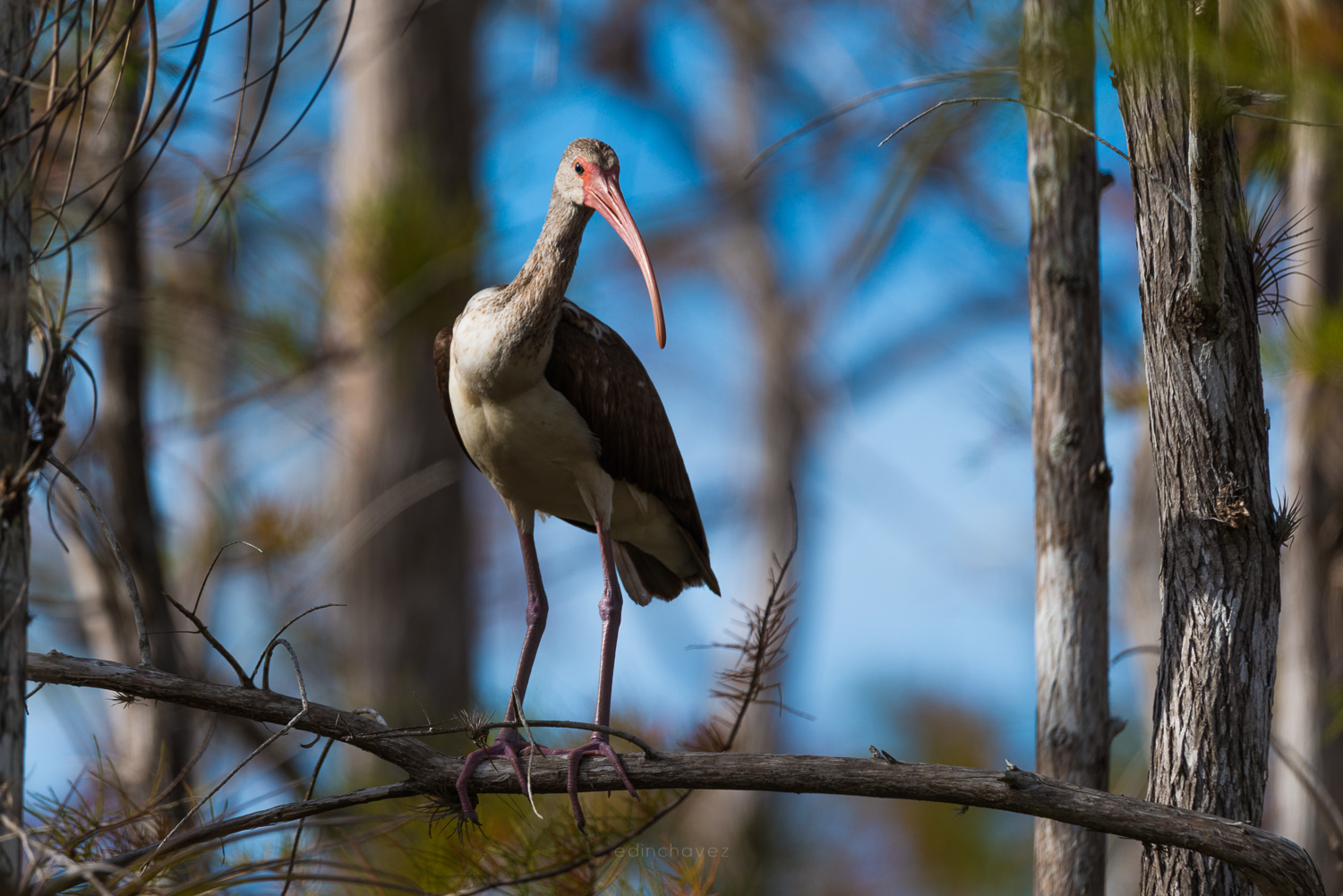
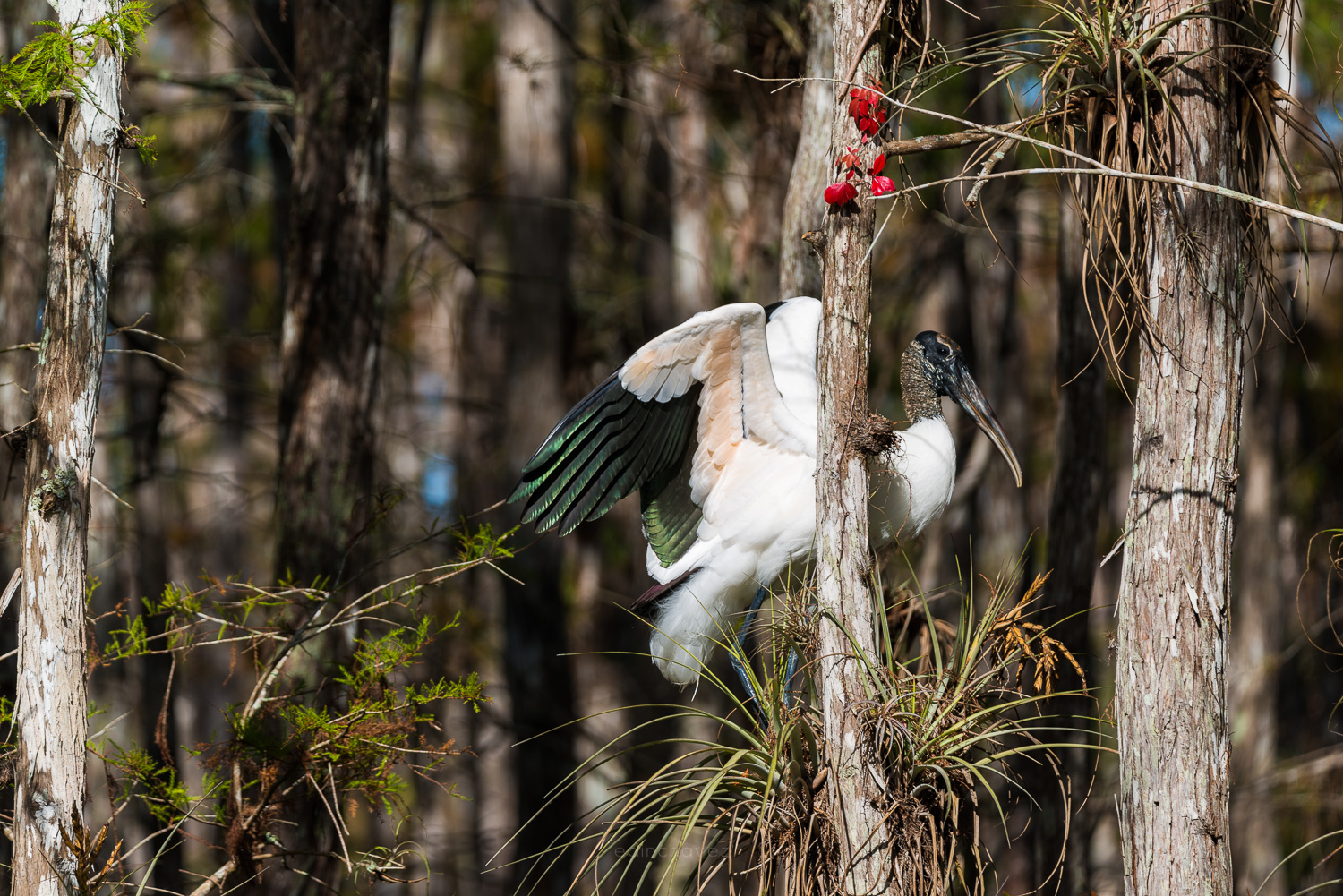
This guide gives starting settings for wildlife photography with the R6 Mark II: aperture, shutter speed, ISO, autofocus, drive mode and pre-release capture. It is built from Canon’s published specifications and from my own experience photographing birds in the Everglades with other cameras. I have not field-tested the R6 Mark II myself, so treat every number here as a starting point and adjust to your light and your subject.
 Save
SaveWhat the R6 Mark II brings to wildlife
According to Canon’s specifications, the camera uses a 35.9 x 23.9 mm CMOS sensor with about 24.2 effective megapixels and a DIGIC X processor. That pairing is built for speed. Canon lists up to 40 frames per second with the electronic shutter and up to 12 frames per second with the mechanical shutter.
The body weighs about 588 g, or 670 g with a card and battery, and measures 138.4 x 98.4 x 88.4 mm. That is light for a body with this much speed, which matters when you carry a long lens for hours. Canon also lists a 3.69-million-dot OLED viewfinder with about 100 percent coverage and dual UHS-II SD card slots, so you can write a backup copy as you shoot.
The starting recipe
Use these on a bright morning with a perched or walking animal, then adjust to the light and the speed of the subject.
| Setting | Starting value | Why |
|---|---|---|
| Mode | Manual with Auto ISO, or Tv (shutter priority) | You control motion blur. The camera handles brightness changes. |
| Aperture | f/5.6 to f/8 | Wide enough for speed, narrow enough for a sharp eye and head. |
| Shutter speed | 1/1000 s for perched birds, 1/2000 s or faster for flight | Freezes wing movement and subject motion. |
| ISO | Auto, capped around 6400 | Keeps shutter speed up as the light drops. |
| Autofocus | Servo AF, Animals subject detection, Eye detection on | Lets the camera find and hold the animal. |
| Drive | High-speed continuous, electronic shutter for action | Gives you the best wing and head position. |
| Stabilization | In-body IS on | Helps with camera shake. It does not freeze the animal. |
Aperture: how much depth you really need
Wildlife lenses are usually long and not very fast. Many telephoto zooms open at f/5.6 to f/7.1. The R6 Mark II handles that well because the electronic shutter and clean high-ISO files let you keep the shutter speed up. Shoot wide open when light is weak. In good light, f/6.3 to f/8 gives a little more depth of field on the head and body.
Distance changes everything. A heron at eight meters and f/5.6 can have the whole body sharp. The same bird at three meters and f/5.6 may give you a sharp eye and a soft tail. When you get close, stop down a bit or choose a better angle so the head and body sit in the same plane. Learn how aperture shapes your frame before you chase the shot.
Shutter speed: freeze the animal, not just the camera
Camera shake and subject motion are two separate problems. In-body stabilization helps with the first one. It does nothing for a bird that moves its head or wings. For a perched bird, 1/1000 second is a good starting point. For birds in flight, start at 1/2000 and go to 1/4000 or faster for small, quick species. For a running animal, 1/1000 to 1/2000 is usually enough. Read more about how shutter speed freezes motion.
Canon lists the electronic shutter range to 1/16000 second, and the mechanical shutter to 1/8000. Electronic shutters can skew a fast-moving subject, and they can show banding under artificial light. For wildlife outdoors, that is rarely a problem, but check a few bursts of fast wing movement before you trust it for everything.
 Save
SaveISO and Auto ISO
Wildlife happens at dawn and dusk, so you will meet high ISO. Canon lists an ISO range of 100 to 102,400, expandable to 50 and 204,800. I would not fix the ISO for an active session. Use Auto ISO with a ceiling around 6400, lock your shutter speed, and let the camera pick. If the light drops further, raise the ceiling in steps and check a test frame at 100 percent. A sharp, grainy bird beats a clean, blurry one every time. For more on this trade-off, see our guide to ISO.
Autofocus: let subject detection do the finding
Canon lists AF tracking for humans, animals (dogs, cats, birds and horses) and vehicles (racing cars, motorbikes, aircraft and trains). The system is Dual Pixel CMOS AF II, with a working range down to EV -6.5. For birds, switch subject detection to Animals, turn on Eye detection, and use Servo AF so the camera keeps tracking after the first lock. Canon’s support page explains each AF area option.
Notice what is on that list: birds, dogs, cats and horses. Deer, bears, big cats and most other wild mammals are not named. The camera may still track them with a larger AF area, but you should test it before a trip. If detection loses the animal, switch to a zone AF area and keep the subject near the middle of the frame.
Drive mode and pre-release capture
Canon says the electronic shutter shoots at 5, 20 or 40 frames per second with simultaneous exposure and focus tracking. The camera also has a 30 fps RAW burst mode with pre-release capture, which can save frames from up to 0.5 second before you press the shutter button. That gives you the moment a bird takes off even if you press a beat late.
You will not need 40 fps all the time. A short burst of 10 to 20 frames usually catches the peak of a wingbeat. Higher speeds fill the card faster and make culling slower. Use the fastest mode for takeoffs, landings and fast hunting action, and drop to a slower mode for perched animals. A fast UHS-II SD card matters here, since the R6 Mark II uses SD cards in both slots.
Working in different light
Good wildlife light is low and warm. Early morning and late afternoon give a soft side light that shows feathers and fur. Midday sun is harsh, and shadows cut across the eyes. If you have to shoot at noon, look for shaded animals or backlit subjects, and keep your shutter speed up.
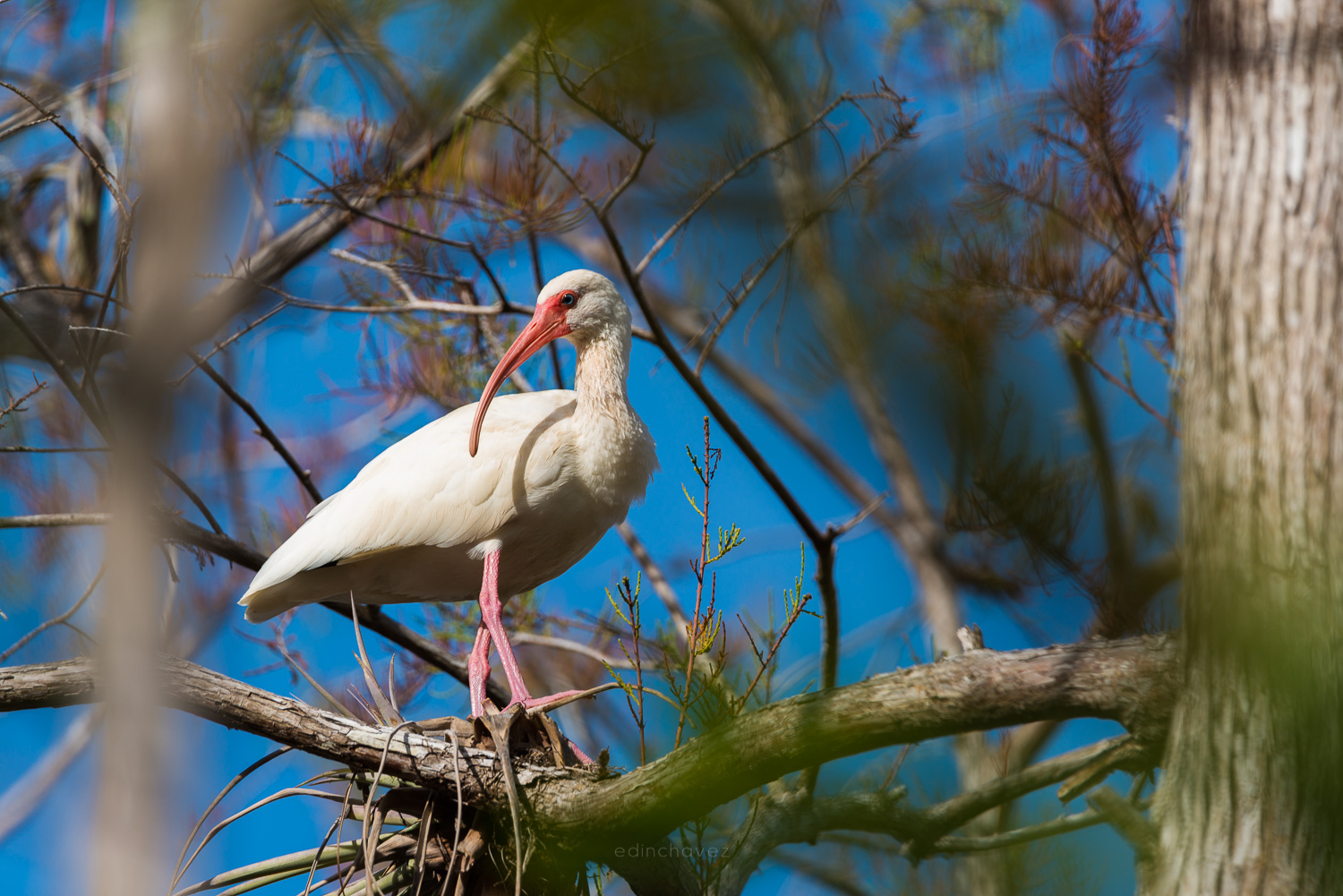
Watch the exposure on white and dark birds. A white ibis or egret can lose feather detail in bright light, and a dark cormorant can lose detail in shade. Dial in exposure compensation of minus one third to minus one stop for white birds and check the histogram. Canon lists plus or minus 3 EV of compensation in the specifications, so you have plenty of range.
Stabilization and long lenses
Canon lists in-body stabilization of up to 8 stops depending on the lens. That figure comes from a lab test with certain RF lenses, and your results with a big telephoto will be smaller. The stabilizer helps with camera shake from a handheld long lens, and it can calm the viewfinder image while you track a subject. It will not stop a moving animal. Keep the shutter speed tied to the animal first and to the lens second.
A simple one-morning wildlife session
- Arrive before sunrise and let your eyes adjust. Check the wind so you can approach with it in your face.
- Set Manual, f/5.6, 1/1000, Auto ISO capped at 6400. Turn on Servo AF with Animals detection and Eye detection.
- Take a few test frames of a perched bird or a quiet animal. Zoom in on the eye to check focus.
- When action starts, raise the shutter speed to 1/2000 or faster and switch to a fast electronic burst.
- Check the histogram every ten minutes, because the light changes fast at sunrise.
- Stop and let the animal settle if it looks nervous. Back away rather than push closer.
Field craft and ethics
The best settings do nothing if you scare the animal. Keep a respectful distance and read its posture. If a bird stops feeding and stares at you, you are too close. Never bait or call in nesting birds, and follow the rules of any park or refuge. A patient, quiet approach gets better pictures than speed and gear.
 Save
SaveCards, batteries and handling
The R6 Mark II has two UHS-II SD slots. You can write RAW to both for a live backup, or send RAW to one and JPEG to the other. Use fast, reliable cards if you plan to shoot 40 fps bursts. Carry spare batteries, because long sessions with the electronic viewfinder and high-speed bursts drain them faster than a casual day of travel photos.
Editing your wildlife photos
Cull hard. After a burst, keep one or two frames with the sharpest eye and the best wing position. Crop to give the animal room to move into the frame, and tone down bright backgrounds so the eye stays on the subject. Do not over-sharpen. A 24.2 MP file has fine detail, but heavy sharpening and noise reduction make feathers look plastic.
Mistakes to avoid
- Shutter speed too slow. A sharp lens at 1/250 still shows a blurred wing.
- Trusting subject detection for every animal. Canon names birds, dogs, cats and horses, not every species.
- Shooting the full 40 fps all day. You get thousands of near-identical frames and a long cull.
- Ignoring the background. A bright branch behind the head pulls the eye away from the bird.
- Skipping a test frame. Zoom in and check focus before the action starts.
Want more gear-specific starting points for wildlife? Try our guides for the Sony A7 IV, Sony A7R V and Nikon Z6 III.
Canon R6 Mark II wildlife photography questions
What are the best Canon R6 Mark II settings for wildlife photography?
Start in Manual with Auto ISO (capped around 6400), f/5.6 to f/8, 1/1000 second or faster, Servo AF with Animals subject detection and Eye detection on. Raise the shutter speed to 1/2000 or faster for birds in flight. Adjust to your light and your subject.
What shutter speed should I use for birds in flight with the R6 Mark II?
Begin at 1/2000 second and go to 1/4000 or faster for small, quick birds. Canon lists an electronic shutter range up to 1/16000 second and a mechanical range up to 1/8000, but check bursts of fast wing movement for skew or banding before you trust the electronic shutter for everything.
Does the Canon R6 Mark II recognize animals automatically?
Canon lists AF tracking for humans, animals (dogs, cats, birds and horses) and vehicles. Birds, dogs, cats and horses are covered. Other wild animals are not named, so test the camera on your subject and switch to a zone AF area if tracking fails.
How fast does the Canon R6 Mark II shoot?
Canon lists up to 40 frames per second with the electronic shutter and up to 12 frames per second with the mechanical shutter. The electronic shutter can also shoot at 5 or 20 fps.
What is pre-release capture and should I use it for wildlife?
In Canon’s 30 fps RAW burst mode, pre-release capture can save frames from up to 0.5 second before you press the shutter button. It helps with takeoffs and sudden action. Use it when you cannot predict the moment, and delete the extra frames after the shoot.
Is 24.2 megapixels enough for wildlife?
It depends on how far away your subject is and how much you crop. A 24.2 MP file is clean, fast and easy to handle, but distant birds may need heavy cropping. A longer lens or a closer approach helps more than extra megapixels.
Want to go further? The ShutYourAperture Academy’s Wildlife in Motion (6 modules, 24+ lessons) is built to help you freeze a sprinting cheetah and track birds in flight with confident autofocus and shutter control.
Gear box: the Canon R6 Mark II for wildlife photography
Canon EOS R6 Mark II, Canon RF mount. This is the camera discussed above. Budget separately for a long RF telephoto lens, fast UHS-II SD cards and spare LP-E6NH batteries.
Affiliate disclosure and image sourcing: We may earn a commission from qualifying purchases through the Amazon and B&H links, at no extra cost to you. Images: Canon EOS R6 Mark II images via Wikimedia Commons: Henry Soderlund (CC BY 2.0) and 昼落ち (CC BY-SA 4.0).