Shooting landscapes on film is slower, more deliberate and honestly more fun than digital for a lot of photographers. You carry fewer frames, you think harder about each one, and the files that come back from the lab have a quality that is hard to fake. Here is how to get consistent, beautiful landscape results on film.
 Save
SaveWhy film still works for landscapes
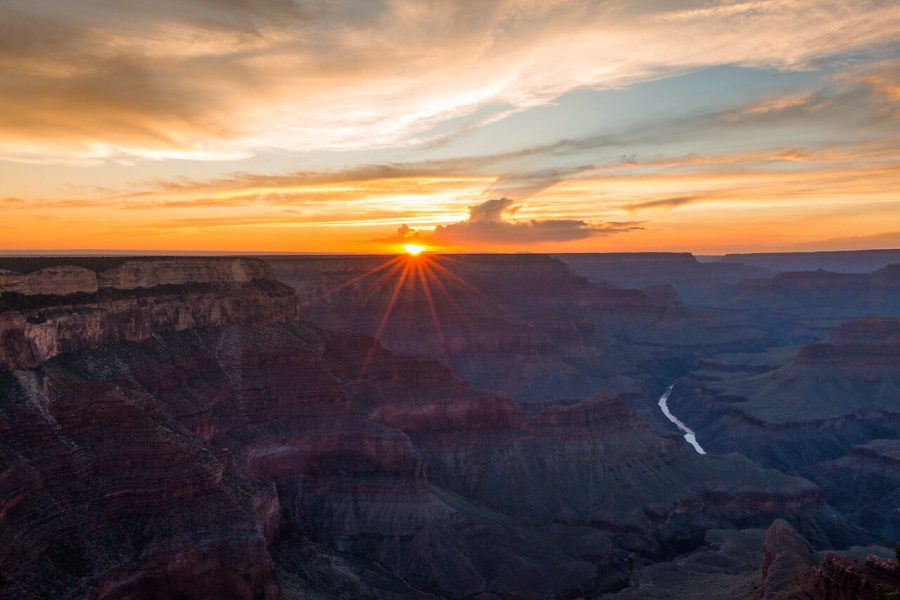
Color negative film handles highlight contrast gracefully: bright skies roll off instead of clipping, which suits sunrise and sunset work. The slower workflow is a feature too. When every frame costs money, you scout longer, meter more carefully and compose with intent. That discipline shows in the final images.
Pick the right film stock
- Kodak Portra 160 and 400: forgiving exposure latitude and natural color, the safe default for general landscape work.
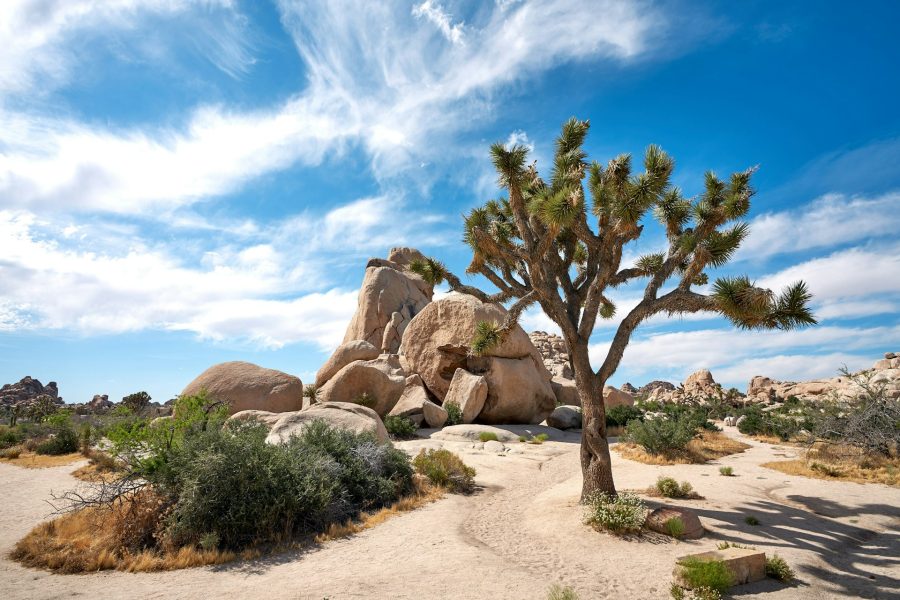
- Kodak Ektar 100: saturated reds and oranges with fine grain, made for desert rock and autumn color.
- Fujifilm Velvia 50: a slide film with punchy, dramatic color and very little exposure forgiveness. Meter carefully.
- Black and white stocks: with a red or orange filter, skies go dark and dramatic and textures take over.
Meter like it matters (it does)
Film gives you no histogram and no chimping, so metering is the whole game. A handheld incident meter reads the light falling on the scene and is the most reliable tool you can carry. If you meter through the lens, meter off a mid-tone, not the sky. Negative film tolerates overexposure far better than underexposure, so when in doubt, give it an extra half stop. Slide film is the opposite: protect the highlights at all costs.
Filters earn their bag space
A circular polarizer cuts glare off water and wet rock and deepens skies, and a graduated neutral density filter balances bright skies against darker foregrounds at the edges of the day. Because film ISO is fixed once you load the roll, your exposure control lives in aperture, shutter and filters. The aperture guide, ISO guide and shutter speed guide all apply to film exactly as they do to digital.
Scanning: the second half of the craft
A great negative deserves a careful scan. Lab scans vary wildly, so ask for the highest resolution they offer and flat scans if you plan to edit yourself. Dust-spotting is part of the deal; budget the time. Once the file is in Lightroom, treat it like any raw file: gentle white balance, restrained contrast, and let the film’s character carry the frame. The same composition instincts apply as digital, so our landscape dos and don’ts still hold.
Finishing film scans in Lightroom? Start with our free Lightroom presets. A light touch on a good scan goes a long way.