
Featured photograph: Photo by Man Fong Wong / Pexels / Pexels License. (Stock photo, illustrative.)
The Light L16 is an unusual chapter in computational photography: a camera built around sixteen small camera modules rather than one large sensor and an interchangeable lens. This article originally covered its October 2015 announcement. Read the launch language as history, not an offer to preorder or a promise of current support. The useful question now is what the design tried to achieve, what reviewers found, and what it takes to preserve files from a legacy computational camera.
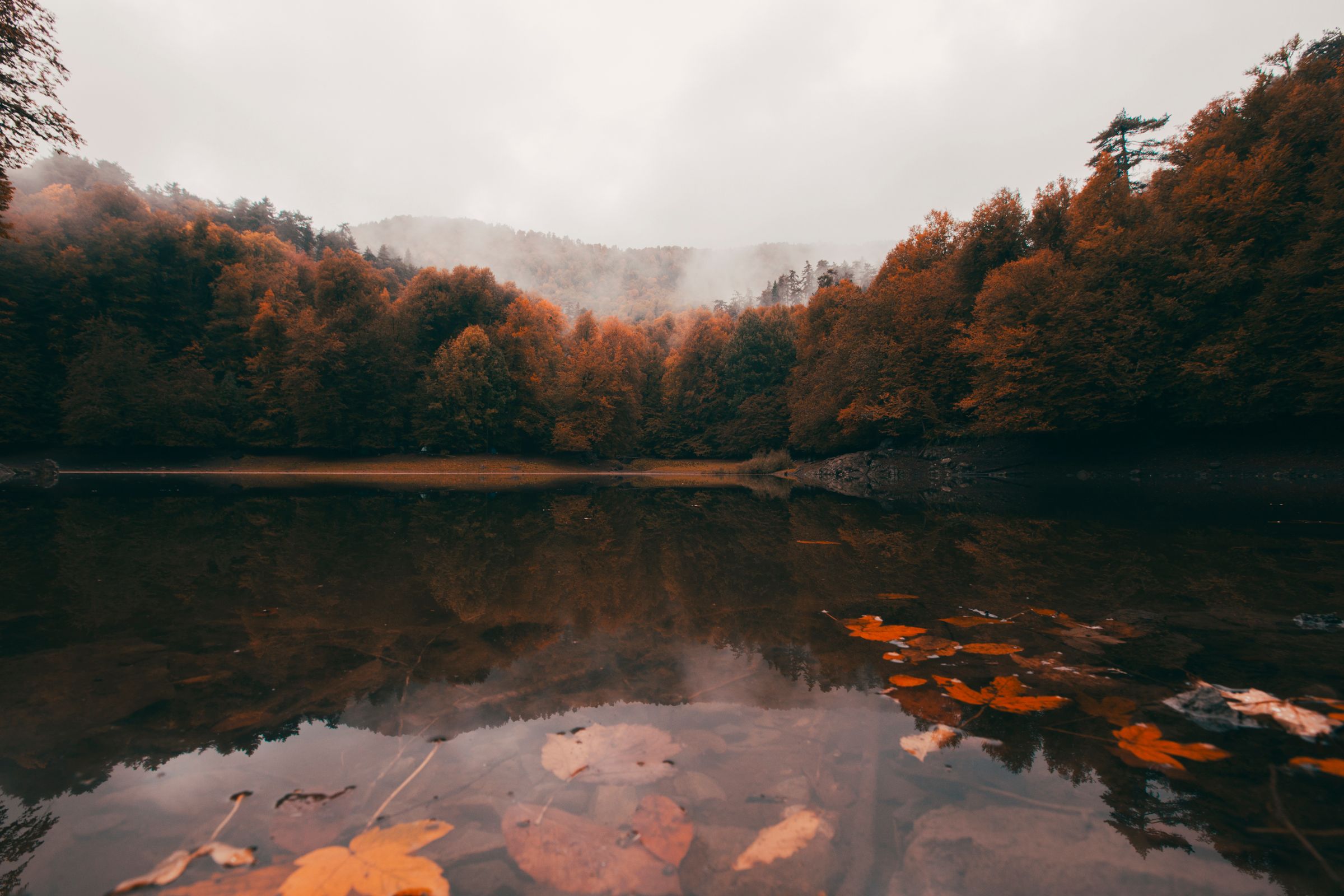
The original pitch was attractive: carry one compact device, gather information through several lenses and let software assemble a detailed photograph. Light described output up to 52 megapixels and promoted control over depth of field after capture. Those were not guarantees that every scene would match a DSLR. The credited landscape photographs here are stock illustrations of composition and detail, not verified L16 samples or images made by the author with this camera.
What the 2015 announcement actually promised
The launch announcement described a multi-aperture computational camera with a five-inch touchscreen and a body intended to be easier to carry than a DSLR kit. The unusual front surface contained a group of small lenses. Longer optical paths were folded inside the body, allowing several focal lengths without a conventional long lens projecting from the front.
Contemporary reporting described groups of 35mm-, 70mm- and 150mm-equivalent modules in the announced design. These numbers explain the original concept; they should not be treated as a complete specification for every firmware version or later production discussion. When researching an actual unit, distinguish announcement material, shipping hardware, installed firmware and the desktop software used to process its files.
The original article also included launch prices and a planned 2016 delivery window. Those figures were offers and expectations from 2015, not current prices or availability. DPReview later reported that shipping began in July 2017 after delays. Keeping those dates separate matters: an announcement is evidence of what a company proposed, while a shipping review can examine what a photographer actually received.
Sixteen modules do not mean sixteen finished photographs
The L16’s idea was to use several views of a scene as inputs to a computational result. The selected modules capture information at different focal lengths; software aligns and combines that information. The final image is therefore more than a simple collage of sixteen rectangular pictures, and the megapixel number does not describe one conventional 52-megapixel sensor.
The original headline’s 52-megapixel figure is best read as an up-to output claim. It does not mean every focal length, subject distance or scene produces identical useful detail. Judge an exported photograph by its actual dimensions, texture, edges and artifacts rather than assuming the largest number on a launch page tells you how much information the image contains.
 Save
This is also why a small screen preview is an incomplete test. A preview can look convincing while fine branches, repeating windows or transitions between near and distant objects reveal problems in the processed result. Inspect the full file at a useful viewing size, then inspect it at the size you intend to print or publish. Both checks answer different questions.
Computational depth is not a missed-focus rescue
Light promoted the ability to adjust depth of field after capture. That is different from assuming any part of an incorrectly focused image can become sharp later. In its 2018 review, The Verge found that the depth effects depended on the camera having focused where intended. Treat focus placement as an exposure-time decision, not a task you can always postpone.
The word aperture can be confusing in this context. Traditional aperture changes affect the optical exposure and depth of field at capture. A computational blur adjustment changes the rendered appearance using captured information and software. Similar-looking backgrounds do not make the two processes interchangeable, and their failure modes can be different.
When evaluating a depth effect, examine hair-like edges, branches, gaps in fences and the boundary between a foreground subject and its background. Look for a believable transition rather than the strongest possible blur. Save an ordinary rendering too, so you can compare the effect without forgetting what the unmodified image looked like. Subtle processing may serve the photograph better than an obvious demonstration.
Why the desktop workflow matters
The L16 story is as much about processing as capture. Historical reviews describe Light’s Lumen desktop application as part of the full-resolution workflow. The camera’s proprietary LRI files contain the data needed for its computational processing. A convenient JPEG preview is not the same thing as preserving that source information or proving you can generate a full-resolution output.
The Verge’s 2018 review described sluggish desktop processing even on its test computer. That is a dated observation, not a performance forecast for your own machine. It does establish why a real workflow test matters. Opening a thumbnail or seeing the camera appear in a file browser is not enough; complete the import, processing, export and reopening steps before trusting the system.
Keep the original LRI files as well as finished exports. An export gives you something more widely readable, while the proprietary source may retain choices or information that are absent from the finished image. Do not delete source captures just because one export looks acceptable. Storage cost is a separate decision from whether the source still has value.
Read the product’s history without turning it into a sales pitch
In June 2020, DPReview reported that Light had left consumer imaging and was focusing on automotive technology. That changes how to read this page’s original excitement. A historic announcement does not establish an active camera business, continuing firmware development, a repair service or an official download that works today.
 Save
Later community projects show that people remain interested in understanding the hardware and its files. They do not create manufacturer support. A community archive can be useful evidence of the camera’s history, but an unfamiliar executable or firmware package still needs careful provenance and compatibility checks. This guide does not recommend disabling security controls or installing software from an unverified source.
The original Light launch-site destination is retained as a historical reference, not a current buying route. The original videos are retained as links to the first launch video and the second launch video. Promotional footage is context, not independent evidence that every used camera will reproduce its results.
A file-first check for an existing or used L16
Start with the result you need, not the attraction of the unusual lens array. If the camera is already yours, identify the files and software you have before changing the working setup. If you are considering a used unit, ask for a demonstration that ends with a processed file opening on a computer. A power-on photograph proves much less.
Use a simple scene containing a main subject, fine detail and an area of smooth tone. Record the camera and software versions shown by the actual setup. Make a normal capture, transfer the source and export a finished photograph. Open the export in a second application if possible. Keep notes about which steps succeeded and which depended on an older operating system.
Check the file dimensions, whether the colors look plausible and whether important edges remain clean. Do not judge only by a dramatic image at phone-screen size. The test should reveal what you can use repeatedly, not merely produce one attractive example. A failure late in export is still a workflow failure even if the camera recorded the scene correctly.
Make a controlled composition comparison
A quiet landscape with a strong horizon is a useful subject for learning any unfamiliar camera. Choose a safe, permitted viewpoint and make the framing deliberate. A branch in the foreground and a ridge in the distance give you different kinds of detail to examine. Avoid a viewpoint that requires leaning over water or standing on unstable ground.
Keep the first comparison simple. Photograph the same view more than once without changing every setting between frames. Record what changed, such as framing or exposure, and keep an ordinary reference. If wind moves leaves or ripples change the reflection, acknowledge that difference rather than attributing every change in the result to the camera’s processing.
Use the exported files to compare the center, corners and transitions around the main subject. Look for differences that affect your intended use, not flaws visible only at an extreme enlargement. If you plan a small web image, inspect that version too. If you plan a print, make a modest proof before assuming a high output pixel count guarantees a good large print.
 Save
Protect originals before experimenting
Make a checked copy of existing captures before a firmware experiment, software migration or cleanup. Keep that copy separate from the working folder. Open a selection of copied files and compare the expected file count and sizes. A folder name saying backup does not establish that the contents were copied completely or can be read.
Preserve the relationship between sources and exports. Use consistent filenames or a short text note that records which source produced which finished photograph. Keep information about the processing application and settings when it matters. Without that link, it can be difficult to explain why two exports from an unusual computational workflow look different years later.
Do not make an old working computer the only place your pictures exist. Keep a second checked copy of both sources and useful finished outputs. A portable drive is one place to store a copy, not a complete backup plan by itself. For practical lessons in light, framing and editing, the Shut Your Aperture Academy complements the technical work of preserving files.
Set realistic expectations for legacy hardware
Age changes the risk of any electronic camera. Battery condition, touchscreen response, connections and storage behavior matter as much as the headline specification. Inspect for physical damage and stop using a device that shows battery swelling or other signs of a fault. A sealed box or a clean exterior does not prove the battery has aged well.
Ask what is included and what you can actually test before committing money. Separate the camera, charging equipment, software access and computer requirements in your notes. A missing part of the chain can make an inexpensive camera unsuitable for your purpose. Agree a practical return route if you need time to test the complete workflow.
There is no single useful verdict for every photographer. A collector studying computational-camera history has different needs from someone covering an event with no second chance. Make that distinction before comparing it with a current camera. A curious experiment can be worthwhile without being the dependable tool for a paid or unrepeatable assignment.
Keep a small L16 workflow record
Make a short record while the complete workflow is still in front of you. Note the camera version displayed by the unit, the computer operating system, the Lumen version and the export choices. Include one source capture and its finished output in a clearly labeled reference folder. This is not a claim that the combination will remain supported; it is a record of the combination that actually worked for you.
 Save
When comparing two renderings, keep the source fixed. Change one processing choice, export again and give the files different names. Check the same foreground edge and distant detail in each version. If the file changes after a software update, the record helps you distinguish a processing difference from a new capture. It also makes a discussion with another owner more useful than sending an unexplained screenshot.
Keep that reference separate from your only copy of important photographs. Experimental decoding tools may expose individual module images without reproducing the final fusion that Lumen generated. The community lri-rs project describes its work as incomplete, which is useful context rather than a reason to assume it replaces the original renderer. Preserve the source first, use copies for experiments and judge each tool by the output it demonstrably produces.
What the L16 still teaches photographers
The L16 makes the dependence between capture and processing unusually visible. Lenses and sensors collect information, but software determines how much of it reaches the finished picture. That lesson applies beyond this one camera: learn which files are originals, which are previews and which are exports before building an archive or judging image quality.
It also shows why specific tests beat broad claims. Up-to resolution, simulated depth of field and a compact body answer different questions. None replaces a photograph that is sharp where intended, framed clearly and available in a form you can actually use. Evaluate those outcomes separately rather than treating one specification as proof of all the others.
Finally, keep the history and the present in view at the same time. The 2015 announcement was an ambitious proposal. Later reviews tested its practical limits, and the company’s move away from consumer imaging changed the ownership risks. Understanding all of those stages gives a more useful account than either repeating the launch claims or dismissing the entire experiment because it did not become a lasting camera system.
Source notes
The October 2015 Verge announcement report describes the proposed module arrangement and launch schedule. The April 2018 Verge review discusses the shipping camera, processing and focus limitations. DPReview’s June 2020 report records the move away from consumer imaging. These are dated reports, not current service or compatibility guarantees.
A Light L16 guide archived by iFixit provides historical controls context, but contains unfinished placeholders and should not establish current support or every production specification. The L16 community project and lri-rs file-format project show preservation and decoding work, not official support or a verified substitute for Lumen. This page links those projects for context, not instructions to install their downloads. Credited stock photographs are illustrations, not L16 performance evidence.
Keep your edit files together
Keep your own original files, edit notes and finished exports together. A black Samsung T7 Shield portable SSD, 1TB model MU-PE1T0S/AM, is one storage option to compare. Check capacity and your computer connection before buying. Open the copied files and maintain another checked copy separately. A drive does not replace a complete backup plan. Compare the current retailer specifications; no hands-on test, price or stock promise is being made here.
Compare Samsung T7 Shield Portable SSD Black 1TB MU-PE1T0S/AM on Amazon | Check Samsung T7 Shield Portable SSD Black 1TB MU-PE1T0S/AM at B&H
Affiliate disclosure: We may earn a commission from qualifying purchases through these gear links at no extra cost to you. As an Amazon Associate, Shut Your Aperture earns from qualifying purchases.
Frequently asked questions
What was the Light L16?
A computational camera built around sixteen camera modules. It was announced in 2015 and combined information from several views into a processed photograph.
Was its 52MP output one large sensor?
No. Up to 52 megapixels described a computational output, not one conventional 52-megapixel sensor or a guarantee of equal useful detail in every scene.
Are the original preorder offers current?
No. The original prices and planned delivery window were launch-era statements. They are not current price, stock or support offers.
Can depth adjustment fix every focus mistake?
No. Place focus carefully when taking the picture and inspect the processed result. Computational background blur is not a universal rescue for missed focus.
Why keep LRI files and finished exports?
The proprietary source files and rendered exports serve different purposes. Preserve checked copies of both rather than assuming a preview or one export replaces the source.
Do community projects mean official support resumed?
No. Community preservation and decoding projects are separate from manufacturer support, and their software needs its own provenance and compatibility checks.
Were these photographs made with the Light L16?
They are credited stock photographs used to illustrate landscape composition. They are not verified L16 sample files or evidence of this camera’s performance.
Affiliate disclosure: We may earn a commission from qualifying purchases through these gear links at no extra cost to you. As an Amazon Associate, Shut Your Aperture earns from qualifying purchases.
The credited stock photographs are composition illustrations, not photographs by the author, verified Light L16 sample files, or equipment test results.