An event gallery is part of the delivery, not an afterthought. Conference attendees want to find images of their sessions, a client wants approved photographs quickly, and the photographer needs a repeatable way to handle privacy, downloads and revisions. SmugMug can provide folders, galleries, sharing controls, digital delivery and, on some plans, sales and event-favorites tools. None of those features decides your client agreement for you. This guide turns the platform’s documented controls into an event-photography workflow you can test before sending a link to hundreds of people.
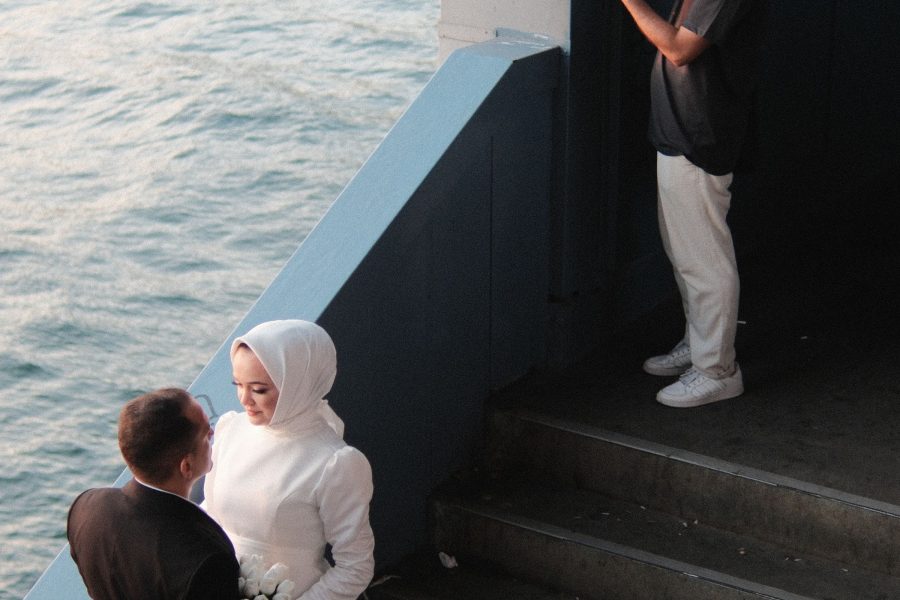
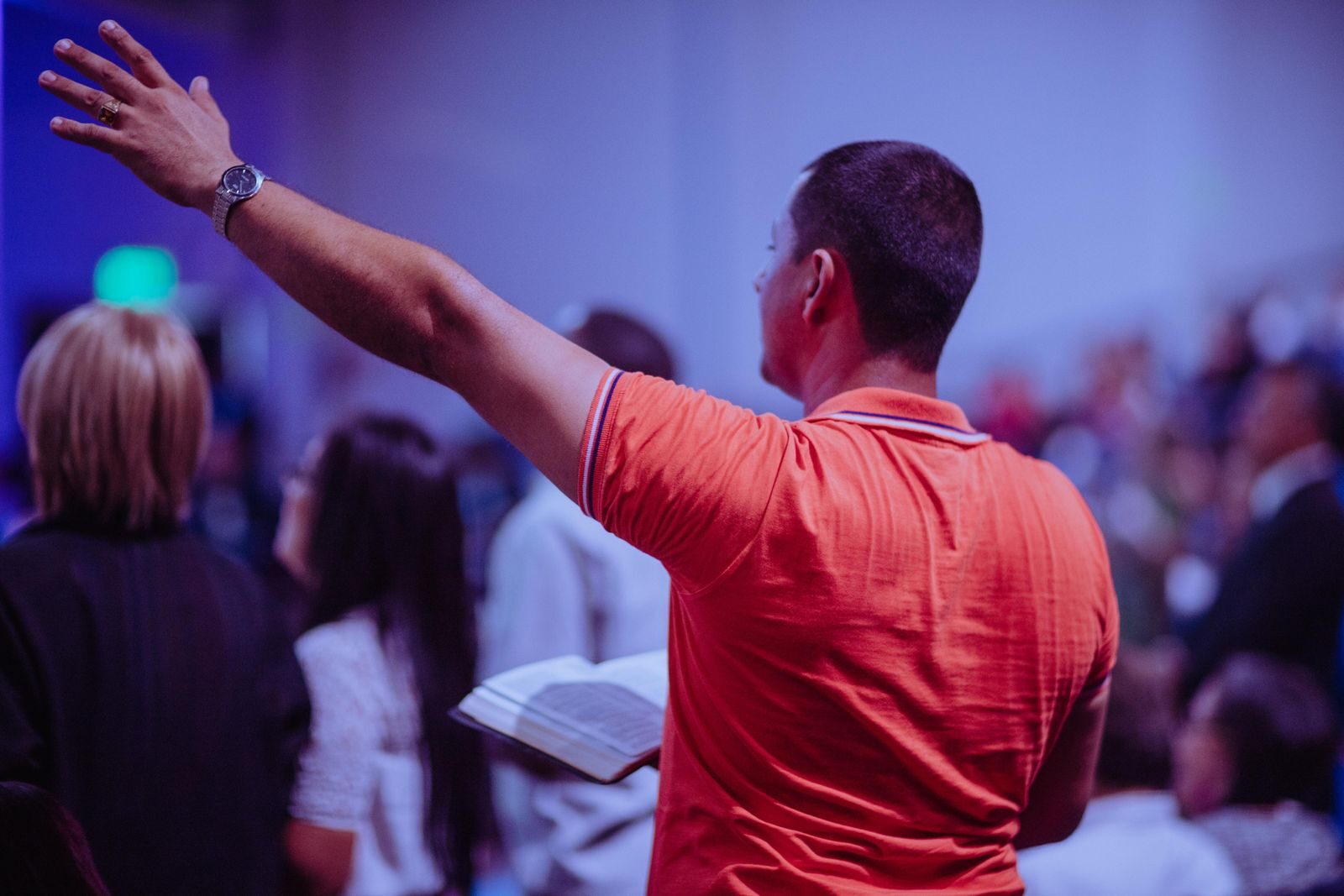
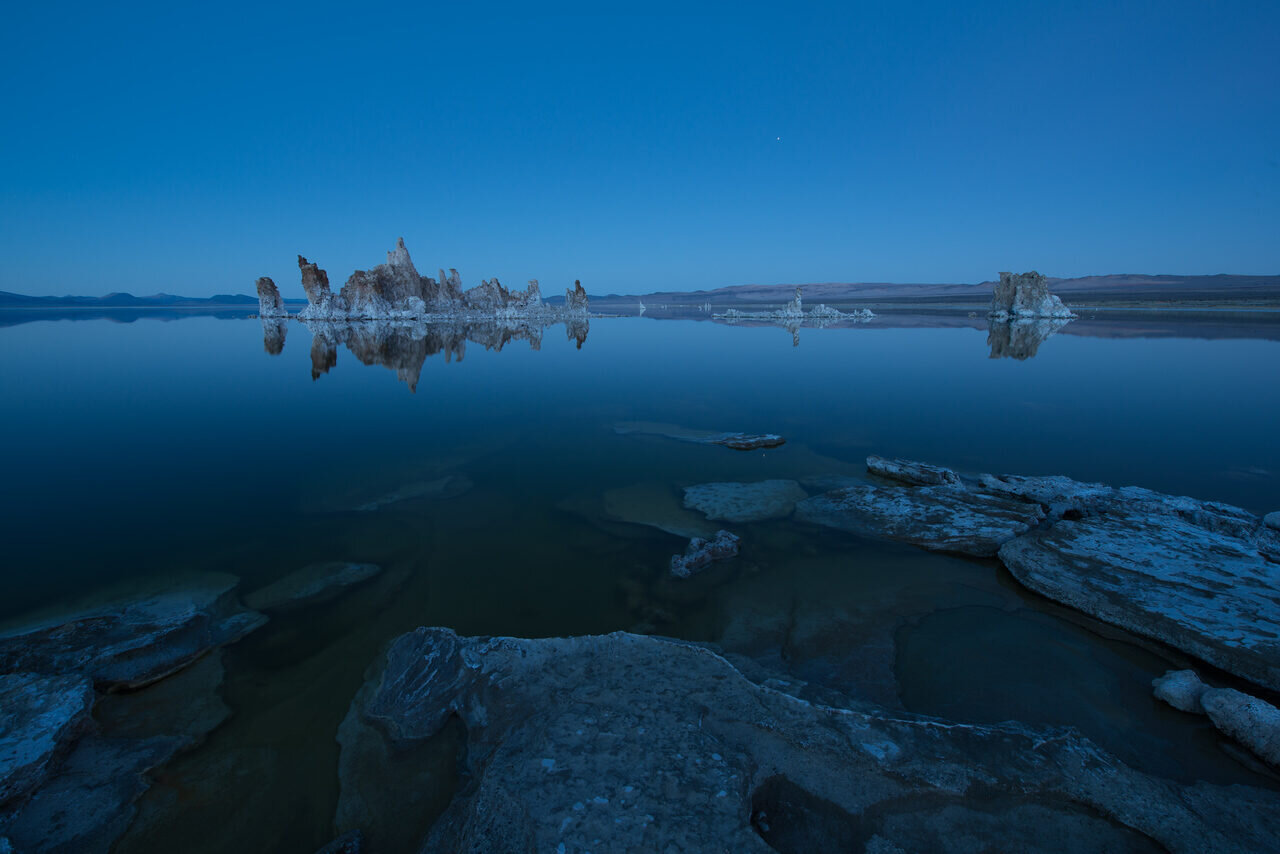
The photographs below illustrate live-event settings. They do not show a specific SmugMug interface, prove a particular delivery speed or identify an attendee. Platform menus and plan entitlements can change; check the current SmugMug plans and the linked vendor help pages for your actual account.
Agree on the gallery brief before the event
Ask who the gallery is for. A corporate communications team may need a small approved press selection, while attendees may expect a larger candid gallery. A school, medical conference or private fundraiser may have tighter publication restrictions. Define the intended audience, selection process, delivery windows, expiry expectations, allowed reuse and who can request removal of a frame. Put those terms in the assignment agreement and tell the event organizer how the link will be distributed.
Decide whether the first delivery is an internal preview or a public release. These are different actions. An internal preview can be culled quickly, but it still needs the right access setting and an explicit note that the client should not forward it. A public attendee gallery needs a closer check of faces, badges, screens, minors, sponsor materials and any opt-out instructions. Do not rely on the word “private” in a filename or email subject when the actual gallery setting controls access.
The organizer also needs to choose whether attendees may download high-resolution files, save web previews, buy prints, or only view the work. Licensing and consent are not solved by a platform switch. A client may have permission to use selected images in company communications without granting every attendee the right to redistribute them commercially. State the distinction in plain language before you upload.
Build a shallow gallery structure
SmugMug’s organization documentation describes folders and galleries. Use a parent event folder and a small number of galleries that match how a visitor remembers the day: opening keynote, workshops, reception, awards. A deep folder hierarchy can be technically possible yet hard to browse on a phone. Start with fewer choices and add a sub-gallery only if the size or audience justifies it.
Name galleries for the visitor, not the file system. “Saturday keynote” is clearer than “Camera 2 / 2026-09-29 / Selects.” If the event repeats annually, include the event year so an old gallery is not mistaken for a current one. Use a cover photograph that shows the session or space without exposing a person who should not be featured. Add a short description that explains where to look and who to contact about access.
SmugMug’s gallery creation guide documents the settings workflow, but a vendor help page is not a substitute for testing your own account. Create a sample gallery before the assignment. Open it as a guest on a phone and a desktop browser, then confirm that the title, first image and navigation answer a visitor’s immediate question: “Where are my photos?”
Set visibility, access and downloads separately
SmugMug distinguishes gallery visibility and access choices in its privacy help. Choose settings based on the approved audience. A link that is not in site navigation may still be forwardable; a password may be shared; a public gallery may be discoverable. None of these is a legal consent tool. For sensitive work, ask whether a person-specific or client-controlled delivery route is needed rather than assuming one generic event link is sufficient.
Downloads are a separate decision. The vendor’s download help explains how visitor downloads can be enabled. Decide whether to provide original files, edited web-size files, or neither. Check how the download button behaves from a signed-out device. If the client expects a ZIP of approved full-resolution files, confirm that workflow before the deadline instead of promising it from memory.
Watermarks and maximum display sizes can discourage casual misuse but cannot guarantee that a screen image will not be copied. A visible watermark might also make a press image unusable. Match the protection setting to the delivery: an attendee-preview gallery and a client-approved media folder may need different exports. Keep unwatermarked masters in your own backed-up archive.
If a gallery is meant to expire, put a real date in the agreement and check what your platform can enforce. Do not promise that a link will automatically disappear until you have tested the relevant access control on the account. Keep the client’s archival requirements separate from a public gallery’s lifespan.
Do not promise automatic attendee-name search
A common event request is “Let everyone search for their name.” SmugMug’s site-search documentation describes keyword indexing conditions. It says gallery keywords need a description and a public, non-password-protected gallery to be indexed under its stated conditions. That does not support a blanket promise that a private gallery can search the identity of every attendee, or that the service recognizes faces automatically.
If identification is a contractual deliverable, define how names will be collected and verified, how tags will be attached, and what consent and retention rules apply. Hand-tagging thousands of frames can become a large separate job. For most events, session names, speaker captions approved by the organizer and a small set of navigable galleries are a safer starting point than an untested face-search claim.
Test search with a throwaway gallery before selling it as a feature. Check how long an update takes to appear and whether your access settings change what can be found. If it cannot meet the client’s privacy and discovery requirements together, say so before the event and propose a different delivery route.
Edit and release in agreed stages
A fast preview only helps if the pictures are usable and safe to share. For an event with a same-day press need, agree on a first selection and time window in advance. After capture, make redundant copies of the cards, cull obvious misfires, correct exposure and white balance, check captions and permissions, then deliver the small approved set. The larger gallery can follow after a second pass. “Four hours” is not a universal standard, and this platform does not guarantee it.
Keep a record of which selection the client approved. If the organizer requests a removal, locate the image in every public gallery and derivative export. A correction to the source file alone may not remove a downloaded copy. Tell the client what control you actually have and what you cannot recall after a public share.
For repeat work, create an export and naming checklist: event code, date, session, camera time sync, caption fields, web size and client archive. Use a shared time reference across cameras where possible. After the event, confirm that the public set contains no duplicate near-identical bursts and that high-priority speakers are easy to find. These habits are not platform-specific, which makes them useful if the client changes gallery providers later.
Choose the plan for the actual business model
SmugMug’s Events and Favorites documentation says the event tool is available on the Pro plan. Its digital-download sales guidance describes Portfolio and Pro account requirements for priced downloads. Do not assume that every feature is available on a basic account or that a free trial includes the same selling controls as a paid plan.
If attendees will buy photographs, test the entire storefront path. Set a limited example pricelist, open it as a guest, check exactly what file or print is offered, review the shipping and tax presentation, and make sure the client has agreed to public sales. The price a buyer sees and the photographer’s profit are different quantities. Lab cost, platform terms, refunds and support time must be considered before quoting a margin. This page does not assert current plan fees or guaranteed income.
If the event client paid for usage, selling the same pictures to attendees may conflict with the contract. Decide ownership, licensing and exclusivity first. If the work is private or sensitive, the right business choice may be to disable sales entirely and deliver through a controlled client channel.
Review SmugMug’s current plans if the documented gallery model fits the job. Confirm features, price and terms with SmugMug before subscribing.
Test the attendee experience from outside your account
A signed-in photographer sees options guests do not. Before sharing the final link, open it in a private browsing window and on a phone with no account session. Check whether the gallery is visible, whether a password is requested, how image order and captions appear, whether download and buy buttons match the agreement, and whether an old gallery appears in navigation. Send yourself the exact link the organizer will distribute and test it from that link, not from the admin panel.
Ask one person unfamiliar with the shoot to find a specific session. If they cannot, change the gallery labels. Accessibility matters too: captions should provide useful context without guessing a person’s identity, and alt text should describe the visible scene rather than stuffing search phrases. A clear title and honest description are better SEO than unsupported claims about “best” event delivery.
After the client receives the final gallery, record the approval and keep the raw files in a separate backed-up archive. SmugMug can be part of delivery, but a public gallery is not a full disaster-recovery plan. Periodically revisit access if the client’s confidentiality needs change.
Keep the event workflow portable
A gallery provider should not be the only place where the work is organized. Keep a local or cloud-backed folder tree that mirrors the event’s session names, with a versioned list of which files were approved for publication. If a client asks for a new access policy, you can build a new gallery without reconstructing every caption from memory. Export your metadata in a format that survives a provider change.
Before deleting files from any working drive, verify a second copy and a restore test. A two-card camera setup helps at capture, but it does not protect against a mistaken deletion after import. Assign responsibility for backup and retention in the client agreement. Be careful with speaker names copied from a program: a program can be outdated, and an image may show someone other than the scheduled speaker. Confirm identities with the organizer before adding searchable captions.
If you later expand from one event to a season of work, review whether the same folder naming and access scheme remains clear. The best system is one a new assistant can operate from a written checklist, not one that only the photographer remembers.
Want to go further? The ShutYourAperture Academy’s Edit Like You Mean It: The Complete Lightroom Editing Course (10 modules, 42+ lessons) is built to help you learn to edit with a clear workflow, from catalog organization to color.
Questions about SmugMug for event photographers
Can guests search a private event gallery by their names?
Do not promise it without a tested tagging system. SmugMug’s documented site-search indexing has conditions that can conflict with a password-protected gallery, and the platform help does not establish automatic person identification. Session-based navigation is a safer default.
Does an event gallery need the Pro plan?
SmugMug’s feature called Events and Favorites is documented as Pro-only. Ordinary galleries and other controls vary by plan. Check the current comparison page for the specific feature, not just the word “event” in a marketing description.
Can attendees download full-resolution photos?
Visitor downloads depend on the gallery’s configured settings and your plan and delivery choices. Test the actual file size from a signed-out browser, and get the client’s approval before allowing broad downloads.
Should a corporate event gallery be public?
Only if the organizer has authorized that audience and the image-use and privacy checks support it. A hidden link or password is not a substitute for a client approval process, especially when identifiable attendees appear.
How fast can an event photographer deliver a gallery?
That depends on the shoot, team, editing and approval scope. Agree on a first selection and a final-gallery deadline in the contract. No gallery platform guarantees a specific turnaround for your editing work.
Can guests purchase digital downloads?
SmugMug documents digital-download sales for Portfolio and Pro accounts using pricelists. Confirm the current plan terms and test a guest checkout before promising paid delivery. The client agreement must permit those sales.
Sources and affiliate disclosure
Platform features and limitations are grounded in SmugMug’s help articles linked throughout, especially its gallery, privacy, search, download, Events and selling pages. Recheck the current plan and account configuration before using this workflow for a client.
SmugMug documentation links remain plain, non-affiliate references. The gear links below are affiliate links.
Gear box: keep a working copy of the event files
A delivered event gallery should not be your only copy of the assignment. A Samsung T7 Shield 1TB portable SSD is one exact model to compare for a working copy. Check capacity, your computer’s ports and the included cable before buying. One portable drive is not a complete backup plan: keep originals and another verified copy separate, and test that the files open. This is a researched option, not a hands-on test or a speed, price or stock promise.
Compare Samsung T7 Shield 1TB listings on Amazon | Check the Samsung T7 Shield 1TB at B&H
Affiliate disclosure: We may earn a commission from qualifying purchases through these gear links at no extra cost to you. As an Amazon Associate, Shut Your Aperture earns from qualifying purchases.