
Featured photograph: Photo by Ahmed via Pexels (source; Pexels license). (Stock photo, illustrative.)
Original date March 23, 2024. Updated November 2026.
Time management for photographers starts before the shutter opens and continues after the gallery leaves your desk. A booking occupies more than its shooting window: preparation, travel, file handling, selection, editing, communication and delivery all need space. If the calendar shows only the session, it hides much of the job. The aim is not to fill every hour. It is to make the work visible enough that you can promise a realistic delivery date and still leave room for the next assignment.
Start with one repeatable system: record where the time goes, assign a next action to each active job, reserve blocks for that work, and check progress before the week ends. You can do this with a notebook and a calendar. New software is optional. The examples below are planning exercises, not measured promises about how much faster every photographer will work.
Track a real job from inquiry to delivery
Choose a recent job that resembles the work you want to book. List the steps from the first useful inquiry through the final handoff. Include the work that tends to vanish from memory: researching the location, confirming access, charging batteries, travelling, waiting, importing, checking copies, answering revisions and preparing the invoice. Do not record only the attractive parts of the job. A session that photographs beautifully can still have an expensive delivery process.
For the next working week, note the start and end of each work period and give it a plain label. A rough log completed honestly is more useful than a detailed tracking app you stop using. Separate active attention from unattended computer time. An export that runs while you prepare another task is not necessarily an hour of editing labor, but it can still delay delivery or occupy equipment you need elsewhere.
At the end of the week, compare your estimates with what happened. Look for one recurring mismatch rather than diagnosing your whole business at once. Perhaps selection takes longer than expected, or client feedback arrives after you have already reserved the final export block. Change the estimate or the sequence for the next comparable job. Do not turn one unusual assignment into a permanent rule.
Turn a booking into a chain of next actions
A task called "finish wedding" is too large to place confidently on a calendar. Replace it with a current stage and a concrete next action: confirm the brief, check the file copies, select the first pass, edit a consistent lighting group, review the export, or send the completed delivery. The stage explains where the job stands. The next action tells you what to do when the work block begins.
Keep a short job record with the agreed deliverables, deadline, contact, current stage and any input you are waiting for. If approval is needed before retouching, record that dependency. A calendar block cannot make missing feedback appear. Mark blocked work clearly and schedule a check on the dependency instead of repeatedly opening a job you cannot advance.
Define what "done" means for each stage. Selection might mean that obvious rejects are separated and the promised range of coverage has been checked. Delivery might mean that the final files were reviewed, uploaded, accessed through the client route and sent with the agreed information. These definitions reduce the temptation to move a job forward because it feels nearly finished.
 Save
Put delivery work on the calendar before accepting more
Use shoots, client appointments and agreed deadlines as fixed points. Add preparation and travel where they actually belong. Then work backward from delivery to reserve selection, editing, review and export time. Keep the distinction between a deadline and a work appointment: the deadline is when another person expects the result; the appointments are when you intend to produce it.
Leave unassigned space for overruns and changes. There is no universal percentage that fits every photography business. Start with the uncertainty in your own jobs: weather-dependent work, substantial retouching, multiple decision-makers or travel may need more slack than a familiar studio session. A calendar with no spare room cannot absorb a delay without displacing another promise.
Before agreeing to another booking, check the delivery queue as well as the shooting date. Being free on Saturday does not mean the following editing week is free. If the new job fits only by borrowing time already promised elsewhere, change the scope, propose another date or decline. Do not present an optimistic internal estimate as a guaranteed client turnaround.
Batch related work without ignoring urgent needs
Task switching has a cost. The American Psychological Association's summary of task-switching research describes slower performance when people move between tasks, especially more complex or unfamiliar ones. That supports trying fewer unnecessary switches. It does not prove that a particular email schedule will save every photographer a fixed number of hours.
Try grouping routine email, invoice work or similar editing tasks into planned windows. During a selection block, keep a place to note unrelated requests instead of acting on each one immediately. At the end of the block, process those notes and decide what needs attention next. If a task must interrupt the session, leave a short restart note so you know which image group, export or decision was next.
Batching still needs a client-service exception. A message about today's venue change is different from a routine inquiry for next month. Set expectations about ordinary response times, and keep a route for genuinely time-sensitive changes on active assignments. Avoid a rule that protects your concentration by making you unreachable when the job requires you.
 Save
Separate selection, editing and final review
Give the image work distinct passes. In a first selection pass, concentrate on coverage and obvious technical failures. In a later pass, compare similar frames and build the intended sequence. During editing, work through groups with similar light and treatment. At review, step back from individual adjustments and check whether the gallery is coherent and complete.
These passes are a suggested starting point, not an instruction to keep every photograph or reject anything at a fixed speed. A commercial brief, an event sequence and a personal project can require different selection methods. Write down the actual acceptance criteria for the assignment. If the brief asks for particular people, views or products, checking that coverage is part of selection, not an optional delivery chore.
In Lightroom Classic, Adobe documents copying selected settings from an edited photograph to other selected photographs through Synchronize Settings. Use that selectively. A shared white balance or tonal starting point can suit a consistent group, while a crop or local adjustment may not. Inspect the affected images after applying settings. Batch work moves repeated controls; it does not replace judgment about each frame.
Save export recipes, then inspect the files
Adobe documents saving export settings as presets in Lightroom Classic. Name a preset for the actual deliverable so that you can distinguish a client web gallery from a print-lab handoff or a review copy. Check destination, naming, format, color space, pixel dimensions, sharpening and metadata against the job's requirements. Do not assume that the last export's settings belong to the next client.
Before a large export, test a representative image and inspect the resulting file outside the editing view. Then check the completed batch for the expected count, names and destination. Open files from different parts of the set, including images with unusual crops or difficult tones. A successful export progress bar does not establish that the right photographs went to the right folder.
Prepare a delivery checklist that includes the recipient, gallery access, download options and any expiry or usage information you agreed to provide. Test the intended client route, not only the owner view inside the gallery service. A private project should not become public because a convenient link was easier to send. Use the access terms agreed for that assignment.
 Save
Treat backup as a work stage, not a vague intention
Allow time for file handling while planning the job. Lightroom Classic catalog backups and photograph backups are different things. Adobe says its catalog backup includes the catalog file; photographs and exported files need their own backups. A healthy catalog does not help if the original image files it refers to are gone.
Use a documented copy process with a check that the expected files are present and readable. Keep independent copies appropriate to the job and test recovery rather than relying on the appearance of a folder. Adobe recommends separate storage for backups and considering an additional location. The exact arrangement depends on your equipment and risk, but a second folder on the same working drive is not independent protection against that drive failing.
Keep cards that still contain the only trusted copy separate from cards ready for reuse. Do not format a card simply because an import has finished or because you need space for another booking. Advance it to your reusable state only after your verification and backup procedure is complete. Labels and a consistent physical location can make that state visible without depending on memory.
Use templates for structure, not unchecked promises
Create starting points for repeated communication: inquiry questions, preparation notes, delivery instructions and a request for missing feedback. Keep variable fields easy to spot. Before sending, check the name, date, location, scope, price if included, attachments and next step. A fast template that carries another client's information is a service failure, not a productivity gain.
The same rule applies to task templates. A portrait checklist can start a job, but it should not silently add deliverables or deadlines that were never agreed. Remove irrelevant steps and add the unusual requirements early. Keep one current version of a template so you do not repeatedly copy an outdated instruction from an old email.
Only automate a step after you understand when it should run and when it should stop. A reminder should not chase someone who has already replied, and a delivery message should not fire before review is complete. Start with a small workflow you can inspect. Keep approval, privacy-sensitive decisions and changes to the agreed scope visible to the person responsible for the job.
 Save
Build a weekly plan you can revise
A useful weekly review has a short output: the next deadlines, the jobs at risk, the work blocks reserved and the decisions waiting on someone else. Start with commitments already made. Then place the work that makes those commitments possible. Add business development or practice time deliberately rather than hoping it survives after every urgent request.
For example, a photographer with a Saturday event might reserve preparation before it, a verified import and copy stage after it, a later selection block, separate editing sessions and a review appointment before delivery. This is an illustrative sequence, not a standard turnaround. If travel or fatigue makes immediate editing unrealistic, do not hide that constraint by naming the block "catch up."
When the week changes, move the work openly. Recheck the promised deadline and tell the client early if an agreed delivery is at risk. Do not keep the old date visible while privately planning around a new one. A recovery plan should say what remains, what is blocked and which next action will reduce the uncertainty.
Decide whether the bottleneck needs a different process
If the same stage keeps delaying jobs, compare options against that stage. Training may help an unfamiliar tool. A simpler deliverable may reduce avoidable rework. A clearer brief may prevent late changes. Outsourcing may help if another person can take a defined part of the workload and you have time to brief, transfer and review it. None of these is automatically the cheapest or fastest answer.
Before outsourcing, define the expected result, permitted file access, confidentiality requirements, cost and review standard. Include your own briefing and quality-control time in the comparison. Do not assume that an hour handed off becomes an hour available for another paid booking. The work only creates capacity if the whole process actually releases time you can use.
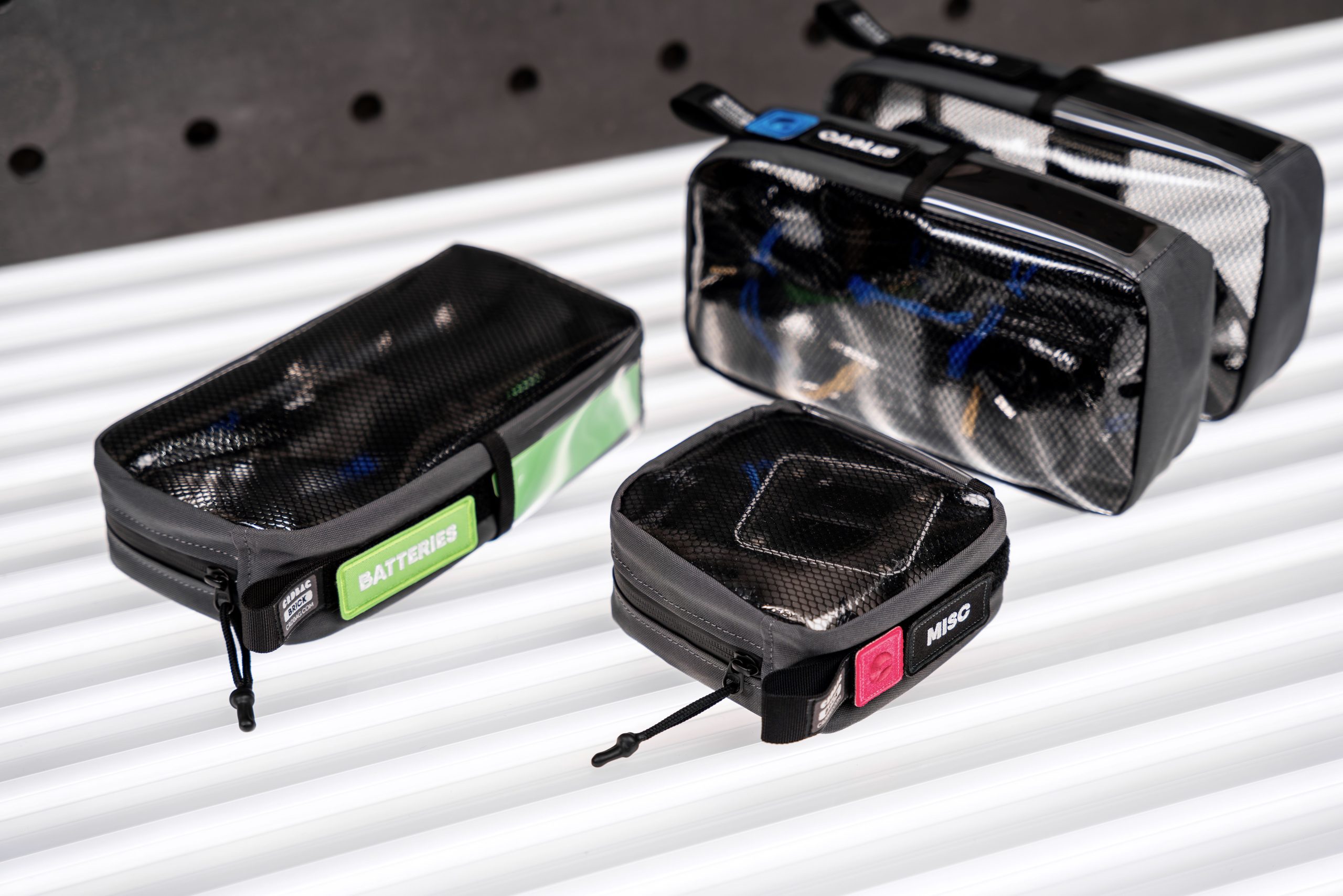
Before buying another tool, ask which recurring action it replaces and how you will tell whether it helped. A calendar you already use may be enough for planning. A card wallet can show card status, and an independent drive can support a copy process, but neither creates that process for you. Change one weak point, measure the next comparable jobs and keep the parts that improve delivery without compromising the photographs.
 Save
Finish with a short shutdown check
At the end of a work period, record where each active job stands and the first action for the next session. Check that files are in the intended place, ongoing transfers have an owner and tomorrow's appointments have preparation time. Put unfinished work into a visible list rather than leaving it as an open window you hope to remember.
The practical lesson is simple: manage the whole assignment, not only the shoot. A visible queue, realistic blocks, checked file handling and a final review make the calendar more honest. Start with the next job, learn its real shape and adjust the system before adding more complexity. Sustainable capacity comes from a workflow you can repeat and revise, not a promise to work later every night.
Sources and further reading
Research context: American Psychological Association on task switching. Software instructions: Adobe on batch editing, export presets, the export workflow and catalog backups. Recovery planning: CISA business backup guidance. The suggested work blocks and review checklists are practical planning examples, not measured performance promises.
Related reading: outdoor camera protection and care and planning a photo studio. Photographs use the Pexels license; individual sources are linked in the captions.
Frequently asked questions
How do I start tracking my photography work time?
Log one normal working week with a plain label and start and end time for each work period. Include preparation, travel, communication, file handling and delivery. Compare estimates with actual work before changing your schedule.
Should photographers batch all client messages?
Group routine messages if it suits your work, but keep a route for time-sensitive changes on active assignments. Tell clients what response time to expect. A venue change today needs a different response from a routine future inquiry.
Can Lightroom Classic settings be applied to several photographs?
Yes. Adobe documents Synchronize Settings for applying selected adjustments from an edited image to other selected images. Choose the settings deliberately and inspect the affected photographs. Different light, crops and local adjustments can need individual treatment.
Does a Lightroom Classic catalog backup include my photographs?
No. Adobe says a catalog backup includes the catalog file. Original photographs and exports need separate backups. Plan independent storage and test recovery rather than assuming a catalog backup protects all image files.
How much spare time should I leave in my photography schedule?
There is no single allowance for every business. Use the uncertainty in your own jobs, including travel, feedback and retouching. Leave room for overruns instead of scheduling every available hour and treating an internal estimate as a delivery guarantee.
When should I consider outsourcing part of my workflow?
Consider it when a defined stage is a recurring bottleneck. Include briefing, transfer, review, cost and confidentiality in the decision. Handing off a task creates useful capacity only if the whole process releases time you can actually use.
How many sessions should a photographer book per week?
Count backward from the editing, not forward from the shooting. Every hour behind the camera creates several hours of culling, editing, delivery and correspondence, so a week of bookings is really a week of desk work with some field work mixed in. Cap the calendar where the total committed hours still fit with margin for the job that runs long. When the calendar stays full at that cap, raise prices before you raise volume.
Optional file-workflow accessories
A notebook and calendar are enough to start planning. These are optional storage and organization references, not time-saving guarantees or the exact equipment identified in the stock photographs. Check your card format, computer connections and storage needs before buying.
- Think Tank Photo SD Pixel Pocket Rocket (Fireside Orange, 740222): A folding memory-card wallet with clear slots. Check your exact card type against the product specification; a wallet is organization, not a backup.
- LaCie 2TB Rugged USB-C External Hard Drive (STFR2000800): A portable hard drive reference for a planned copy workflow. Check the computer, cable and format requirements. One drive does not make a complete backup strategy or guarantee that data can be recovered.
Affiliate disclosure: if you buy through these B&H links, Shut Your Aperture may earn a commission at no extra cost to you.
Shut Your Aperture: www.shutyouraperture.com