Travel Photo Editing
~5 min read
Travel editing is a different problem from studio or event work: the light changes by the hour, you are grading on a laptop in a hotel room, and the card is still filling up every day. This guide is the field workflow – cull nightly, fix the global problems first, spend local-adjustment time only where it pays, and keep two copies of everything before you touch a slider.
 Save
SaveCull on the road, not at home
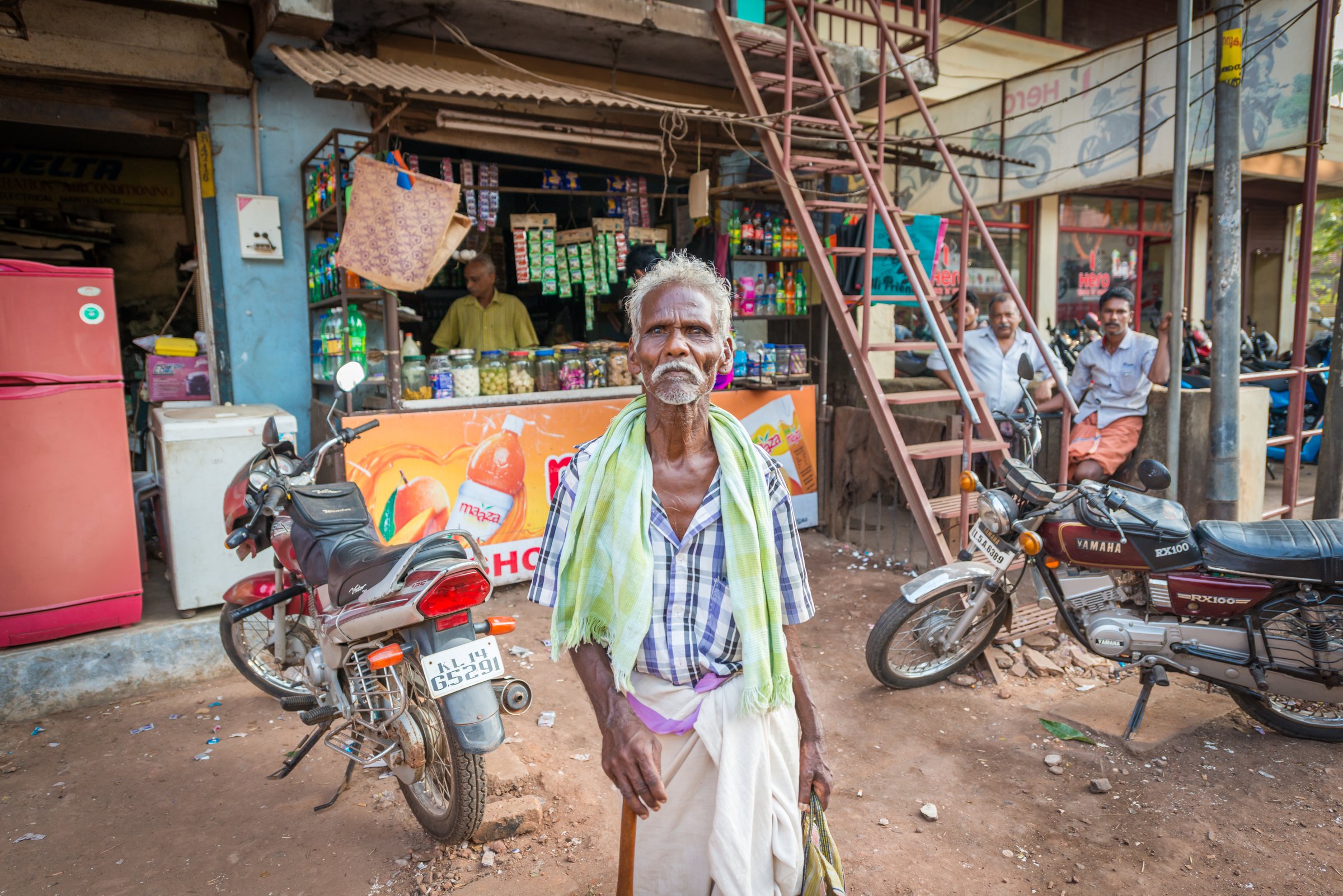
The worst travel-editing decision is bringing 5,000 ungraded frames home. Do a ten-minute rating pass each night: flag the keepers, reject the obvious misses, and compare bursts while the day is still fresh – you remember which frame had the gesture. Deleting comes later, after backup; the nightly pass is about choosing, not destroying.
 Save
SaveGlobal corrections first
Every destination-light problem is a global problem before it is a local one. Work in order: white balance, exposure, contrast, then highlight and white-point recovery. Tropical midday sun wants a cooler, harder grade than the frame suggests; overcast northern light wants warmth added back. If a frame still looks wrong after those four moves, the problem is local – that is when you reach for a mask, not a fifth global slider.
Local adjustments that earn their time
Three local moves pay for themselves on almost every travel set. A graduated filter for the sky – pulled exposure and slight cooling – rescues the classic bright-sky/dark-foreground travel frame. Dehaze, used lightly, cuts through humid haze and coastal fog without the radioactive look it gives at full strength. And a perspective correction on architecture keeps cathedrals and towers from leaning; fix verticals before grading, because a crooked building reads louder than any color choice.
 Save
SaveKeep the place in the color
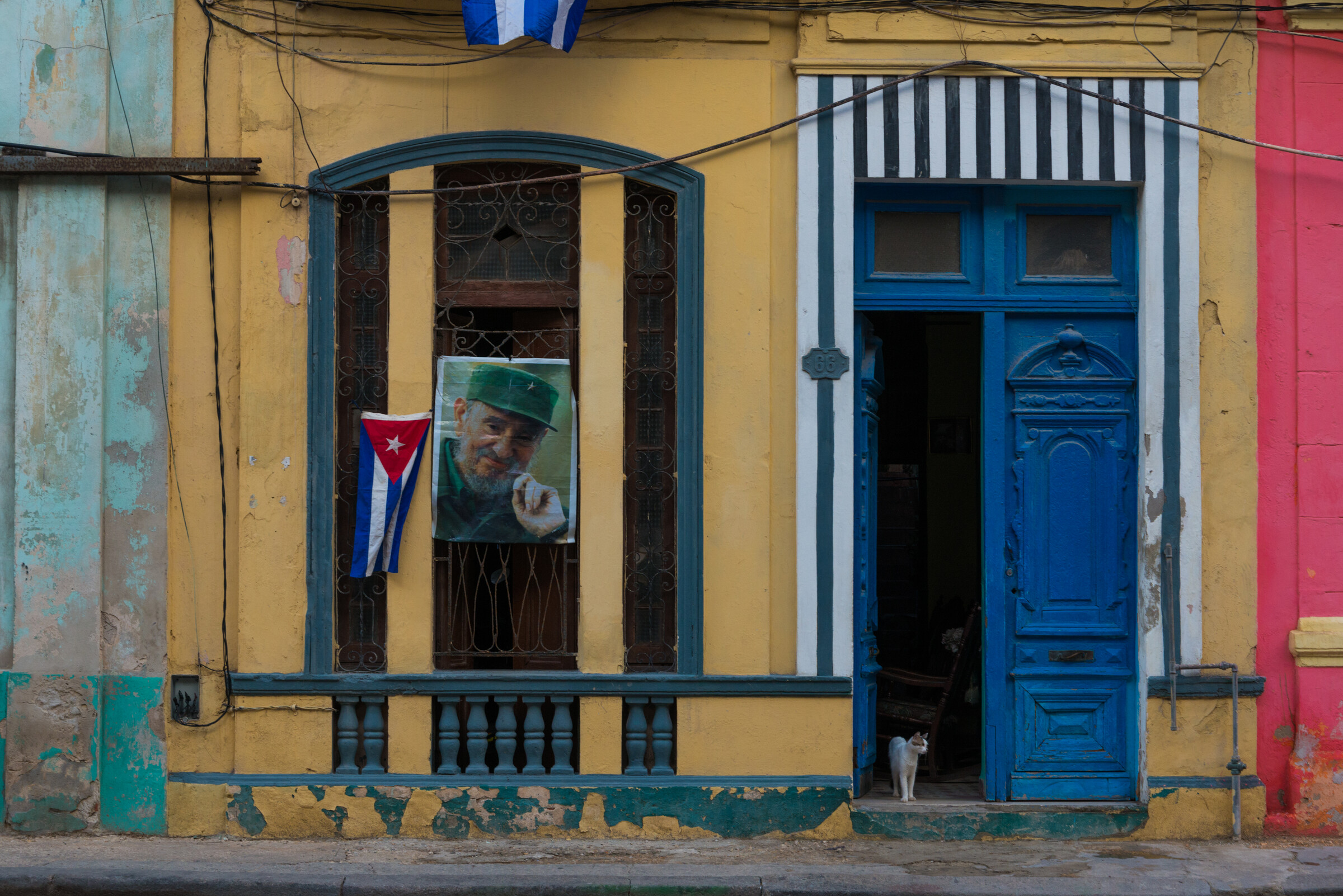
The fastest way to make a trip set look generic is to force one heavy look on every frame. Keep the location’s own palette: the blue-and-white of a Greek island, the warm dust of a desert town, the wet gray-green of a Pacific Northwest street. Aim for consistency across the set – same contrast family, same white-balance logic – not identical color. And leave the blacks alone: crushed shadows destroy the shadow detail that makes night markets and interiors feel real.
Backup before you edit
No edit is worth the only copy of the file. Two copies before any card gets formatted: the laptop plus a second drive or a cloud upload when the connection allows. Cards get reused only after both copies exist. This rule costs one drive and ten minutes a night, and it is the difference between a lost day and a lost trip.
Frequently asked questions
Should I edit travel photos on a laptop or my phone?
A laptop with a calibrated screen is the serious tool – phone screens are small, bright by default, and inconsistent in color, which leads to edits that look wrong everywhere else. For posting on the move, Lightroom Mobile syncs your desktop catalog and applies the same edits non-destructively, so a phone pass for sharing is fine as long as the final grade happens on the laptop. The exception is a tablet with a good display, which splits the difference well.
How many photos should I keep from a trip?
Far fewer than you shot. A realistic target is 3-5% of frames making the final set: a two-week trip with 5,000 frames should end as 150-250 finished photos. Edit in passes – first pass flags obvious keepers and rejects, second pass compares near-duplicates and keeps only the strongest of each burst, third pass grades. A trip story told in 200 strong photos beats the same story in 2,000 mediocre ones.
Do presets work for travel photography?
As a starting point, not a finish. A good preset encodes a look – contrast curve, color treatment – that gets you 70% of the way on a compatible frame. The remaining 30% is per-image: white balance for the actual light, exposure for the actual scene, and local fixes. Apply a preset, then always adjust temperature and exposure before anything else. If a preset fights the light you shot in, it is the wrong preset for that frame, not a bad photo.
Keep Learning, Free
Travel editing, color work, and the full field workflow – the Shut Your Aperture tutorials library covers the full craft, free.
Lightroom Presets
The complete Lightroom presets guide covers the full collection, with a free starter pack to test the workflow.