
Updated October 2026.
A sharp landscape starts before you press the shutter. The tripod has to stay put, the foreground needs a reason to be there, and the sky cannot do all the work. The original Pentax K-1 gives you some interesting tools for that kind of patient photography. Knowing when to leave those tools off matters just as much as knowing where to find them.
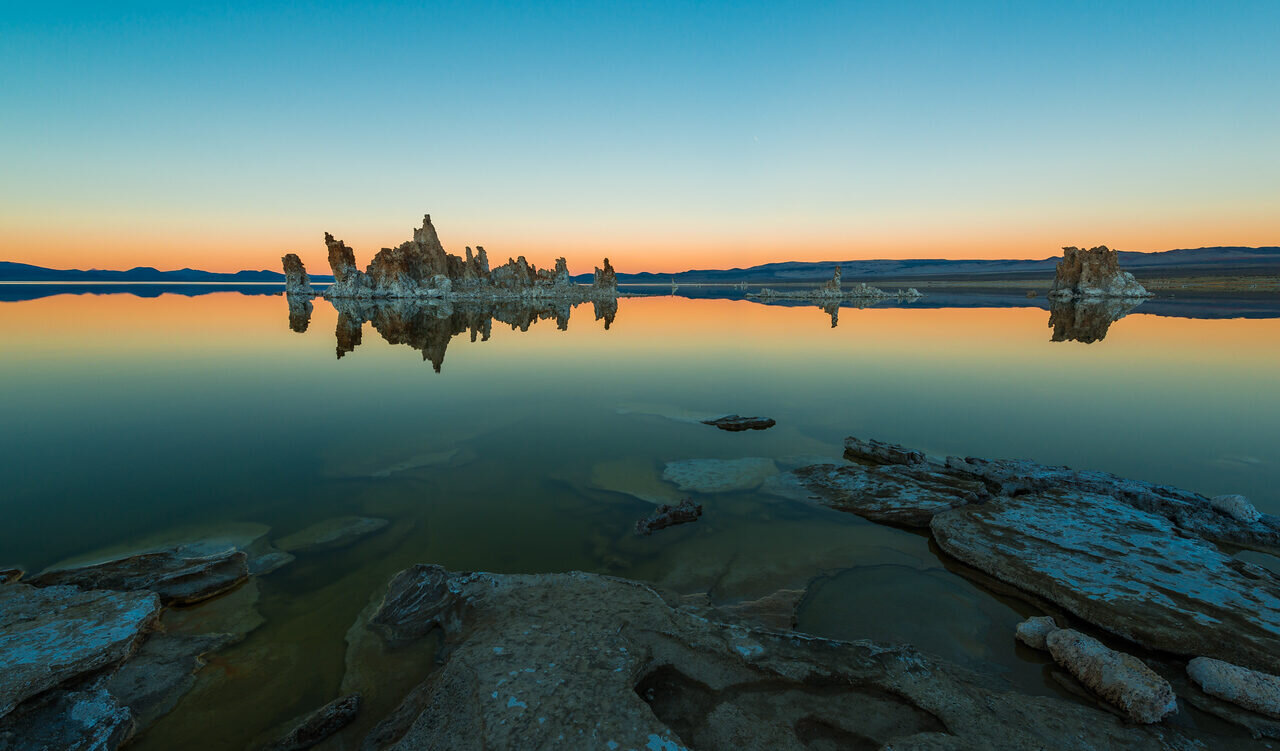
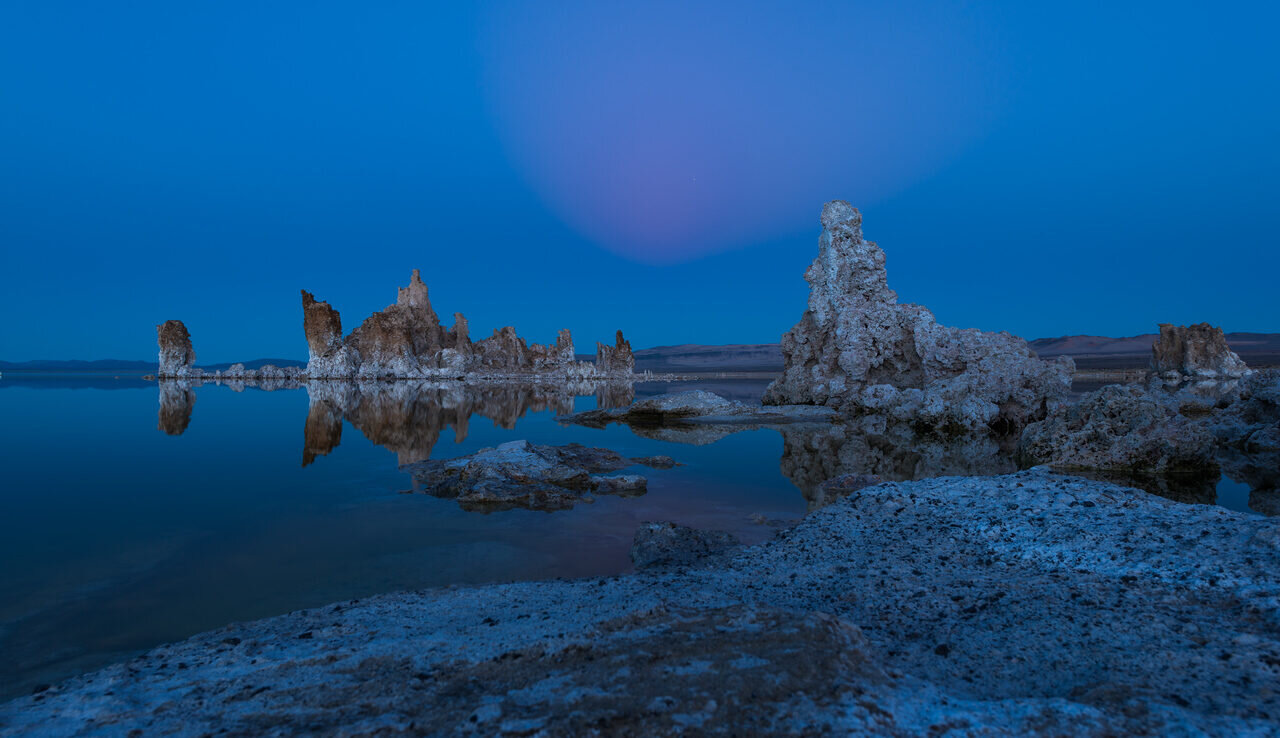
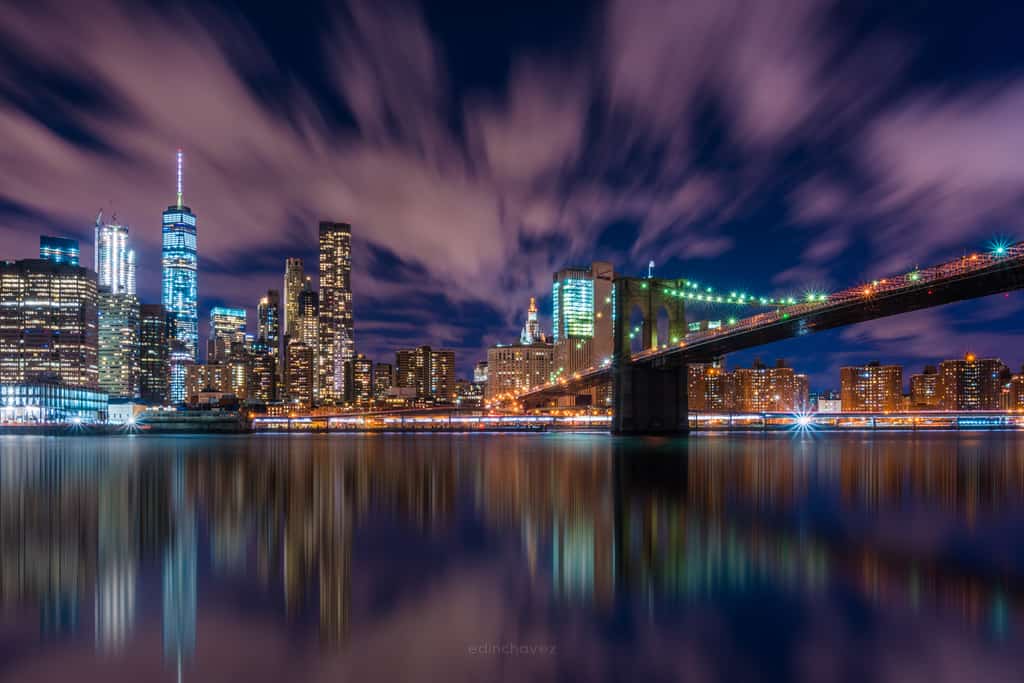
This is a guide to the original 2016 Pentax K-1, not the K-1 Mark II. It covers the full-frame sensor, lens choices, Pixel Shift Resolution, stabilization, Astrotracer and the checks worth making before buying a used body. It is based on Ricoh’s published specifications and operating manual, not a claim of personal testing. The landscape and city photographs below illustrate shooting decisions; they are not K-1 test samples.
What the original Pentax K-1 actually offers
Ricoh lists a 35.9 x 24.0mm sensor with approximately 36.4 effective megapixels. That is full frame, with enough detail to make careful focus and a steady camera worth your attention. The K-1 uses the Pentax K-mount system, an optical viewfinder and in-body sensor-shift stabilization. It is a DSLR, not a mirrorless camera with an electronic viewfinder.
The body weighs approximately 1,010g with its dedicated battery and an SD card, before you add a lens or tripod. Include that weight when planning a long walk. A camera that makes sense at a roadside overlook can feel different after several miles. Carrying less gear often leaves more energy for finding a better frame.
The useful question is not whether 36.4 megapixels sounds impressive. It is whether the camera’s handling and your lens kit fit the photographs you want to make. For deliberate landscapes, architecture and still subjects, examine the focus tools and support options closely. For fast action or video, read the actual limits rather than borrowing specifications from newer cameras.

Full-frame lenses, DA lenses and crop mode
A K-mount label does not settle every compatibility question. Check Ricoh’s supported lens information for the exact lens, including its aperture and focusing controls. A lens that physically attaches may still need a different operating procedure. Older manual lenses deserve a separate test of metering, aperture control and focus before they become part of an important shoot.
Full-frame coverage is another question. Ricoh provides a crop function for DA lenses with smaller image circles. The published full-frame RAW size is 7360 x 4912 pixels; APS-C RAW is 4800 x 3200, listed as 15M. Crop mode changes the recorded area and field of view. It does not physically turn a lens into a longer focal length or retain the full-frame file’s pixel count.
Do not force full-frame capture with a smaller-image-circle lens and assume the corners will behave. Inspect the entire image, not just the center. Dark corners and edge quality can vary with the actual lens and setting. Decide whether you want a full-frame lens kit, a mixed kit or a temporary crop-mode setup before spending money.
Build a clean landscape frame first
Start with the edges. Cut off a distracting branch, straighten the horizon and decide where the eye should land. A wide view is not automatically a strong photograph. Sometimes the best change is moving a few feet, not changing a menu setting. Make one straightforward frame before trying a more complicated capture method.
Set the aperture for the depth you need. Check the closest important detail and the distant subject rather than assuming the smallest aperture always gives the best result. Review a magnified image for missed focus or movement. A beautifully exposed sky does not rescue a foreground that is soft for the wrong reason.
Use the histogram and highlight warning to judge exposure, then decide what matters in the scene. Protecting a bright cloud may leave a dark foreground; that is a shooting decision, not proof the camera has failed. Save a normal RAW file as your starting point. It gives you a clean reference when you later compare brackets or multi-frame captures.
Pixel Shift Resolution: detail without a bigger pixel count
The original K-1’s Pixel Shift Resolution captures four images, shifting the sensor by one pixel between captures, then combines them. Ricoh explains that this gathers RGB color information at each pixel. It is not a mode that turns the camera into a 42-megapixel model, and it is not the same thing as a single exposure with a higher-resolution sensor.
Treat it as a tool for stationary subjects. The operating manual recommends mounting the camera securely on a tripod and using a self-timer, remote control or mirror lock-up. Pick a scene that can stay consistent through the sequence. A building interior or a still arrangement is a different problem from windblown leaves, moving water or people crossing the frame.
The original model includes Motion Correction On and Off settings. That sounds reassuring, but Ricoh explicitly warns that motion may not be corrected sufficiently for every direction or pattern. Motion correction is not permission to ignore movement. Make a conventional exposure too, and compare small details and moving areas before deciding which file to keep.
Do not borrow a handheld Pixel Shift workflow from a K-1 Mark II article. For this original camera, follow its own manual and firmware documentation. Check your RAW software’s support for the actual multi-frame file. Test the complete capture-to-export path at home so your first attempt is not a once-only sunrise with no usable fallback.
Shake Reduction is not a replacement for shutter speed
Ricoh describes the K-1’s SR II system as five-axis sensor-shift stabilization. Its five-stop rating comes from stated CIPA test conditions using a particular lens and focal length. That is a test result, not a promise that every photographer can handhold every lens at the same shutter speed.
Stabilization helps with camera movement. It does not stop a person walking, a bird moving or branches blowing in the wind. If the subject moves, choose a shutter speed for the subject first. Raise ISO when needed rather than accepting motion blur simply because the body has stabilization.
For a supported tripod setup, follow Ricoh’s guidance to turn ordinary Shake Reduction off. Some drive modes switch it off automatically, and special sensor-shift features have their own rules. Do not assume that turning every sensor-based feature on will improve a photograph. Set up one job at a time and check the result.
Astrotracer needs calibration and a test exposure
The K-1 has built-in GPS and an electronic compass, and its Astrotracer function uses sensor movement to help track celestial bodies. It is a useful capability to investigate for night-sky photography, but it does not remove the need for accurate setup, focus and exposure decisions.
The manual’s workflow includes GPS reception and precise calibration before enabling Astrotracer. Ricoh warns about metal objects and magnetic fields affecting calibration. Set up in a suitable place and follow the displayed instructions. Recheck the procedure when the location or setup changes rather than trusting a calibration from another outing.
Make a short test, magnify the stars and look for trailing before committing to a longer sequence. A tracked sky and a fixed foreground do not move the same way during an exposure. Check both. If you later blend separate sky and foreground frames, keep the process honest and do not describe that composite as a single untouched exposure.
Practice manual focus before darkness makes the controls harder to see. Bring a stable support and a charged compatible battery. Check whether GPS information is embedded in the files before publishing photographs from a location you want to keep private. A helpful location record is not always information you want to share.
Autofocus, bursts and realistic expectations
Ricoh lists SAFOX 12 autofocus with 33 points, including 25 cross-type points in the center. That describes the system, not a guarantee that the camera will identify and follow every subject anywhere in the frame. Choose a point or area deliberately and test continuous autofocus with the lens you intend to use.
The current original-model specification page lists approximately 4.4 frames per second in full-frame continuous high mode and approximately 6.5 in APS-C crop mode. The higher number comes with the smaller recorded area. Do not present 6.5 fps as full-frame performance, or confuse burst speed with unlimited sustained recording.
Buffer capacity, file settings and card writing affect how a burst behaves. Before a shoot, make a short sequence with your own cards and review focus across the sequence. For a landscape on a tripod, single autofocus followed by a careful magnified check may be more useful than chasing the largest burst number.
Cards, files and backup are separate choices
The K-1 has two SD card slots. The manual lists Sequential Use, Save to Both and Separate RAW/JPEG as different recording choices. If you want duplicate still files, select Save to Both and verify that both cards contain the expected files. Inserting two cards alone is not a backup plan.
Separate RAW/JPEG puts different file types on different cards. Sequential Use helps continue recording as capacity is used. Neither means you automatically have two copies of the same RAW file. Movies also have a card destination setting, so check that separately rather than carrying a still-photo assumption into video.
Format cards in the camera after copying and verifying anything you need. Test both slots on a used body and inspect the files on a computer. After the shoot, make another independent copy before clearing either card. Two cards traveling together in one camera cannot protect you from losing the entire bag.
Video, weather and firmware: avoid borrowed claims
The original K-1 records Full HD with listed options including 30p, 25p and 24p, plus 60i and 50i. Interlaced 60i is not progressive 60p. Ricoh lists 60p and 50p at the smaller HD size. Do not advertise this body as a conventional 4K video camera because it has a separate interval-movie function.
The published clip limit is up to 25 minutes or 4GB, with recording stopping if internal temperature becomes too high. Test audio, card speed and your intended recording mode before relying on it. A specification table cannot tell you whether the exact used body will run through your planned take without a problem.
Weather resistance is not waterproofing. Ricoh recommends a rain cover for extended rain use even with an appropriate AW or WR lens. Dry the equipment promptly and avoid exposing open doors or ports to water. On a used body, worn seals and earlier water damage deserve attention regardless of the original marketing language.
Read the original K-1 firmware page for current instructions and lens-related changes. Match the file to the exact model, use the stated power precautions and do not interrupt an update. A firmware update does not turn an original K-1 into a K-1 Mark II.
What to test before buying a used K-1
Ask for the exact model, condition and return terms in writing. Check the mount, viewfinder, tilting screen, buttons, dials, card doors and ports. Look for corrosion, bent contacts or signs of rough handling. A clean exterior is useful, but it is not evidence that every feature works.
Use a compatible lens and test autofocus, manual focus, aperture control and exposure. Make ordinary RAW and JPEG files, try both card slots and inspect the images at full size. Test stabilization, Pixel Shift and GPS-related functions separately where possible. Do not let a long feature list replace those basic checks.
Confirm the correct D-LI90-family battery and compatible charger, plus any accessories you actually need. Include lens coverage, support and replacement accessories in the budget. This guide makes no current stock or price claim. A used camera is only a sensible buy when its condition, kit and return window fit your needs.
Keep the camera working for the photograph
Choose the original K-1 for the work you can make with it, not for a feature you will never use. A stable frame, good light and accurate focus still come first. Learn the normal shooting workflow, then add Pixel Shift or Astrotracer when the subject gives you a reason. The best setting is the one that solves the problem in front of you.
For exact controls and restrictions, keep the K-1 operating manual, Ricoh specification page and official FAQ nearby. Those original-model documents are a better starting point than a listing that combines several generations.
Frequently asked questions
Is this the original Pentax K-1 or the K-1 Mark II?
This guide covers the original 2016 K-1. Check the exact model before applying firmware, buying accessories or following a multi-frame capture workflow.
Does Pixel Shift Resolution increase the camera to 42 megapixels?
No. Ricoh describes a four-frame sensor-shift process that gathers RGB information at each pixel. The original camera has approximately 36.4 effective megapixels.
Can I rely on handheld Pixel Shift with the original K-1?
Follow the original manual, which recommends a secure tripod and a self-timer, remote control or mirror lock-up. Motion correction does not guarantee that every moving subject will be corrected.
Do two SD cards automatically give me backup RAW files?
No. Select Save to Both and verify the files. Sequential Use and Separate RAW/JPEG do different jobs, and movie storage has a separate setting.
Is the 6.5 fps burst full frame?
No. Ricoh lists approximately 6.5 fps in APS-C crop mode and approximately 4.4 fps in full-frame continuous high mode on its original-model specification page.
Is the K-1 waterproof?
No. Do not treat weather resistance as waterproofing. Ricoh recommends protection for extended rain use even with an appropriate AW or WR lens.
Gear to check for an original K-1 kit
Verify the exact model, condition and compatibility before buying. These are shopping starting points, not promises of stock or price.
Original K-1 body: Browse Amazon or B&H. Check the actual item against your setup.
Full-frame K-mount lens: Browse Amazon or B&H. Check the actual item against your setup.
Compatible battery: Browse Amazon or B&H. Check the actual item against your setup.
Stable camera support: Browse Amazon or B&H. Check the actual item against your setup.
Affiliate disclosure: This article contains affiliate links. If you buy through them, we may earn a commission at no extra cost to you. As an Amazon Associate, we earn from qualifying purchases.
For practical photography tips, visit the Shut Your Aperture Academy. Build your understanding of light and composition alongside your camera setup.


