By Edin Chavez | Updated October 2026
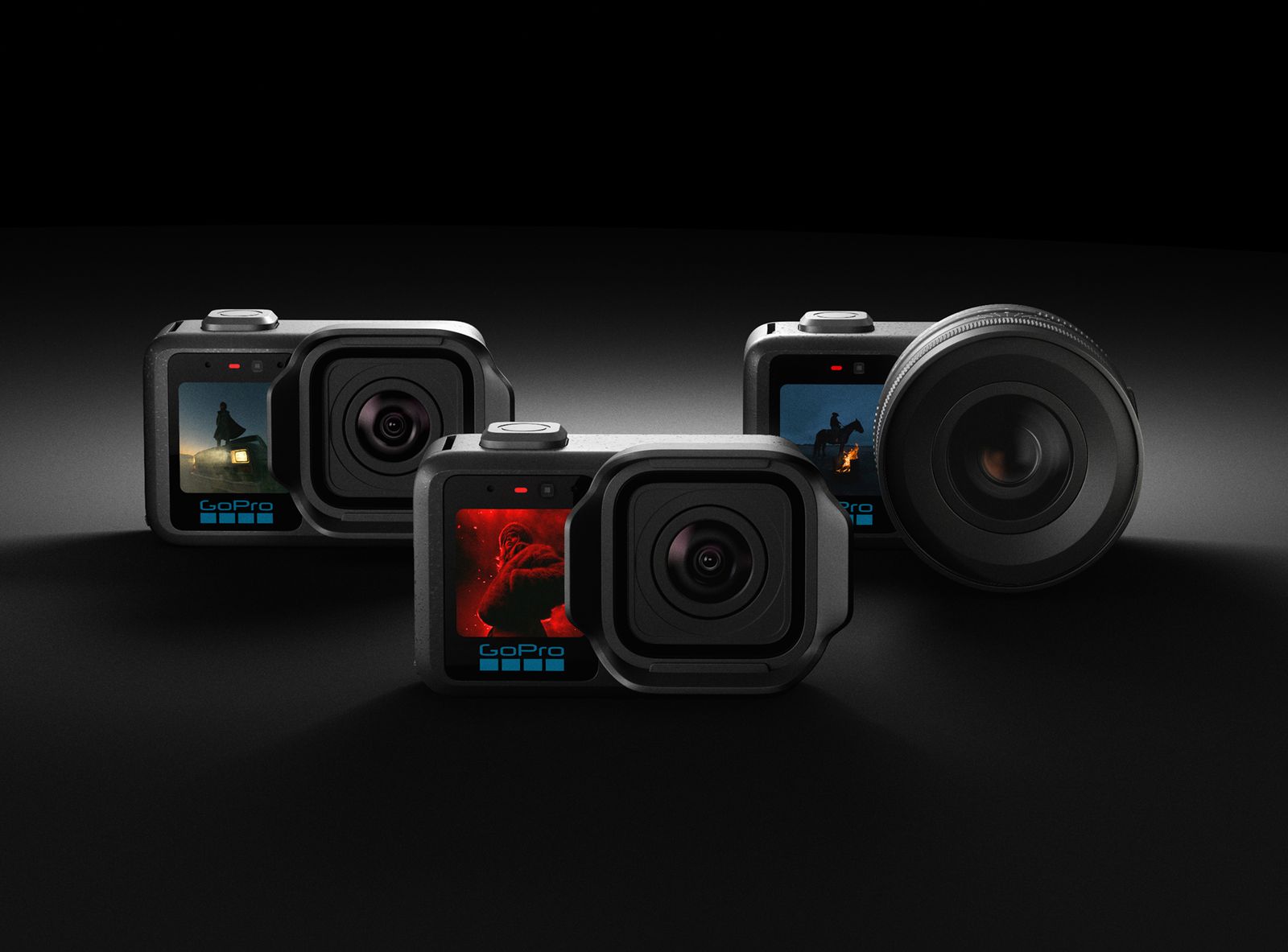
GoPro MISSION 1 is a real three-model camera series, but its name should not be treated as one interchangeable specification sheet. MISSION 1, MISSION 1 PRO and MISSION 1 PRO ILS share a compact-camera direction while differing in recording modes and lens design. The useful question is which model fits your production, not whether the word “cinema” makes it a replacement for every other camera.
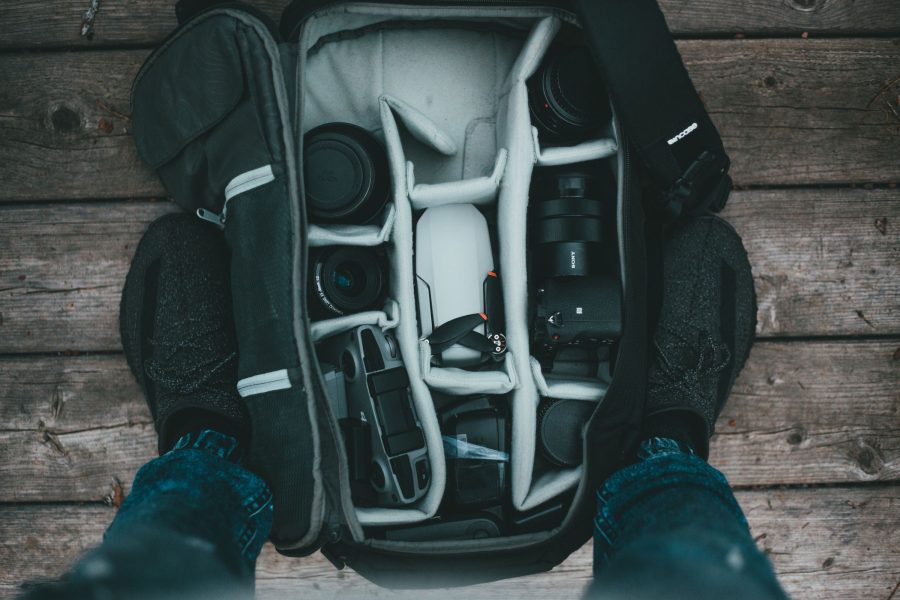
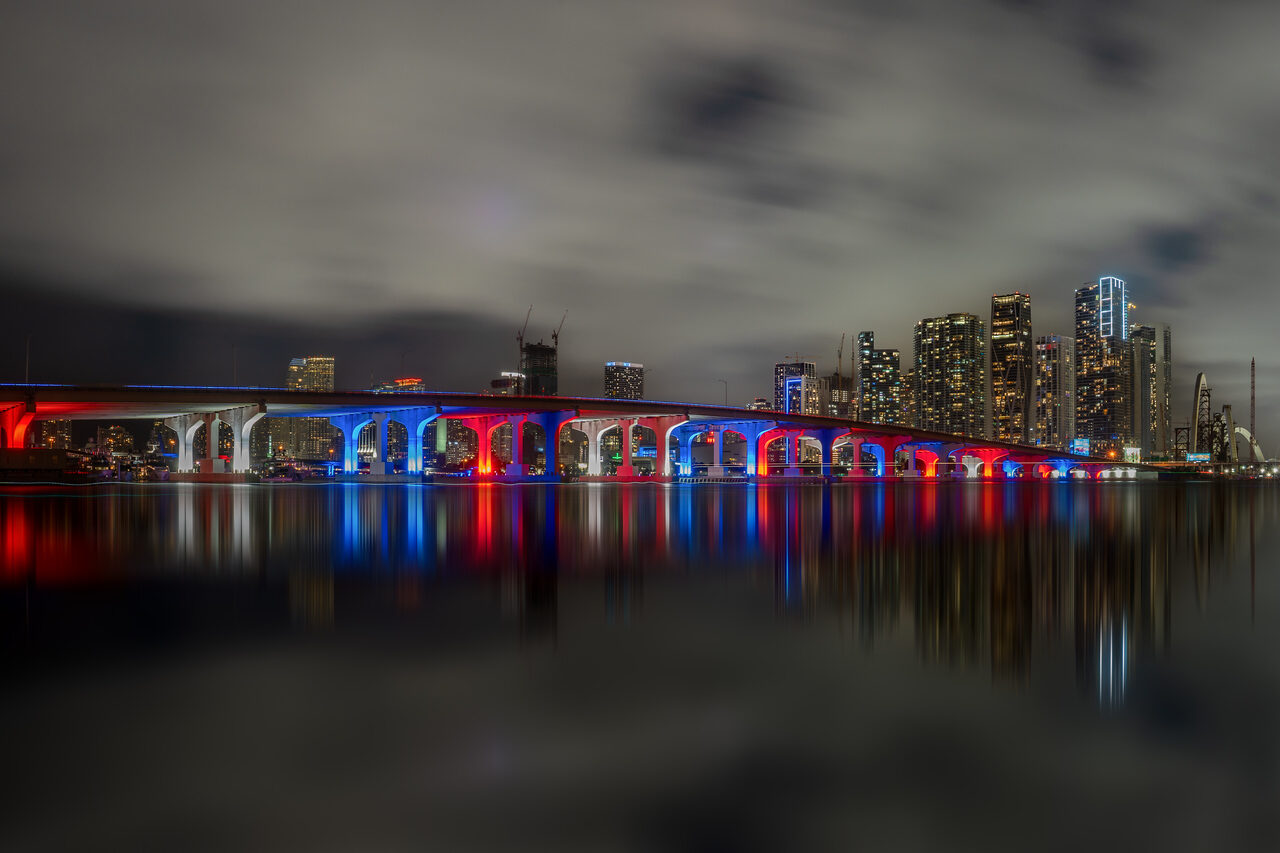
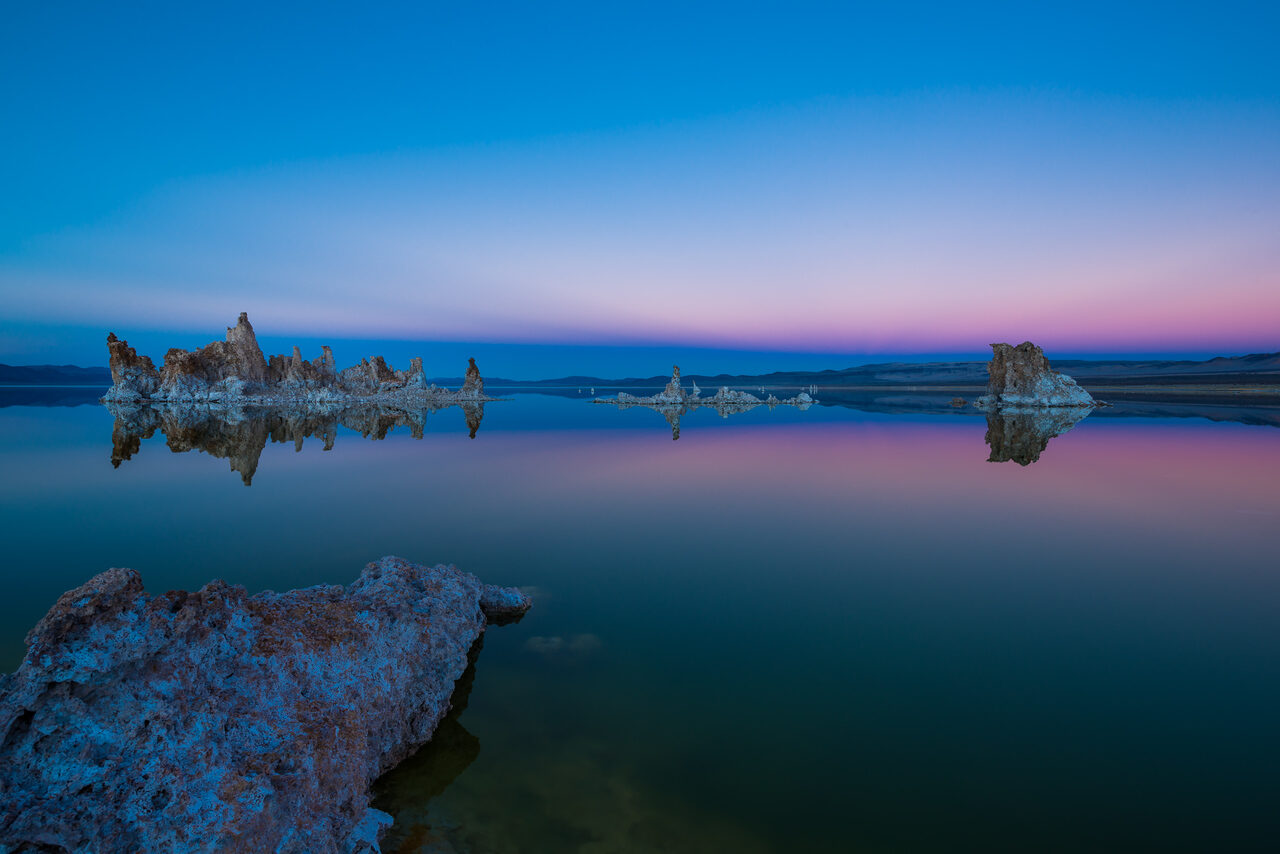
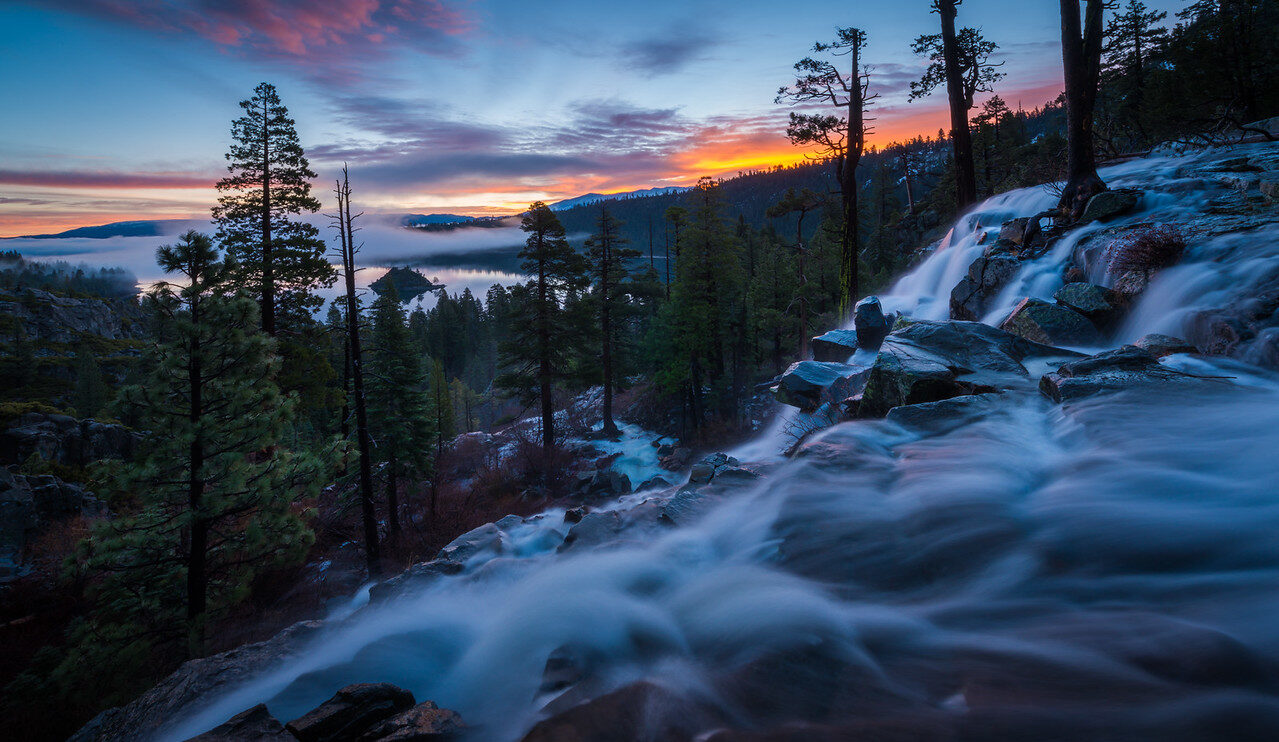
This is a source-led explanation of GoPro’s April 14, 2026 announcement, its later ILS information and the support pages linked below. It is not a hands-on review or a claim that Edin tested these cameras. Manufacturer performance claims are identified as such. The photographs are real Edin Chavez scene illustrations, not images made with MISSION 1 or product photographs. No camera design has been invented for this guide.
GoPro’s original series announcement identifies a 50MP 1-inch sensor and GP3 processor across the family. It also distinguishes the base camera from PRO recording options. GoPro’s August 26 ILS announcement adds important lens and stabilization limits. Read both before assuming that a headline feature applies to the camera you plan to buy.
The Three Models: What Actually Changes
 Save
SaveMISSION 1: Fixed Lens, Lower Maximum Frame Rates
The base MISSION 1 is the fixed-lens entry in the family. In the April announcement, GoPro specifies up to 8K30 and 4K120 for 16:9 capture, plus 4K120 Open Gate. The current video-settings support table is the place to check the combination of resolution, frame rate, aspect ratio and other settings for MISSION 1 specifically. Do not copy the PRO’s 8K60 or 4K240 headline onto the base model.
A fixed lens can make a compact camera simpler to deploy, but it also defines the starting viewpoint. Consider whether you want a wide contextual shot or a tighter isolated subject. Digital reframing can be useful, yet it is not the same as choosing a different lens at capture. Make the decision from your delivery requirements, expected camera position and subjects rather than from the largest resolution number.
MISSION 1 PRO: Higher-Rate Options
GoPro’s announcement lists 8K60 and 4K240 16:9 capture for MISSION 1 PRO, along with 8K30 and 4K120 Open Gate. It also describes a 1080p960 burst mode limited to up to ten seconds. Those are different modes, not a promise that every option works simultaneously. Check the support table for the combinations you need, including stabilization, bitrate, color depth and aspect ratio.
The reason to consider PRO is a named production requirement. If you need a particular slow-motion rate or an 8K Open Gate frame, verify that mode and its constraints. If the final piece only needs ordinary 4K delivery and you do not need the higher-rate modes, the PRO badge by itself does not establish a benefit. High-rate capture also needs sufficient light, storage and an editing workflow that handles the files.
MISSION 1 PRO ILS: A Lens System With Real Limits
The ILS version adds an interchangeable Micro Four Thirds mount. That does not mean every lens with that mount will work. GoPro’s ILS product FAQ says the body has no electronic contacts and requires manual focus and manual or fixed aperture control. The August announcement further notes compatible lenses must cover a 1-inch or larger sensor and sets a condition for fixed-aperture lenses. Confirm the exact lens against current guidance rather than relying on the mount name alone.
GoPro explicitly says the ILS does not support autofocus. An electronically controlled focus-by-wire lens may therefore be unsuitable even if you hoped to use it manually. The body offers focus-assist and peaking tools, but these do not turn it into an autofocus camera. For a subject moving unpredictably toward the lens, decide how you will maintain focus before choosing this system.
The ILS FAQ describes approximately a 2.7x crop relative to full frame without stabilization and about 3x with stabilization applied. That is not the usual shorthand for a Micro Four Thirds sensor: the camera uses a 1-inch sensor behind an MFT mount. The stated focal length on a lens and the resulting field of view need to be considered separately. Confirm coverage, focus control and stabilization support as individual checks.
Open Gate: Useful Capture Space, Not Unlimited Reframing
Open Gate uses a taller 4:3 capture frame in the modes GoPro identifies. That can help when one shoot needs horizontal and vertical edits, because you have more captured area above and below a conventional 16:9 composition. It does not remove the need to frame deliberately. Important subjects still need enough space around them, and the final crop can change how much of the scene remains visible.
Plan the deliverables before recording. If you need both landscape and portrait outputs, make a test clip and create both crops in your editor. Check whether a face, hand or moving subject leaves the useful region. Keep a composition guide on the monitor if your workflow supports it. A successful test is more persuasive than assuming a tall frame will rescue every camera position.
Resolution and aspect ratio also affect your computer and archive. An 8K source may be valuable for reframing or a demanding output, but it can create work you do not need for a simple delivery. Decide whether you will use proxies, how originals will be stored and what the client actually needs. Our camera buyer guide starts with that kind of fit question instead of a spec contest.
 Save
SaveSensor, Log and Dynamic Range: Read the Claim Carefully
GoPro describes a 50MP 1-inch sensor and a GP3 processor. The announcement claims up to 14 stops of dynamic range “at the sensor.” Keep that qualifier. It is a manufacturer claim, not an independently measured usable range in every recording mode, and it does not guarantee that a difficult scene will be exposed correctly. A sensor-size label is also not a direct measurement of image quality in a completed production.
GoPro lists 10-bit capture and GP-Log2 in the series information, while the support table identifies available options by mode. Log recording can preserve room for a managed color workflow, but it still needs exposure, conversion and a suitable editor. Do not choose it merely because a flat-looking image seems professional. Test a clip, apply the appropriate current conversion workflow and compare the result with a simpler profile.
The older article incorrectly treated a photo editor as a solution for grading this video workflow. That recommendation has been removed. Use a video editor that supports your actual files and color pipeline. Check playback, export and color conversion before a job. Do not claim that an unrelated application supports the camera’s video because it offers color adjustments for still photographs.
 Save
SaveSlow Motion and Shutter Choices
A high frame rate gives you more captured moments to slow down, but it does not automatically make a shot better. Match capture rate to the movement and intended playback. Test how motion reads at the frame rate you plan to deliver, then choose exposure for the look and available light. The shutter-speed guide and free chart explain motion and exposure for photographic practice; video choices still need a test for the desired motion rendition.
Fast capture can require shorter exposures and more light. A low-light scene may not suit your highest-rate mode. Avoid promising that a larger sensor eliminates that tradeoff. Make a short clip in the actual environment, examine noise and subject detail at the final output size, and choose the mode that produces usable footage rather than the most impressive settings screenshot.
Weatherproof Is Not the Same as Waterproof
GoPro states that MISSION 1 and MISSION 1 PRO are waterproof to 20m without a housing. The interchangeable-lens ILS is described as weatherproof, not waterproof. The series FAQ and ILS announcement make this distinction. Never extend the fixed-lens models’ depth claim to the ILS body or to an arbitrary mounted lens.
Before working around water, check the exact camera, housing, lens and accessory instructions. Close required doors correctly, inspect seals and follow the manufacturer’s care requirements. Weather-resistant equipment should not be treated as permission to submerge it. This guide does not verify a particular underwater rig or promise that a lens or adapter shares the body’s protection.
Mounting also changes when you add a lens. The weight and leverage of a rig are different from a small fixed-lens camera. The independent Digital Camera World ILS review discusses lens support and mount selection as practical concerns. Check current GoPro instructions and the accessory’s rating; do not assume that any familiar GoPro mount suits a heavier lens setup or high-vibration use.
Stabilization and Lens Compatibility Need Their Own Check
GoPro’s August ILS announcement describes stabilization support for rectilinear lenses in a specified focal-length range and certain profiled fisheyes. Its footnote says rectilinear lenses were tested up to 50mm for guaranteed performance and that longer lenses can vary. Enter the appropriate focal length as instructed and check the actual result. A supported mount is not proof of reliable stabilization with every lens and movement.
A manual-focus camera can make sense for a controlled shot with a known subject distance. It may be a poor fit for a fast solo shoot where you rely on continuous autofocus. The right choice depends on the shot, not whether the ILS is more “serious.” Budget for lens support, monitoring, batteries and a safe mount when needed. Adding those items can change the size and cost of the system you intended to keep small.
 Save
SaveAudio, Runtime and Storage: Prepare the Whole Workflow
The April announcement includes four microphones and 32-bit float recording. Treat that as a listed capability, not a promise that any damaged audio can be recovered. Wind, microphone position, interference and unwanted room sound still need attention. Confirm the exact accessory and audio path in your intended setup and listen to a short test rather than checking the file format alone.
GoPro publishes runtime claims, but real duration depends on the mode, temperature, power arrangement and settings. This guide does not repeat a broad percentage improvement as a guaranteed runtime. Record a test long enough to resemble your use case, including the conditions around the camera. Plan a backup power or camera route for an important event instead of assuming a marketing runtime is a safety margin.
GoPro’s card-capacity and bitrate support page explains that Standard and High modes use quality-based encoding while Max is a constant 240Mbps. It provides storage-time examples, not a universal duration for every scene and mode. Choose an approved memory card from current camera guidance and budget space for originals, proxies, exports and a separate backup.
An external SSD is not the in-camera recording card. Use it as part of an offload and editing plan, verify copies before reusing cards and keep an independent backup. Our photo-storage guide explains the difference between an accessible working library and a backup. The same distinction matters for video originals.
Who Should Consider Each Model?
Consider the base MISSION 1 when you want a compact fixed-lens workflow and its supported modes meet your delivery. Consider PRO when you can name a higher-rate or Open Gate requirement the base does not provide. Consider PRO ILS when lens choice is central to the shot and you are comfortable with manual focus, compatible manual controls and the added rig decisions. These are fit questions, not a ranking based on price or claimed image superiority.
Keep a HERO-style action camera or another familiar tool in the comparison when the job is straightforward POV capture. Keep a mirrorless system in the comparison when autofocus, a larger sensor workflow or your existing lens kit is central. This guide does not claim that one competing brand wins low light or that MISSION 1 replaces every cinema camera. Compare complete working setups and actual shot requirements.
Want to go further? The ShutYourAperture Academy’s Wildlife in Motion (6 modules, 24+ lessons) is built to help you freeze a sprinting cheetah and track birds in flight with confident autofocus and shutter control.
Frequently Asked Questions
Is GoPro MISSION 1 a real camera series?
Yes. GoPro’s April 14, 2026 announcement identifies MISSION 1, MISSION 1 PRO and MISSION 1 PRO ILS. This article uses the named official sources, not the earlier title alone, to verify the product.
Does the base MISSION 1 shoot 8K60?
The April announcement and current named-model support table distinguish base 8K30 from PRO 8K60. Check the exact model and mode. Series marketing copy is not a safe substitute for the model-specific settings table.
Can every Micro Four Thirds lens work on the ILS?
No. GoPro says the body has no electronic contacts and requires appropriate manual focus and aperture control. Confirm sensor coverage, lens controls and stabilization compatibility individually against current official guidance.
Is the ILS waterproof to 20m?
No. GoPro describes the ILS as weatherproof. The 20m no-housing claim is for the fixed-lens MISSION 1 and MISSION 1 PRO, not the interchangeable-lens body.
Does 14 stops mean this article tested the camera?
No. That is GoPro’s up-to-14-stop claim at the sensor. We have not measured usable dynamic range or tested these cameras, and the scene illustrations are not samples from them.
Should I record everything in 8K and Log?
Only when those choices serve the output and your workflow supports them. Test playback, color conversion, storage and export. A simpler supported mode may be more useful for a particular delivery.
Where should I check price and availability?
Check the exact model at GoPro or an authorized seller immediately before buying. This article does not turn an older announcement’s pre-order or shipping date into a current stock promise.
A Practical Editing and Offload Gear Box
Use an officially approved in-camera memory card and a separate offload plan. For working copies on a computer, the black Samsung T7 Shield 2TB portable SSD is one option, not an in-camera card or guaranteed editing-speed solution. Compare the exact capacity at Amazon or B&H. Your port, computer, files and editor affect performance. Keep an independent backup. No camera or lens purchase is recommended without the model and compatibility checks above.
Affiliate disclosure: Some gear links on this page are affiliate links. We may earn a commission at no extra cost to you. The camera discussion is source-led, not a firsthand test.