Updated October 2026
Moving water can turn an ordinary landscape into something you want on your wall. But slow shutter speed alone does not make an epic photograph. A blurry river with no strong composition is still a blurry river. The magic happens when the movement has a job: leading your eye, separating sharp rocks from soft water, or giving a wild coastline a completely different mood.
This guide shows you how to photograph moving water with intention. You will learn how to choose a shutter speed, protect bright foam, keep the solid parts sharp, and use filters without turning every scene into the same milky wash. Start with the water in front of you. Decide what you want it to look like. Then make the camera deliver that picture.
Choose the water’s character before choosing settings
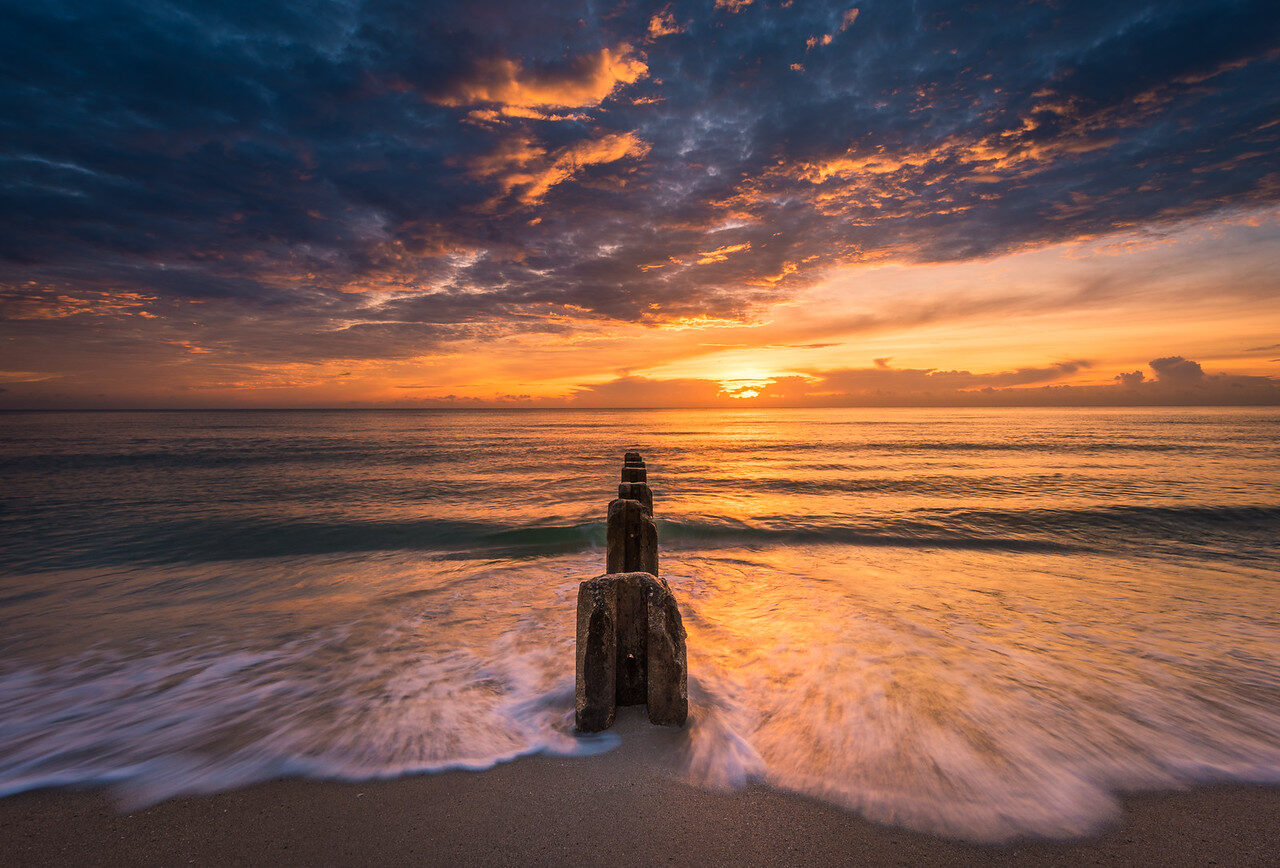
There are three useful directions. Freeze the movement to show individual droplets and power. Use a moderate exposure to keep streaks and texture. Or stretch the exposure until waves and ripples become a quiet surface. None is automatically better. A crashing wave might need crisp spray; a small cascade might look stronger with visible lines; a pier might benefit from smooth water that makes its hard edges stand out.
Watch several cycles before setting up. Does the water move steadily, surge in bursts, or reverse direction? Look for foam that draws a line through the frame. Notice whether the most interesting moment happens when a wave arrives or when it pulls back. That observation matters more than copying somebody else’s settings from a completely different beach.
 Save
SaveBuild a composition that works without the blur
Find something solid to anchor the image: a rock, a tree, a cliff, or a clean stretch of shoreline. Water adds movement, but your frame still needs shape. Ask where the eye enters, what it travels toward, and what holds it there. If every corner has equal visual weight, step sideways, change your height, or use a tighter focal length.
Check the edges carefully. A bright scrap of foam cut off at the bottom can pull attention away from a waterfall. A branch crossing the brightest sky can look accidental. Keep horizons level unless the whole composition deliberately calls for something else. With wide lenses, small changes in camera position can make a foreground rock either dominate beautifully or become a distracting lump.
Do your initial framing before adding a dense filter. It is easier to see the scene, focus, and judge your corners while the lens is clear. Take one normal exposure first. If that frame already has a strong composition, changing the water’s appearance can make it better. If it does not, a ten-stop filter will not rescue it.
Keep yourself and your equipment out of danger
No photograph is worth a fall or a wave sweeping your gear away. Choose a stable position away from slippery edges, fast current, and breaking surf. Do not step into moving water just because a low angle looks tempting. Conditions can change while you are staring at the screen. Stay aware of the water around you, and leave room to retreat without scrambling over your tripod.
Before a coastal session, check the local forecast, tide information, access restrictions, and any warnings for that exact site. At rivers and waterfalls, respect closures and barriers. Never assume calm-looking water means safe footing. Spray makes rocks slick, and a shallow-looking channel can hide a strong current. If your planned foreground requires a risky position, find another foreground.
Keep a lens cloth within reach and protect the camera from spray according to its actual weather-resistance limits. Weather sealing is not a promise that a camera can be dunked. After shooting near salt water, clean the tripod following its maker’s guidance. Sand in a leg lock is a maintenance problem, not a souvenir.
Pick a shutter speed for the look you want
Think of these as test points, not guaranteed recipes. Try around 1/1000 second for fast splashes, then inspect whether the droplets are frozen. Start around 1/4 to 1 second for visible flow lines in a stream. Try several seconds for smoother cascades or surf. Exposures of 15 to 30 seconds can turn moving ocean water into a quieter surface, but slow waves may need longer and fast water may lose its texture much sooner.
Make a small comparison set rather than changing everything at once. Photograph the same composition at a faster speed, a middle speed, and a slower speed. Adjust exposure as needed so the brightness is comparable. Look at the water at full size. Which frame has the best balance of movement and structure? Keep that answer specific to this scene.
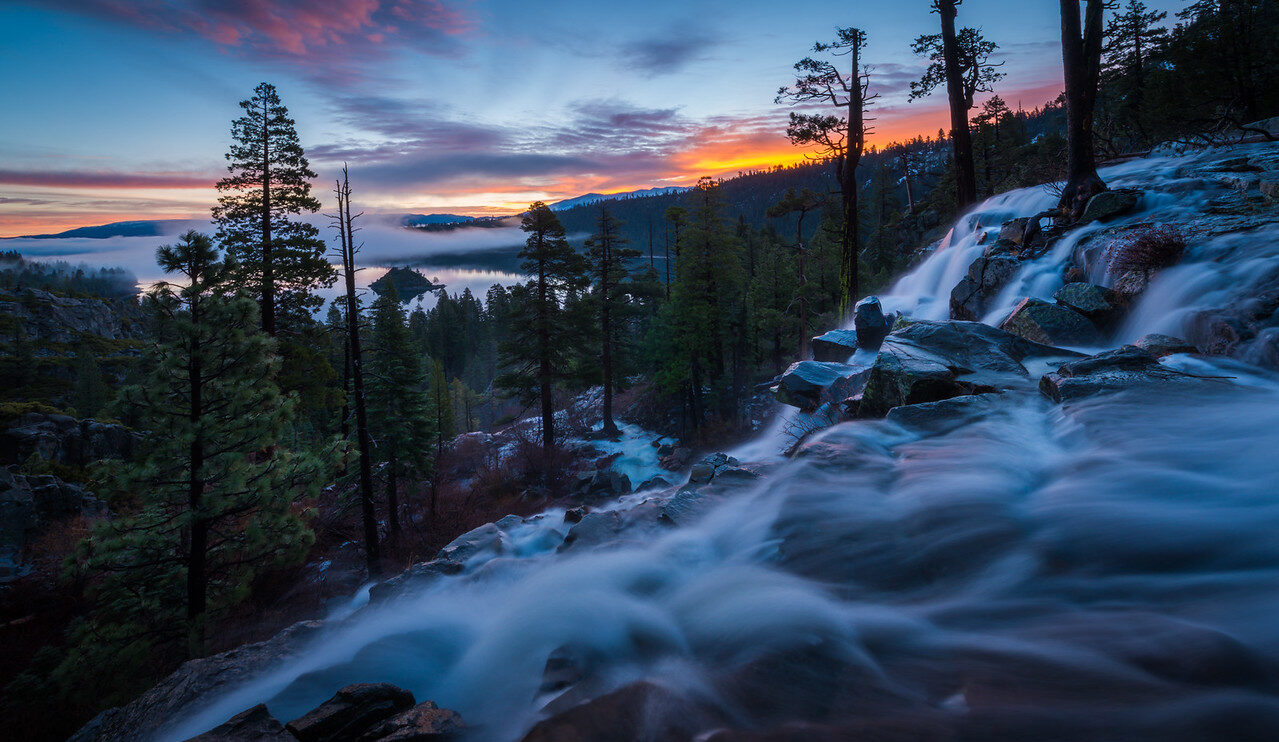
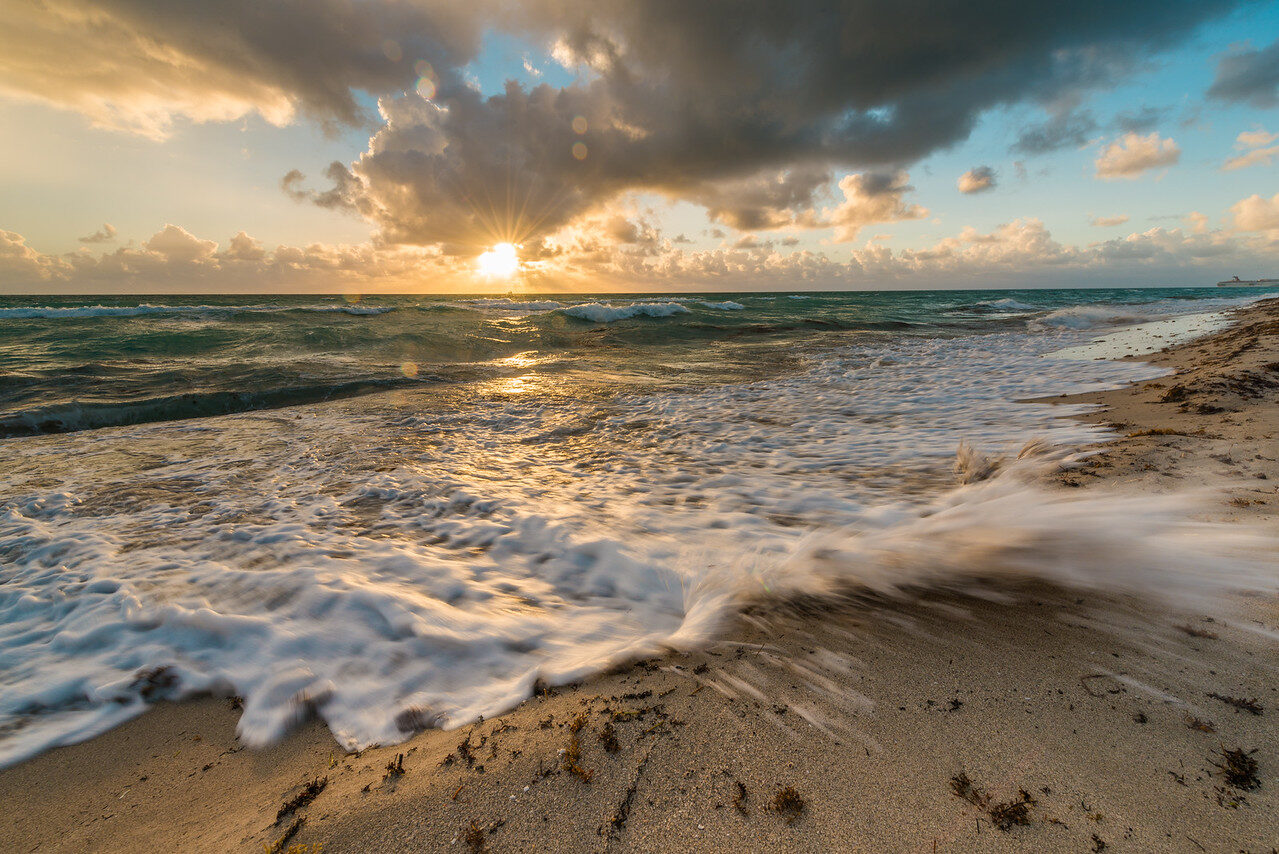
Longer is not always more dramatic. A thirty-second waterfall can become a large white shape with very little detail. A half-second exposure might show ribbons that explain how the water travels over the rocks. For beach waves, timing the receding water can create cleaner lines than exposing across several unrelated arrivals.
Set aperture and ISO without sacrificing sharpness
A practical starting point for a landscape is your camera’s native base ISO and an aperture around f/8 or f/11, then a shutter speed chosen for the water. These are starting points, not rules. Your lens, sensor, subject distance, foreground, and light decide what works. If the closest rock and distant cliffs will not both hold focus, change your position or focus strategy instead of blindly closing the aperture.
Using f/22 just to make the exposure longer can soften fine detail through diffraction. It may still be an acceptable tradeoff in a particular picture, but check it rather than assuming the smallest aperture is the sharpest. A neutral-density filter is often the cleaner way to lengthen the shutter while keeping the aperture you actually want.
Base ISO helps preserve image quality, but sharpness still comes first. If you need a faster exposure for spray and there is not enough light, raise ISO. A little noise is usually less damaging than an unintentionally blurred subject. Learn how your own camera behaves instead of judging every file only by the number on the display.
 Save
SaveUse a tripod that actually stays still
Set the tripod on firm ground and extend the thicker leg sections first where practical. Keep the center column low. Check the head, plate, and leg locks before exposing. A solid camera body on a loose plate will still produce a soft file. If the tripod settles into sand during the exposure, your stationary rocks can blur along with the water.
Use a remote release or the camera’s self-timer to avoid shaking it when you press the shutter. Keep straps from flapping into the camera in wind. Do not hang a swinging bag from the tripod and call it stability; movement can make things worse. Follow your camera and lens manuals for stabilization on a tripod because systems differ, and some detect tripod use automatically.
Magnify a test frame and inspect a solid subject. Sharp water streaks are not the test; a rock edge, branch, or building is. If those details are soft, troubleshoot focus, wind, tripod movement, and any filter problems before making a whole sequence. Fixing one weak link now saves an evening of disappointing files.
Neutral-density filters: less light, more choice
A neutral-density filter reduces the light entering the lens. That lets you use a longer shutter speed without overexposing at your chosen aperture and ISO. It does not create a good composition, fix missed focus, or protect highlights by itself. You still need to expose correctly. A polarizer has a different main job: managing reflections and glare. It can reduce light too, but it is not interchangeable with a strong ND filter.
Meter a correctly exposed frame without the ND filter first. Then calculate the filtered exposure. Each stop doubles the exposure time if aperture and ISO stay fixed. For example, a six-stop filter turns 1/60 second into roughly one second; a ten-stop filter turns it into roughly seventeen seconds. Those examples are calculations, not promises, because the light may change and the filter’s real transmission can differ.
Check the histogram and make a test exposure after attaching the filter. Watch for color casts, corner darkening, reflections, and reduced contrast. Stacking filters can create extra problems, especially with a wide lens. Variable ND filters can show uneven darkening or an X-shaped pattern near their limits, depending on the filter and setup. Inspect the image, not just the filter’s printed range.
If the required exposure exceeds the camera’s normal shutter options, use its supported long-exposure mode and a suitable release or timer. Do not assume every model stops at thirty seconds or that every remote supports every camera. Read the relevant manual before buying an accessory.
Focus first, then protect the highlights
Focus on a solid part of the scene. A shifting foam patch is not a reliable target for precise landscape focus. With a very dark filter, focus before mounting it if the camera struggles to see through it. Recheck focus after any change to the camera position or focal length. Locking focus once does not cover a new composition.
Bright foam and reflected sunlight can clip long before the darker rocks look bright enough on the screen. Review the histogram and highlight warning. Reduce exposure when important bright detail is disappearing. Your goal is not to make every shadow bright in camera; it is to keep the tonal information that matters for the final photograph.
If the sky and foreground exceed what one exposure can hold, consider a separate exposure for the static sky or a carefully placed graduated filter. Moving water complicates blending: waves change between frames and can leave seams or ghosting. Keep the water from one chosen frame when appropriate, and inspect the result at full size rather than letting an automatic merge decide everything.
 Save
SaveChoose light that makes the water worth photographing
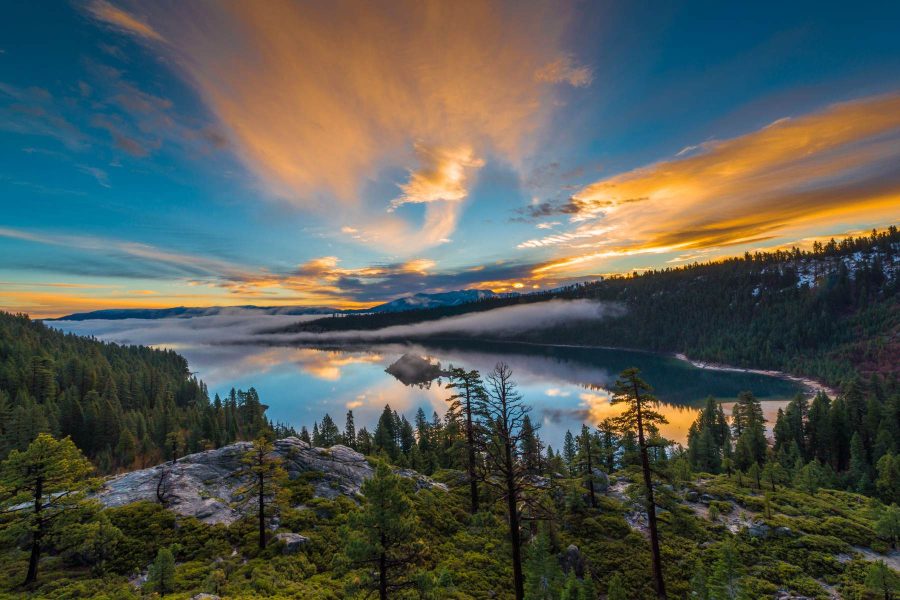
Soft light can make white water easier to expose without harsh bright patches. Sunrise and sunset can add color and separate a shoreline from the water. Blue hour can give a quiet frame a completely different feel. None guarantees success. Look at what the light is doing to your actual subject, not just whether the clock says golden hour.
Direct sunlight can work when you want sparkling spray or strong contrast, but it is less forgiving for a soft waterfall exposure. Move to a different angle if reflections dominate. Try a polarizer when glare hides details beneath shallow water, rotating it while you watch the effect. Be careful with very wide views: polarization can look uneven across a large sky.
For reflections, decide how much you want to keep. Removing all glare might reveal beautiful underwater stones but erase the sky’s color from the surface. The most technically complete view is not always the most compelling picture. Make a version with the reflection and one with less, then compare them honestly.
Edit the photograph without burying the water
Start with white balance, exposure, and highlight recovery, then set contrast around the solid subjects. Water should still have believable tone and texture. Pulling clarity and dehaze hard across everything can turn soft foam gritty and create bright outlines around dark rocks. Local adjustments usually give you more control than a heavy global preset.
Remove distracting sensor spots and check for droplets or flare that you missed on location. Straighten the horizon and crop with purpose. If the ND filter added a color cast, correct it before judging saturation. A cyan river under a magenta forest is rarely a stronger photograph simply because the colors are loud.
Before exporting, inspect the file at full size and then at the size people will actually see it. Look for halos along rocks, strange blending edges, oversharpened foam, and blocked shadows. Keep the natural movement readable. The point is a powerful photograph, not proof that you found every slider.
A simple practice plan for your next session
Choose one safe viewpoint and stay with it long enough to learn something. Make an unfiltered reference frame, a short exposure with texture, and a longer exposure with smoother water. Record the shutter speeds and filter strength. Then change the timing within the water’s cycle without changing the composition. You will see what timing contributes separately from exposure length.
Review the files together, not one at a time on the back of the camera. Pick the frame with the strongest water pattern and the sharpest solid subjects. Write down what failed too: wind, poor focus, clipped foam, or a weak foreground. That gives your next shoot a real target. For more hands-on photography tips and stronger camera control, explore the Shut Your Aperture Academy.
Moving water photography Q&A
What shutter speed should I use for moving water?
Choose it for the look you want. Start around 1/4 to 1 second for flow lines, several seconds for smoother water, or a fast shutter for spray. Compare test frames because water speed changes the result.
Do I need an ND filter?
Only when the light is too bright for your desired shutter speed at the aperture and ISO you want. In dim light you may reach the same exposure without one.
Why are my rocks blurry in a long exposure?
Check missed focus, tripod movement, wind, loose plates, and filter quality. Magnify a solid edge in a test frame before continuing.
Should every waterfall look silky?
No. Silky water is one option. Shorter exposures can preserve texture and show the waterfall’s power better than a very long exposure.
Is f/22 the best aperture for water photographs?
Not automatically. It gives more depth of field but can soften detail through diffraction. Try f/8 or f/11 first and inspect the result for your composition and lens.
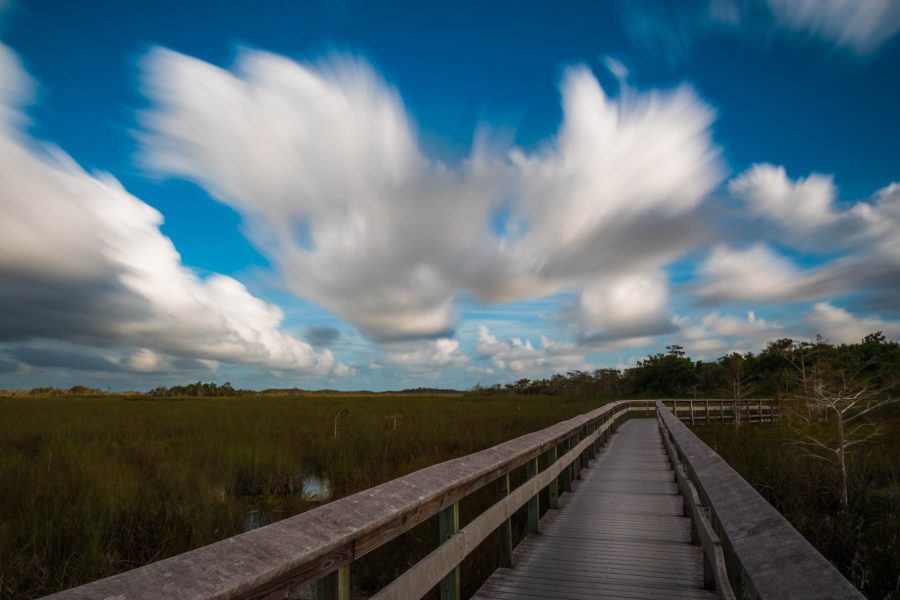
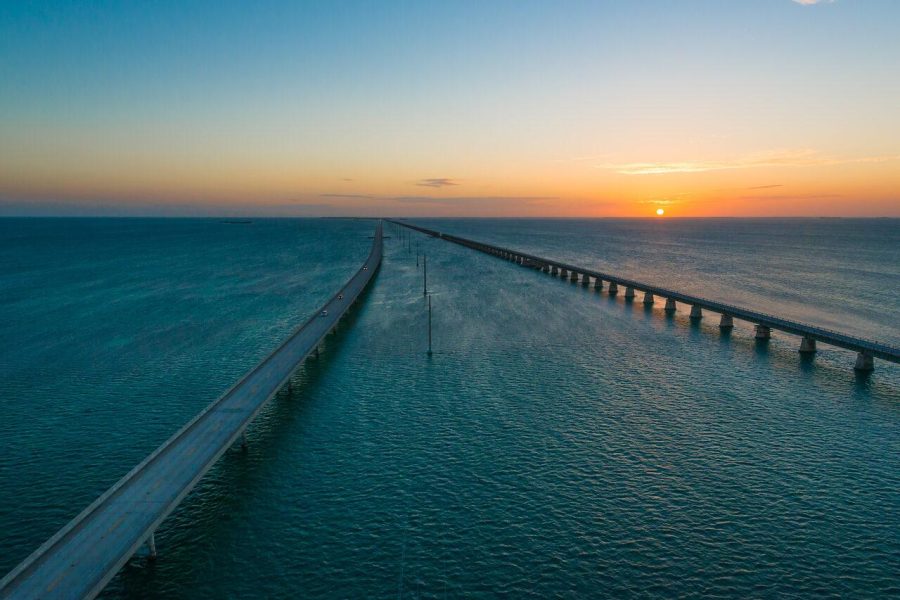
Technical reference: Nikon’s moving-water long-exposure guidance. Photographs illustrate composition and water texture, not a controlled settings comparison.
Recommended gear for moving water
Buy what solves a real problem in your setup. Check lens filter diameter, camera-release compatibility, and tripod capacity before ordering. A tripod must include a suitable head and plate, or you need to add them separately.
Stable tripod and compatible head: keep rocks sharp during slow exposures.
Compare on Amazon | Compare at B&H
Fixed neutral-density filter: choose the strength and diameter for your lens and exposure goal.
Compare on Amazon | Compare at B&H
Lens cloth and air blower: keep spray and dust from spoiling the frame.
Compare on Amazon | Compare at B&H
Affiliate disclosure: we may earn a commission from qualifying purchases through these links, at no extra cost to you. These are gear-search links, not claims that every listed item fits your camera.