
By Edin Chavez | Updated October 2026
The best photography courses depend on the problem you need to solve. Learning exposure, building a consistent editing workflow, directing portraits and improving visual judgment are different jobs. A library with hundreds of classes can be useful, but a short course with the right assignment may do more for your photographs than months of unfocused watching.
This is a source-led shortlist, not a claim that Edin enrolled in or personally tested every program. The provider pages linked below were reviewed for this update. We use their descriptions to explain fit, then add practical questions and exercises to help you choose. Catalogs and terms change, so confirm the specific class, instructor, access arrangement and checkout terms before paying. No course here guarantees clients, professional status or an income.
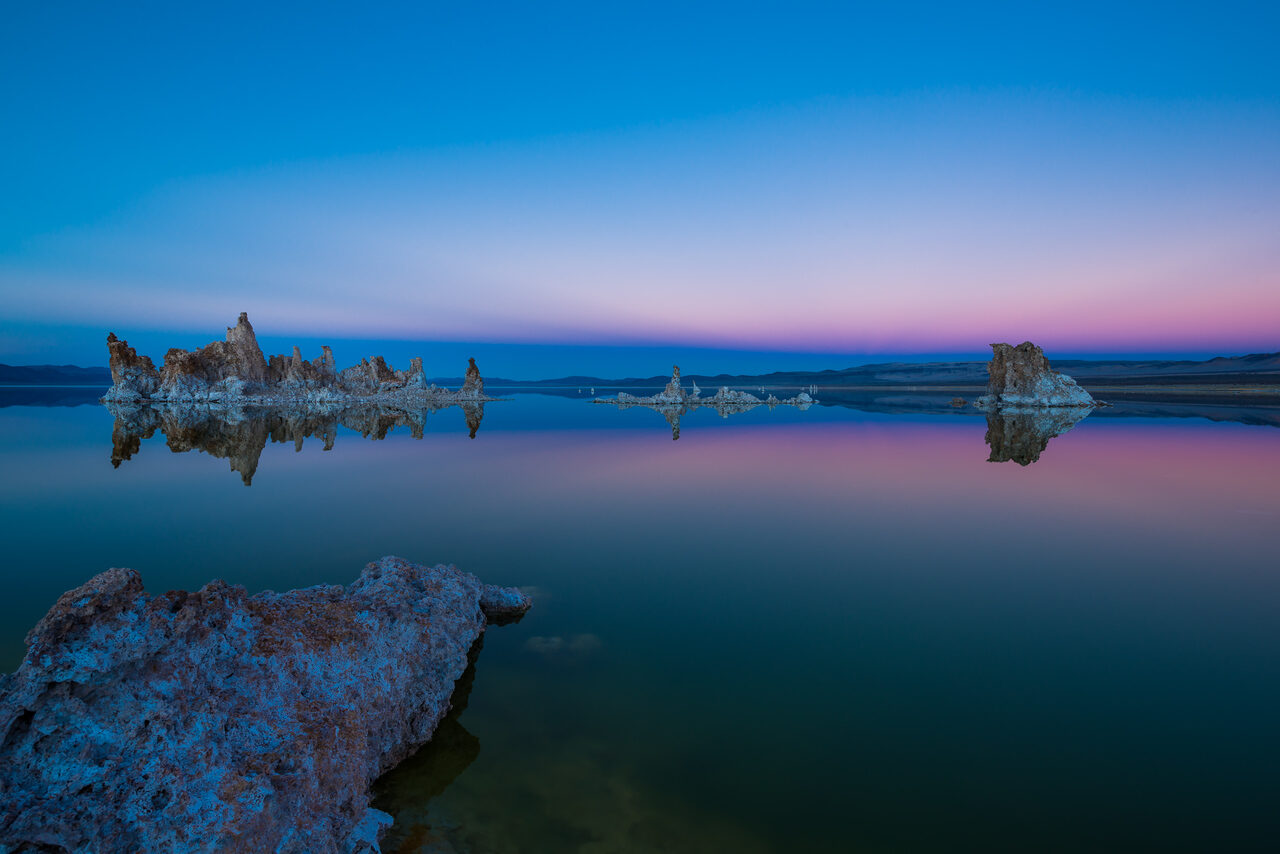
The photographs illustrate skills to practice, not student outcomes, course screenshots or evidence that a provider taught Edin. Start with the equipment you already own. A course should give you a reason to photograph, review and try again, not a reason to replace your camera before the first lesson.
Choose a Learning Goal Before Choosing a Platform
Write one sentence describing what currently goes wrong. “My portraits are soft when the person moves” is more useful than “I want better photos.” It points toward autofocus and shutter-speed practice. “I cannot find my edited files” points toward organization and export. “My landscapes feel cluttered” points toward framing, light and selection. A course that addresses a named problem is easier to evaluate and finish.
- Camera foundations: Look for exposure, focus, depth of field and practical assignments you can repeat with your present camera.
- Editing and organization: Look for the correct software version and an end-to-end import, select, edit, export and backup workflow.
- Creative judgment: Look for how an instructor develops a concept, chooses a viewpoint and selects a coherent set.
- Structured development: Look for projects, individual feedback and clear completion expectations rather than only a large video count.
If you are new, use our aperture guide and portrait guide to identify what you understand already. Read, make a few frames and compare them. When you can explain the remaining gap, a paid course becomes a targeted choice rather than a vague investment in motivation.
 Save
SaveA Source-Led Photography Course Shortlist
KelbyOne: A Broad Photography and Editing Library
KelbyOne’s course catalog lists photography, Lightroom, Photoshop, lighting and several specialty topics. Its page describes structured courses, guided tracks, transcripts, downloadable resources and course discussion areas. This makes it a candidate when you want to learn a sequence of related skills rather than buy one isolated class. The catalog includes capture and editing topics, so verify which part your chosen track actually teaches.
The useful way to approach a broad library is to select a track or one course before joining. Watch a trailer, note the prerequisite level and decide what you will make after the first lesson. A course discussion area can help with questions, but it is not automatically individual critique of your portfolio. Check the specific support arrangement if feedback is the main reason you are paying.
KelbyOne publishes monthly and annual membership options on its pricing page. We do not freeze a promotional price into this guide. Compare the total commitment, renewal and access terms at enrollment. Monthly access may suit a focused short project; annual access only makes sense if you have a realistic plan to use it. The larger catalog is a benefit when you have direction and a distraction when you do not.
Annie Leibovitz on MasterClass: Portrait Concepts and Visual Thinking
The official Annie Leibovitz photography class describes portraiture and storytelling, with skills including developing concepts, working with subjects, natural light and post-production. That makes it a candidate for learning how a photographer thinks about a subject and an image. It should not be treated as a substitute for hands-on exposure, focus and camera-control practice.
Choose this route when your camera operation is reasonably comfortable but your portraits lack a clear idea. Before watching, write a simple portrait brief: who the person is, where the photograph belongs and what you want the viewer to understand. After a lesson, revise the brief and make a fully clothed portrait with an adult participant who agrees to the project. Review whether the concept is visible without explaining it aloud.
A famous instructor is not the same as direct access to that instructor. Do not assume personal feedback, mentoring or a recognized credential unless the current product explicitly includes it. Check the platform’s access and renewal terms. This is a creative-process option in our shortlist, not the universal best beginner photography course.
PHLEARN: Photoshop and Lightroom Practice
PHLEARN’s tutorial catalog identifies software, difficulty and lesson formats across Photoshop and Lightroom topics. The catalog includes both short tutorials and longer training. It is a candidate when you can name an editing task you want to learn, such as masks, nondestructive layers or a repeatable finishing workflow. Read the actual tutorial description instead of choosing by an impressive final image alone.
Software training is especially sensitive to version and workflow. Confirm whether the lesson uses Lightroom or Lightroom Classic, whether its Photoshop tools exist in your installation and whether sample files are included. A tutorial on creative compositing is different from a lesson on faithful documentary editing. If the class uses generative tools and your project excludes them, choose a manual workflow course rather than assuming the techniques are interchangeable.
Practice on a copy of your own photograph after completing the example. Can you reproduce the method without replaying every step? Can you explain which layer or setting changed the result? Keep the original separate and save an editable version. The goal is a usable skill, not a finished sample file you cannot repeat. Check which tutorials are included in the access option you are considering.
New York Institute of Photography: Projects and Individual Feedback
NYIP’s Professional Photography course page describes exposure, lighting, lenses, composition and an introduction to several photographic genres. It also states that students complete photo projects reviewed by a professional photographer and receive one-to-one support and feedback. Those project and feedback descriptions distinguish it from a video-only library.
This is a candidate when you want a broader program and outside assessment of your work. Before enrolling, ask how many projects are included, how submissions are evaluated, how quickly feedback is returned and what access or completion limits apply. Find out whether you can resubmit work after critique. These details decide whether the program fits your schedule more than an encouraging career-oriented headline does.
Treat certification and accreditation claims separately from photographic skill. Confirm the current status and the exact credential or optional external certification process directly with the relevant organization. This guide does not promise a license, a job or automatic certification. A program can offer useful structure while still requiring independent practice, business preparation and careful evaluation of the enrollment agreement.
LinkedIn Learning: A Specific Skill Gap
The LinkedIn Learning photography catalog lists camera, composition and software training with instructors and release dates. It is a candidate for a clearly defined module, particularly if you already have legitimate access through a workplace, school or your own subscription. Check what your particular access includes rather than assuming every account opens the same material.
Course date and application name matter. A Lightroom Classic organization class may be appropriate for one workflow and the wrong interface for another. Choose one module, complete its exercise and save notes on the settings you actually use. A certificate of completion records completion; do not present it as evidence of independent professional certification or proof that you can handle a client assignment.
This format is useful for filling a narrow gap without committing to a broad program. It is less suited to a learner who mainly needs someone to review a portfolio unless the particular offering includes that service. Look for a clear level, exercise files and a lesson sequence that fits the time you can realistically set aside.
Adobe Learn: A Free-to-Browse Editing Starting Point
Adobe’s Lightroom getting-started material is a first-party route for learning the application’s basic workflow. Use official help and learning pages to check the interface and terminology when another instructor’s software version differs from yours. A tutorial being available to read does not mean the editing application itself is free or that every lesson includes individual feedback.
This route is sensible before paying for a second explanation of the same basic operation. Work through a small import and edit with your own files, note where you get stuck and search for that exact issue. If you later choose a paid course, you will be able to tell whether it adds guided practice, deeper examples or critique beyond the documentation you already used.
 Save
SaveHow to Compare Two Courses Without Buying Both
Read the syllabus beside your learning goal. Highlight the lessons that directly address it, then check what comes before them. A beginner may need focus and exposure foundations before a portrait-lighting lesson is useful. An experienced photographer may need only the organization section of an editing course. A longer runtime does not automatically mean more relevant instruction.
Preview the teaching style. Does the instructor explain why a choice is made or only tell you which button to press? Can you see the screen or camera settings clearly? Are captions or transcripts available if you need them? Are the examples close enough to your kind of photography that you can practice the method? A good preview answers these questions before checkout.
Separate feedback from community access. A forum, a comments section, an assignment badge and one-to-one photo critique are different services. If you need critique, ask who reviews the work, what they assess, how often you can submit and whether feedback is included or costs extra. Do not infer mentoring from a provider saying the course is suitable for aspiring professionals.
Check the payment arrangement carefully. Confirm whether you are buying one course or subscribing to a library, whether access continues after cancellation, how renewal works and what refund or trial terms apply. Read the provider’s current terms, not a search snippet or an old comparison article. We do not assume one platform’s cancellation rules apply to another.
A Four-Week Practice Plan to Test Your Progress
Use this as an example schedule, not a claim that four weeks makes anyone a professional. Adjust it for the time you have. Keep a small set of initial photographs so you can compare later work against a real starting point. Choose one primary course or learning path for the month; several simultaneous subscriptions make it harder to see which practice is helping.
Week One: Make a Repeatable Baseline
Photograph a stationary subject in a familiar location. Make several frames while changing one setting or position at a time. Record what you changed and why. Compare focus, depth of field, motion and exposure at a useful viewing size. Keep a few imperfect frames so the problem remains visible. Use our aperture guide when you need to connect a setting to a result.
Week Two: Light and Composition
Return to the same subject at a different time or move it safely relative to a window. Make a wider composition, a closer composition and a different viewpoint. Select three frames and explain why one reads more clearly. If you cannot name the reason, review the relevant lesson and repeat the exercise. Do not judge progress only by whether the scene was beautiful.
 Save
SaveWeek Three: Edit and Organize a Small Set
Import a manageable set, remove obvious duplicates, choose a few photographs and make consistent edits. Export them for one defined purpose. Keep originals, working files and exports distinguishable. Review our photo-storage guide when planning the archive and backup. A storage drive alone is not an independent backup.
Week Four: Critique and Repeat
Compare the new set to the baseline. Ask what became more consistent and what still fails. If your course includes critique, submit a focused selection with the assignment brief. If you request feedback elsewhere, get the participant’s permission before sharing portraits and avoid posting private client material. Repeat the weakest exercise using the feedback rather than immediately buying a new class.
 Save
SaveWhat a Course Cannot Decide for You
A course can demonstrate a method, explain a choice and create structure. It cannot determine your taste, secure permission for your subjects or guarantee that a photograph meets a client’s brief. You still need to make those decisions. Be cautious with income promises, universal claims that one camera is essential, and lists that rank platforms without explaining the learner they suit.
Independent course roundups can help discover alternatives. For example, Class Central’s photography-course roundup describes its evaluation process and options. Treat it as an additional perspective, not verification of current provider terms or proof that one ranking fits your goals. Official syllabi remain the source for what you are actually buying.
If you want a portable practice reminder, the site’s photography cheat-sheet route in the navigation can complement a course. A reference sheet helps you remember settings questions; it does not replace assignments or critique. Similarly, explore the Academy only after checking the live lesson catalog and delivery terms. The visible Academy landing page alone does not establish a complete syllabus, enrollment availability or instructor roster, so we do not rank unverified classes here.
Frequently Asked Questions
What is the best photography course for a beginner?
Choose a course with exposure and focus foundations, clear examples and assignments you can complete with your current equipment. Preview its first lessons and check prerequisites. A celebrity process class or advanced retouching tutorial may be interesting without being the right first course.
Are free photography resources enough?
They can be a strong starting point if you build a practice plan and review your results. Official tutorials and the site’s guides help with specific questions. Paid study becomes more useful when it adds structure, relevant assignments or feedback you actually need.
Should I choose a subscription or a single course?
Compare the project you want to finish with the total access commitment. A subscription can suit several related topics, while a single course may keep the goal focused. Confirm renewal, cancellation and continued-access terms on the current provider page before paying.
Do I need an expensive camera first?
No particular camera format is required for the learning plan here. Check a course’s actual equipment requirements and use the camera you already understand where possible. Buy new equipment only when you can explain the limitation it solves.
Does completing a course make me a professional photographer?
Completion alone does not establish professional readiness or guarantee work. Assess whether you can consistently meet a brief, communicate with clients, manage files and handle permissions. Check any certification claim separately with the issuing organization.
How can I tell whether I need critique?
If you can follow instructions but cannot explain why your finished images still miss the goal, outside review may help. Look for a course that explicitly includes photo evaluation, and verify the number of submissions and reviewer arrangement.
Are the photos here results from the listed courses?
No. They are Edin Chavez photographs used as skill illustrations. This guide makes no claim that a provider taught those images or that Edin personally tested each course.
A Small Learning-Workflow Gear Box
Start with your current camera and lens, a notebook for assignments and a reliable way to store working files. For an external working copy, the black Samsung T7 Shield 2TB portable SSD is one option. Compare the exact capacity and current listing at Amazon or B&H. Keep an independent backup. This is a workflow suggestion, not a required course purchase, a current-price promise or a firsthand SSD test.
Affiliate disclosure: Some gear links on this page are affiliate links. We may earn a commission at no extra cost to you. Course fit is assessed from the linked source descriptions, not from a claimed personal enrollment.

