Updated October 2026
Writing about photography is easier when you have something real to say. An AI writing tool can help arrange your notes, suggest an outline, or turn a rough idea into a draft. It cannot make up the afternoon you spent waiting for light, verify a lens you never tested, or replace the photographs that make your work yours.
PredraftAI is a writing service aimed at researched SEO articles. Its public pages describe topic and keyword inputs, research links, editable outlines, tone controls, and publishing features. That can be useful for a photographer who needs to explain a project, write a location guide, or organize a blog. The important word is draft.
This is a researched look at Predraft.ai’s public information, checked in October 2026, with a practical editorial workflow for photography websites. It is not a hands-on performance test. Features below are vendor descriptions unless stated otherwise; they are not proof of accuracy, ranking results, or live publishing reliability.
What is PredraftAI?
The Predraft.ai homepage describes a service that researches and generates an article from a topic and target keywords. It advertises automatic Google searches, citation links, outline editing, tone personalization, revisions, and a plagiarism checker. The public article creation page provides a topic-based entry point.
The idea is straightforward: begin with a subject, get a structure, then shape the text. That is different from asking a tool to create a publishable article from nothing. A useful draft still needs a clear audience, evidence, editorial judgment, and a reason to exist on your site.
For a photographer, the best starting material is your own. Use notes from a shoot, the equipment actually used, locations you can identify, and details you can confirm. A tool may help organize that material. It should not invent memories, clients, settings, tests, or conversations to make the article sound experienced.
What the vendor says it can do
Predraft’s homepage lists word-length control up to 2,000 words, adjustable tone, automatic product upsells, editable headings and facts, revisions, and control over citations and external links. Its pricing table describes research outlines, keyword ideas, site-based personalization, WordPress options, internal linking, and team features across different plans.
Read those as a feature list to investigate, not as results already demonstrated here. A research link can point to a relevant page without supporting the exact sentence beside it. A plagiarism checker can flag similarity without resolving every rights issue. An SEO label does not establish search visibility.
The site also makes broad comparisons with other writing services, including claims about older knowledge cutoffs and behavior. Those comparisons are not a sound basis for a current buying decision. Products change. Compare the current versions against your own test task instead of treating a marketing comparison table as independent research.
One useful evaluation task is a short article about a place you photographed. You already know what happened, have the images, and can spot invented details. Compare the generated draft with your notes. Measure how much editing it takes, which facts it gets wrong, and whether its structure actually helps the reader.
 Save
SavePricing: check the live terms before paying
The public pricing page lists Starter, Pro, Expert, and Enterprise plans. During this check, the displayed Pro and Expert cards showed $19/month and $49/month, with a billing toggle also present. Those display figures are not a verified checkout total or a promise about your billing period.
There is a visible inconsistency worth noticing: the Starter card says up to two articles per month, while the comparison table says one per month. The FAQ also refers to two free articles. Do not silently choose the most generous number. Verify the allowance shown in your account or ask the provider before relying on it.
The page describes a seven-day Pro trial that requires a credit card, and its FAQ says subscriptions charge upfront for the next month and renew monthly. It also says refunds are not offered. Confirm the current checkout terms, renewal date, cancellation procedure, and any add-ons before starting a paid trial or subscription.
For a photography blog, the useful cost calculation is not simply price divided by article count. Count editing time, fact-checking, image preparation, and the risk of publishing a wrong claim. A cheap draft that takes longer to fix than to write may not be a bargain. Start with a small evaluation and keep a record of the results.
A photography brief that gives the tool something useful
Before entering a topic, decide who the article serves. A first-time traveler looking for a sunset viewpoint needs different information from a professional planning permits and transport. “Photography tips” is too broad. “How to plan a coastal sunset shoot with changing light and moving people” gives the draft a purpose.
Write a short brief containing the reader, the question, the scope, and the evidence. Add verified notes and mark unknowns clearly. If you are uncertain about current opening hours, access restrictions, prices, or permits, do not include a guess as a fact. A polished sentence can make a guess look more certain without making it more accurate.
Use clear restrictions: do not invent first-person experience, do not invent camera settings, and do not treat illustrative photographs as product-test samples. Ask for headings that answer actual reader questions. Avoid a long introduction that promises a revolution before explaining anything useful.
An example brief could read: “Draft a guide for photographers planning a sunset scene. Use only the supplied observations. Explain how to watch the light, simplify the frame, and prepare a backup composition. Flag facts that need current confirmation. Do not claim I used a specific lens or visited on a specific date unless the notes say so.”
Review the outline before expanding the draft
An outline is where you can remove repetition before it becomes a thousand words of repetition. Check whether each section does a different job. A heading about choosing a viewpoint, a heading about reading the light, and a heading about adapting when conditions change can each help. Five headings saying “why this destination is amazing” do not.
Put the answer near the top. Readers should not have to pass several paragraphs of general enthusiasm to find the main point. If the article is about a tool, say what it is, what you verified, and what you have not tested. If it is a field guide, begin with the practical decision that shapes the shoot.
Delete headings that exceed your evidence. A draft may propose “my favorite hidden spot” or “the settings I always use” because those sound persuasive. If they are not your real experience, they do not belong. Replace them with an honest explanation or leave the section out.
 Save
SaveOpen every citation that matters
Do not check citations by counting links. Open the source and read the part that supports the claim. Confirm the product name, date, units, location, and scope. A page about one camera model does not verify a specification for another model. A five-year-old announcement does not establish today’s price.
Separate manufacturer claims from independent test findings. “The manufacturer lists weather resistance” is different from “this lens survived my rain test.” The first can be supported by a specification page. The second requires a real test and a record of what happened. Do not let a draft turn one into the other.
Keep a source ledger while editing. For each important claim, note the supporting URL and the sentence or section that supports it. If the source conflicts with another source, resolve the conflict or explain it. For an uncertain claim that adds little value, deleting it is often the best edit.
Check quoted words against the original. Check numbers separately. Prices, dates, maximum apertures, sensor sizes, and file capacities are easy to confuse when a paragraph contains similar products. A citation attached to the paragraph does not guarantee every number in that paragraph is right.
Keep the photography real
Your pictures are the strongest part of a photography article when they actually explain the subject. Use a frame to show foreground choice, light, timing, or composition. Then write about what is visible. Do not invent a story simply because the photograph needs a caption.
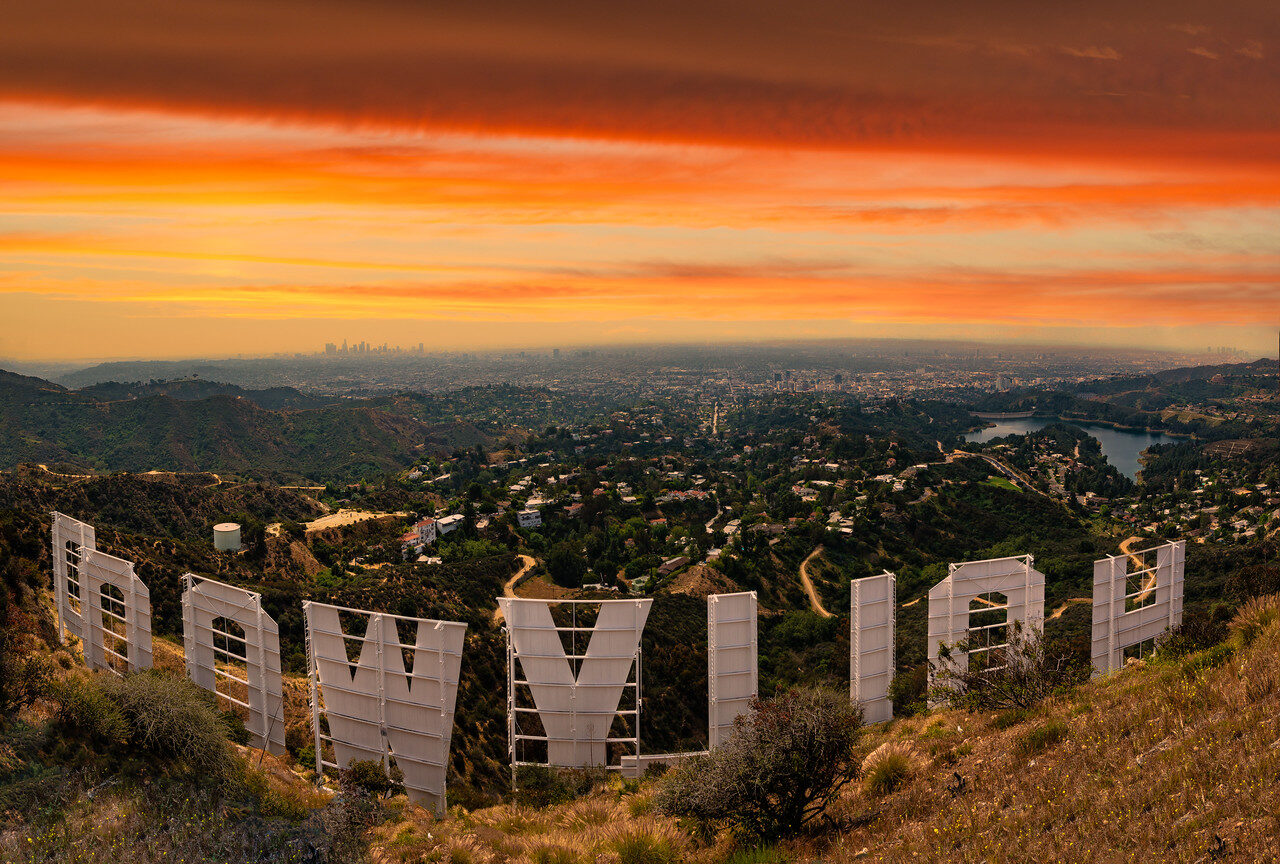
For an image of a pier at sunset, useful text might discuss the bright sky, the silhouette, and the way the structure leads the eye. It should not claim an exposure time, filter, camera, or lens unless that information is known. Visual evidence and equipment metadata answer different questions.
Write alt text that describes the actual image. Do not fill it with product names or target keywords unrelated to the scene. An AI-generated caption can confuse a place or identify an object incorrectly. Look at the photograph yourself and make the text fit the pixels.
Use photographs you own or have a license to publish. A search result is not a license. Predraft’s pricing page advertises cover images with commercial-use licensing, but that description is not enough to verify the rights for a particular image. Review the source, license, required attribution, and allowed use for each file before publishing.
 Save
SavePrivacy and ownership need more than a slogan
Predraft’s public homepage says information entered is kept private, and its FAQ says users own their output. Those are vendor statements, not a legal assessment in this article. Read the current terms and privacy policy before uploading private client material or relying on rights claims for commercial work.
A photographer’s notes can contain names, addresses, shoot schedules, contracts, and unpublished work. Do not paste that material into a service just because the writing box is convenient. Use public or non-sensitive source material for an initial test, and remove details the article does not need.
If you work with a team, decide who can view drafts and who can publish them. Account sharing and scheduled-post features can be useful, but they also make it easier for unfinished copy to reach the public. Give access according to the real job, not simply because a subscription includes seats.
Owning an output under a service’s terms does not establish that every included sentence, photograph, or quotation is free of third-party rights concerns. Review the actual material. Keep your image permissions and sources with the project so the final article has a clear record.
AI writing and Google Search
Google’s guidance on generative AI content says these tools can help with research and structure. It also warns that generating many pages without adding value can violate the scaled-content-abuse policy. The useful standard is the value of the finished article, not which button produced the first draft.
A photography website should give readers something they can use: accurate details, original photographs, clear trade-offs, and honest limits. Adding more headings and repeating a keyword does not create those things. Neither does describing every tool as groundbreaking or every location as perfect.
Check the metadata too. A restrained article can still have an exaggerated title or description. Structured data should match visible content, and image descriptions should match the images. Do not claim a hands-on review in search metadata when the article is a researched overview.
Save the draft before connecting publishing tools
Predraft’s pricing page distinguishes publishing to WordPress.com from publishing to self-hosted WordPress on different plans. Confirm which kind of site you run and what access the connection requests. This guide has not tested those integrations and does not certify that they work with every theme, plugin, or account.
Keep the first export or transfer as a draft. Review headings, links, image placement, captions, and spacing on the actual website. A preview in the writing tool does not show how your theme will render the article. Open the published-layout preview on desktop and mobile before it becomes public.
Keep a separate copy of your original notes, images, and edited text. If a revision goes wrong or an integration fails, you need a clean version to return to. A local drive can hold working files, but it should be part of a backup plan rather than the only copy of the project.
 Save
SaveIs PredraftAI worth considering?
It may be worth investigating if your main problem is organizing verified material into an outline and editable draft. It is less useful if you expect it to supply the experience, evidence, and judgment that make a photography article trustworthy. Evaluate it with a small project before making it part of your publishing routine.
The strongest writing starts with stronger observation. ShutYourAperture Academy offers technical courses and artistic workflows to help you improve light, composition, and image-making. Better photographs and clearer decisions give you better material to explain. A writing tool can arrange that material; it should not replace it.
PredraftAI questions
Is this a hands-on PredraftAI review?
No. This is a researched overview of public vendor information and an editorial workflow for photographers. It does not claim measured accuracy, speed, or integration results.
Does PredraftAI guarantee accurate articles?
Citations and research features do not guarantee accuracy. Open the sources, check each important claim, and remove invented experience or unsupported details before publishing.
How many free articles does PredraftAI include?
The public pricing page is inconsistent: its Starter card says up to two per month while the comparison table says one. Confirm the actual allowance with the provider or in your account.
Can a photographer use AI-written copy on a website?
AI can help with structure and drafts, but the finished article needs accurate facts, useful original material, rights-cleared images, and editorial review. Google’s guidance warns against scaled content that adds no value.
Should I connect it directly to WordPress?
First confirm your site type, plan features, requested access, and draft workflow. Review the actual website layout and facts before allowing any tool to publish finished content.
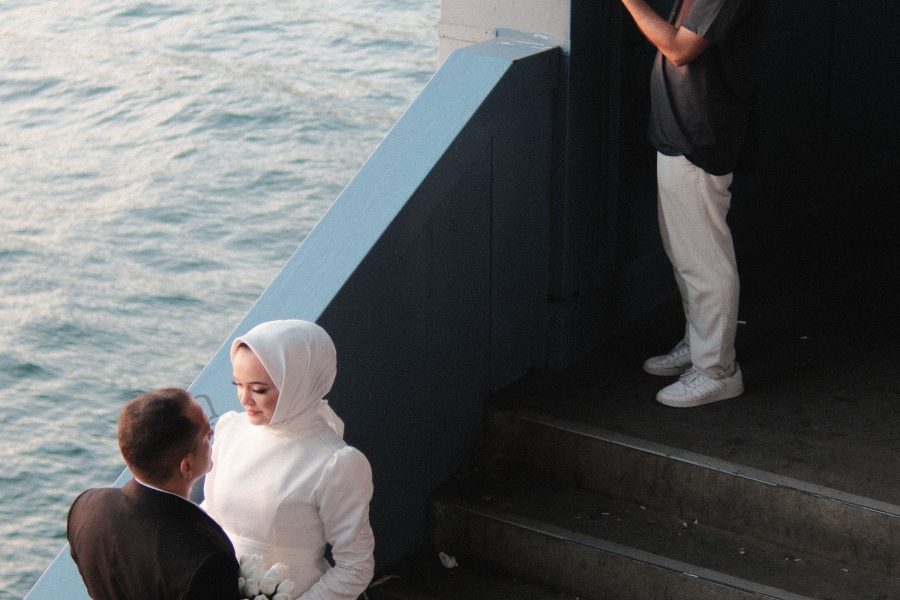
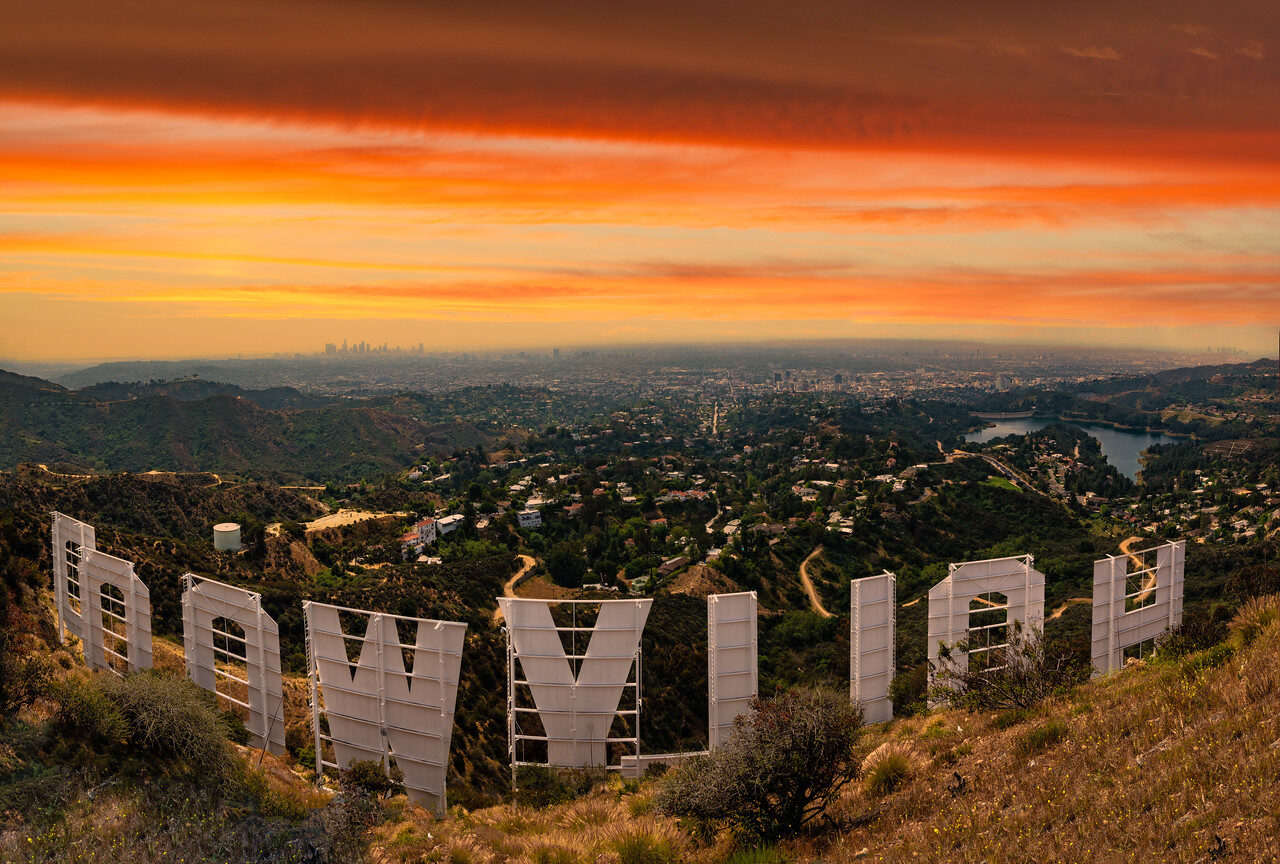
Vendor information checked in October 2026. Features and billing terms can change; public claims are not independently tested here. Photographs illustrate original photography material, not PredraftAI output.
Keep your source material separate: Samsung T7 Shield 2TB
A portable SSD is one option for keeping photography files and editorial source material outside a web writing account. The 2TB T7 Shield uses USB-C. Check computer compatibility and current pricing. A drive is not an automatic backup; keep another independent copy of important work.
Affiliate links may earn a commission. Retailer prices and availability can change.