
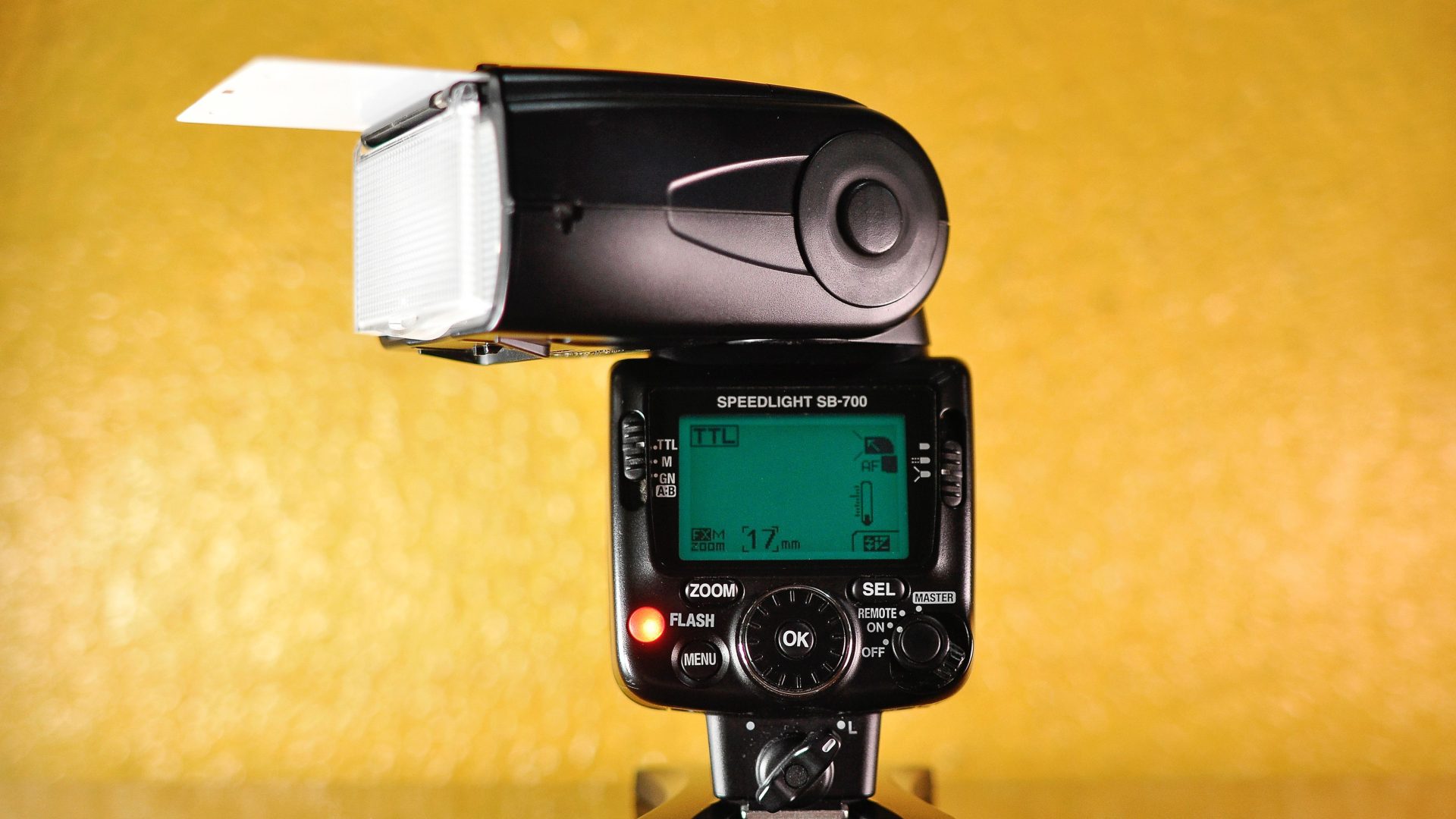
Featured photograph: Photo by Fortal Fototeca via Pexels (Pexels license). (Stock photo, illustrative.)
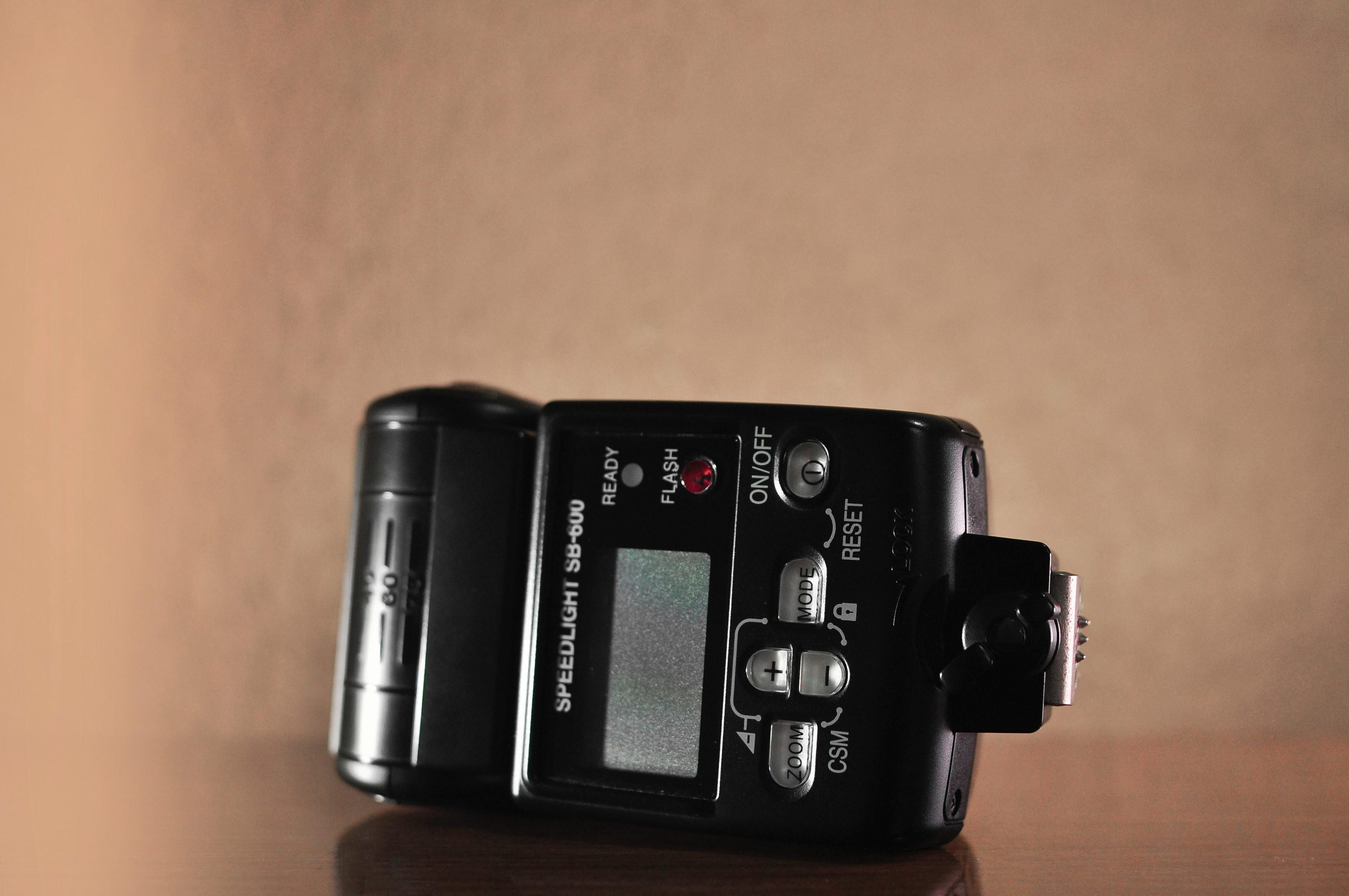
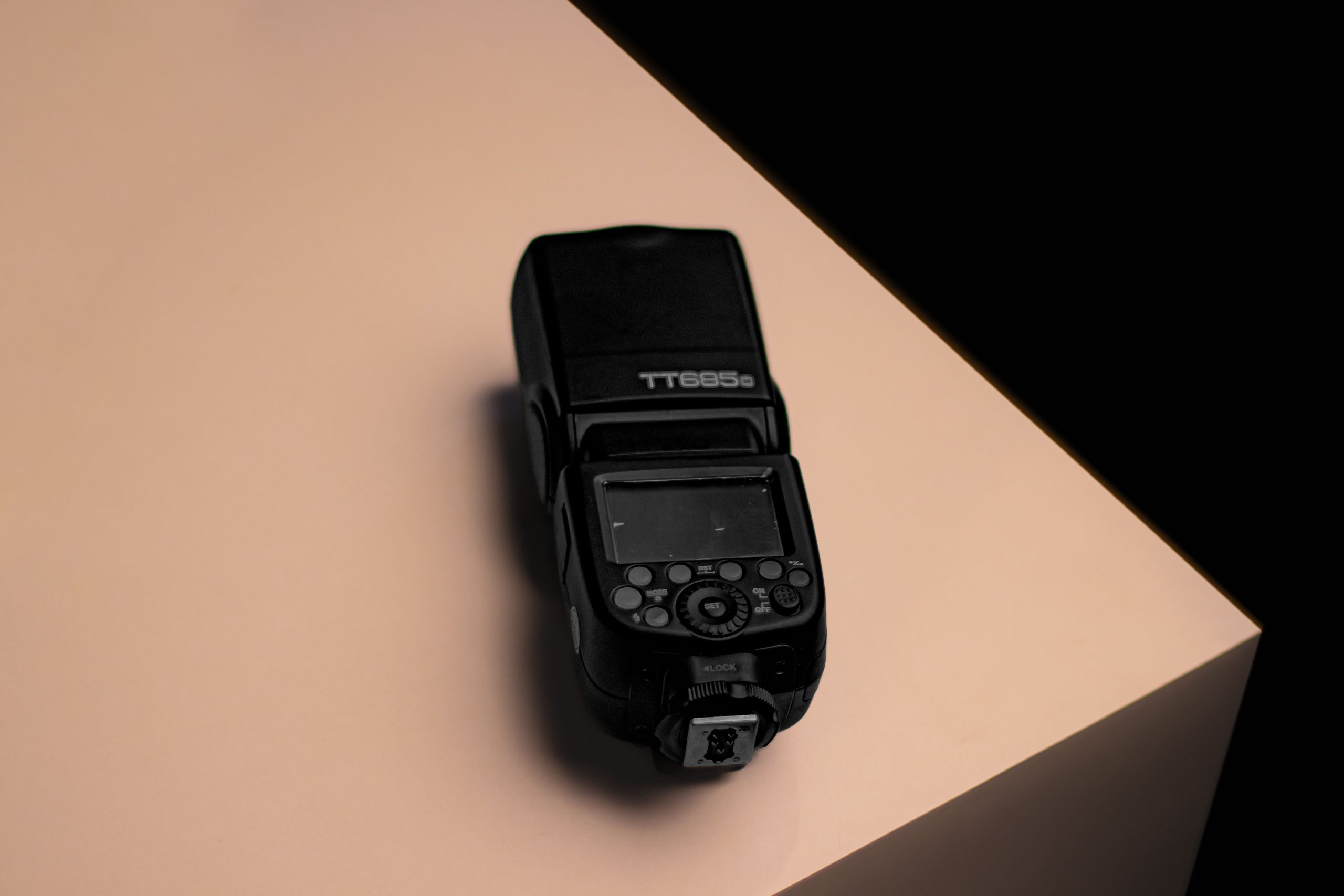
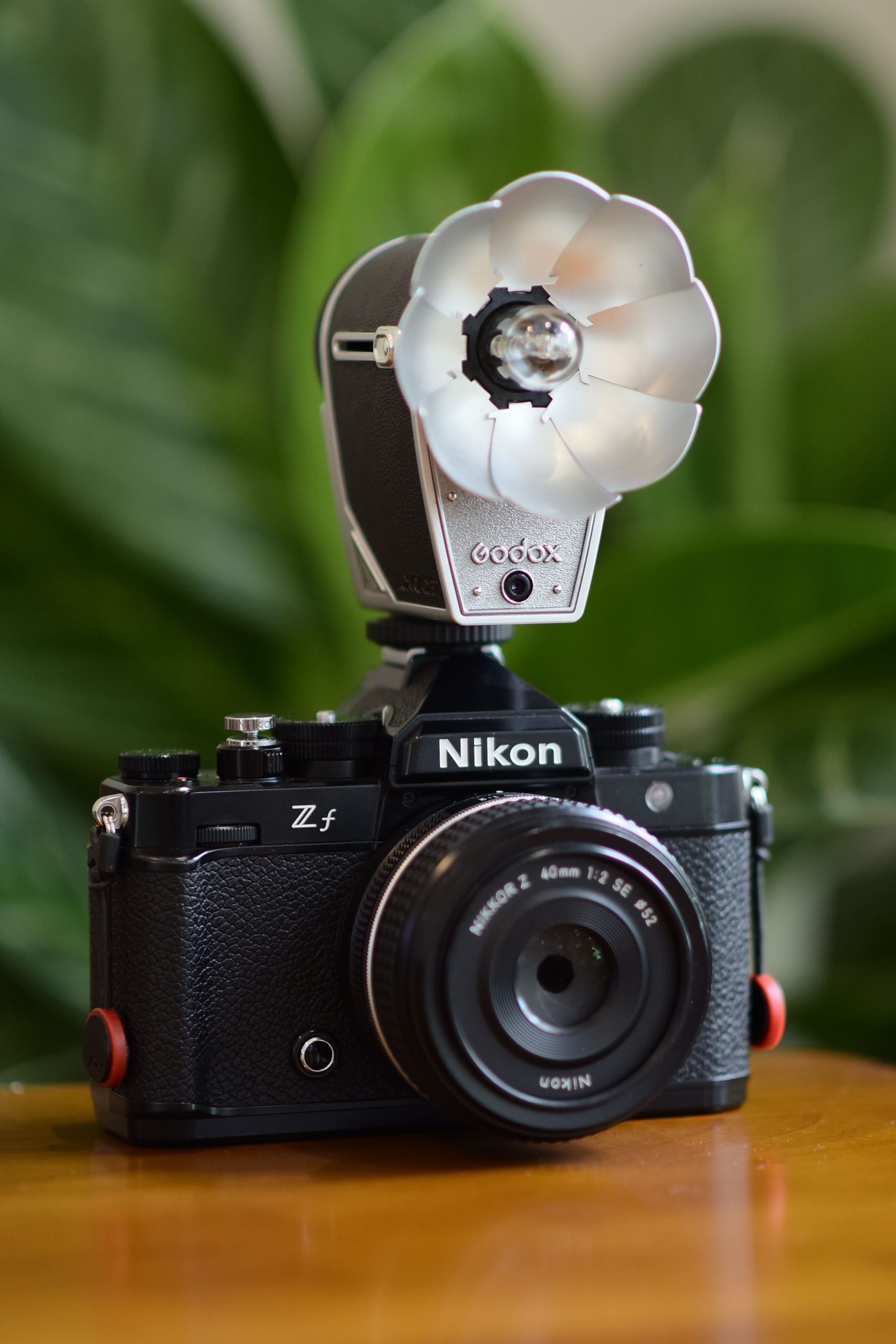
Wireless flash triggers let an event photographer put light away from the camera. A transmitter on the hot shoe sends a firing signal to a compatible receiver or radio-equipped flash, allowing you to work around a reception hall, a ceremony aisle, or a trade-show floor. The practical challenge is not simply buying a radio: it is matching the camera, transmitter, receiver, and flash, then testing the whole chain at the venue. This guide covers control modes, grouping, range limits, compatibility checks, and a repeatable setup routine. The photographs are illustrative speedlight and lighting-equipment references, not documentation of a tested multi-light installation.
Original date March 2, 2024. Updated October 2026.
Some links below are affiliate links. If you buy through them, Shut Your Aperture may earn a small commission at no extra cost to you.
What a wireless trigger actually does
A wireless flash trigger consists of a transmitter and one or more compatible receivers. The receiver can be built into a flash or attached separately. When the shutter fires, the system sends a timing signal so the flash contributes during the exposure. Some combinations also provide TTL metering, remote power adjustment, zoom control, or high-speed sync, but those functions depend on the exact camera and flash combination. A basic sync connection should not be assumed to carry every advanced function.
For events, the practical payoff is positioning. A supported radio setup can let you put a flash to one side for a rim light or behind the speaking position for separation, then adjust supported settings from the camera. Keep stands stable and clear of walkways, obtain the venue permission you need, and make sure a light cannot fall onto guests. Remote control reduces some trips back to the stand; it does not remove the need to check placement, exposure, battery level, and safety.
 Save
SaveOptical vs. radio triggers
Optical triggering uses a light signal to fire a compatible remote flash. Depending on the system, it can be a simple slave response or a coded control signal. Sensor position, ambient light, and obstructions can affect whether that signal is detected. Radio systems do not depend on optical line of sight, which makes them useful when lights are around corners or behind modifiers. Radio is not immune to walls, interference, poor positioning, or a crowded frequency band. Test the route rather than treating either method as a guarantee.
The trade-offs include hardware cost, batteries, and setup complexity. An optical slave may be sufficient in a controlled room where you can test the sensor position. Radio can be more practical when guests move between camera and light, but a purchase only helps if the flash and receiver are compatible. Choose for the conditions you actually shoot, not for a promise that one technology never misses.
TTL vs. manual triggering
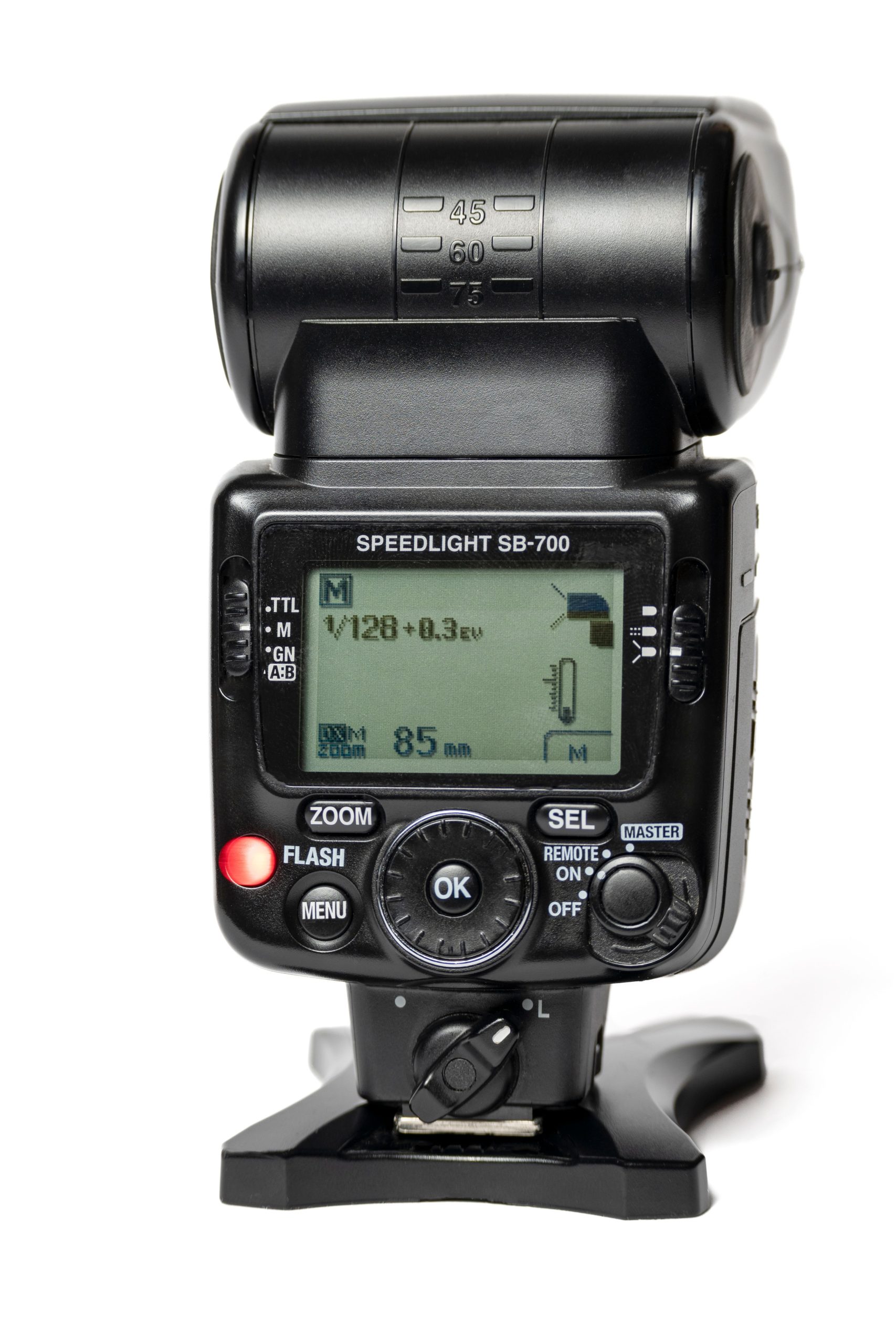
TTL (through-the-lens) triggering passes your camera’s flash metering to the remote units, so exposure adapts automatically as subjects move toward or away from the lights. Manual triggering fires the flashes at power levels you set yourself. Both matter at events:
- TTL shines during fast-moving coverage – processional, first dance, candids – where subject distance changes constantly. Systems like the Godox X support full TTL plus high-speed sync up to 1/8000 second, per B&H’s X2T specification.
- Manual shines for staged or repeatable moments – speeches at a fixed lectern, table shots, a photo booth corner – where consistency across frames beats automation. Fixed power can make repeated lighting easier to compare.
The useful rule: let TTL handle chaos, switch to manual for anything repeatable. Some supported combinations let you change modes per group from the transmitter, so you can run TTL on your key light and manual on the accents.
 Save
SaveChannels, groups, and IDs: keeping control of your lights
Channels, groups, and wireless IDs help organize compatible lights:
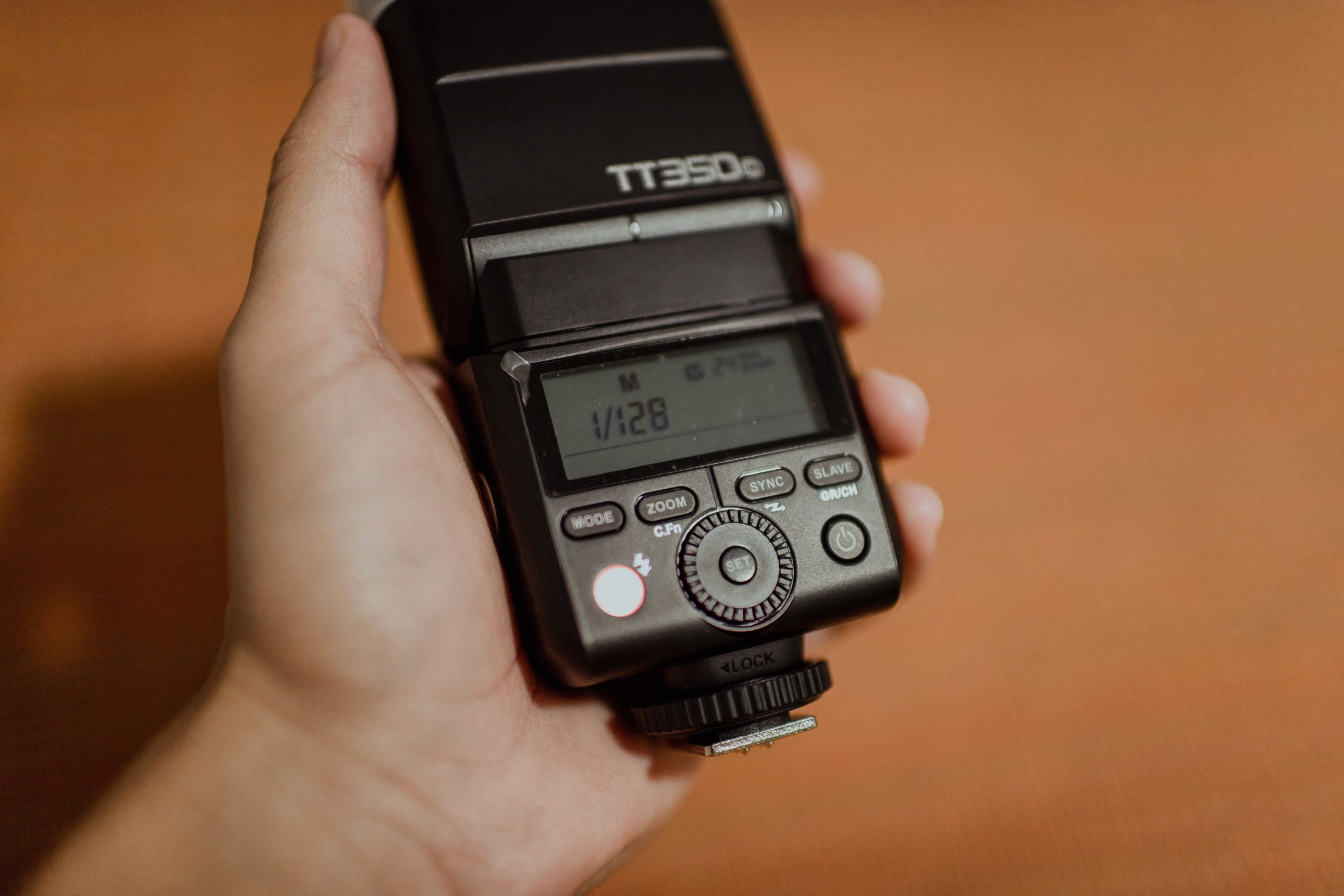
- Channels select the system setting used for communication. The linked Godox X2T-C offers 32 channels. Coordinate with other photographers and change settings if you encounter unintended firing or inconsistent response.
- Groups divide your flashes into independently controllable sets – five groups (A-E) on the linked Godox X2T-C, with the number and modes depending on the model. Put the dance-floor rims in group B and the table fill in group C, and you can power or kill each set from the transmitter between songs.
- Wireless IDs add a digital handshake on top of the channel (99 ID settings on the X2), to reduce unintended triggering when the matching units support the same ID feature. The X2 can also scan for the least-crowded channel automatically.
At a busy venue with multiple shooters, set channel and ID before the event starts and write them on a piece of gaffer tape on each receiver. Mid-event interference debugging is miserable.
 Save
SaveRange and reliability inside real venues
Manufacturer range figures are reference specifications, not a promise for a particular ballroom. B&H lists up to 328 feet for the Godox X2T-C and X3-C, while its Profoto Connect Pro Non-TTL overview quotes about 330 feet. Building layout, obstructions, interference, and mounting position can change the usable distance. Test from the positions you will occupy, including low angles and the far end of the dance floor. If one route is inconsistent, reposition the light or receiver before relying on it.
- Try a clearer receiver position if a route is inconsistent, then test again. Secure the stand before increasing its height.
- Test the transmitter from your actual camera positions rather than only beside the light.
- Walk the venue before guests arrive and test-fire every group from your planned shooting positions.
- Carry a spare trigger set. A compatible backup transmitter is cheap insurance for a wedding you cannot reshoot.
Built-in receivers vs. add-on receivers
Some flashes have a compatible radio receiver built in; others need a separate receiver connected through the foot or sync socket. A built-in receiver can reduce the number of loose parts, but it only works with a supported transmitter protocol. An add-on receiver may provide basic firing without remote power, TTL, or high-speed sync. Before buying, check the flash manual, the receiver connection, the supported camera version, and any firmware requirements. Do not assume that a hot shoe or a shared radio frequency establishes compatibility.
High-speed sync at events
High-speed sync permits flash use above the camera normal sync speed when the camera, transmitter, and flash support it. B&H lists up to 1/8000 second for the linked Canon X2T-C and X3-C combinations. It can help balance a bright background when you want a wider aperture, but usable flash output is reduced. Check exposure at the actual distance and power setting. Indoors, ordinary sync may give more usable output when you do not need a faster shutter.
 Save
SavePicking a trigger ecosystem
Buy into one radio ecosystem and stay in it, because sharing a frequency does not make different protocols compatible. Three setup questions to compare:
Godox X system – check the camera-specific version
The Godox X system is one option for compatible Godox flashes and receivers. The linked X2T-C product is the Canon version: B&H specifies Canon E-TTL/E-TTL II, manual control, five groups, 32 channels, 99 wireless IDs, and high-speed sync up to 1/8000 second with a supported setup. The linked X3-C is also for Canon and adds a touchscreen and USB-C charging for its internal battery. These are two transmitter choices within a system, not universal adapters for every flash. Select the version documented for your camera and verify your flash model before ordering.
Profoto Air – check the exact remote
The linked Profoto Connect Pro is the Non-TTL version. B&H describes manual group control of compatible AirX flashes, 100 channels, and a nominal range of about 330 feet. It is an option to compare when you already use compatible Profoto lighting and do not need this remote to provide TTL. Do not infer TTL from the family name: brand-specific versions and the non-TTL model are different products. Check the exact model, camera connection, flash support, and firmware rather than buying on appearance.
Legacy flashes and remote cameras
A separate transmitter-and-receiver system can still be useful for a legacy flash or a remote camera. Before considering used hardware, verify its frequency region, matching receiver, cable, camera connector, and sync limits from the manufacturer documentation. A discontinued listing or a category page is not proof that the particular unit you need is available. This guide does not treat an old used-product listing as a current offer. If a remote camera is part of the job, test that function independently instead of assuming a flash trigger supports it.
Batteries and power management
Plan batteries and charging separately for each device. Check the required type and whether the manufacturer permits the rechargeable cells you intend to use. B&H lists USB-C charging for the X3-C internal battery and three AAA batteries for the linked Profoto Non-TTL remote. Label sets, check charge before the job, and carry compatible spares. Do not assume that one battery type or one charging cable serves the whole kit.
Trigger mistakes that cost event shots
- Mixing radio ecosystems. A shared frequency is not proof of a matching protocol. Use documented compatible combinations, or keep matched transmitter-and-receiver pairs separate and label them.
- Ignoring frequency-region compatibility. Check the manufacturer documentation for the region of each transmitter and receiver, particularly when considering used equipment. A physically matching connector does not prove radio compatibility.
- Leaving everything in group A. If all lights share one group, every adjustment hits every light. Assign groups at setup so the dance floor, tables, and backlight can be tuned independently.
- Trusting TTL in a black-walled room. Dark walls and ceilings eat bounce and confuse flash metering; if TTL exposure swings wildly frame to frame, take manual control.
- No failure plan. A receiver can be knocked loose, a battery can run down, or a setting can change. Rehearse a swap with the equipment you carry so troubleshooting is deliberate rather than improvised.
 Save
SaveTriggering remote cameras, not just flashes
Some trigger systems can also operate a remote camera, but flash triggering and shutter release are separate compatibility questions. Confirm that the transmitter, receiver, cable, and camera support the desired function. A remote body may need a wake-up or focus step before it will expose, and a cable that fits is not enough to establish the behavior. Mount the camera with an approved, secure support, set exposure and focus in advance, and test the actual sequence. Coordinate the location with the venue so the equipment does not obstruct people or create a falling-object risk.
An event setup checklist
- Scout and pre-light. Place stands and receivers before guests arrive; gel or flag lights that spill where you do not want them.
- Set channel, ID, and groups first. Label every receiver. Confirm no other shooter at the venue shares your system and channel.
- Test-fire every group from real shooting positions. Do it before the room fills with bodies and phones.
- Start in TTL, move to manual for repeatable moments. Lock manual power for speeches and table rounds; ride TTL for dancing.
- Meter the room, not the subject. Choose an ambient exposure that keeps the venue mood, then adjust flash contribution and check a test frame.
- Carry spares. A backup transmitter, charged AA batteries for every receiver, and one extra speedlight cover several common hardware problems.
Wireless triggering is useful when the light needs to be somewhere other than the camera. A good setup is the compatible one you can operate and troubleshoot under pressure. Learn the menus before the event, label the units, test every group from real shooting positions, and keep a simple fallback ready. The aim is predictable control, not the largest number of lights. Start with one light placed well, then add complexity only when it solves a specific lighting problem.
Do wireless triggers work through walls and crowds?
Radio triggers do not depend on optical line of sight, but guests, pillars, walls, and positioning can still affect performance. Rated range (about 328 feet for the Godox X2 and X3) drops indoors, but testing from your real shooting positions before the event confirms what the room allows.
Do I need TTL triggering for events?
TTL helps when subject distance changes constantly, such as dancing and candid coverage. Manual power is more consistent for repeatable setups like speeches, table shots, and booth corners. Check whether the exact transmitter supports the mode combination you need.
How many flashes can one transmitter fire?
Check the receiver and group limits for the exact system. The linked Godox X2T-C lists five groups. Put lights needing separate adjustments in separate supported groups, then test each group.
Will another photographer’s triggers fire my flashes?
Unintended triggering can occur when compatible systems share settings. Set a distinct channel and wireless ID (99 IDs on the Godox X2) at the venue to reduce the risk, then test for unintended firing. A channel scan, built into the X2, finds the least crowded option.
Can one trigger fire a flash and a remote camera at once?
Some systems support both, but it depends on the exact transmitter, receiver, cable, and camera. Check the manuals and test shutter release, wake-up, focus, and flash timing before relying on the combination.
Can I mix flash brands on one trigger system?
Some combinations support basic manual firing through a compatible receiver and connection. Verify the exact setup rather than assuming it will fire. TTL, high-speed sync, and remote power control need explicitly supported camera, transmitter, receiver, and flash combinations.
For camera selection alongside the lighting kit, see the camera buyer guide.
Trigger systems to compare
Check the camera version, flash protocol, and supported modes before buying. These are product references, not a hands-on test of the photographed equipment.
- Godox X2T-C for Canon: Canon E-TTL/E-TTL II transmitter with manual control, five groups, and channel scan. Match camera and flash compatibility.
- Godox X3-C for Canon: Canon version with a touchscreen and rechargeable internal battery. This is not a transmitter for every camera brand.
- Profoto Connect Pro Non-TTL: Manual group control for compatible AirX flashes. This linked version does not provide TTL.
Affiliate disclosure: this article contains B&H affiliate links. If you buy through them, Shut Your Aperture may earn a commission at no extra cost to you. Check current terms and compatibility at the retailer.

