
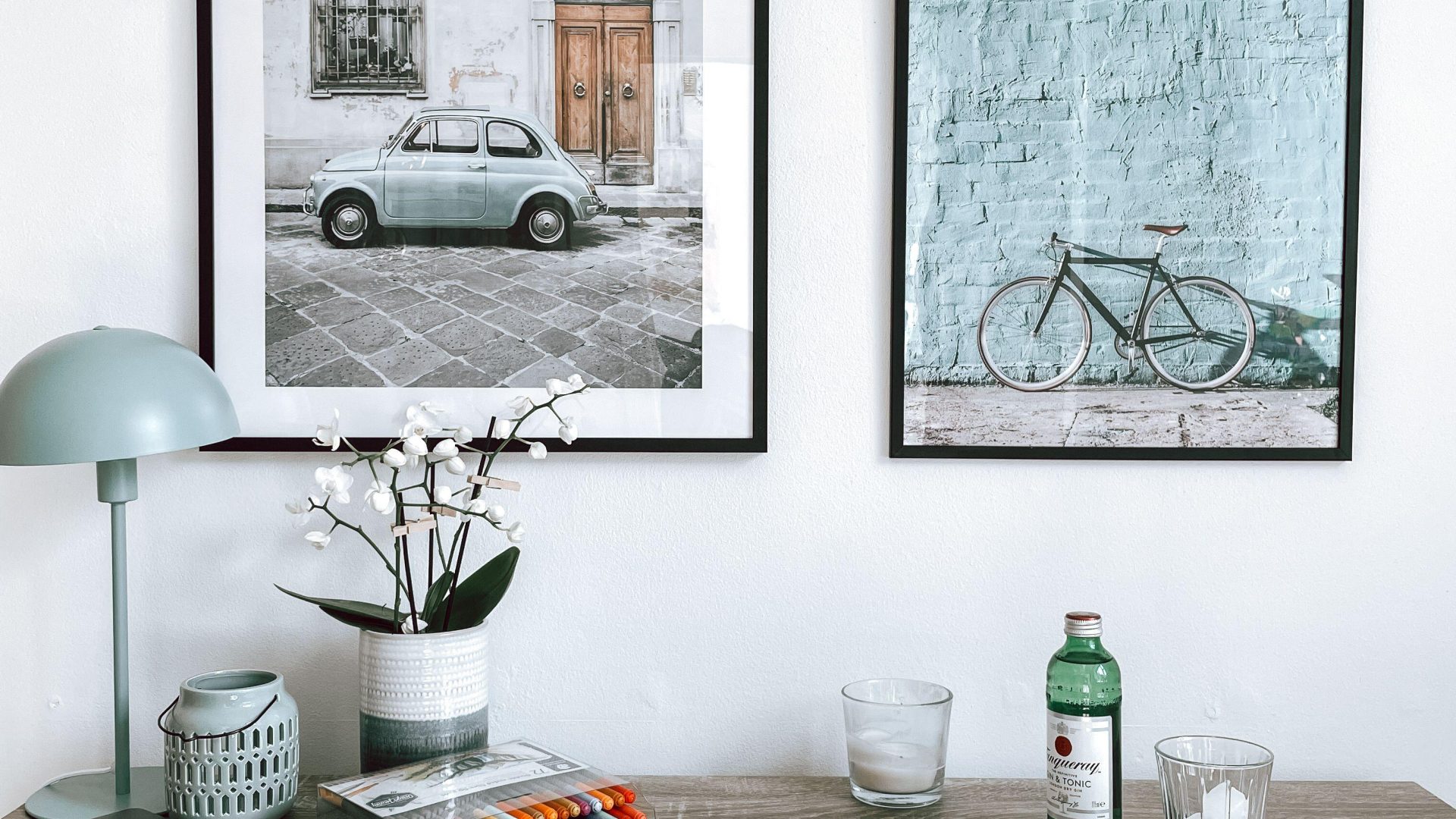
Featured photograph: Photo by thea a via Pexels (source; Pexels license). (Stock photo, illustrative.)
Updated October 2026
A visitor should not have to solve a puzzle to buy your photograph. Show the work clearly, explain what arrives and make the next step obvious. If someone has to message you just to learn whether the frame is included, the product page is not finished.
Improving online photography sales starts with a useful offer and a reliable buying experience. It does not start with a promise that a new button color will double your income. Work through the product, presentation and fulfillment before chasing more traffic. Then use actual questions and orders to decide what needs attention.
Choose one offer to improve first
A print, a digital download and a photography assignment are different offers. They need different descriptions and different next steps. A print buyer wants to understand the object. Someone licensing an image needs clear permitted uses. Someone booking a shoot needs to know whether you accept that kind of assignment and how to ask about it.
Choose one offer for the first pass. For example, make a small print collection understandable before rebuilding every gallery. Write down the intended audience, what they receive and why this group of photographs belongs together. Keep that brief next to you while editing the page.
The SBA’s market research guidance is a useful starting point for investigating demand, alternatives and the people you intend to serve. Use research to ask better questions, not to assume that a large audience automatically wants your work. A focused conversation with potential buyers may expose a missing detail that your own page review missed.
 Save
SaveShow the photograph and the product separately
Let someone inspect the image without a room mockup hiding most of it. Then show the physical presentation if that is part of the offer. A close view can show the photograph; another view can explain the border, paper or frame. Make each view answer a different question.
Label mockups as illustrations. If you place a photograph into a sample room, do not imply that the displayed size or frame is exactly what the buyer receives unless it is. Check proportions carefully. A beautiful room image is misleading if a small print appears to fill an enormous wall.
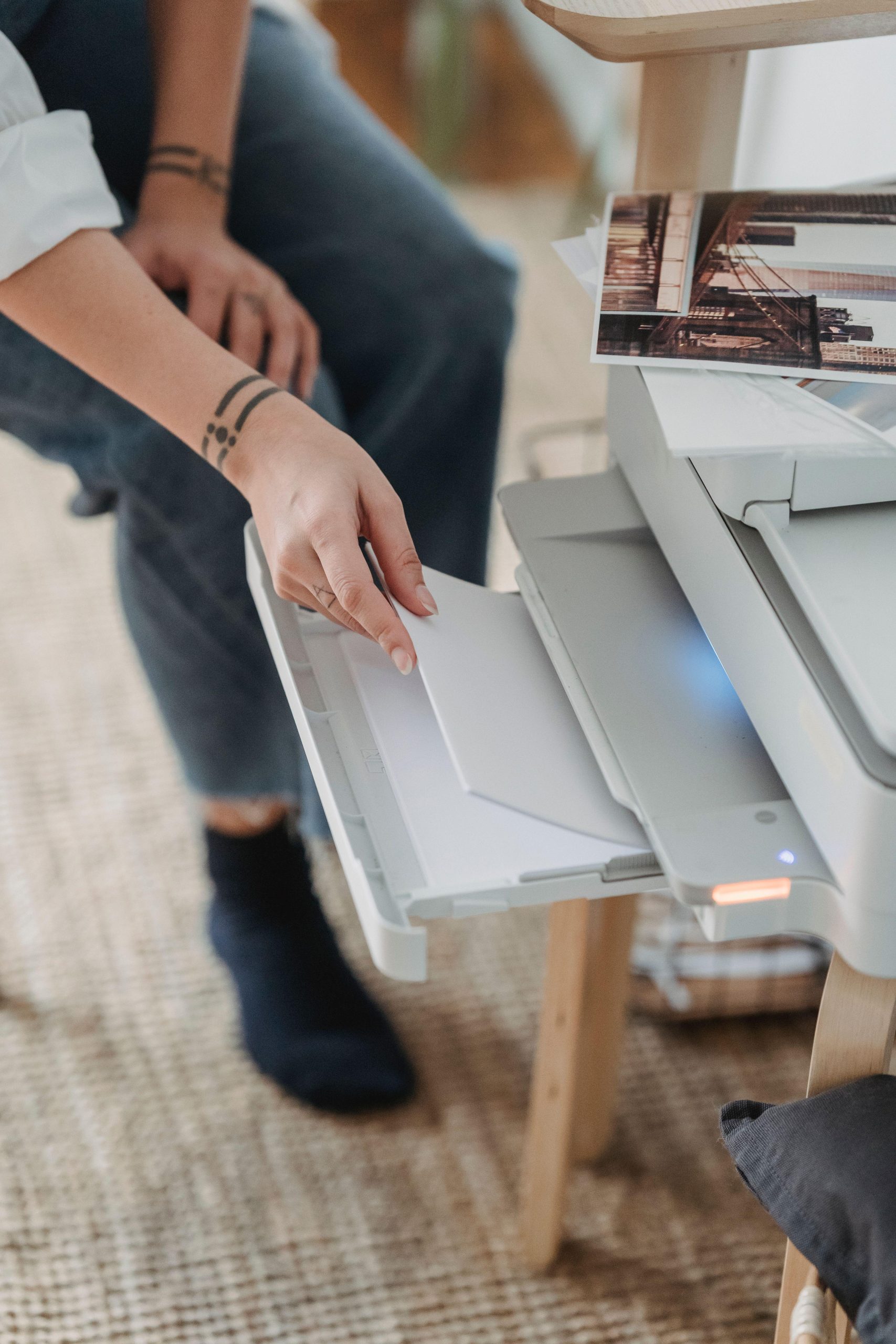
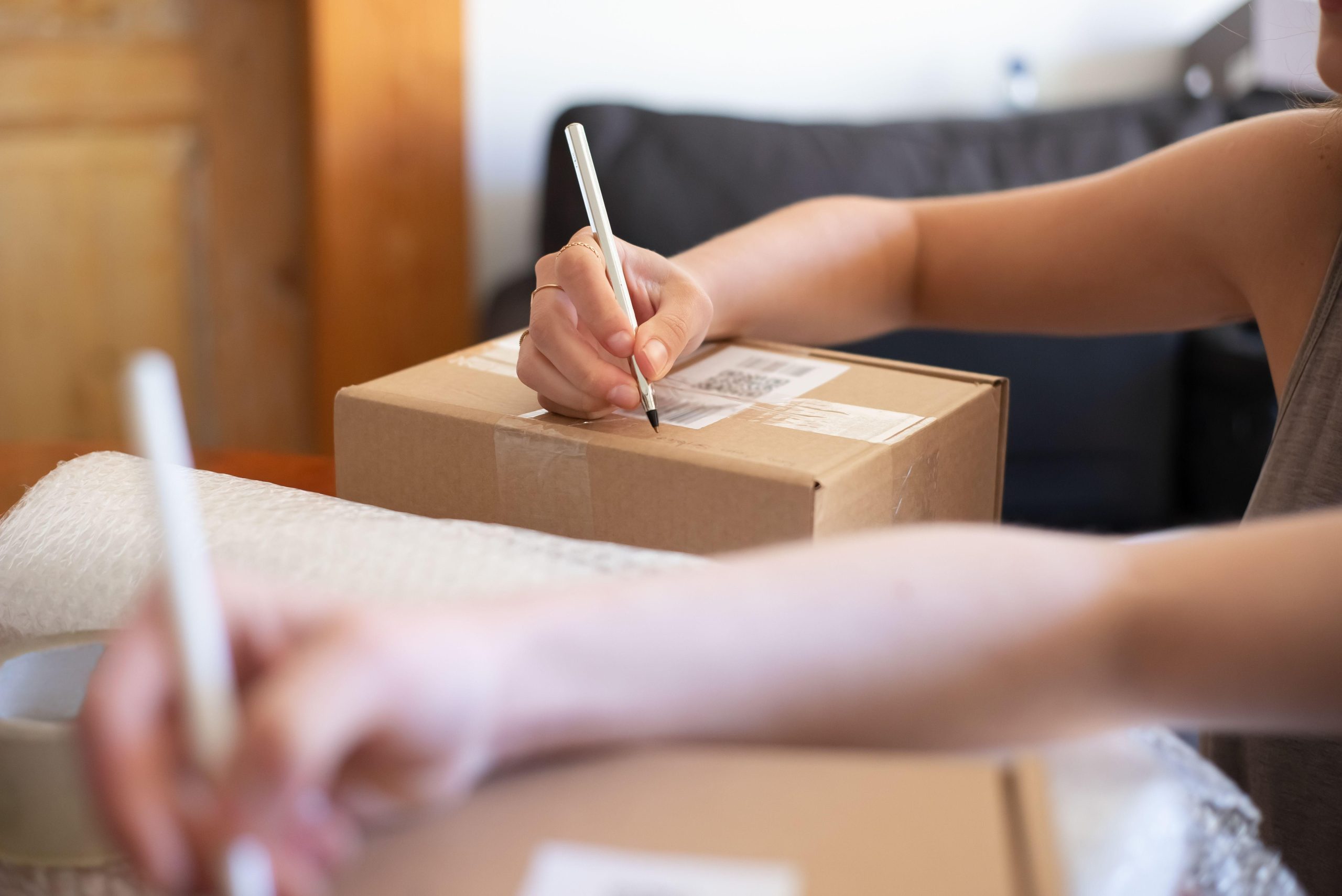
Do not use another photographer’s work as a product example for your own print. The photographs in this article are illustrative stock images of display and workflow, not products sold here or evidence of our fulfillment process. On your shop, use the actual work and product evidence you have the right to show.
Answer the questions that determine a purchase
Put the important facts close to the offer: the image, dimensions, material, included items and the selected variation. Explain whether dimensions refer to the printed sheet, the image area or the outside of a frame. Those are not interchangeable measurements.
If you offer several sizes, make their differences understandable. Show the crop when a different aspect ratio changes the composition. If the print has a border, explain it. If a frame is not included, say so near the image rather than hiding that fact deep in a policy page.
Keep descriptions specific and supportable. Do not call a paper archival, a print limited edition or a delivery guaranteed unless you have evidence for that exact product and arrangement. Attractive adjectives are no substitute for the information someone needs to choose the right item.
 Save
SaveCheck the actual proof before selling a new format
A screen preview is useful, but it is not a physical print. If you plan to sell a new paper, size or production method, inspect an actual sample when practical. Look at sharpness, shadow detail, color, borders and trimming under appropriate viewing conditions. Keep notes tied to the exact file and product.
Ask the lab for its current preparation instructions. File dimensions, color handling, sharpening and border requirements depend on the service and product. Do not borrow a setting from an unrelated tutorial and assume it applies everywhere. If the lab supplies a proofing workflow, understand what it does and does not predict.
Make a separate delivery export and keep the original safe. Name the file so it is clear which photograph, crop and size it represents. A folder of nearly identical exports called final, final-two and final-really is an easy way to send the wrong version. A simple record of the approved file and product makes repeat orders less confusing.
Build a price from the work involved
List the costs you can verify for the offer: production, packaging, shipping arrangements and applicable service charges. Include the time required to prepare, manage and resolve an order. These are planning inputs, not a pricing formula that fits every photographer.
Check current provider terms rather than using a fee remembered from last year. Payment processing, marketplace charges and fulfillment costs can differ by account, destination or product. If a cost is unknown, investigate it before publishing an offer that depends on it.
Then decide the price you are willing to support and review how it fits the audience and product. Do not copy a competitor’s number without understanding their offer. A framed print, an unframed sheet and a licensed file may all show the same photograph while carrying very different work and obligations.
 Save
SaveMake shipping and delivery understandable
Explain where you can deliver the product and which options are actually available. Separate production time from transit time when that distinction matters. If a window is an estimate, call it an estimate. Do not turn a provider’s best-case example into your own unconditional promise.
Check the packaging for the product you plan to ship. A small flat print and a large framed piece need different handling. If a fulfillment partner packs the order, review its current process and available support. Do not describe a packing method you have never verified as though you perform it yourself.
Give the buyer a clear route for reporting damage, a missing item or an order problem. Your policy should match the actual arrangement and applicable requirements. Get suitable advice when necessary rather than copying legal language from another shop. The page needs accurate terms, not a paragraph that merely sounds official.
 Save
SaveTest the purchase path on a phone
Open the public product page while signed out. Choose a variation, inspect the description and follow the route toward checkout. Check that the selected size, image and included items remain clear. Look for cropped labels, unreadable text and buttons that disappear beneath overlays.
Use the platform’s supported test mode when one is available and appropriate. Do not place an accidental live order just to see whether a button works. If a real test purchase is needed, plan and authorize it deliberately, including any charges and cancellation limits.
Check the confirmation and delivery steps too. A successful payment screen is not the entire customer experience. Verify that the order information reaches the right place and that the buyer receives the promised instructions. For digital products, inspect the actual downloadable file and access route before treating delivery as ready.
Give the collection a useful place to live
A collection page should help a visitor choose, not simply repeat every image you own. Group related work by a clear idea, subject or place when those labels are accurate. Give each photograph room to breathe and use descriptions that explain the work without inventing a story about its capture.
Keep the route from portfolio to product understandable. A visitor admiring a photograph should be able to find its available offer without searching through unrelated categories. If the photograph is not for sale, do not send them to a generic product that looks similar.
Our photography website checklist covers image presentation, mobile checks and contact testing. The portfolio guide can help you edit the selection before you build more product pages.
 Save
SaveUse real questions to improve the page
Keep a short record of questions people ask before buying. If several people cannot tell whether a frame is included, improve that explanation near the product image. If they ask about a size you do not offer, investigate demand and production before adding it automatically.
Review the data your platform actually provides. A page visit, a checkout start and a completed order mean different things. Check how the platform defines each measure before comparing them. Small numbers can move sharply, so do not turn one quiet day or one successful promotion into a sweeping conclusion.
Change a clear problem and record the date. Then review what happened over a useful period for your business. You may learn more from a specific buyer question than from repeatedly redesigning the page. Treat analytics as evidence to interpret, not a machine that tells you the only correct creative decision.
Promote the offer without making things up
Show the photograph, explain the product and link to the correct page. If you describe a limited quantity, a deadline or a discount, make sure it is real and current. Do not invent scarcity to create pressure or use an old promotion after its terms have changed.
Let your description reflect the actual work. A small story about why the composition matters can help someone understand it, but a claim about where or how it was made needs evidence. Keep the product facts consistent across the shop, social posts and any message you send to a prospective buyer.
Finish one offer properly before expanding the catalog. Clear photographs, accurate descriptions, a tested purchase route and reliable follow-through give you a better foundation than dozens of unfinished listings. More traffic is useful only when the visitor reaches something ready to buy.
Sources and further reading
Market research principles checked against the SBA market research guidance. The workflow is practical editorial advice, not a promise of sales. Verify actual platform, lab and delivery terms for each offer. Illustrative photographs use the Pexels license; individual sources are credited with each image.
Frequently asked questions
What should I improve first to sell photographs online?
Choose one offer and make it understandable. Show the actual photograph, explain what the buyer receives and check the next step on a phone. Fix missing product facts and delivery questions before assuming the main problem is traffic or advertising.
What information belongs on a photography print product page?
Include the image, selected size, material and what is included. Explain whether measurements describe the sheet, image area or frame. Show any crop or border differences and state clearly if a frame is not included. Use product claims you can support for that exact offer.
Can I use a room mockup to show a print?
A mockup can illustrate presentation, but label it and check its proportions. Do not imply that a displayed frame, size or room is part of the actual order unless that is true. Give the visitor a clear view of the photograph itself as well as the illustration.
How should I price photography prints online?
Start by investigating the actual costs and work involved in your offer, including production, packaging, delivery arrangements and current service charges. Then decide what price fits the product and the business you want to run. There is no single markup or competitor price that answers every situation.
How do I test an online photography shop before launch?
Check the public page while signed out and follow the purchase path at phone and desktop sizes. Verify variations, product facts, confirmation and delivery instructions. Use a supported test mode where appropriate. Do not accidentally place a live order just to test a button; any paid test needs deliberate approval.
How can I tell why visitors are not buying my photographs?
Start with evidence you can inspect: missing product facts, repeated buyer questions, broken links and the measures your platform actually records. Understand the difference between a visit, a checkout start and an order. Fix a clear problem, record the change and review the results without treating small samples as a guarantee.
Equipment references for the workflow
Start with the files and equipment you have. These storage references are optional tools for capture and file handling, not a requirement for launching an online print offer or the equipment used in the illustrative photos. Check current specifications and compatibility on the linked pages.
- SANDISK 128GB Extreme PRO UHS-II SDXC Memory Card: An optional capture-media reference for a practice project. Confirm the card type and recording requirements in your exact camera manual before buying.
- Samsung 2TB T7 Shield Portable SSD (Black): A portable storage reference for organizing or copying project files. Check your computer connection and actual capacity needs. A single drive is not a complete backup plan.
Affiliate disclosure: if you buy through these B&H links, Shut Your Aperture may earn a commission at no extra cost to you.

