Real estate photography lives or dies on consistency: every listing needs bright, clean, believable images, delivered fast. The right presets turn a full shoot from hours of slider work into minutes of fine-tuning. This guide covers what a good real estate preset actually does, the five types that matter, and the workflow that gets listings MLS-ready on deadline. If you want the fundamentals first, start with our Lightroom presets guide.
Why Real Estate Photographers Need Dedicated Presets
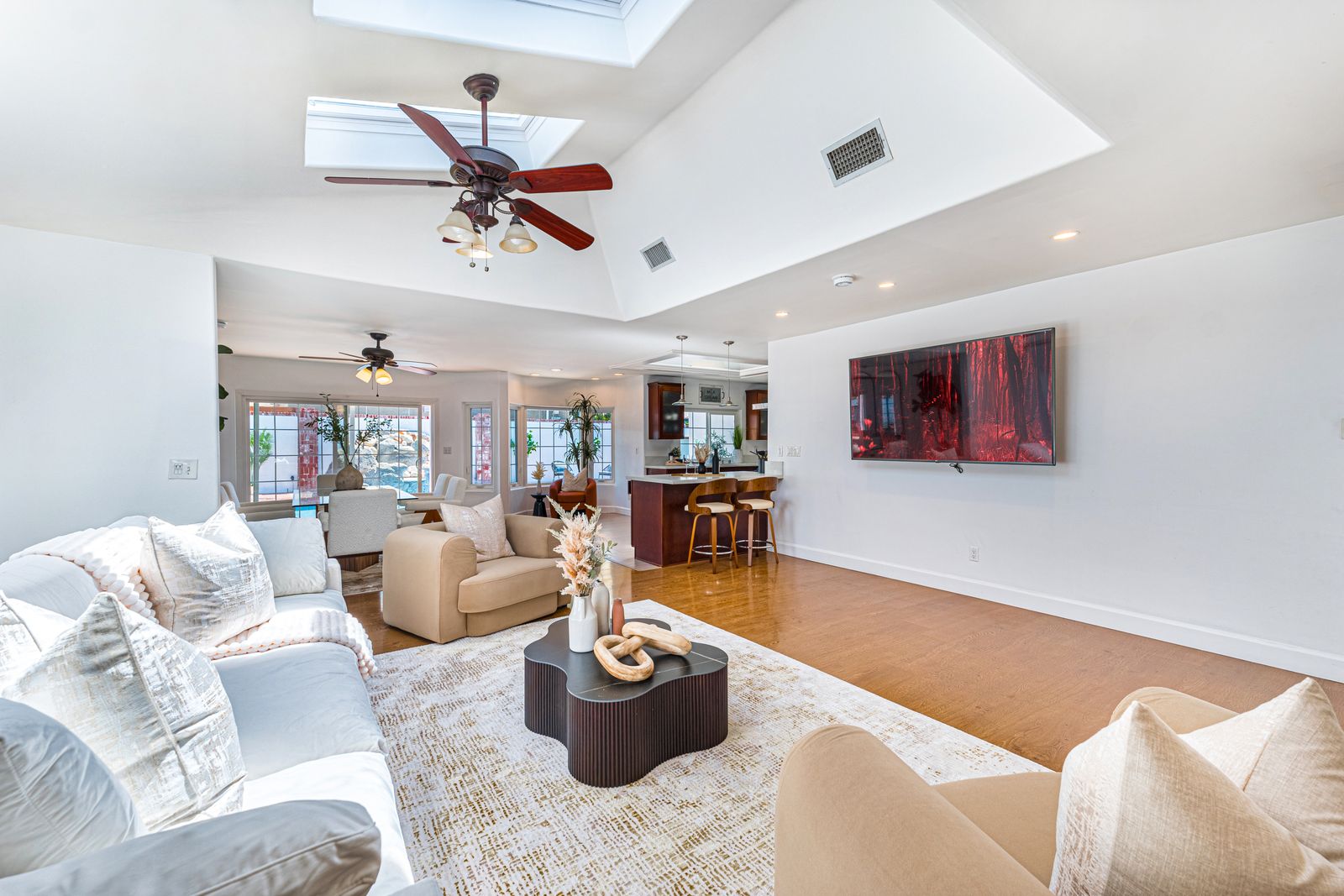
Portrait and landscape presets are built for skin and skies. Real estate presets solve a different set of problems: mixed lighting inside homes, window views that blow out while interiors go muddy, and the bright, accurate look buyers expect on MLS and the big listing portals. Working photographers commonly report saving hours per shoot with a dialed-in preset workflow instead of editing every frame from scratch, and on a ten-listing month those hours are the difference between a sustainable business and a bottleneck.
 Save
SaveWhat Makes a Great Real Estate Preset
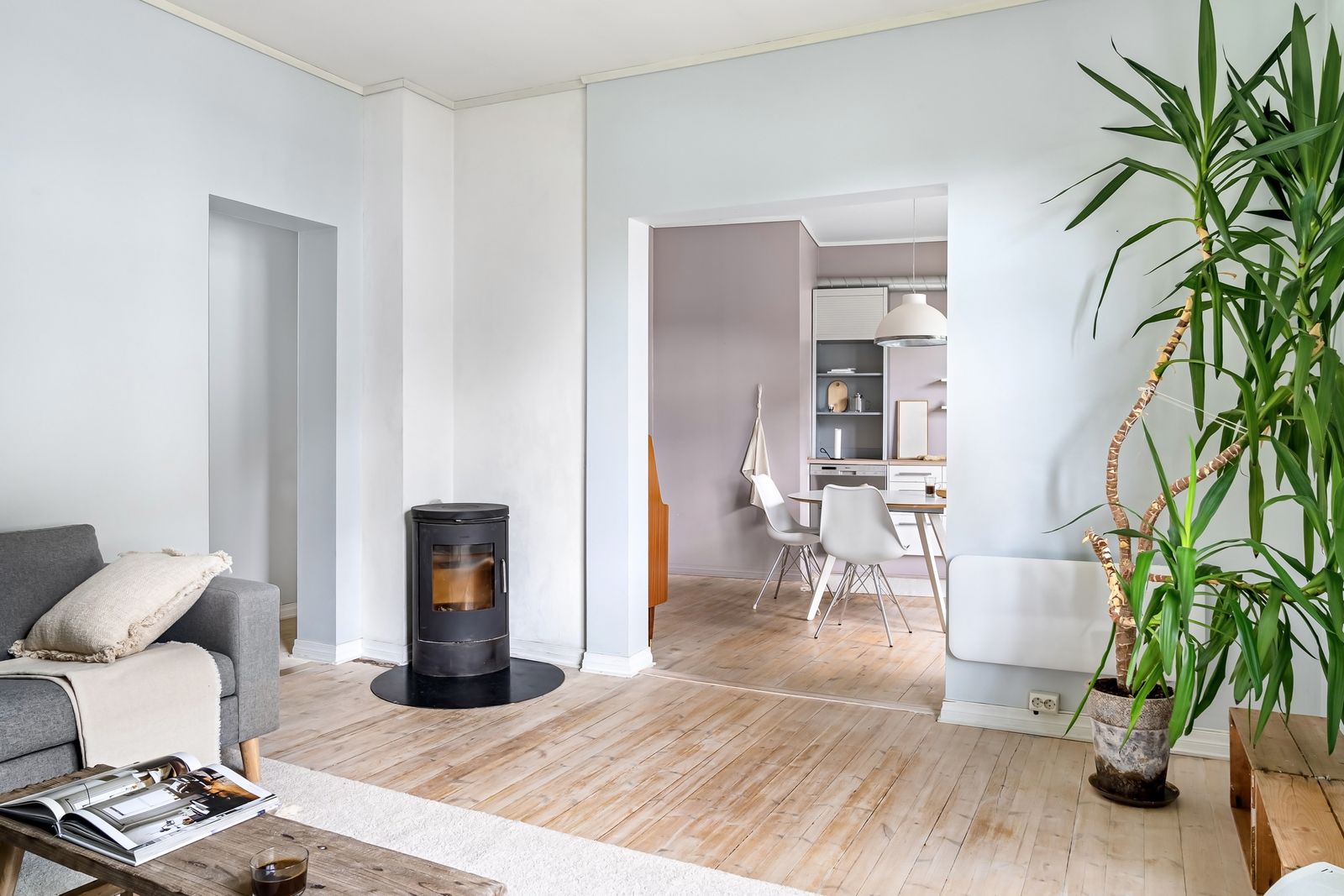
The best real estate presets handle three challenges:
 Save
Save1. Mixed lighting correction. Homes combine daylight, tungsten bulbs, and the odd fluorescent fixture. A good preset neutralizes color casts without flattening the room.
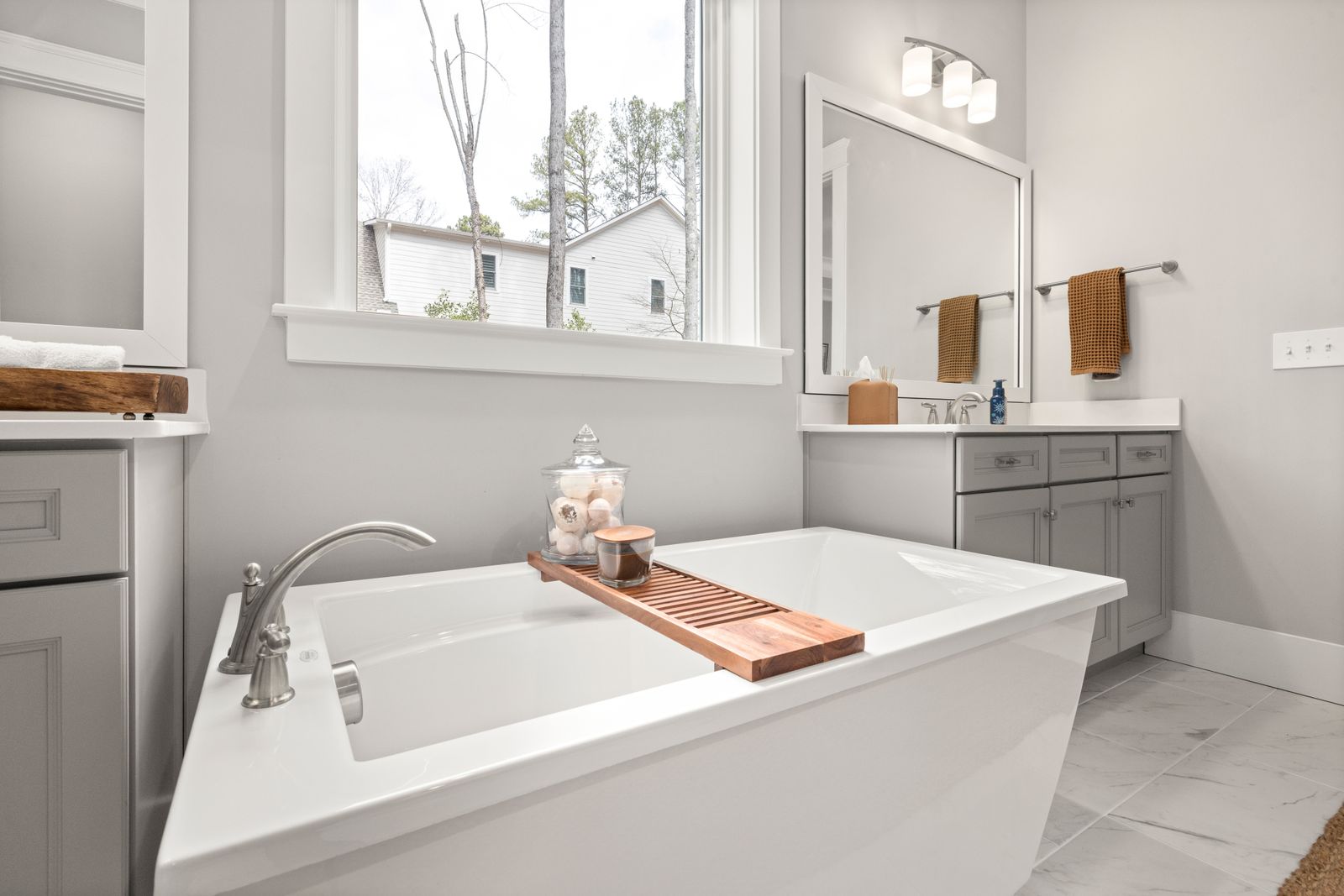
2. Window pull and HDR blending. Balancing bright windows against darker interiors is the number one editing problem in this niche. Strong presets include graduated adjustments that recover window detail.
3. Vibrant but honest color. Buyers want an accurate representation of the property, and agents carry the risk when photos misrepresent it. The best presets enhance without distorting.
The Five Types of Real Estate Presets That Matter
1. A complete real estate system. Our own Real Estate Preset System covers 88 presets calibrated for interiors, exteriors, twilight, and aerial drone work, with HDR recovery and window correction built in. It runs in Lightroom Classic and CC, and it is the set we refine against real listings.
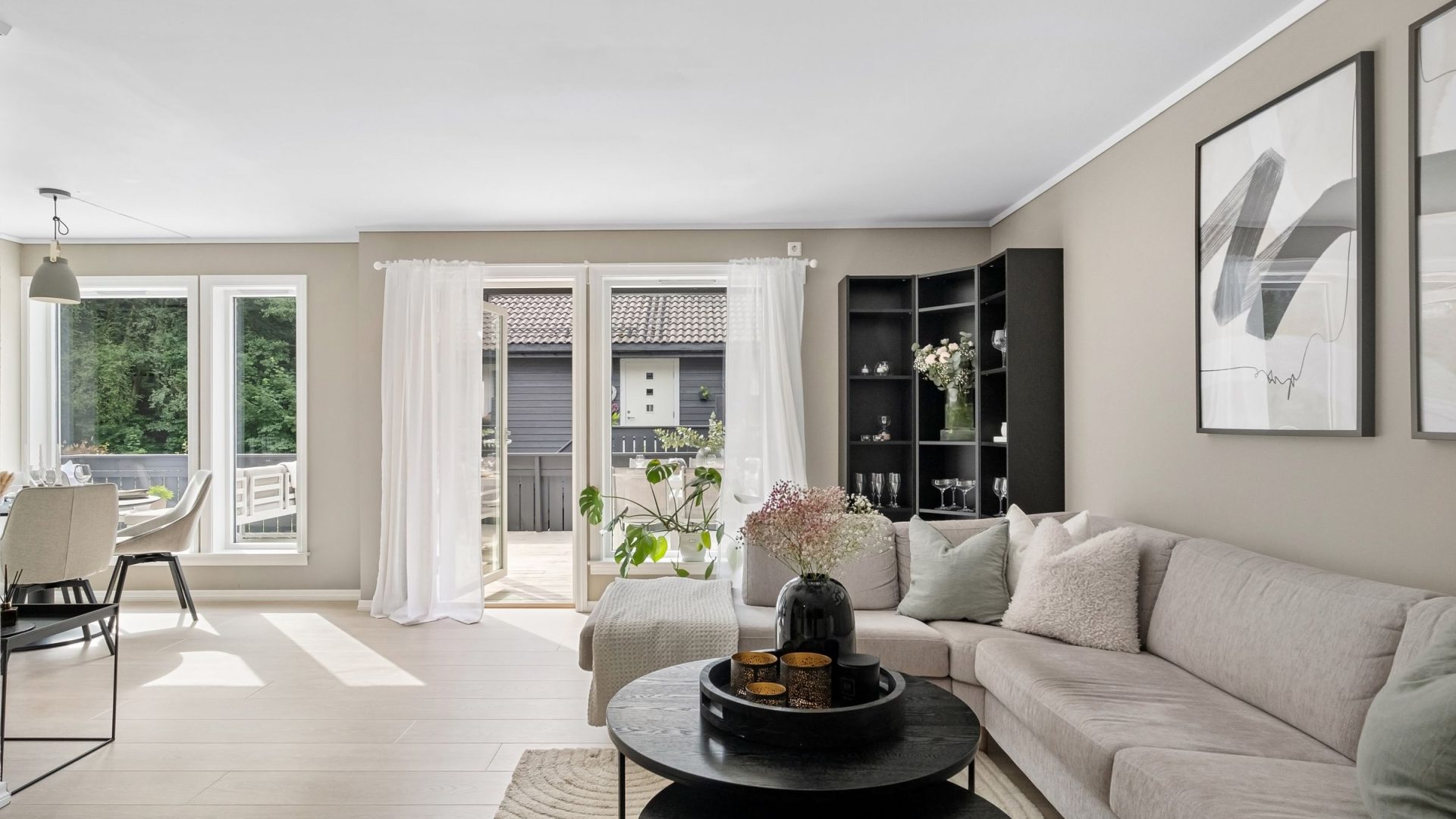
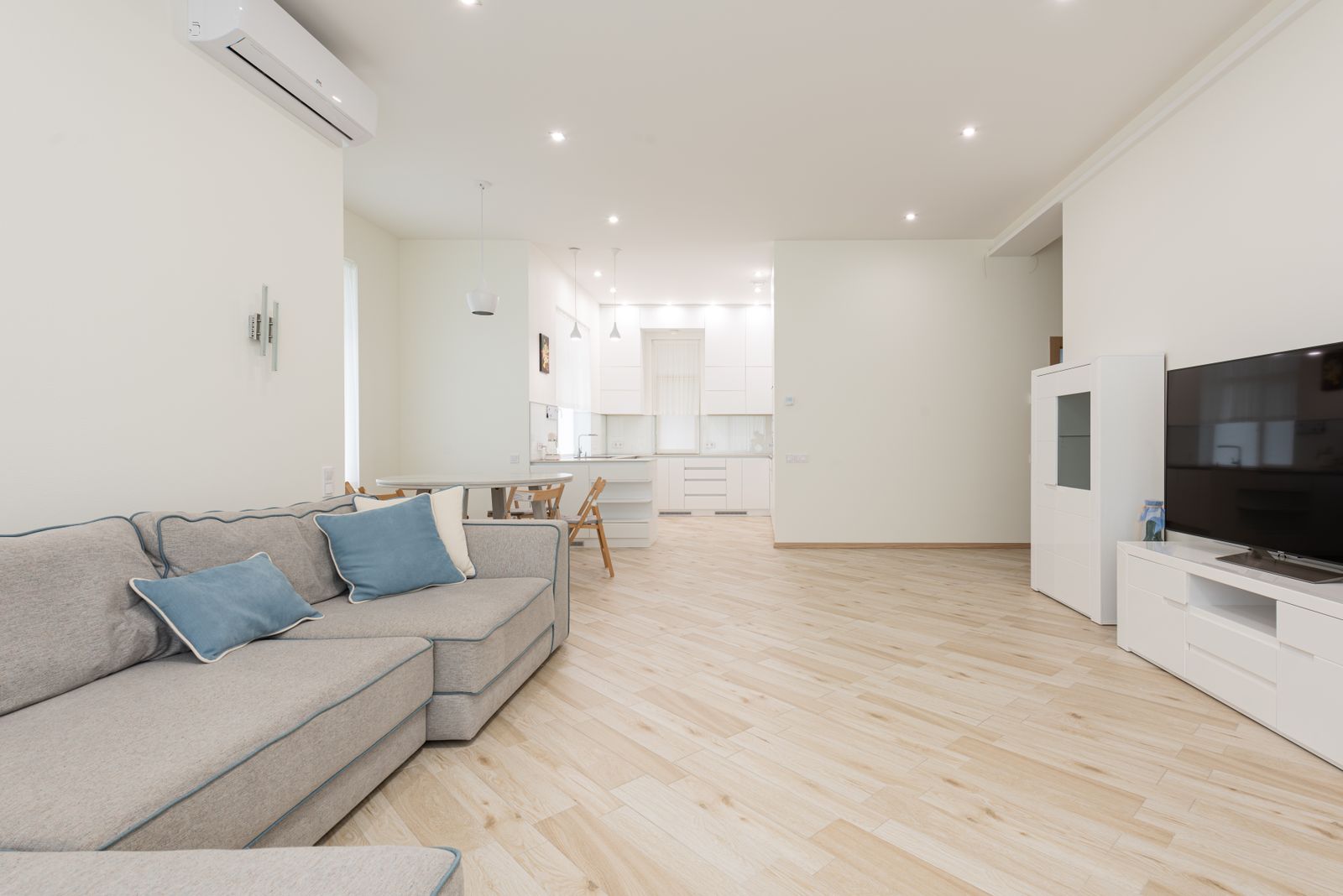
2. Bright and airy interior presets. For daytime rooms with big windows: shadows lifted, tungsten casts corrected, clean modern finish.
3. Twilight presets. For dusk exteriors where warm interior light plays against a blue-hour sky. This is the look luxury listings ask for by name.
4. HDR merge presets. For bracketed exposures: tone-mapping that keeps merged images natural instead of crunchy.
5. Drone and aerial presets. Aerial property shots come out flat and hazy straight from the drone. These restore sky detail, roofline sharpness, and the green in the landscaping.
How to Apply Real Estate Presets for Best Results
Even the best preset is a starting point. The workflow that works:
 Save
SaveStep 1: Import the RAW files and apply the base preset across the shoot.
Step 2: Adjust white balance per image. Every room has different light.
Step 3: Pull windows with a graduated filter where the preset’s built-in recovery is not enough.
Step 4: Crop and straighten. Vertical lines must be perfectly vertical in architectural work.
Step 5: Export at 2048px wide for MLS, full resolution for print.
Real Estate Preset Settings Explained
Knowing what the sliders do lets you adapt any preset to your camera and conditions:
 Save
SaveExposure: typically +0.3 to +0.7 to brighten dark interiors.
Highlights: -40 to -80 to recover window detail.
Shadows: +30 to +60 to open up dark corners.
White balance: toward neutral (5200-5800K) to counter warm tungsten bulbs.
Vibrance: +10 to +20 for color without the cartoon saturation slider look.
Clarity: +5 to +15 for crisp architectural texture.
Want to go further? The ShutYourAperture Academy’s Architectural & Interior Photography (8 modules, 32+ lessons) is built to help you compose with steel, glass and light the way architects do.
Free vs Premium Real Estate Presets
Free presets are a fair way to learn the workflow, but most free packs are a handful of generic looks that fail as soon as the lighting changes. A full system covers every scenario a property shoot throws at you: interior daylight, interior flash, mixed light, exterior midday, golden hour, twilight, drone, and HDR. The math is simple: if a pack saves you even an hour per shoot and you shoot ten properties a month, it pays for itself in the first week.
The Real Estate Preset System is our 88-preset collection built for exactly this workflow, from interior mixed light to twilight exteriors and drone work.
Want to build your own instead of buying? Our guide to creating your own real estate Lightroom presets walks through base images, develop settings, and the 20-image test.
Check the kit before editing
A Giottos AA1900 Rocket Air Blower is one option for clearing loose dust from the outside of a camera kit before a property shoot. Turn the camera off and follow its cleaning instructions. Keep the nozzle off lens glass and avoid pushing debris into openings. A blower is not a sensor-cleaning kit, and a preset cannot clean a lens. Inspect the original image as well as the preset result before delivery. Compare the current retailer specifications; no hands-on test, price or stock promise is being made here.
Compare Giottos AA1900 Rocket Air Blower on Amazon | Check Giottos AA1900 Rocket Air Blower at B&H
Affiliate disclosure: We may earn a commission from qualifying purchases through these gear links at no extra cost to you. As an Amazon Associate, Shut Your Aperture earns from qualifying purchases.