Travel editing is the hardest test a preset can face: one trip produces alpine sunrises, humid city streets, beach midday glare, and blue-hour harbors, often on the same day. A travel preset has to be a flexible foundation across all of it, not a look tuned to one perfect demo image. This guide covers what to look for, the looks that earn their place, and a workflow for editing on the road. For the shooting side, our travel photography guide covers gear and technique.
 Save
SaveWhat a Travel Preset Has to Handle
Every lighting condition. Travel presets live or die on versatility. Before trusting one, apply it to a harsh midday frame, a golden-hour frame, and an overcast frame. If it only looks good on one of the three, it is a demo preset, not a travel preset.
Skies and skin together. Travel frames mix landscapes and people constantly. A preset that makes skies dramatic but turns your travel companions orange fails the trip. Check both in every test.
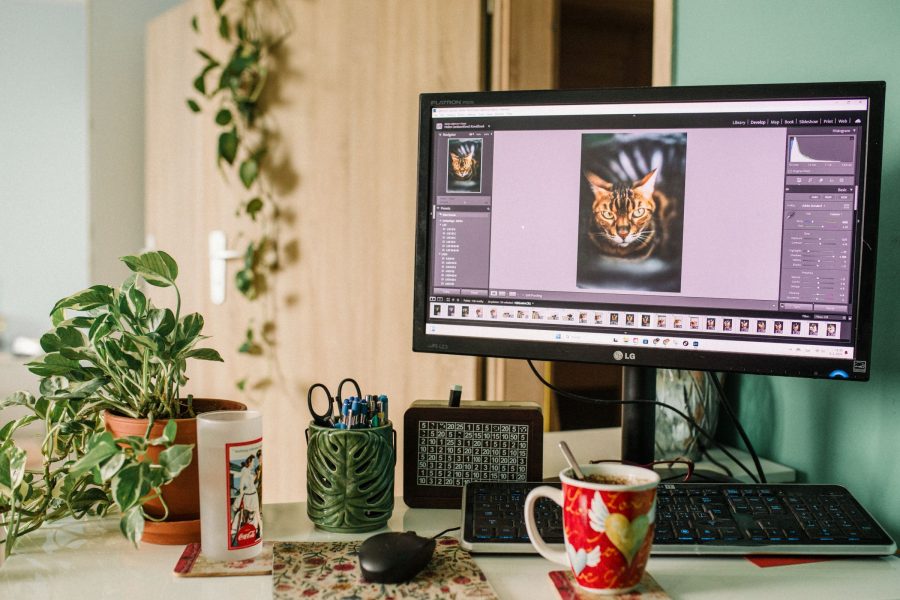
Mobile reality. A lot of travel editing happens on a phone in a hotel room. Presets need to behave in Lightroom Mobile, not just Classic on a calibrated monitor. Test on the device you will actually edit with.
Looks That Earn Their Place
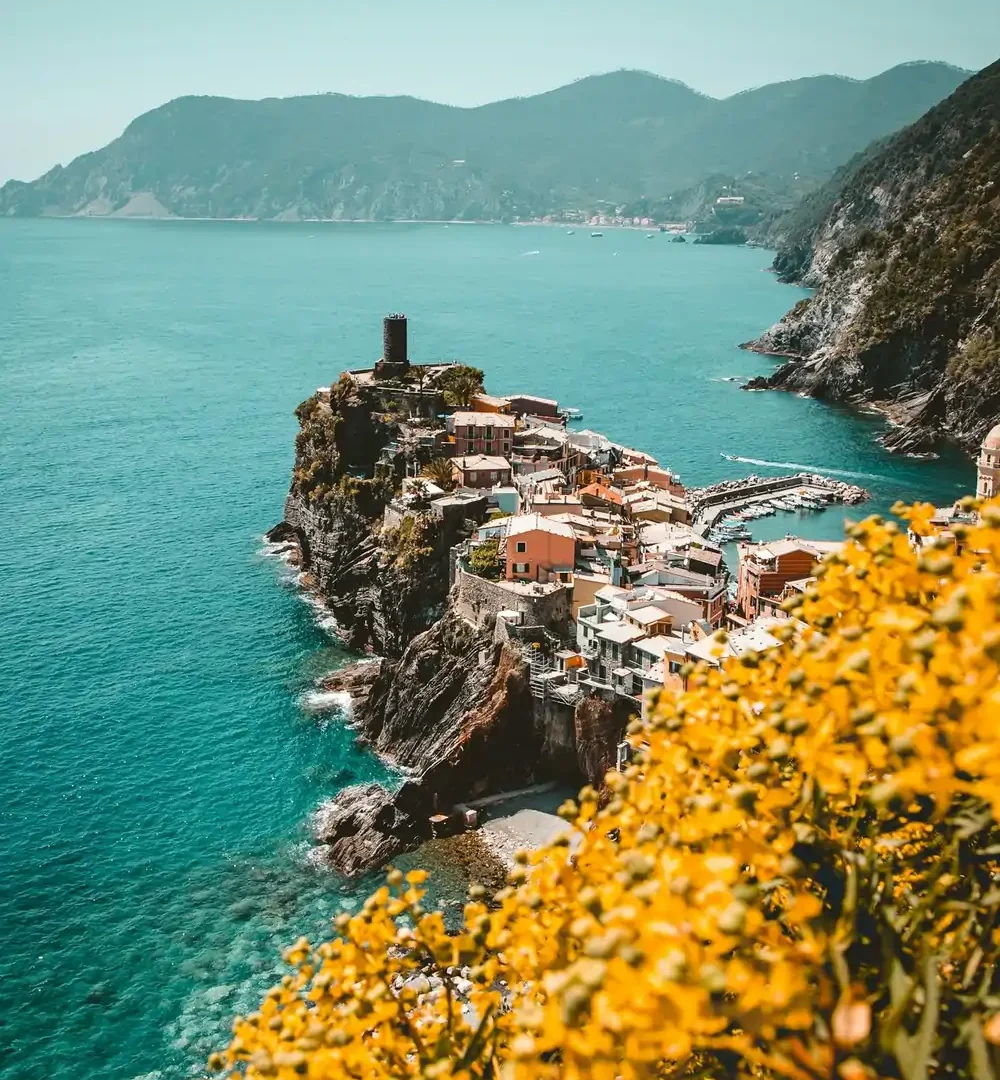
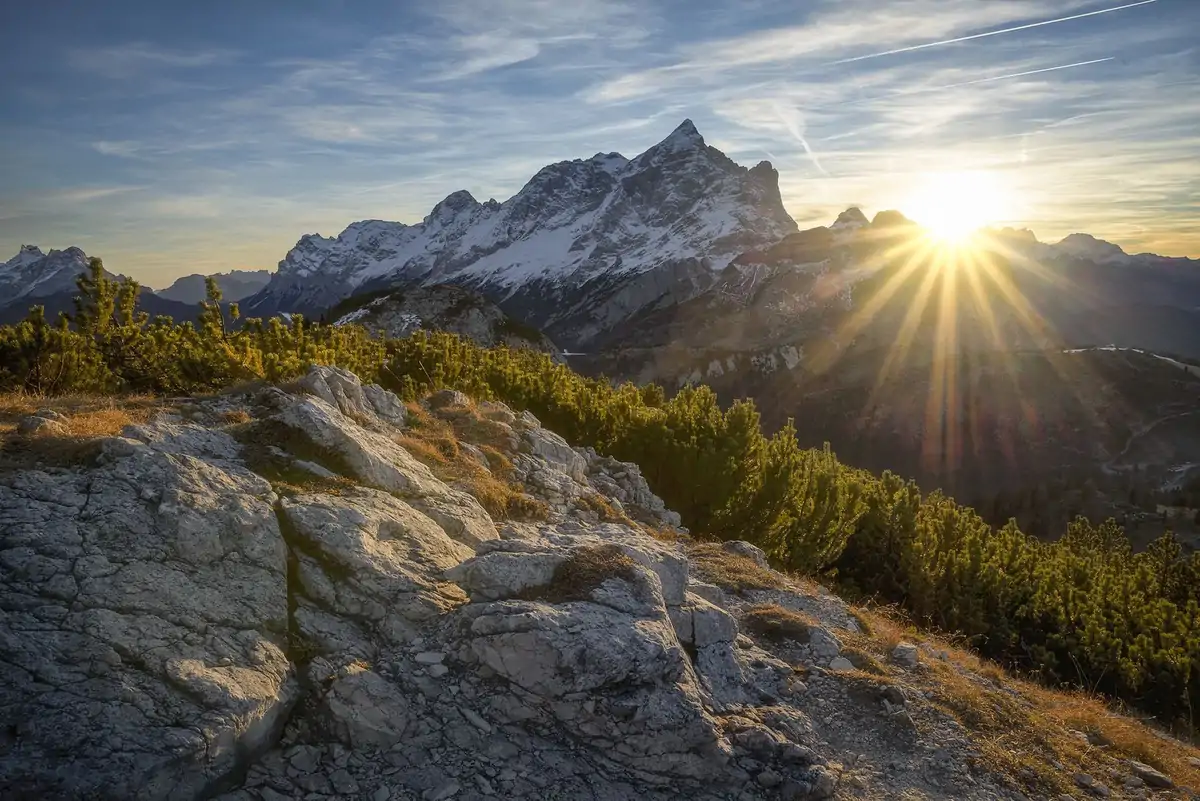
Vibrant landscape. Controlled vibrance, recovered highlights, clean blues and greens. The postcard look, and the workhorse for scenery-heavy trips.
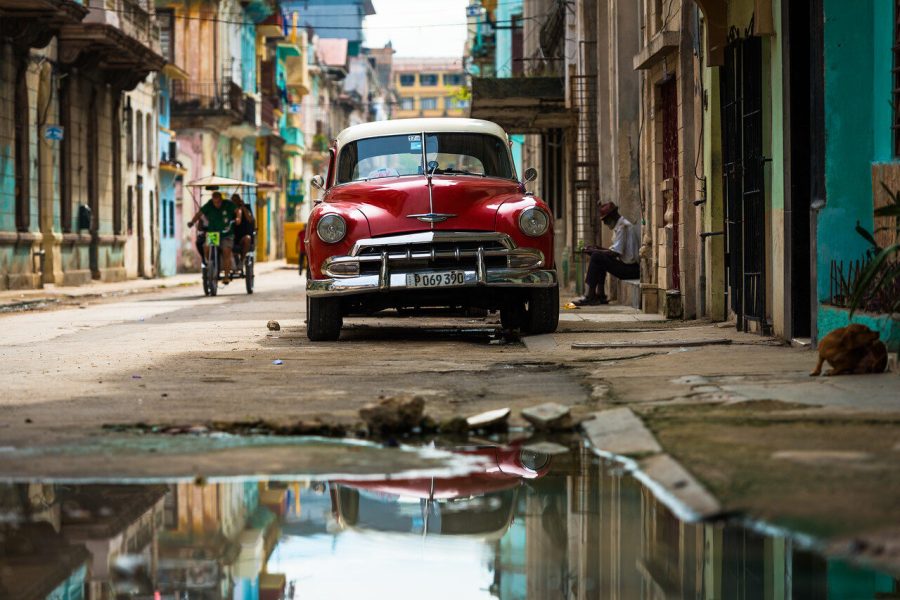
Clean city. Neutral white balance, moderate contrast, muted saturation. Keeps architecture and street scenes honest without going flat.
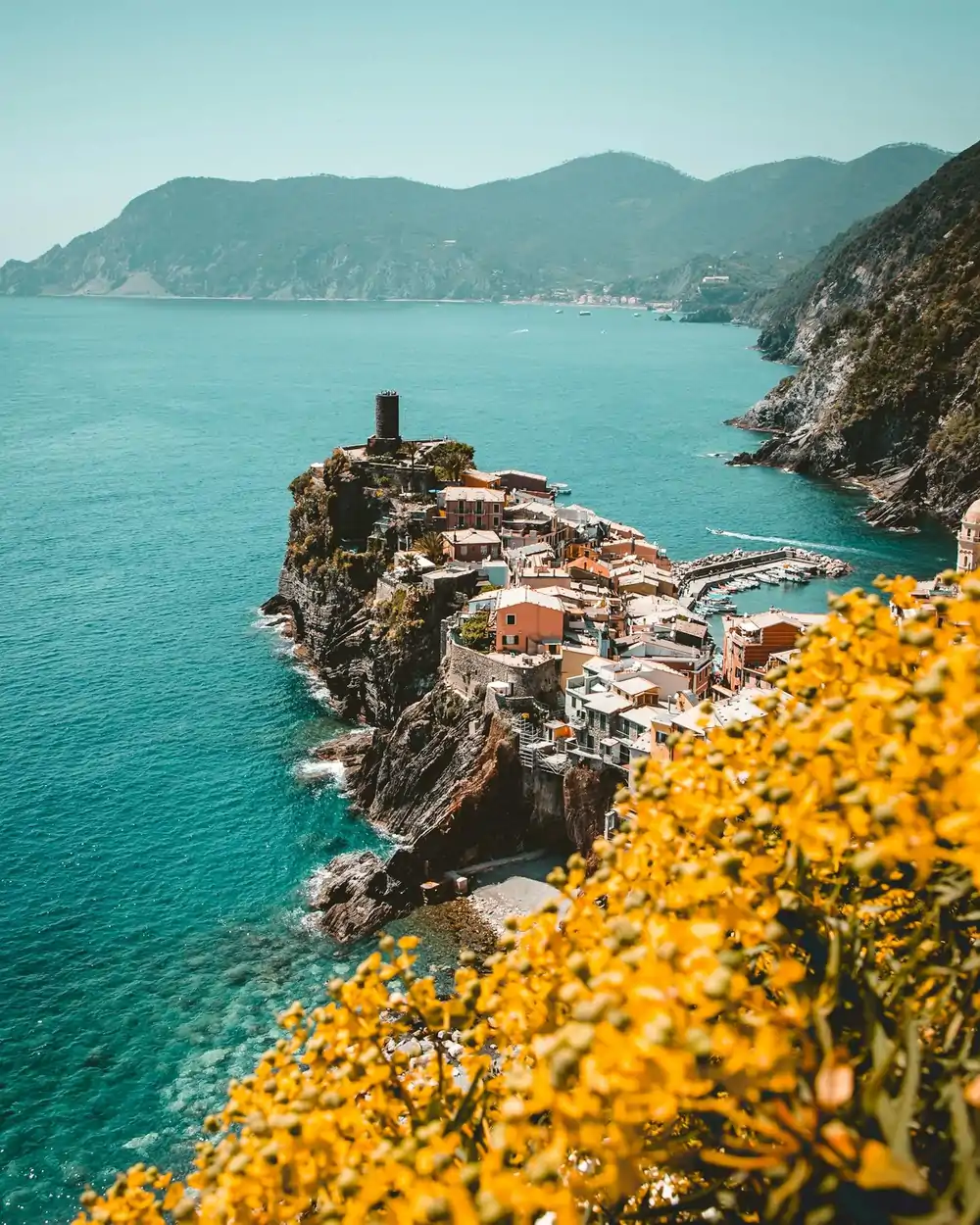
Golden warmth. Warm tones and lifted shadows for sunrise, sunset, and anything Mediterranean. Keep it away from overcast frames, where it turns everything orange.
Muted film. Soft contrast, lifted blacks, desaturated palette. The storytelling look for journals and photo essays; consistent and forgiving across mixed conditions.
 Save
SaveWant to go further? The ShutYourAperture Academy’s Wander & Capture: Travel Photography (7 modules, 28+ lessons) is built to help you cover the art and practice of photographing a place well.
A Workflow for the Road
Edit in batches by light, not by day. Group the trip’s frames into midday, golden hour, overcast, and night; apply the preset to one frame per group, fix white balance and exposure for that group’s conditions, then sync those two settings across the group. Twenty minutes per evening beats a week of editing when you get home, and the trip’s gallery stays consistent because every frame passed through the same base.
The Landscape, Cityscape and Drone Preset Pack is the closest fit in our shop for travel work: 75 looks across the vibrant, clean, and warm families above, built for exactly the scenery-and-city mix a trip produces. Test the workflow free first with the starter pack in our Lightroom presets guide, and see the free vs paid comparison for how packs behave on real files.
Gear for keeping a travel edit comparison
Keep the untouched travel files alongside your edited selections so you can compare the same preset across different light. A Samsung T7 Shield 1TB portable SSD is one option for a working copy. Check capacity, computer ports and cables, then test the copying workflow with the devices you actually travel with. Verify copied files and keep another backup separate. Do not assume every phone can connect to the drive. Compare the current retailer specifications; no hands-on test, price or stock promise is being made here.
Compare Samsung T7 Shield 1TB on Amazon | Check Samsung T7 Shield 1TB at B&H
Affiliate disclosure: We may earn a commission from qualifying purchases through these gear links at no extra cost to you. As an Amazon Associate, Shut Your Aperture earns from qualifying purchases.