Updated October 2026
The Nikon Z6 III is a strange and useful wildlife camera. It has a 24.5-megapixel sensor, which sounds modest next to the high-resolution bodies, but it reads out fast, shoots up to 20 frames per second in RAW with the electronic shutter, and can recognize birds, dogs and cats in autofocus. For wildlife that matters more than raw pixel count. A flighty bird gives you a fraction of a second, and the camera has to be ready for it.
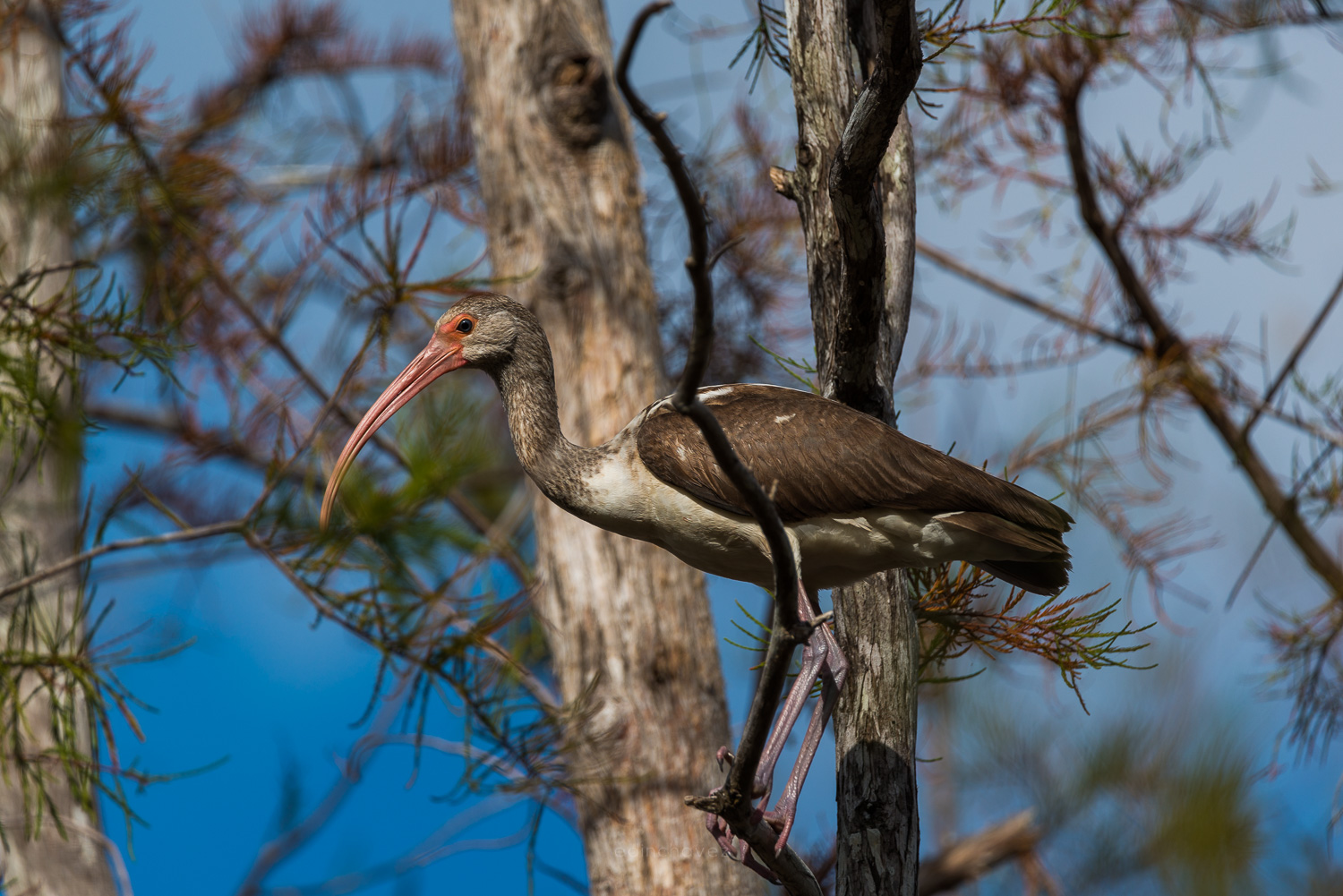
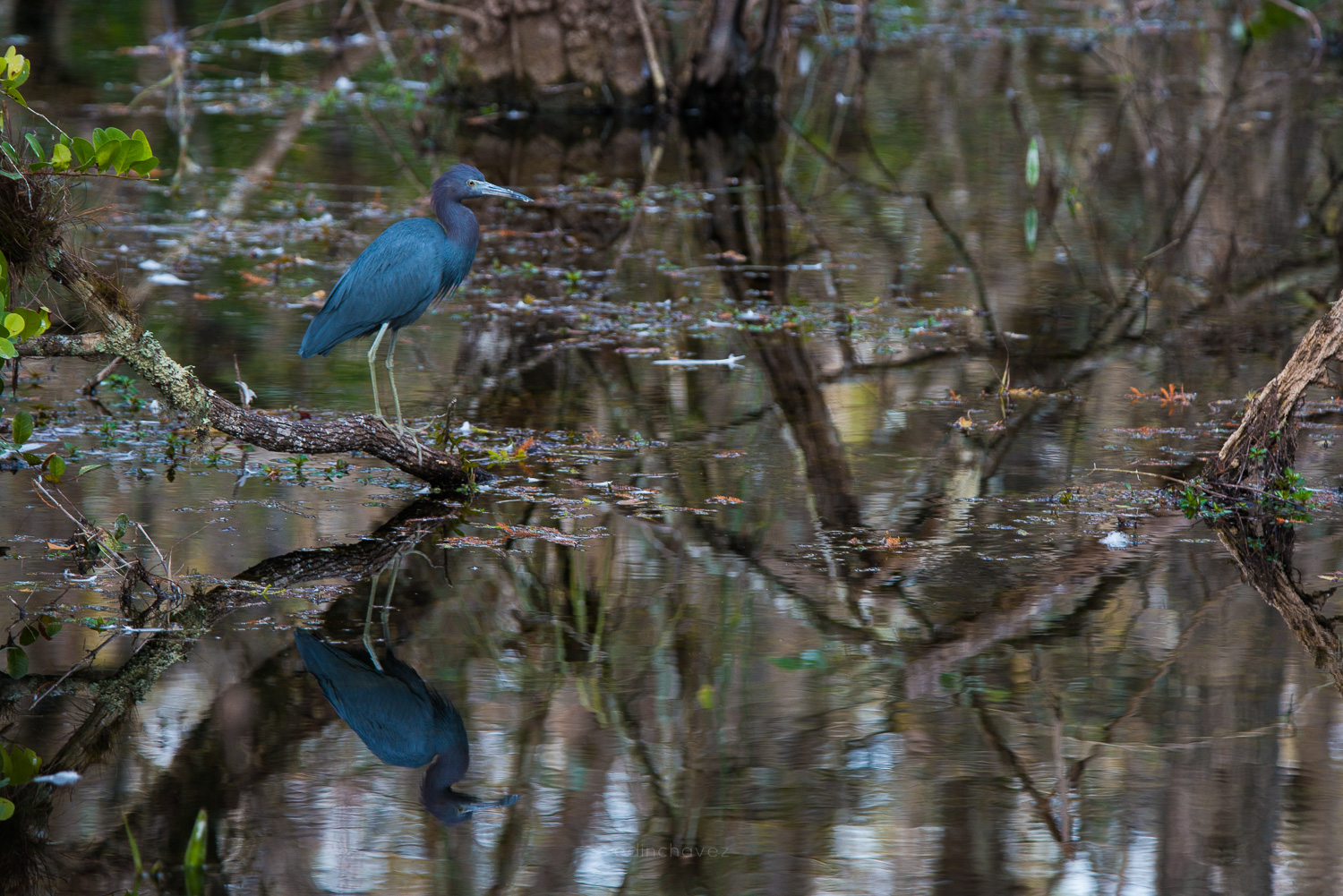
This guide gives recommended starting settings for wildlife photography with the Z6 III: aperture, shutter speed, ISO, autofocus, drive mode and how to use Pre-Release Capture. I built it from Nikon’s published specifications and from photographing birds in the Everglades, not from a field test of this body. The Everglades photos in this post were not taken with the Z6 III. Treat every value below as a first guess, and test it in the light and with the animals you actually shoot. If you want to compare it with other bodies, see our guides for the Sony A7 IV, the Sony A7R V and the Canon EOS R6 Mark II.
 Save
SaveWhat the Z6 III brings to wildlife
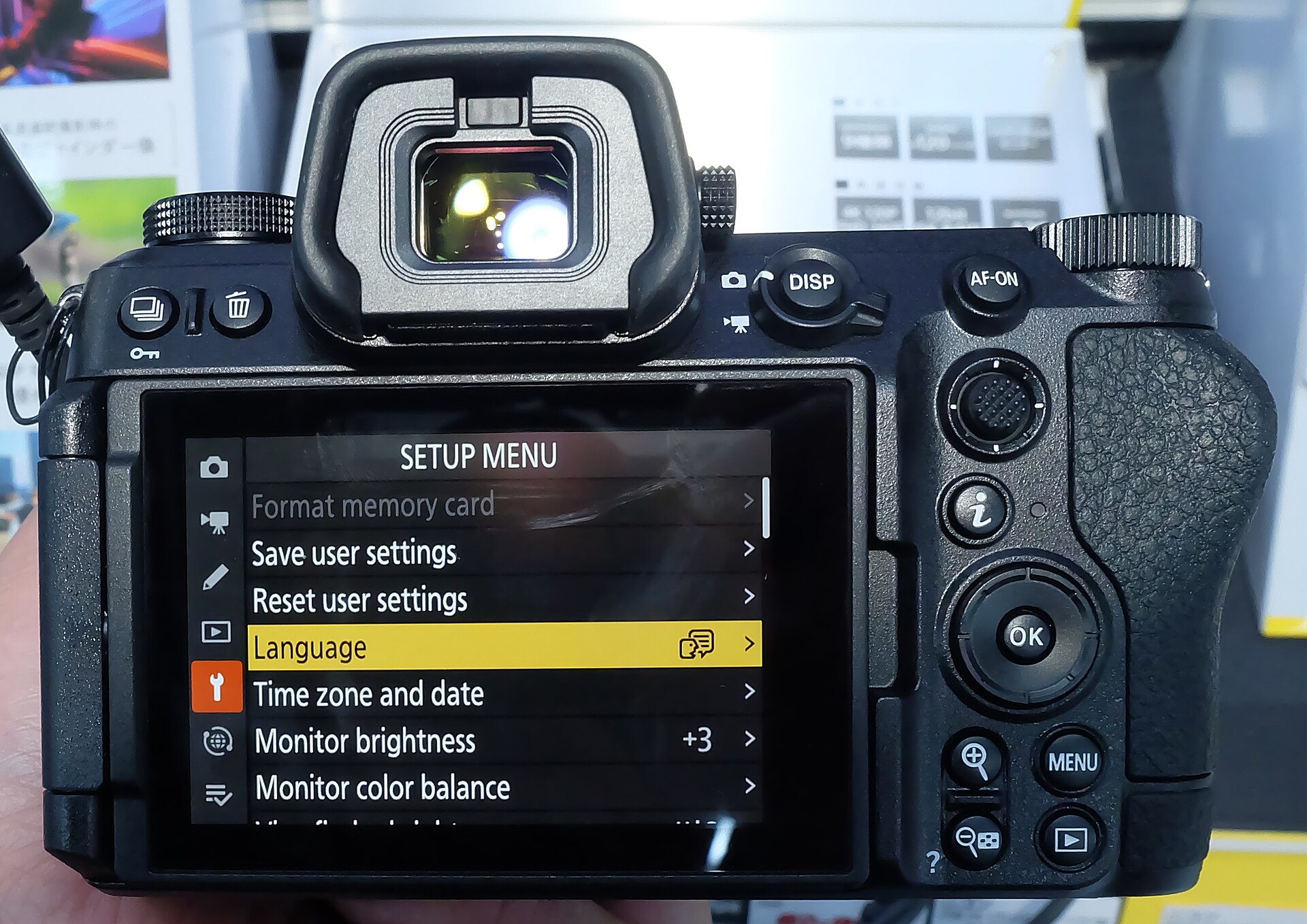
According to Nikon’s Z6III page, the camera uses a 24.5-megapixel partially stacked CMOS sensor with about 3.5 times faster readout than the Z6II. It shoots up to 20 fps in RAW and up to 60 fps in JPEG at full resolution, with an electronic shutter that goes to 1/16,000 second. The autofocus system recognizes nine subjects, including birds, and Nikon says bird tracking was improved in complex scenes and against high-contrast backgrounds. It has 8 stops of in-body stabilization (a CIPA figure measured with a standard zoom, so do not expect that with a long telephoto), a 5.76-million-dot viewfinder that refreshes at up to 120 fps, and dual card slots: CFexpress Type B and SD UHS-II.
Nikon rates the body at about 670 g, and its dimensions are 138.5 x 101.5 x 74 mm. That is light for a camera with this much speed. It is also small for a wildlife body, which matters when you hold a long lens for a while. Nikon sells an MB-N14 Power Battery Pack that adds vertical controls and extra battery life.
The starting recipe
Use these as the first settings on a bright morning with a perched or walking animal, then adjust.
| Setting | Starting value | Why |
|---|---|---|
| Mode | Manual with Auto ISO, or Shutter priority | You control motion blur and depth of field. The camera handles brightness. |
| Aperture | f/5.6 to f/8, or wide open on a slow telephoto | A little depth covers a moving subject and sharpens most lenses. |
| Shutter speed | 1/1000 perched, 1/2000 to 1/4000 in flight | Stops wing and head movement. |
| ISO | Auto ISO, cap at 6400 to 12800 to start | Keeps the shutter fast as light drops. The native range is 100 to 64000. |
| Focus mode | AF-C | Tracks a moving animal. |
| AF area | Wide-area AF with subject detection, or 3D-tracking | Finds the bird or animal for you. |
| Drive | Continuous H (extended) | Up to 20 fps in RAW with the electronic shutter, per Nikon. |
Aperture: how much depth you really need
Wildlife lenses are usually long and slow. Many telephoto zooms open at f/5.6 to f/6.3, and the Z6 III does not mind. Shoot wide open when light is weak or you need a fast shutter. When the light is good, stop down one stop. At a long focal length even f/8 gives a shallow slice of focus, so your focus point has to stay on the eye. If a bird turns its head, the eye leaves the plane of focus fast.
Distance matters as much as the number on the lens. The closer you are, the less depth of field you get at the same f-number. A heron at 8 meters and f/5.6 may have the whole body sharp. The same bird at 3 meters will lose the tail. Our aperture guide explains the idea in more detail.
Shutter speed: freeze the animal, not just the camera
A common mistake is to pick a shutter speed that suits the lens but not the animal. Camera shake and subject motion are two separate problems. In-body stabilization helps with the first one. It does nothing for a wing beat. For a perched bird, 1/1000 second is a safe start. For a walking mammal, 1/500 to 1/1000 is often enough. For flight, begin at 1/2000 and go to 1/4000 or faster for small, fast birds.
The Z6 III can use the electronic shutter all the way to 1/16,000 second, and Nikon says the sensor reads out about 3.5 times faster than the Z6II. A faster readout reduces the skew that makes fast-moving subjects look bent on electronic shutters. Do not assume the problem is gone. Check a burst of a bird in flight at full size before you trust it, and switch to the mechanical shutter (up to 1/8000 second per Nikon) if you see distortion. The mechanical shutter also avoids banding under some artificial lights. See our shutter speed guide for the basics.
 Save
SaveISO and Auto ISO
Wildlife happens at dawn and dusk, so you will meet high ISO. The Z6 III has a native range of ISO 100 to 64000, with expanded values above and below. I would not set a fixed ISO for an active session. Use Auto ISO in Manual mode, set your shutter speed and aperture, and cap the maximum so the camera does not run away in deep shade. Start with a cap of 6400 to 12800. Open a test frame from the darkest spot you shoot in and decide if the noise is acceptable for your output. Then raise or lower the cap. Our ISO guide goes deeper on that tradeoff.
Autofocus: let subject detection do the finding
Nikon lists nine automatically recognized subjects: people, dogs, cats, birds, airplanes, cars, motorcycles, bicycles and trains. Notice what is on that list. Birds, dogs and cats are covered. Deer, bears, big cats in the wild and other mammals are not listed, so on those animals do not expect the camera to find the eye on its own the way it does for a bird. Use Wide-area AF or 3D-tracking and place the box on the animal, then check eye sharpness at full size.
For birds, set the subject detection to Animal, use AF-C, and pick Wide-area AF (large) or 3D-tracking. Nikon says 3D-tracking acquires and holds small, fast birds better than before, and that focus accuracy for birds in flight has improved. In clutter, like branches in front of a bird, tracking can grab the wrong thing. A smaller AF area gives you more control. Practice on birds you can find in a park before you try it on a rare one.
Drive mode and Pre-Release Capture
Continuous H (extended) goes up to 20 fps with the electronic shutter, and Nikon lists a buffer of 1000+ shots in RAW under its test conditions. You will not need that speed all the time. A short burst of 8 to 10 frames at the right moment beats holding the button through a flight and filling the card with near-identical frames.
Pre-Release Capture is the feature to learn. Hold the shutter button halfway and the camera starts buffering. When you press all the way, it saves frames from before the press. Nikon says JPEG files can be saved up to one second before and up to three seconds after you fully press the button. That covers the moment a bird takes off, because by the time you react it is already gone. Remember that Pre-Release Capture uses JPEG, so you give up RAW for those frames. Nikon also lists high-speed C30, C60 and C120 modes with it, and at 120 fps the resolution drops to about 10.6 megapixels. Use the setting that fits the moment, not the biggest number.
 Save
SaveWorking in different light
Good wildlife light is low and warm. Early morning and late afternoon give a soft side light that shows feathers and fur. Midday sun is harsh, and shadows cut across eyes. If you must shoot at noon, look for open shade, or shoot animals at water, where reflected light fills shadows.
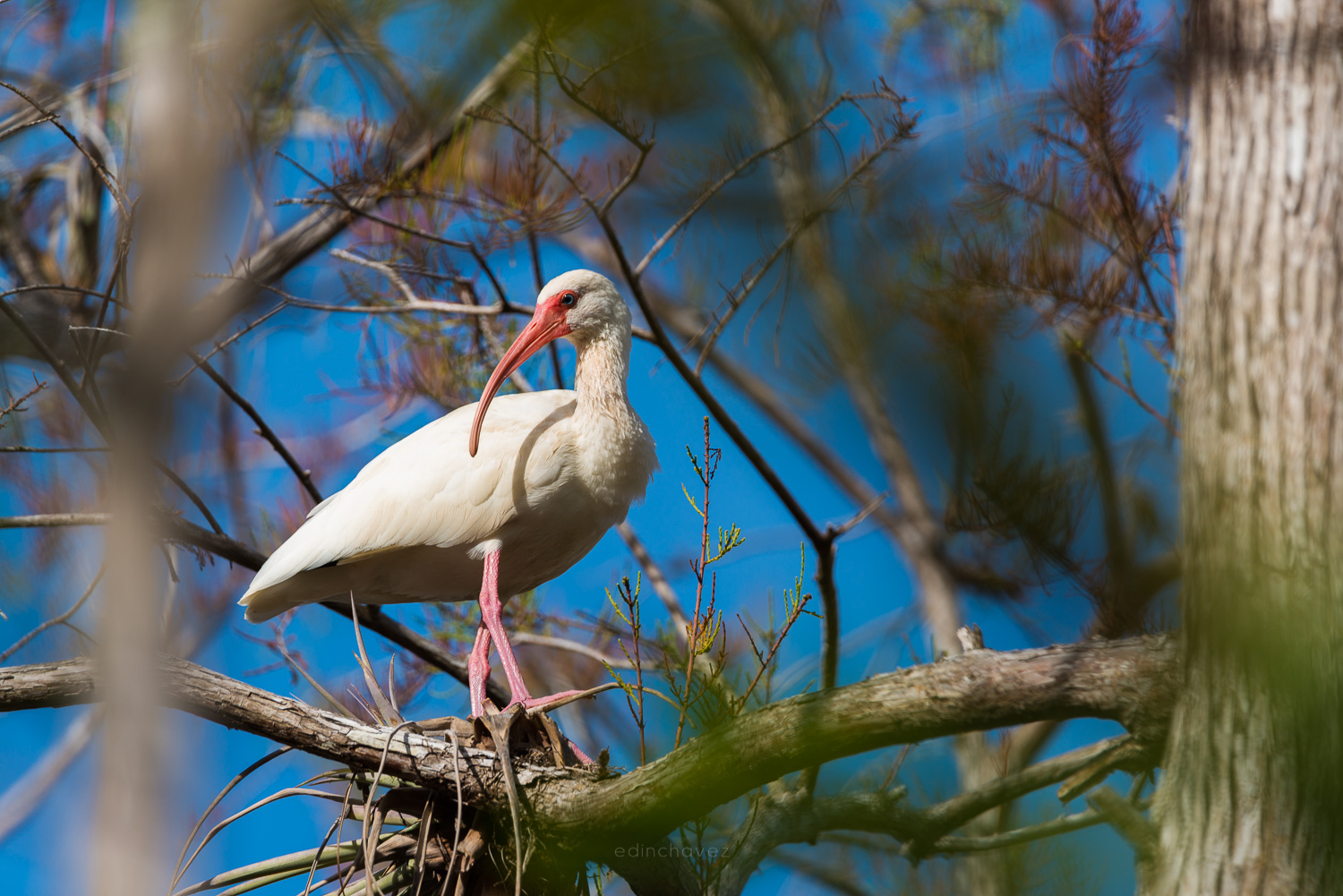
Watch the exposure on white and dark birds. A white ibis or egret can lose feather detail in bright light, and a dark cormorant can lose detail in shade. Set exposure compensation to minus one third to minus one stop for white birds, and check the highlight warning on the first few frames. For dark animals against a bright sky, add light, or the camera will make the animal too dark. Shooting RAW gives you room to recover.
Stabilization and long lenses
Nikon rates the in-body stabilization at up to 8 stops with Focus Point VR, based on a CIPA test with a NIKKOR Z 24-120mm f/4 S at 120mm. That is a standard zoom, not a super telephoto. On a long lens the benefit is lower, and some Z lenses have their own VR that works with the body. Turn stabilization on for handheld shooting, and when the camera sits on a tripod or a gimbal head, check your lens manual to see if you should turn VR off. Always test a sharp frame on your support before an important morning.
A simple one-morning wildlife session
- Arrive before sunrise and let your eyes adjust. Check the wind so you can approach with it in your face.
- Set Manual, f/5.6, 1/1000, Auto ISO capped at 6400. Turn on AF-C and subject detection for birds.
- Take a test frame of a plain subject to check exposure and focus.
- Find a perch or a feeding spot and wait. Let the animals relax around you.
- When something moves, raise your shutter speed. Hold the shutter halfway to buffer if Pre-Release Capture is on.
- Shoot short bursts, then check a few frames at full size for eye sharpness.
- Back off your ISO cap as the light improves, and widen it again when the sun goes behind clouds.
Field craft and ethics
The best settings do nothing if you scare the animal. Keep a respectful distance and read the animal’s posture. If a bird stops feeding and looks at you, you are too close. Never bait or call in nesting birds. Follow local rules in parks and refuges, and stay on trails. A long lens exists so you can stay far away. Move slowly, shoot from a low angle, and stay with the animal after the first shots, because the better frames often come once it settles.
 Save
SaveCards, batteries and handling
The Z6 III takes one CFexpress Type B card and one SD UHS-II card, so you can write RAW to the fast card and a backup or JPEG to the SD. Use a fast CFexpress card if you plan on 20 fps RAW bursts. Battery life is the weak point on any mirrorless body in the field. Nikon lists about 380 shots per charge in photo mode with the viewfinder and its test settings, using an EN-EL15c. Bursts and stabilization use more power, and cold weather uses more again, so carry spares. The camera also charges and runs from USB power in the body, which helps on long days.
Editing your wildlife photos
Cull hard. After a burst, keep the one or two frames with the sharpest eye and a clean wing position. Crop to give the animal room to move into the frame, and tone down bright backgrounds so the eye stays the focal point. Use mild noise reduction on high-ISO files, and sharpen the eye more than the rest of the animal. If you want to learn a workflow from capture to final image, take a look at the ShutYourAperture Academy, our photography school, linked below.
Mistakes to avoid
- Shutter speed too slow. A sharp lens at 1/250 will still show a blurry wing.
- Trusting subject detection for every animal. Nikon lists birds, dogs and cats, not every wild mammal.
- Skipping a full-size check. A frame that looks sharp on the screen can have a soft eye.
- Shooting at the wrong time of day. Harsh light costs more than any setting can fix.
- Overusing burst. More frames means more culling, not more good photos.
 Save
SaveNikon Z6 III wildlife photography questions
What are the best Nikon Z6 III settings for wildlife photography?
Start in Manual with Auto ISO, f/5.6 to f/8, 1/1000 second or faster, AF-C, Wide-area AF or 3D-tracking with subject detection set to Animal for birds, and Continuous H (extended). Adjust from there based on light and the animal.
What shutter speed should I use for birds in flight?
Begin at 1/2000 second and go to 1/4000 or faster for small, quick birds. The electronic shutter on the Z6 III goes to 1/16,000 second per Nikon, but check bursts for distortion before you rely on it.
Does the Z6 III recognize wildlife automatically?
Nikon lists nine subjects it recognizes: people, dogs, cats, birds, airplanes, cars, motorcycles, bicycles and trains. Birds are covered. Wild mammals are not listed, so use Wide-area AF or 3D-tracking on them and check eye focus.
How fast does the Nikon Z6 III shoot?
Nikon lists up to 20 fps in RAW and up to 60 fps in JPEG at full resolution, with an electronic shutter. High-speed C30, C60 and C120 modes also exist with Pre-Release Capture, and 120 fps drops the resolution to about 10.6 megapixels.
What is Pre-Release Capture and should I use it for wildlife?
It buffers frames while you hold the shutter button halfway. Nikon says JPEG files can be saved up to one second before and up to three seconds after you fully press. It helps catch a bird taking off, but it saves JPEG, not RAW.
Is 24.5 megapixels enough for wildlife?
It depends on how far away your subject is and how much you crop. A 24.5 MP file gives clean, fast files, but distant birds may need heavy cropping. A longer lens or getting closer helps more than any setting.
Want to go further? The ShutYourAperture Academy’s Wildlife in Motion (6 modules, 24+ lessons) is built to help you freeze a sprinting cheetah and track birds in flight with confident autofocus and shutter control.
Gear box: the Nikon Z6 III for wildlife photography
Nikon Z6 III, Nikon Z mount. This is the camera discussed above. Budget separately for a long telephoto lens, a fast CFexpress Type B card, an SD UHS-II card and spare EN-EL15c batteries.
Affiliate disclosure: We may earn a commission from qualifying purchases through the Amazon and B&H links, at no extra cost to you. Settings are starting points based on Nikon’s published specifications and general wildlife practice, not hands-on testing with this body. Prices and stock can change. Image sourcing: Nikon Z6 III images via Wikimedia Commons: Henry Soderlund (CC BY 2.0) and 昼落ち (CC0).