OM-1 Mark II Landscape Settings: Depth, Motion, and Detail
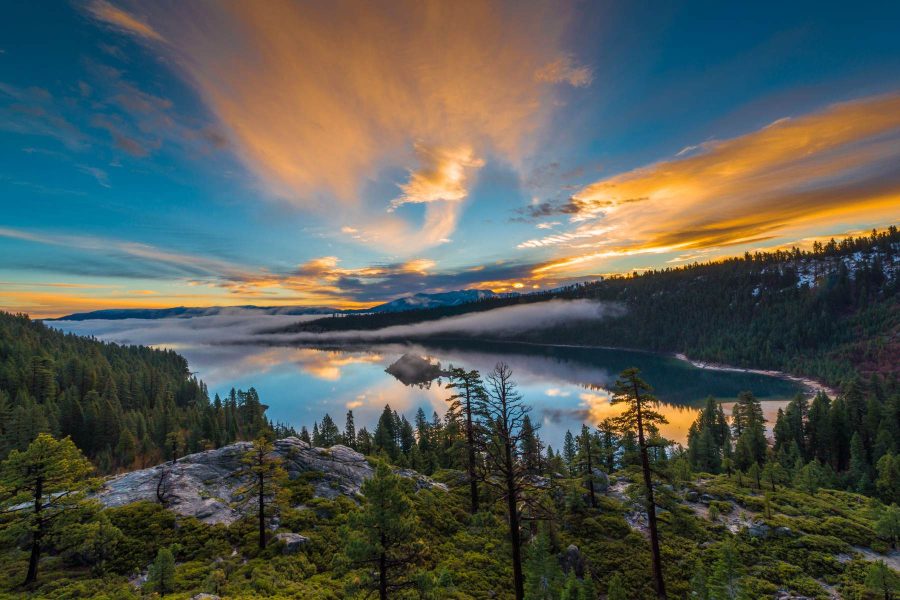
OM-1 Mark II landscape settings should start with the scene: a close foreground, distant ridgeline, moving water or wind. Choose what must be sharp and whether motion should be frozen. This camera’s computational features can help in the right scene, but they do not replace focus and a careful final-file check. These are manual-backed tips, not a field test.
OM-1 Mark II landscape settings to compare
- Focus: Place focus on the part of the picture that matters, then magnify a test frame. For a very close foreground and far background, compare apertures or use a carefully made focus sequence when the scene stays still.
- Aperture: On Micro Four Thirds, do not borrow an f/11 full-frame recipe blindly. Try a moderate aperture and compare detail and depth; very small openings can soften fine texture through diffraction.
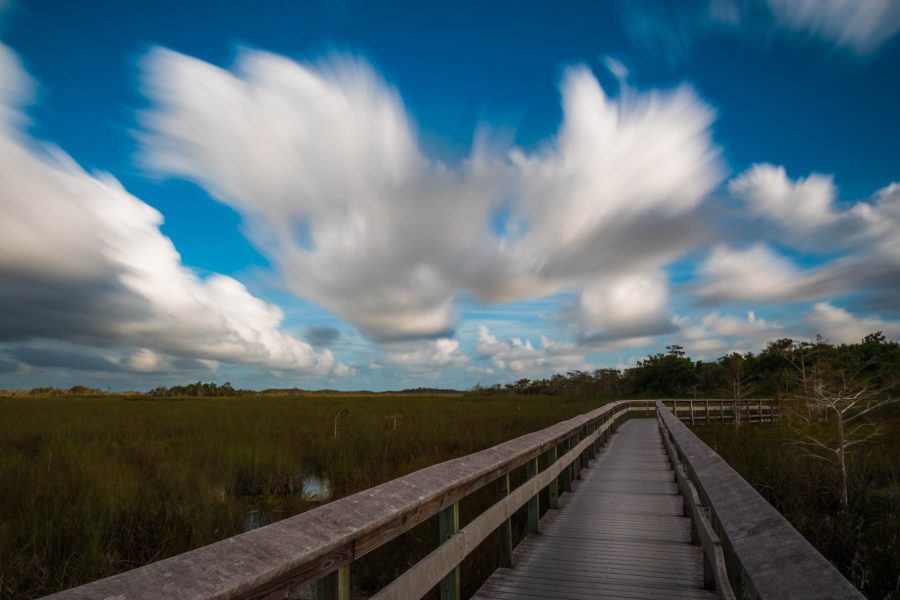
- Shutter: A stable tripod permits a slower exposure for still subjects, but leaves and water move independently of the camera. Choose intentional blur or a faster shutter and adjust ISO to match.
- Stabilization: Check the camera and lens manual for the support and mode you use. In-body stabilization can help handheld shots; a tripod changes the decision. Inspect the result rather than assuming one rule applies in every mode.
- Computational capture: If you try High Res Shot, Live ND or focus stacking, read the OM System manual for mode restrictions and examine moving edges for artifacts. Keep the original files and label a composite honestly.
Want to go further? The ShutYourAperture Academy’s Light. Land. Legacy. The Landscape Photography Course (10 modules, 40+ lessons) is built to help you master light, land and composition for landscapes that last.
Make three comparison frames
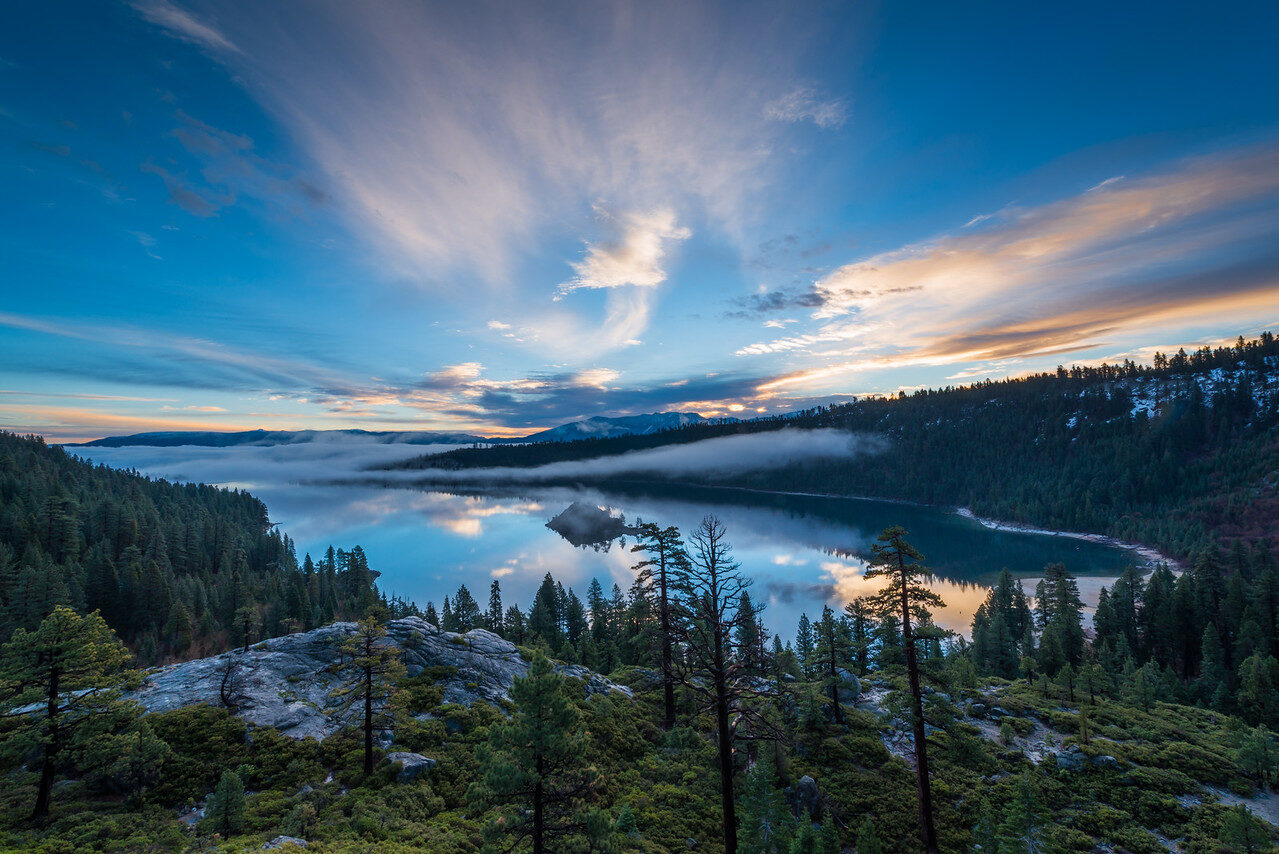
Use the same composition and focus target at a moderate, wider and narrower aperture, changing exposure to compensate. Compare the final output at the same size. If the subject moves between frames, do not blame the lens alone for softness.
OM System’s OM-1 Mark II manual download contains the mode-specific instructions. Our landscape guide, aperture tips and shutter-speed tips cover the underlying choices.
Support for a landscape comparison
A Peak Design Aluminum Travel Tripod is one support option for comparing apertures or making a careful sequence from the same composition. Check the complete kit weight, mounting plate and working height, then set it up on stable, permitted ground. Recheck the frame after locking the head. Leaves and water still move; support does not remove the mode limits or motion artifacts discussed above. Compare the current retailer specifications; no hands-on test, price or stock promise is being made here.
Compare Peak Design Aluminum Travel Tripod on Amazon | Check Peak Design Aluminum Travel Tripod at B&H
Affiliate disclosure: We may earn a commission from qualifying purchases through these gear links at no extra cost to you. As an Amazon Associate, Shut Your Aperture earns from qualifying purchases.