Wedding editing has a constraint no other genre does: the gallery is huge, the deadline is fixed, and every image has to look like it belongs to the same day. Presets are not a shortcut in wedding work; they are the consistency engine. This guide covers what a wedding preset needs to do, the look families couples ask for, and how to build a preset workflow that survives an 800-image gallery.
 Save
SaveWhat Wedding Presets Must Handle
A wedding day runs through every lighting condition there is: dark preparation rooms, harsh midday sun, mixed indoor light at the ceremony, tungsten and DJ lighting at the reception. A wedding preset has to be a flexible base, not a finished look. It should get skin tones right first, keep whites on the dress white rather than cream or blue, and leave enough highlight headroom that a sunny outdoor set does not blow out the moment the preset lands.
The other requirement is neutrality under change. Because you will sync the preset across hundreds of images, anything extreme in the preset, a strong color grade, a heavy vignette, a crushed black point, gets amplified into inconsistency the moment the light changes between rooms.
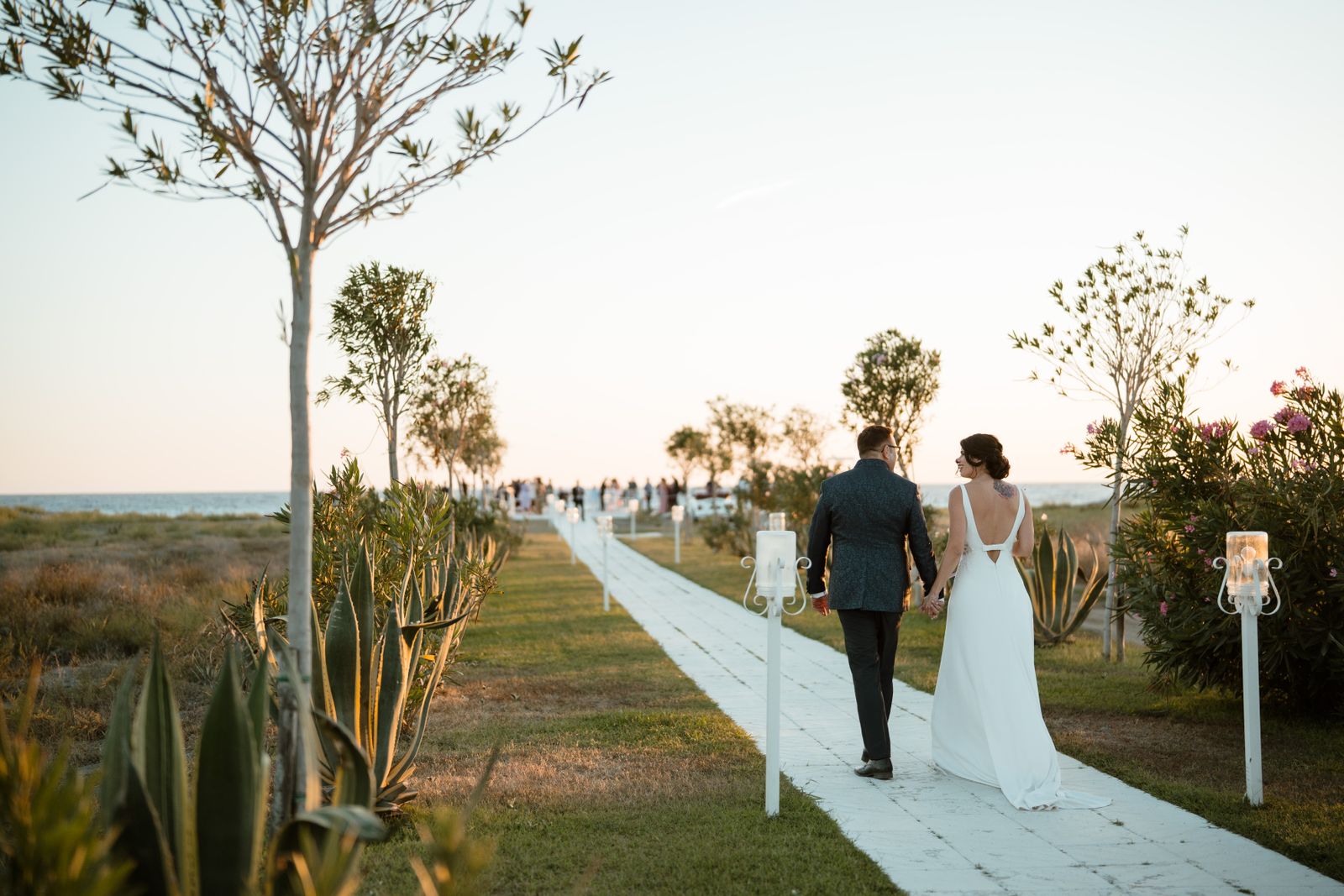 Save
SaveLooks Couples Ask For
Light and airy. Lifted shadows, soft contrast, warm clean whites. The dominant wedding look for years; it flatters skin and venues alike but needs highlight discipline outdoors.
True to life. The documentary look: honest color, moderate contrast, nothing stylized. It ages the best and is the safest default for couples who did not ask for a specific style.
Warm and romantic. Warm tones, gentle fade, soft greens. Fits golden-hour portraits and rustic venues; it can turn reception tungsten light into an orange wash, so keep a cooler variant for the evening set.
Black and white. Every wedding gallery needs a monochrome option for emotional moments. A real B&W preset controls the color-to-gray conversion instead of just desaturating.
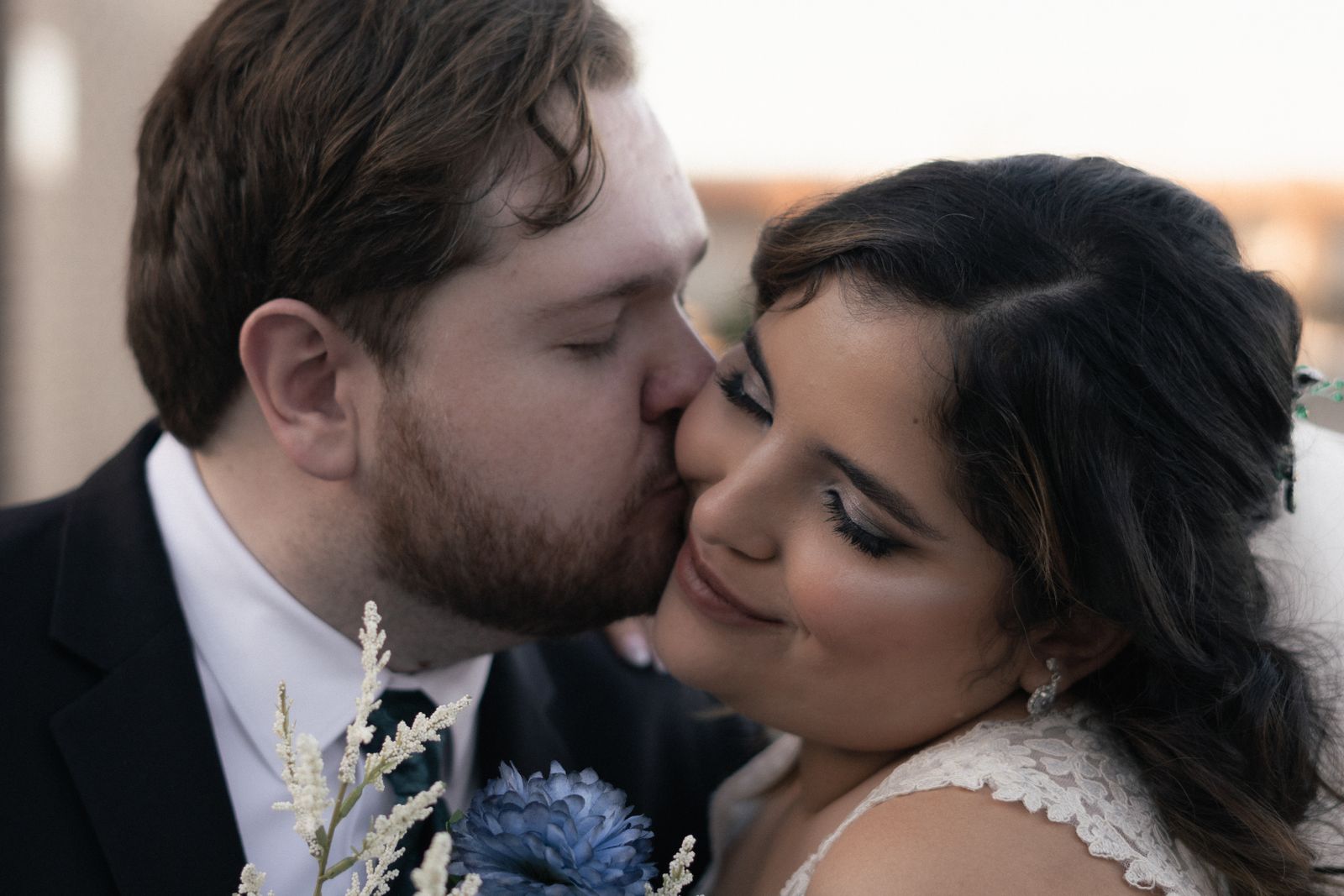 Save
SaveWant to go further? The ShutYourAperture Academy’s The Wedding Day (7 modules, 28+ lessons) is built to help you capture love, story and chaos in a single day.
A Workflow That Survives 800 Images
Group the gallery by lighting condition, not by timeline: prep images together, ceremony together, reception together. Apply the preset to one image per group, fix its white balance and exposure, then sync those two settings (not the whole preset) across the group. That keeps the preset’s character while letting each room’s light be corrected on its own terms. It is the difference between a gallery that looks graded and one that looks like a day.
The Wedding Lightroom Preset Pack is 50 presets across airy, true-to-life, warm, and monochrome looks, built as flexible bases for exactly this sync-based workflow. Test the approach free with the starter pack in our Lightroom presets guide, and see the free vs paid comparison for how the looks behave on real files.
Gear for keeping a wedding edit archive
Keep the original wedding files, edit versions and delivered gallery together so you can revisit a set without overwriting the source. A Samsung T7 Shield 1TB portable SSD is one option for a working copy. Check capacity, computer ports and cables, then verify copied files open. Keep another backup separate and protect client access. A portable drive is not a complete backup plan. Compare the current retailer specifications; no hands-on test, price or stock promise is being made here.
Compare Samsung T7 Shield 1TB on Amazon | Check Samsung T7 Shield 1TB at B&H
Affiliate disclosure: We may earn a commission from qualifying purchases through these gear links at no extra cost to you. As an Amazon Associate, Shut Your Aperture earns from qualifying purchases.