

Updated October 2026. SmugMug and Zenfolio can both put your photographs on a website, deliver galleries and sell work. The useful question is which one fits the job after the gallery opens: selecting images, controlling downloads, fulfilling an order, booking the next session and keeping your originals safe.
Start with SmugMug if your main need is a large finished-photo archive with gallery delivery, then add selling features when you need them. Put Zenfolio NextZen on the shortlist if you want galleries alongside booking and studio-management tools. Neither is automatically better for every photographer. The plan, storage type, selling fees and exit process matter more than the template you like on the home page.
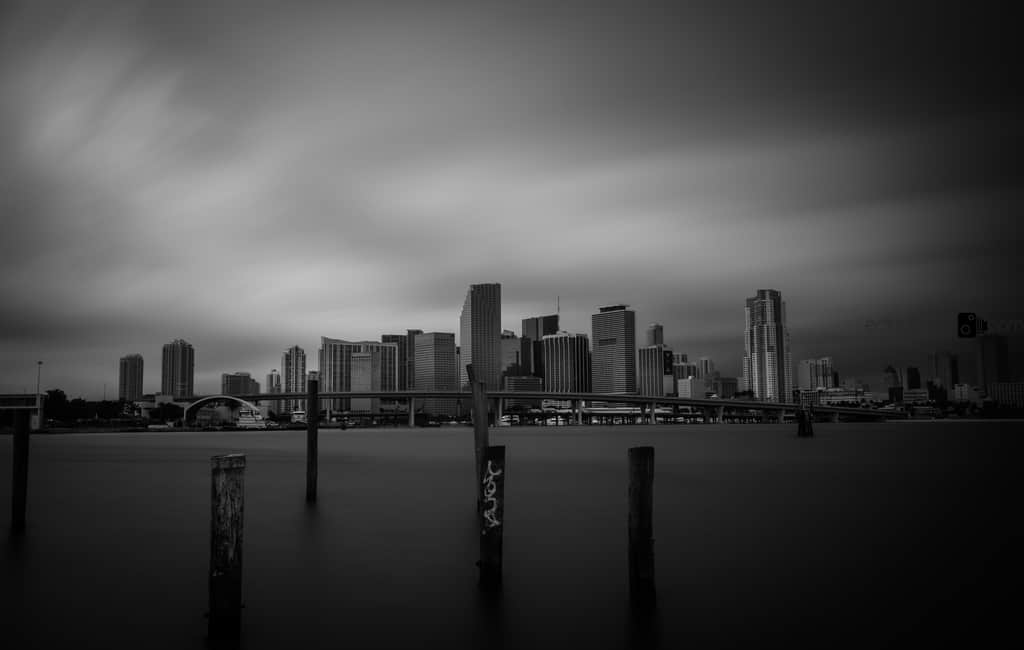
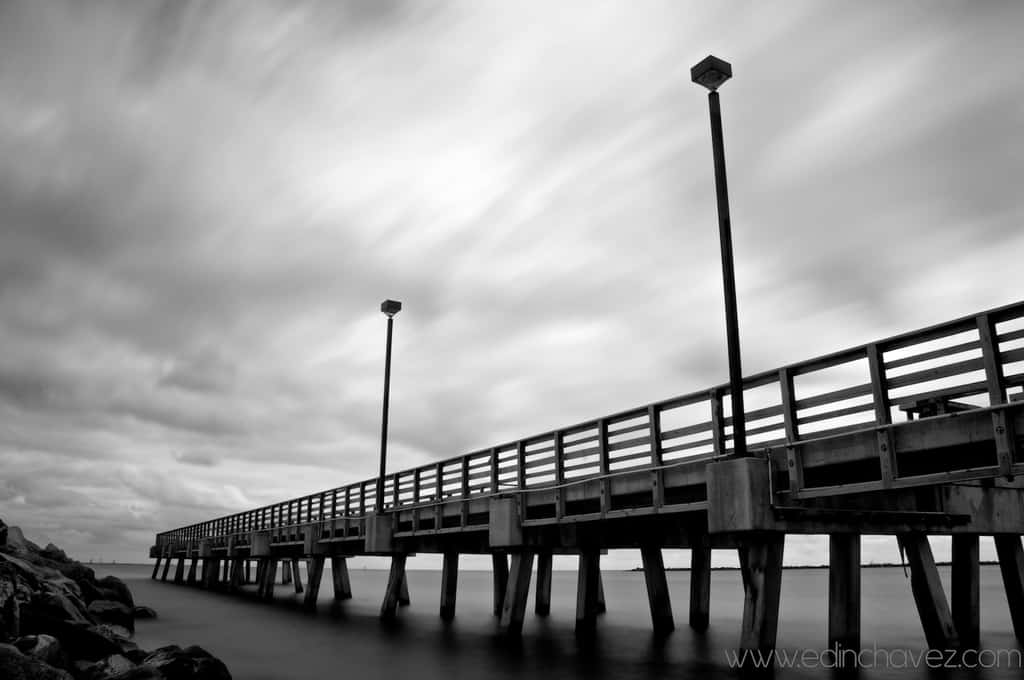
This comparison uses official pricing and support pages checked October 9, 2026. It is a researched workflow comparison, not a claim that we uploaded client galleries, ordered prints or measured either service’s speed. Edin Chavez’s photographs illustrate the kinds of finished work a gallery may hold. They are not screenshots, platform-generated images or proof that these particular files were hosted by either company.
Compare the current platforms, not their old names
SmugMug’s current public plans are Direct, Portfolio, Pro and a custom Enterprise option. Old comparisons that begin with Basic or Power do not describe the current public lineup. Its plans page separates hosting and delivery from selling, then adds more sales controls at Pro.
Zenfolio has another naming issue. This article compares NextZen’s Basic, Professional and Advanced plans. Its support comparison identifies those as the former Portfolio, PortfolioPlus and ProSuite plans. Zenfolio Classic has its own subscription documentation, features and legacy accounts. A Classic user’s renewal, RAW storage or migration question cannot be answered by copying a NextZen feature table.
If you already subscribe, first identify the platform and plan shown inside your account. For a new account, use the current public signup page. For an existing Classic account, ask support about the exact move you want to make before assuming a new site’s feature will appear in your old dashboard. Similar plan names are not evidence of identical tools.
For a wider view of SmugMug alone, our SmugMug review covers its main uses. Our SmugMug pricing guide takes the plan choice further. This page keeps the focus on the decision between the two services.
Pricing: separate the first year from renewal
On the checked SmugMug plans page, annual billing displays Direct at $20 per month, Portfolio at $23.50 per month and Pro at $37 per month. Those are monthly equivalents with annual billing, not a promise that you can pay that amount month by month. Enterprise has contact-based pricing. Check the selected billing term, tax and final total before subscribing.
Zenfolio’s US pricing page has Monthly and Annually selectors. On October 9, the annual display showed Basic at $7 per month, Professional at $11.50 and Advanced at $20. The footer qualifies the current offer: first-year subscriptions only, renewal at standard rates, and a stated October 15, 2026 expiry. Its FAQ describes the same annual figures without repeating that qualification. Treat the displayed offer as a dated first-year snapshot, not a verified renewal quote.
The same FAQ lists monthly billing at $9, $23 and $40 respectively. Do not assume these monthly figures establish the standard annual renewal total. Confirm that total in the actual plan terms. Regional selection, add-ons and an offer’s end can change what you see.
A cheap opening year is useful only if the next year and the included tools still make sense. Write down your first-year total, renewal amount, storage add-ons and expected selling costs separately. Then compare those with what you already pay for a website, gallery system and booking tool. A service replacing two subscriptions may justify more than one replacing only a portfolio page. Do not count a saving until the replacement does the work you need.
Storage: finished photographs and RAW files are different
SmugMug’s plan comparison lists unlimited full-resolution JPEG storage. That is attractive when your finished-photo library grows across many galleries. It does not mean unlimited RAW storage is included. SmugMug Source is a separate subscription. Its Source billing documentation lists $10 per month for up to 1TB, then $6 per month for each additional TB above that. Check the current terms and how your usage is measured before adding it.
Zenfolio NextZen lists 15GB for Basic and 150GB for Professional. Advanced lists unlimited JPEG storage plus 150GB of video storage, with 4K video support. Its pricing FAQ says NextZen does not store RAW files and is designed for processed images ready for delivery and sale. The support comparison separately lists file-size and video limits. Do not translate “unlimited JPEG” into unlimited storage for every format.
Estimate your library using actual exports, not a marketing approximation of how many photos fit. A compressed web gallery and a set of large full-resolution deliverables use different amounts of space. Include videos if you deliver them. Leave room for older jobs that remain available to clients.
Neither service should be your only copy. Keep the camera originals, working catalog and finished exports in a backup plan independent of the gallery provider. A public delivery site and an editable archive serve different purposes. Being able to download a gallery is useful, but it is not a test that your RAW files, catalog edits and folder structure can all be restored.
 Save
SaveClient delivery: test the recipient’s side
A gallery can look good to its owner and still be confusing to the client. Test with a small set that has a clear name, visible instructions and an agreed purpose. Is this a proofing gallery, a final delivery, a print store or a public portfolio? Do not make visitors guess.
SmugMug Direct includes privacy controls and digital delivery. Portfolio adds selling and gallery delivery for customers; Pro adds client favoriting and customer download limits according to the current plans page. If selections and a fixed download allowance are central to your business, verify the exact Pro workflow instead of assuming the cheapest plan includes it.
Zenfolio’s pricing page lists client galleries and proofing across its plans. Its download-settings guide says galleries do not allow downloads by default. You can allow downloads, choose who receives them and set available sizes. A specific-number limit applies to an individual client, not a shared gallery-wide pool, and has conditions around client or guest contacts. Read those details before promising “five downloads” to a group.
In your own trial, open the gallery as a visitor rather than staying inside the owner dashboard. Check the invitation, mobile navigation, favorite selection and instructions for getting files. Ask someone unfamiliar with the setup to complete the same task. Record what they misunderstand. This is a suggested test, not a report of a test we performed.
Passwords and private galleries do not replace client permission. A wedding couple, commercial client and private portrait sitter may have different expectations about what can be public. Agree on those expectations and check every gallery’s visibility before sharing it.
Print and digital sales: the percentage alone misleads
SmugMug selling starts at Portfolio. Pro adds multiple custom pricelists, coupons and packages. Its profit-payment documentation says the photographer keeps 85% of the difference between the selling price and SmugMug’s default print price. The retained 15% includes credit-card payment fees, customer service and program administration. It is a percentage of the markup, not a simple 15% deduction from the whole retail price.
For digital sales, the same support page lists base delivery costs before the profit calculation. A single download and an entire gallery have different bases. Read the digital-sales guide and confirm the offered license, size and price. “Download enabled” and “digital product sold” are different settings and different client experiences.
Zenfolio’s current pricing FAQ lists a 7% commerce fee on the order subtotal before tax and shipping, after a coupon discount if one is applied. It also lists separate payment-processor fees and small digital-download fees for orders containing digital files. The current US examples include Stripe at 2.9% plus $0.30 per transaction, and download fees of $0.09 per single file or $0.99 for a bulk/full-gallery download. Those terms are a dated operator listing, not a universal quote for every country or transaction.
This is why “SmugMug takes 15%, Zenfolio takes 7%, so Zenfolio wins” is not a sound comparison. The percentages use different bases and include different things. Compare one actual product: the same print size, selling price, lab cost, shipping destination, payment method and discount. Then compare what reaches you after all applicable charges. Check lab availability in your region and the exact options offered by the plan.
Also consider the job after an order fails. Who handles a damaged print, a wrong crop, a late parcel or a client who cannot download? Learn the service’s process before promising a delivery date or refund policy of your own. A storefront is part of your client service, not a way to stop owning it.
 Save
SaveBooking and business tools: do you need one system?
Zenfolio’s current Basic and Professional plans list Booking and Scheduling as a $10-per-month add-on; Advanced includes it. Advanced also lists unlimited Volume Wizard and QR Code Workflow uses, while Professional lists up to five uses. Those distinctions can matter to a school, sports or high-volume operation. They may be irrelevant to a landscape photographer selling occasional prints.
The SmugMug plans page emphasizes photo storage, galleries, delivery and sales controls. Do not infer an equivalent booking system from a polished website template. If you rely on scheduling, contracts or another business process, verify it separately and compare the complete stack you would actually use.
An all-in-one setup can reduce duplicate data entry. It can also tie more of your business to one account. During a trial, follow one inquiry from the initial contact to gallery delivery. Check what you can export and what remains in another application. Do not migrate contacts, contracts or live client work just to see whether a feature works.
If choosing your site is part of a larger business reset, The Business Behind the Lens at Shut Your Aperture Academy, taught by Edin Chavez, lists Branding and Online Presence, Contracts and Client Management, and The Financial Side modules. Those topics help frame the decision. The course listing is not proof of a tutorial for every button in either service.
Templates and search visibility: test with your own work
Both services offer a photographer website. That does not establish which template presents your photographs best, or which one will rank a page higher in search. We have not measured search performance, page speed or conversion rates here.
Build a small site structure before comparing templates: a focused portfolio, an about page, the services or products you offer, and a clear contact route. Then put a portrait, a horizontal landscape and a detail photograph into the proposed layouts. Inspect the crop and spacing on a phone. A dramatic full-screen header can hide important edges or push the contact link out of view.
Give gallery names and page titles real meaning. “Gallery 7” is less useful to a client than a recognizable session title. Add accurate descriptions and alt text where the platform supports them. Do not invent stories about people pictured or repeat keywords until the page stops sounding human.
If your current website already brings inquiries, moving its domain is a separate decision from trying new client galleries. Plan URL redirects, preserve useful pages and keep a copy of the current site. A new gallery tool is not by itself a reason to abandon years of working links.
 Save
SaveLeaving: prove the export before committing
Zenfolio’s owner-download guide says you can download original photographs individually or by gallery. It also says there is no single action to download every gallery in the account. That matters if you have a large library. File export and the export of contacts, orders or favorites are separate questions.
SmugMug’s Source cancellation instructions tell owners to download their RAW files first; that download includes associated JPEG and XMP files. Its general subscription terms describe renewal and termination separately. Read the current cancellation rules instead of assuming that stopping a payment keeps a working site online until your next anniversary. SmugMug’s terms describe termination taking effect on confirmation and subscription fees as nonrefundable, subject to applicable statutory rights.
Zenfolio’s public FAQ says a canceled account remains active through the billing period and recommends backing up photos before that period ends. It also describes a courtesy refund window for initial signup or annual renewal, with no refunds for monthly cancellations. The same page gives both support contact and Account Settings routes for cancellation. Verify the route for your account and keep confirmation.
Before changing providers, export one representative gallery, open the files and check filenames, resolution and usable metadata. Keep the result outside the service. Then build an inventory of the rest. Do not cancel the old site while the only copy of an important job is still inside it.
A practical decision for four common jobs
Large finished-photo archive: SmugMug Direct deserves an early look because unlimited JPEG storage and digital delivery are included. Budget separately for RAW storage if you need Source. Choose a higher tier only when its sales or client controls solve an actual problem.
Portrait or wedding gallery with print sales: compare SmugMug Portfolio or Pro against Zenfolio Professional or Advanced using one real delivery and one proposed order. Favoriting, download rules and fees matter more than which trial home page looks prettier.
School, sports or studio workflow: inspect Zenfolio’s volume tools, booking and team limits alongside SmugMug’s sales controls or custom Enterprise offer. Ask both companies about the specific workflow and region. Do not assume that a higher plan automatically includes every specialized task.
Small public portfolio: compare the entry plans with your expected library and how clients contact you. A low first-year offer can be useful, but it is not the whole budget. If your site does not need checkout or booking, avoid buying business tools merely because the feature list is long.
 Save
SaveRun a small trial with a finish line
Use photographs you have permission to upload and a test gallery without private client details. Choose a small mix of horizontal and vertical files. Give each service the same tasks: organize the set, publish a private gallery, collect selections if the plan allows it, configure downloads and inspect a proposed sales setup.
Record the plan you used and any feature you could only preview rather than complete. Check the visitor view on desktop and mobile, and download a file to inspect the result. Read the final subscription terms before adding a payment method. A trial’s attractive starting point does not establish the renewal price or all the tools of the plan you will buy.
Your answer should fit in one sentence: “This platform handles my delivery and sales needs within my storage and renewal budget.” If you cannot write that honestly, keep testing the unresolved part. The right choice is the service whose limits you understand and whose daily work fits your business.
Keep a separate copy of your gallery exports
A portable drive can hold an additional working copy before a migration. The black Samsung T7 Shield 1TB, model MU-PE1T0S/AM, is one option to compare. Check capacity, computer ports and cables against your own library. No measured transfer speed, hands-on test, price or stock promise is made here. One drive is not a complete backup plan; keep another independent copy and verify that exported files open.
An independent working copy
Samsung T7 Shield 1TB black MU-PE1T0S/AM at B&H. Amazon: an exact matched listing is not linked because Amazon is unavailable for verification. Compare the model and capacity rather than assuming another T7 configuration is identical.
Which is better, SmugMug or Zenfolio?
Choose by your work. SmugMug is worth testing for an unlimited finished-JPEG archive and gallery delivery. Zenfolio NextZen is worth testing when galleries, booking and studio tools belong in one setup. Verify the actual plan, fees and renewal rather than declaring a universal winner.
Can I store RAW files on both services?
Not as the same included feature. SmugMug Source is a separate paid RAW subscription. Zenfolio NextZen says it is for processed images and does not store RAW files. Keep an independent backup and do not mix NextZen with Classic account documentation.
Are the advertised monthly prices paid month by month?
Not when the selector says annual billing. A monthly equivalent can require a full-year payment. Zenfolio also qualifies the October 9 annual offer as first-year only, with renewal at standard rates. Confirm the selected term and renewal total before subscribing.
Does a 7% fee make Zenfolio cheaper for every sale?
No. Zenfolio lists a commerce fee on the order subtotal plus separate processor and digital-download fees. SmugMug retains 15% of the markup over its base cost. Compare the same product and all applicable charges, not percentages with different bases.
Can I move my existing galleries without testing export?
Do not assume so. Zenfolio documents owner downloads by gallery, not one account-wide download action. SmugMug Source tells owners to download RAW files before cancellation. Check usable files, metadata and separate business records before closing the old account.
Do these services replace a backup?
No. Keep originals, edits and finished exports in independent copies. A client gallery may hold only processed deliverables and has its own storage and cancellation limits. Download a representative set and verify the files before relying on the exit process.
Photographs by Edin Chavez. Sources: SmugMug plans, profit rules, Zenfolio pricing and dated offer terms, and NextZen comparison. Checked October 9, 2026; terms can change. Affiliate gear links may earn a commission at no extra cost to you.


