
Updated October 2026
The Olympus OM-D E-M5 Mark II is a small camera with a very specific set of strengths. It combines a 16-megapixel Micro Four Thirds sensor, in-body stabilization, a useful viewfinder, and a fully articulated screen. Its headline 40-megapixel mode is real, but it is not a free upgrade for every photograph. The camera builds that image from several exposures. Anything that moves can become a problem.
That distinction matters more than the brochure. If you want a compact body for travel, deliberate street photography, architecture, or landscapes, the E-M5 II deserves a look. If you want modern subject recognition, dependable tracking for fast action, or 4K video, do not buy it because someone calls it a bargain. Buy the camera that solves your actual problem. This is a specifications-based guide and shooting workflow, not a claim that I tested this body.
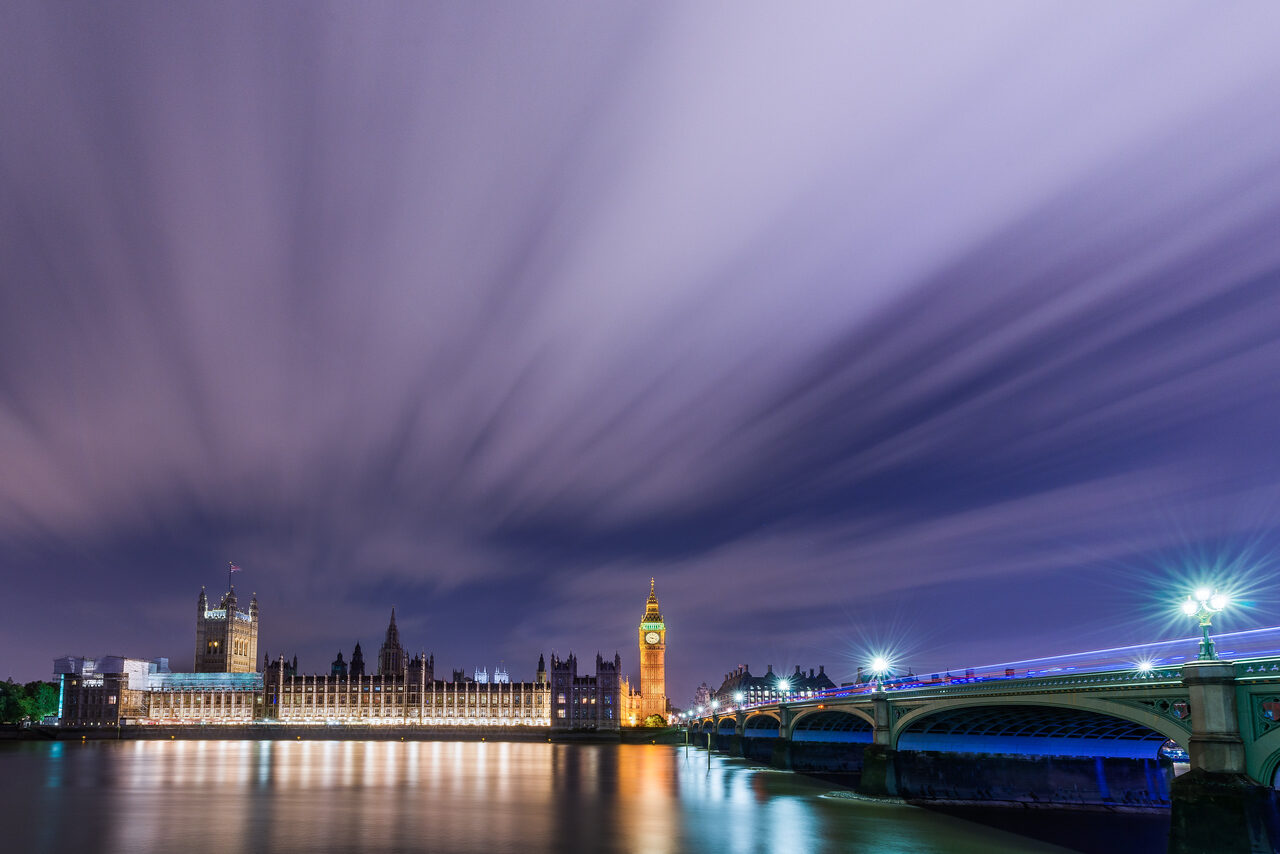
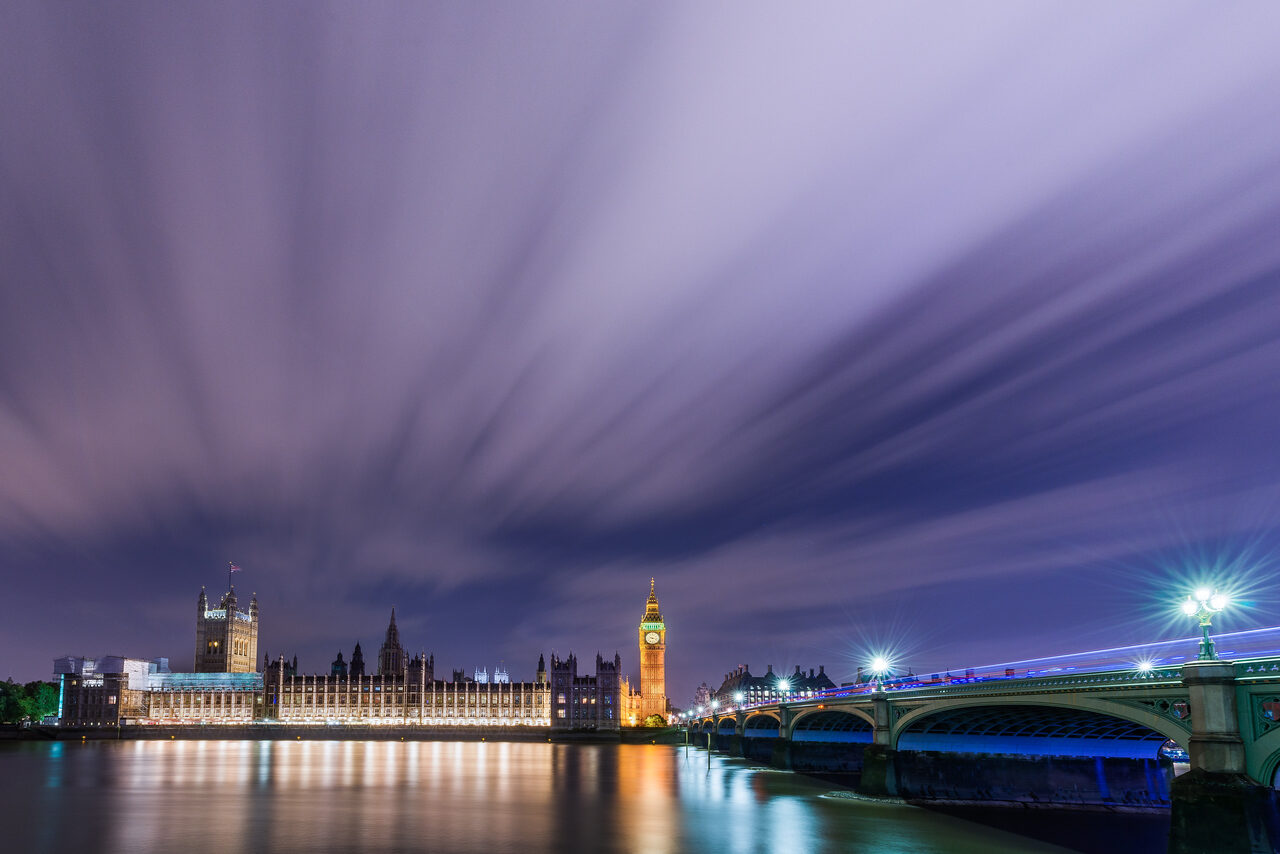
The landscape and city photographs below illustrate composition and motion decisions. They are not E-M5 II sample files, stabilization tests, or evidence of this camera’s image quality.
 Save
SaveWhat the E-M5 Mark II actually gives you
The official OM SYSTEM support comparison lists a 16.05-million-effective-pixel Live MOS sensor, TruePic VII processor, five-axis sensor-shift stabilization, and the Micro Four Thirds mount. It also lists an approximately 2.36-million-dot electronic viewfinder and a three-inch vari-angle touchscreen. These are the parts that make the camera useful when you are working from an awkward height or trying to keep your kit small.
- Normal photographs: approximately 16 megapixels, not 40 megapixels in every mode.
- High Res Shot: a multi-exposure mode intended for a stable camera and a still subject.
- Autofocus: contrast-detection autofocus with 81 areas, not a modern subject-recognition system.
- Video: Full HD recording with frame-rate options including 60p, not 4K capture.
- Weather protection: a dustproof and splashproof design, not a waterproof camera.
Keep the model names straight. E-M5, E-M5 Mark II, E-M5 Mark III, and OM-5 are different cameras. A newer model’s feature list does not describe this one. When reading a used listing, check the actual model badge, ports, included charger, battery type, and condition. A seller’s generic headline is not enough.
Sixteen megapixels is not the thing to fear
A clean, well-composed 16-megapixel file can be useful for web publication, family photographs, travel stories, and prints. The limit is less forgiving cropping. If your subject occupies a tiny part of the frame, removing most of the image leaves fewer pixels to work with. Move when you can, choose a suitable focal length, and get the frame closer to right before pressing the shutter.
Do not confuse sensor size with focal length. A 17mm lens remains a 17mm lens. On Micro Four Thirds, its angle of view is roughly comparable to a 34mm lens on a full-frame camera. That comparison helps you choose framing. It does not turn the lens into something else or make exposure settings change by themselves.
Start with RAW plus JPEG if you want editing room and a convenient reference file. Expose with attention to important highlights instead of expecting an older sensor to rescue every bright sky and dark doorway. Check the histogram, magnify a test photograph, and change your settings when the scene changes. A file that starts well is easier to finish.
 Save
SaveHigh Res Shot: use it for the right subject
The E-M5 II’s High Res Shot mode shifts the sensor between eight exposures and combines the result. The original Olympus announcement describes 40-megapixel JPEG output and a larger 64-megapixel RAW file. Those numbers describe output files, not a native 40- or 64-megapixel sensor. Imaging Resource’s technical examination explains why file dimensions and resolved detail are not interchangeable.
The important question is whether the subject stays still throughout the sequence. A product on a table, a sheltered architectural detail, or a still interior is a sensible starting point. Leaves, people, traffic, waves, flowing water, and drifting clouds may produce artifacts. A tripod steadies the camera; it cannot freeze the world. Do not treat this generation’s mode as modern handheld high-resolution shooting.
Build a normal photograph first. Set up the tripod firmly, compose, focus, and make a standard RAW exposure. Then try High Res Shot on the same scene. Inspect edges and moving areas at high magnification rather than judging only the entire image on the rear screen. If the combined file is flawed, you still have the normal frame. This is a practical backup, not a reason to skip checking.
The 2015 launch documentation reproduced by DPReview describes limits including a maximum f/8 aperture setting, exposure times up to eight seconds, and sensitivity up to ISO 1600 for this mode. Check the current manual for your installed firmware before setting up a special shoot. RAW software compatibility also matters: open a test file in your actual editing application before promising a client a workflow built around it.
 Save
SaveStabilization fights camera movement, not subject movement
Five-axis stabilization is one of this body’s main attractions. It moves the sensor to counter camera shake, which can help when you are holding the camera at a slower shutter speed. It does not stop a pedestrian’s feet, a dog’s head, or a cyclist crossing the frame. Those require an exposure short enough for the movement you want to freeze.
For a static street scene, make a short series at different shutter speeds and compare the sharpest important edges. For a moving subject, choose the shutter speed first and let ISO rise if that is what the light requires. A little noise is usually a better trade than motion blur you did not intend. Do not promise yourself a fixed number of stabilization stops in every situation. Your technique, lens, posture, and shutter speed all matter.
Use both hands, bring your elbows in when practical, and release the shutter gently. If you are leaning around a railing or holding the screen above your head, check a test frame. For tripod work, follow the camera and lens instructions for stabilization settings. Changing supports is a reason to review settings, not leave yesterday’s setup untouched.
Street and travel photography: keep the setup simple
A small body loses its advantage when you bury it under accessories and spend every scene in the menus. Start with one lens and a few controls you understand. Aperture priority, single autofocus, RAW capture, and a deliberate ISO choice are a useful learning setup for relatively still subjects. That is a starting point, not a universal preset.
Choose the focus area yourself when the camera might prefer a bright sign or a nearby railing over your subject. For a still subject, single autofocus is straightforward. For motion, practice continuous autofocus in the situations you actually photograph and review the hit rate. The camera offers approximately ten frames per second in its high-speed mode under stated conditions, but speed alone does not mean focus tracks every frame. Official support specifies the headline rate with S-AF or manual focus.
Watch the edges before shooting. A clean frame of a doorway, street corner, or person in context often says more than a busy photograph with no clear subject. Work with the light, wait for separation, and make a second frame when a distracting passerby leaves. Respect privacy and local rules. A quieter shutter does not give you permission to photograph someone who has refused.
Night scenes and Live Composite
Night photography is a reason to slow down, not turn every setting to its limit. Put the camera on a stable support for a deliberate long exposure. Focus carefully, check the bright signs, and decide whether you want moving clouds or water to become smooth. Use a normal long exposure when that creates the look you need. Not every night frame requires a special mode.
The E-M5 II includes Live Bulb, Live Time, and Live Composite. These are separate functions. Live Composite is designed to build an image by adding new bright changes to a base exposure, which makes it useful to explore for light trails and similar subjects. It is not the same thing as High Res Shot, and it does not automatically solve focus, composition, or an overexposed starting frame.
Read the relevant manual section, practice somewhere safe, and review a short test before committing to a long sequence. Plan battery life and your position. Stay out of roads, avoid blocking paths, and do not leave the camera unattended. A technically clever mode is not worth missing the straightforward photograph you came to make.
 Save
SaveLandscapes: separate detail from movement
For a landscape, choose the subject before choosing a mode. Is the frame about a rock, a tree, a line of mountains, or water moving through the foreground? Put the strongest part where the viewer can find it. Then decide what should be sharp and what can move. A flowing stream may look better in a normal long exposure than in a multi-shot detail mode.
Do not default to the smallest aperture just because you want depth of field. Compare a moderate aperture, your chosen focus distance, and the resulting foreground and background detail. Check the corners and watch for camera movement. If everything important is not sharp enough, reconsider your focus, position, or frame instead of assuming the megapixel count is the problem.
 Save
SaveBuying used: inspect the camera you will receive
This is an older model, so condition can matter more than an impressive listing. Ask for clear photographs of the body, mount, screen hinge, ports, and battery compartment. Check for corrosion, impact damage, missing covers, and loose parts. Dustproof and splashproof construction does not tell you how a particular used body was treated or whether its seals remain dependable.
Test autofocus, stabilization, buttons, dials, touchscreen response, viewfinder, card writing, and a short video recording while you can still return it. Shoot a plain surface and a detailed subject. Look for sensor issues and inconsistent operation, not just a pleasing thumbnail. Confirm the correct BLN-1 battery and charger arrangement. Official support gives approximately 310 shots under the stated test standard; your real use can differ, and an aged battery may perform worse.
Check return terms and current service options before paying. Do not assume old launch bundles, included flashes, or accessories apply to today’s used listing. If action or video is your main job, compare newer alternatives against that requirement before spending money on a body whose strength is a different kind of photography.
Build better photographs before building a bigger kit
Give yourself a simple assignment: one location, one lens, and ten finished frames. Include a wide view, a detail, a quiet scene, and a photograph where movement matters. Review them together. Which frame has the clearest subject? Which one falls apart at the edges? Which one needed a different shutter speed? Those answers tell you what to practice next.
The Shut Your Aperture Academy can help you work on exposure, composition, and the decisions behind stronger photographs through guided photography learning. Use that practice to get more from the camera you already own instead of expecting a different body to fix weak framing. Check the current course catalog for the material that fits your interests and skill level.
A compact street option: Olympus M.Zuiko 17mm f/1.8
The original Olympus 17mm f/1.8 is a Micro Four Thirds prime with a roughly 34mm-equivalent angle of view. It is a useful focal-length option for everyday scenes and environmental photographs. Check the exact version: the original Olympus lens and newer OM SYSTEM f/1.8 II are different products. Do not assume the original has the newer lens’s weather sealing. Compare condition, included items, current price, and return terms before buying.
Affiliate links may earn a commission. Prices, stock, and included accessories can change.Frequently asked questions
Is the Olympus E-M5 Mark II a 40-megapixel camera?
Its normal sensor output is approximately 16 megapixels. High Res Shot combines eight shifted exposures to produce a 40-megapixel JPEG, with a larger RAW output. It is not native 40-megapixel capture in every mode.
Can I use High Res Shot handheld?
Plan on a tripod and a still subject with this model. Camera movement and movement within the scene can spoil the combined image. It is not the later handheld high-resolution workflow offered by some newer cameras.
Does it record 4K video?
No. The E-M5 Mark II records Full HD video, with frame-rate options including 60p. Check exact recording settings in the manual rather than applying a newer model’s specifications.
Will stabilization freeze a moving person?
No. In-body stabilization helps counter camera shake. Freezing a moving person still requires a suitable shutter speed, focus, and timing.
Which lenses fit the E-M5 Mark II?
It uses the Micro Four Thirds mount. Check the exact lens and any feature limitations before buying. Four Thirds DSLR lenses are not the same native mount and require a suitable adapter.
Technical references: OM SYSTEM support and manual resources, DPReview launch documentation, and Imaging Resource high-resolution analysis. Original manufacturer cutaway retained; city and landscape illustrations from the owner’s London and Lake Tahoe collections, not camera test samples.


