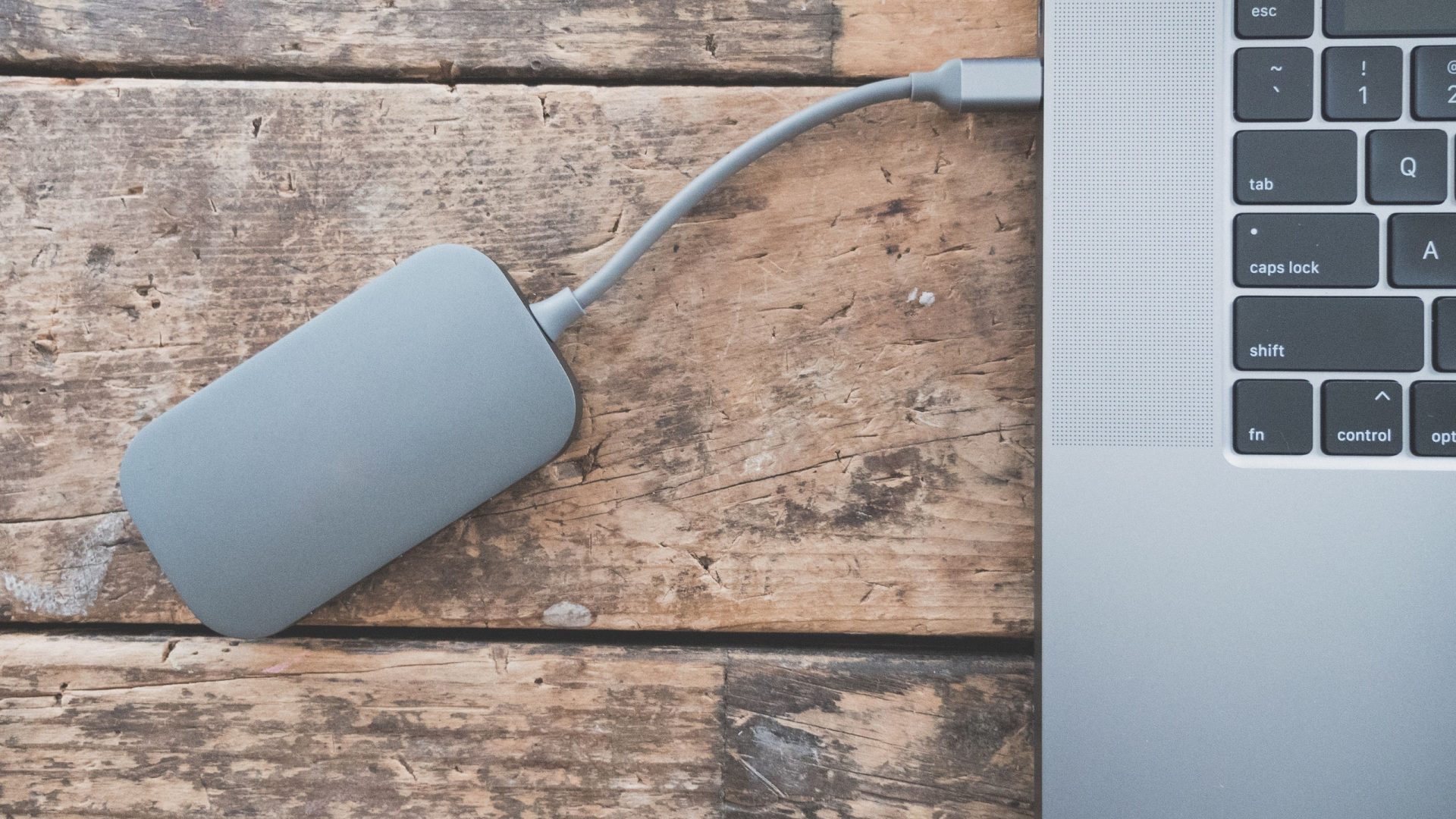
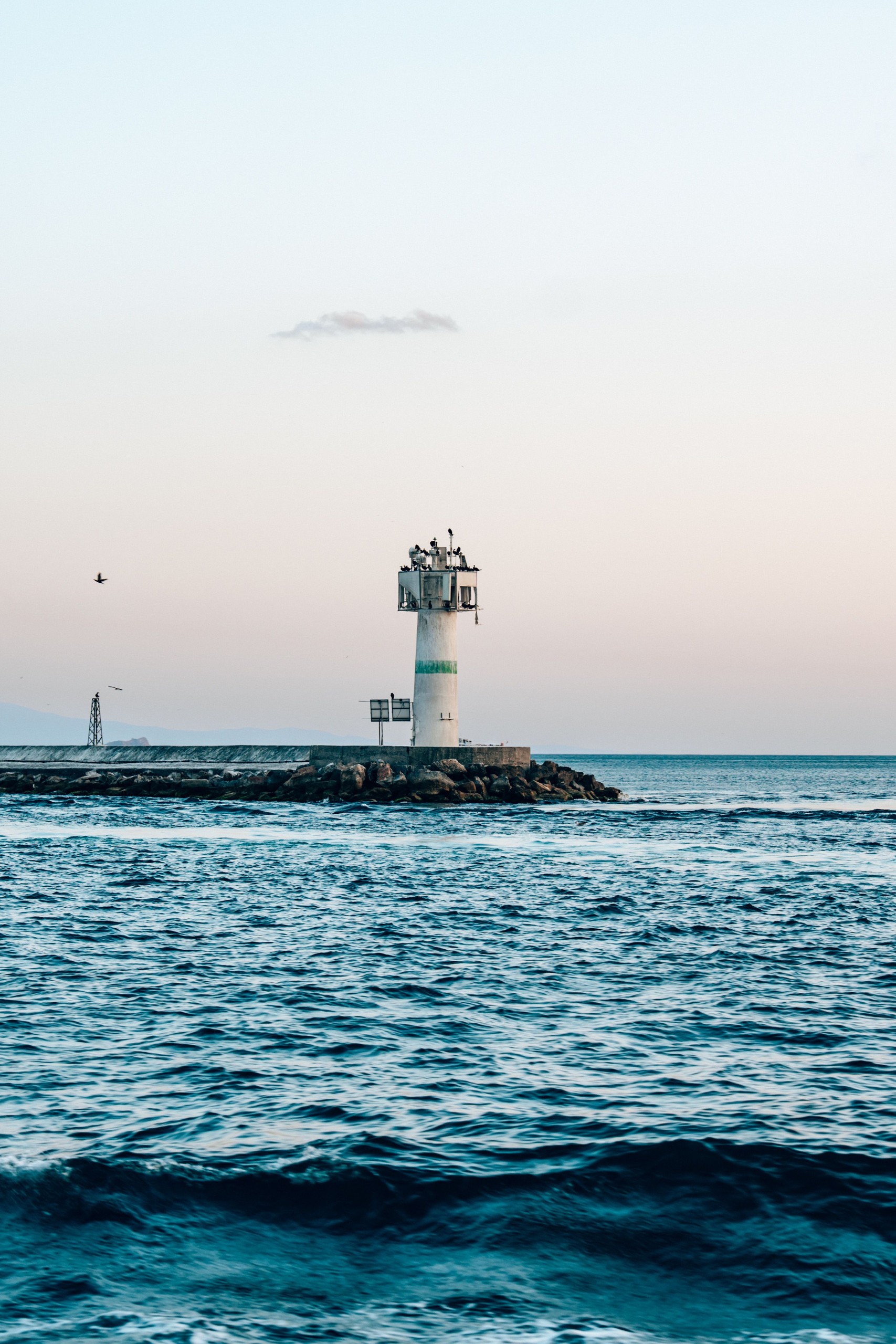
Keep source files separate from a writing service. Photo by Jessica Lewis / Pexels. (Stock photo, illustrative.)
Writing about photography is easier when you have something real to say. An AI writing tool can help arrange your notes, suggest an outline, or turn a rough idea into a draft. It cannot make up the afternoon you spent waiting for light, verify a lens you never tested, or replace the photographs that make your work yours.
PredraftAI is a writing service aimed at researched SEO articles. Its public pages describe topic and keyword inputs, research links, editable outlines, tone controls, and publishing features. That can be useful for a photographer who needs to explain a project, write a location guide, or organize a blog. The important word is draft.
This is a researched look at Predraft.ai’s public information, checked on November 4, 2026, with an editorial workflow for photography websites. It is not a hands-on performance test. Features below are vendor descriptions unless stated otherwise; they are not proof of accuracy, search results or live publishing reliability. Public marketing, pricing and legal pages do not always tell the same story, so read the limits alongside the advertised benefits.
What is PredraftAI?
The Predraft.ai homepage describes a service that researches and generates an article from a topic and target keywords. It advertises automatic Google searches, citation links, outline editing, tone personalization, revisions, and a plagiarism checker. The public article creation page provides a topic-based entry point.
The idea is straightforward: begin with a subject, get a structure, then shape the text. That is different from asking a tool to create a publishable article from nothing. A useful draft still needs a clear audience, evidence, editorial judgment, and a reason to exist on your site.
For a photographer, the best starting material is your own. Use notes from a shoot, the equipment actually used, locations you can identify, and details you can confirm. A tool may help organize that material. It should not invent memories, clients, settings, tests, or conversations to make the article sound experienced. Keep the distinction visible between an observation you made, a specification from a source and a question that remains unanswered.
What the vendor says it can do
Predraft’s homepage lists word-length control up to 2,000 words, adjustable tone, automatic product upsells, editable headings and facts, revisions, and control over citations and external links. Its pricing table describes research outlines, keyword ideas, site-based personalization, WordPress options, internal linking, and team features across different plans.
Read those as a feature list to investigate, not as results already demonstrated here. A research link can point to a relevant page without supporting the exact sentence beside it. A plagiarism checker can flag similarity without resolving every rights issue. An SEO label does not establish search visibility.
The site also makes broad comparisons with other writing services, including claims about older knowledge cutoffs and behavior. Those comparisons are not a sound basis for a current buying decision. Products change. Compare the current versions against your own test task instead of treating a marketing comparison table as independent research.
One useful evaluation task is a short article about a place you photographed. You already know what happened, have the images, and can spot invented details. Compare the generated draft with your notes. Measure how much editing it takes, which facts it gets wrong, and whether its structure actually helps the reader.
Pricing: check the live terms before paying
The public pricing page describes Starter, Pro, Expert and Enterprise plans. Compare the plan name, billing period, publishing destination and optional add-ons against the actual checkout before paying. This article does not promise a current monthly price or a final total. A plan name alone is not enough to establish what your account includes, and a marketing card is not a receipt.
The free allowance is not stated consistently. The pricing comparison table lists one Starter article per month, while the FAQ says the free plan gives two articles. Those statements may describe different allowances, but the public page does not make that distinction clear. Do not silently choose the larger number. Confirm the allowance and reset rules shown in your account or with the provider before relying on it.
The vendor FAQ describes a seven-day Pro trial requiring a credit card, upfront monthly subscription charges and no refunds. It says cancellation is available through Account and takes effect at the end of the billing period. These are public vendor statements, not a cancellation test performed for this article. Read the final checkout and cancellation terms, note the renewal date and consider whether you want to accept an auto-renewing trial at all.
For a photography blog, the useful cost calculation is not simply price divided by article count. Count editing time, fact-checking, image preparation, and the risk of publishing a wrong claim. A cheap draft that takes longer to fix than to write may not be a bargain. Start with a small evaluation and keep a record of the results.
 Save
A photography brief that gives the tool something useful
Before entering a topic, decide who the article serves. A first-time traveler looking for a sunset viewpoint needs different information from a professional planning permits and transport. “Photography tips” is too broad. “How to plan a coastal sunset shoot with changing light and moving people” gives the draft a purpose.
Write a short brief containing the reader, the question, the scope, and the evidence. Add verified notes and mark unknowns clearly. If you are uncertain about current opening hours, access restrictions, prices, or permits, do not include a guess as a fact. A polished sentence can make a guess look more certain without making it more accurate.
Use clear restrictions: do not invent first-person experience, do not invent camera settings, and do not treat illustrative photographs as product-test samples. Ask for headings that answer actual reader questions. Avoid a long introduction that promises a revolution before explaining anything useful.
An example brief could read: “Draft a guide for photographers planning a sunset scene. Use only the supplied observations. Explain how to watch the light, simplify the frame, and prepare a backup composition. Flag facts that need current confirmation. Do not claim I used a specific lens or visited on a specific date unless the notes say so.”
 Save
Review the outline before expanding the draft
An outline is where you can remove repetition before it becomes a thousand words of repetition. Check whether each section does a different job. A heading about choosing a viewpoint, a heading about reading the light, and a heading about adapting when conditions change can each help. Five headings saying “why this destination is amazing” do not.
Put the answer near the top. Readers should not have to pass several paragraphs of general enthusiasm to find the main point. If the article is about a tool, say what it is, what you verified, and what you have not tested. If it is a field guide, begin with the practical decision that shapes the shoot.
Delete headings that exceed your evidence. A draft may propose “my favorite hidden spot” or “the settings I always use” because those sound persuasive. If they are not your real experience, they do not belong. Replace them with an honest explanation or leave the section out.
 Save
Open every citation that matters
Do not check citations by counting links. Open the source and read the part that supports the claim. Confirm the product name, date, units, location, and scope. A page about one camera model does not verify a specification for another model. A five-year-old announcement does not establish today’s price.
Separate manufacturer claims from independent test findings. “The manufacturer lists weather resistance” is different from “this lens survived my rain test.” The first can be supported by a specification page. The second requires a real test and a record of what happened. Do not let a draft turn one into the other.
Keep a source ledger while editing. For each important claim, note the supporting URL and the sentence or section that supports it. If the source conflicts with another source, resolve the conflict or explain it. For an uncertain claim that adds little value, deleting it is often the best edit.
Check quoted words against the original. Check numbers separately. Our ISO guide can help you explain a setting, but only a verified shooting record can establish which setting was used. Prices, dates, maximum apertures, sensor sizes, and file capacities are easy to confuse when a paragraph contains similar products. A citation attached to the paragraph does not guarantee every number in that paragraph is right. When explaining exposure choices, use the aperture guide for context, but do not treat a general explanation as proof of the setting used for an unverified image.
 Save
Keep the photography real
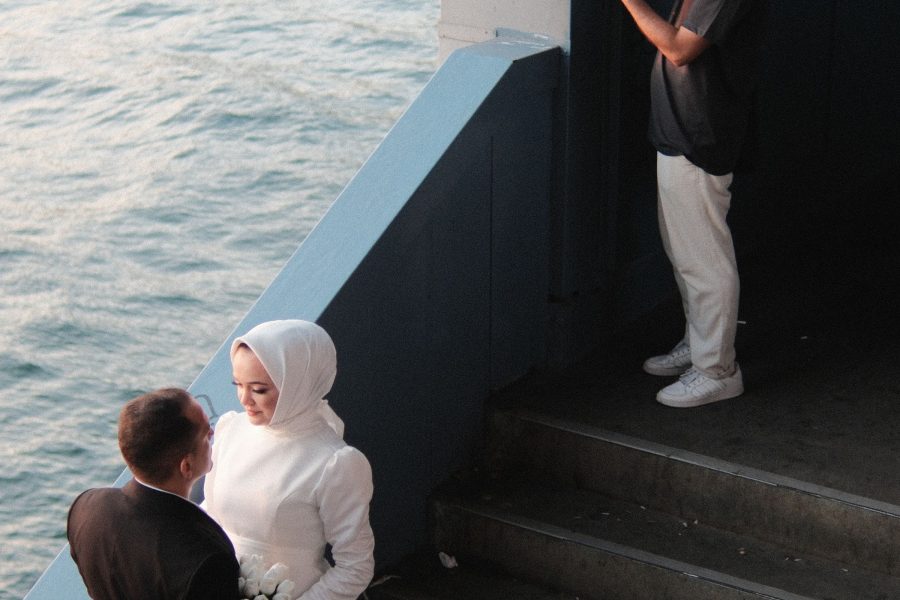
Your pictures are the strongest part of a photography article when they actually explain the subject. Use a frame to show foreground choice, light, timing, or composition. Then write about what is visible. Do not invent a story simply because the photograph needs a caption.
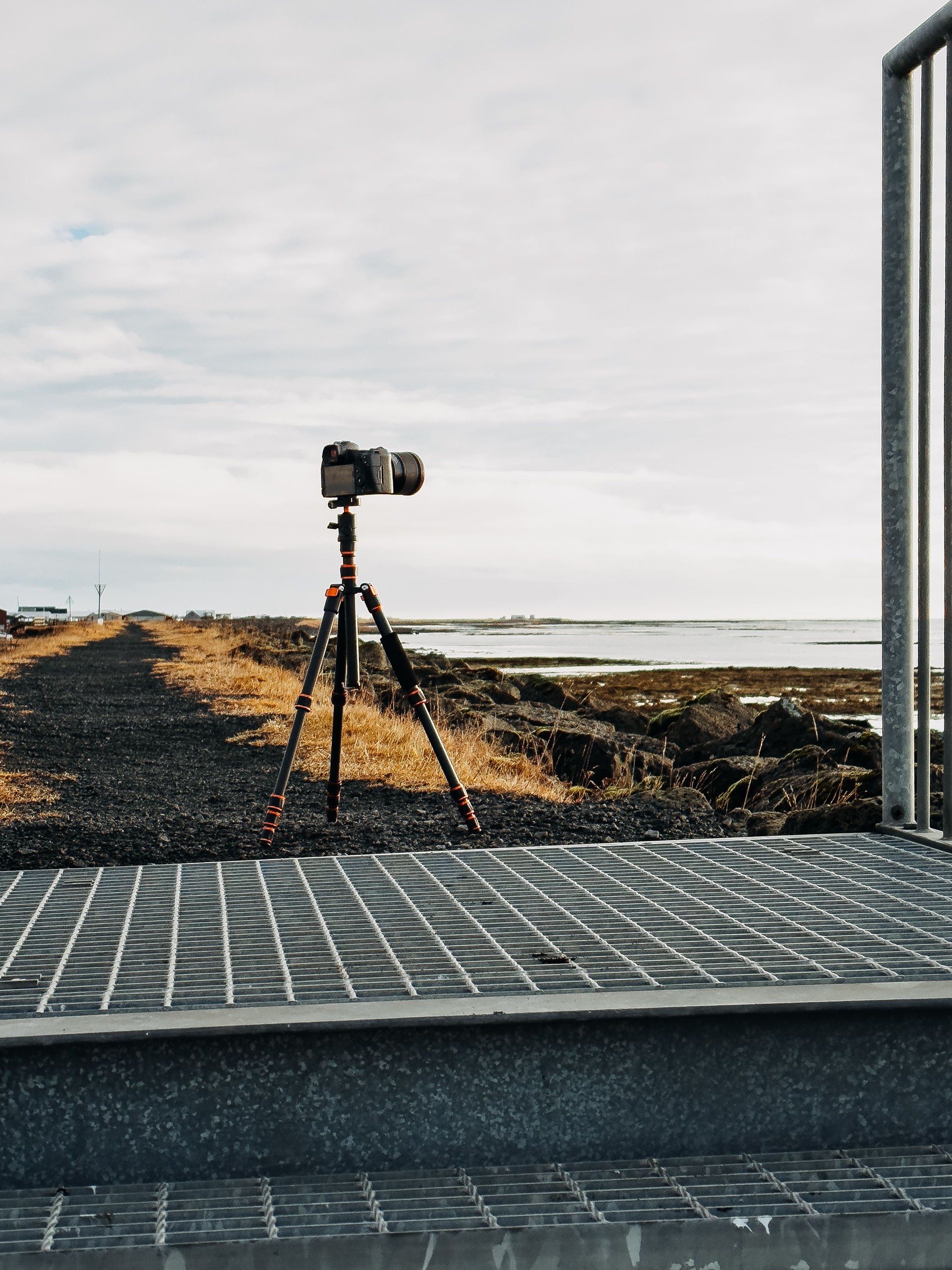
For an image of a pier at sunset, useful text might discuss the bright sky, the silhouette, and the way the structure leads the eye. It should not claim an exposure time, filter, camera, or lens unless that information is known. Visual evidence and equipment metadata answer different questions. Our composition guide is a useful starting point for describing framing choices without inventing a story. The shutter-speed guide explains motion effects, but cannot establish a photograph’s exposure time without a record.
Write alt text that describes the actual image. Do not fill it with product names or target keywords unrelated to the scene. An AI-generated caption can confuse a place or identify an object incorrectly. Look at the photograph yourself and make the text fit the pixels.
Use photographs you own or have a license to publish. A search result is not a license. Predraft’s pricing page advertises cover images with commercial-use licensing, but that description is not enough to verify the rights for a particular image. Review the source, license, required attribution, and allowed use for each file before publishing.
Privacy and ownership need more than a slogan
The homepage says entered information is kept private, and its FAQ says users own their output. Read those statements beside the Terms of Service, dated July 13, 2023 and still publicly served during this check. The terms say generated content remains your property, but also grant Predraft a worldwide, irrevocable, non-exclusive, royalty-free license to use, reproduce, adapt, publish, translate, distribute and sublicense that content. Ownership does not mean exclusive control under that wording.
The privacy policy, also dated July 13, 2023, says Google Login supplies a name and email address used for the account, article updates, marketing and ad targeting on Google and Facebook. It also describes transferring information to the United States. This article is not legal advice or an assessment of legal compliance. If those uses or the content license conflict with a client agreement, do not upload the material while the issue remains unresolved.
A photographer’s notes can contain client names, addresses, shoot schedules, contracts and unpublished work. Use public or non-sensitive material for an initial test, not a confidential assignment. If you work with a team, decide who can view drafts and who can publish them. Scheduled-post and account-sharing features make access boundaries more important, not less. Review the current service terms and your own permissions before connecting accounts or sharing source material.
Owning an output under a service’s terms does not establish that every included sentence, photograph, or quotation is free of third-party rights concerns. Review the actual material. Keep your image permissions and sources with the project so the final article has a clear record.
AI writing and Google Search
Google’s guidance on generative AI content says these tools can help with research and structure. It also warns that generating many pages without adding value can violate the scaled-content-abuse policy. The useful standard is the value of the finished article, not which button produced the first draft.
A photography website should give readers something they can use: accurate details, original photographs, clear trade-offs, and honest limits. Adding more headings and repeating a keyword does not create those things. Neither does describing every tool as groundbreaking or every location as perfect.
Check the metadata too. A restrained article can still have an exaggerated title or description. Structured data should match visible content, and image descriptions should match the images. Do not claim a hands-on review in search metadata when the article is a researched overview.
Save the draft before connecting publishing tools
Predraft’s pricing page distinguishes publishing to WordPress.com from publishing to self-hosted WordPress on different plans. Confirm which kind of site you run and what access the connection requests. This guide has not tested those integrations and does not certify that they work with every theme, plugin, or account.
Keep the first export or transfer as a draft. Review headings, links, image placement, captions, and spacing on the actual website. A preview in the writing tool does not show how your theme will render the article. Open the published-layout preview on desktop and mobile before it becomes public.
Keep a separate copy of your original notes, images, and edited text. If a revision goes wrong or an integration fails, you need a clean version to return to. A local drive can hold working files, but it should be part of a backup plan rather than the only copy of the project. Our photo-editing workflow guide connects file organization with selection, editing and delivery.
Is PredraftAI worth considering?
It may be worth investigating if your main problem is organizing verified material into an outline and editable draft. It is less useful if you expect it to supply the experience, evidence, and judgment that make a photography article trustworthy. Evaluate it with a small project before making it part of your publishing routine.
The strongest writing starts with stronger observation. ShutYourAperture Academy offers technical courses and artistic workflows to help you improve light, composition, and image-making. Better photographs and clearer decisions give you better material to explain. A writing tool can arrange that material; it should not replace it.
PredraftAI questions
Is this a hands-on PredraftAI review?
No. This is a researched overview of public vendor information checked on November 4, 2026, alongside an editorial workflow for photographers. It does not claim measured generation accuracy, speed or integration results.
Does PredraftAI guarantee accurate articles?
Research and citation features do not guarantee accuracy. Open each important source, check the exact claim and remove invented experience, tests, settings or unsupported details before publishing.
How many free articles does PredraftAI include?
The public pricing comparison lists one Starter article per month, while the FAQ describes two free articles. Confirm the allowance and reset rules in your account or with the provider rather than assuming the larger number applies.
Does owning my output mean Predraft has no rights to it?
No. The publicly served terms say generated content remains your property but grant Predraft broad, irrevocable licensing rights, including publication and sublicensing. Read the current terms and do not upload confidential client material without resolving the rights and privacy implications.
Can a photographer use AI-written copy on a website?
AI can help with research and structure, but the finished article needs accurate facts, useful original material, rights-cleared images and editorial review. Google warns against generating many pages without adding value for users.
Should I connect Predraft directly to WordPress?
First confirm your site type, plan features, requested account access and draft workflow. Keep the first transfer as a draft and check the actual website layout on desktop and mobile. This article has not tested the integration.
What should I check before starting a paid trial?
Read the checkout total, billing period, renewal date, add-ons and cancellation terms. The public FAQ describes a card-required Pro trial and a no-refund policy. Do not treat a marketing page as proof of the final terms for your account.
Keep source material outside the writing account
The Samsung 2TB T7 Shield Portable SSD in Black (MU-PE2T0S/AM) is one storage option for a separate copy of photography files and editorial source material. It uses a USB-C connection; check your computer, cable needs and actual storage requirements before choosing it. A portable drive is not an automatic backup and is not a substitute for independent recovery copies. No hands-on test, transfer-speed guarantee, price or stock promise is made here.
Search Amazon for Samsung T7 Shield 2TB | Check Samsung T7 Shield 2TB at B&H
Affiliate disclosure: We may earn a commission from qualifying purchases through these gear links at no extra cost to you. As an Amazon Associate, Shut Your Aperture earns from qualifying purchases.